A:AnswerHi Don, you can use the TV's remote control to control external devices that are connected to the TV by an HDMI cable and that support Anynet+ (HDMI-CEC). ^Val
A:AnswerHello Wigs419,
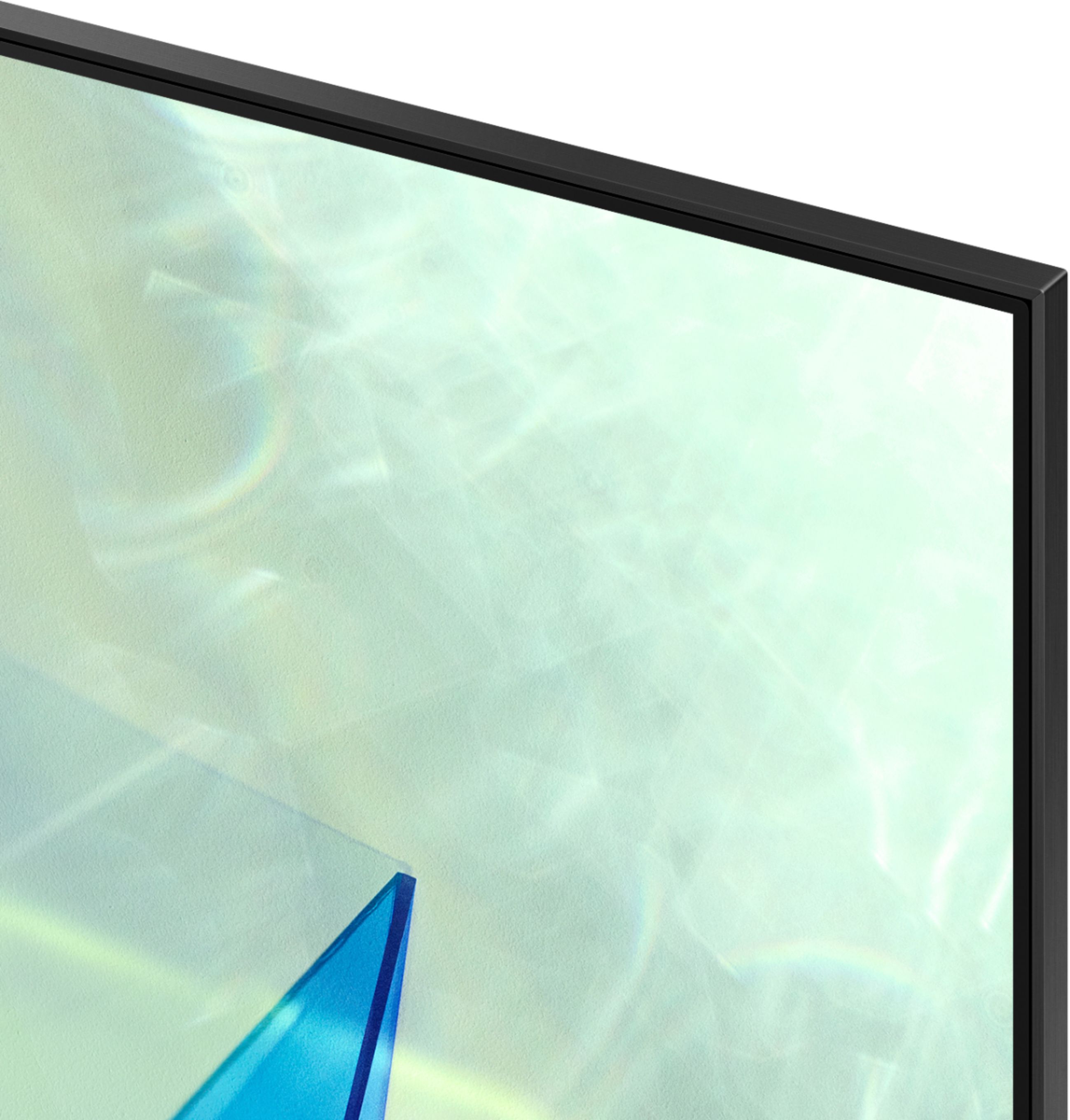
Yes, if there is a protective film on your screen, it will be indicated with a large blue triangle in the upper left corner. The triangle will have an illustration showing how to remove the protective film.
If you do not have a blue triangle in the upper left corner, then that means there is no protective film on the screen, so please do not try to peel off anything. You will damage what is actually the screen.
If you need further help, please contact Samsung TV Support at: 1-800-SAMSUNG, available 8AM - 12AM EST, 7 days a week.
^Cristian
A:AnswerHello SMF,
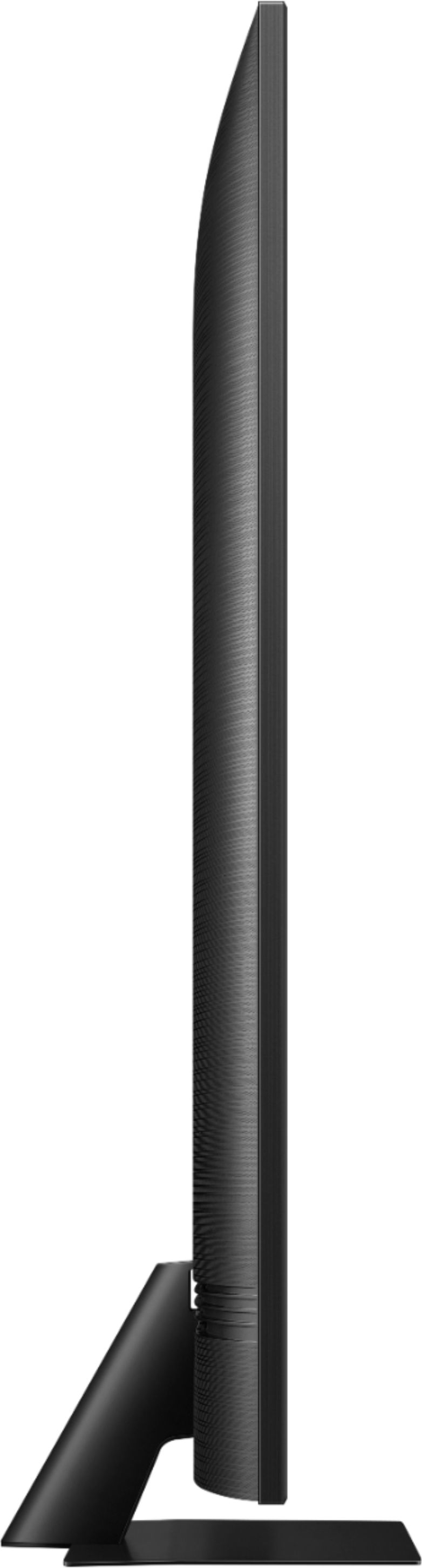
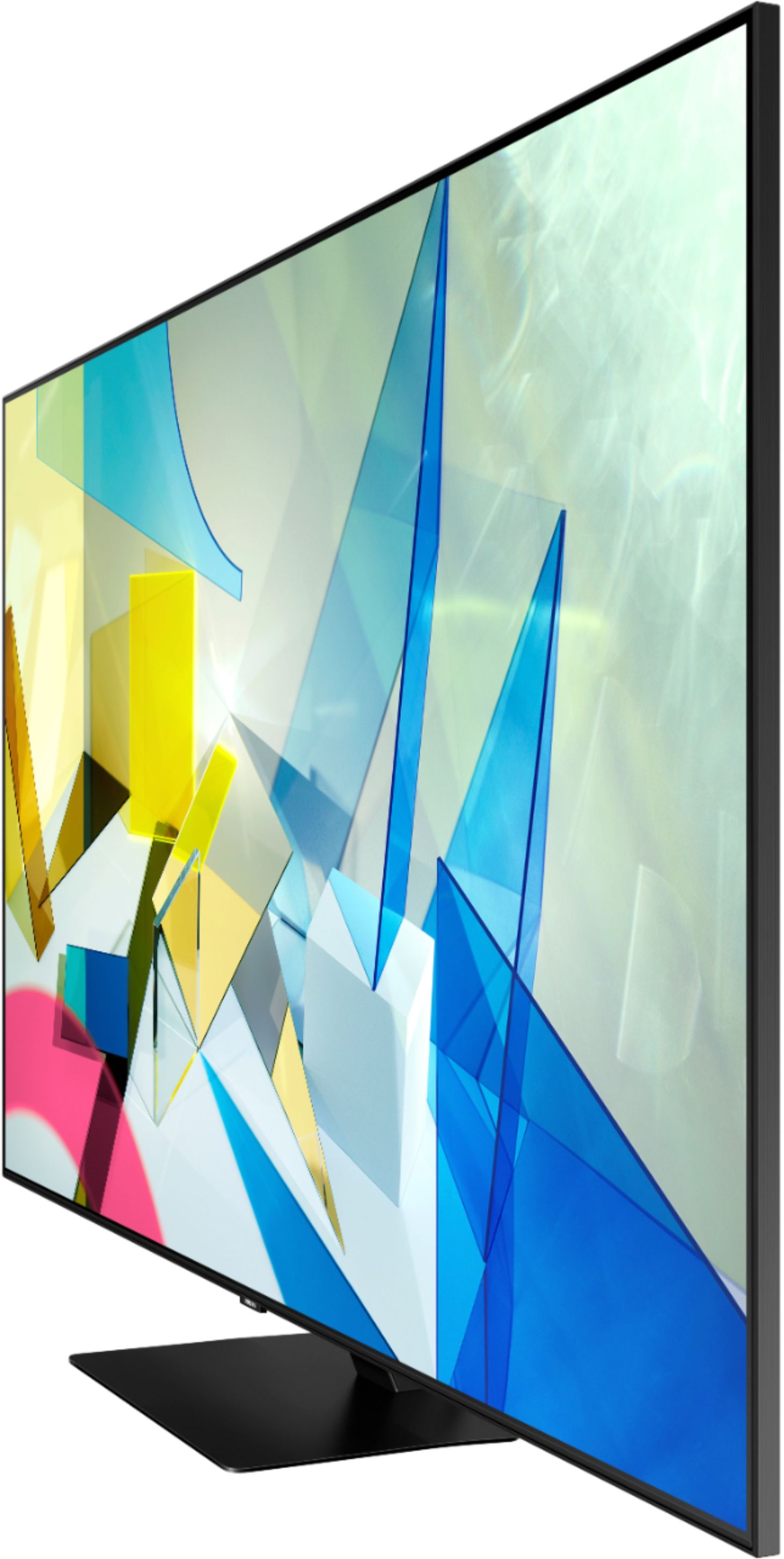
Yes, the 65Q80T has cut-outs for cable routing are integrated into the stand, which can also be covered by the cover panel. Please review the Quick Set Guide that's included in the box for instructions. ^Cristian
A:AnswerHi Marty! You are unable to use multiple external audio devices at the same time. The Q80T features Multi Output audio meaning you can use both TV speakers and Bluetooth device audio simultaneously. When this function is active, you can set the volume of the Bluetooth headphones higher than the volume of the TV speaker.
If you need assistance or have questions, please call us at 1-800-SAMSUNG, available 8AM - 12AM EST, 7 days a week.
^Tim
A:AnswerHi Wayne! Yes, the Q80T includes a one year manufacturers warranty. You can also add additional protection with extended length of coverage through Geek Squad. Learn more about Geek Squad Protection at the following link from Best Buy: https://www.bestbuy.com/site/geek-squad-protection/tv-home-theater-protection-plans/pcmcat280100050012.c?id=pcmcat280100050012
^Tim
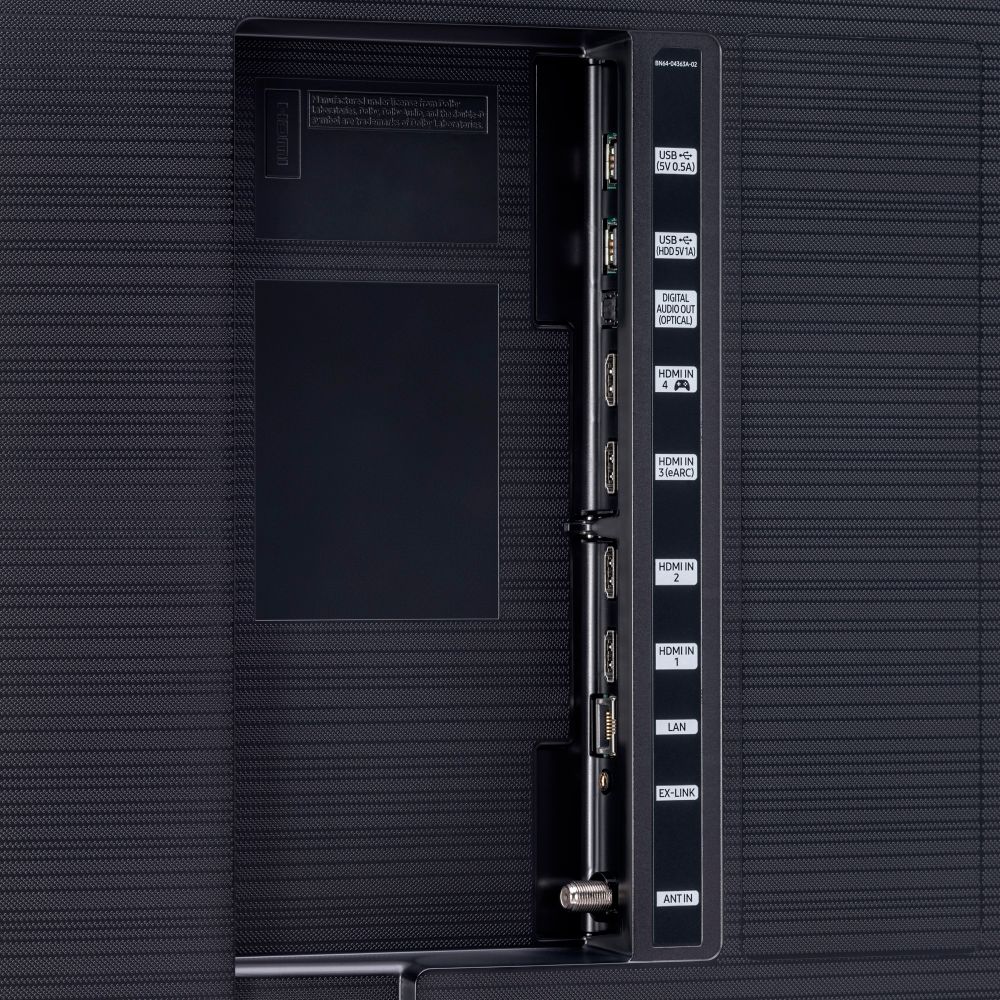
A:AnswerHi! Yes, all four of the HDMI ports available on the Q80T support 4K resolution. We recommend using 4K HDMI cables with 4K UHD TVs for the best possible picture quality. Check out some 4K HDMI cables at Best Buy: https://www.bestbuy.com/site/searchpage.jsp?st=4k+hdmi&_dyncharset=UTF-8&_dynSessConf=&id=pcat17071&type=page&sc=Global&cp=1&nrp=&sp=&qp=&list=n&af=true&iht=y&usc=All+Categories&ks=960&keys=keys
^Tim
A:AnswerHi FreeW, if the audio is not working correctly, we recommend first checking for firmware updates on your TV (Home > Settings > Support > Software Update). If your TV is up to date, try a cold boot. There are two ways to cold boot your TV. With the Remote: For most people, the easiest way is to hold down the Power button on the Samsung TV remote until the TV turns off and on again. This should only take about 5 seconds. With the Plug: If you do not have the remote, unplug your TV from the wall outlet or surge protector, leave it unplugged for 30 seconds, and then plug it back in. If the issue persists, please reach out to Samsung TV Support at: ― Phone: 1-800-SAMSUNG / Available 8 AM - 9 PM EST, Mon - Fri ― LiveChat or Email: https://www.samsung.com/us/support/#contact_us_for_support We look forward to hearing from you. Thanks, ^Scott
A:AnswerGo to settings, picture and make sure the "fit to screen" is turned on. When watching some movies, there will be some black bar on top and bottom. If it's doing that on regular tv. That's a problem.
A:AnswerHello Moonflower,
I’m sorry to see that you are having difficulties with Samsung TV Plus.
So that we can better troubleshoot towards a solution, please reach out to Samsung Support at:
― Phone: 1-800-SAMSUNG / Available 8AM - 12AM EST, 7 days a week
― LiveChat or Email: https://www.samsung.com/us/support/#contact_us_for_support
We look forward to hearing from you.
^Cristian
A:AnswerIt depends on what content you plan to take advantage of the most. For a Gamer, in this price range, this is one of the best options. But for a Movie-Watcher, I would go with either an LG or a Sony OLED TV a little bit above this price range. If you plan on doing plenty of both, I would look at an OLED panel.
A:AnswerHi Timjohn! Yes, the Alexa feature works just like changing the channel or volume with your TV remote as long as both devices are connected to the TV via HDMI. Connect the DVR to an available HDMI port, and the audio system through HDMI ARC. ^Tim
A:AnswerHello honey,
the 65Q80T already comes built in with a wireless network antenna. The TV does not require a network connection in order to work. A long as your content does not require a network connection like streaming services you will be able to watch TV over a digital antenna or cable provider. ^Cristian
A:AnswerHi Nicole, I am sorry to see you are having internet connection issues. I recommend contacting our customer support center for assistance in this matter. Please reach out to Samsung Support via any of these options:
Phone: 1-800-SAMSUNG
Available 8 AM - 12 AM EST 7 days a week
LiveChat or Text: https://www.samsung.com/us/support/contact/
Facebook Messenger: https://www.facebook.com/samsungsupport
Twitter: https://twitter.com/SamsungSupport
The Samsung TV Community is also a great resource for getting help from Samsung moderators and customers: https://us.community.samsung.com/ ^Jeremy
A:AnswerHi Fred! I recommend a minimum speed of 25mbps to take advantage of 4K streaming services. Best Buy features a wide range of routers and networking solutions, with a tool to help find the right one for you. Check out the following link to help choose the right solution for you: https://www.bestbuy.com/site/networking/find-your-wi-fi-solution/pcmcat1538080747500.c?id=pcmcat1538080747500#activeQuestionId=question-size&backdrop=false¤tStep=1&introVisible=false&messages=%7B%7D&resultCount=1894&selections=%7B%22default-params-question%22%3A%5B%22default-params-answer%22%5D%2C%22question-shop-by-system%22%3A%5B%22answer-compat-not-worried%22%5D%2C%22question-include-hub-results%22%3A%5B%22answer-look-at-hubs-yes%22%5D%7D&statusTrackerStepsCollectionName=default
^Tim