Questions & Answers
- Model:
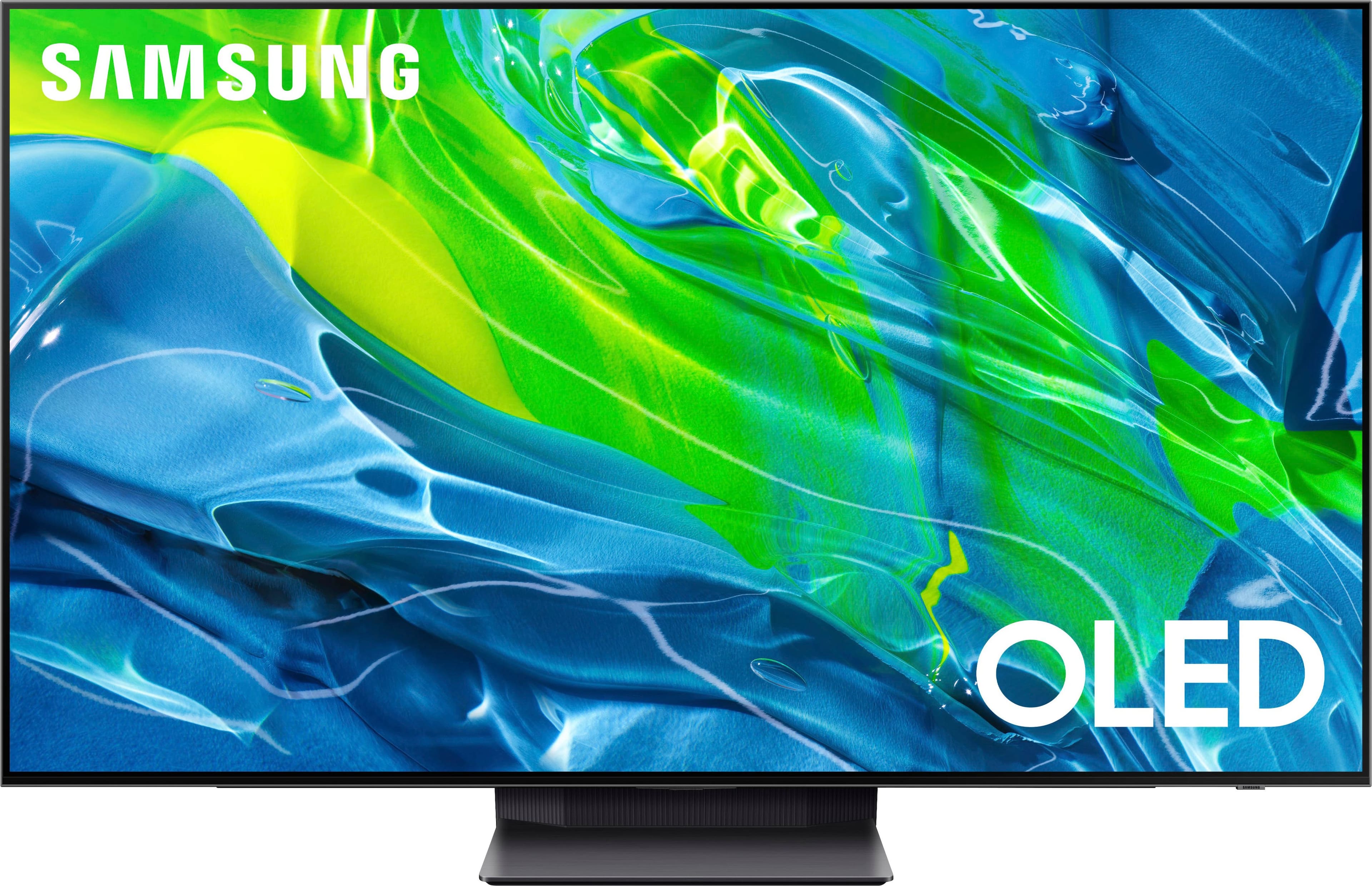
- QN65S95BAFXZA
- |
- SKU:
- 6502215
Highly rated by customers for: Picture Quality, Color, Ease of use
$1,699.99Your price for this item is $1,699.99
Clearance
Comp. Value: $1,999.99
The comparable value price is $1,999.99
Page Showing 101-105 of 105 questions
Q: QuestionHow do you turn off the screen saver? When I am watching netflix and pause the show to go do something, when I come back, the tv is in some kind of screen saver. I can only find "sleep timer" and the "off timer" under system manager- time.
Asked by YariC.
- A:Answer It’s built in to reduce the risk of burn in. Shouldn’t disrupt what you’re watching though when on the desired content
Answered by Queso
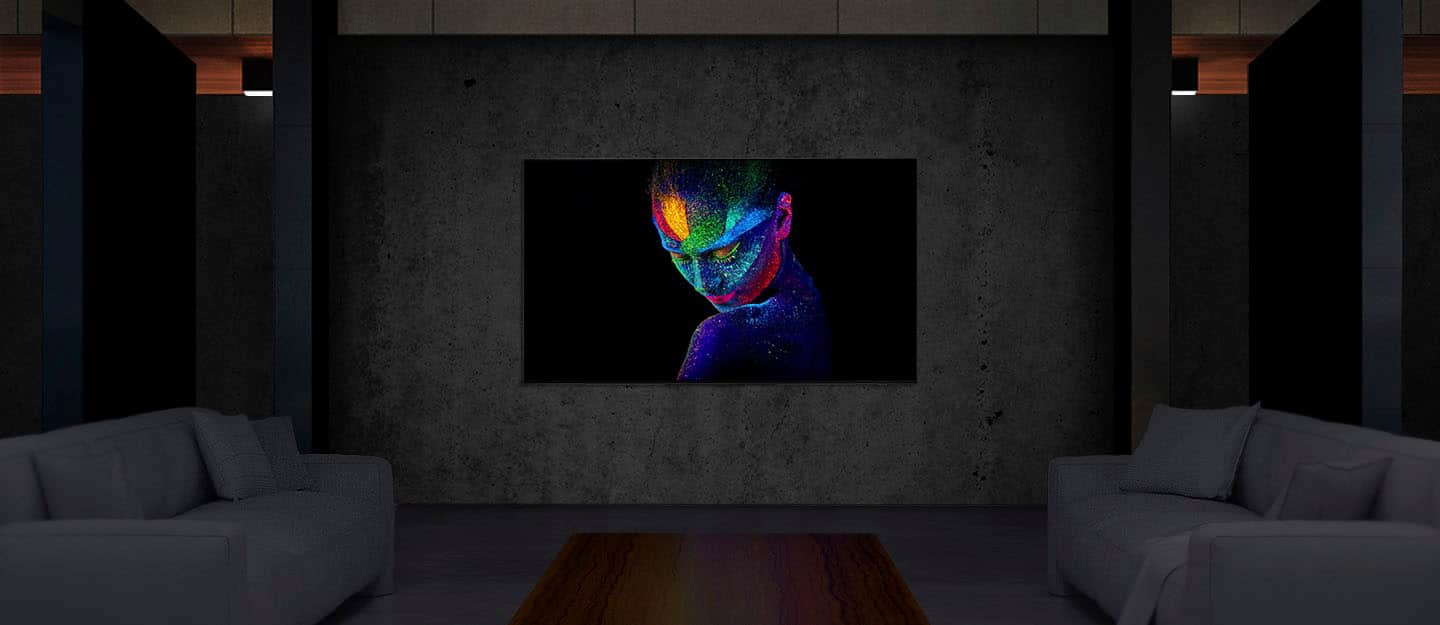
Q: QuestionOn the Samsung s95b, what (specifically) does the "Peak Brightness" setting actually DO?....And please explain the Off, Medium and High that I can choose from. Also -- Should I be using different settings for this control for SDR and HDR content viewing?
Asked by TominFlorida.
- A:Answer The brightness changes depending on how bright the room is where the tv is at and the peak brightness just sets the max of your brightness. If off, the brightness will be at the minimum. At medium the brightness max will be little higher. At High, the brightnes could reach the max brightness the tv can produce.
Answered by Angel
Q: QuestionWhat are the nits for the tv
Asked by Anonymous.
- A:Answer movies in HDR can hit 1000nits, game mode with peak brightness on high is 500-600 without it maybe 400 so I keep it on, tv is most amazing I’ve ever seen
Answered by codyallen113
Q: QuestionThe screensaver turns on every 5 minutes even if dazn is playing. Is something going to be released to fix this or allow the screensaver to be turned off? Not interested in a tv that requires me to hit a button every 5 minutes. Horrible horrible feature.
Asked by Helpme.
- A:Answer Not sure if you got this fixed but if you go and find the chat together app, you may have to search for it in apps, go in and accept all terms turn off the notifications, then leave the app. Also, if you set up a Samsung account on your TV log out of it and you should have no more screensaver. That’s what works for me.
Answered by Anonymous
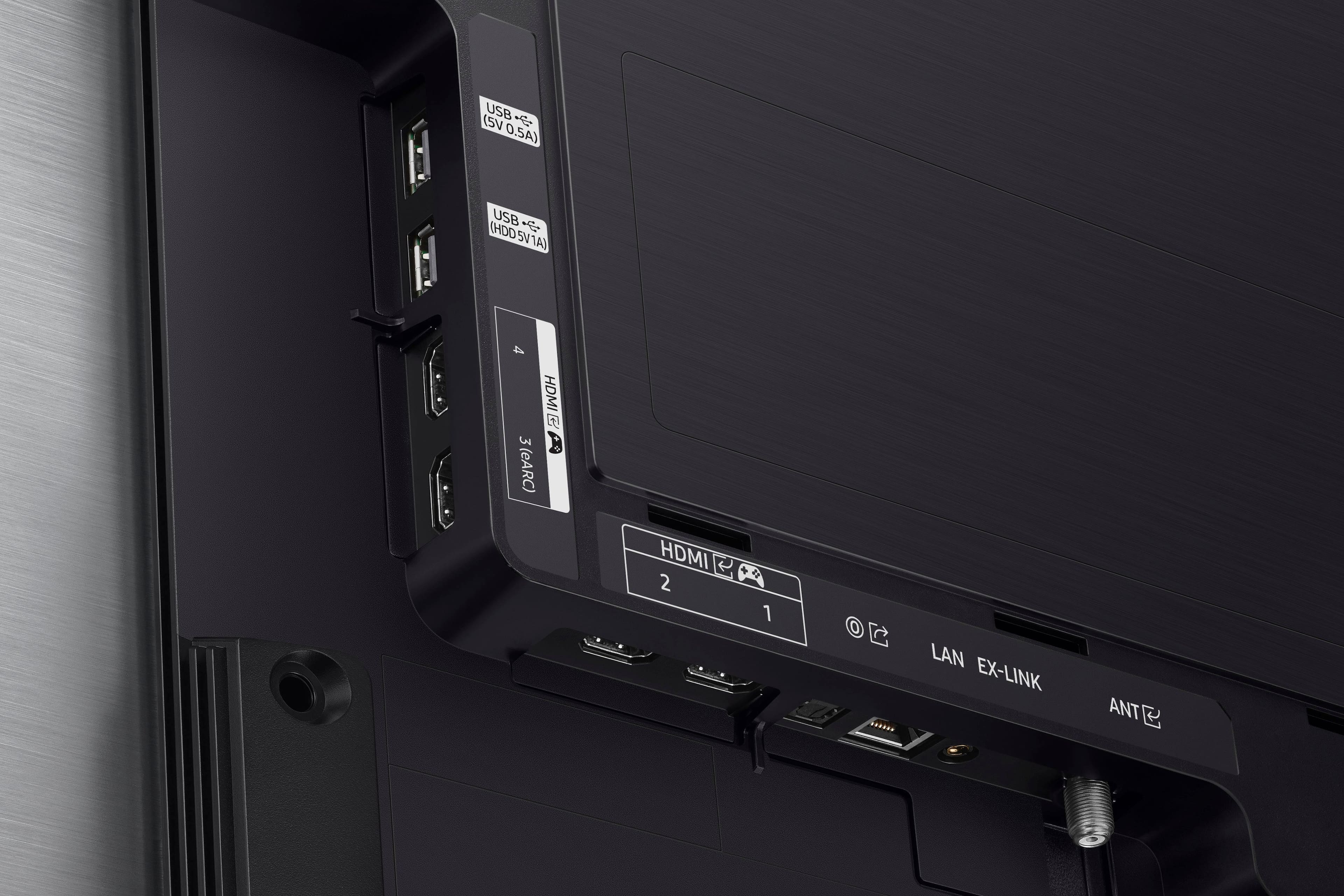
Q: QuestionIf the remote doesn't have a source input button, how do you switch from one HDMI input source to another?
Asked by Harry.
- A:Answer Press the home button, go to the menu on the left side of the screen and scroll down to menu button on the bottom and there you will find the connected devices option. That's the only way that I've found to select different sources.
Answered by Burk
Most-viewed items
- Doorbuster$169.99Your price for this item is $169.99
- Black Friday Deal$349.99Your price for this item is $349.99
- Black Friday Deal$999.99Your price for this item is $999.99
- Black Friday Deal$99.99Your price for this item is $99.99
- Black Friday Deal$899.99Your price for this item is $899.99
- $279.99Your price for this item is $279.99$399.99The comparable value for this item is $399.99
- Black Friday Deal$329.99Your price for this item is $329.99
- Black Friday Deal$1,399.99Your price for this item is $1,399.99
- Black Friday Deal$499.99Your price for this item is $499.99
- $249.99Your price for this item is $249.99$379.99The comparable value for this item is $379.99
- $549.99Your price for this item is $549.99$1,299.99The comparable value for this item is $1,299.99
- Black Friday Deal$399.99Your price for this item is $399.99
- Black Friday Deal$379.99Your price for this item is $379.99
- $89.99Your price for this item is $89.99$149.99The comparable value for this item is $149.99
- $899.99Your price for this item is $899.99$2,499.99The comparable value for this item is $2,499.99
- Black Friday Deal$69.99Your price for this item is $69.99
- Black Friday Deal$999.99Your price for this item is $999.99
- Black Friday Deal$329.99Your price for this item is $329.99
- Black Friday Deal$449.99Your price for this item is $449.99
- Black Friday Deal$299.99Your price for this item is $299.99