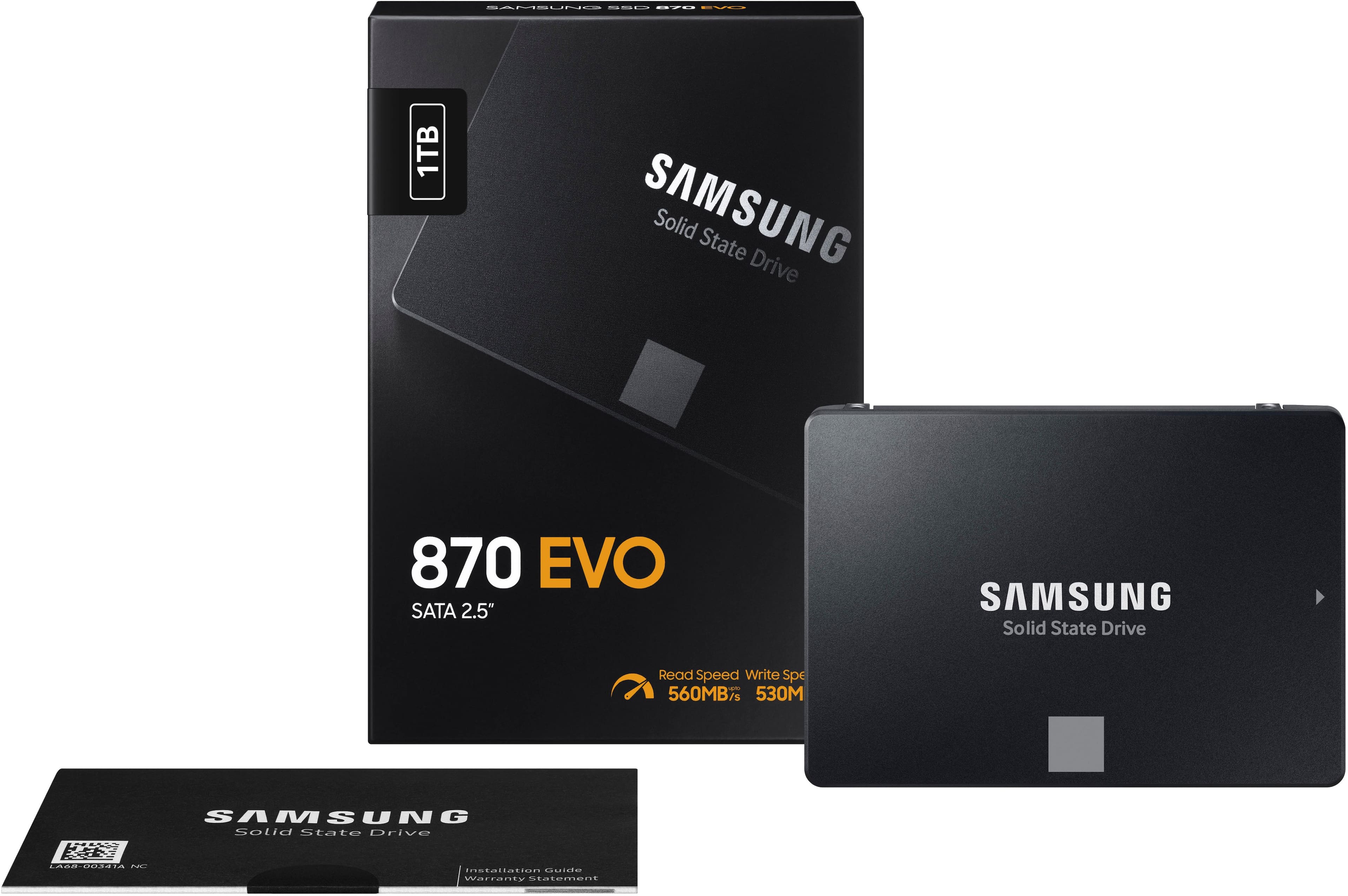
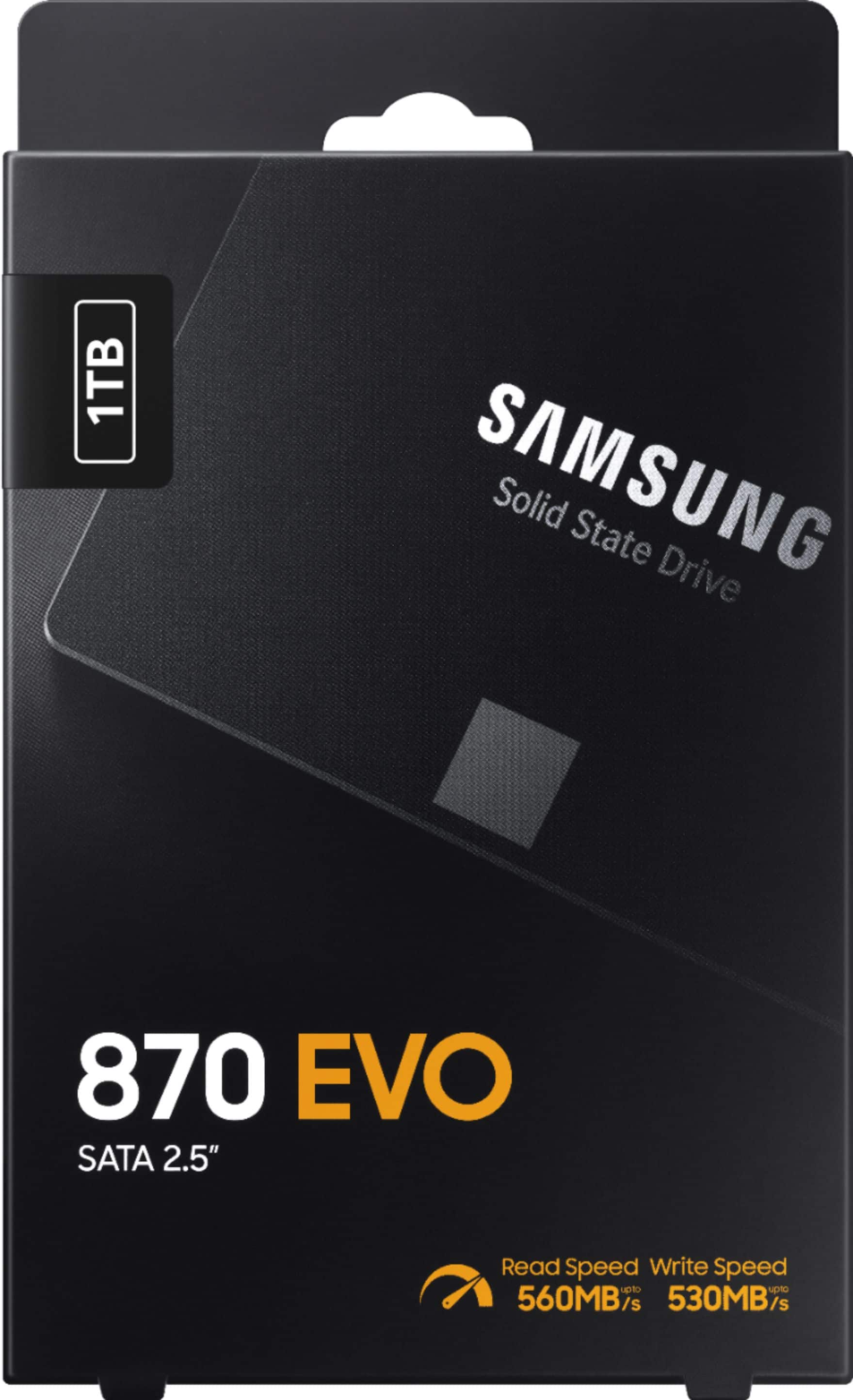
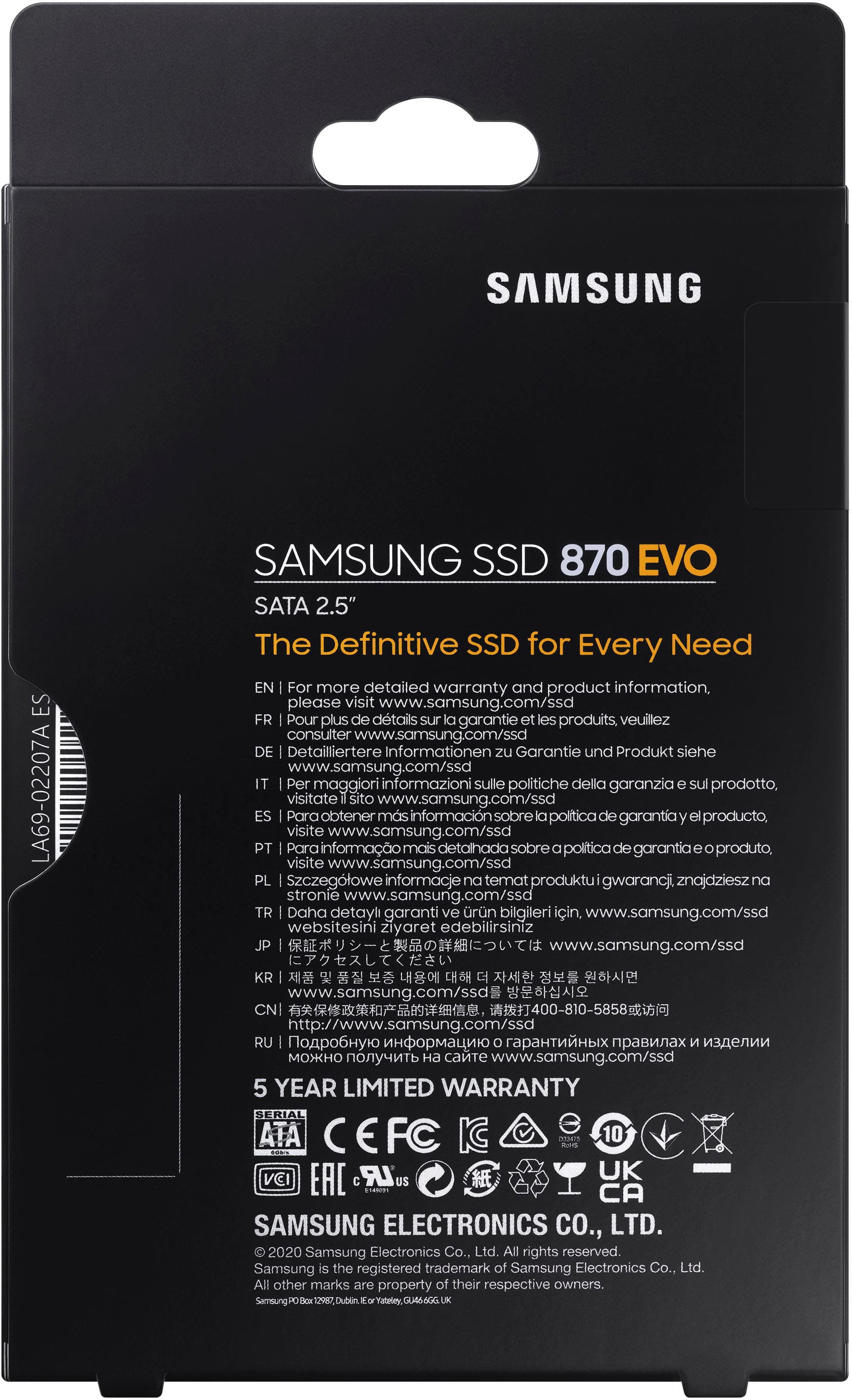
A:AnswerThis ssd drive uses the same sata connector as a hard drive. You will either need to buy a usb adapter to clone the hard drive to the ssd, or make a windows usb installer drive to install a new program of windows on the ssd drive. Tons of how to videos out there.
A:AnswerAFAIK Omen 30L is a desktop. The Samsung 870 EVO is a 2½ inch SDD that fits laptops. You'd probably need an adapter to make it work in a desktop.
A:AnswerHi there!
The 870 EVO has a SATA 6 Gb/s Interface. It is compatible with SATA 3 Gb/s & 1.5 interfaces
Should you ever have any questions or need help, please know our team is always here to help.
Call: 1-800-SAMSUNG (ask for Memory or press #, then 6 for Memory products)
Available 9AM – 9PM EST (Mon-Fri)
- Samsung Memory
A:AnswerAs long as you have the proper SATA connections the drive should be compatible. Just about all newer computers from I think 2005 on will have both the old connections and the new connections. When it comes to a laptop the connections should all be compatible.
A:AnswerBobG: Yes, the 870 EVO is compatible with a Dell Inspiron. Using the 870 EVO SSD is as simple as plugging it into the standard 2.5-inch SATA form factor on your desktop — the renewed migration software takes care of the rest. Please contact us for further questions or need help troubleshooting. Call: 1-800-SAMSUNG (ask for Memory or press #, then 6 for Memory products) Available 9AM – 12AM EST (Mon-Fri)
~ Samsung Memory
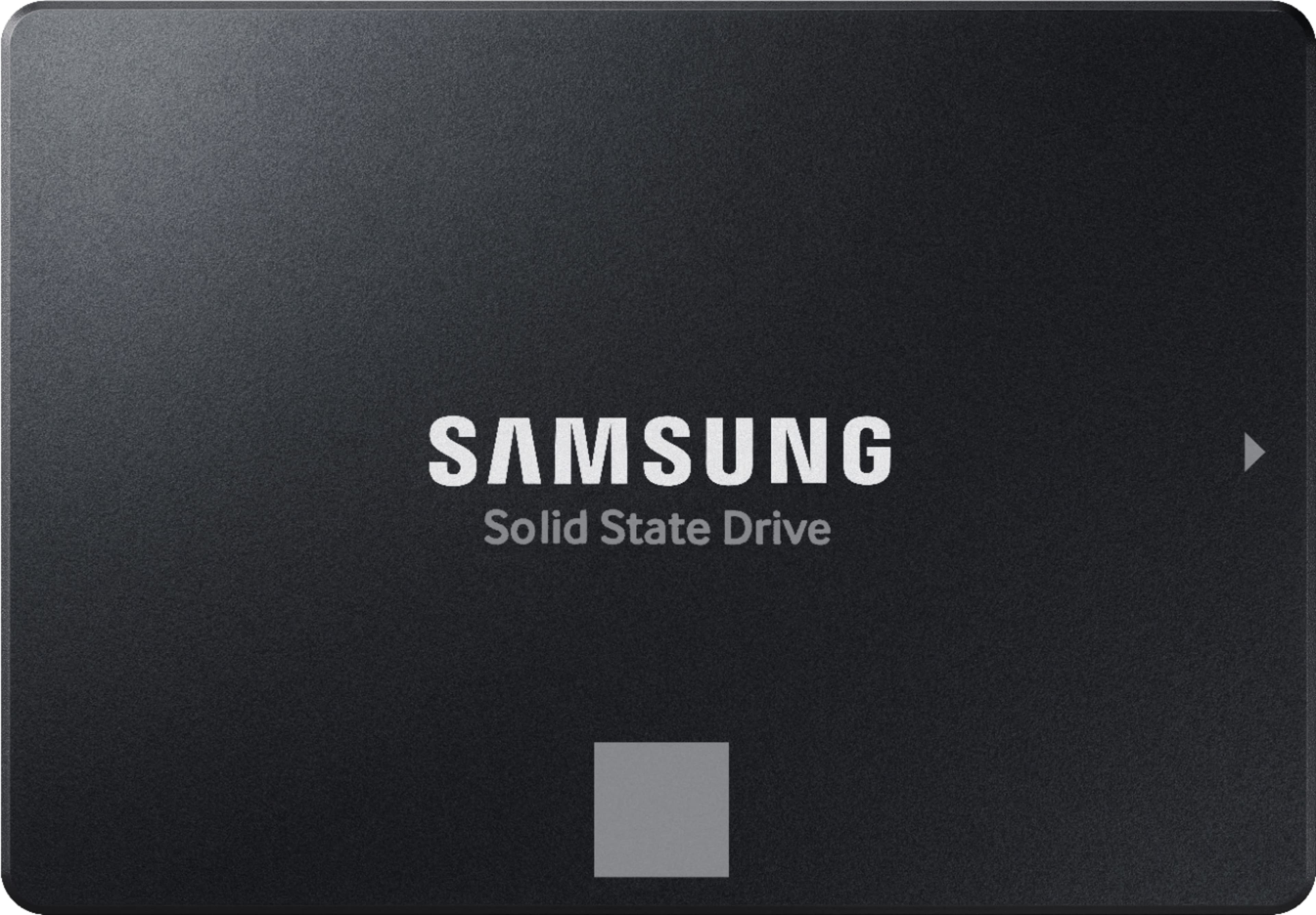
A:AnswerPJ: The 870 EVO provides broad compatibility with many computing devices and the most up-to-date PC features. The drive can be used with all devices that have 2.5-inch SATA interface connection.
~ Samsung Memory
A:AnswerHi there! The Toshiba Satellite C55D supports this 870 EVO SATA drive. Using this drive is as simple as plugging it into the standard 2.5-inch SATA form factor on your Toshiba. ^Cindy
A:AnswerLindsey: All you need is a standard SATA cable to go from the MB to the SSD. We're here to help if you have any further questions.
Call: 1-800-SAMSUNG (ask for Memory or press #, then 6 for Memory products) Available 9AM – 12AM EST (Mon-Fri)
~ Samsung Memory
A:AnswerYou can backup data, but you can't back up the OS. You can clone the old drive to the new drive. You will need an adapter for the SSD to conect via usb to laptop and cloning software.
A:AnswerI can’t say for certain but it worked on both my HP ENVY x360 - m6-aq003dx and my HP ENVY Notebook m7-u009dx which are both more than 4 years old. The HP site specs for both indicated neither would support a 1Tb SSD but the HP site has not been updated since the specs were first published. The new drives typically will work just fine if your PC supports UEFI. Check your BIOS to make sure it supports UEFI. I used GBT for the boot drive and used Macrium Reflect to copy the old drive to the new drive. The only difference is now it is fast. LOL
A:AnswerYes it will. The form factor for this SSD is the same as what you have in your laptop right now even if it is a HDD. It uses the SATA interface as well so you will be good to go.
 Product of KOREA WARRANTY VOID IF REMOVED SAMSUNG ELECTRONICS CO., LTD.](https://pisces.bbystatic.com/image2/BestBuy_US/images/products/6447/6447127cv14d.jpg)