A:AnswerAmazon has some of course. Looks like they have a 4 pack for about $5. If you built your computer or got a prebuilt and have the accessories still, there might be one either in the motherboard box or accessories box.
A:AnswerYes it does. Dell G7 15 Storage Specifications on the product website say that it's compatible with a M.2 2280 SSD PCIe Gen3 x4 NVMe, up to 32Gbps for up to 1TB.
A:AnswerIt doesn't come with a heatsink, but honestly you shouldn't need it. Your laptop does support NVMe SSDs and it has dual fans to keep the laptop cool.
A:AnswerDoesn’t matter which slot you put it in. It will work. You need to make sure you go into disk management in your windows computer and allocate the disk to a drive so that it will work.
A:AnswerNo it won’t. PlayStation 5 requires a gen 4 SSD, like:
Samsung 980 Pro, WD Black SN850, Corsair MP600 Pro LPX, or a SeaGate FireCuda 530.
All hard drives require a heat sink. Some offer the option, others you’ll have to buy a third party heatsink.
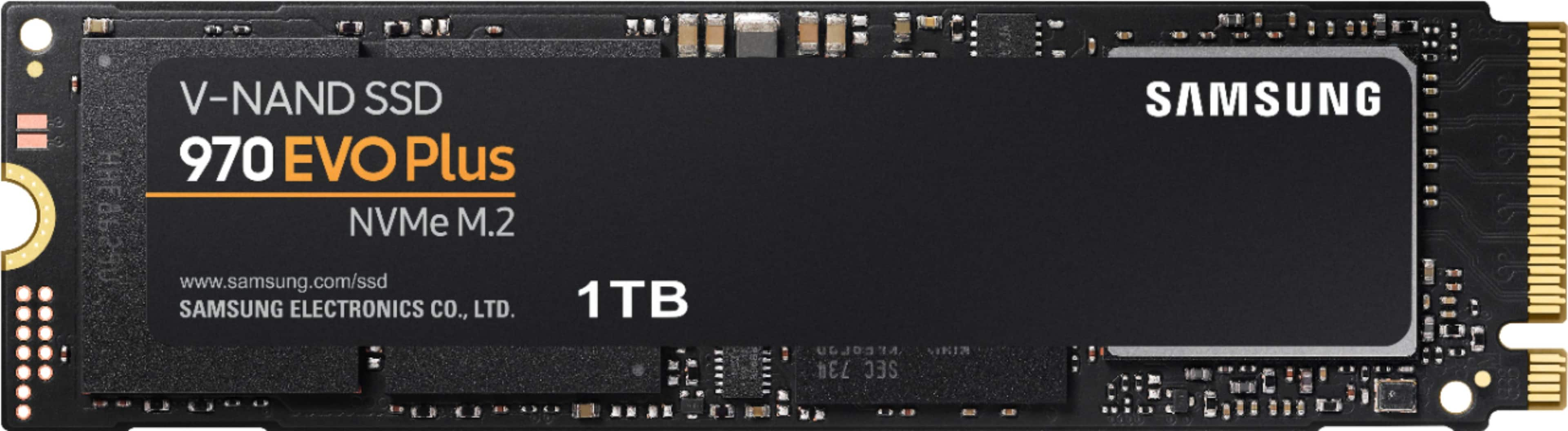
A:AnswerWell I'm pretty sure this card will work with any M.2 drive although if you have another boot drive then you might have to configure your boot settings in your bios in order for your computer to boot into it.
A:AnswerIf your laptop has a spare m.2 M key slot, then yes. If plan on replacing the main slot, be prepared to back up and restore your whole computer.
A:Answerthis will plug right into the bottom right socket on the motherboard. I highlighted it on the picture. Do not lose the screw that holds the drive down.
A:AnswerDouble check your PC’s manual. From what I’ve seen, most PCs have the slot for up to one more M.2 SSD to be installed—the first slot being occupied by the existing 500 GB of SSD that you have.