A:AnswerA quick web search shows that the motherboard in that series is an MSI H410 series and it should have one m.2 slot available. Specs from MSI say you have 240gb SSD but it does not state what form factor it is. You can open your case and see if the m.2 slot is already occupied or not. Check out some youtube if you need visual assistance. If your m.2 slot is available this drive is pretty much plug and play.
A:AnswerAccording to the manual you should be good. I did my daughter's G7 and it was a little finicky the first boot after migrating the image over. I boored it in safe mode with networking first to get it up, then after that she was fine. You may have to disable secure boot temporary in the bios until you the drive loaded.
A:AnswerYou will need to see if your computer has an available PCI Express 3.0 slot available
From what I can see on the specs for this computer it should have one.
However, I would recommend having a Geek Squad member do the work for you.
Installing the card is pretty easy. But the process of switching it to the boot drive is more tricky.
It may be more cost effective to buy a new computer.
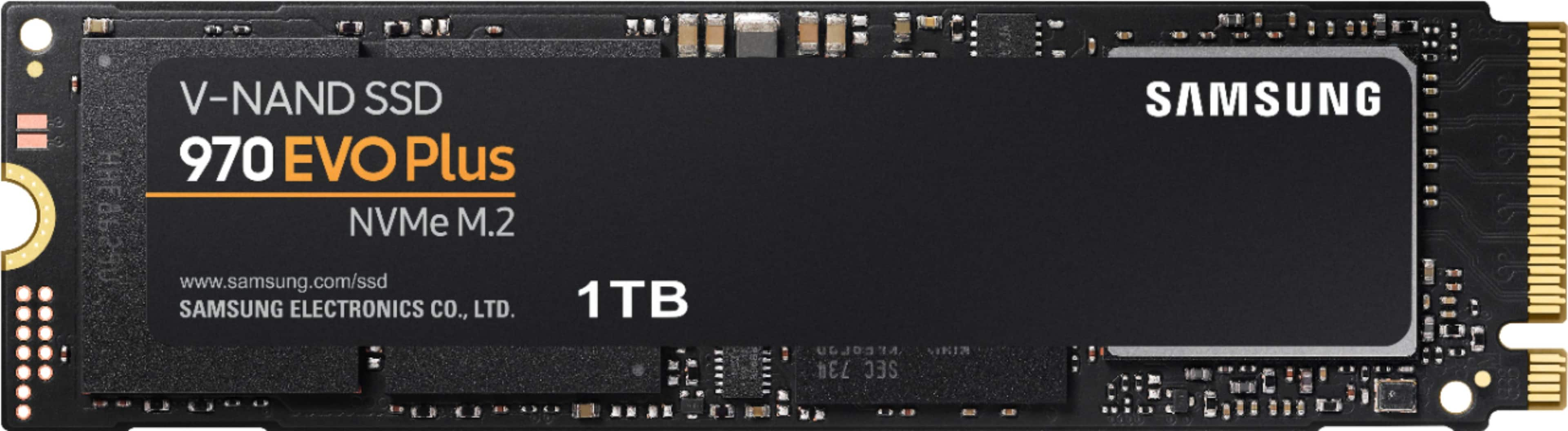
A:AnswerYou can go without a heat sink on the evo plus. I have been running one for quite a while no heat issues in my laptop of desktop running these. The screw usually is already in the mother board. If you dont have a screw validate the size and hit amazon for a cheap 5.99 kit. some are M2 x3.0 as well.
A:AnswerAccording to Dell’s M.2 NVMe device specification for the Optiplex 5040, the number of Pcie express lane Is 4. So, should be able to get the full performance of Samsung Evo 970. Lastly, there shouldn’t be any issue to assigning that M.2 as a boot drive.
A:AnswerI am sure a computer that new will work with a new drive like that if there is a spot for it on the motherboard
If not and it's a desktop you can also get a pcie card that will hold the m.2 drive