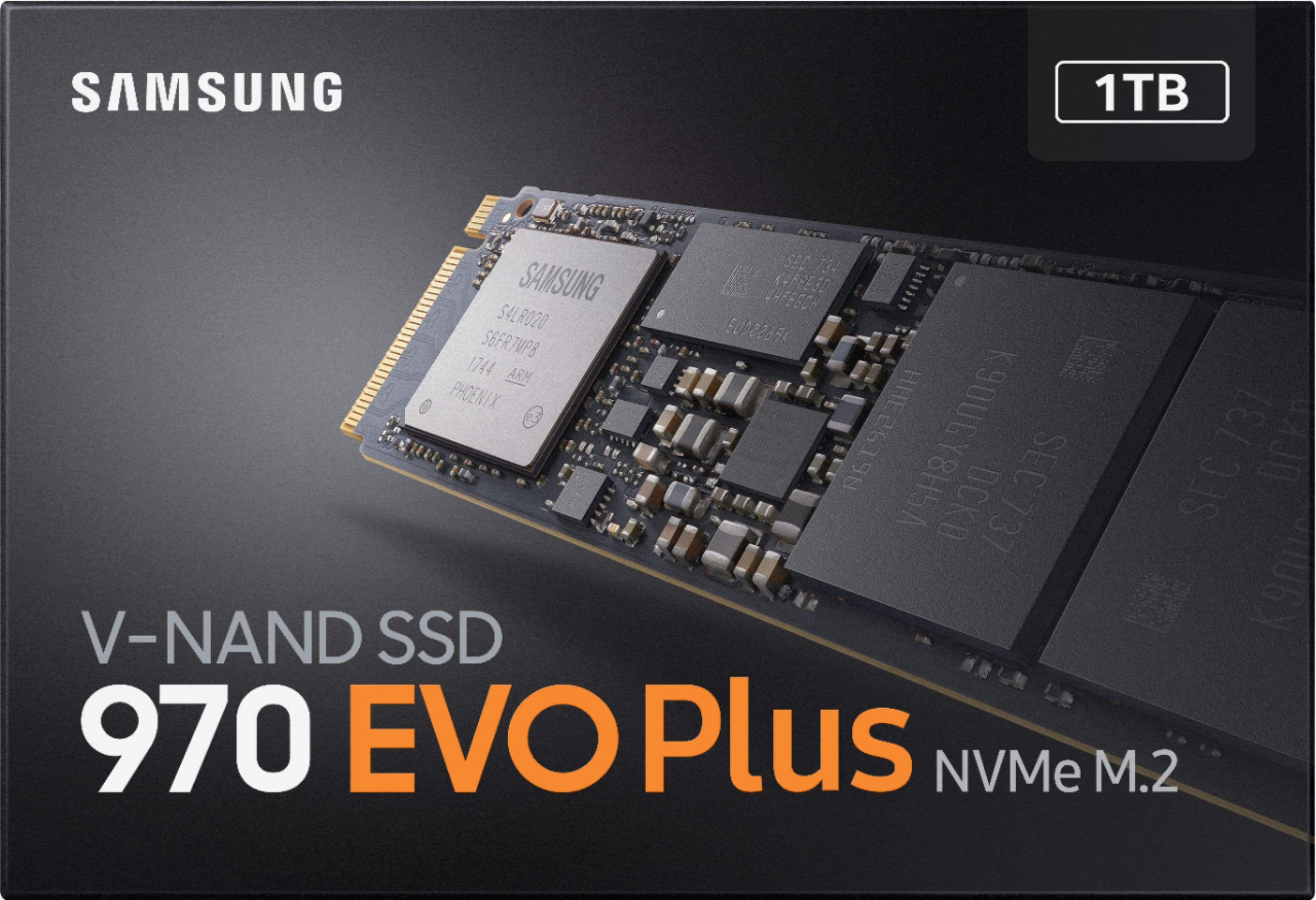
A:Answer Yes this should work at PCIe3 x 4 speeds according to Lenovos site. Mine came with software you can use to back up the disk or clone it. if you are using standard windows you can typically do a full system image using the Windows 7 (part of windows 10) image maker. You can find it on the control panel under backup. back up your full system image to an external drive and be sure to make a bootable recovery cd or usb. Swap the drive, boot off the recovery media, and recover from the image you saved on the external drive. be sure to select all partitions when you do a back up so you can copy your factory recovery partition if there is one. I also like shadow maker from Mini Tool, does a great job of copying non windows partitions as well. Tons of videos online to help walk you thru the process. Most importantly before you do anything make sure you have your data backup up somewhere in case you make a mistake. I would also recommend using the Windows link below to download a fresh ISO image and burn it to an external USB so you have it just in case.
https://www.microsoft.com/en-us/software-download/windows10
click on "Download now" under Create Windows 10 installation media and make a full system image from a blank usb. After you have created the image, if your usb is big enough you can back up files to it. Good luck