A:AnswerSalutations Cam, thanks for taking the available time out of your busy day to ask us your question about the Samsung Galaxy Tab S9 FE+. That's a fantastic question! Yes, the Galaxy Tab S9 FE+ does indeed have expandable storage capabilities up to 1TB when you add a microSD card to this tablet. Let us know if you think of any other questions for us by contacting Samsung Support. Thank you for being a faithful Samsung customer. - Debra
A:AnswerHello there Blue, thank you for finding the available time out of your lively day to ask us your question about the Samsung Galaxy Tab S9 FE+. The advertised Galaxy Tab S9 FE+ utilizes Wi-Fi and/or Bluetooth connectivity to send and receive data. It lacks the cellular connectivity needed in order to be added to a wireless carrier's network so, no, it does not have a SIM card slot and would not support an eSIM. Please feel free to reach out to Samsung Support if you have any additional questions for us. Thank you for being a steadfast Samsung customer. - Debra
A:AnswerAloha Gabi, thank you for taking the time to ask us your question about the Samsung Galaxy Tab S9 FE+. The advertised Galaxy Tab S9 FE+ is the Wi-Fi version of this device. This version lacks a SIM card tray needed in order to have wireless service rendered to it by your wireless carrier. If you have any other questions for us or if you would like any further assistance, please feel free to reach out to Support. Thank you for choosing Samsung! - Debra
A:AnswerGood day Fanfare, thank you for finding the free time out of your busy day to ask us your question about the Samsung Galaxy Tab S9 FE+. You can visit the Google Play Store to download all of your compatible apps to this device. We recommend reaching out to the manufacturer of your specific apps to inquire if they are compatible with this device. Feel free to reach back out if you have any other questions. Thanks for choosing Samsung! - Debra
A:AnswerWe appreciate you reaching out to us, Azgene. Samsung phones and tablets are able to connect to Wi-Fi and hotspot connections. For any other questions, be sure to reach out to us at Support. -Kelvin
A:AnswerThanks for taking the time to reach out to us! We see that you reached out to inquire about the Galaxy Tab S9 FE+. As this is a Wi-Fi model, you will be able to connect only to private and public Wi-Fi networks or a wireless hotspot. If you have any further questions, please be sure to reach out to us at Support. -Kelvin
A:AnswerHey, thank you for finding the time to ask us your question about the Samsung Galaxy Tab S9 FE+. With the Call & text on other devices feature, you can make and receive calls on your tablet as long as it's signed into the same Samsung account as your phone. You can also send messages. However, the connected phone will need to have active service. Check out, "Make calls and send messages from your Galaxy tablet " if you would like to learn more about using this feature. Please visit the Google Play Store to download your favorite apps, like Zoom, to use on this device. If you have additional questions for us, feel free to contact Samsung Support at your earliest convenience. Thank you for being a trustworthy Samsung customer. - Debra
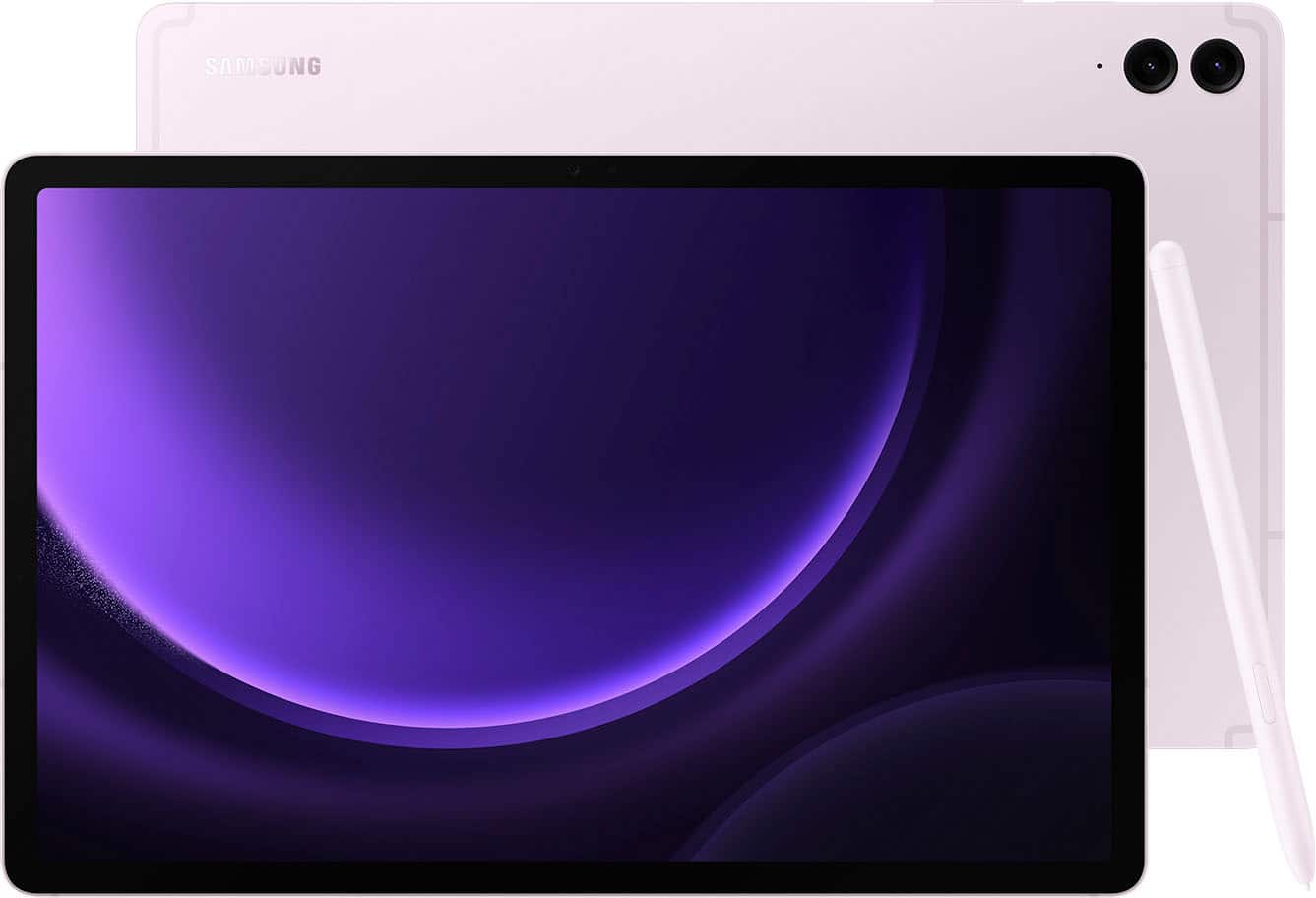
A:AnswerThanks for reaching out with your question, Hasti. Yes, you can use Adobe applications on a Samsung tablet, including Adobe Reader, Adobe Acrobat, and Adobe Creative Cloud. Be sure to check out our "Adobe Creative Cloud apps for Samsung" page for additional information. Regarding the other application you mentioned, you would have to reach out to the application developer for additional information. If you have any further questions or concerns, do not hesitate to reach out to us at Support. -Kelvin
A:AnswerHello there, thank you for finding the available time out of your lively day to ask us your question about the Samsung Galaxy Tab S9 FE+. That's a good question! Our Galaxy Tab S9 FE series has been designed to last with four generations of OS upgrades and five years of security updates. If you have any other questions for us or if you would like any further assistance, please do not hesitate to reach out to Samsung Support. Thank you for being a steadfast Samsung customer. - Debra

A:AnswerHello there Cathy, thank you for finding the available time out of your lively day to ask us your question about the Samsung Galaxy Tab S9 FE+. That's a good question! Yes, you can easily pair the Galaxy Tab S9 FE+ via Bluetooth to a Bluetooth enabled printer to print your documents. If you would like any further assistance or if you think of any other questions that you may have for us, feel free to contact Samsung Support. Thank you for being a valued Samsung customer. - Debra

A:AnswerHi Chelle, thanks for taking the time out of your hectic day to ask us your question about the Samsung Galaxy Tab S9 FE+. The advertised Galaxy Tab S9 FE+ is a Wi-Fi enabled tablet that cellular capabilities so it would require a steady Wi-Fi signal in order for it to be fully functional. You are looking for an LTE/cellular version of this tablet if you are wanting a cellular carrier to provide mobile services to it when you are not in the presence of a Wi-Fi connection. Hope this information helps! Let us know if you have any other questions for us by reaching out to Samsung Support. Thank you for being a cherished Samsung customer. - Debra