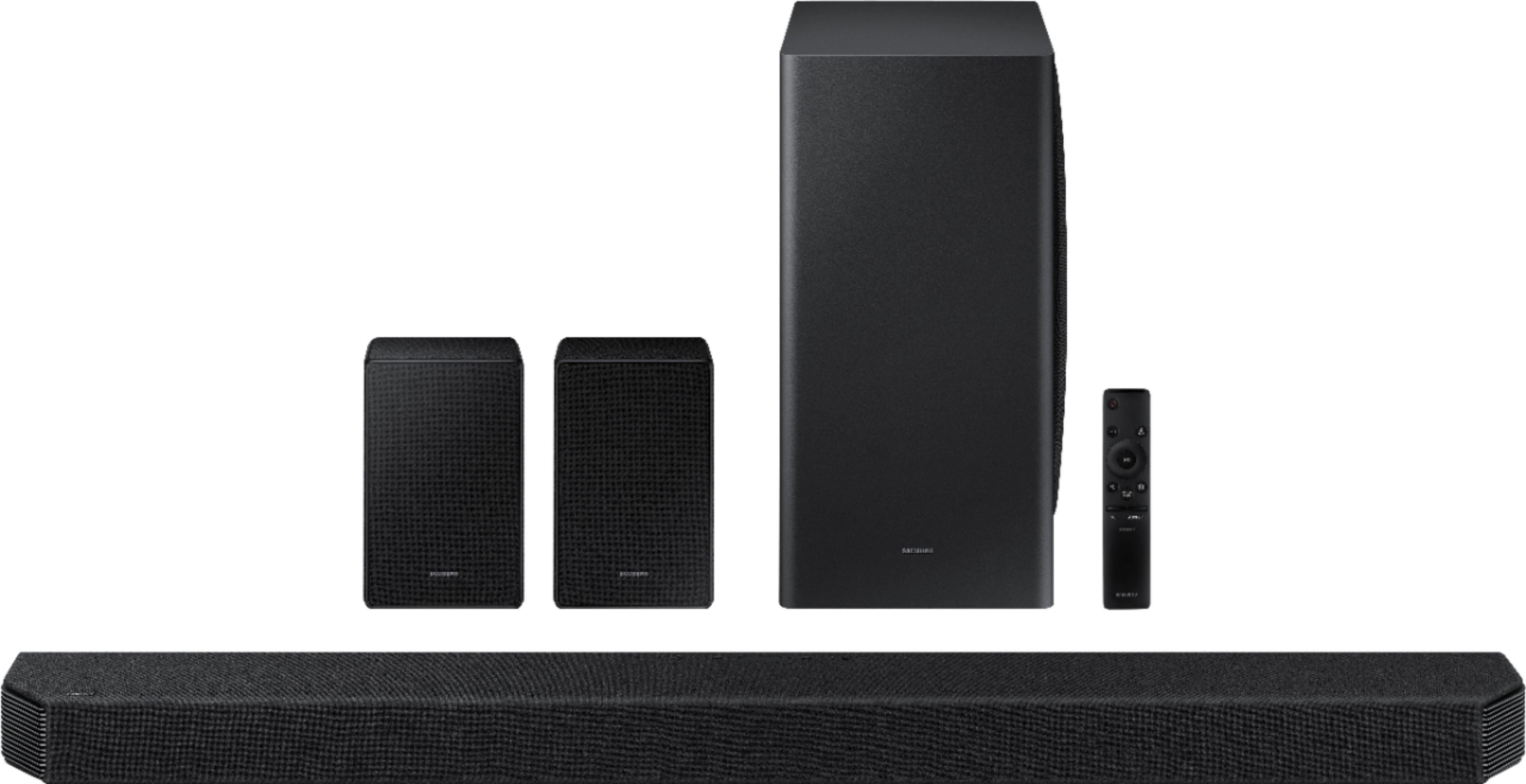
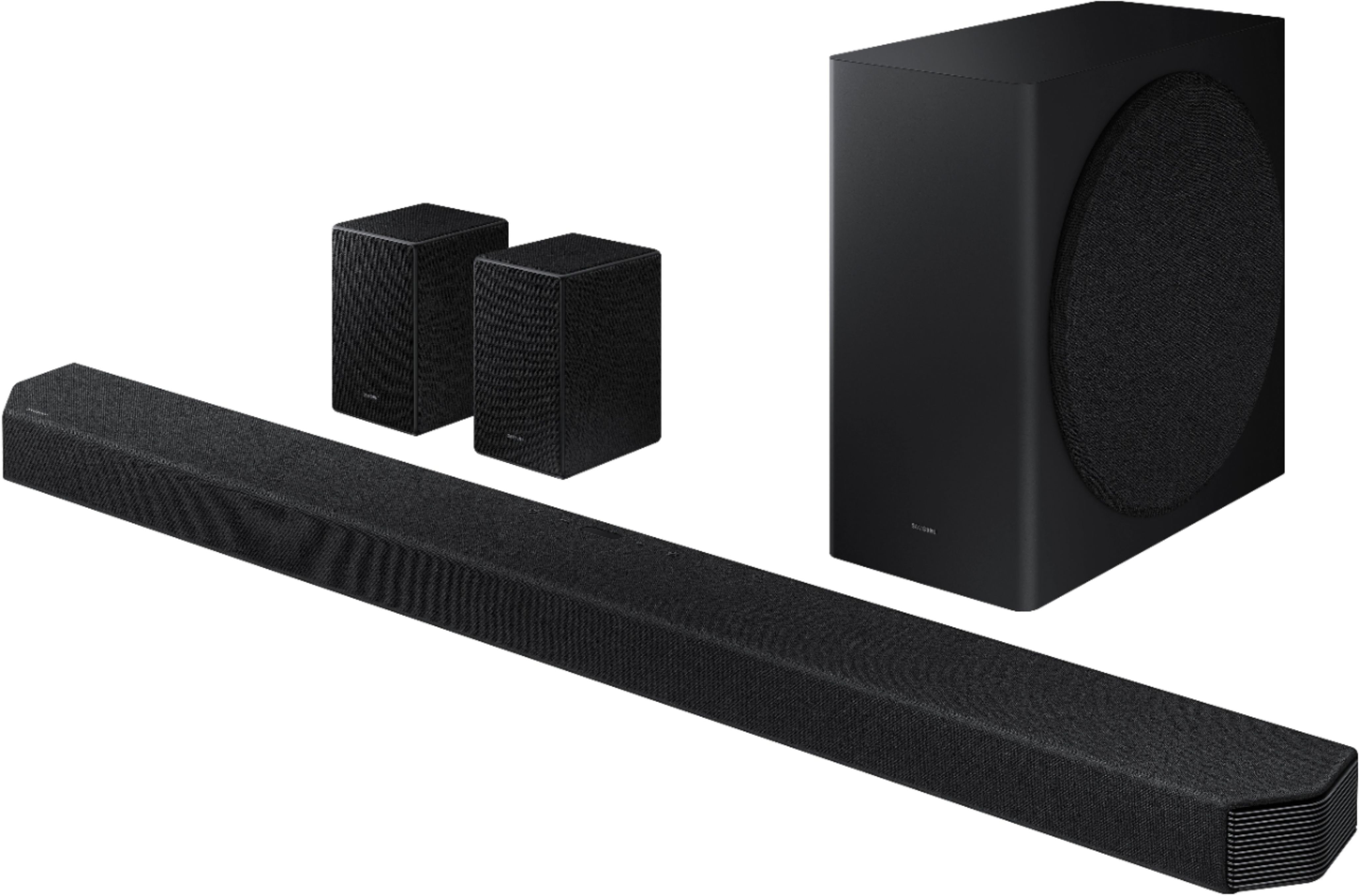
A:AnswerI had the geek squad install mine…the only thing I know about this system is that the two book speakers are the rear speakers…other then that I’m not sure.
A:AnswerHi DK! Yes, the HW-Q950A features support for HDMI and digital optical audio. For the best user experience and audio performance, we recommend using HDMI/eARC when available. The HW-Q950A will include an HDMI cable in the box for a quick and easy setup without any additional purchase necessary.
^Tim
A:AnswerPitched ceilings are the nemesis of reflected height speakers. It’s an experimental thing to get the best you can. You can only increase the height levels so much before you start hearing them from the driver rather than reflection. Not sure if you have 2 or 4 height drivers, I’d recommend getting the speakers a little above ear level of possible to get them out of plane, and play with levels to get the best you can. Good luck!
A:AnswerHi Mike! To connect the HW-Q950A to an Apple Airplay device, you must first connect the device to an available WiFi network through the Smart Things App. Through the Smart Things app you will be able to access additional settings and information for your new Samsung soundbar. For additional support with the features on your new Samsung Soundbar, please reach out to Samsung Support at: 1-800-SAMSUNG (ask for Soundbars), available 8AM - 12AM EST, 7 days a week, or Chat with us on Samsung.com: https://www.samsung.com/us/support/contact/
^Tim
A:AnswerHI J! Samsung soundbar's do not feature built in AM/FM Radio support. You can utilize the built in Bluetooth audio technology to wirelessly connect to a mobile device allowing you to send your favorite music or radio station to the soundbar with a quick and easy setup.
^Tim
A:AnswerHi Minkus! I am very sorry to hear you are experiencing difficulties with the volume control on your new soundbar. So that we can better troubleshoot towards a solution, please reach out to Samsung Support at: 1-800-SAMSUNG, available 8AM - 12AM EST, 7 days a week, or Chat with us on Samsung.com: https://www.samsung.com/us/support/contact/
^Tim
A:AnswerHi Chris! The Rear Speakers utilize the 5.8GHz wireless frequency. If you continue to experience issues, please reach out to Samsung Support at: 1-800-SAMSUNG, available 8AM - 12AM EST, 7 days a week, or Chat with us on Samsung.com: https://www.samsung.com/us/support/contact/
^Tim
A:AnswerIf I were you I would put them on the wall,
behind your sofa 1 on left and 1 on the right on either end of your sofa. You can go to Amazon and get some wall hangers and hang them on the wall that's where they really belong.
A:AnswerHi CASHPOOR! The rear speakers included with the HW-Q950A are exclusive to this model and are not sold as a separate package. These rear speakers are the only speakers featuring front, top, and side firing audio for our most immersive surround sound yet. The HW-Q950A is only compatible with one set of wireless rear speakers at a time and will not connect to an additional pair.
^Tim
A:AnswerYes, it will work with any TV BUT it will only connect with the TV's speakers on some of the newer Samsung TV's. You get 22 speakers in the sound bar of amazing sound and if you pair it with a Samsung TV, it will also use the speakers in the TV!
A:AnswerLooks like the issue wasn't the sound bar. The Amazon fire Stick Max seems to have issues with Disney Plus Dolby atmos. I plugged a different one in and it worked fine.
A:AnswerHi The 2021 Q950A is an 11.1.4 channel Dolby Atmos soundbar which includes features like built-in Alexa, Adaptive Sound, Game Pro Mode, Tap Sound, HDMI eARC support, and Q-Symphony (when paired with a compatible Samsung QLED TV). as well as SpaceFit Sound+ (when paired with a compatible Samsung QLED TV) and AirPlay 2. The Q950A also includes our new SWA-9500S Rear Speaker Kit with Dolby Atmos technology, which no longer require a wireless module connection. ^Patty