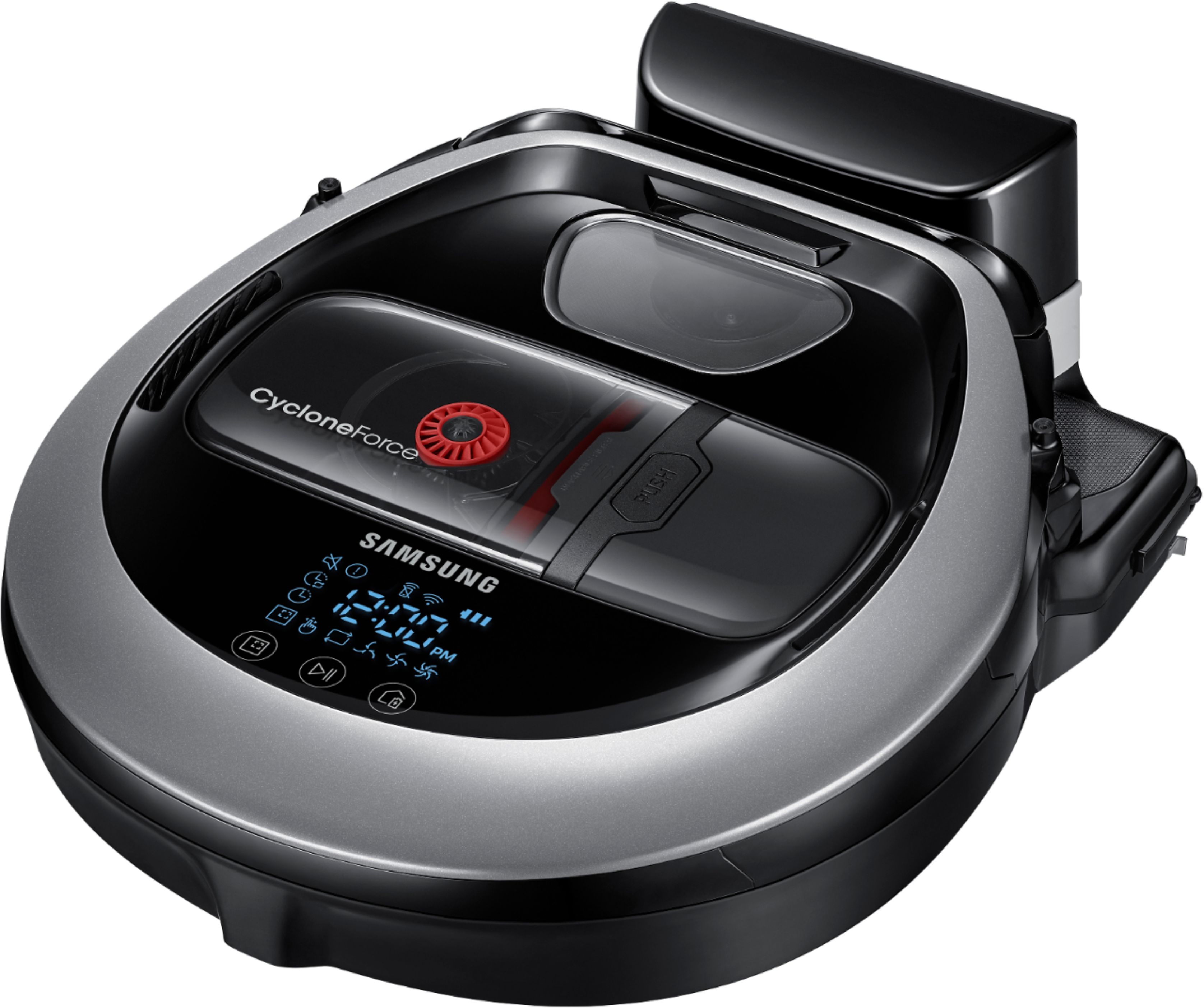
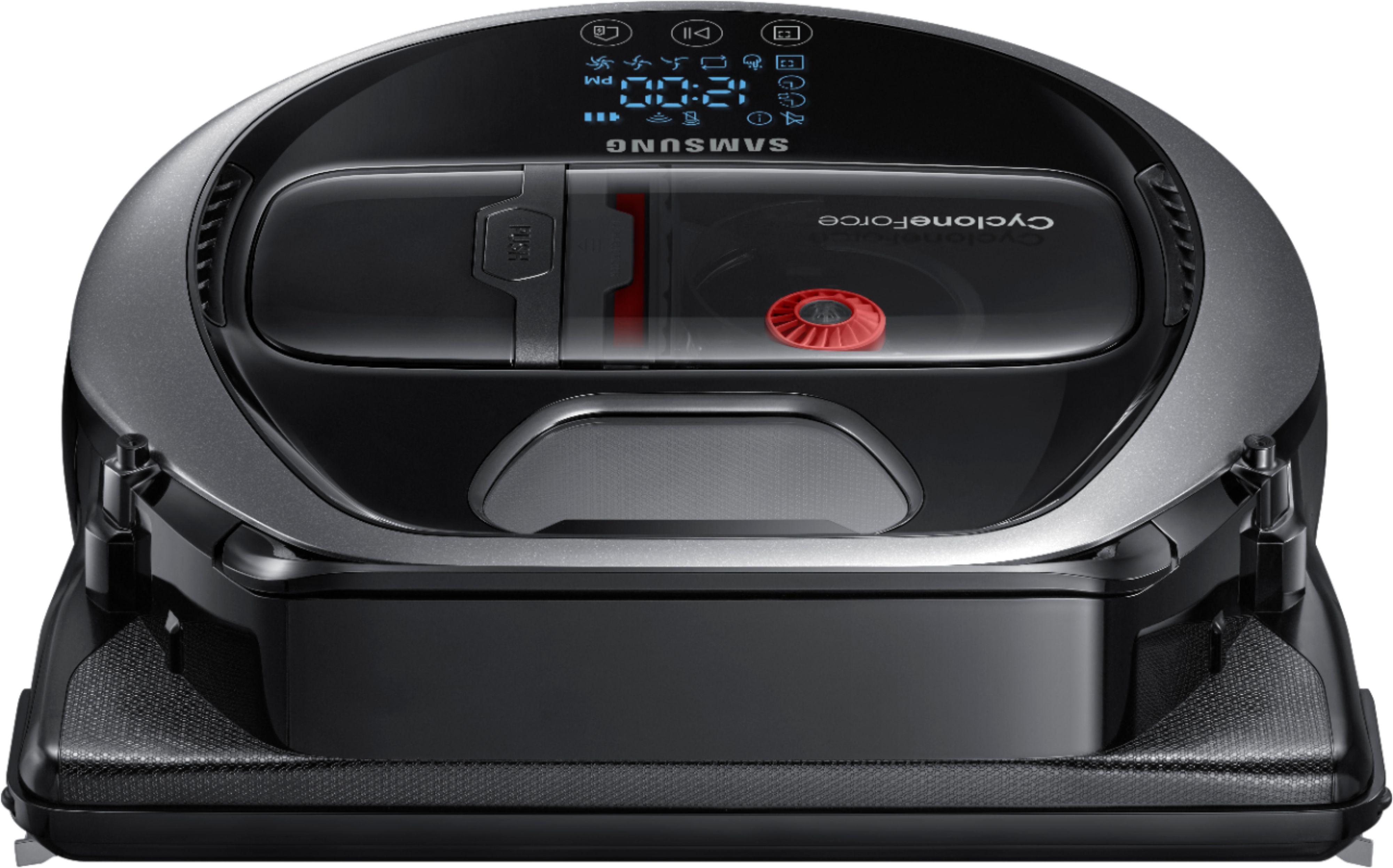
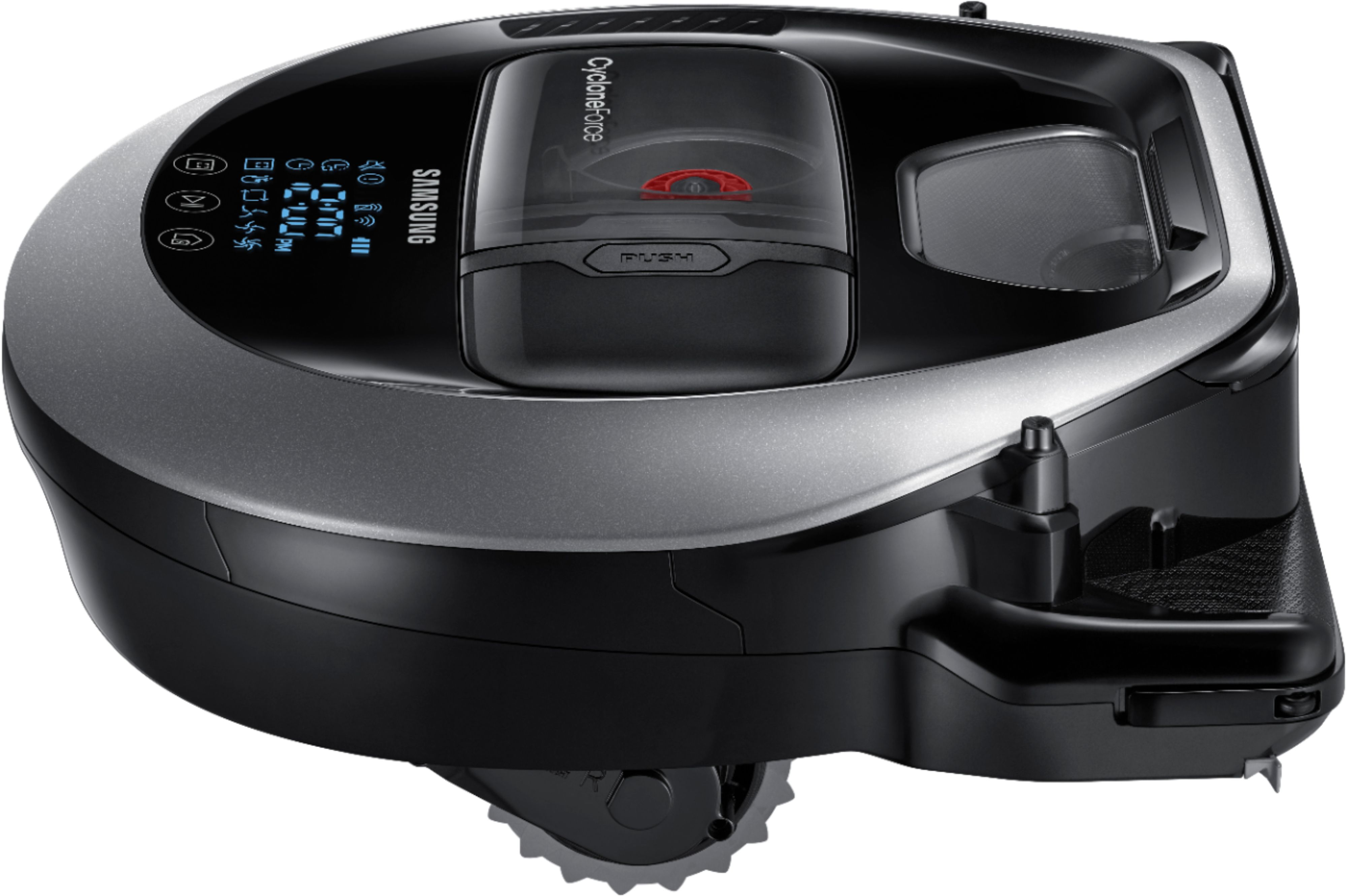
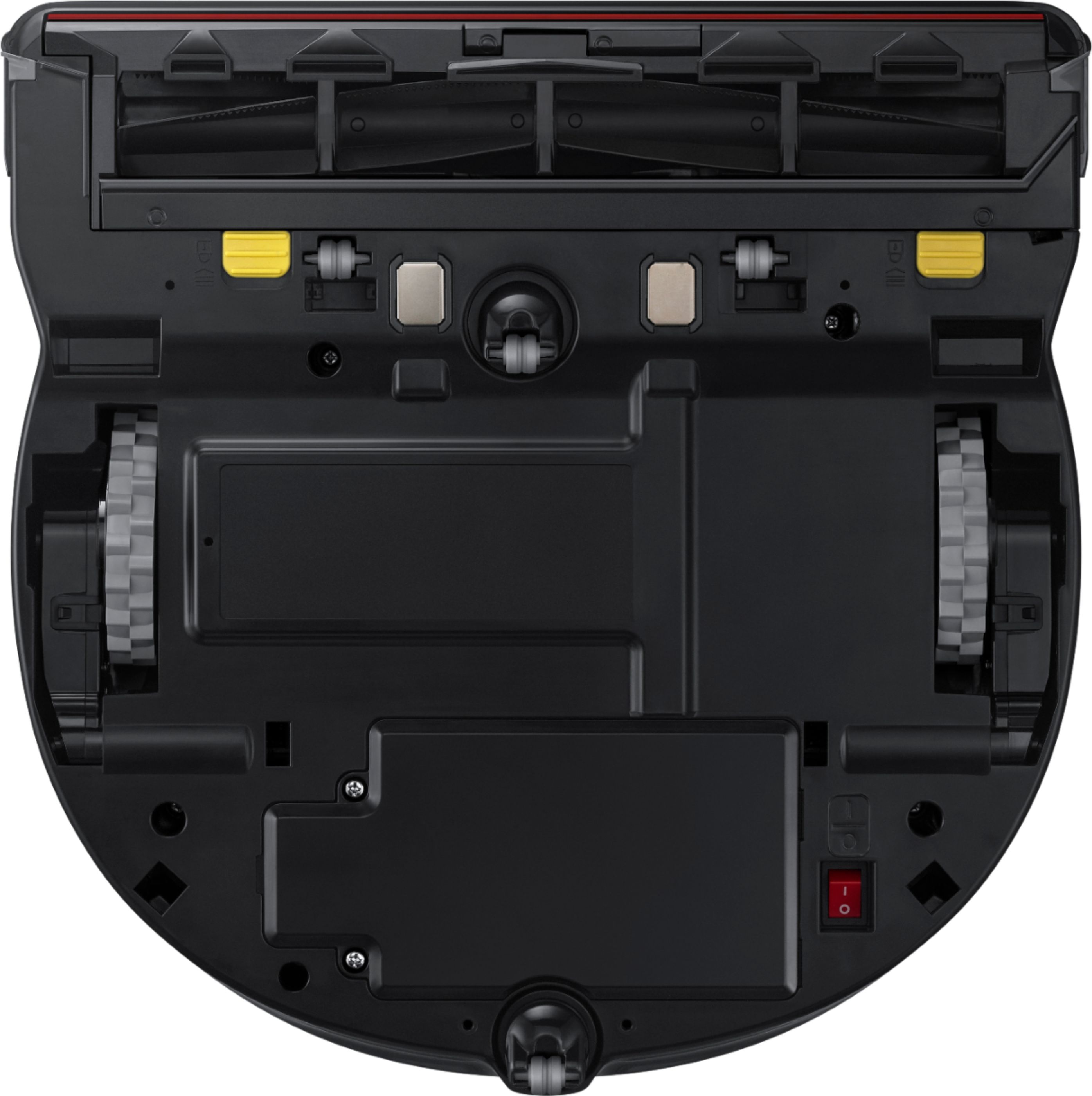
A:AnswerIt has a docking station for charging. The vacuum is smart enough to know when it's battery is running low and returns to the docking station to charge on it's own. It does not need to be a special outlet. The power cord is long enough for you to use pretty much any electric outlet you may have. And yes, there is an app to use with the vacuum where you can program how you want it to run.
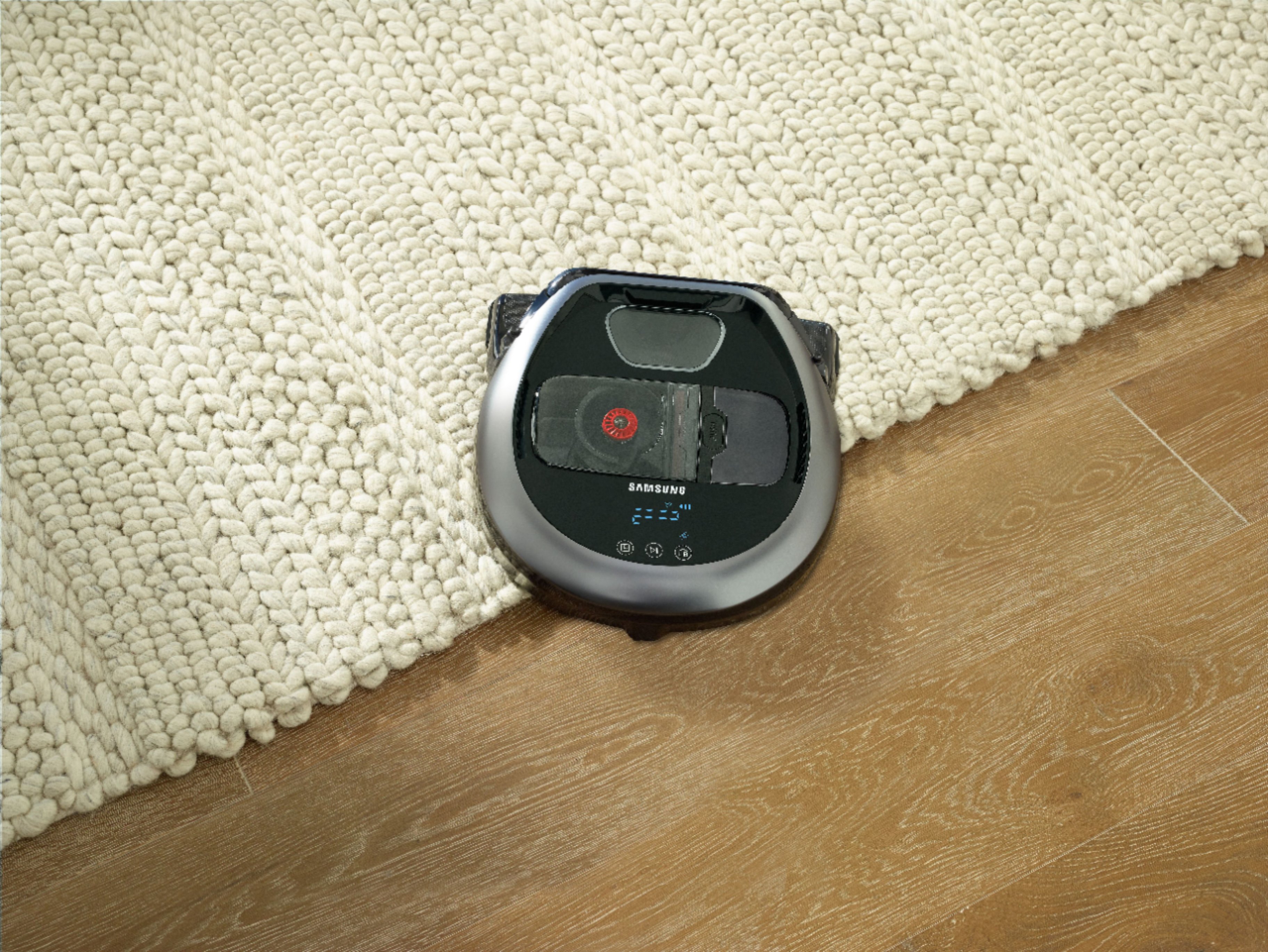
A:AnswerWe have a wool area rug and a dog. The cleaner does a great job on the carpet. It does have some difficulty going from the tile up onto the rug. It makes it nevertheless.
A:AnswerI tried to make it fall down steps. It was smart enough to back up. I tried to gently push it over the steps. TOO SMART It wouldn't go over the steps.
A:AnswerFabulously! Love the quietness, the levels of suction, how it does not actually touch the walls/cabinets/furniture but cleans up to the edges of them and the app is great for tracking it's progress.
A:AnswerYes it does. You will have to connect it to your WiFi with your phone and then it should visible in your SmartThings Classic or SmartThings app. You will have full control of the device from SmartThings but you won't be able to see some of the cool History features.
A:Answerbe careful!! I ordered 2 boxes from Samsung. They are supposed to have 2 strips in each box, but they only had 1 in each box. After several calls and several transfers to people who just don't care i had to return them for a refund. They would not help me in any way. Unfortunately, they're the only one that sells them.
A:AnswerYou may want to check of the "mapping" feature. The R7070 does not actually create a map. It uses Visionary Mapping which uses the camera to navigate. I never got any map even though they said it would create coverage map after it finished a cycle. The customer service person said only the R9250 has actual floor mapping.
A:AnswerHi there,
I can answer that. When you are trying to control your vacuum through voice enabled devices, You can use Bixby, Amazon Alexa or Google Assistant3. Thank you for choosing Samsung. ^Brad
A:AnswerAre you saying Best Buy offers parts for Samsung electric range . I need door r hinges for my Samsung range doors. Model number is NE63T8951SS/AA
PLEASE SEND ME A PHONE NUMBER SO I CAN CONTACT TALK DIRECTLY DIRECTLY TO A PARTS PERSON THANK YOU
A:AnswerHi Susan! I am including a helpful link to the user manual on page 20 (https://bit.ly/2xzpe2S) to support your concerns. We thank you for choosing Samsung to be a part of your home! ^Lena