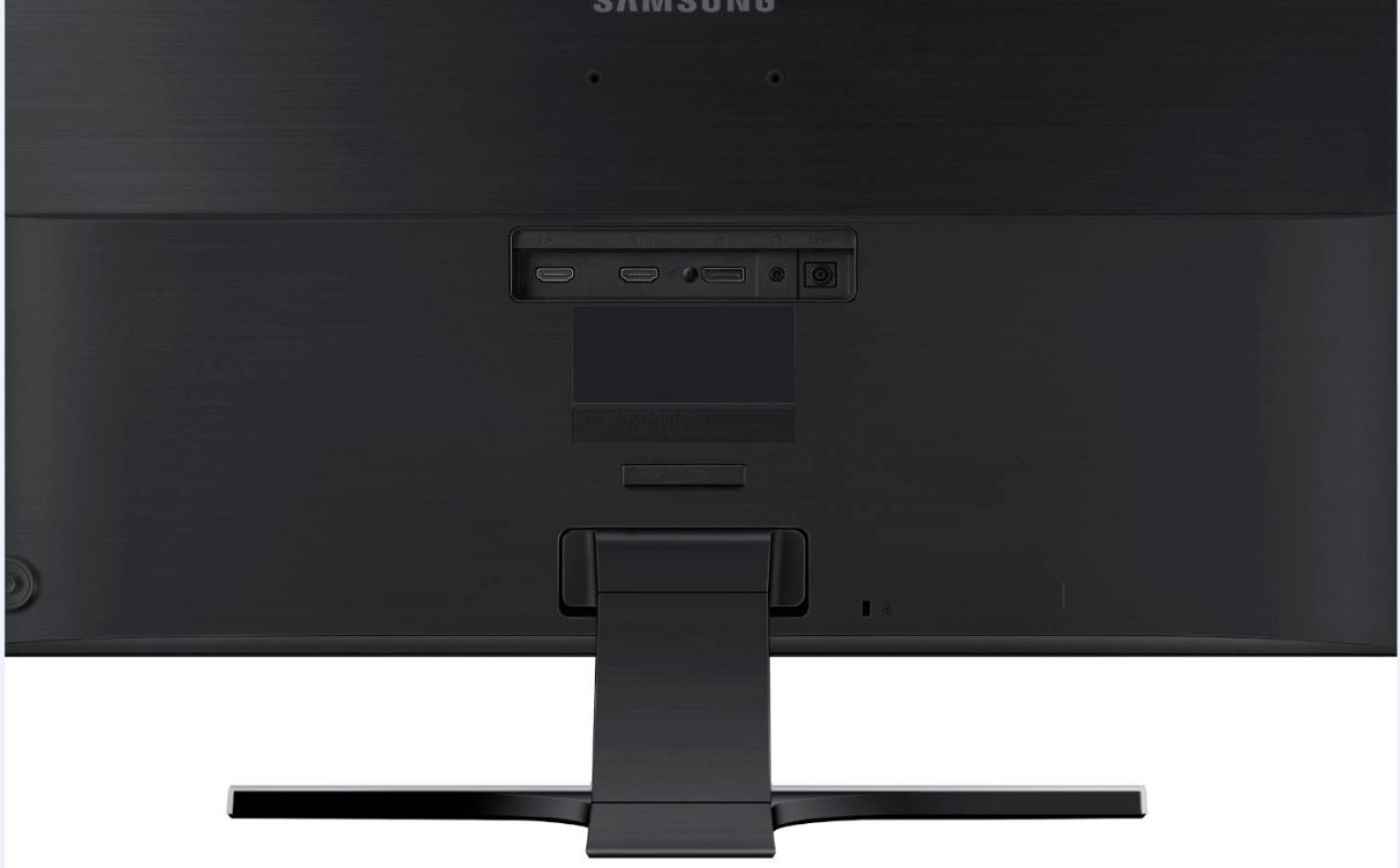
A:AnswerOn the back bottom right of the monitor is a joystick/button. Click that down to bring up the menu for the monitor. Push the joystick up to get to the menu, then click on “Picture” then scroll down using the joystick till you see “Game Mode”. Turn that on and you are done. The menu will disappear if you let it sit for a few seconds.
A:AnswerHave you tried going into the menu settings on the Monitor and one of the settings is exactly for what your question is the response time and you can change it from I think the options are normal fast and very fast or something like that but there's some options you can change it to and that's in the settings of the monitor itself. Hope that helped you