A:AnswerBest to check your existing video adapter card for it's capability. Although the monitor will adjust to most any graphics card, you won't get the maximum benefit of the extremely high resolution of this monitor without a video card to support the UHD resolution. I had to change out my older ATI graphics adapter for the R9 series and together they work fantastic.
A:AnswerI am not sure which graphics card is in the ps4 but It has the correct HDMI connections. I was real shocked that my PC video card even excepted the highest graphics setting too. I don't think you could go wrong with this monitor though. I play BF4 and this screen actually is very lifelike now. In ultra you see every crack in buildings and stuff leaves have definition. You can sneak up thru the grass n stab people. I think this monitor is worth the money. I cant say its helped my gaming but I can say its made my gaming more enjoyable. Before I was using a 32" Samsung 1080p TV. This was so much clearer and my eyes don't seem to get tired as much either.
Hope that helps you.
A:AnswerNo it is not HDR, in order to get a 4K HDR monitor you are gonna have to spend a little more or find a good sale. HDR monitors will generally boast "HDR" in the name of the monitor or at least in the first few lines of the description.
A:AnswerIf will if you have the One S or One X. One S will stream in 4k only while One X will play games in 4k. You must use port 2 on the monitor for 60hz.
A:AnswerThere is no reason the display can't handle 4k @ 60fps. I use this on my PC to game, and I run at 4k 60fps just fine, though that is via the display port.
If your console can output 4k 60fps over HDMI, and you use the right cable, it should work, though that is going to be dependent on the game you are playing, and settings on the console of course.
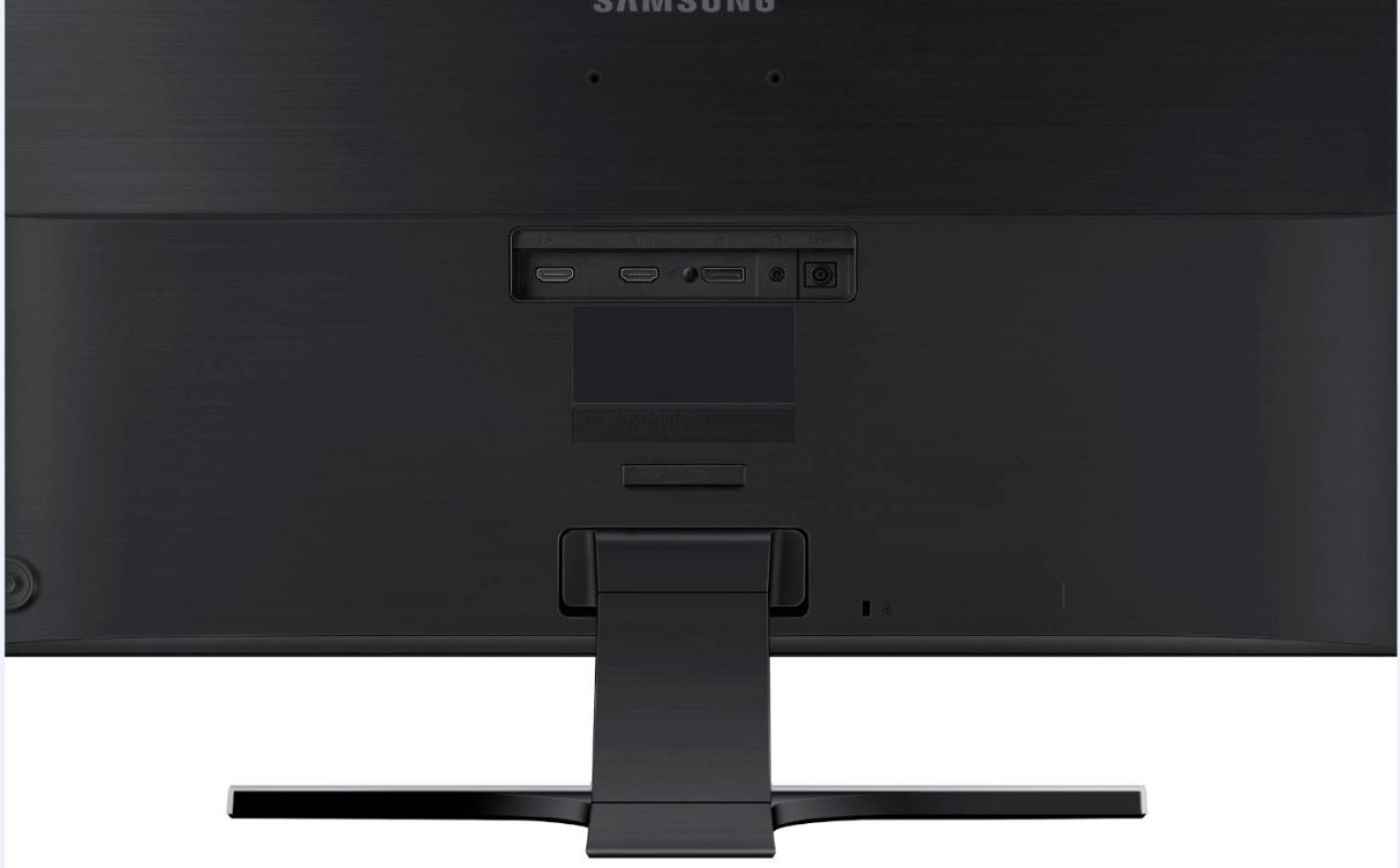
A:AnswerNo, display ports don't have version numbers, but the difference is in the cable. If you use anything else besides the display port, the monitor won't play in true 4k. Display port will do 4k at 60 hertz, hdmi does it at 30 hertz. So, just get a display port cable, and be done with it. Just make sure your video card has a display port, or your wasting your time
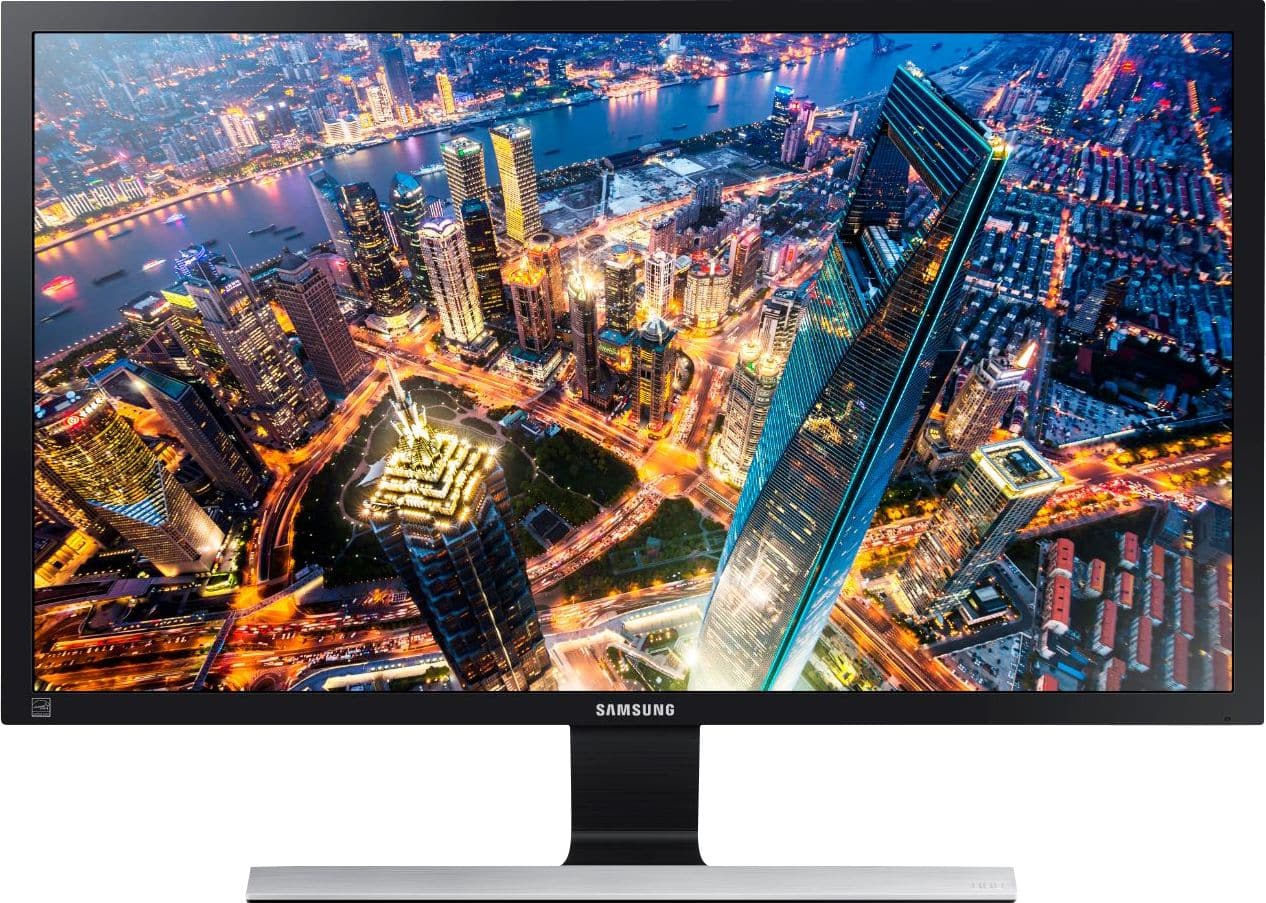
A:AnswerAccording to the specs given on the Samsung site for the U28E590 (3840 X 2160) display, the pitch is:
PIXEL PITCH (H X V) 0.1600mm x 0.1600mm
Here is the website:
http://www.samsung.com/us/computer/monitors/LU28E590DS/ZA
A:AnswerThey do have a a wall mount adapter that you would have to buy along side the wall mount of your choice. "VESA Mount Adapter Bracket U28D590D" copy and paste the quotations and you can search for that online. There are other adapters for other types of displays and models even the old Samsung ones that snap one. I hope this helps.
A:AnswerNo you can't. I directly asked to the Samsung customer service and they said that THIS MONITOR DOES NOT SUPPORT HDCP2.2, which is mandatory to stream 4k. You can't use 4k devices via this monitor.