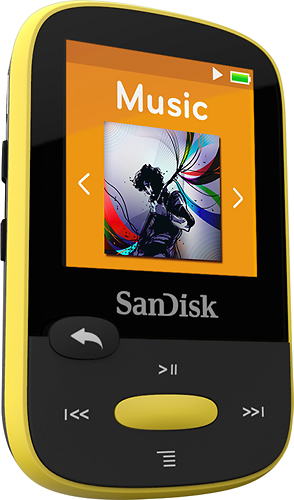
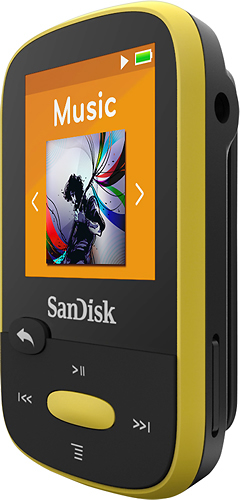
A:AnswerYes you can download from a hard drive as well as from your computer. Simply plug your external drive into the USB port and then plug the clip sport in to the other USB port on your computer and then just drag and drop the files you want from the external drive into the san disk clip sport folder. It is exactly the same process for downloading from your computer simply plug in the clip sport into the USB port then just drag and drop the files you want from your computer into the san disk folder...and voila your done!
A:AnswerSure can Mike, the only thing is, the cd format will take up more space then an MP3 format. But other then that there should be no problem. 8GB should hold about 2000 MP3 formatted songs if I remember correctly.
A:AnswerI have not loaded MP3 Music, but I have loaded MP3 Old Time Radio Shows that I have downloaded.. (The Shadow, Perry Mason, Nick Carter, Ellery Queen, Car Talk, Jack Benny, etc ) They Play great.
A:AnswerI believe it will play apple files as well as mp3s. The easiest way to load music is to make a folder on your pc, then drag and drop your music into the folder. You can make as many folders as you wish. Insert your mini SD card into your computer using the SD adapter and drag and drop you files onto the card. Re ove the card, take the mini card out of the adapter and reinsert it into the device.
A:AnswerThis puzzled me when I first used it. Turn off the device, then charge it - works smoothly. Interrupt charge cycle - unplug it, and then even if you plug it in again, it comes on. Key is to make sure it is off, plug it in to charge - and then don't touch it until it is fully charged. (Or, if you unplug it, even momentarily, it will start playing.)
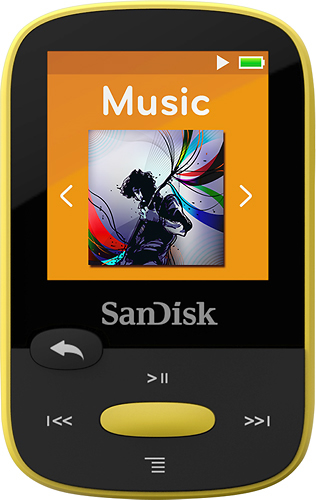
A:AnswerYou can load music from itunes, but the only way to do it is to drag and drop through Windows Explorer (or File Explorer as I believe it's now called in Windows 10). I found Windows Media player to be a much better way--use the sync feature. It loads a lot faster.
Itunes is made for ipod, etc and will only sync on those.
A:AnswerThis mp3 player accepts a variety of file formats. CD files are in .wav format, and it will accept and play them without conversion. I prefer the .FLACC format, and it readily accepts that format, no need to reformat to .mp3.
Non-mp3 formats may affect your ability to use 3rd party aps to manage your libraries, etc. That is not important to me, however.
Enjoy your sandisk player.
Caruso
A:AnswerYes, I found this by accident. Hold the back return arrow and the center menu button down at the same time for a few seconds and it will let you know when locked. Do the same procedure to unlock.