

Black Friday is hereShop new DoorbustersShop now

Skip to content
Gift Ideas
26 Cypress St
Williston, VT 05495
Open until 9 pm
Find Another Store
Main Content

Questions & Answers

Page Showing 1-20 of 99 questions
  • QuestionDoes this flash drive have password protection?

    • Answer Yes, this flash drive offers password protection for enhanced security.
    This question and answer was generated by AI based on customer and product data.

  • QuestionWhat is the storage capacity of this SanDisk flash drive?

    • Answer This SanDisk flash drive has a storage capacity of 128GB.
    This question and answer was generated by AI based on customer and product data.

  • QuestionCan I use this flash drive with my computer?

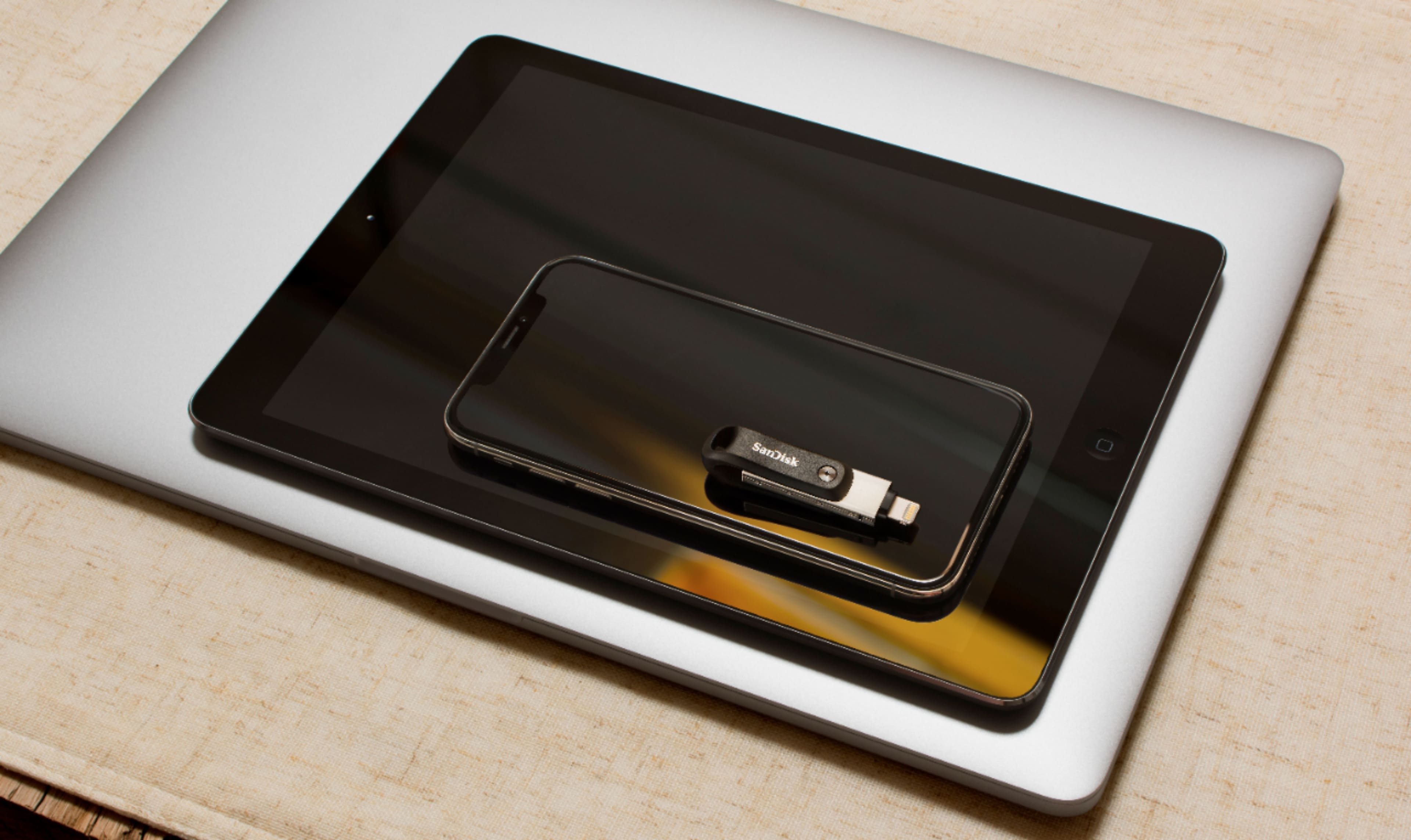
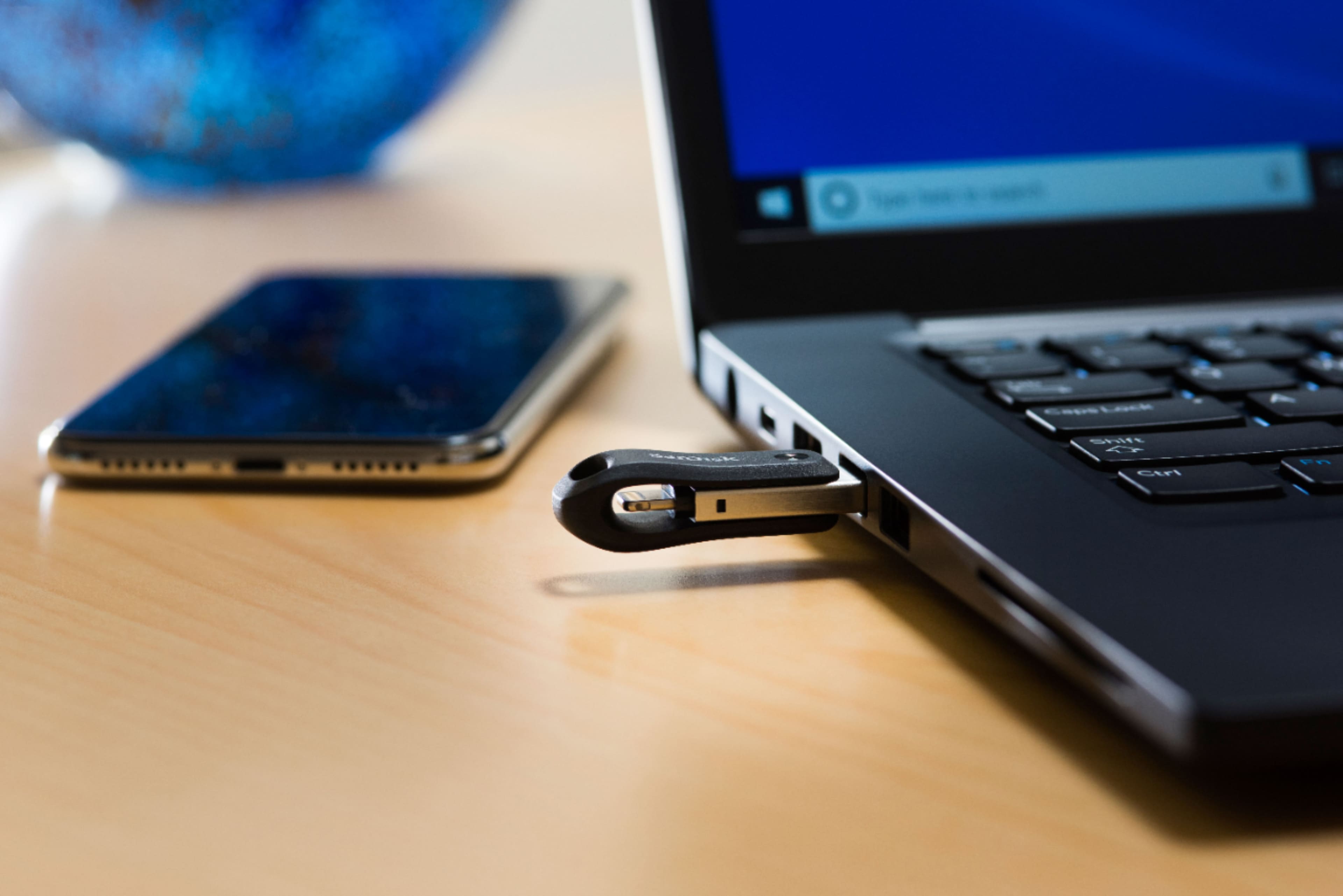
    • Answer Yes, this flash drive is compatible with both PC and Mac computers.
    This question and answer was generated by AI based on customer and product data.

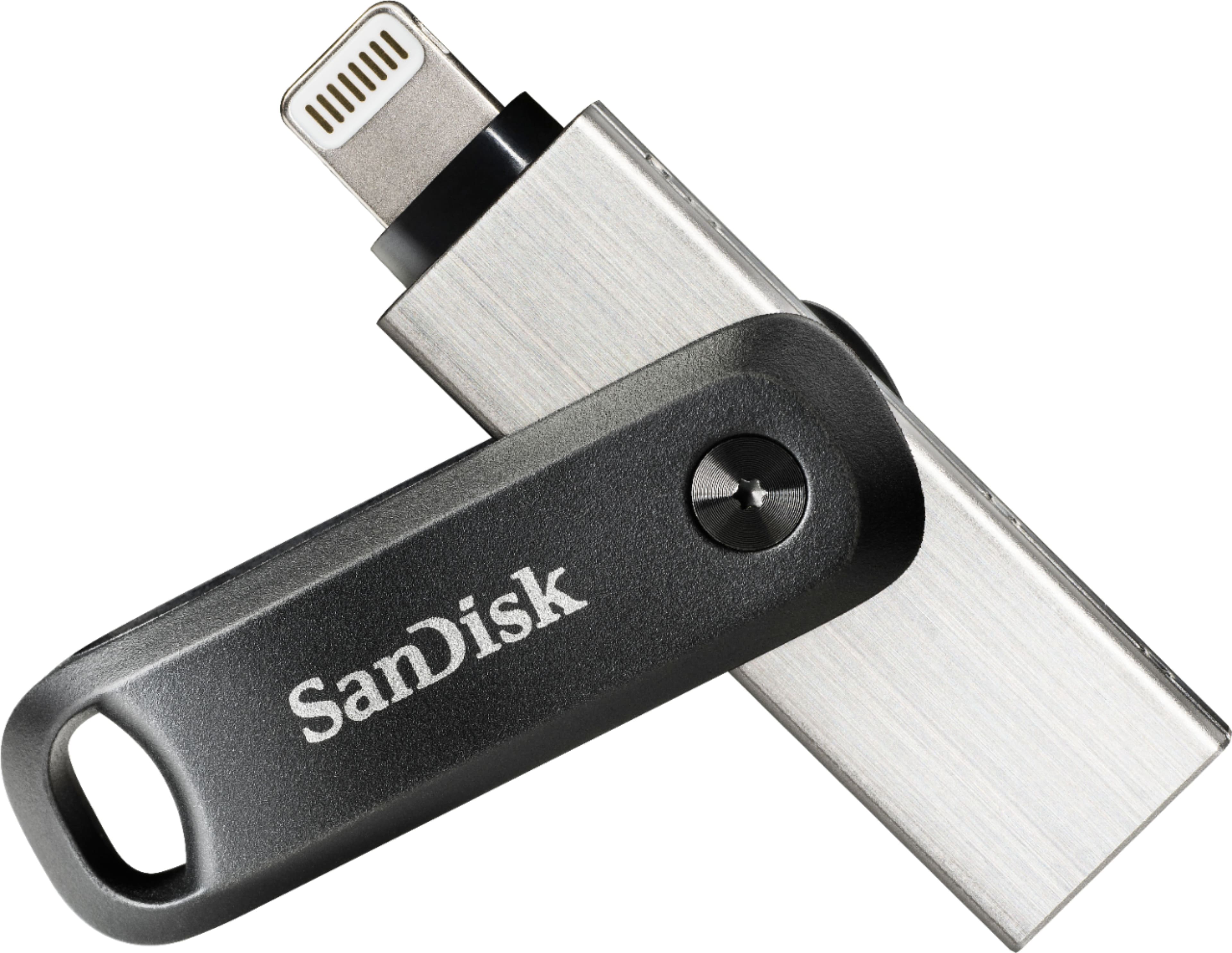
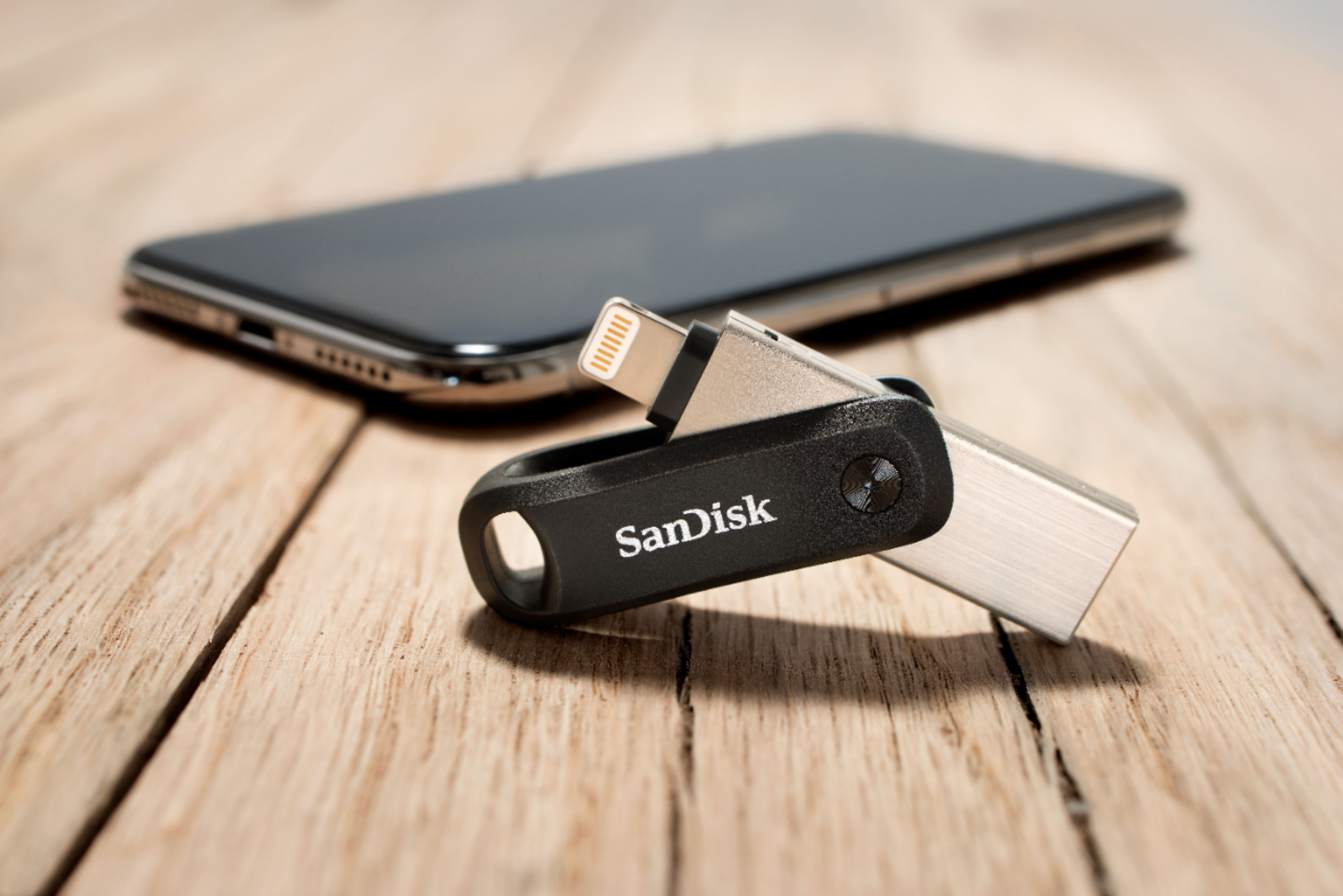
  • QuestionWhat type of connector does this flash drive use for iPhone compatibility?

    • Answer This flash drive uses a Lightning connector for compatibility with iPhones and iPads.
    This question and answer was generated by AI based on customer and product data.

  • QuestionHow fast is the data transfer speed on this SanDisk flash drive?

    • Answer This flash drive boasts a maximum read speed of 90 megabytes per second.
    This question and answer was generated by AI based on customer and product data.
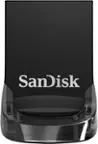
  • QuestionCan I download photos and videos onto this device from my iPhone 7 then transfer them to my PC?

    Asked by Jim.

    • Answer Hello, I am able to download photos, videos, notes, etc. from my iPhone 8 and then transfer everything to my PC. It is actually a very simple process to complete.

      Answered by Keith

  • QuestionWill this work on my iPhone SE?

    Asked by Amateur.

    • Answer Hi, please be informed that you can use this SanDisk iXpand Go Flash Drive with your iPhone SE to transfer data from your iPhone to the iXpand Drive and vice-versa. In order to use this iXpand Drive with your iPhone, please install the iXpand Drive Application from the Apple App Store in your iPhone. If you wish to get help from our support staff for the same, please feel free to contact SanDisk® Support at 1-866-SANDISK and we would be glad to assist you.

      Answered by SanDisk Team

  • QuestionWill it show the dates of pics when you took them?

    Asked by Dot.

    • Answer Yes, you can sort the backed up file using sorting functionality by Name, Date, Size etc. You may also refer to the below mentioned link : -- https://kb.sandisk.com/app/answers/detail/a_id/22808

      Answered by SanDisk Team

  • QuestionWill this work with ipad air 4th generation

    Asked by Kimmy.

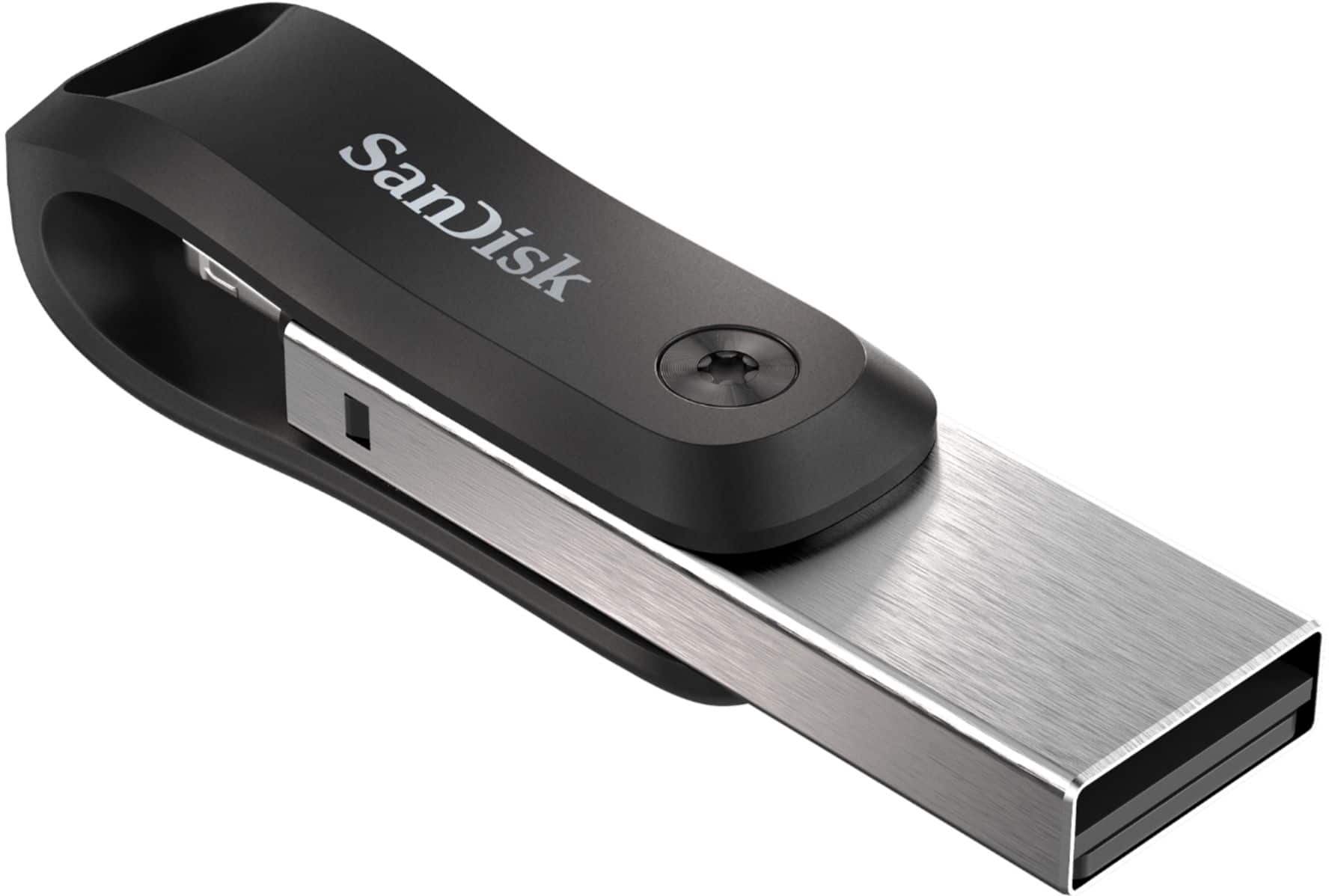
    • Answer Hi, please be informed that this SanDisk iXpand Go Flash Drive cannot be directly connected to your iPad Air 4th Generation as the iXpand Go Flash Drive only has the USB Type-A connector and the lightning connector. On the other hand, the iPad Air 4th Generation only has a USB Type-C port and not the port for the connectors of the SanDisk iXpand Go Flash Drive. In this case, we suggest you to contact Apple Customer Support to know if it is possible to connect and access the iXpand Go Flash Drive to the iPad Air 4th Generation using a USB Type-C to USB Type-A adapter.

      Answered by SanDisk Team

  • Questionwhat if you are downloading alot of pictures and your phone needs recharged before it is complete?

    Asked by Anonymous.

    • Answer My wife's phone battery died half way through the transfer. She unplugged the flash drive, charged her phone, then plugged it back in. It continued to download where it left off without a problem.

      Answered by ScottS

  • QuestionAfter transferring pictures from the phone - does it automatically delete those from the phone or do you need to go back and delete them yourself?

    Asked by Lulu.

    • Answer You can choose to delete all or pick and choose which ones to delete one at a time from your phone after you have taken it off!

      Answered by Dcross

  • QuestionWould I be able to load it back to the phone? Thank you.

    Asked by Tiaa.

    • Answer Yes it allows you to load things back and forth between the devices.

      Answered by Anonymous

  • QuestionCan I remove pictures from my Apple IPad and download them on Windows 10?

    Asked by Dar.

    • Answer Yes, you can transfer files from an iPad equipped with lightning port to a computer using this SanDisk® iXpand Go Flash Drive. You will require iXpand Drive application to use it on an iPad or iPhone however, it will works as plug and play storage device when connected to a computer.

      Answered by SanDisk Team

  • QuestionWill this work with Iphone 12?

    Asked by Anonymous.

    • Answer Hi, please be informed that you can use this SanDisk iXpand Go Flash Drive with the iPhone 12 to transfer data from your iPhone to the iXpand Drive and vice-versa. In order to use this iXpand Drive with your iPhone, please install the iXpand Drive Application from the Apple App Store in your iPhone. If you wish to get help from our support staff for the same, please feel free to contact SanDisk® Support at 1-866-SANDISK and we would be glad to assist you.

      Answered by SanDisk Team

  • QuestionWondering if this product organizes photos by date and disregards duplicate photos.

    Asked by KKM.

    • Answer Please allow us to inform you that this Flash Drive is a storage device however, you can back files using automatic backup and it will not create duplicate file. You may also refer to the support information page of this Flash Drive using the below mentioned link: -- https://kb.sandisk.com/app/answers/detail/a_id/21959

      Answered by SanDisk Team

  • QuestionAm I able to choose which photos/videos from my camera roll will go onto this device or does it just automatically put all of them on?

    Asked by Mama0906.

    • Answer You can "select all' photos off your iPhone to transfer, or just select some to transfer. OR --- you can also "select all" photos from your iPhone to transfer, then click off those you do not want to transfer. Then do the transfer step.

      Answered by Duqu

  • QuestionCan I download Voice Memos to this?

    Asked by Nikki.

    • Answer Yes

      Answered by YTFamily

  • QuestionWill this work on Windows 11

    Asked by CMuddog.

    • Answer Please allow us to inform you that all the SanDisk® USB Drives are plug & play storage device and it will work as expected if the host device support USB Drives.

      Answered by SanDisk Team

  • QuestionWill this work with an iPad Air 2?

    Asked by Jen.

    • Answer Yes, the SanDisk® iXpand Go Flash Drive is compatible with the Apple iPad Air 2.

      Answered by SanDisk Team

  • QuestionDoes it fit on an iPad Pro to download files/

    Asked by Anonymous.

    • Answer I do not have a iPad Pro but it was so easy to use I bet it would, the people at Best Buy are so knowledgeable they will be answer your questions.

      Answered by SamsungLEDSmartTV