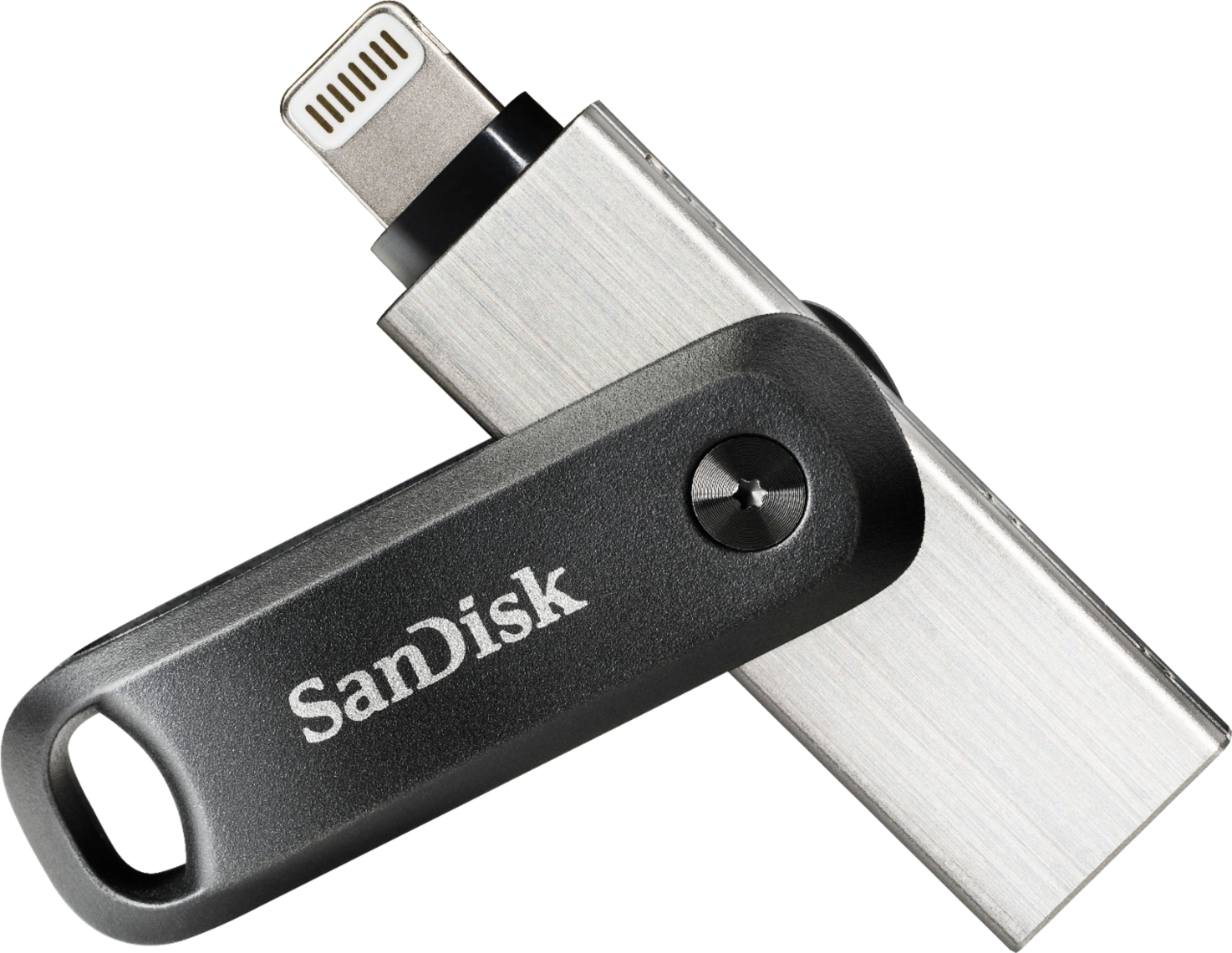
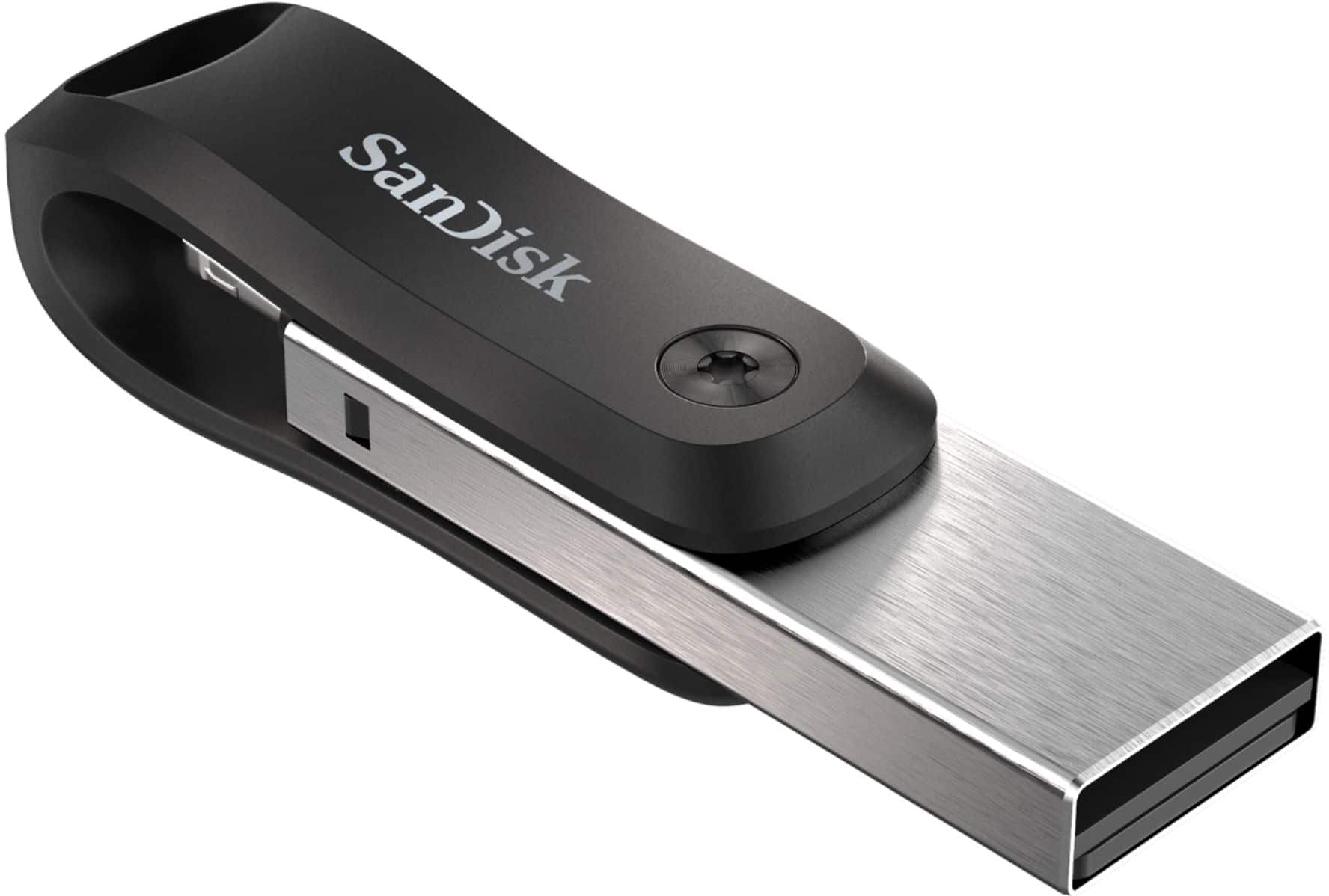
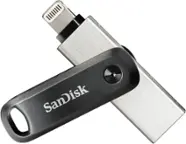
A:AnswerYes as long as the device has a lightning port this device will work with it. My wife actually used it to backup her data she did not want to transfer to her Iphone 13
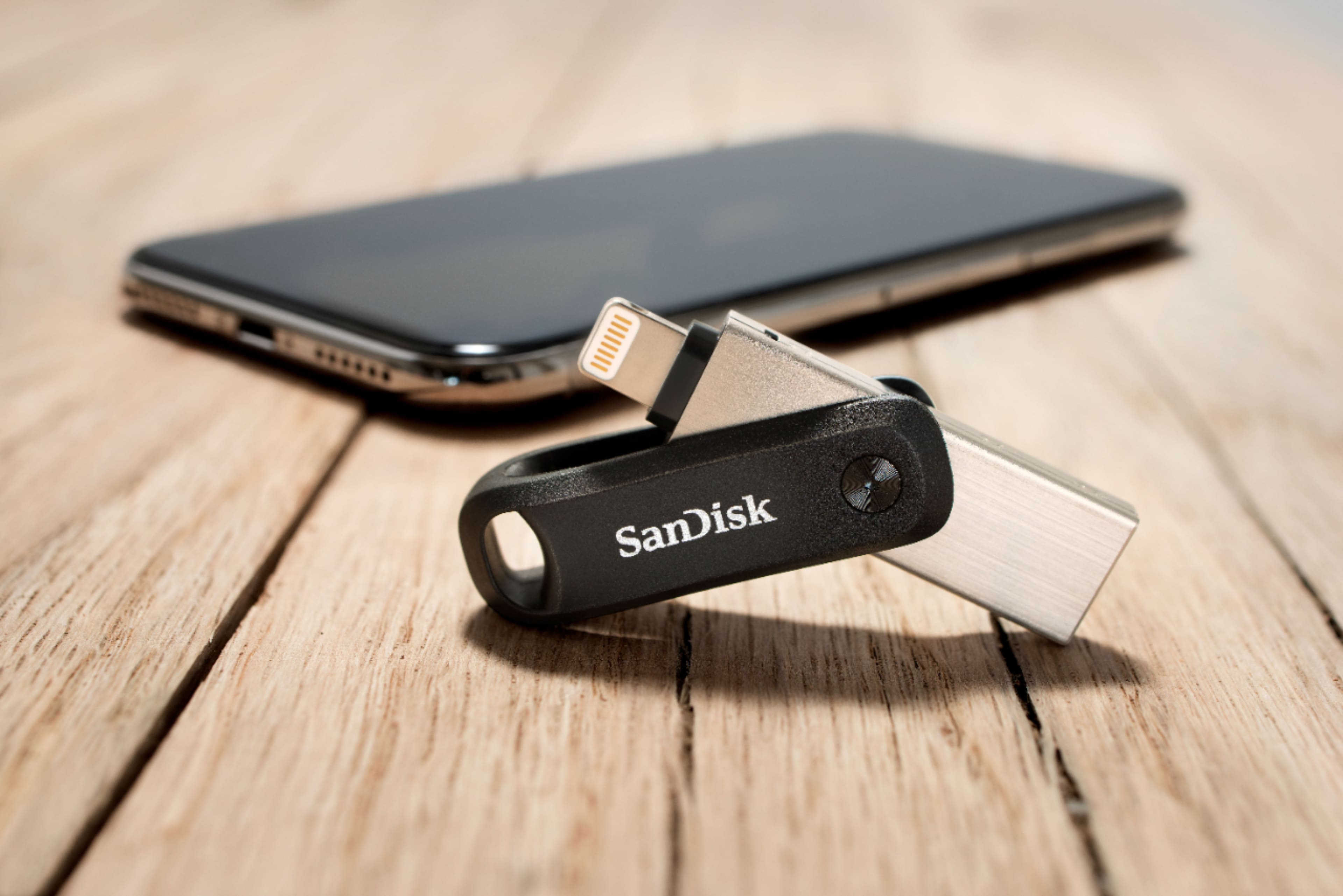
A:AnswerYes as long as the device has a lightning port this device will work with it. The usb c connection is for the charger end of the cable. The connection for the iphone itself is still a lightning port.
A:AnswerI just used it for my photos and have t tried to move my music over. I wouldn’t think that it would be a problem. When you download the app on your phone/iPad it also downloads a folder for photos, music & video’s. I don’t see why it wouldn’t work if music is all you put on it.
A:AnswerPlease allow us to inform you that the SanDisk® iXpand USB 3.0 256GB Flash Drive comes with SecureAccess which is an optional encryption software. In order to know more about SecureAccess, please refer to the below mentioned link:
-- https://kb.sandisk.com/app/answers/detail/a_id/2399
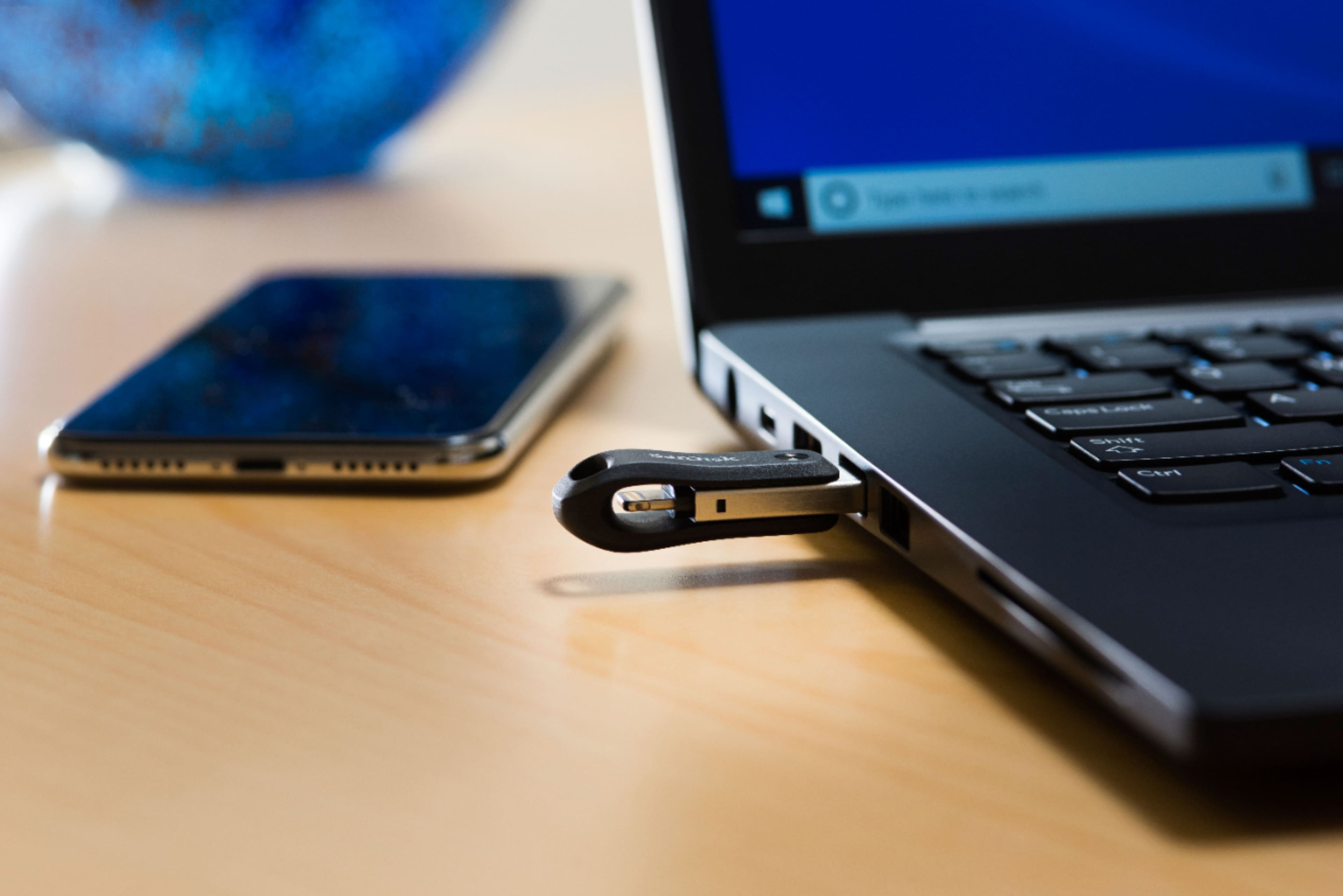
A:AnswerI'm Assuming your iPhone pictures are set to their proprietary HEIC/HEIF/HEVC format which will not be natively viewable on windows PC. If you use it alot then I would change your iPhone camera settings to use a more compatible format (Settings-->Camera-->Formats-->Most Compatible) the other option and for already existing pictures you will have to google and find a "HEIC file converter" and convert your pictures to .jpg or your choice of windows formats.