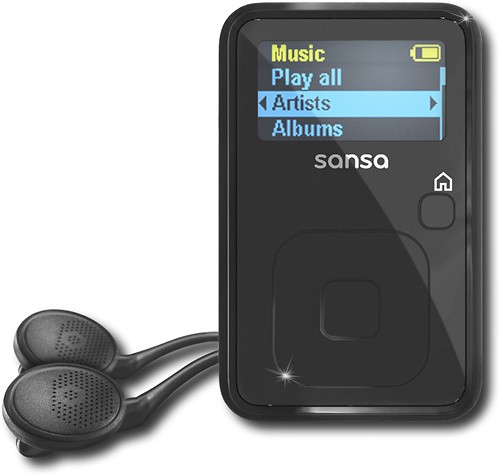
A:AnswerYes you can put Audio books on your Sansa. I've been doing it for over a year now. It's really easy, I download from the library website on to my computer. Then upload on to the Sansa thru Windows Media player. Super easy.
A:AnswerIf your music is on your computer in the Itunes program open your windows media player (WMP) and click the add to library option to share all your music from Itunes with the WMP. Once the music shows in the WMP library you can connect your Sansa using the cable provided. Go to the Sync tab in WMP and drag and drop the music into the sync list to the left and start sync.
A:AnswerHi. Connect your Sansa with the cable provided. Using windows media player on the sync tab drag and drop the music or even audio books then click start sync. Super easy.
A:AnswerSound is excellent, I returned a $180 iPod Nano Touch and got this player. The player itself, and the headphones it comes with blow away the Nano. Really can't believe how good this sounds. You will NOT be disappointed.
A:AnswerThe biggest reason to buy a Sansa product is they make "open" players (well that and they sound great and are a great price). You can even copy files to them like a thumbdrive if you don't want to use a syching program.
So, no, you won't be locked into anything with a Sansa.