A:AnswerWe sincerely apologize for the inconvenience caused to you. However, we would recommend you to submit a support ticket with our support team so that we can investigate the issue and provide you an appropriate resolution. You may submit a support ticket at https://support-en.wd.com/app/askweb.
A:AnswerIf you're on Android, look in the My Files(or similar)folder. It will show as its own drive. Open that and it will probably be readily visible. If not, go through the folders until you locate it.
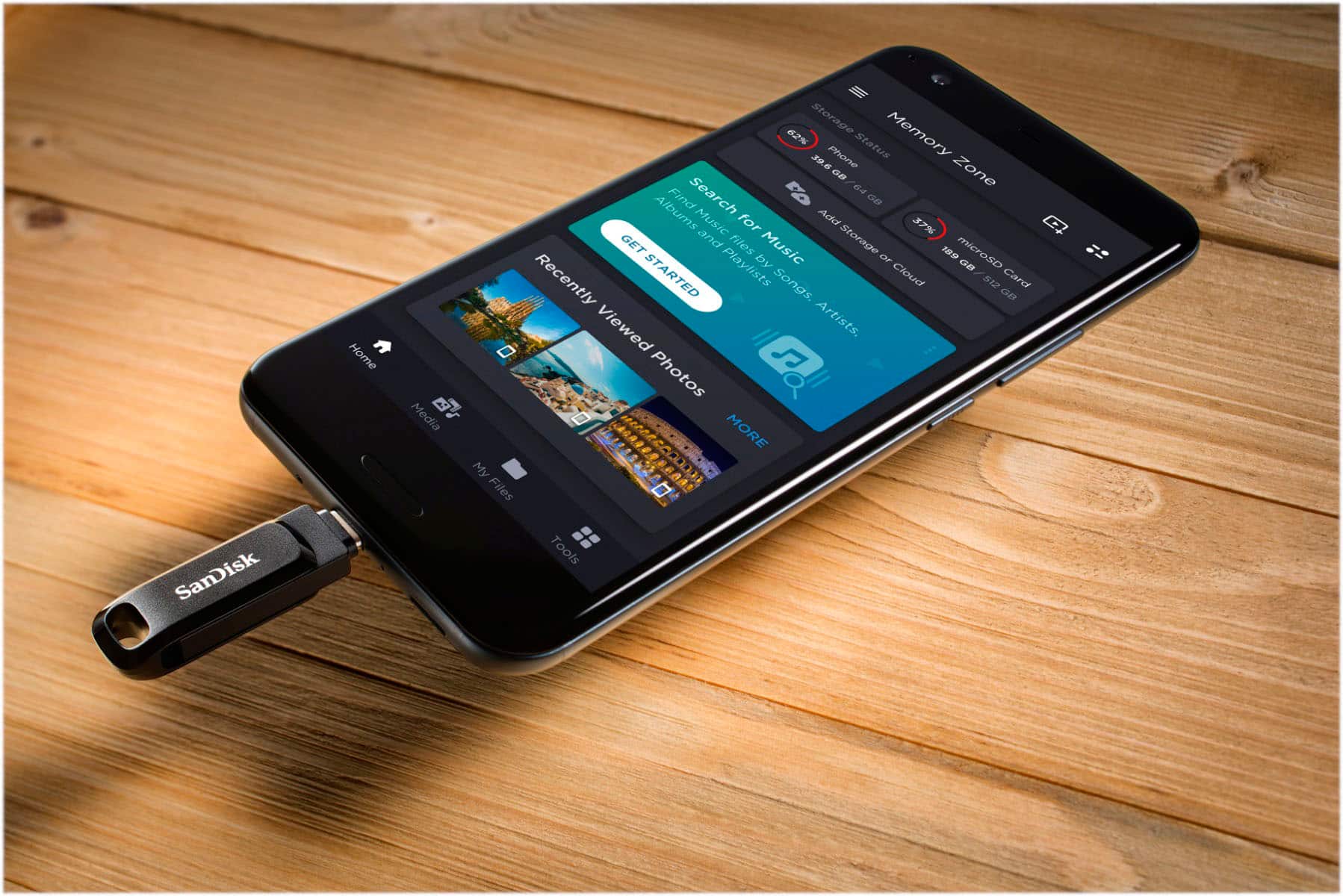
A:AnswerPlease allow us to inform you that SanDisk Ultra Dual Drive Go USB Flash Drive is only recommended for the Android phones and the SanDisk Memory Zone Application is only available for the Android phones. For further assistance please reach out to our support team available at: https://www.westerndigital.com/support/international-phone-numbers.
A:AnswerPlease allow us to inform you that we have not tested the SanDisk Ultra Dual Drive Go Flash Drive with the adapters and the iPads. The Flash Drive might work on the iPad with the adapter or might not work on the iPad.
A:AnswerYes. Same data stored on drive available to either ports on either end of stick. Good for transferring stuff from one device to another using jack on either end.
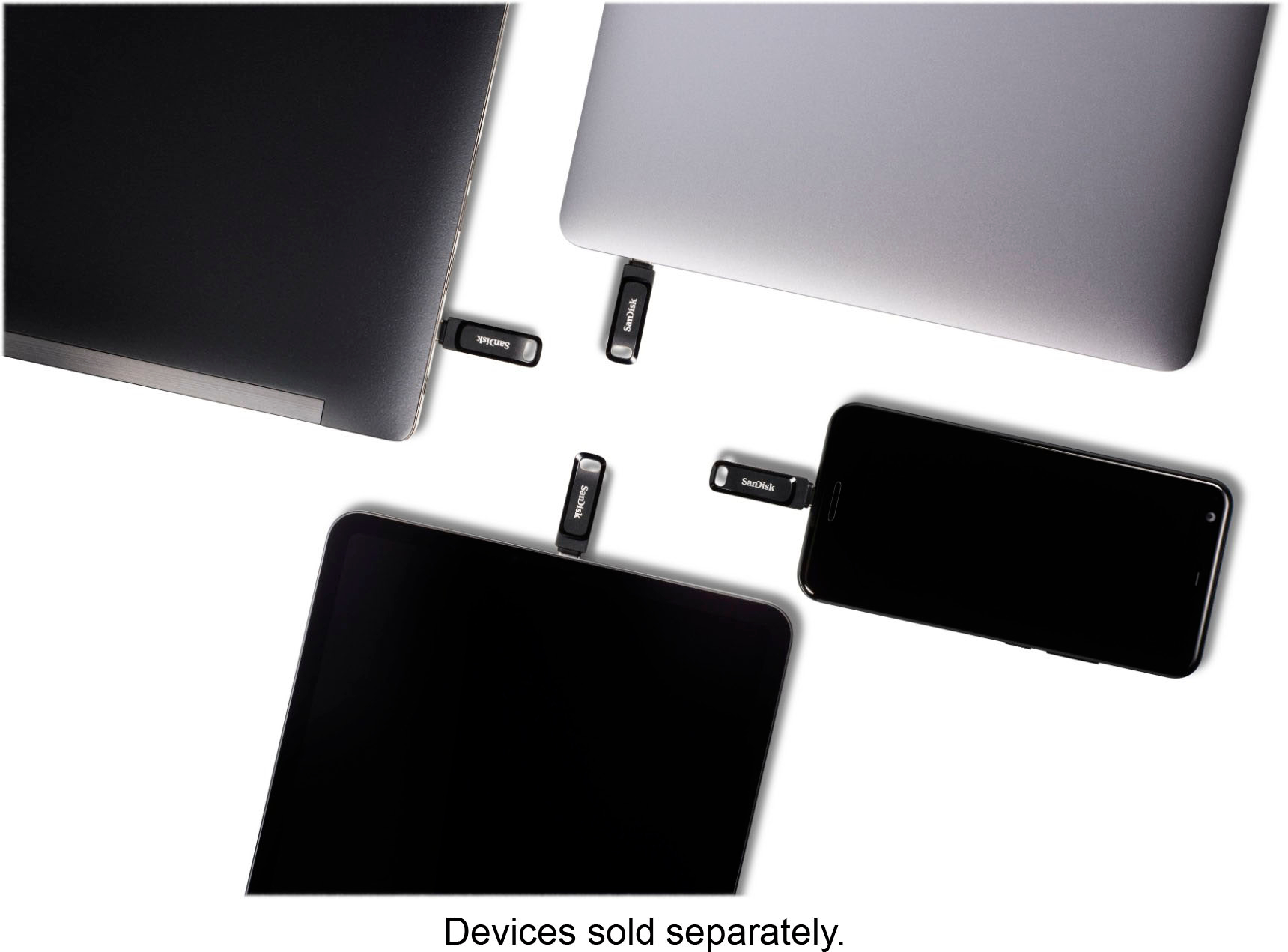
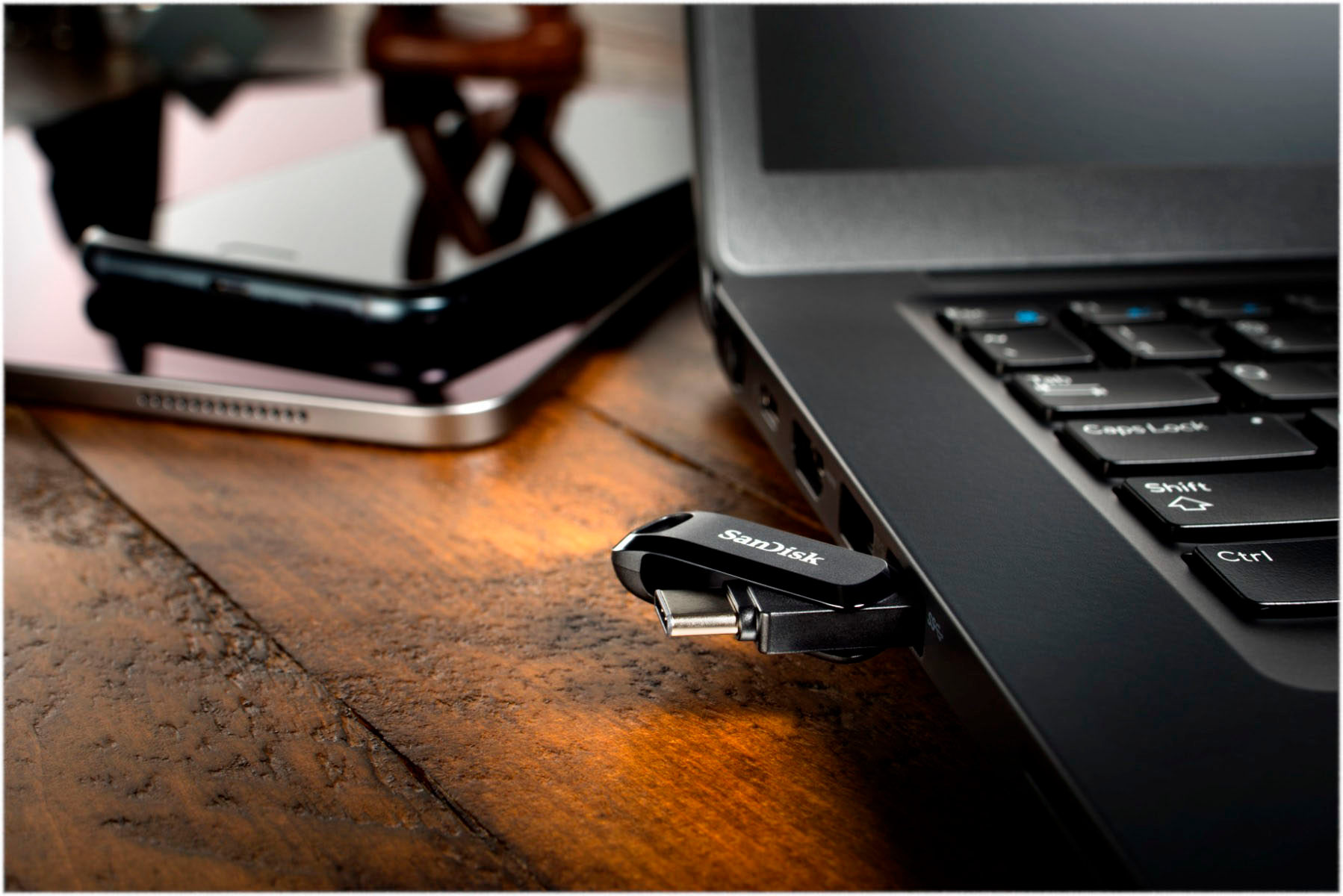
A:AnswerPlease allow us to inform you that all the SanDisk® USB Drives are plug & play storage device and it will work as expected if the host device supports USB Type-A or Type-C Drives.