Early Black Friday Deals & DoorbustersEnds Nov. 8.Shop now

Main Content

Questions & Answers

Page Showing 1-20 of 38 questions
  • QuestionDoes this flash drive have password protection?

    • Answer Yes, this flash drive has password protection.
    This question and answer was generated by AI based on customer and product data.
  • QuestionWhat type of interface does this flash drive use?

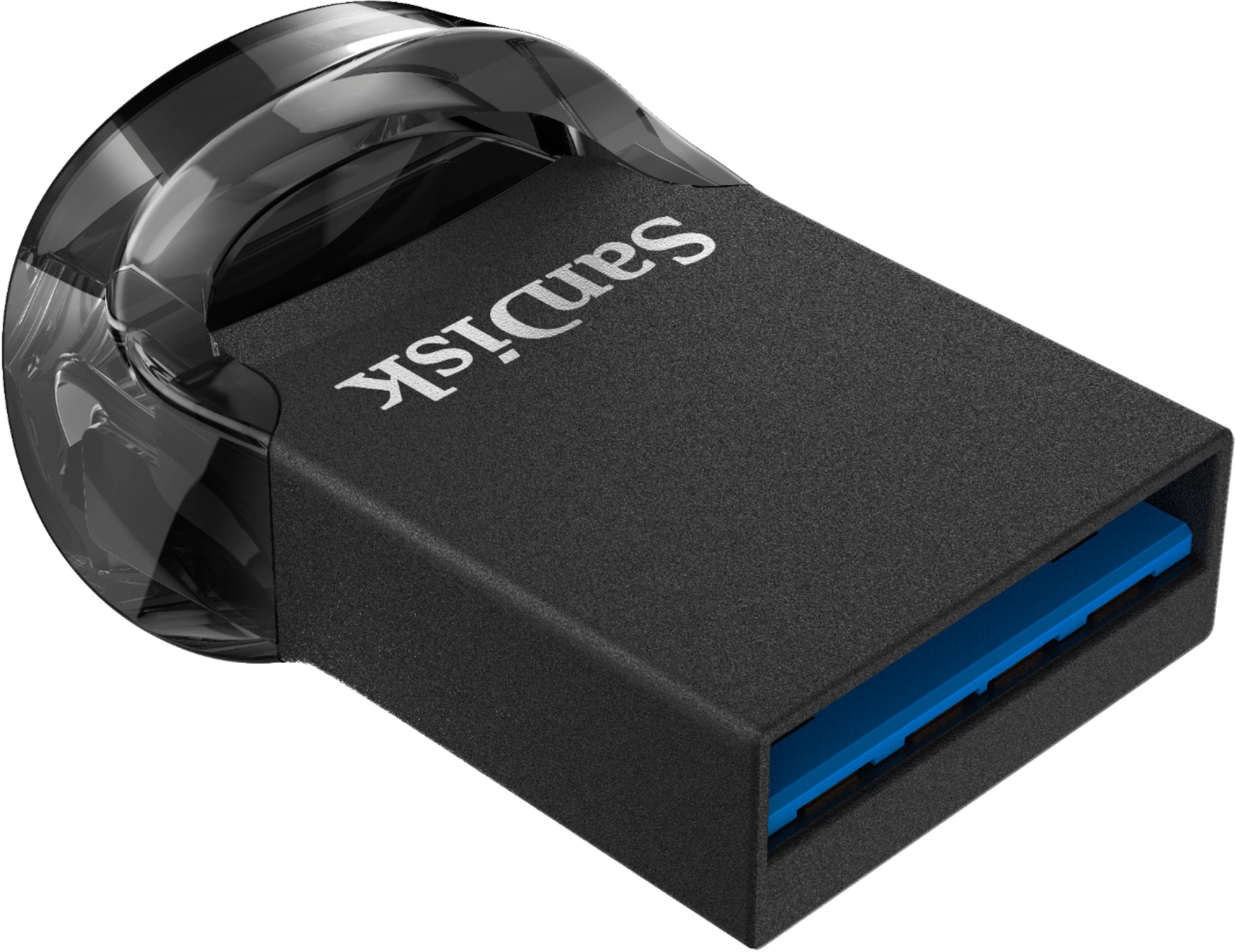
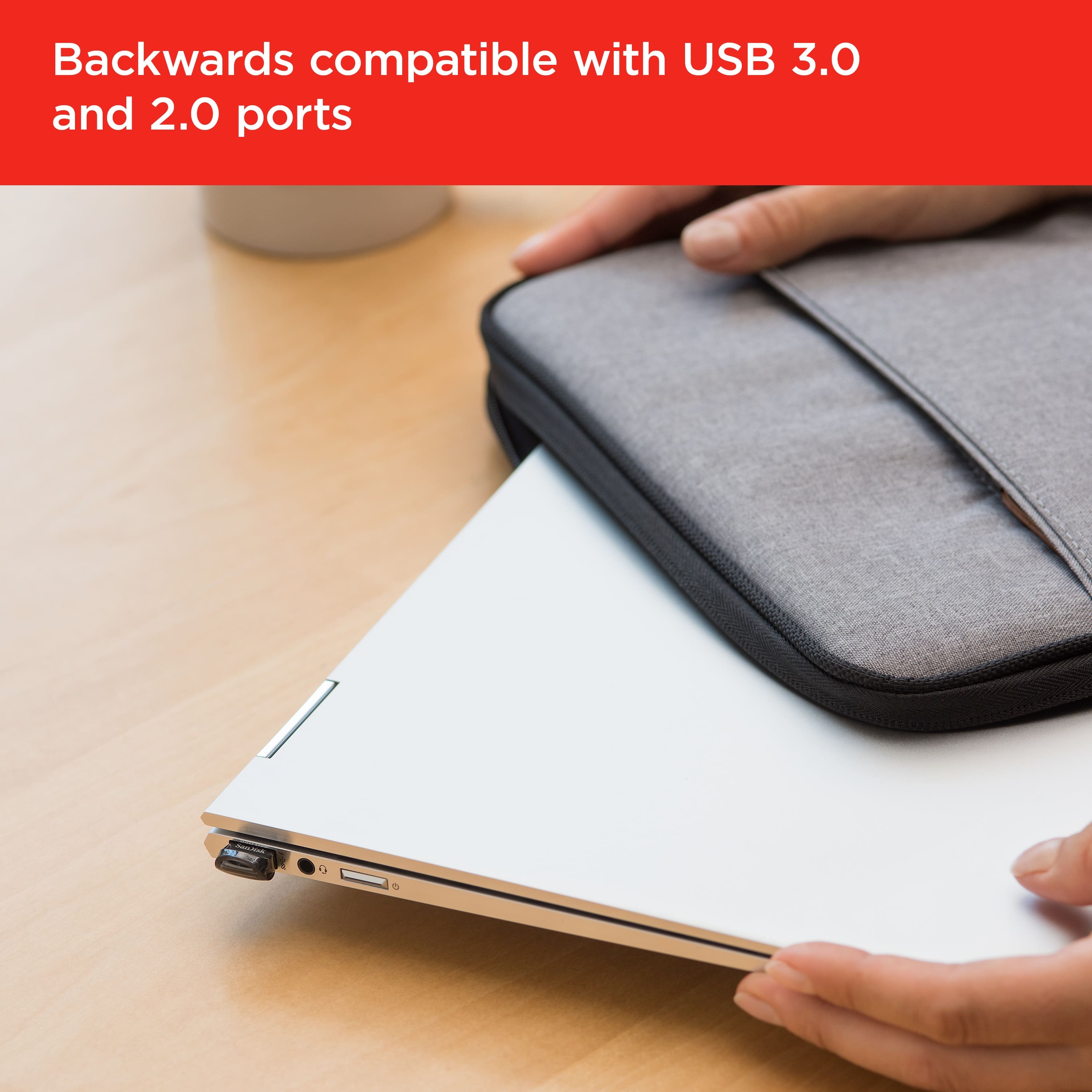
    • Answer This flash drive uses a USB 3.1 interface for fast connection and is also backward compatible with USB 2.0.
    This question and answer was generated by AI based on customer and product data.
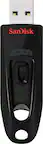
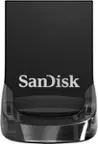
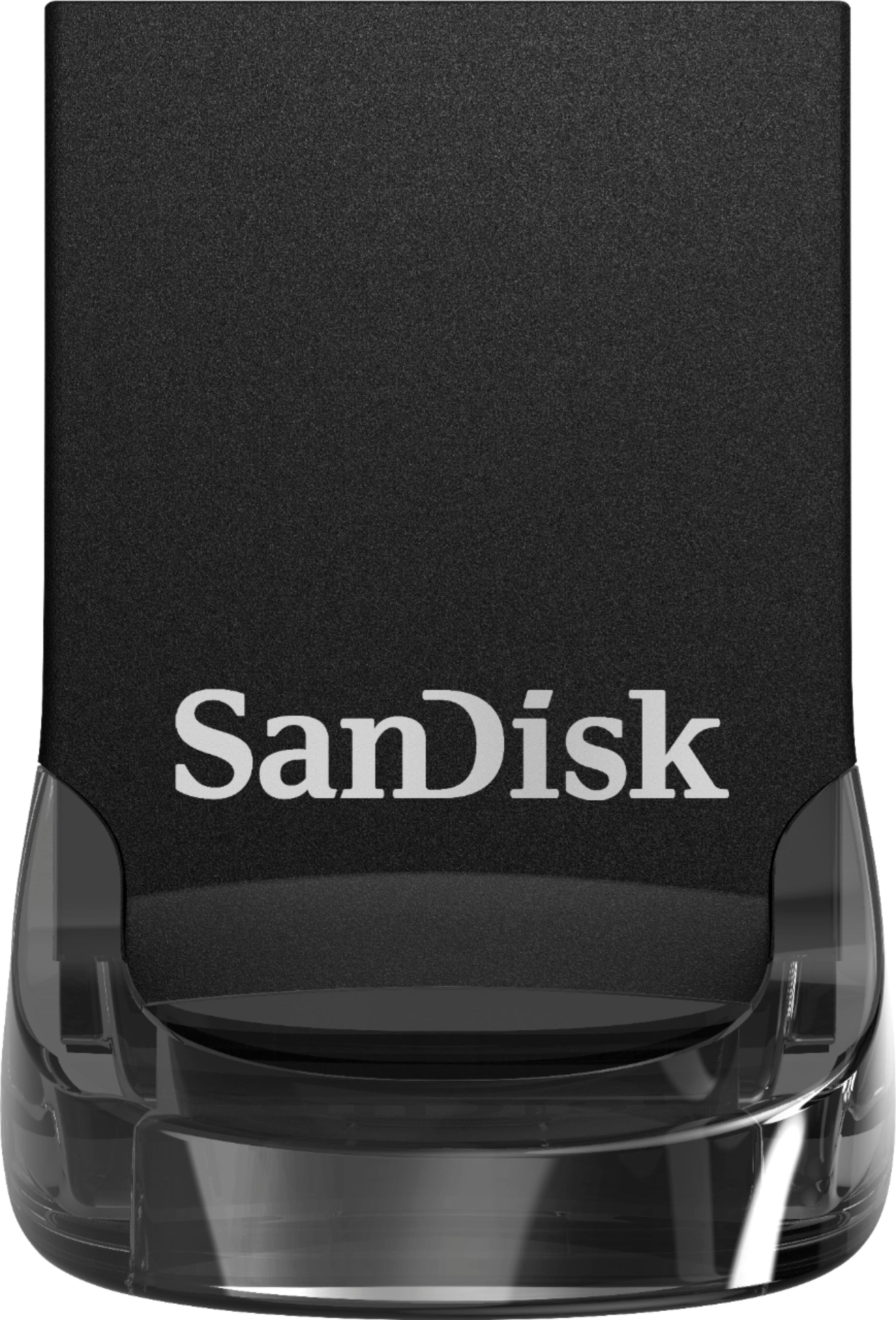
  • QuestionHow fast can this SanDisk Ultra Fit USB drive transfer data?

    • Answer This USB drive offers high-performance USB 3.0 speeds for fast data transfers and read speeds up to 400MB/sec.
    This question and answer was generated by AI based on customer and product data.
  • QuestionDoes this flash drive come with any security features?

    • Answer Yes, it comes with SanDisk SecureAccess software to help keep your files protected.
    This question and answer was generated by AI based on customer and product data.
  • QuestionWhat is the storage capacity of this SanDisk Ultra Fit USB drive?

    • Answer This SanDisk Ultra Fit USB drive has a storage capacity of 256GB.
    This question and answer was generated by AI based on customer and product data.
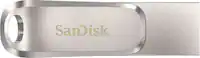
  • QuestionIs this SanDisk Ultra Fit USB drive easy to take on the go?

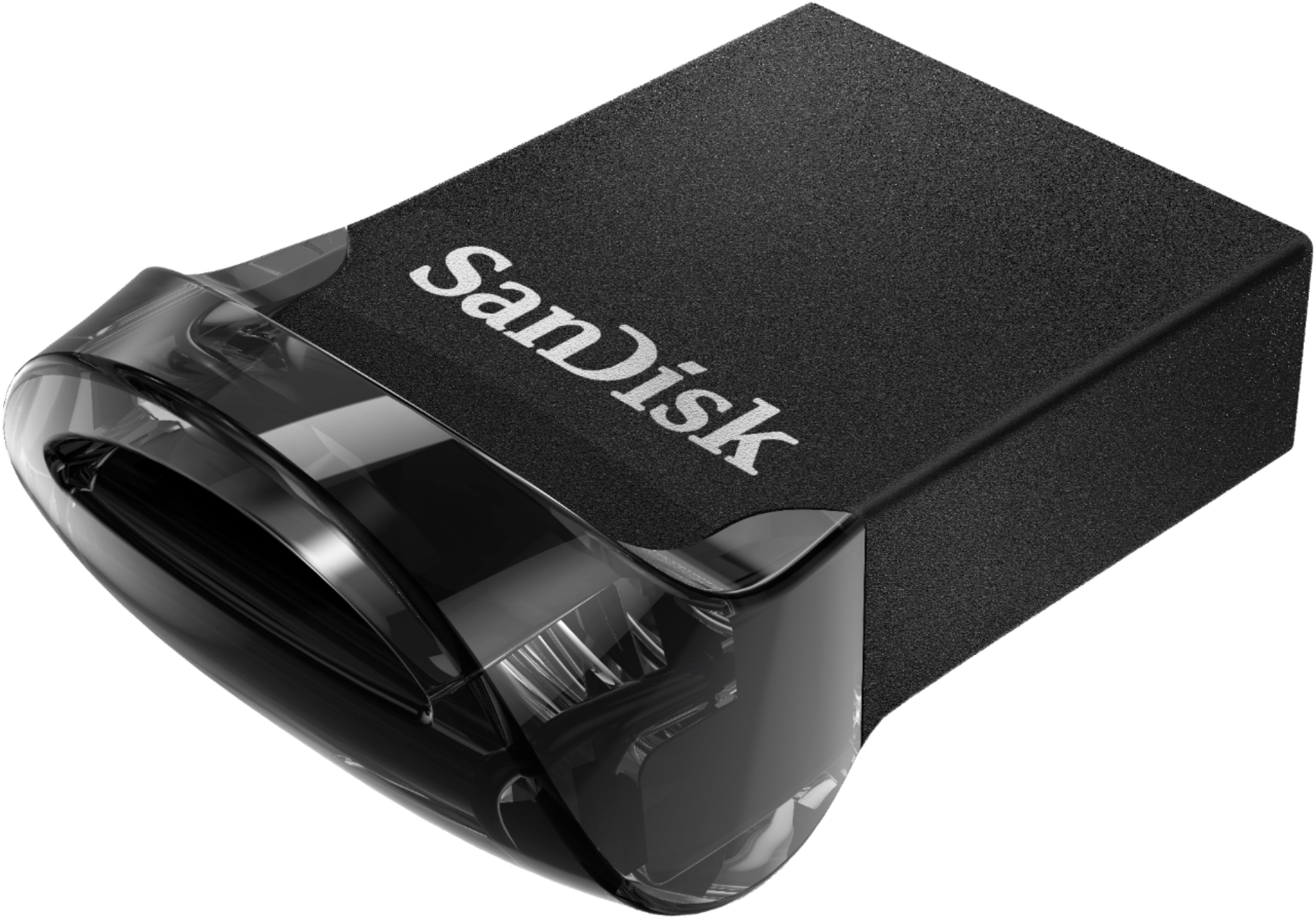
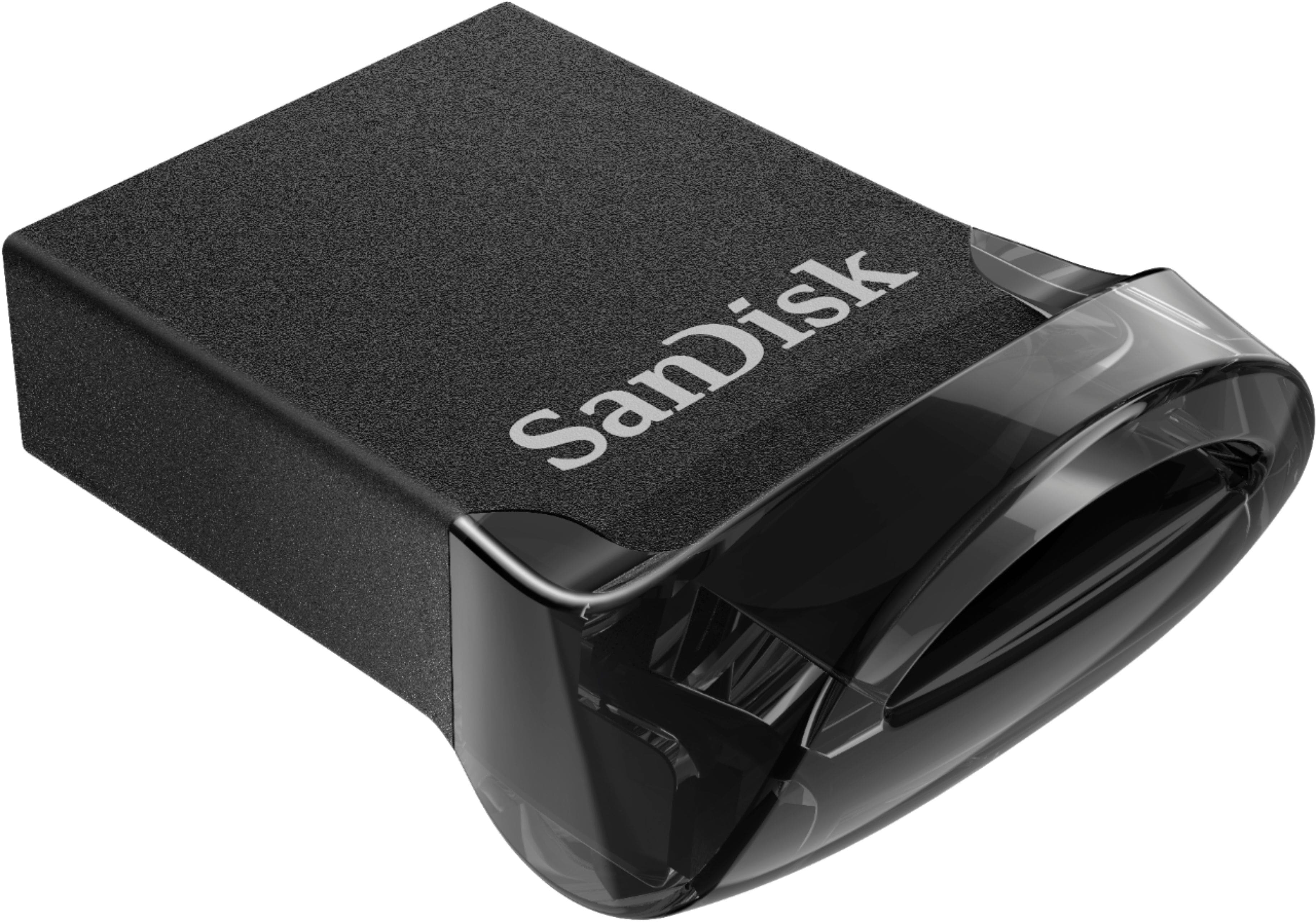
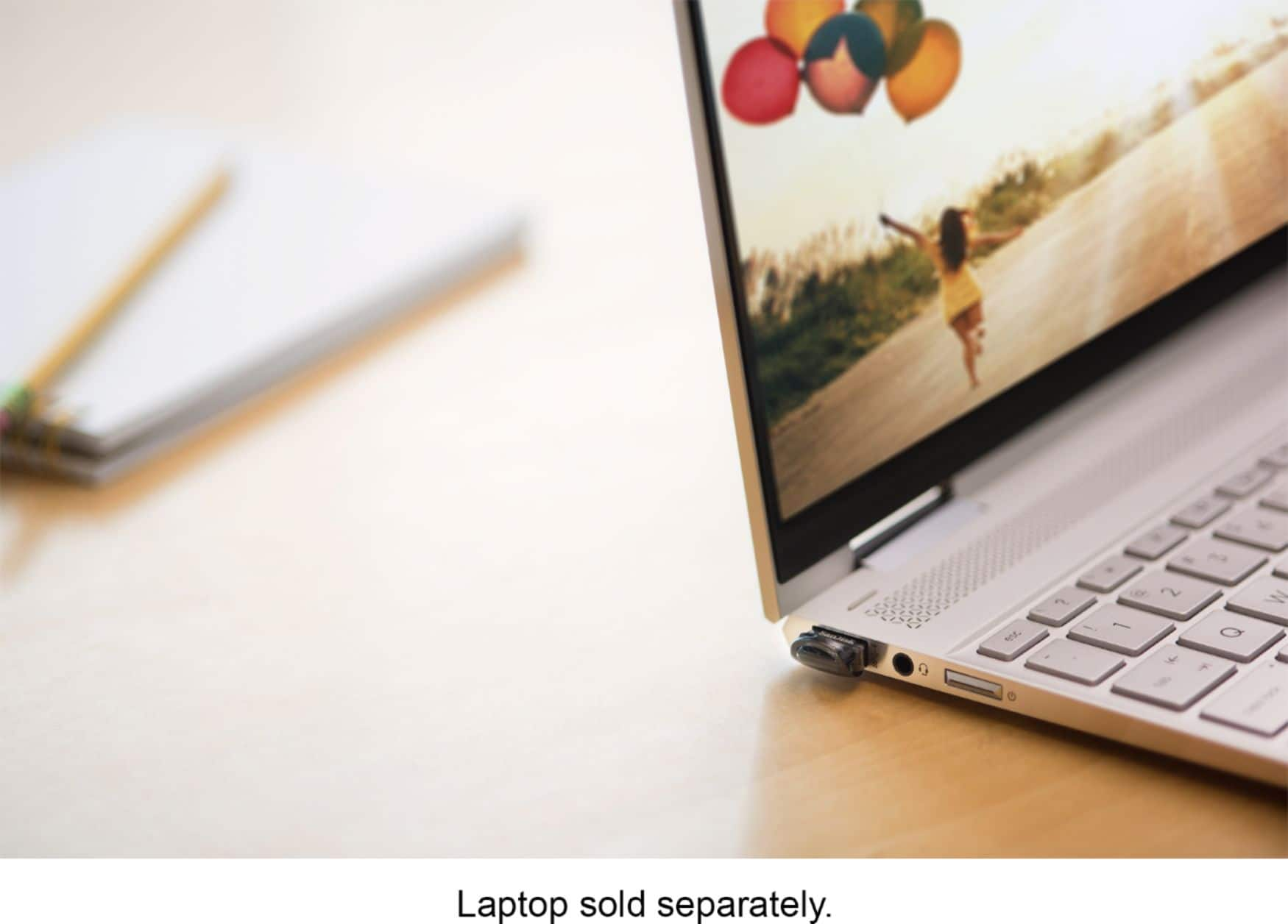
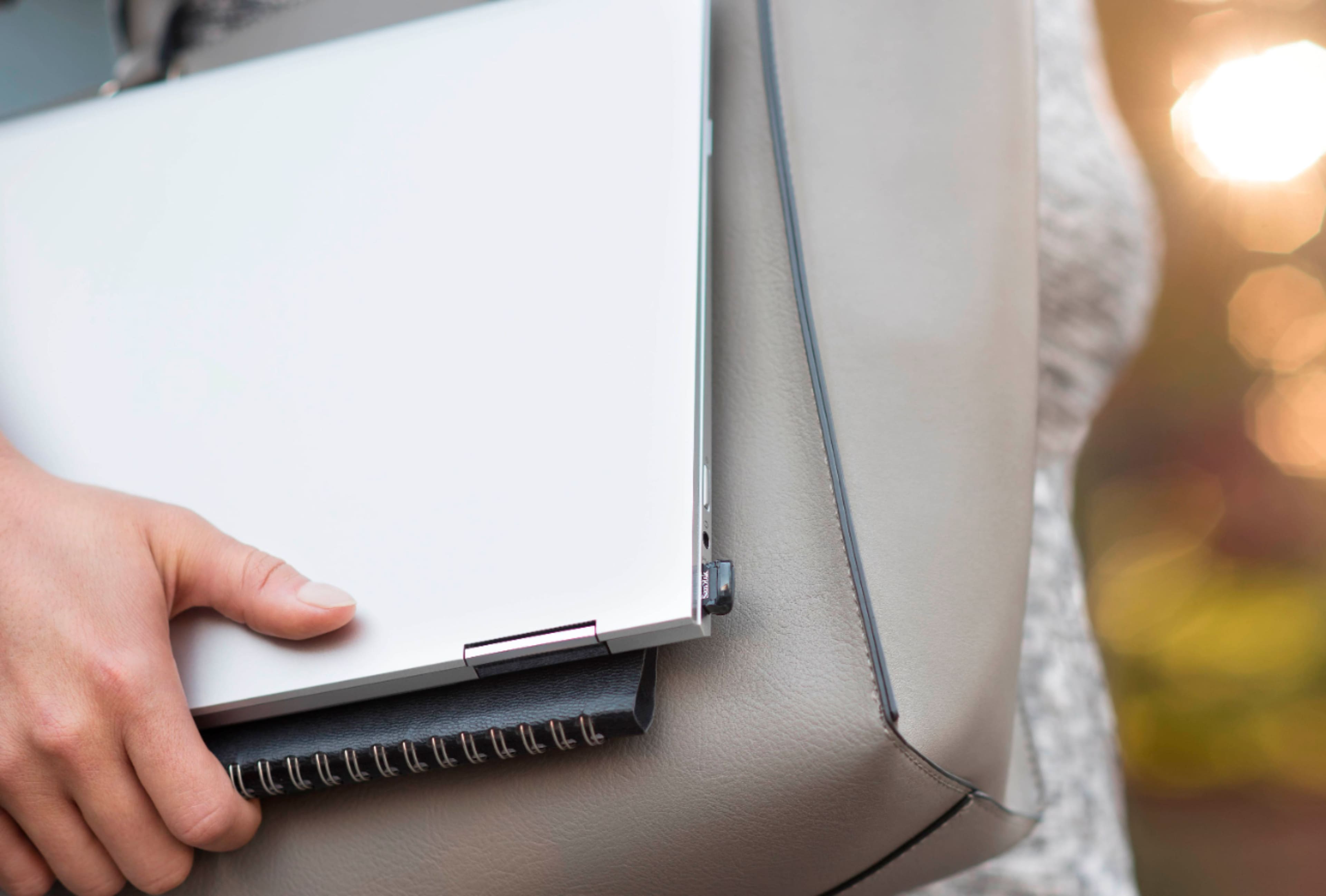
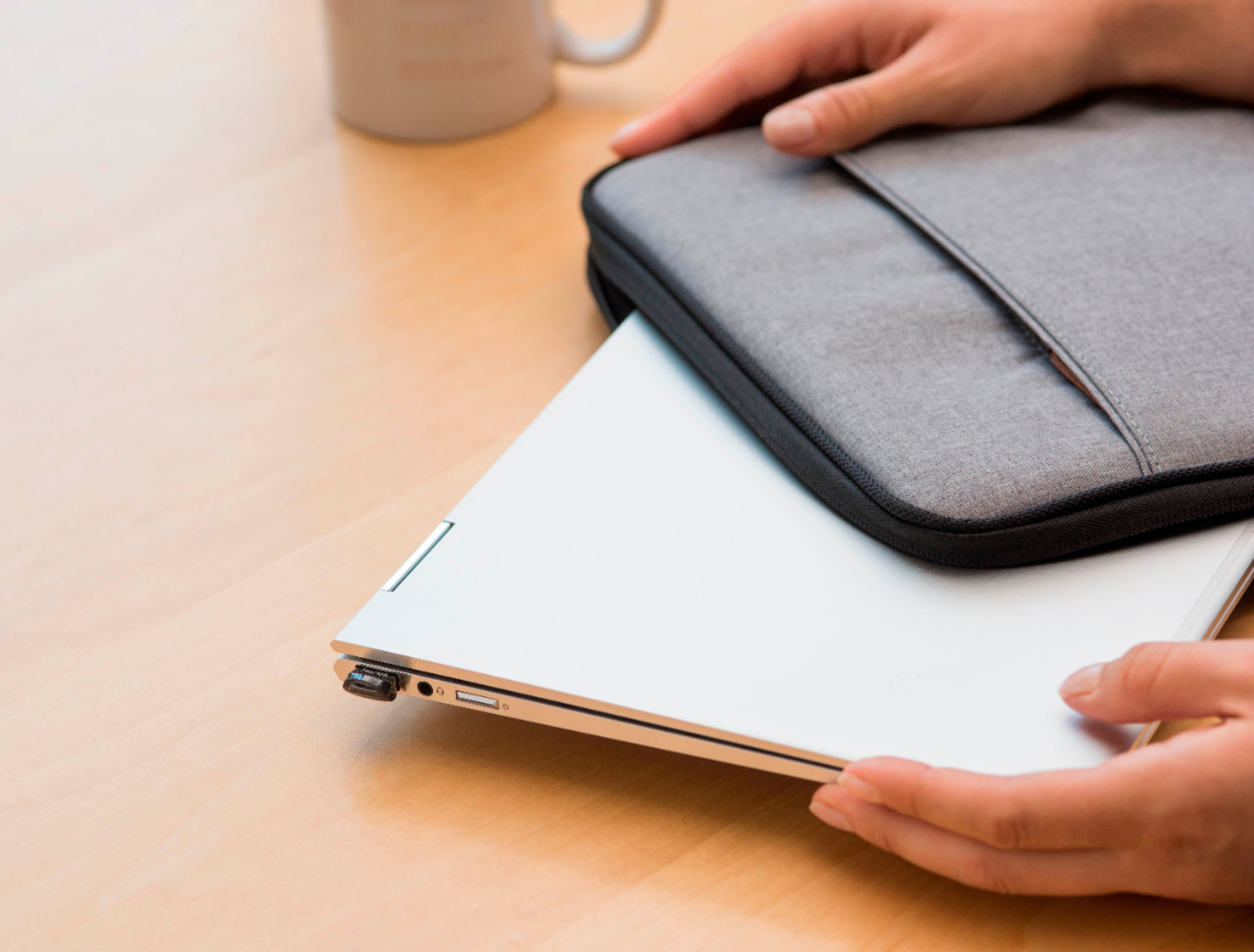
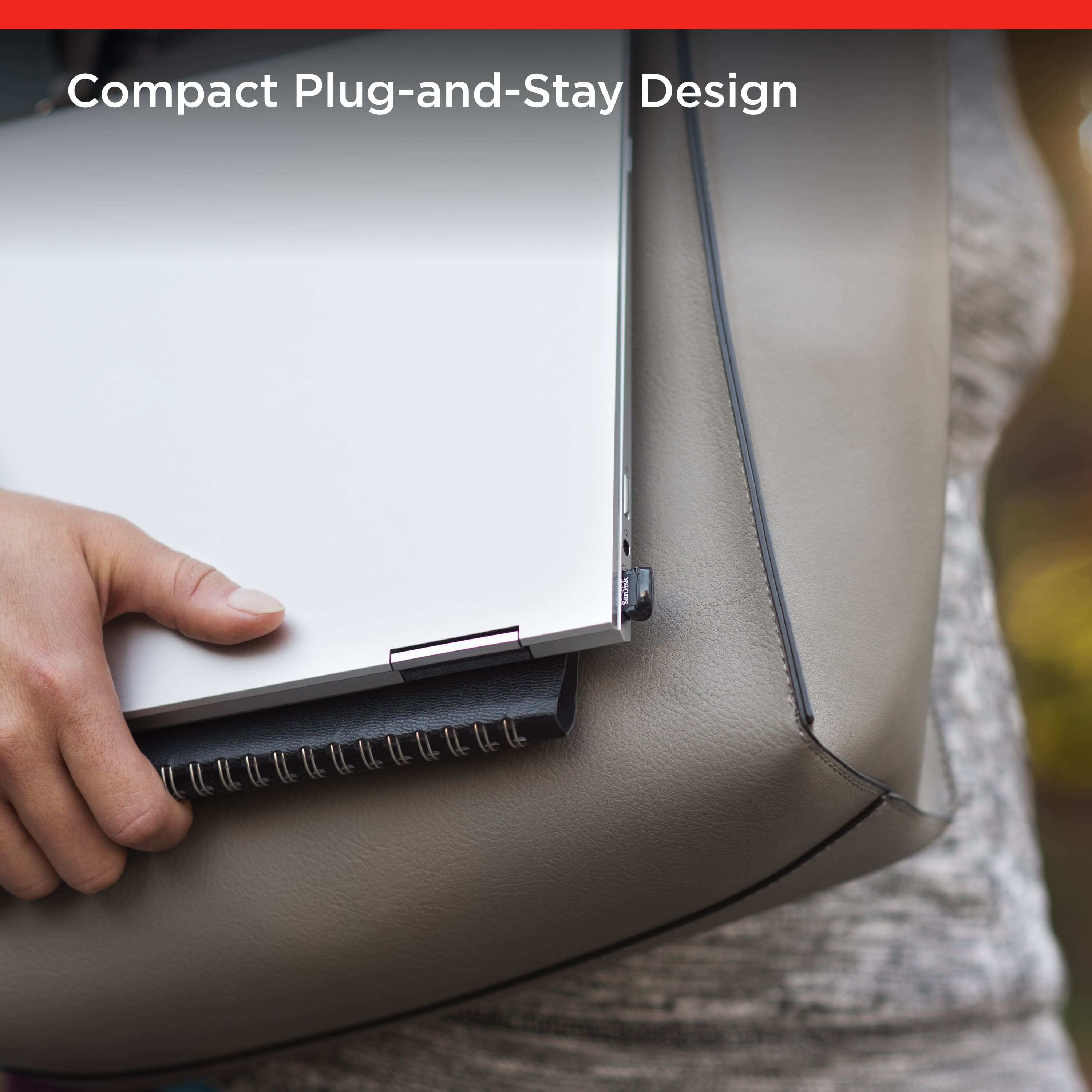
    • Answer Yes, it has a portable design, measuring just 1.2 inches long and less than half the width of a business card.
    This question and answer was generated by AI based on customer and product data.
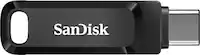
  • QuestionTrying to move two 4.5GB files to this drive from windows 10. Files won't move. Message says files too large. 152GB free space in flash drive.

    Asked by SP.

    • Answer The drive needs to be NTFS or exFAT format to support files larger than 4gb. Save all files from the flash drive, right click on it and select format/Quick format and the NTFS format option; once this process is completed you should be able to save large files on the drive.

      Answered by BuenosDias

  • QuestionWhat is the Maximum Read and Write Speed of this Flash Drive?

    Asked by Rodrigo.

    • Answer 130 MB/s read speed

      Answered by Solkar

  • QuestionWill this work with an HP ENVY x360?

    Asked by Marcellus.

    • Answer Yes, this product is compatible with all PC's and Mac's.

      Answered by Elliot

  • QuestionCan this SanDisk be used with an iPhone 13?

    Asked by Mark.

    • Answer With the proper adapter, yes

      Answered by Alathea

  • QuestionCan this be used on ps4?

    Asked by Lexi.

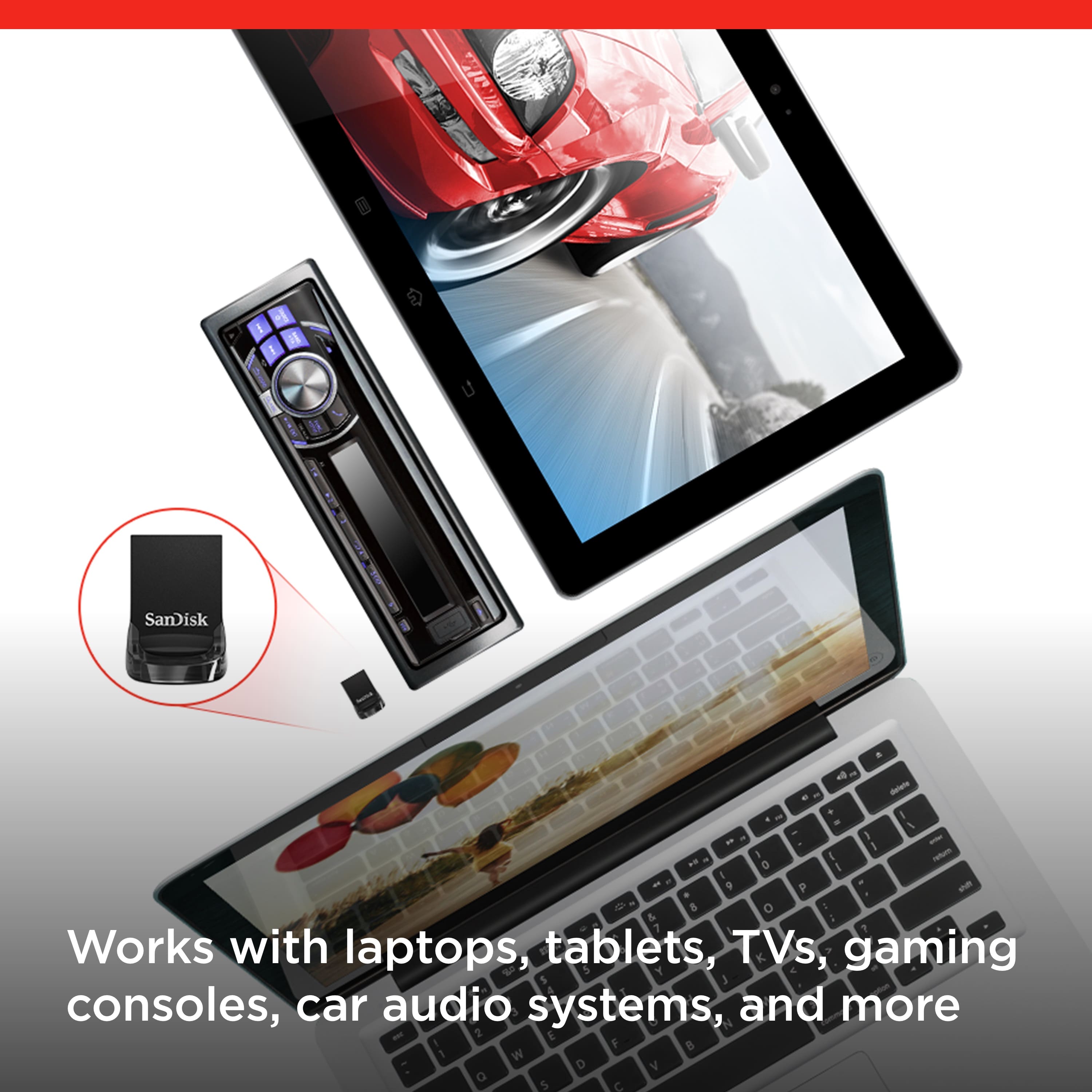
    • Answer Yes, you can use the SanDisk® Ultra Fit USB 3.1 256GB Flash Drive with the Sony PS4. Since, all our Flash Drives are backward compatible.

      Answered by SanDisk Team

  • QuestionHow many photos or songs will this drive hold?

    Asked by Homer.

    • Answer A LOT. I have about 4,000 songs in my music collection and that occupies about 27GB. I have 12,000 pictures (varying resolution) in my collection and it occupies about 28GB You do the math.

      Answered by DaiLun

  • QuestionWill this work on a alpine radio unit?

    Asked by Anonymous.

    • Answer Please allow us to inform you that all the SanDisk®️ USB Flash Drives are a plug and play devices. You can connect the drive to the computer and start transferring the data using drag and drop or copy/paste method. It will work as expected if the host device supports USB Flash Drive

      Answered by SanDisk Team

  • QuestionCan the thumbdrive be password protected and/ or encrypted? If so, how?

    Asked by Barryjz.

    • Answer The flash can be password protected and encrypted. There is a file on the flash to open and it has all the information needed. It is not a feature I have used, but I love the flash because of the capacity and the fact that I can store lots of videos, pictures and music that I can play on my ROKU television set by plugging it into the USB port.

      Answered by SinderHarley

  • QuestionIs this Sandi’s ultra fit formatted to accept FAT32?

    Asked by Anonymous.

    • Answer Hi, thank you for reaching out to us. Please note that the SANDISK Ultra Fit comes pre-formatted with FAT32 out of the box; you may format the drive using the file system as per your requirements. Also, kindly be informed that reformatting will erase all the data on the drive, so be sure to back up your files first. For instructions, please see (https://support-en.sandisk.com/app/answers/detailweb/a_id/25242/)

      Answered by SanDisk Team

  • Questionwill this work with my iPhone 16 Pro?

    Asked by Jojo.

    • Answer Hi there, Thanks for your question. No, the SANDISK Ultra Fit USB 3.1 (SDCZ430) flash drive is not compatible with iPhone 16 Pro since it uses a USB-A connector and iPhone 16 Pro has a USB-C port. For direct compatibility with iPhone 16 Pro, we recommend SanDisk Phone Drive for iPhone (https://www.sandisk.com/products/usb-flash-drives/sandisk-phone-drive-iphone?sku=SDIXD0N-064G-GN6NN). For more information, please reach out to us at: https://support-en.sandisk.com/app/askweb

      Answered by SanDisk Team

  • QuestionIs this gen 3.1 or gen 3.2 because i thought gen 3.1 of this only does 130mbps vs 400mbps on gen 3.2 according to the amazon listing

    Asked by Sreenadh.

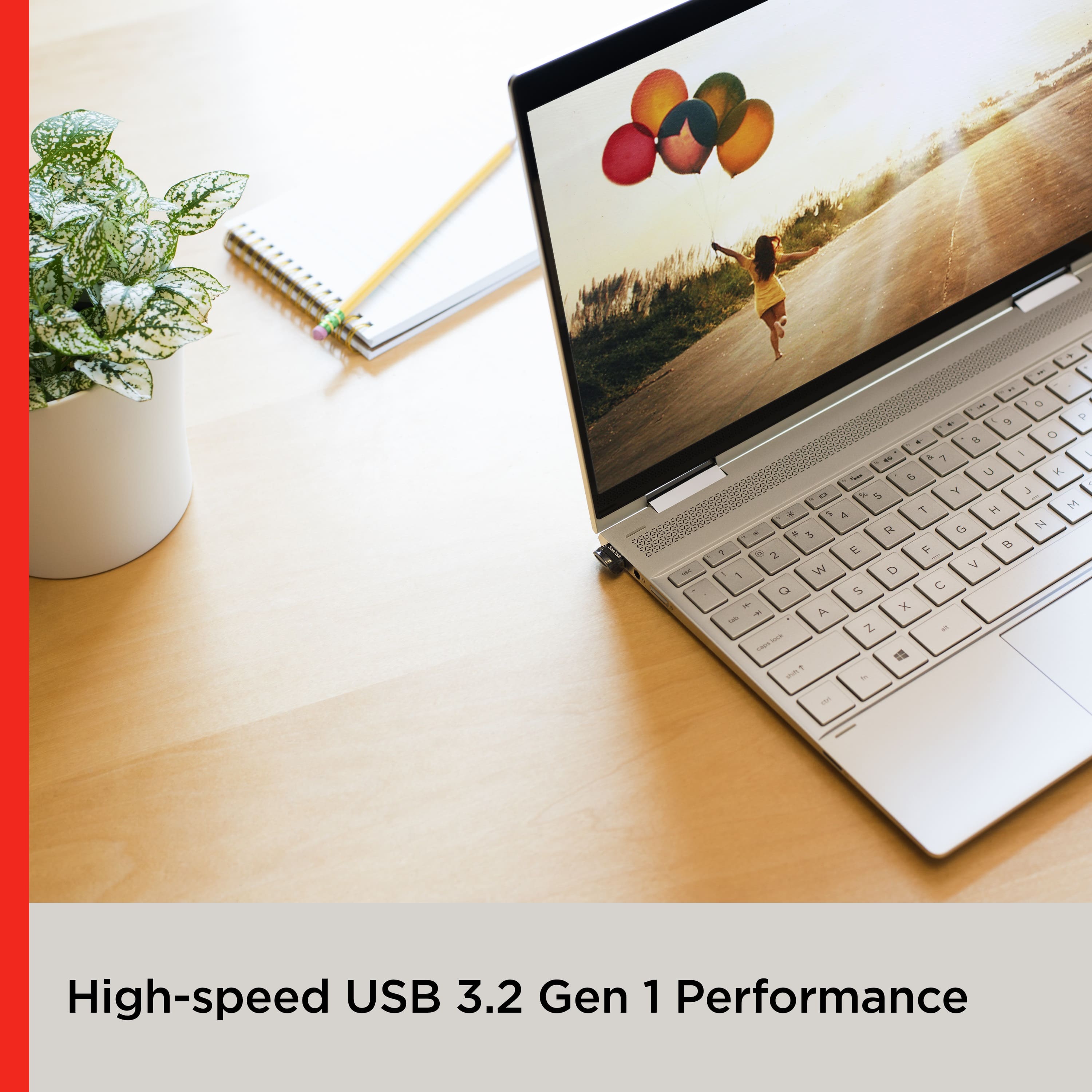
    • Answer Hi Sreenadh, The SanDisk Ultra Fit (Model: SDCZ430) is available in both USB 3.1 and USB 3.2 Gen 1 interface versions. The older variant (with USB 3.1 interface) provides maximum read speed of 130 MB/s while the newer variant (with USB 3.2 Gen 1 interface) provides maximum read speed of 400 MB/s which may vary depending on the host device performance. If you need further assistance choosing the right product for your needs, please reach out to our technical support team at: https://support-en.sandisk.com/app/askweb

      Answered by SanDisk Team

  • QuestionProduct use on Android cell samsung a15

    Asked by Mag.

    • Answer Hi Mag, thank you for contacting us. Please know that the SanDisk Ultra Fit USB 3.1 Flash Drive is designed as a USB flash drive for computers and devices with a standard USB port. It does not have a built-in connector or interface for phones, so it cannot be used directly with a Samsung Galaxy A15 to transfer or access files on the phone. You may check out the SanDisk Ultra Dual Drive Go Type C and other SanDisk USB flash drives comes with a USB Type-C port.

      Answered by SanDisk Team

  • QuestionWhy is the disk not showing when I insert into my laptop. It is not recognizing it anymore.

    Asked by CatGirl.

    • Answer Sorry to hear you’re having trouble with it! A couple things you can try: Make sure you insert it into a USB 3.0/3.1 port if your laptop has one. Try it on a different computer to see if it shows up. Sometimes it needs to be formatted before the laptop can recognize it. You can do this in Disk Management (Windows) or Disk Utility (Mac). If none of that works, it may be a faulty drive — in that case I’d suggest exchanging it at Best Buy or reaching out to SanDisk support. Mine has been working fine, so hopefully it’s just a simple fix on your end.

      Answered by KervensleyF

  • Questioncan i backup my pc to this

    Asked by MarkG.

    • Answer Hi Mark, please know that the SanDisk Ultra Fit 256GB USB 3.1 Flash Drive is not recommended for computer backup due to its capacity and other factors. We always recommend using an external drive with more storage space for computer backups so you can keep your data safe and up to date.

      Answered by SanDisk Team