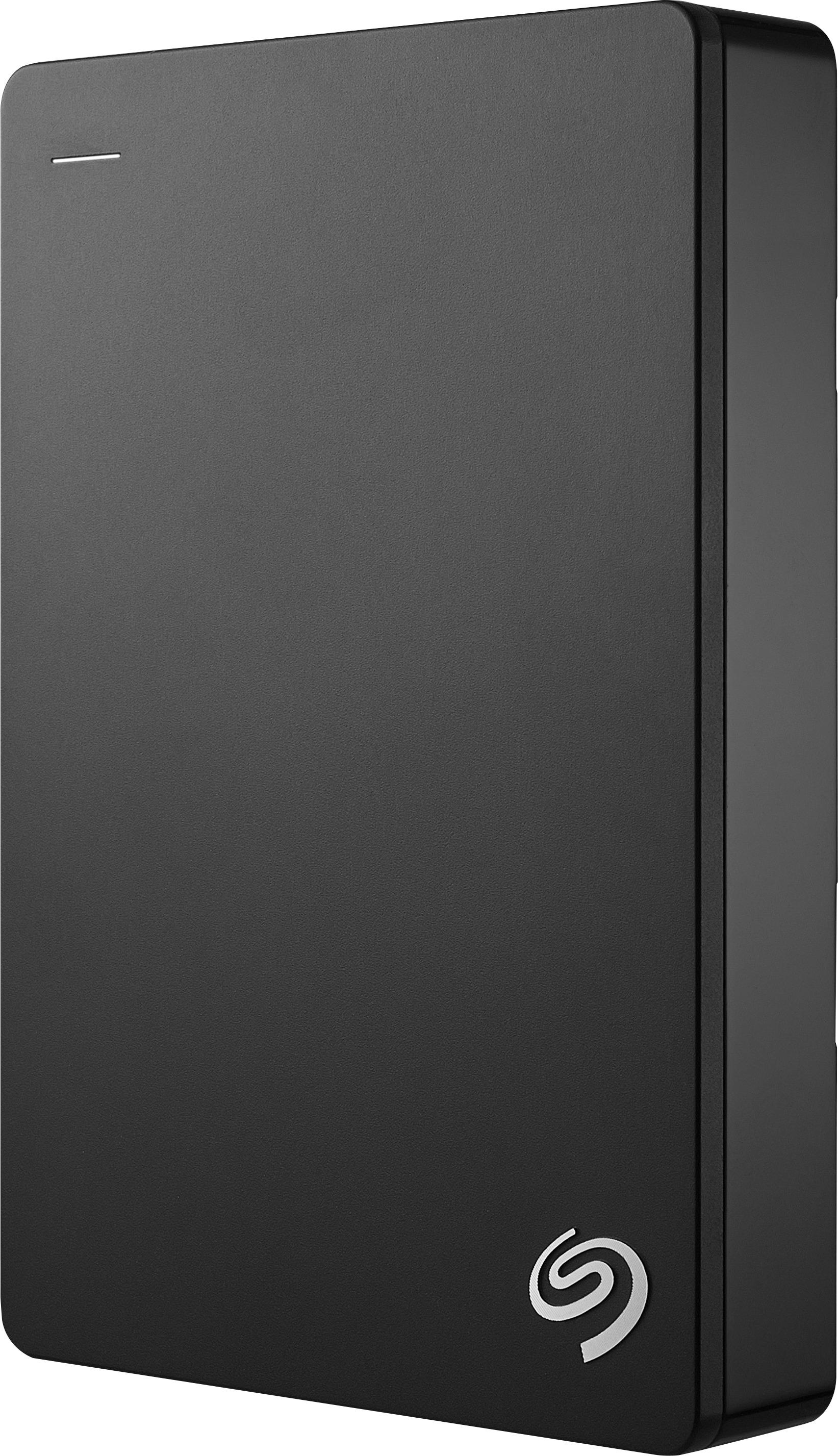
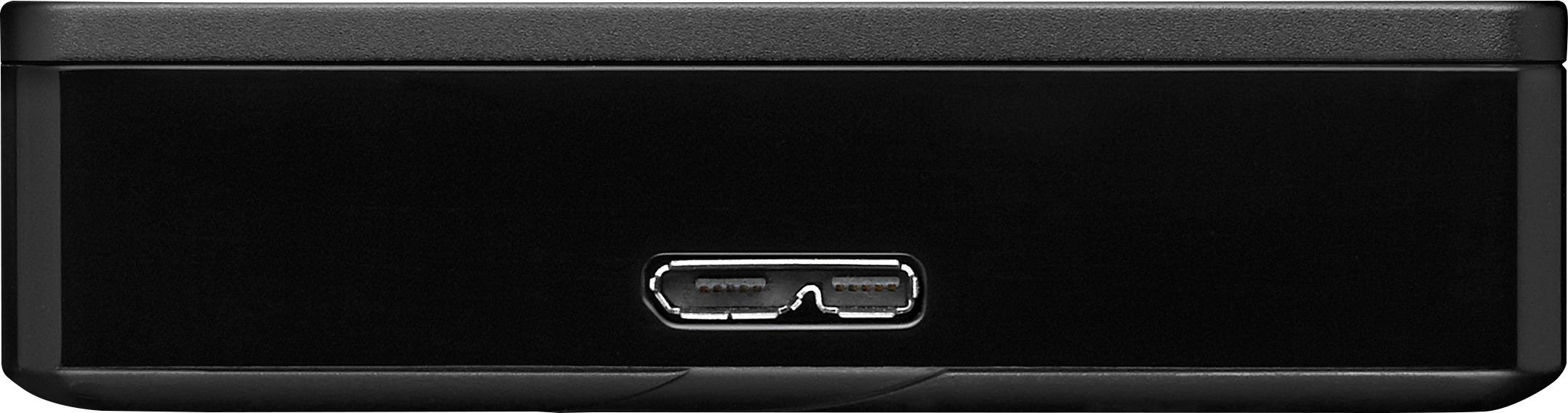
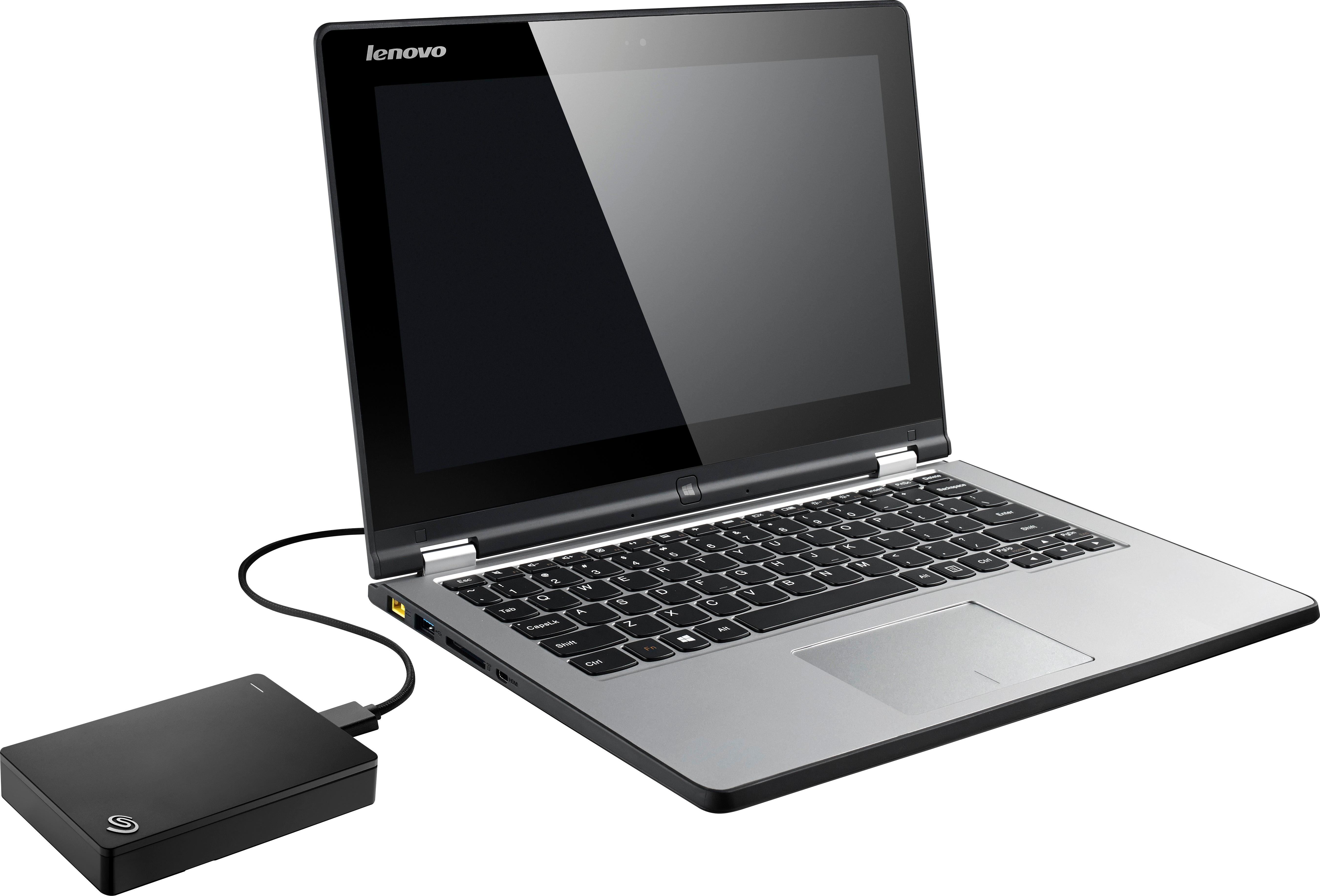
A:Answer100%, best performance plugged into a USB 3.0 port. You can use the included backup software, go into settings, backup and recovery, file history, or just use it as personal storage.
A:AnswerSince you can't divide the hard drive into separate partitions for different devices, you will not be able to use this for both an Xbox One and a PS4.
A:AnswerIt's as durable as any Seagate Portable drive - it probably can't handle a fall to concrete but it should be ok if it was to travel in a case.
I keep it next to our XBox and it doesn't move.
A:AnswerTo transfer recordings from an old Hopper 3 to a new Hopper 3 all you have to have is a Ethernet Cord. Push both the red reset buttons at the same time. Plug one in into your new box and the other to your old box. It show ask you to select what you want transferred. If it doesn't your old hopper is most likely is corrupt ..