A:AnswerYes, I have mine hooked up to an LG UHD TV. It plays MOST of the video files used today. Runs 4K movies perfectly. No choppy or pixelation issues. I am also running the videos at 60fps.
A:AnswerI really believe that si a function of the laptop you are wanting to back up. However, it has worked for me when I chose to backup to the external drive specifically.
A:AnswerNo, it can be used with xbox. Xbox uses drives using old formatting option FAT16 and all external drives uses fat32 or NTFS. If you try to reformat it using FAT16, you will be able to use only 16GB and the rest of disk space will be not be available for anything else. You need to purchase external or internal disks that marked with use with Xbox 360.
A:AnswerTypically the light shows activity. It will be solid when no data is being read or written to the drive and will flash based on the speed and amount of data being transferred.
A:AnswerIF Windows backup on 8.1 is anything like it is on 2012 R2 (which I suspect it is exactly the same) then yes, you can view your files. HOWEVER! --- you will find that your backups are stored on vhd files that you have to 'mount' in order to review the contents. Mounting the disk should always be done from windows backup whenever possible but should be able to be run from Windows if you attach from the Disk Managment console.
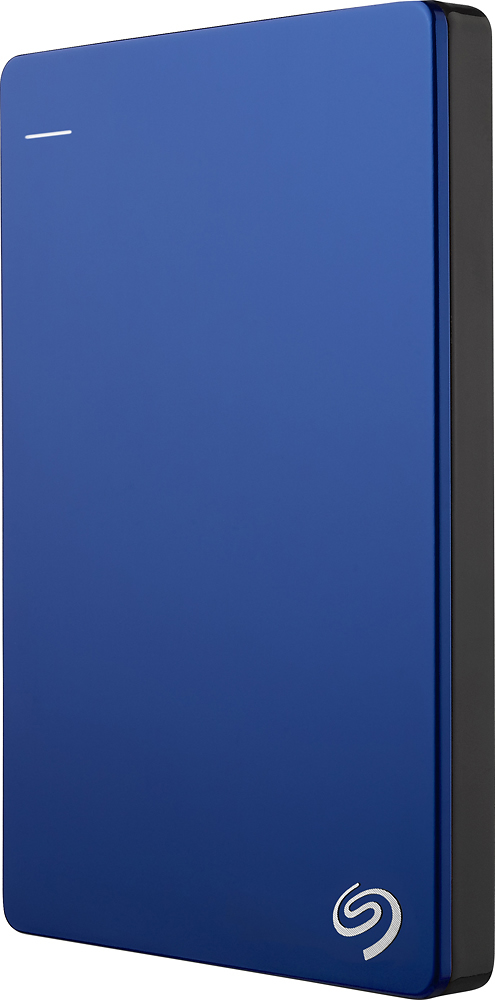
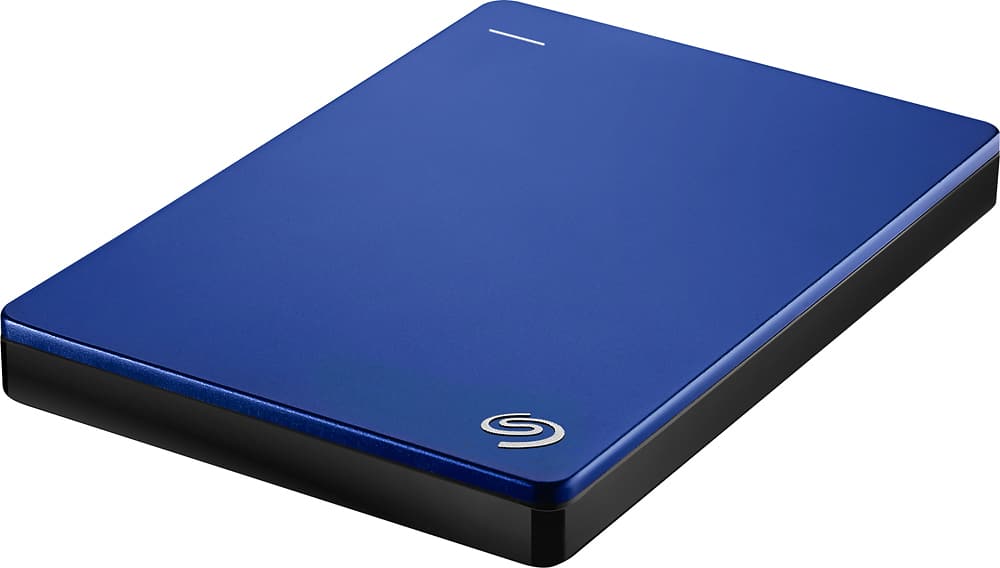
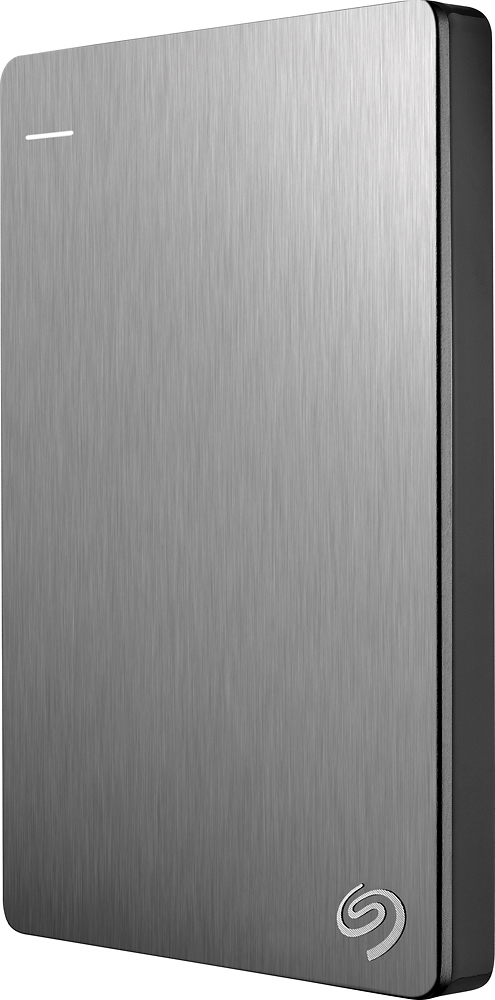
A:AnswerThis particular model is only available in black. Slim versions of Seagate's Backup Plus external USB 3.0/2.0 portable hard drive are available, however, in blue, red, and silver.
A:AnswerDude I’m a gamer and it works On all of the systems the differences between PlayStationXbox in the way you you’ll have to format it for each system or do multiple partitions example 500 GB set for storage for the system so that it doesn’t go over that amount of storage so than you can plug and play but that method is ticky to partition because you need to know which type of memory file the system save in.. but with the use of YouTube I’m able to use with all the consoles. But if you just going to use it on the one . you can just plug it in and it will format almost instantly than ur ready that’s it
A:AnswerNot to my knowledge. That would cross the copyright laws.
I know you can store your purchased movies or music from iTunes or similar items though.