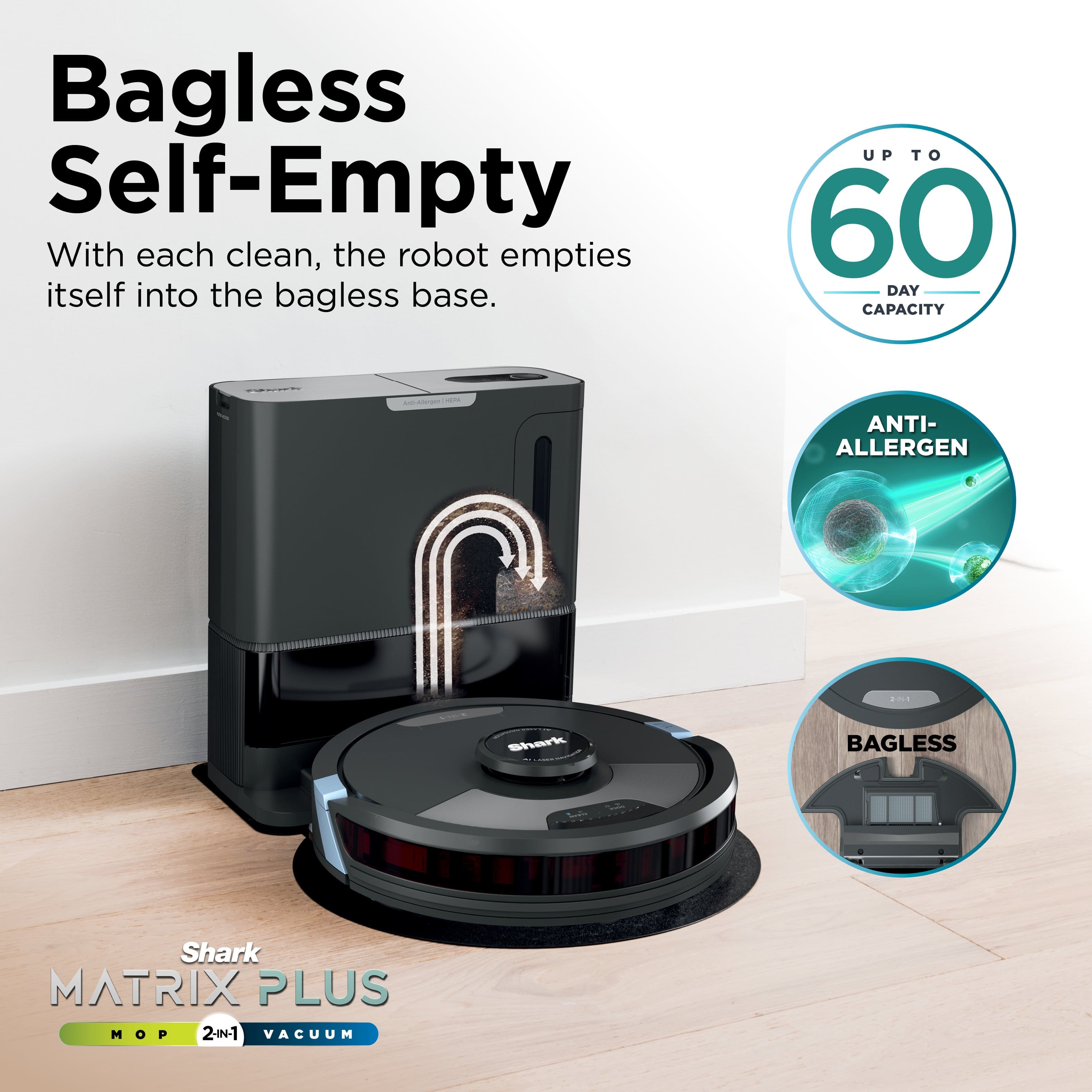
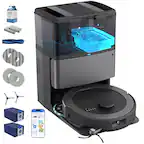
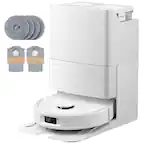
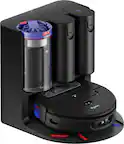
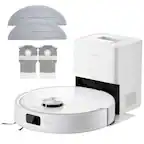
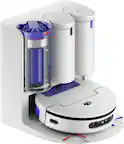
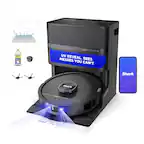
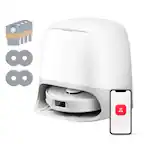
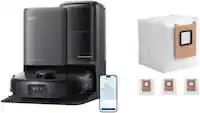
A:AnswerThe Base Dust Bin holds up to 60 days of dust and debris. When it nears the max fill line, press the Dust Bin Release button on the top right of the base to slide it out. To empty, hold it over a trash can and press the bottom release button with the trash icon. Tap the bin gently to remove any remaining debris, then slide it back into place until it clicks. If you're still experiencing issues with emptying the dust bin, please contact our Customer Support Team at 1-888-228-5531 for assistance. Our support team is available Monday to Friday, from 9:00 a.m. to 9:00 p.m. ET, and on Saturday, from 9:00 a.m. to 6:00 p.m. ET.
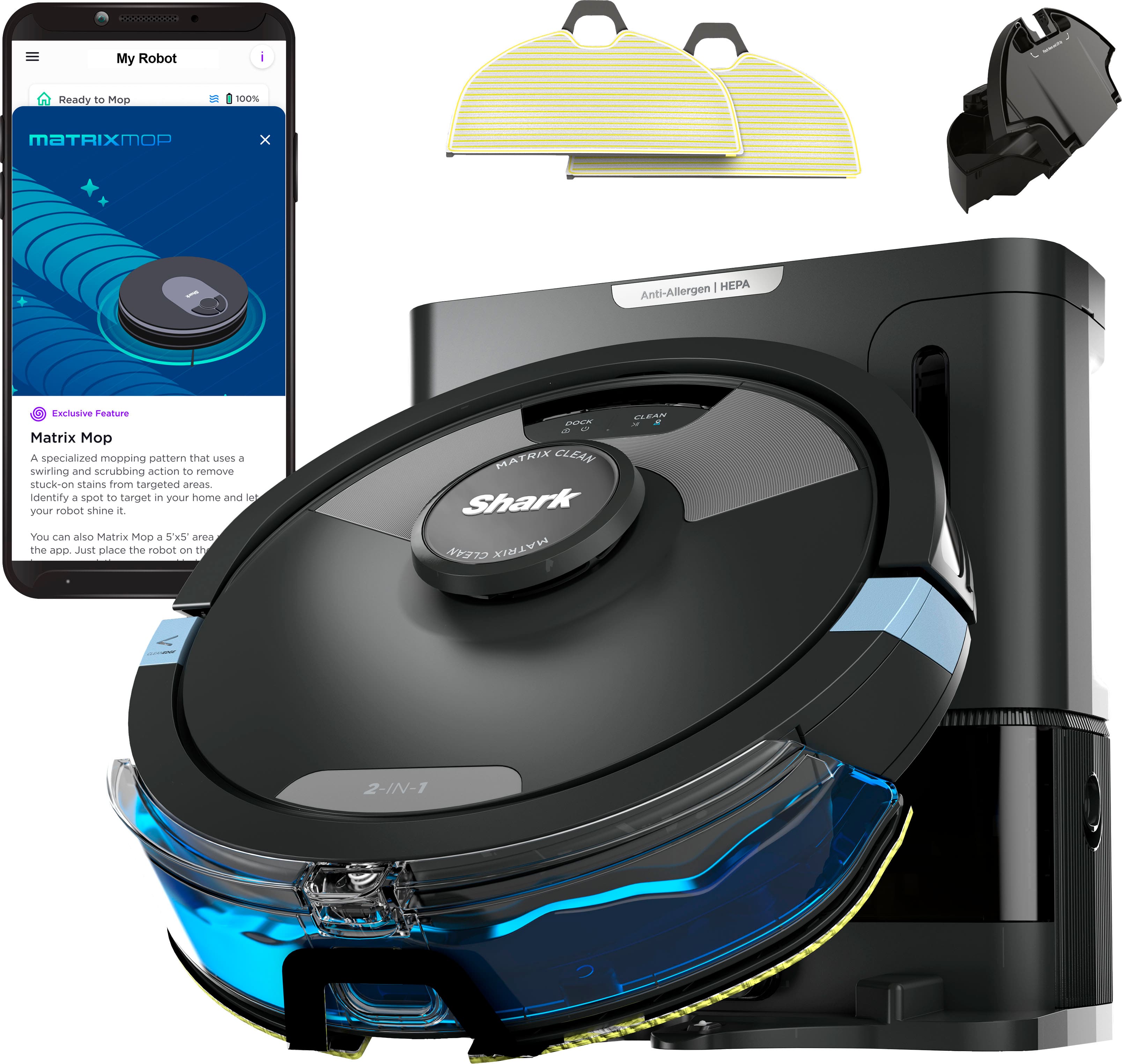
A:AnswerThe robot vacuum can typically handle floor trim or thresholds up to about 0.5 inches in height. This includes small transitions between rooms or flooring types. If the trim is higher than that, the vacuum may struggle or get stuck.
A:AnswerWhen moving large pieces of furniture, you should delete the robots map in the app and re-explore your home to increase the map accuracy for the best cleaning performance.
A:AnswerWhen the robot is in mop mode, it will clean bare floors only. We currently don't have a robot that is a carpet cleaner. They are designed to vacuum only.
A:AnswerWe're so sorry to hear that you’re having trouble with your Robot. Please reach out to our team by phone at 1-855-427-5127, we'd be happy to look into this for you.
A:AnswerWe're sorry to hear your robot isn't working as intended. To assist you with this, please reach out to our phone support at 855-427-5127. We're available Mon.-Fri. 9 a.m.- 9 p.m. ET, Sat. 9 a.m.-6 p.m. ET. When you reach out, ensure you have your unit with you.
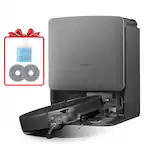
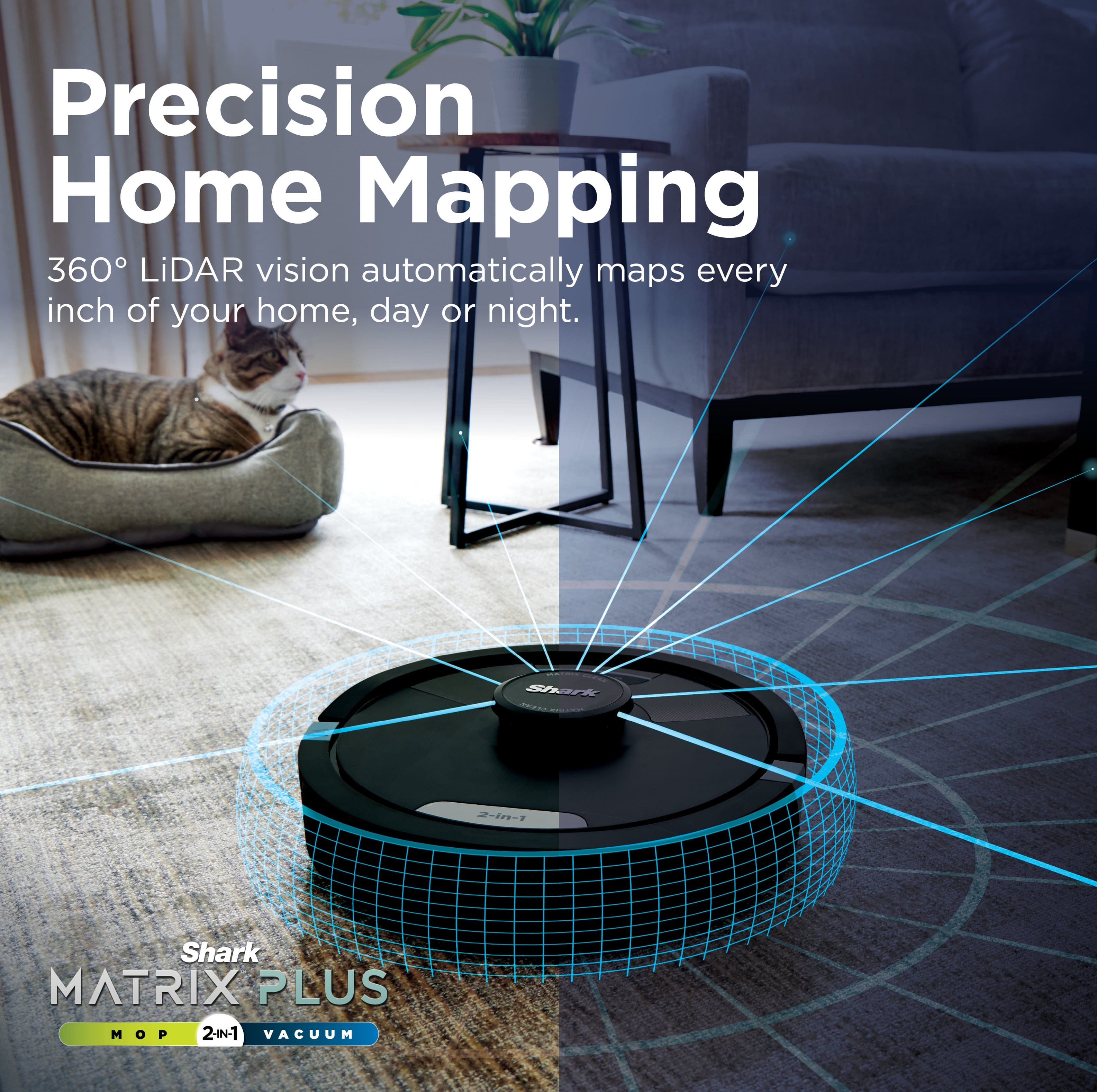
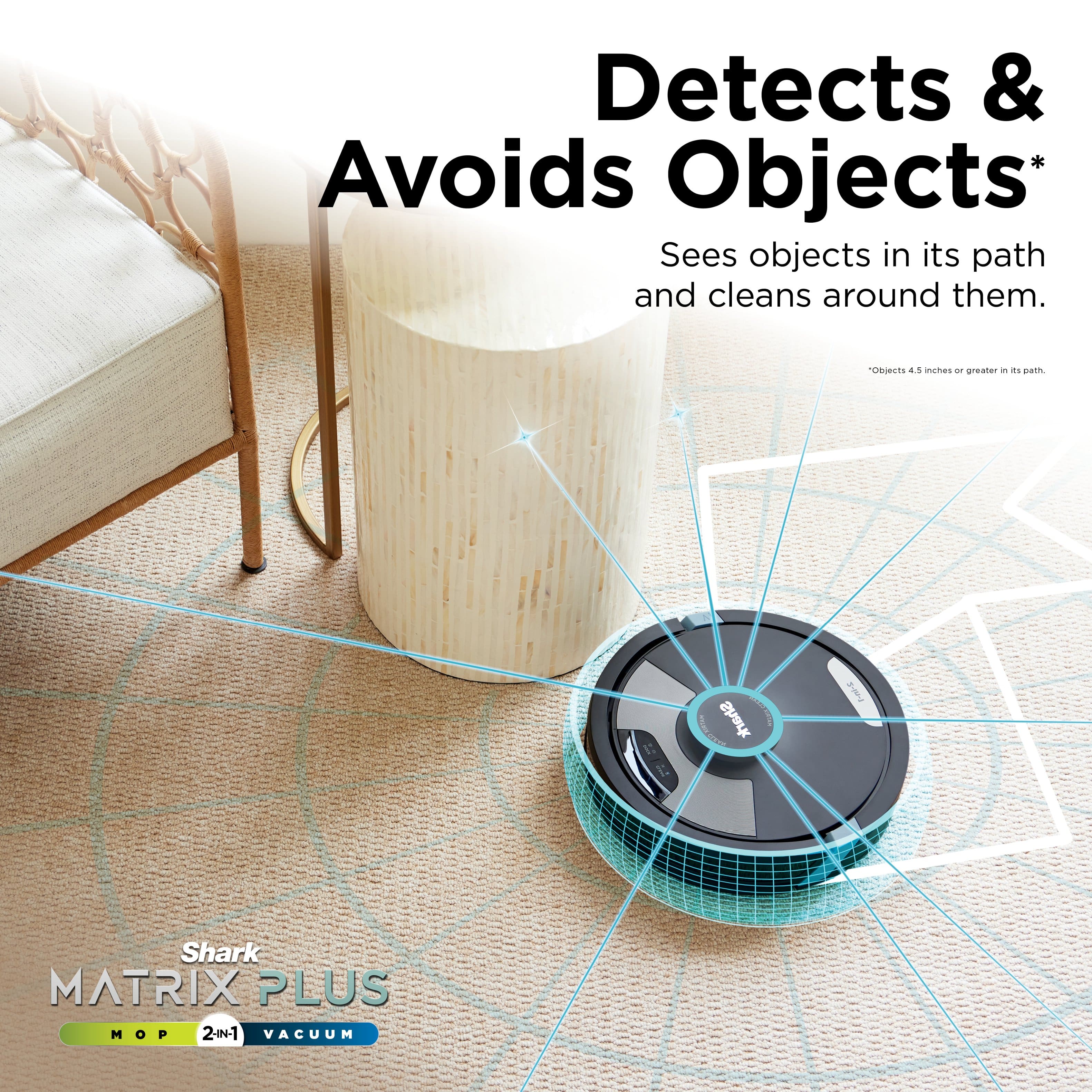
A:AnswerNo — the RV2610WA does not have pet mess detection or avoidance. If you're looking for a Shark robot that avoids pet messes, check out the Shark AI Ultra Robot Self-Empty Vacuum (model AV2511AE). It features 360° LiDAR vision and object avoidance, which helps it detect and avoid obstacles like pet waste.
A:AnswerHi Marty.
Rug fringe can be tricky for robot vacuums. While the vacuum is designed to handle various surfaces, long fringe can get caught in the brush roll, potentially causing tangling or damage.
To avoid issues, it's best to keep rug fringe under 1 inch (about 2.5 cm) in length. Shorter fringe is less likely to interfere with the vacuum’s movement or get pulled into the brushes. If your rug has longer fringe, consider folding it under or using a rug with a border to keep the fringe out of the vacuum’s path.
A:AnswerHello,
Thank you for reaching out. I am sorry to hear about your account issues. Could you please at your earliest convenience contact our customer service team by calling 1-888-228-5531. They are here to help with your account. Please ensure to have your robot during the time of the call.
Kind regards, SharkClean
A:AnswerWe can assist you with your request. Our Steam Mops are designed for use on all sealed hard-floor surfaces. We recommend that you first Test an isolated area of the floor surface to be cleaned as well as review the use and care instructions from your floor manufacturer.
A:AnswerWe are sorry to hear that you are having this issue with your Shark Robot. To better assist you with this we recommend reaching out to our Robot Customer Care Team at 1-888-228-5531 Monday to Friday, 9:00 am - 9:00 pm EST, as well as Saturday from 9:00 am to 6:00 pm EST.