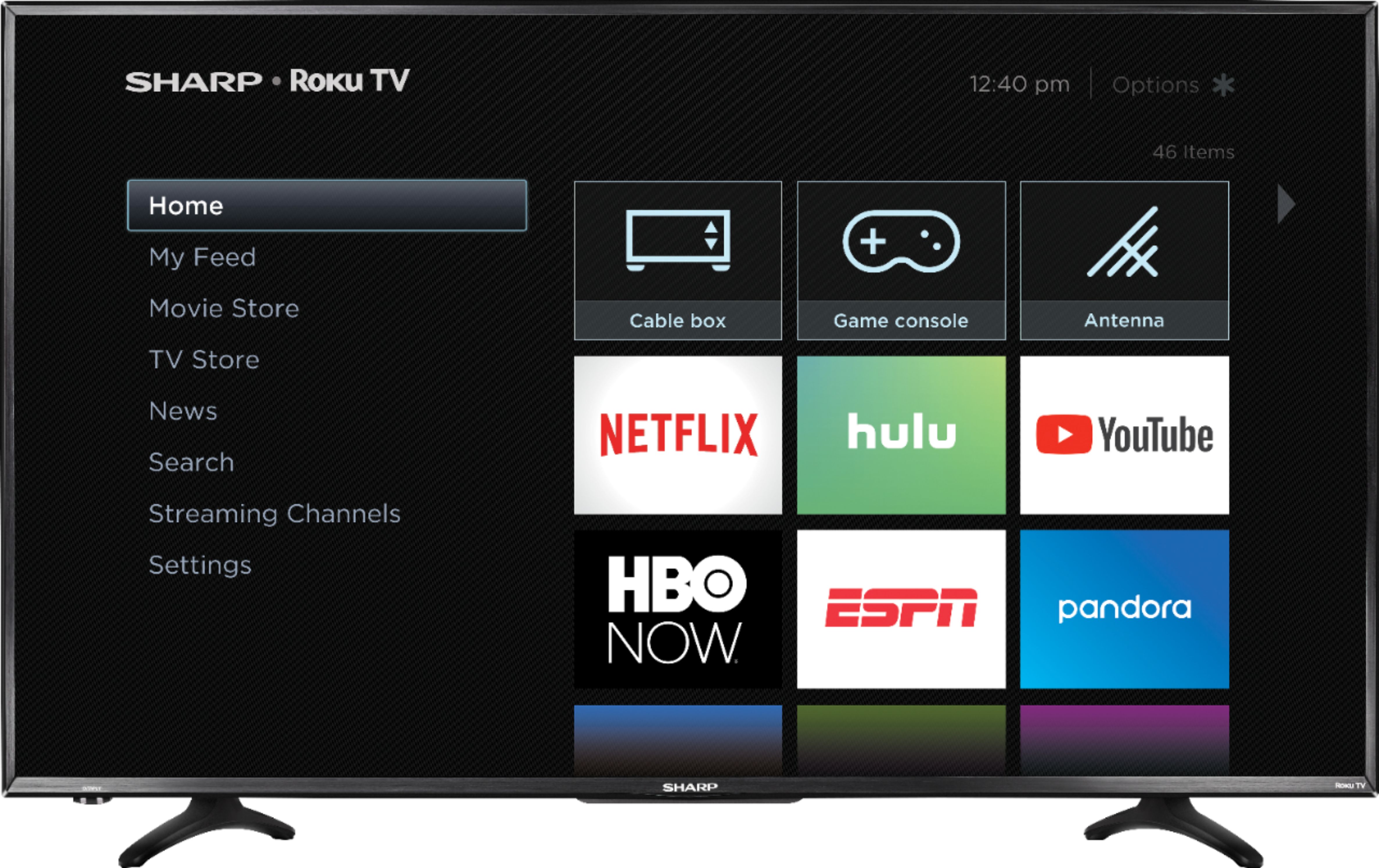
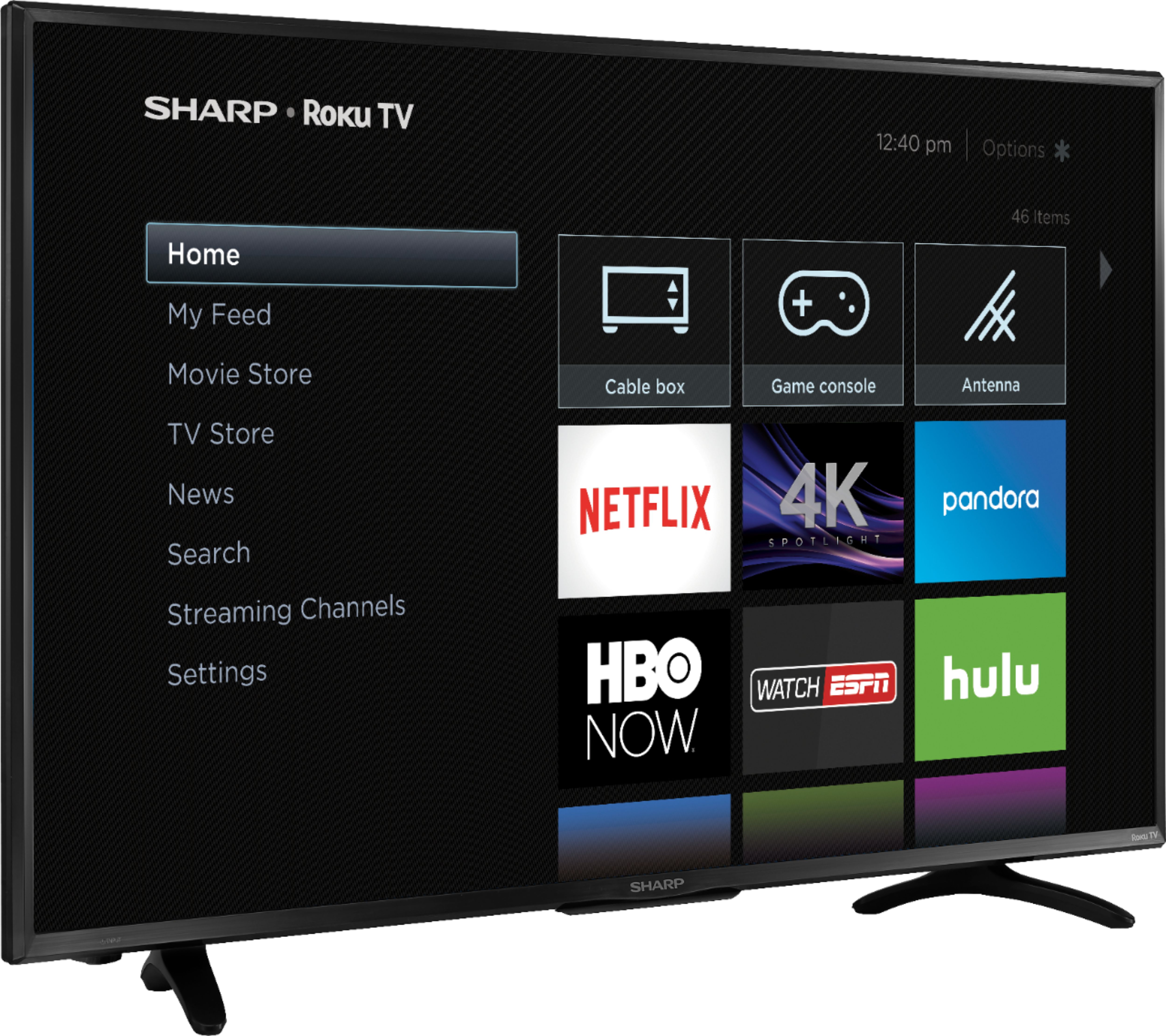
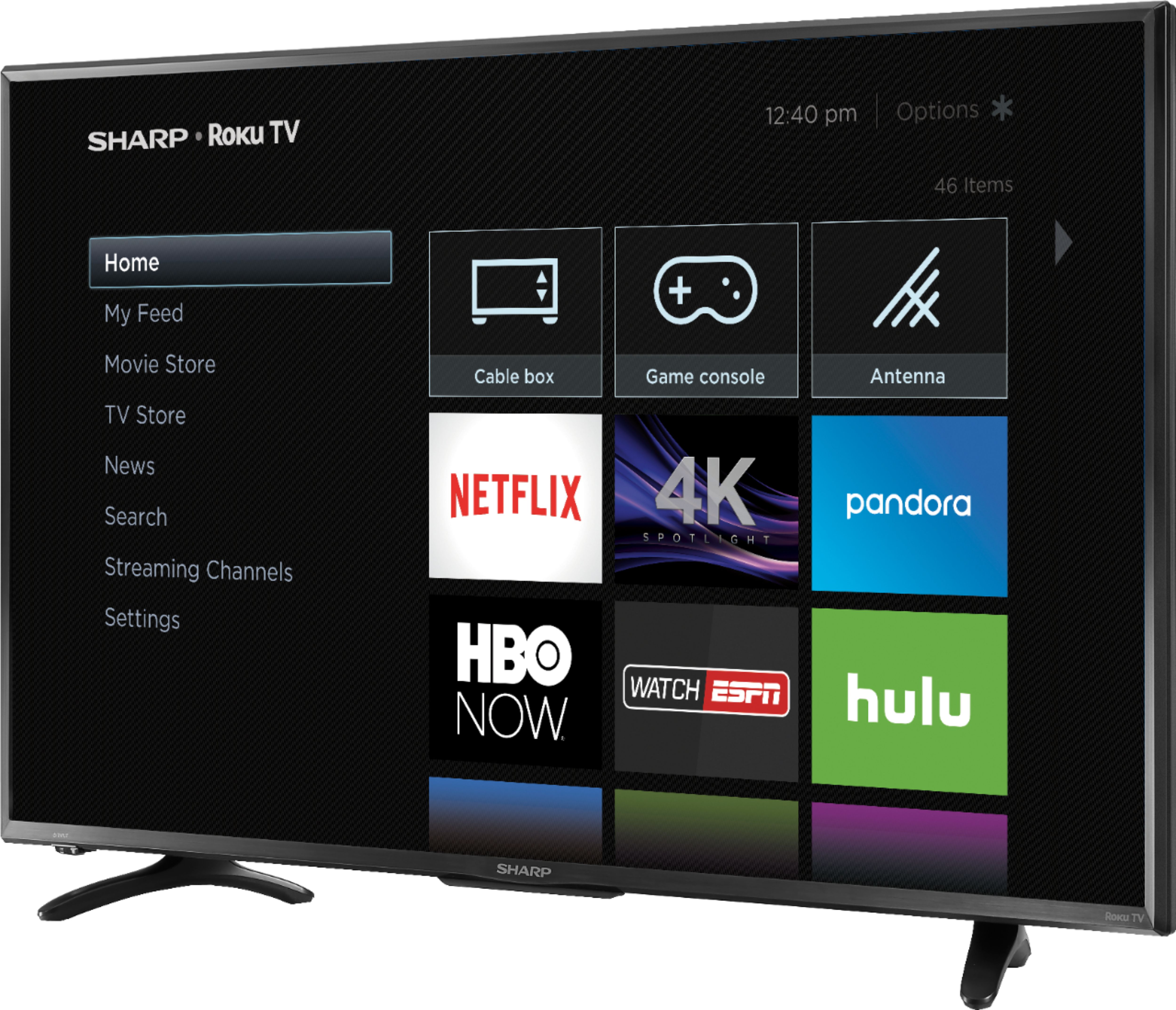
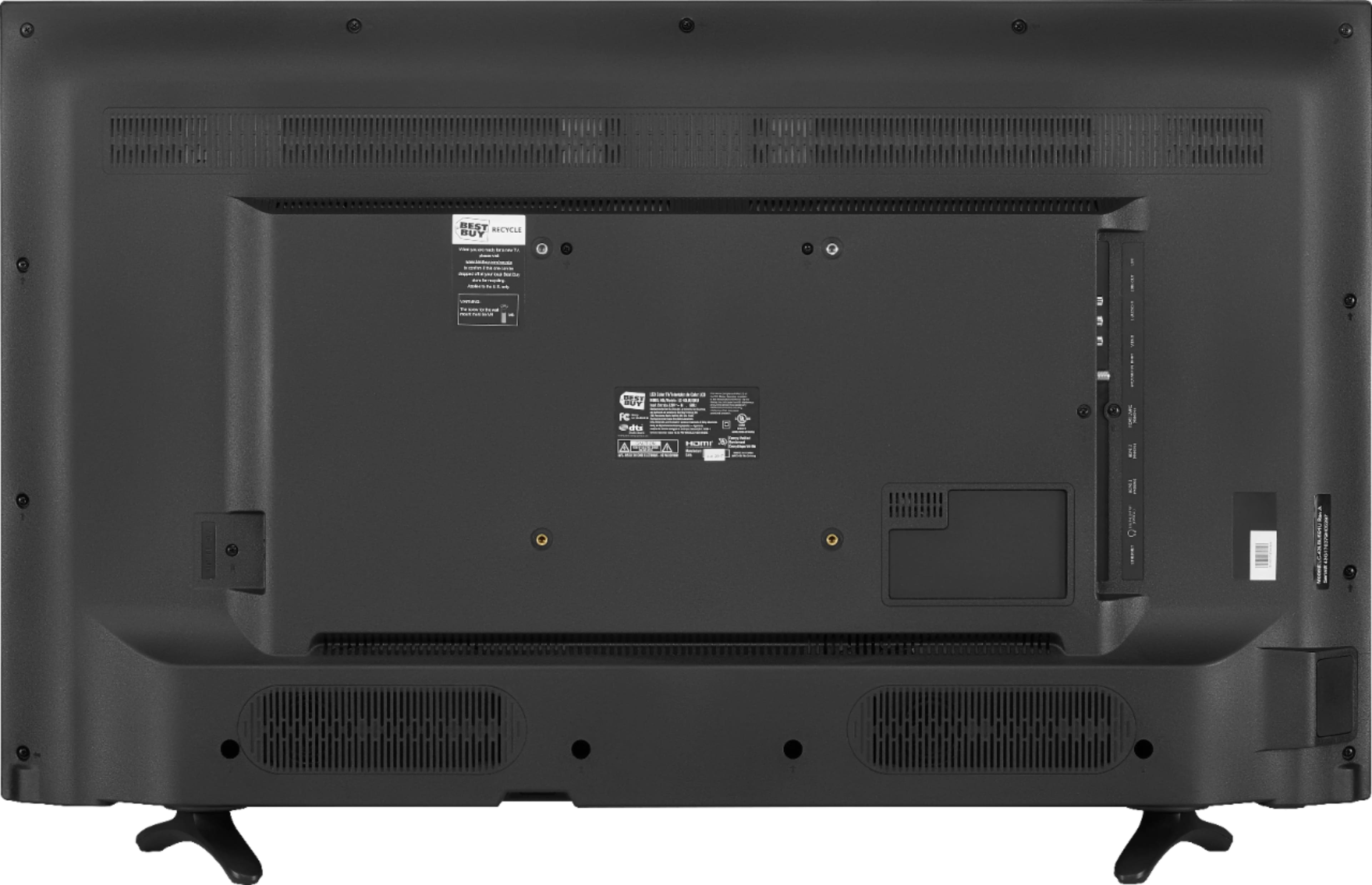
A:AnswerTV comes with ROKU and ROKU remote. Everything is built in. There are no fees for ROKU. To access the internet though, you will need to provide your wifi password to the tv. After that you can freely visit any free sites like YouTube. Other sites like Netflix or Amazon are also accessible if you are already a member or activate an account (which can be done on the tv) usually for a monthly fee.
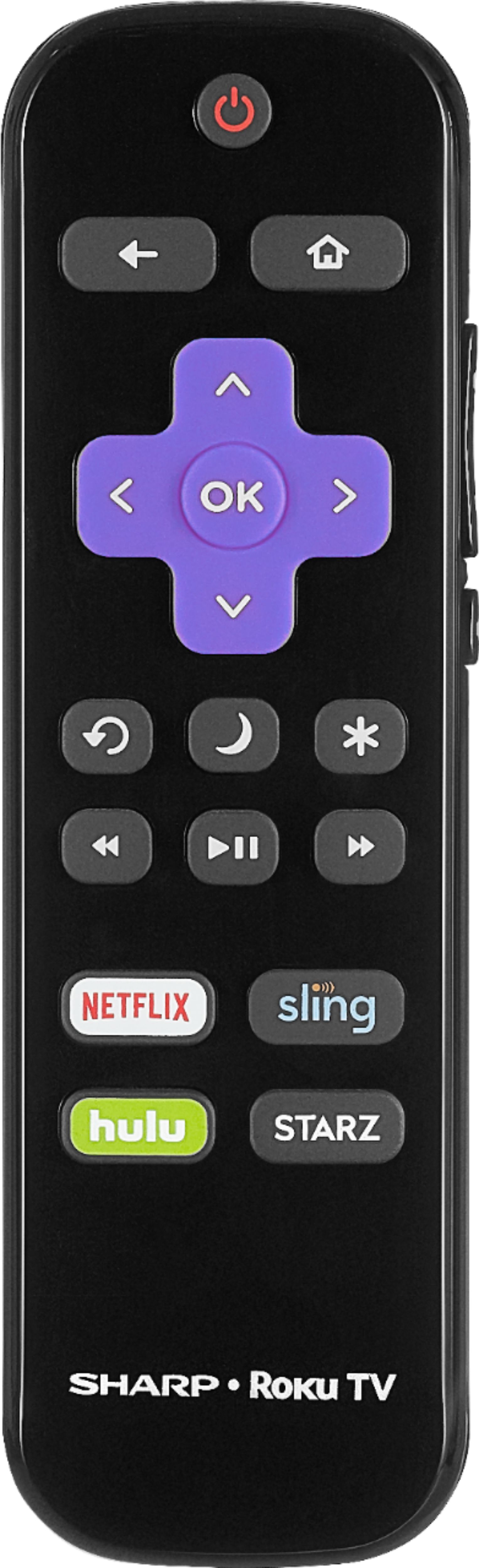
A:AnswerNo, the remote that comes with the tv is very very basic. I have to use my cable box remote to change channels. The ROKU remote that comes with it doesn't have any buttons to change the channel. Plus, the TV itself has no controls built into it for powering off/on, volume, or changing channels. If you don't have a cable box, you need to buy a universal remote to control volume, change stations, etc.
A:AnswerI called the Sharp support number provided and they were useless. To make it work, go into the programing mode on the Directv box and, instead of Sharp, choose "Hisense" and "I don't know the model" - the first code the box tried worked.
A:AnswerAre you accidentally pushing the Mute Button, which is located on the side of the Remote? I was doing that begore I realized that the Mute Button was there.
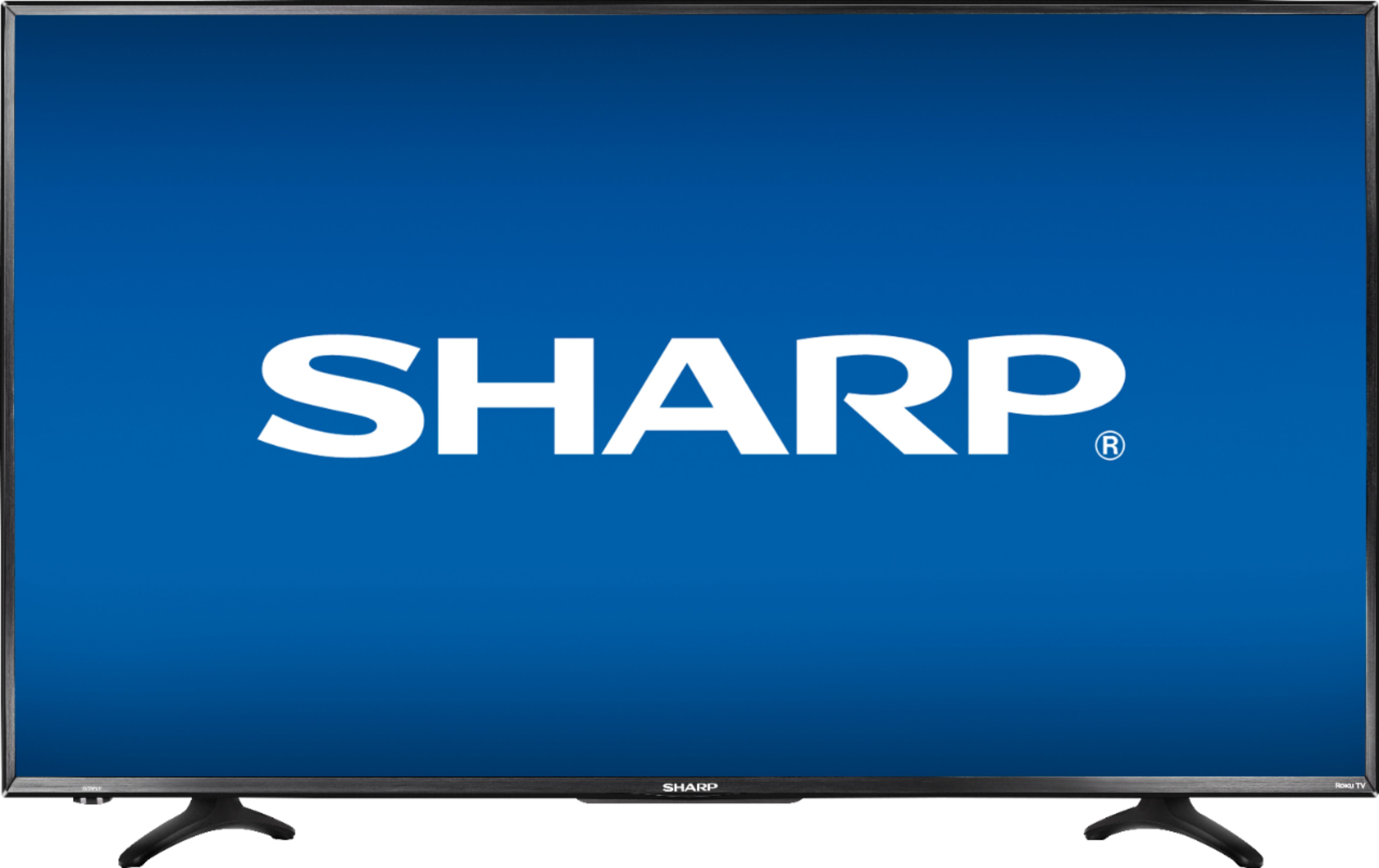
A:AnswerFrom leg to leg, the tv stand is 31" wide. Meaning the screen is 38" but its legs or stand are closer at 31" so it can sit fine on a stand as long as the stand is at least 31"
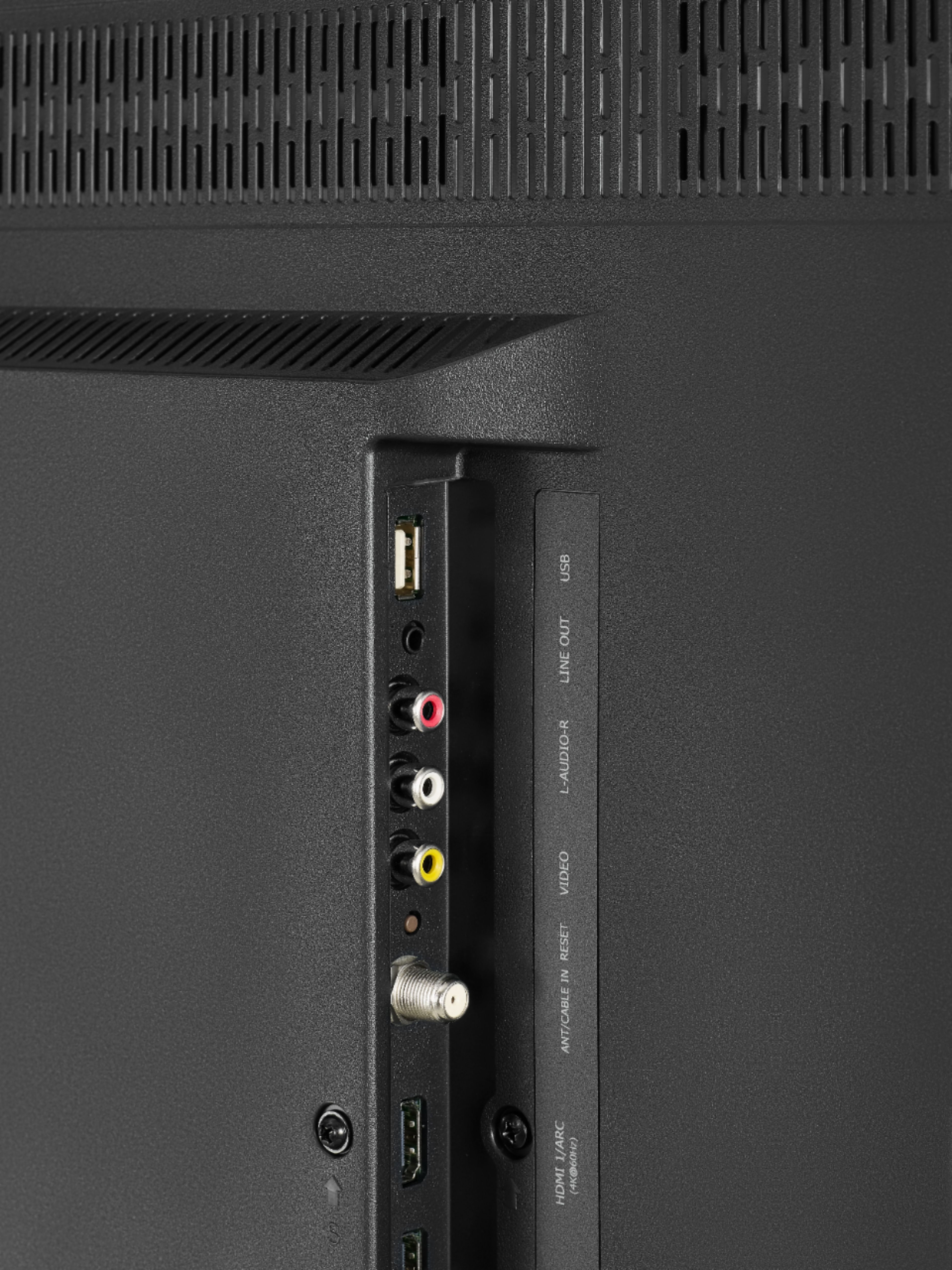
A:AnswerWhen the headphone jack is plug-in, the TV speaker and headphone both have sound out. However, the TV sound can be off if the mute bottom pushed and headphone is still have sound.
A:AnswerHello, this unit is 22.4 inches without the stand and 23.9 inches with the stand. Please feel free to give us a call at 855-544-2030 if you have any further questions or queries.
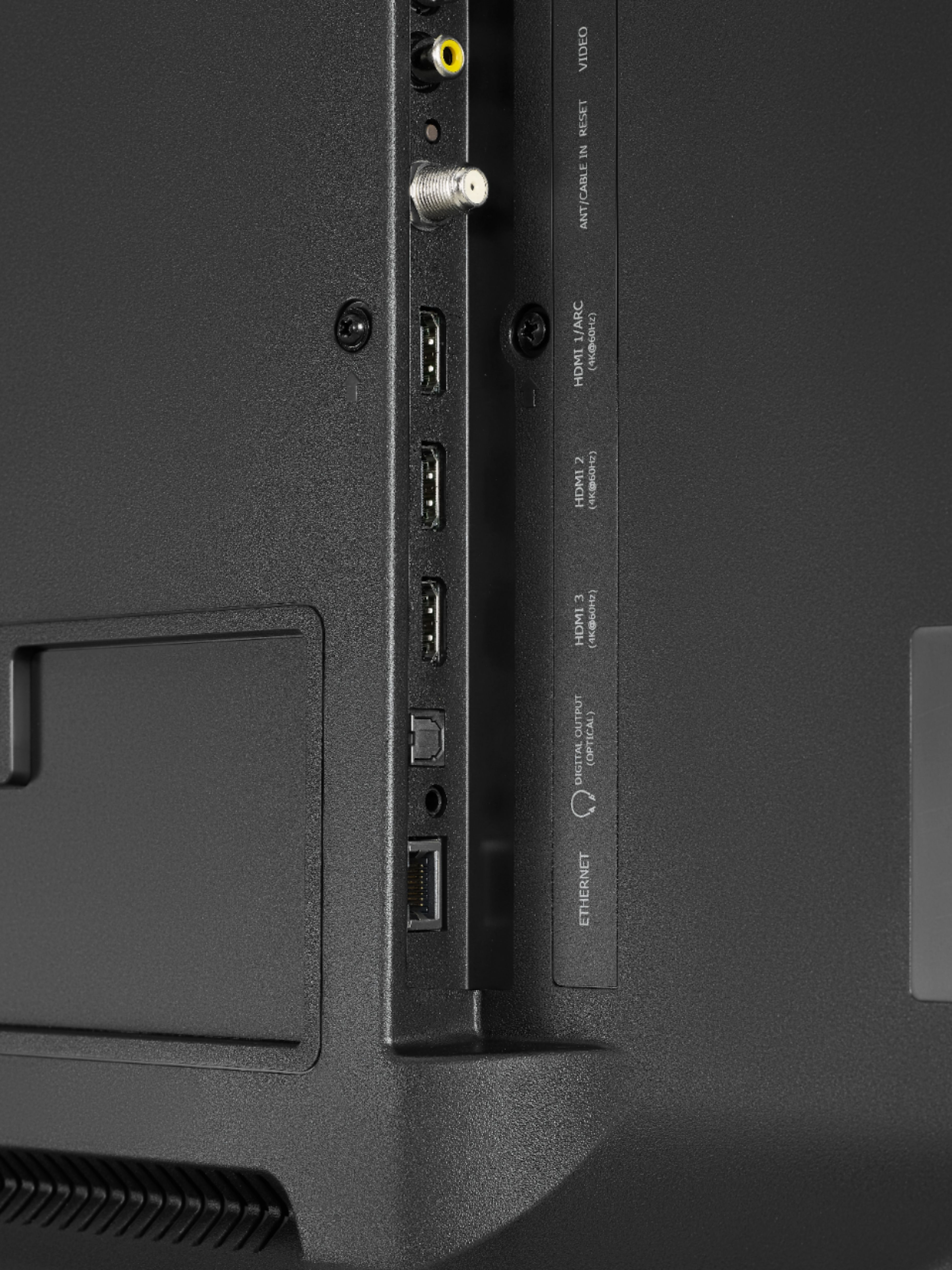
A:AnswerTo stream video or pictures to this TV from a phone or computer, you will need a streaming device, like a Chromecast. I tried connecting via Bluetooth, and my phone did not see the television.
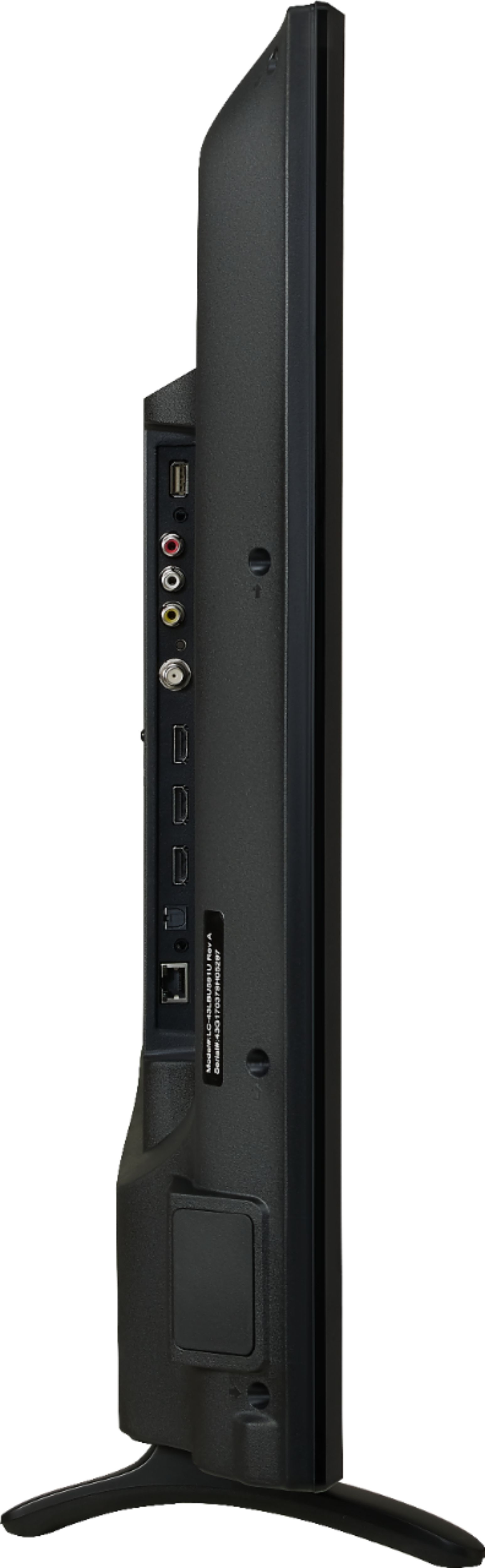
A:AnswerHello, please see the dimensions below:
Product Height With Stand- 23.9 inches,
Product Depth With Stand - 7.6 inches,
Product Height Without Stand - 22.4 inches,
Product Depth Without Stand - 3.5 inches,
Product Weight With Stand - 49.2 pounds,
Product Weight Without Stand - 21.6 pounds,
Width 38.2 inches.
A:AnswerIn order to receive the 4K picture your tv stations, cable companies etc have to broadcast in 4K. Netflix now has some shows broadcast in 4k. 4k is the resolution of your picture. The higher the resolution the better picture quality. Hope that helps.
A:AnswerOK You are actually asking several questions hidden within your question. I will attempt to help as much as I can...
01) First in order to take advantage of the Roku features of the TV you will need to have an internet connection with a download speed of 5mbps.
This can be through a wired or wireless connection.
02) If you are asking about purchasing the TV in order to ditch cable here are some details:
If you only want local TV channels (major local networks & other "over the air" stations) it is quite simple to do so. Usage is fairly intuitive once familiar with the main menu and the TV settings are properly configured.
If you want more than live OTA channels that requires a paid service like Sling TV, Hulu, DirectTV Now as well as specific premium channels that have their own standalone paid services.
The Roku service itself is free, and simple to setup & use. You choose apps to install and there is a lot of free content out there. The apps you add to your account including any paid services (those listed above, as well as, Netflix, Amazon Video, etc.)
These, as well as, live OTA tv and other TV inputs (i.e. dvd player) all show up when you press the home button on the remote. You can change the layout of this screen with your favorite apps at the top as well as using the direct app buttons on the remote.
03) If you/they would like to keep their cable service augmented with the Smart TV Roku features. Setup and usage is quite simple.
Everything can be made to use the cable remote they are used to. The TV can be set to turn on directly to the cable input. They can use the Roku remote for streaming features as described above while maintaining the normal usage of their cable remote.
Now the caveats:
In either case referenced above using the Roku features will require a bit of a learning curve. More so in case 02 than 03, but not by much. When I say "a bit" that's what I mean. Roku is by far the simplelist Smart TV system on the planet. Usage does not take fluency in tech, but setup might.
I'm a residential and small business I.T. provider as well as a licensed contractor in what is known as low voltage. This encompasses all types of residential A/V & I.T. installations from hanging a TV on a wall to the installation and programing of complete home automation systems (long before the advent of consumer plug and play systems, but I do those too), to dedicated home theaters, whole house audio systems, professional surveillance systems, etc. I will not go into my commercial work as is not applicable here.
The reason I've described part of my resume is this:
I am 50yrs old and permanently disabled so I am limited to designing, programming and training. I live with two 79 year olds. For this past Christmas I purchased two Roku TV's for them a TCL Roku 55" 4K HDR in the family room replacing the 40" Sony 1080p Smart TV I had installed several years earlier, and a TCL Roku 32" 1080p in their bedroom replacing the old school box that had been in there for 20 years. We have FiOS and didn't plan on dropping our TV service through them. I wanted to make the services I already have subscriptions with available to them in the simplest way possible for them to learn and understand how to use. The Roku TV's make it even easier than adding a Roku device a Smart or Dumb existing TV. Now both of them are internet savvy to various degrees between the two, but when it comes to the TV usage I know that the most simple I can make it the better!
So what was this long winded explanation about in plain english?
The Questions in 02 & 03 must first be addressed. I suggest having a qualified individual that knows how to speak tech to seniors help decode and decide this answer.
I also suggest that someone with the same abilities actually setup the Roku account an integration with the TV.
Then having that same someone walk them through how to use the TV.
As I mentioned earlier the Roku TV has the easiest Smart TV end user experience on the planet! So that's the easiest answer as far as not being a techie and actual usage of the TV.
Best of luck!
A:AnswerThe difference between HDTV and UltraHD 4K is simply a change in resolution. The HD TV is 1,920 x 1,080 pixels, while the UHD TV is 3,840 x 2,160 pixels. Simply put, the UltraHD TV looks alot better than the normal HD TV. I would definitely recommend going with the 4K if there is only a $50 difference.