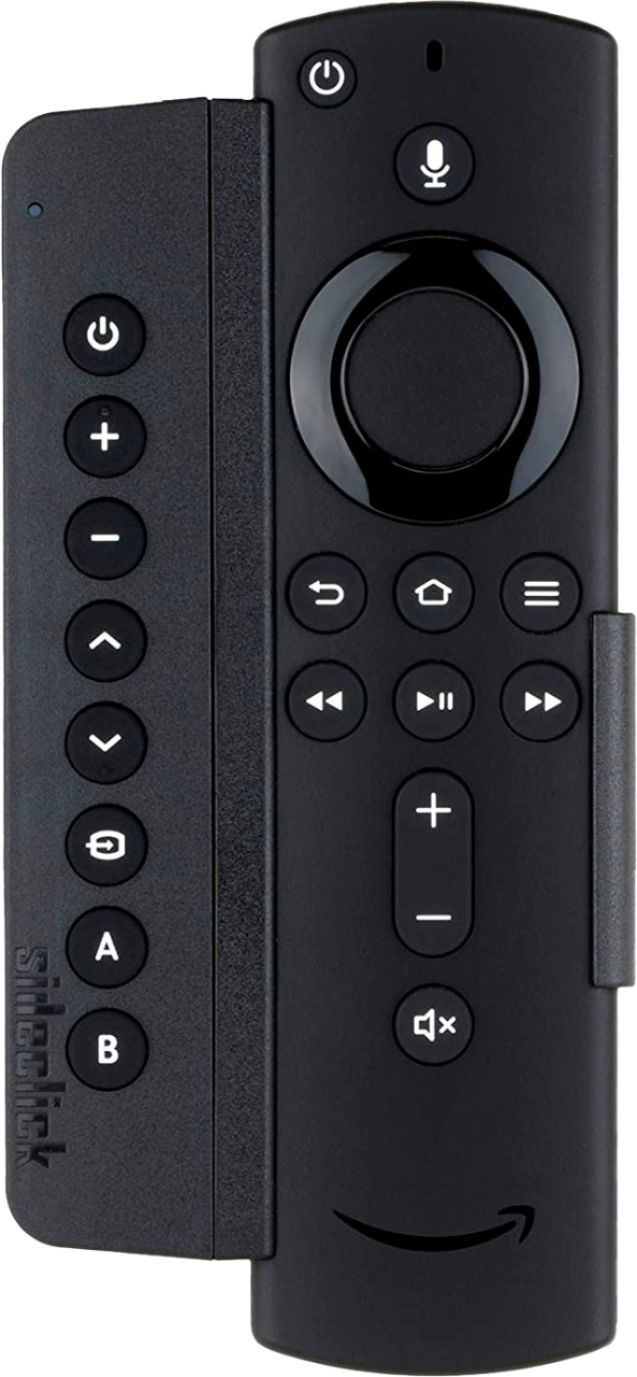
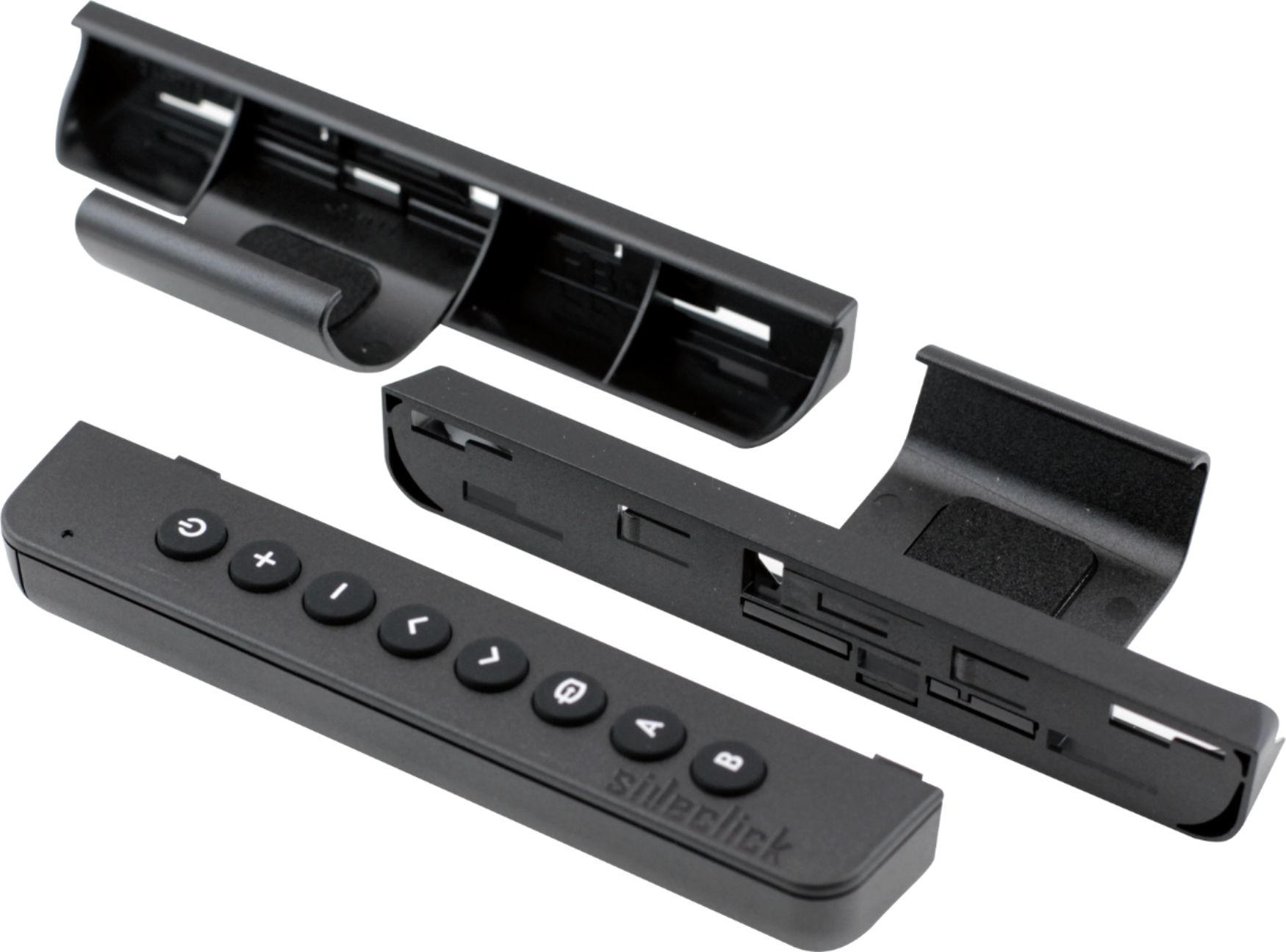
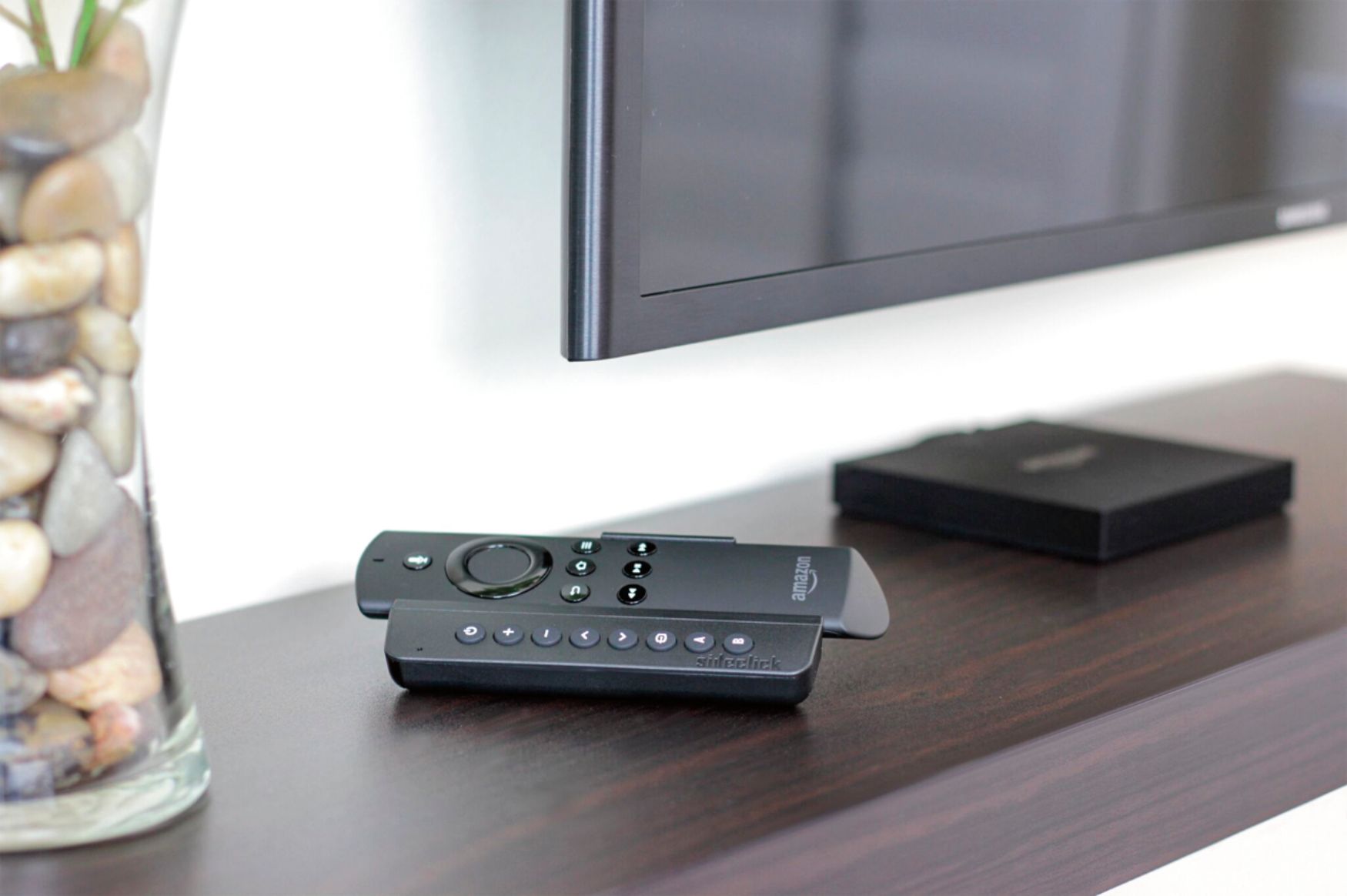
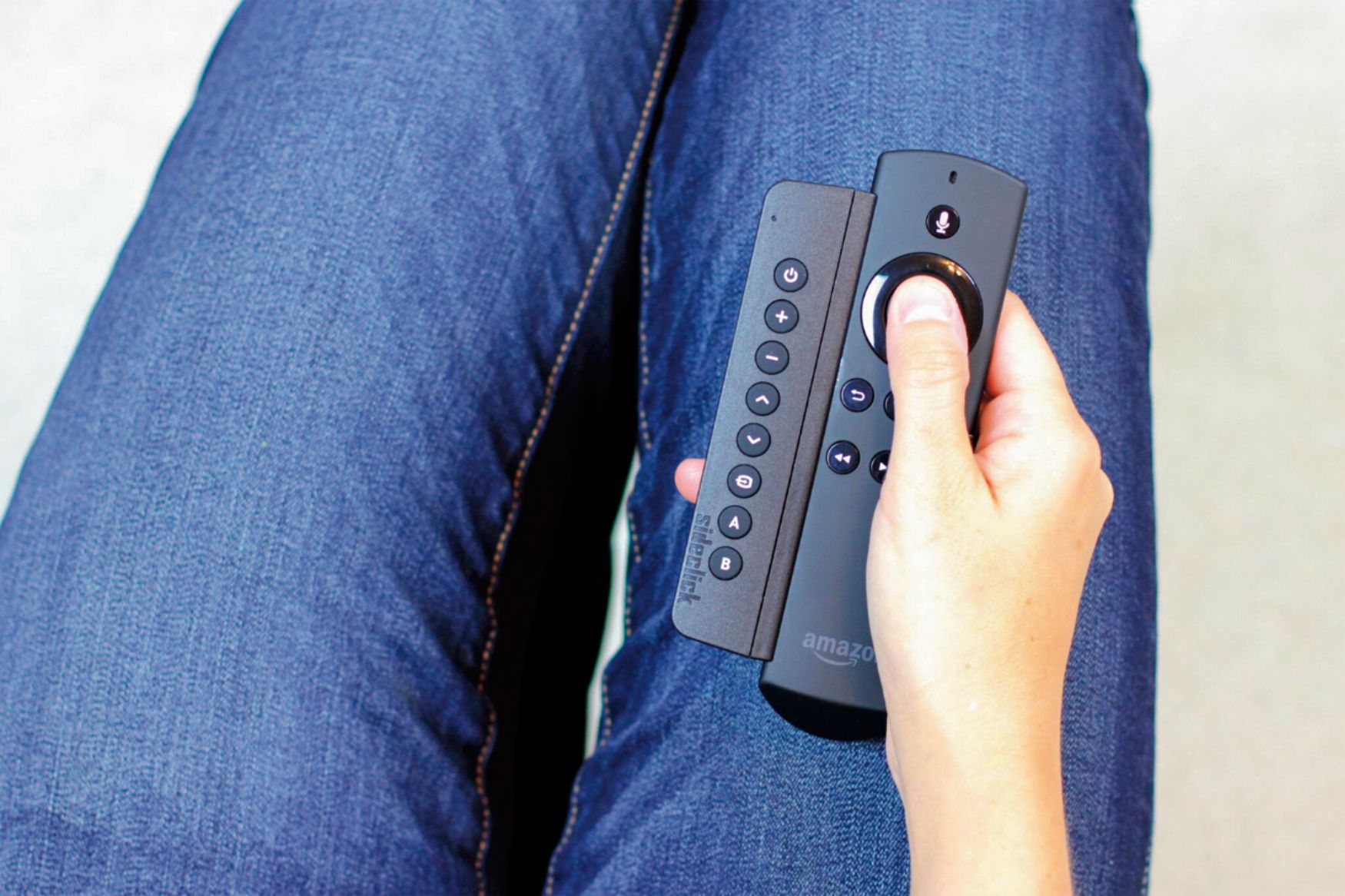
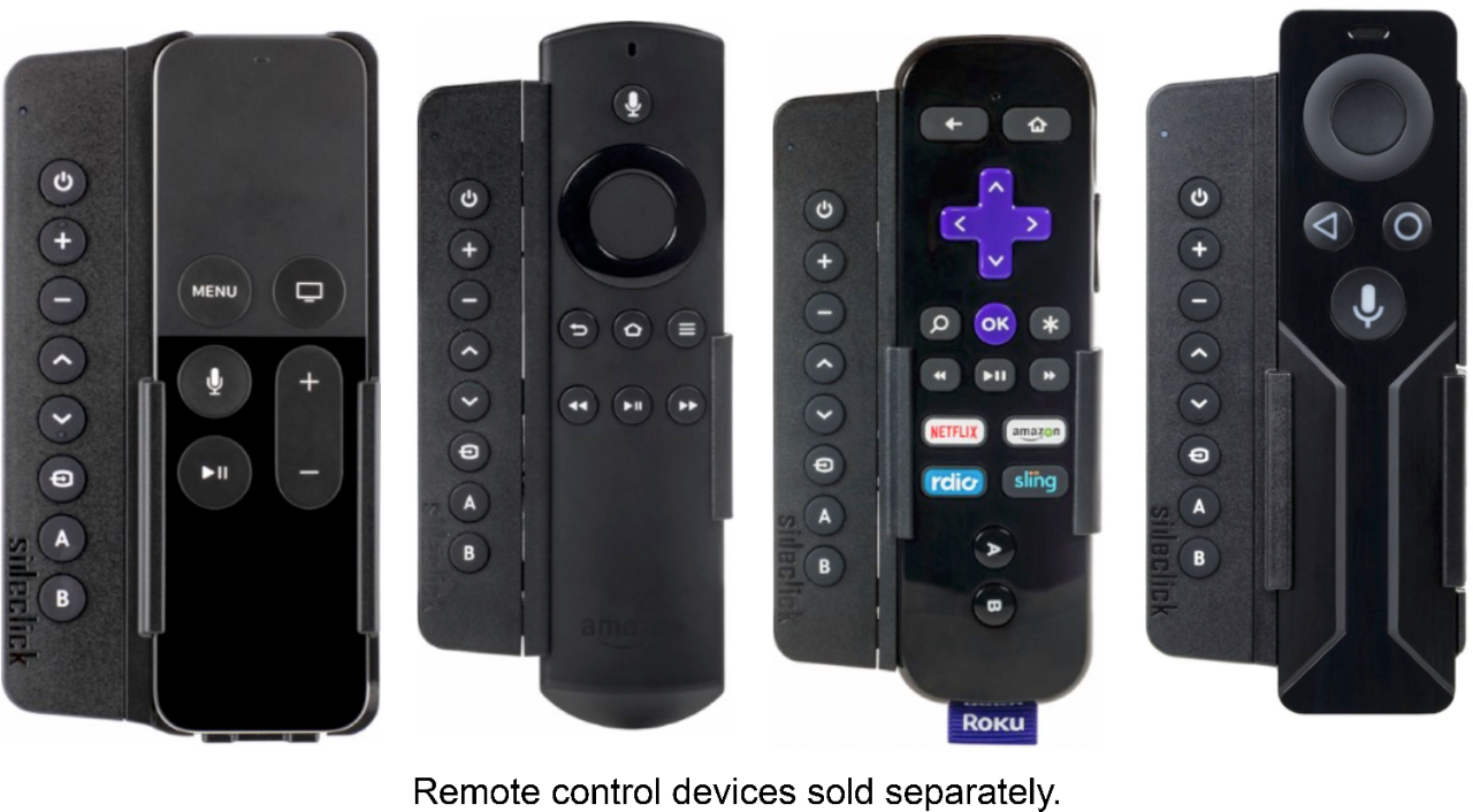
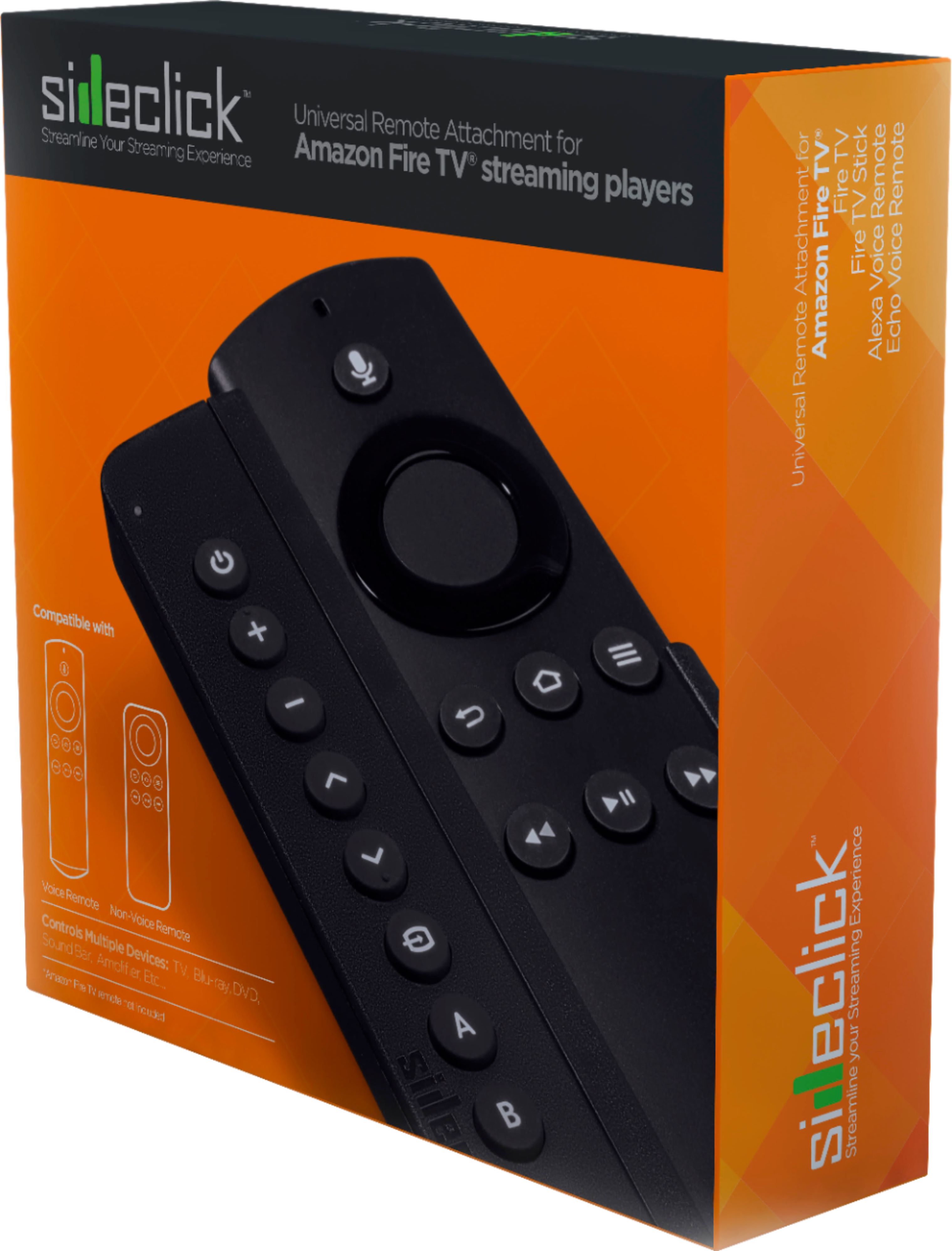
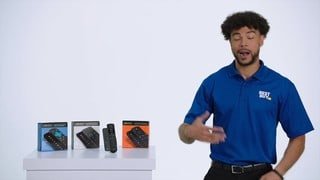
A:Answer The Sideclick Remote Attachment device requires that you have the remote control device for the TV you wish to control. The buttons on the Sideclick are programmed by: 1. putting the Sideclick into the programming mode; 2. pointing the IR transmitter of the TV remote at the IR receiver/transmitter window of the Sideclick device; 3. pressing and releasing the desired button on the Sideclick that is to be programmed; 4. pressing and releasing the appropriate button on the TV remote that corresponds to the desired function to be memorized by the Sideclick; 5. repeating steps 3 & 4 for each additional Sideclick button to be programmed; 6. when all buttons have been programmed, the Sideclick will automatically exit the programming mode after a short delay. So a TV remote is required to program the Sideclick, but once programmed, this Sideclick Remote Attachment device will control the basic TV functions of Power On/Off, Volume Up/Down, Channel Up/Down, Input Select and an additional two user-desired functions available on the TV remote (e.g. Menu, Enter, etc.), or any other IR-controlled device (e.g. soundbar, audio receiver, etc.). Could you borrow a Samsung TV remote that is compatible with your TV from a friend or relative?