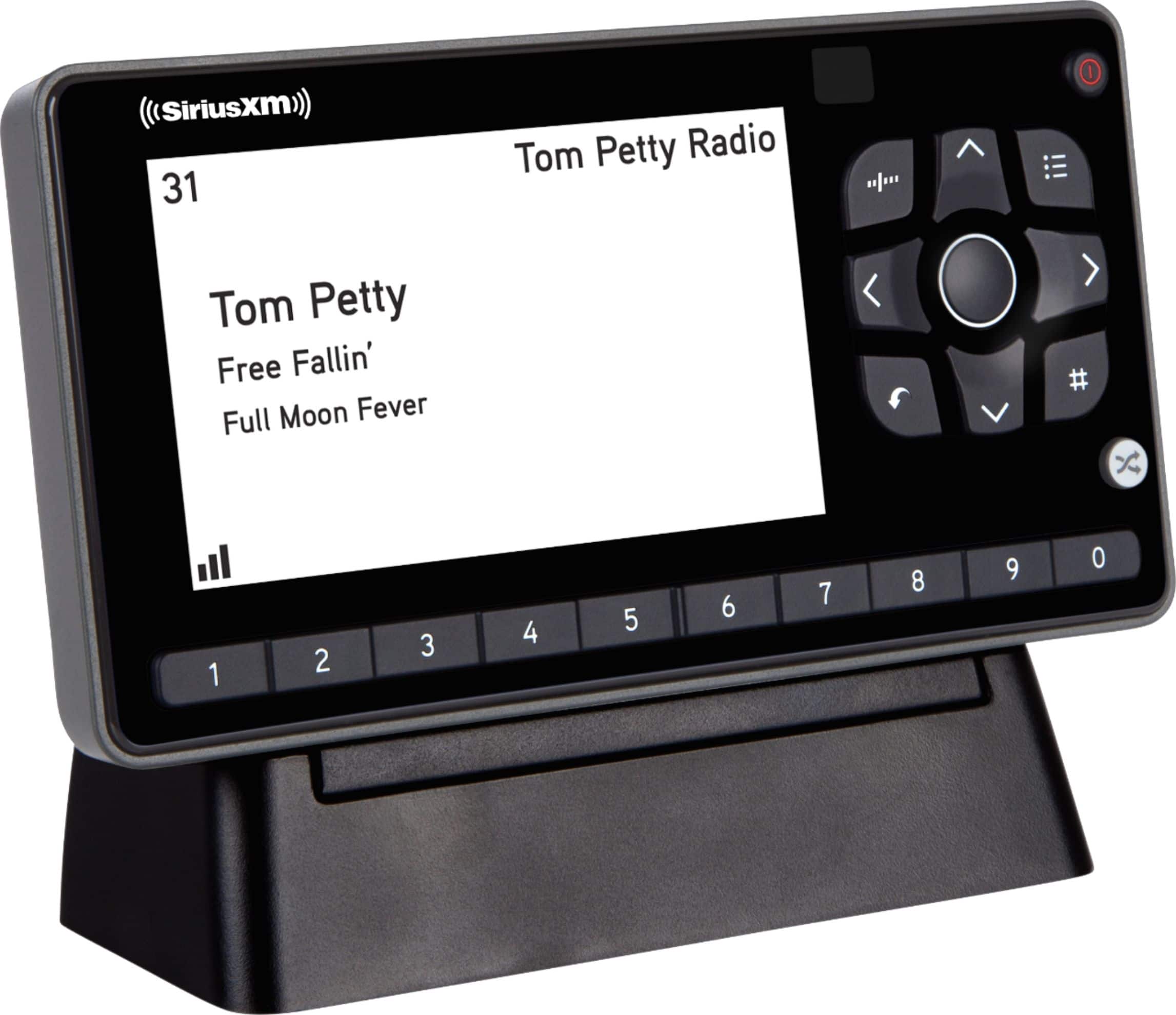
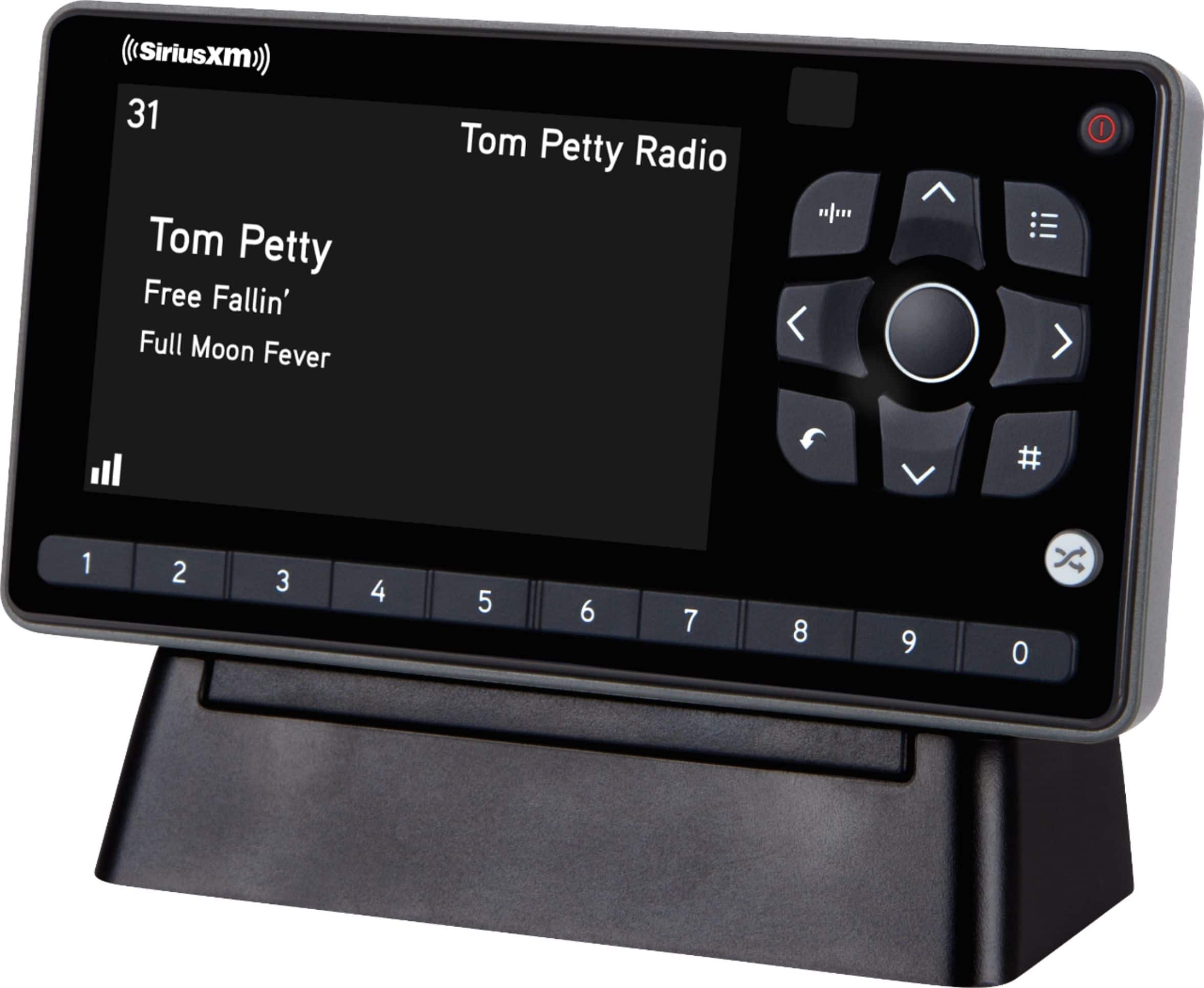
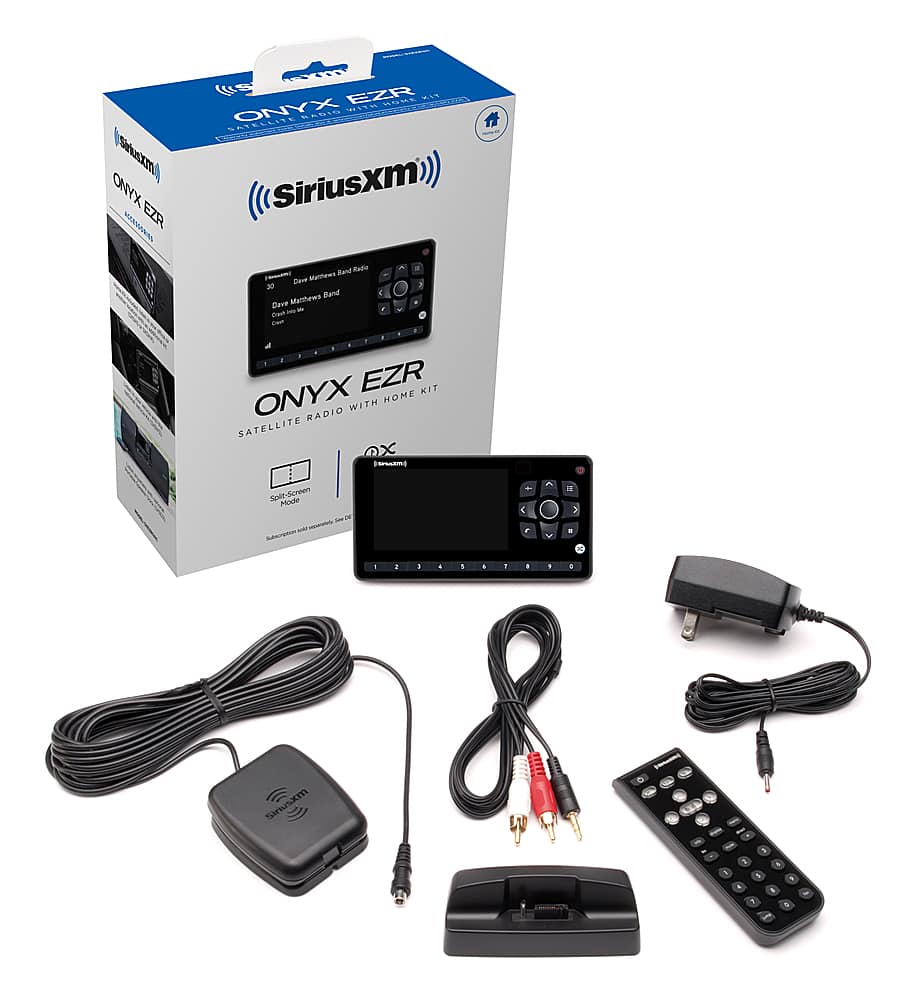
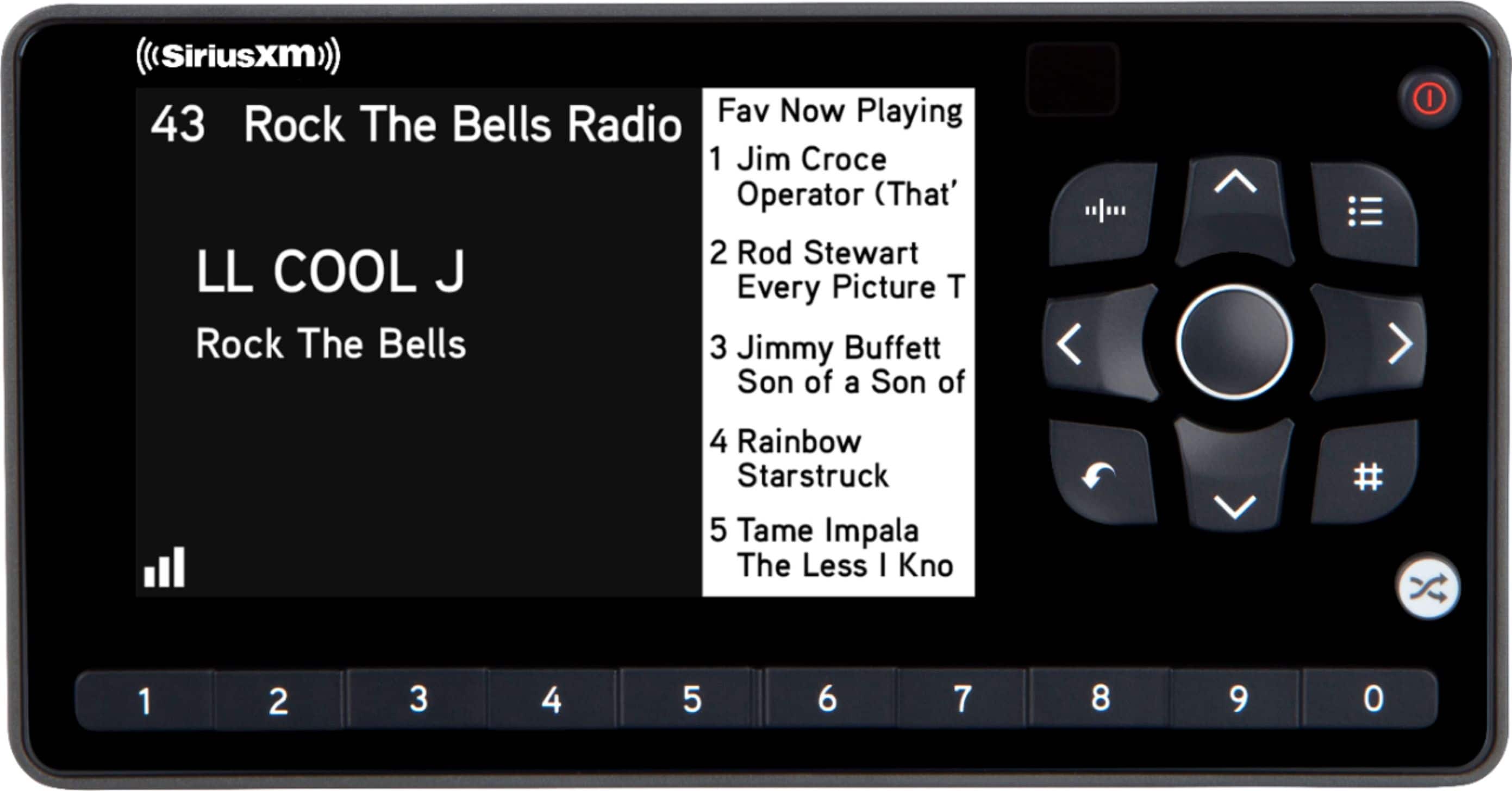
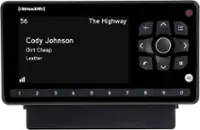
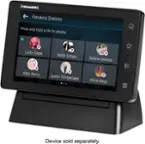
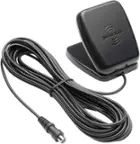
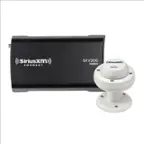
A:AnswerThe Onyx EZR with Home Kit comes with an AC power adapter that supplies 5volts to the Onyx EZR home dock. If you want to use your Onyx EZR in a vehicle then I recommend you get a SiriusXM universal Vehicle kit Model #SXDV3. This kit includes the magnetic antenna you will need for a vehicle as well a vehicle car dock with mounting adapters for vent and dash and a 12v power adapter that plugs into the vehicle dock.
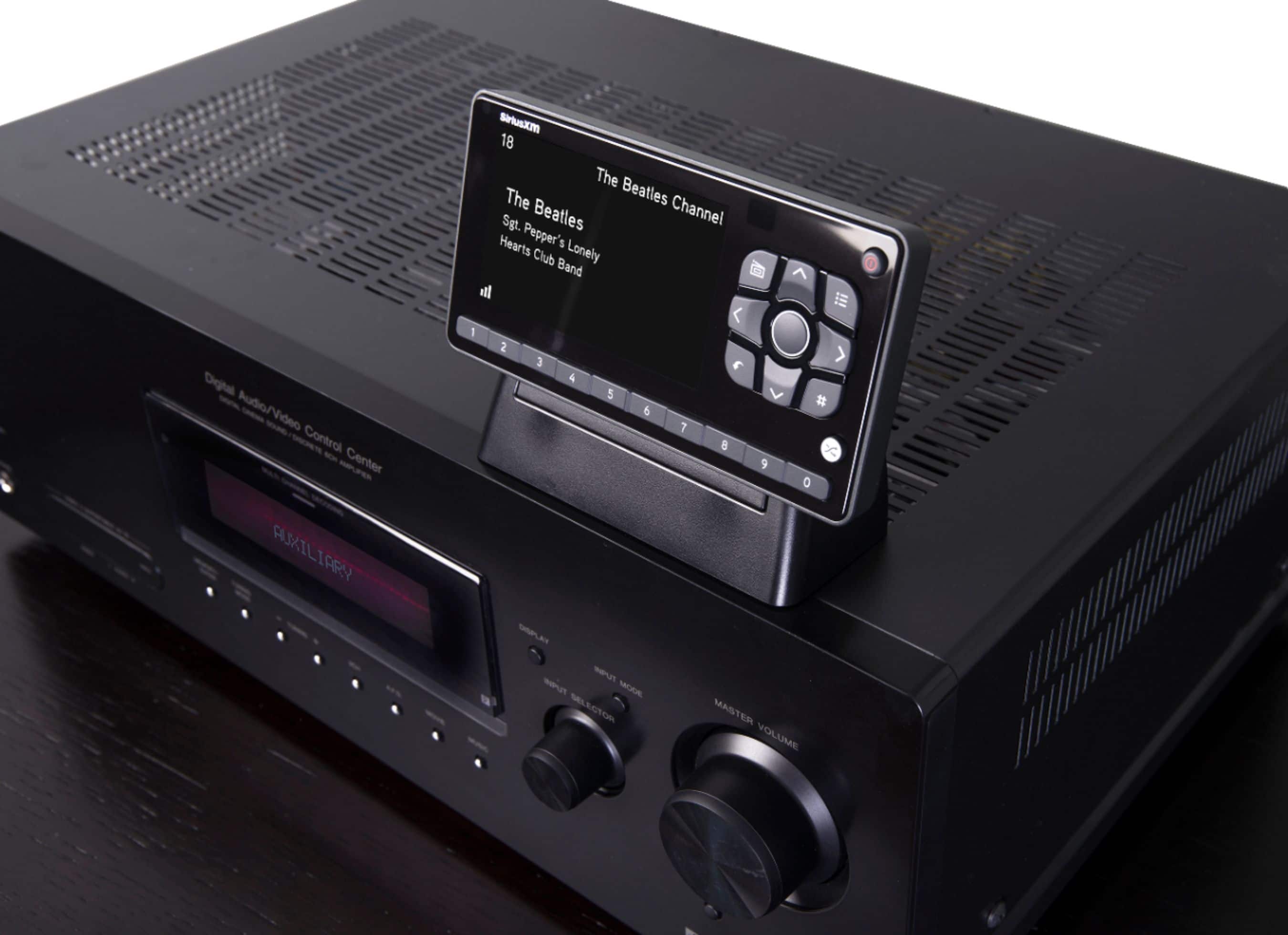
A:AnswerI tried to get this radio to plug into my surround sound system. Did not work. I ended up buying the sound dock speaker. To get music to my surround system, i bought a new Roku and got the XM Sirrus app. Now it plays on all the speakers. The auxiliary out is very limited. My car was XM ready. I pay for the car subscription separately. I know that is what you are trying to avoid.
A:AnswerThe Reciver i have for my Sirius Xm RRadio i have has over 300 channels to choose from all kinds of music,Sports,and Talk,plus Comedy i highly recommend getting one its worth it.I have been listening to Sattelite Radio for about 20 yearsband the hours and entertainment have been priceless worth every penny
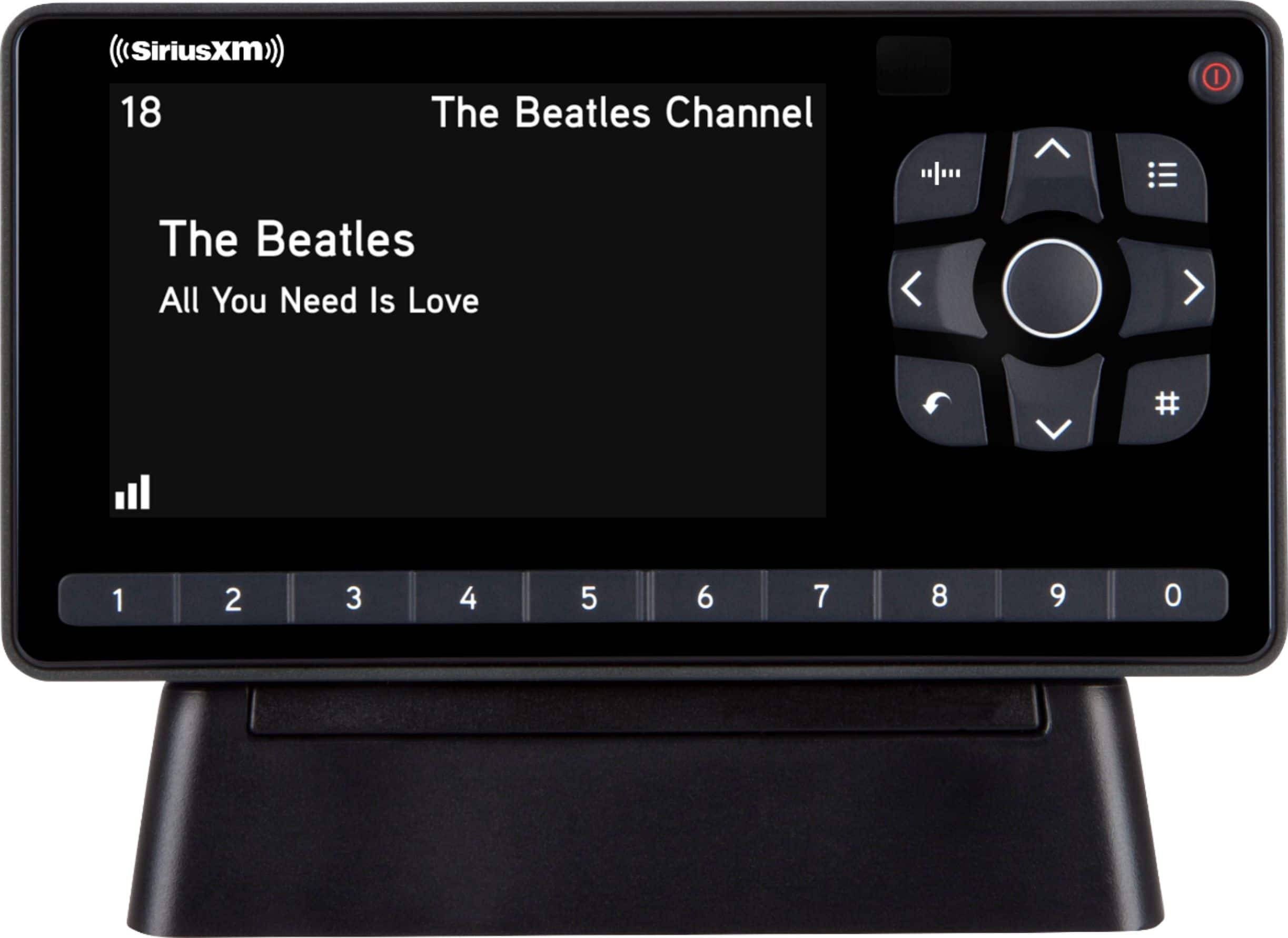
A:AnswerActually, the solution was provided by a friend. Said all I needed was AUX audio cable with single tip at each end. Works great! It would have been helpful (and less confusing) if the ONYX EZR (home kit) had come with both cables (not just the analog connectors).
A:AnswerYes it will work the kit comes with audio connections for your receiver, all you need is your own receiver and speakers with speaker wires enough to put were ever you want in home.
A:AnswerNo, this satellite radio gets all of the satellite channels including the Xtra channels from the satellite but it does not access the internet.
A:AnswerYou would have to buy the sirius xm home system to have it in cabin, also you would need a reciver and speakers of your own to use the system in house.
A:AnswerI use this with my Bowes System and I love it so I can listen to my Elvis Station and all the old listening stations!!!! Love it. I had Best Buy install it for me because I am NOT tech savvy!!!
A:AnswerIt sounds like you are asking about SiriusXM Radio Classics channel 148: The Radio Classics programming schedule of is available here: http://www.radioclassics.com/schedule/
First, you will need a subscription. Streaming subscriptions are available here: https://player.siriusxm.com/ Or you may call 1-800-689-6881 to have someone guide you though a subscription. You should be sure to tell the agent that you ONLY want a streaming subscription as the streaming subscriptions give a much better experience in the home compare to trying to get satellite reception in your home or having someone professionally install a satellite radio in your home. And the streaming subscriptions cost less.
I recommend that you try one of the following home options:
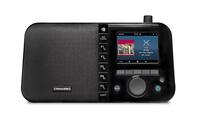
1) Purchase a SiriusXM Table Top Radio Model # GDI-SXTTR3 to stream our audio content including Radio Classics anywhere in your house. This has a built in speaker so all you need to do is plug it in, connect it to your Wi-Fi network and enter your streaming credentials: User Name and Password. Note: the Table Top Radio is available from Best Buy here: https://www.bestbuy.com/site/siriusxm-wi-fi-sound-station-black/6454202.p?skuId=6454202
2) Alternately, you can use your laptop or home computer if it has speakers: use your home computer to stream our audio content including Radio Classics. If your computer is already connected to the internet then all you need is to click this link https://player.siriusxm.com/ on your computer and enter your streaming credentials: User Name and Password.