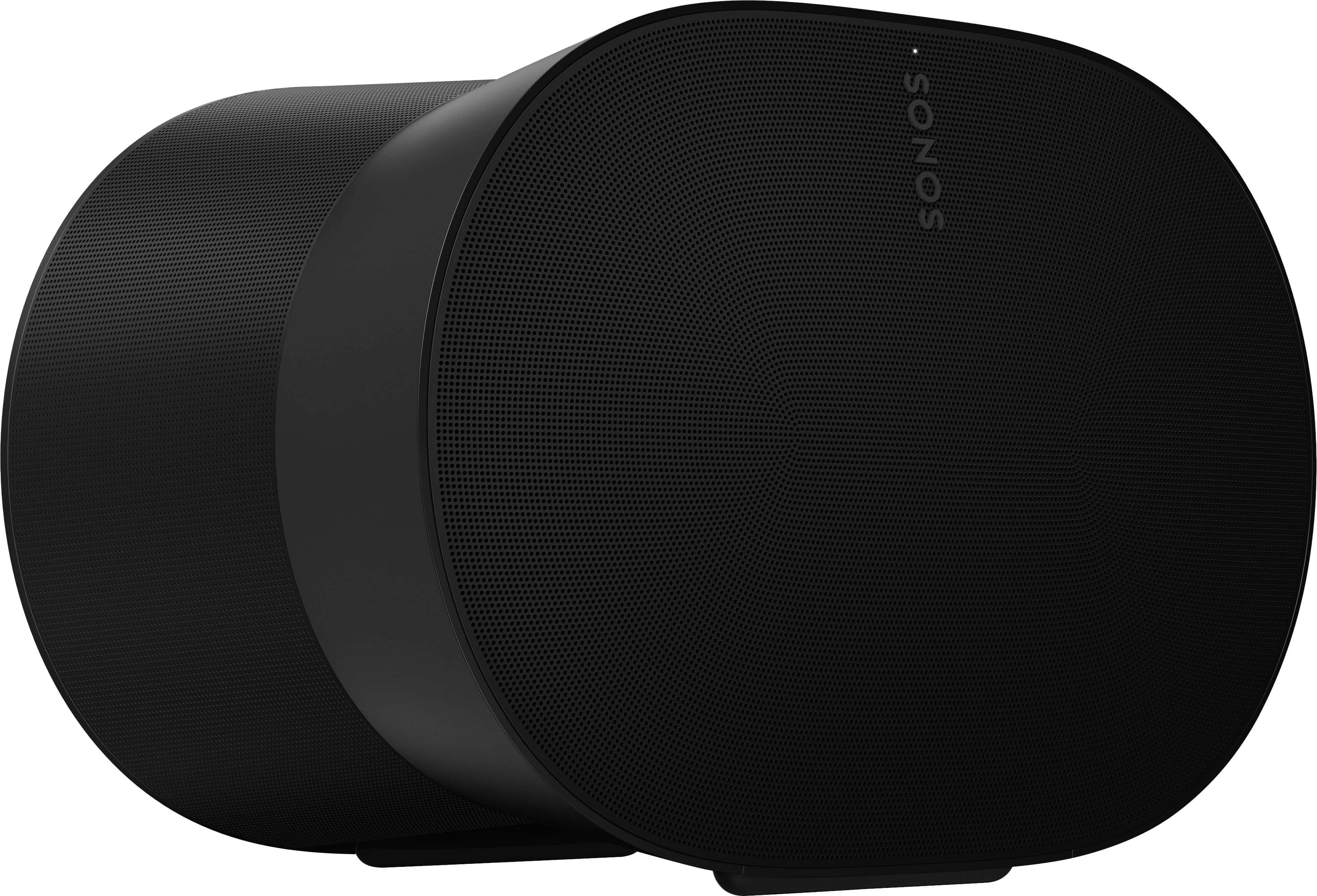
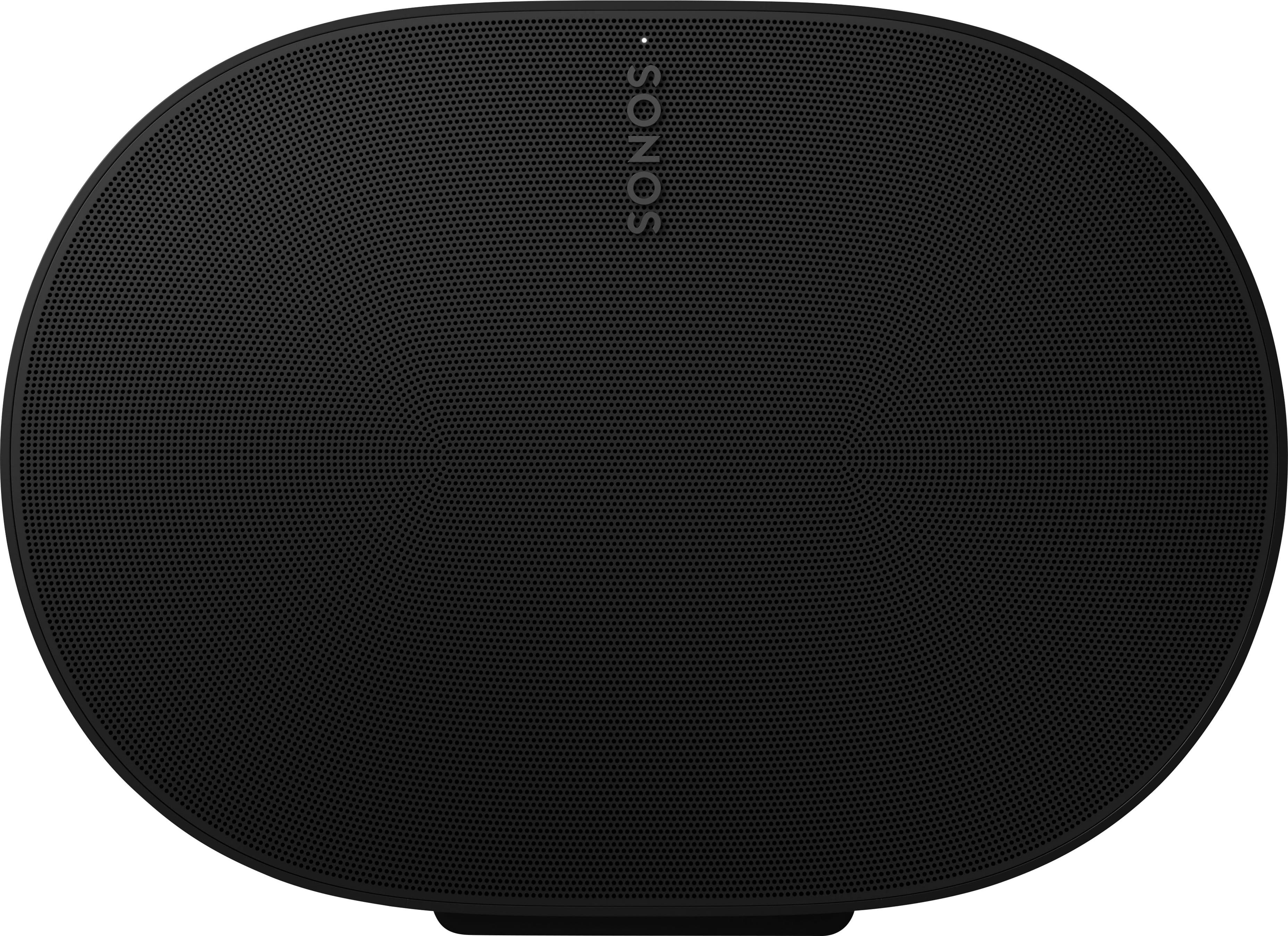
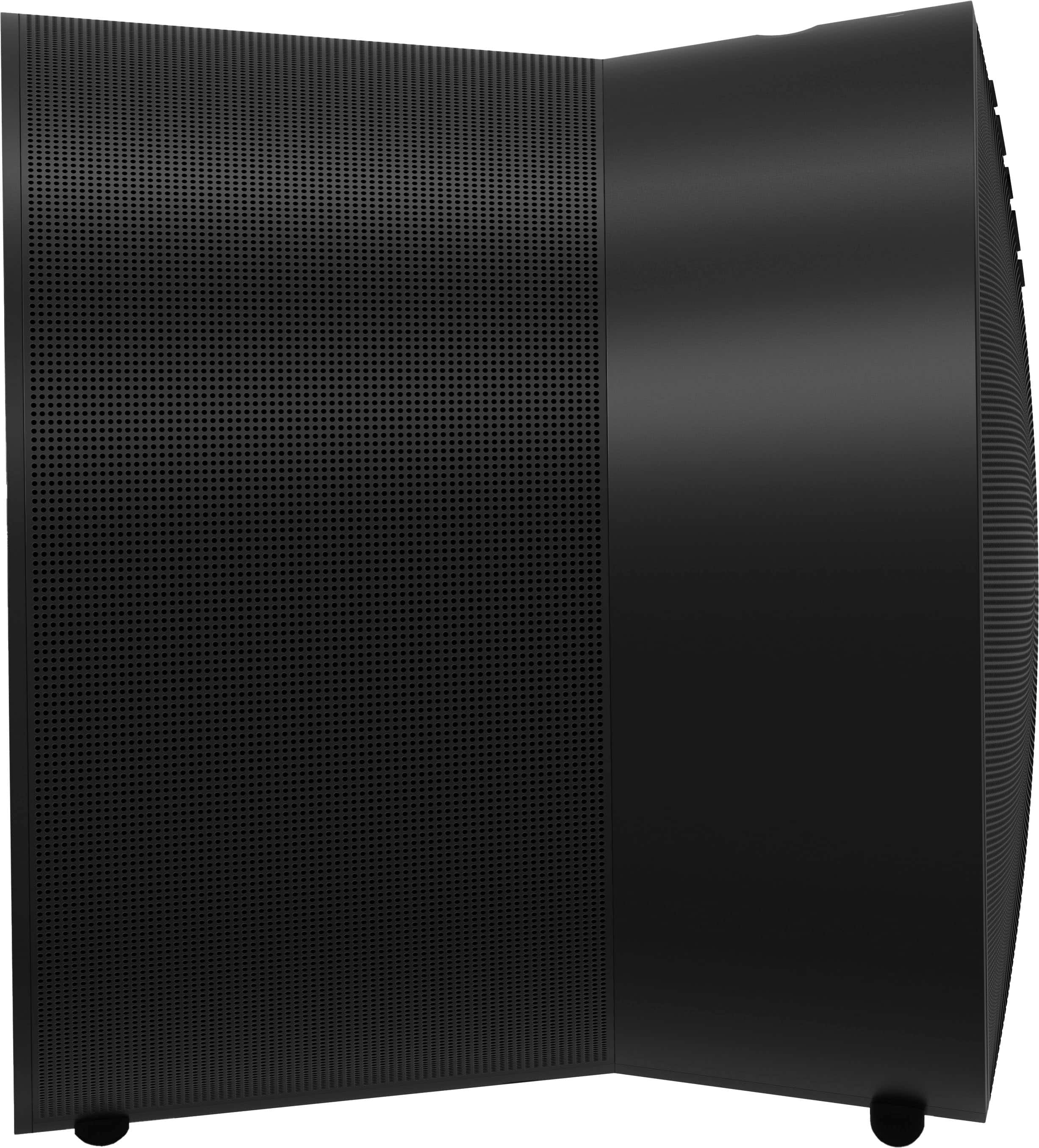
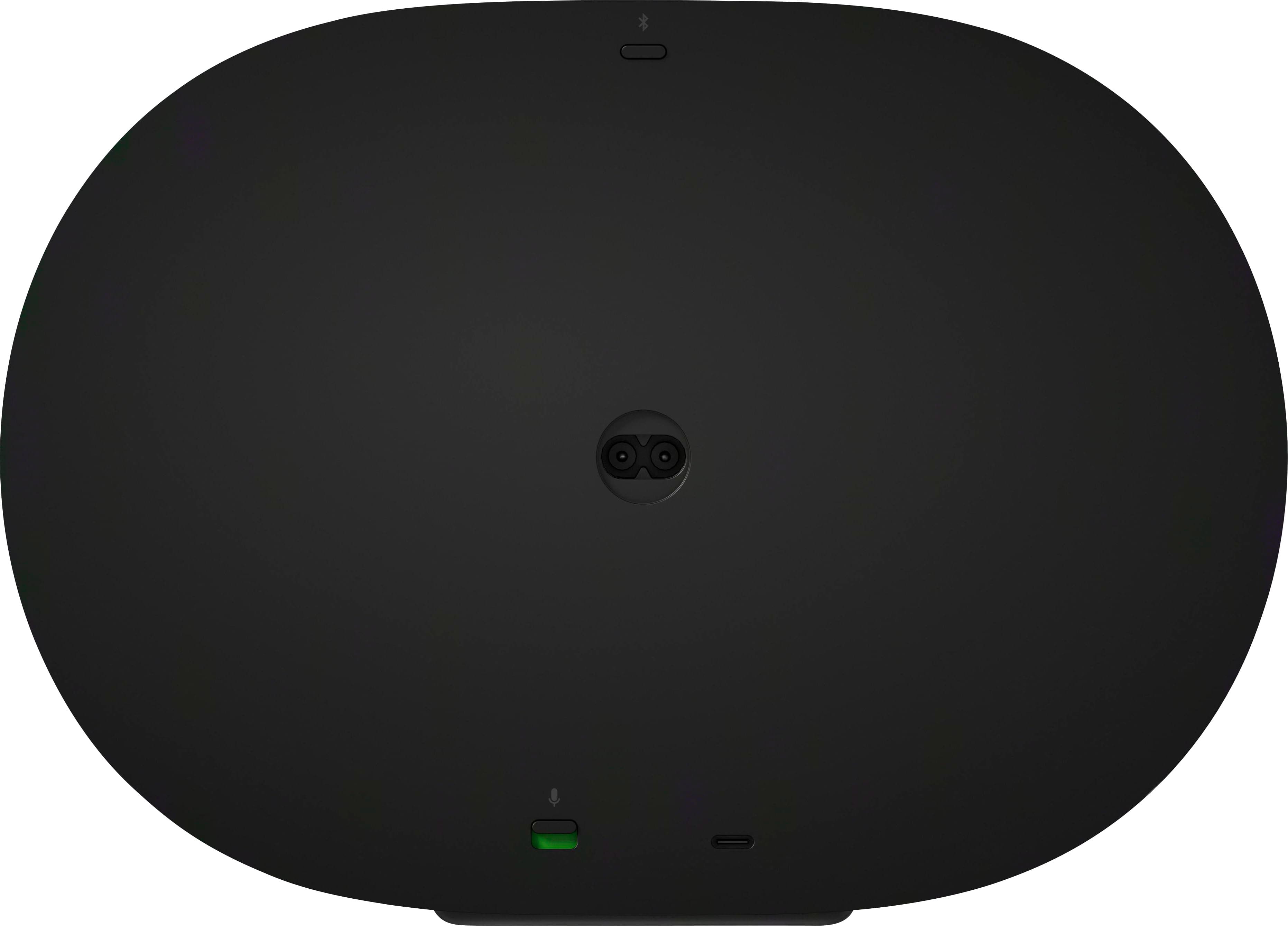
A:AnswerIt is not published. Only independent testing would give the answer. Sonos is private about a lot of the speakers' abilities because they don't want you comparing and just picking one with the 'best' numbers.
A:Answer300s will give spatial surround sound. 100s will give surround sound. Either you will be happy with and may not be able to tell much difference if you heard both. I have 10k worth of this equipment.
A:AnswerNo, the Sonos Era 300 cannot be paired directly with the Bose Smart Soundbar 900 and the Bose Bass Module 700. Sonos and Bose products operate on different ecosystems and communication protocols. Here are some key points to consider:
1. **Ecosystem Compatibility**: Sonos products work within the Sonos ecosystem, while Bose products work within the Bose ecosystem. These ecosystems are not designed to interoperate.
2. **Communication Protocols**: Sonos uses its own proprietary wireless protocol for syncing its devices, while Bose uses its own protocols for wireless communication. This means they cannot communicate or sync with each other.
3. **Control and Integration**: Sonos and Bose systems are controlled through their respective apps (Sonos app for Sonos products and Bose Music app for Bose products). There is no cross-app functionality to manage or integrate devices from the other brand.
If you want to expand your audio system, you should stay within the same brand for full compatibility and optimal performance. For example:
- Pair the Sonos Era 300 with other Sonos speakers and a Sonos subwoofer.
- Pair the Bose Smart Soundbar 900 with Bose surround speakers and a Bose subwoofer like the Bass Module 700.
Mixing brands for key components like a soundbar, subwoofer, and surround speakers will not work as intended due to the lack of interoperability.
What about Bluetooth connectivity?
Even though the Sonos Era 300 has Bluetooth capability, it still cannot be paired with the Bose Smart Soundbar 900 and Bose Bass Module 700 in a way that would allow them to function together as a unified home theater system. Here’s why:
1. **Bluetooth Limitations**: Bluetooth pairing with the Sonos Era 300 allows for audio streaming from Bluetooth-enabled devices (like a smartphone or tablet) to the speaker. It does not enable the speaker to integrate with or control other audio devices like soundbars or subwoofers from different brands.
2. **Home Theater Synchronization**: Home theater systems require precise synchronization of audio across multiple speakers to ensure proper surround sound experience. Bluetooth connections do not provide the necessary bandwidth or stability for this kind of synchronization, especially across different brands.
3. **Ecosystem Control**: Even if you could theoretically connect the devices via Bluetooth, you would lack the integrated control and audio optimization that each ecosystem (Sonos or Bose) provides through their apps and protocols.
For a cohesive and fully functional home theater setup, it's essential to use components within the same ecosystem. If you want to use Sonos products, consider using the Sonos Arc or Beam soundbars along with the Sonos Sub and other Sonos speakers for a surround setup. For Bose, stick with their soundbars, subwoofers, and surround speakers.
A:AnswerTo play audio from your JVC projector through Sonos Era 300 speakers, you'll need to ensure that the projector's audio output can be connected to your Sonos system. Here's a step-by-step guide to achieve this:
1. Check Audio Output on JVC Projector
Identify Audio Output: Look at the available audio output options on your JVC projector. Common outputs include HDMI ARC, optical audio (TOSLINK), or analog audio (3.5mm or RCA).
2. Connect to Sonos System
Using Sonos Port or Sonos Amp:
Sonos Port: If your projector has an analog or optical audio output, you can connect it to a Sonos Port, which will then allow you to stream audio to your Sonos Era 300 speakers.
Sonos Amp: If you're using passive speakers or have a home theater setup, you could use a Sonos Amp to integrate with your projector. Connect the projector’s audio output to the Amp, and it will manage the audio output to your Era 300s.
3. Configure the Connection
Sonos Port Setup:
Connect the audio output of your projector to the Sonos Port using the appropriate cables (RCA or optical).
Connect the Sonos Port to your Sonos network using the Sonos app.
In the Sonos app, configure the Port to play audio from the connected input.
Sonos Amp Setup:
Connect the projector’s audio output to the Sonos Amp using the correct input (RCA or optical).
Connect the Amp to your Sonos network using the app.
Configure the Amp to route the audio to the Era 300s.
4. Adjust Settings
Sonos App: Make sure the Era 300s are selected as the playback device in the Sonos app.
Projector Settings: Ensure that the audio output settings on your JVC projector are correctly configured to send audio through the connected output.
5. Verify and Test
Play Audio: Test the setup by playing audio through the projector and ensure that the sound is coming from the Sonos Era 300 speakers.
By following these steps, you should be able to successfully route audio from your JVC projector to your Sonos Era 300 speakers.
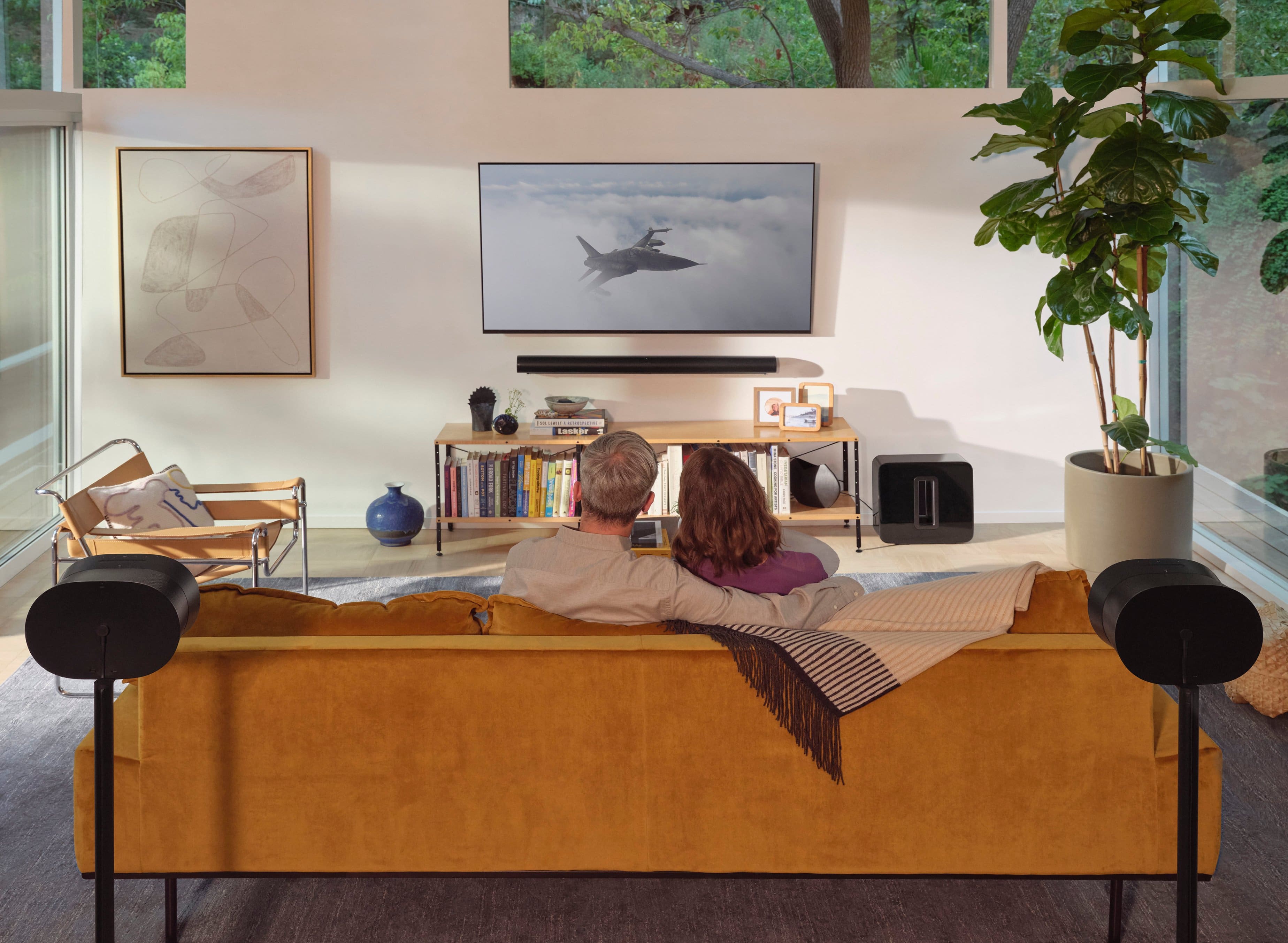
A:AnswerOnly 2 surround speaker can be used with the soundbar along with 1-2 subs depending on the model . Each Sonos Era 300 has multiple speakers built in to deliver the best Dolby Atmos sound from the rear locations . After installing the 300’s make sure to tune the speakers with true play tuning . The sound will be incredible no matter where you sit .
A:AnswerEra 300 is designed to play all the music you love via a music streaming service. It supports airplay 2, and bluetooth as well. It can also be used as surround sounds with Sonos Beam or Arc. So, it cannot plug directly into your Nvidia Shield. However, you can plug one of our soundbars into the tv that your Nvidia sheild is plugged into.