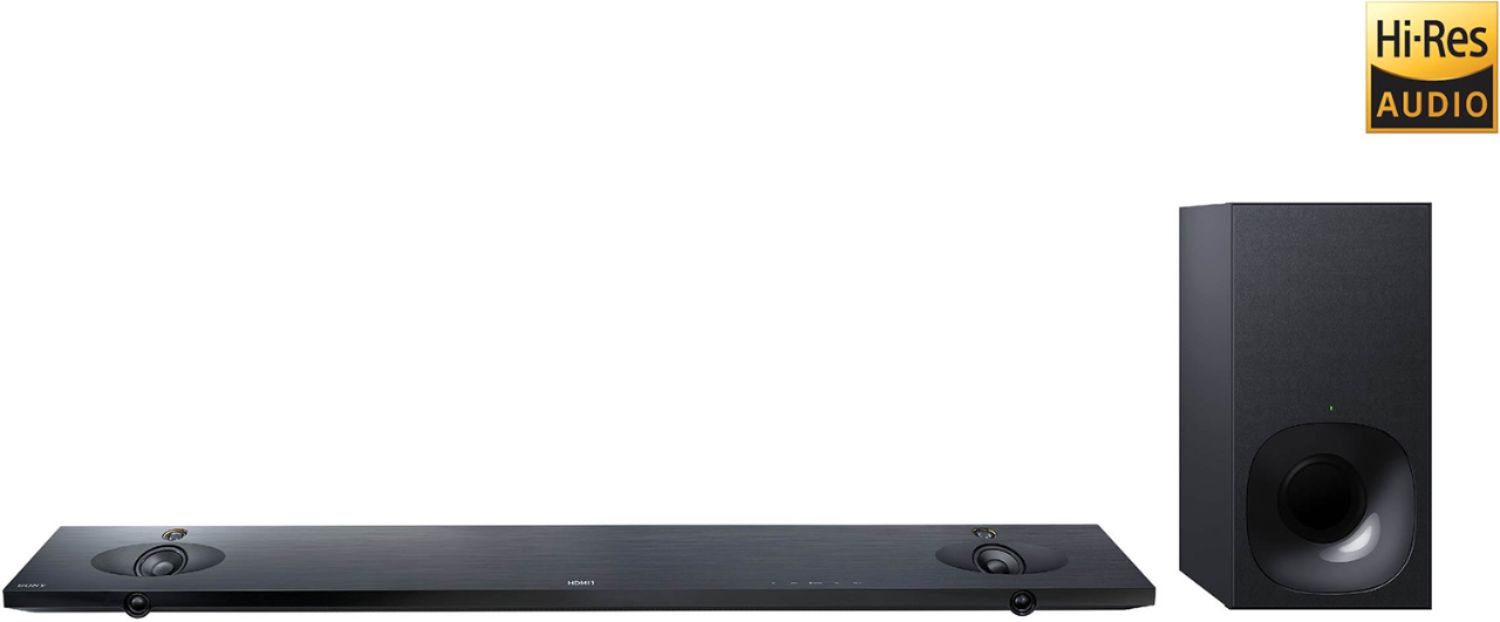
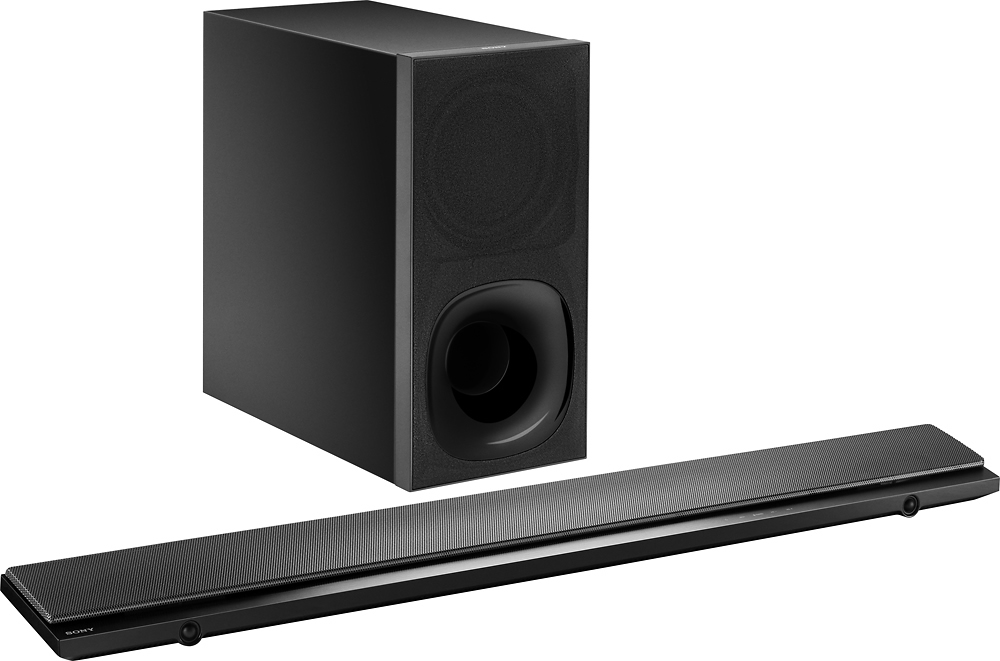
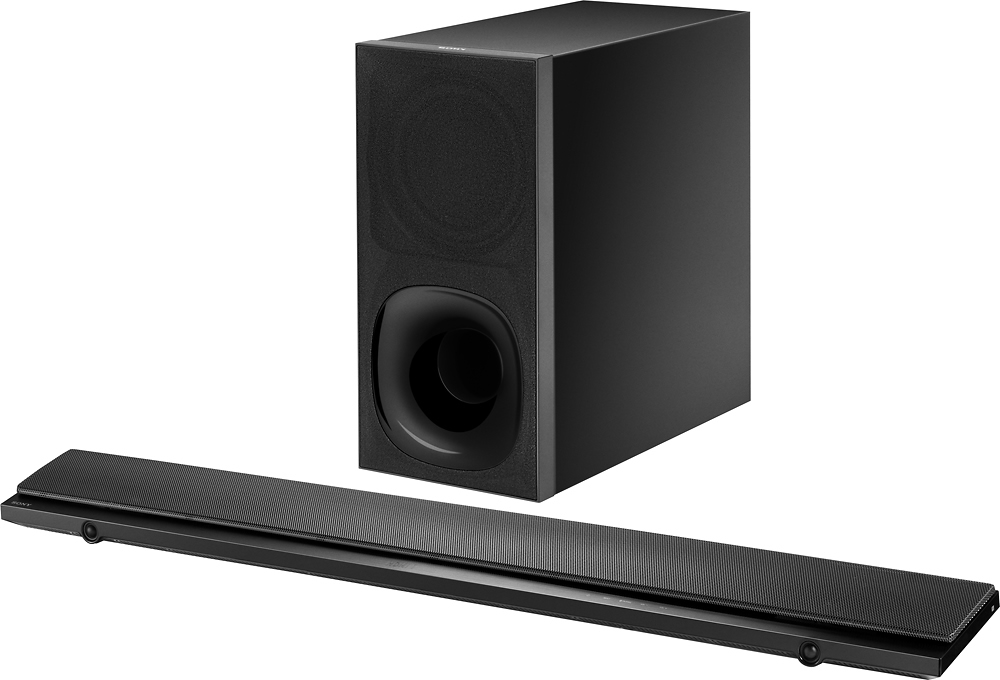
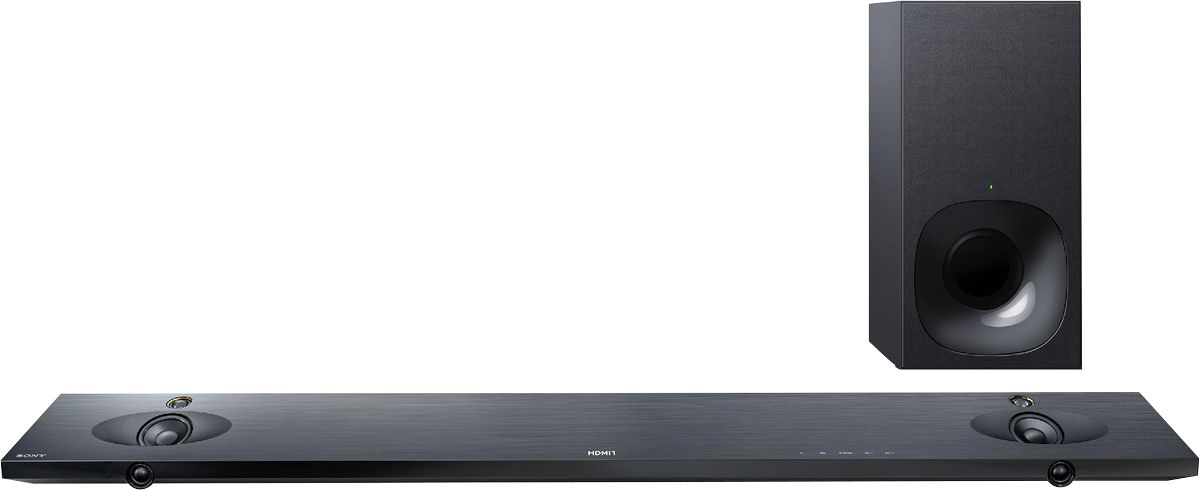
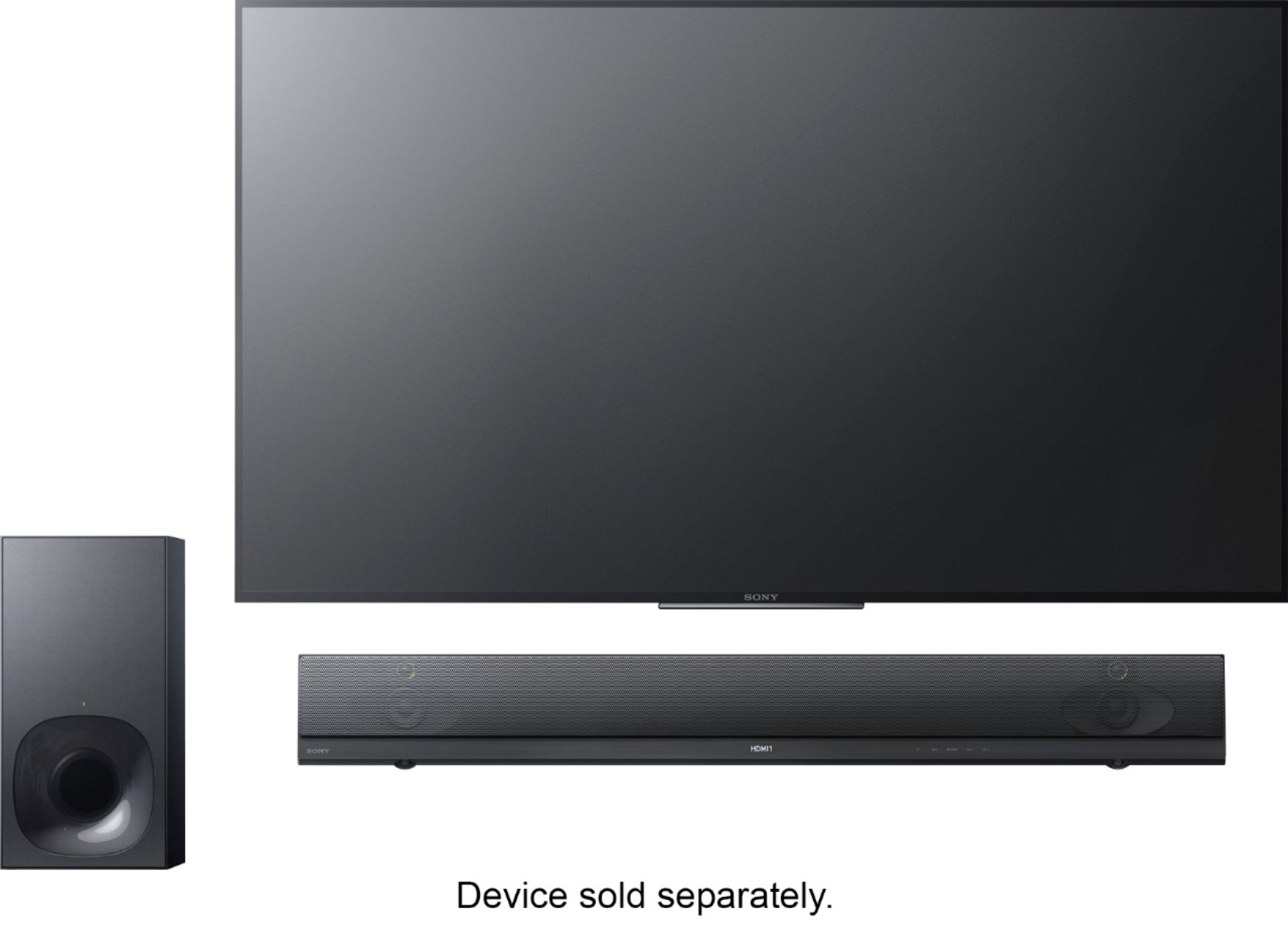
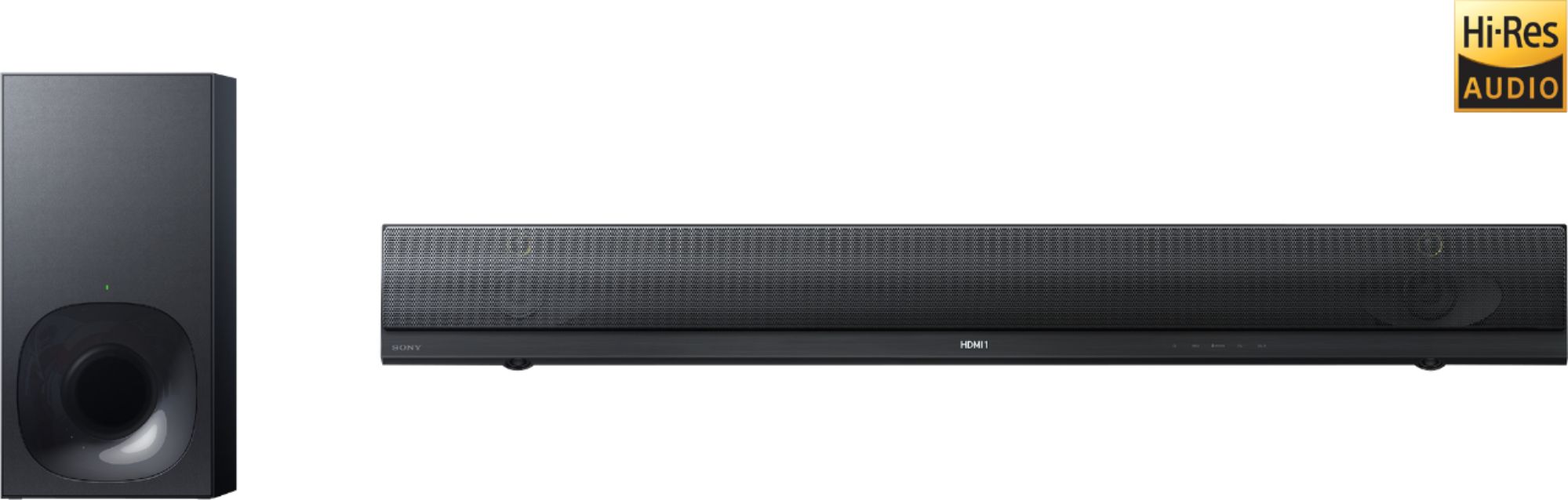
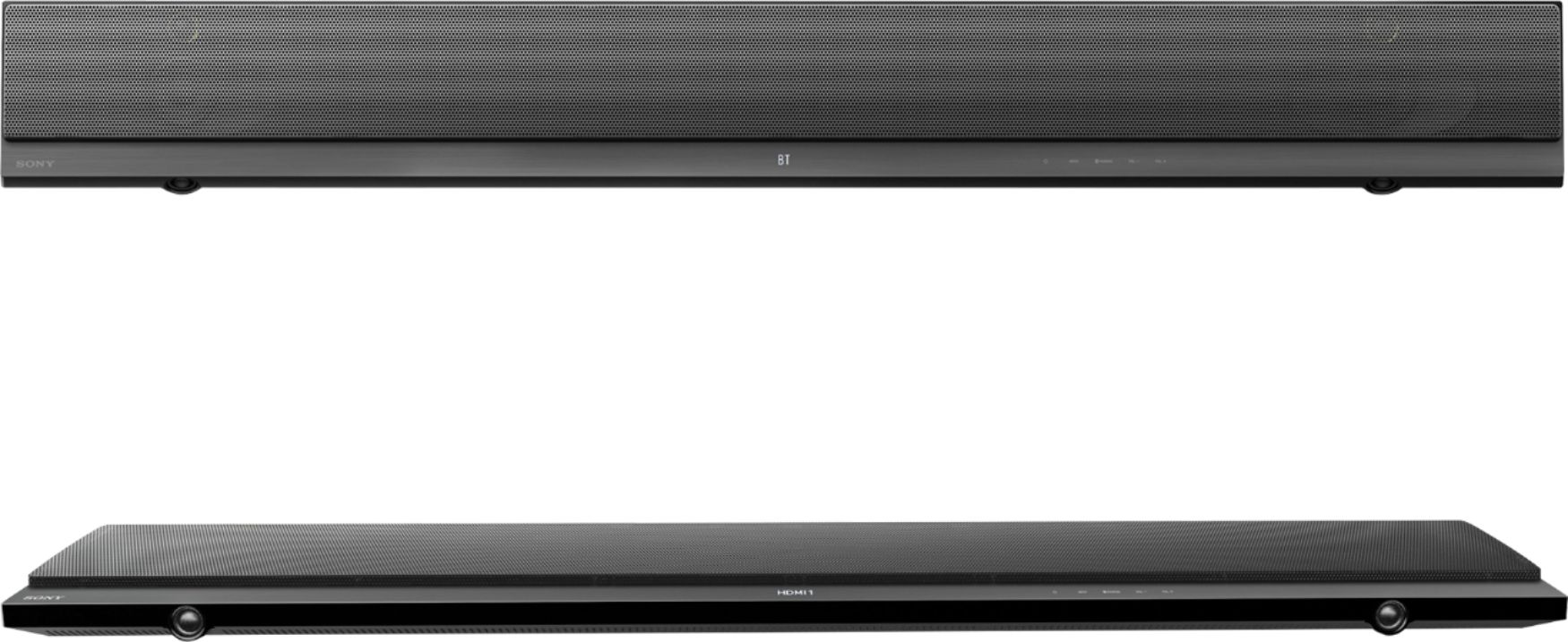
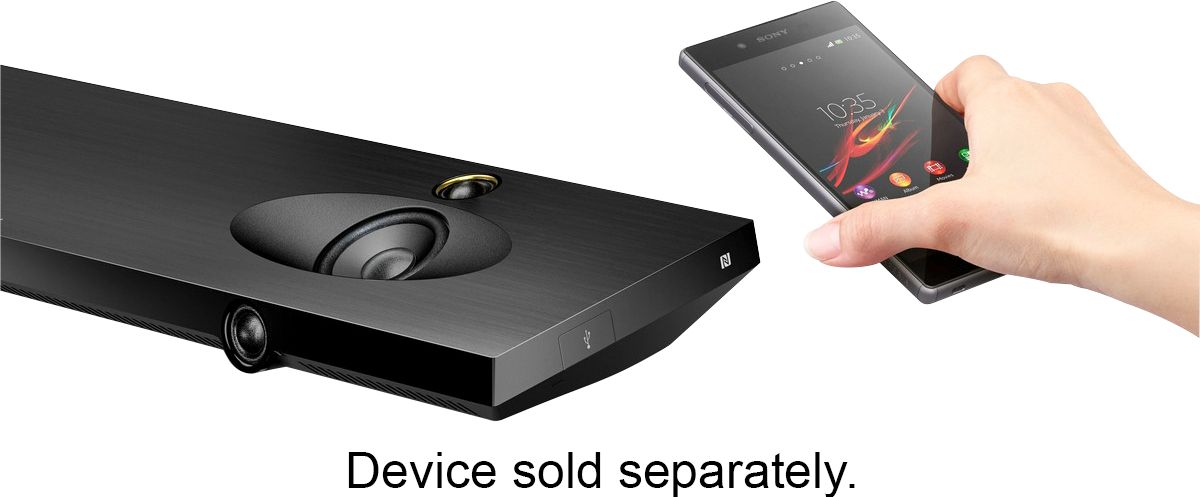
A:AnswerHi Nick, this soundbar will work with any TVs that have HDMI or Optical port. This link will also help you with the setup in the future: https://docs.sony.com/release//QSG_4585894141.pdf. Best regards, -Erin
A:AnswerHi BOND, is the soundbar connected to the TV as well? If so, how did we connect the soundbar to your TV? Is it via HDMI or Optical cable? You can refer to this link to help you further: https://us.en.kb.sony.com/app/answers/detail/a_id/34162. -Erin
A:AnswerHi BOND, it is best to make sure that the TV settings are properly set, we would like to hear more about the connection setup with your soundbar to the TV. For the meantime, please refer to this link: https://us.en.kb.sony.com/app/answers/detail/a_id/34162. If you need further assistance, please send us an email at [email protected]. Thanks. -Erin
A:AnswerIt doesn't explain the problems in the instructions. I found the same problem. Make sure cable is plugged the arc ports first then make sure the sound bar is set on 'TV' as the source. Not 'HDMI 3' like you would think. Otherwise there will be no signal. It keeps switching back off of that for me. It sucks.
A:AnswerHi Trisha, you will only be using an optical cable if the device where this soundbar will be connected does no have and HDMI ARC port. You will be using an HDMI and an optical cable for that type of setup. Thanks, -Mark
A:AnswerFirst thing to ask yourself
Do you have Wifi connected to the TV
Second if so you should also purchase a Separate HDMI cable which is connected next to the audio or that look like an AUX cord behind the TV.
Third what kind of TV are you connecting your speaker on? Last but not least, The speaker when you purchase should come with the Subwoofer if not I believe Best Buy also sell the one that's open with affordable price as well you only have the regular speaker. But before all that ask an employee what inch Tv you own and tell them you need a HDMI cord for whatever inch Tv you own as well. I hope this help you.
A:AnswerYou'd have to be using the ARC input on your TV to the Output on your soundbar. There is a setting for the 4k HDR in the menu screen on the soundbar to enable 4k HDR for certain inputs.
A:AnswerHi Franky28, it is not suggested that you lay the subwoofer sideways. We recommend having it in a vertical position to prevent damage to its internal parts. Thanks, -Mark
A:AnswerI have the exact same system.
Sony has an issue which is unresolved.
Mine doesn't cut out while I'm watching but will sometimes not be available when I turn the sound bar on.
I can't tell if you were referring to HDMI or the power cable in your comment. In my case, unplugging the HDMI cable didn't help.
Turning off the power to everything at the power strip does fix the issue at least for me.
A:AnswerOh man,,,,, I have pretty much the same experience. I wanted to so badly love the HT-NT5, but it's just not powerful enough, ESPECIALLY for an $800 system! You are right, the volume levels are much better, (not great), but much better when playing music from my phone via Bluetooth, but it definitely doesn't shake the house or anything like that. But if the volume was near that level when watching TV I'd say it's "satisfactory", but it's no where near that. I have my cable box going straight into HDMI #1 on the TV, and then the soundbar is connected to the TV's ARC HDMI input to it's own ARC HDMI input. I've read whereas people are hooking it up a little differently and instead having their main cable box connection go into one of the HDMI ports on the soundbar, and connect the soundbar and the TV to each' ARC inputs, so I'm going to try that to see if it makes a difference. But I highly doubt it, for I know most people have their soundbars hooked up the same way I do and they don't have any issues. I am still researching suggestions and comments from other users on the web who have had the same exact issue to see if maybe I get lucky and find a solution, but more than likely I'll be returning the unit and getting something not only better, but probably cheaper too! If that's the case I'm hoping I find something satisfactory and what I'm looking for from maybe Denon, JBL, or perhaps Yamaha. I have a portable Kliptch system which sounds ten times bigger than it's size, so I'll be looking at what they have to offer as well. We'll see what happens. Good luck with your issue as well, and let me know the outcome..