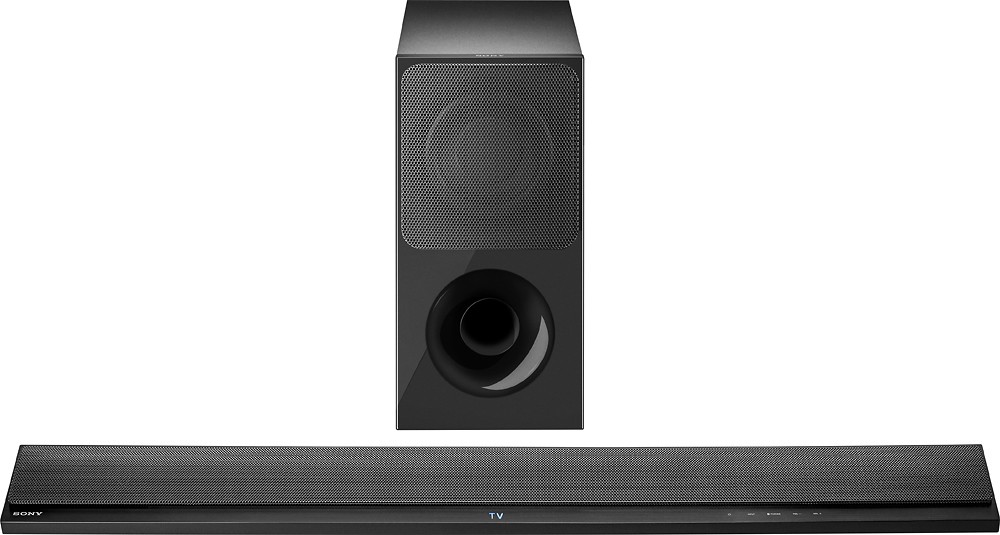
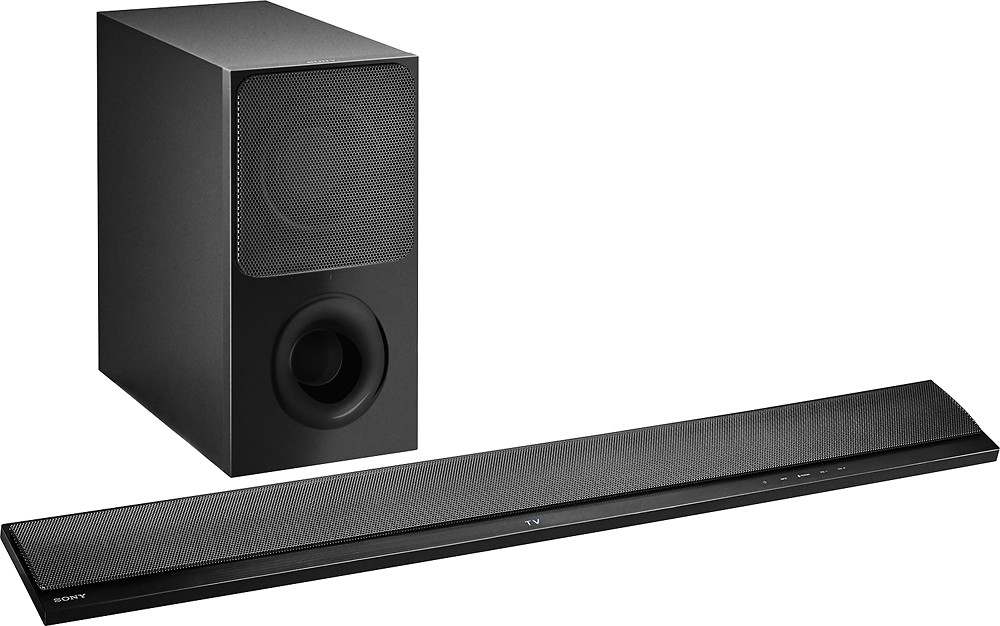
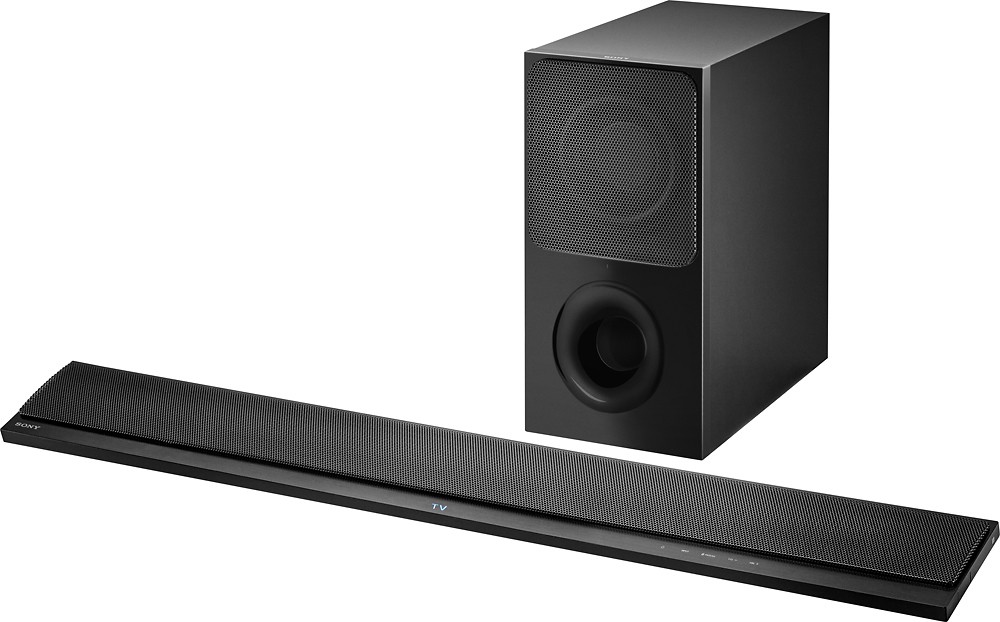
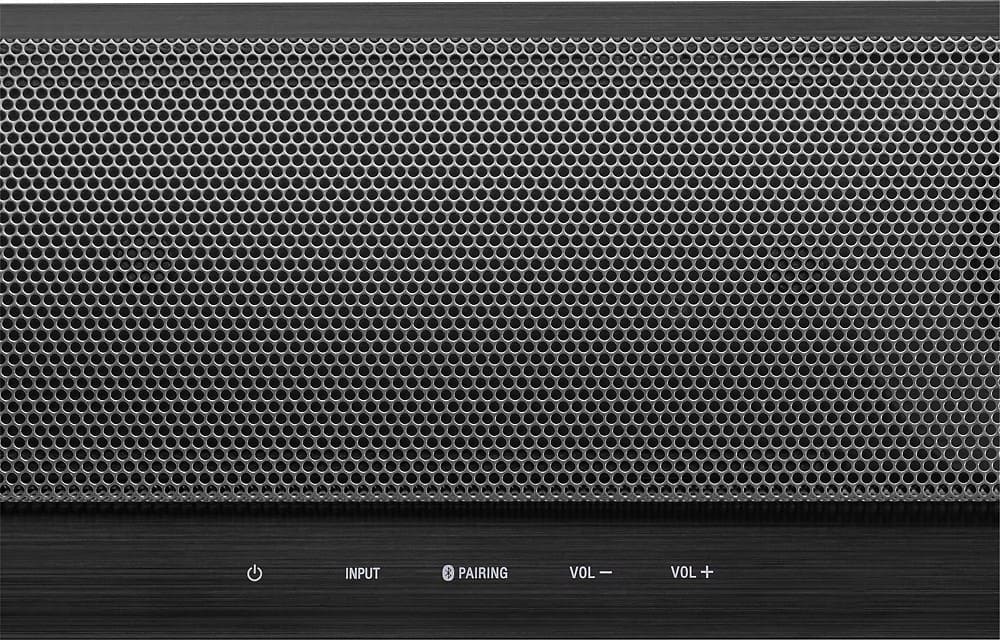
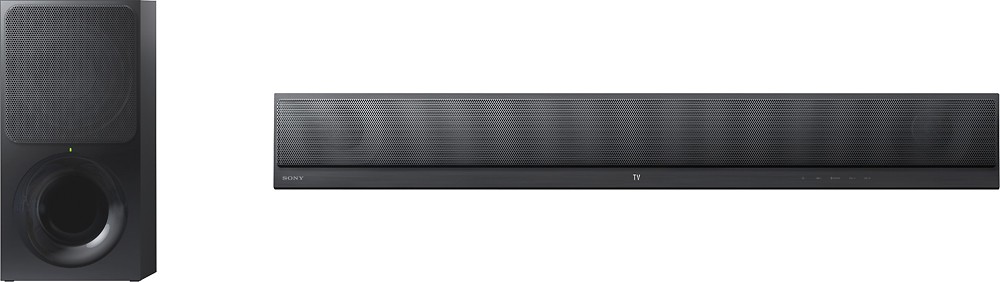
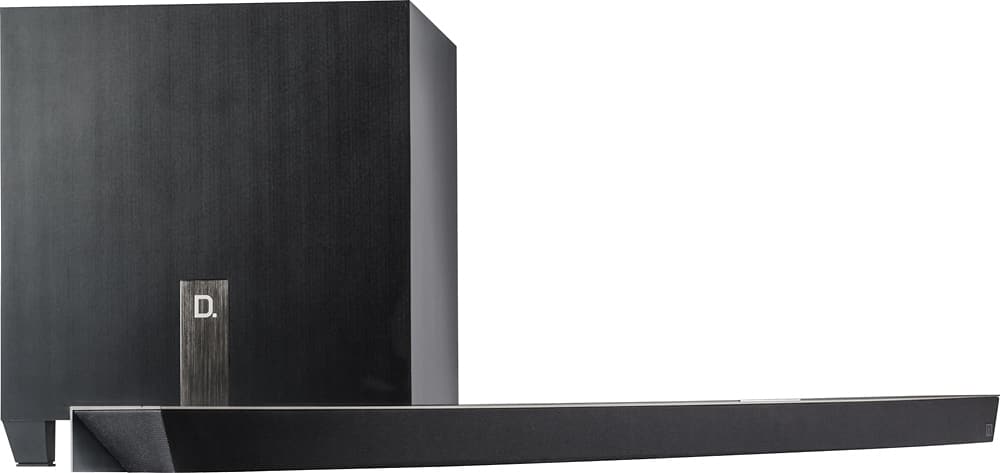
A:AnswerAlthough I cannot personally tell you how this model compares to the HTCT390, I can tell you is that the sound is very crisp and clear. Just be sure to keep both the sound bar and sub on a flat, solid surface in order to get the best sound quality. Also, this is a SONY product which means you're in good hands. We have never had any issues out of SONY products.
I hope this review helps.
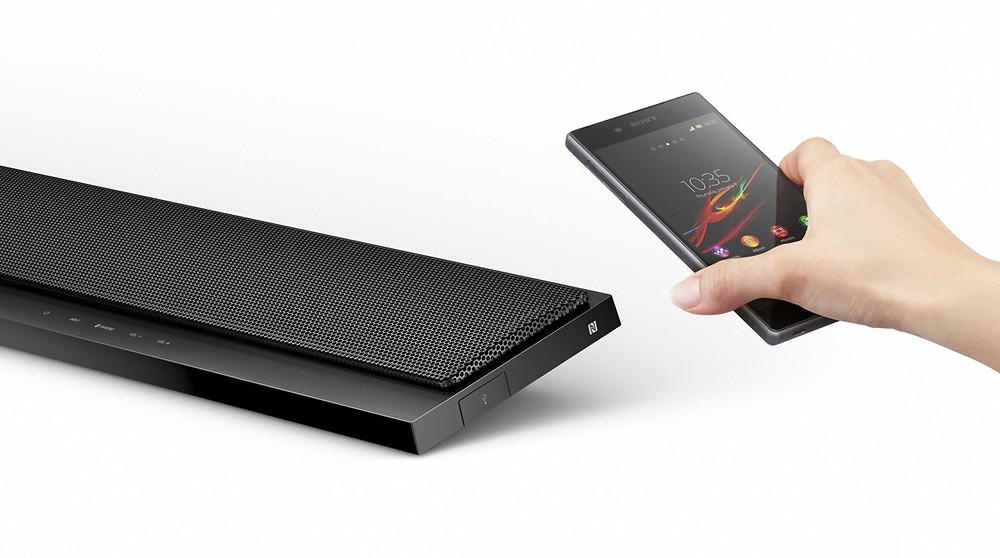
A:AnswerHi Bubba, This model supports SongPal and NFC. You may refer to the links below for more product information:
https://docs.sony.com/release//specs/HTCT390_mksp.pdf
https://docs.sony.com/release//SPECS/HTCT290_mksp.pdf
Thanks,
~Ralph
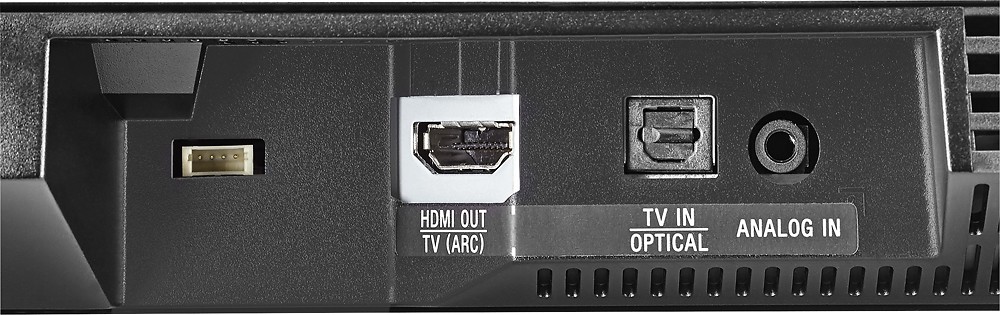
A:AnswerI have this sound bar hooked up to my Sharp 4K Led 55" TV. It's hooked up to the TV's ARC HDMI outlet. It didn't work with just the HDMI cable attached but when I attached the optic cable it worked like a champ. Both the TV and sound bar have the optic outlets.
A:AnswerYes..this bar will play music from your iPhone and/or android phone. As long as you have the Bluetooth capability on your phone, the sound bar will sync up and play whatever is playing on your phone.
A:AnswerYes, to connect to the TV there is the option to use either an HDMI cable or an optic cable (I found the optic cable produces better sound). The initial setup directions that came with the soundbar show both options.
A:AnswerHi Lex32, yes. If your Bluray or projector can accommodate or supports connections of audio output devices via HDMI and optical, it will work. Thanks, -Mark
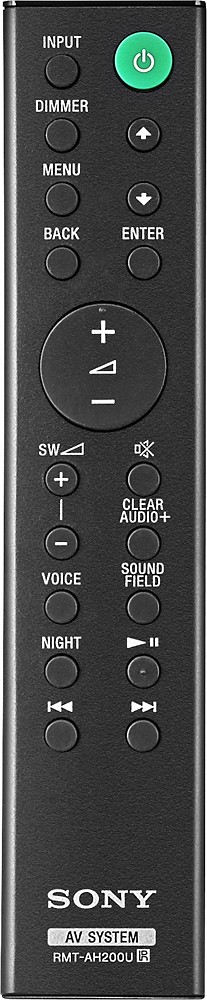
A:AnswerThe remote control has a BASS option that will control the bass of the subwoofer. Just be sure to keep both the sound bar and sub on a flat, solid surface in order to get the best sound quality. As of right now, the only way I know how you could control the treble would be to change the sound effect (movie, cinema, music, theater, etc).
I hope this review helps.