Questions & Answers
- Model:
- KD32W830K
- |
- SKU:
- 6505561
Q: QuestionCan this TV install the Optimum TV app?
Asked by BionicHips.
- A:Answer Hi BionicHips, Thank you for your question. Unfortunately, the Optimum TV app is not available on the Google Play Store for the KD32W830K model. See pictures full of vivid detail and texture on this TV. X-Reality™ PRO upscales every pixel for exceptional clarity, analyzing frames and matching each scene with our unique database to refine images and reduce noise. Best regards, Romeo
Answered by SonyListens

Q: QuestionI have a Roku player and remote that I prefer to use. Please confirm if the tv model is Roku compatible.
Asked by Anonymous.
- A:Answer A Roku device can be plugged into any HDMI port on a television and work as intended, so yes this tv will support a Roku player.
Answered by BobbieD
Q: QuestionCan the color buttons be programmed for specific apps?
Asked by CindyG.
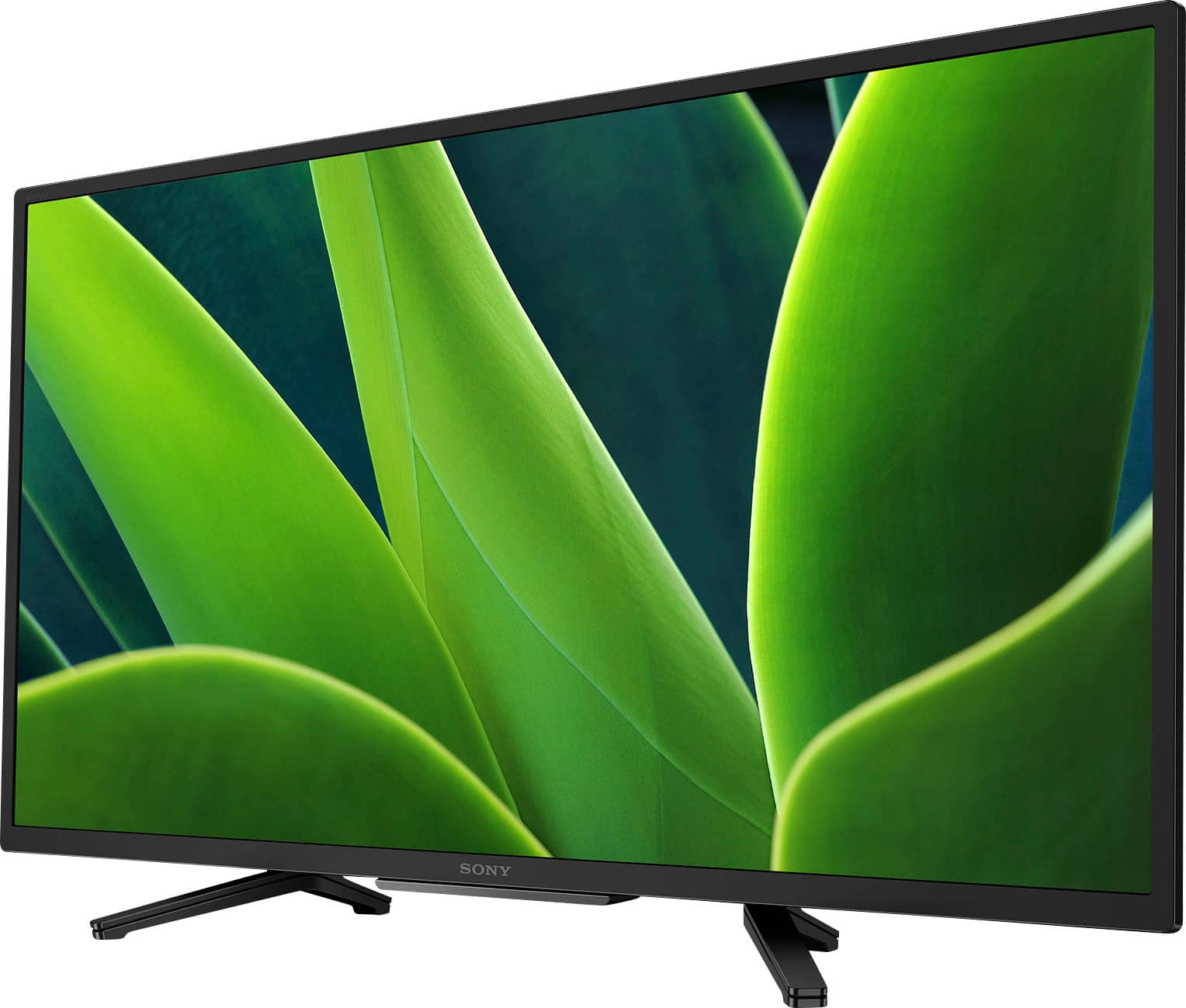
- A:Answer Hi Lulu, Thank you very much for your question. Unfortunately, no. The color buttons on the remote control for the KD32W830K model cannot be programmed for specific apps. These buttons can only be used within certain menus or apps, and the menu or app will provide information regarding what function corresponds with each color button. I hope this helps! With the W830K, you can see pictures full of vivid detail and texture. X-Reality™ PRO upscales every pixel for exceptional clarity, analyzing frames and matching each scene with our unique database to refine images and reduce noise. Best regards, Romeo
Answered by SonyListens

Q: QuestionI want to use this to display pictures as a slide show via a USB stick. I would like it to autoplay without entering the setup menu. Also are there manual controls so I do not need the remote? I have other TV's in the same room.
Asked by Randy.
- A:Answer Hi Randy, Thank you for your question! Unfortunately, the KD32W830K does not support autoplaying a slideshow directly from a USB stick without some initial setup. You will need to navigate through the setup menu to start the slideshow. For setting up the slideshow: Connect the USB stick to the TV. Press the HOME button on the remote. Navigate to the Media Player or Album app. Select the USB device and choose the folder containing your photos. Start the slideshow by selecting the appropriate option. And also, the TV does have some manual controls, but they are limited. Most of the functionality, including starting a slideshow, requires the use of the remote control. Hope this helps! See pictures full of vivid detail and texture on this TV. X-Reality™ PRO upscales every pixel for exceptional clarity, analyzing frames and matching each scene with our unique database to refine images and reduce noise. Regards, Sam
Answered by SonyListens

Q: QuestionI did a search on picture in picture and this model came up (as well as several others) but there is no mention in the specs / features to indicate it actually has it. Please confirm.
Asked by flygirl.
- A:Answer Hi flygirl, Thank you for your inquiry! The Sony W830K doesn't have a Picture-in-Picture (PIP) or Twin Picture capability. However, similar functionality may be available through a third-party service or channel for sports, videos, etc. Check with your cable or satellite TV provider for options. Hope this helps. See pictures full of vivid detail and texture on this TV. X-Reality™ PRO upscales every pixel for exceptional clarity, analyzing frames and matching each scene with our unique database to refine images and reduce noise. Regards, Sam
Answered by SonyListens

Q: QuestionHow much does this TV weigh? How wide is this TV?
Asked by LongIslandwoman.
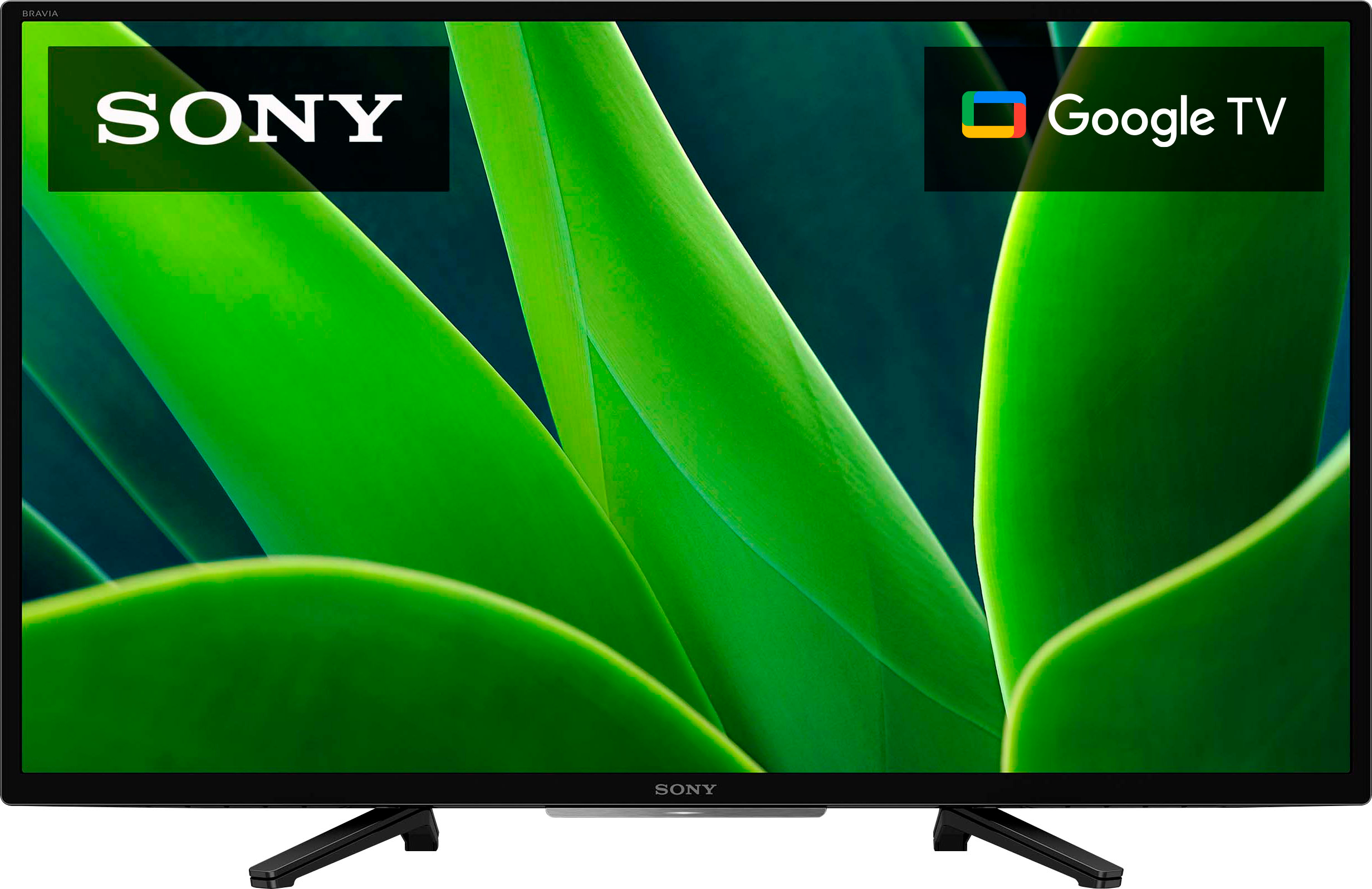
- A:Answer Hi LongIslandwoman, Thank you for your inquiry! The weight of the TV including the TV stand is approximately 11.1 lb. (5.0 kg) and the width is 28.75 inches (730 mm). Hope this helps! See pictures full of vivid detail and texture on this TV. X-Reality™ PRO upscales every pixel for exceptional clarity, analyzing frames and matching each scene with our unique database to refine images and reduce noise. Regards, Sam
Answered by SonyListens

Q: QuestionDoes a Sony TV accept the PBS Passport app? What about Apple TV+?
Asked by ScubaGal.
- A:Answer Hi ScubaGal, Thanks for your inquiry! There are a few different PBS apps available in the Play Store for download. Please refer to the app creator whether the version of the app you are looking for is available in the Google TV . And the Apple TV app and Apple TV+ app is also supported on this TV. Hope this helps! See pictures full of vivid detail and texture on this TV. X-Reality™ PRO upscales every pixel for exceptional clarity, analyzing frames and matching each scene with our unique database to refine images and reduce noise. Regards, Sam
Answered by SonyListens
Q: QuestionIs the headphone jack on the LEFT side of the TV?
Asked by Name.
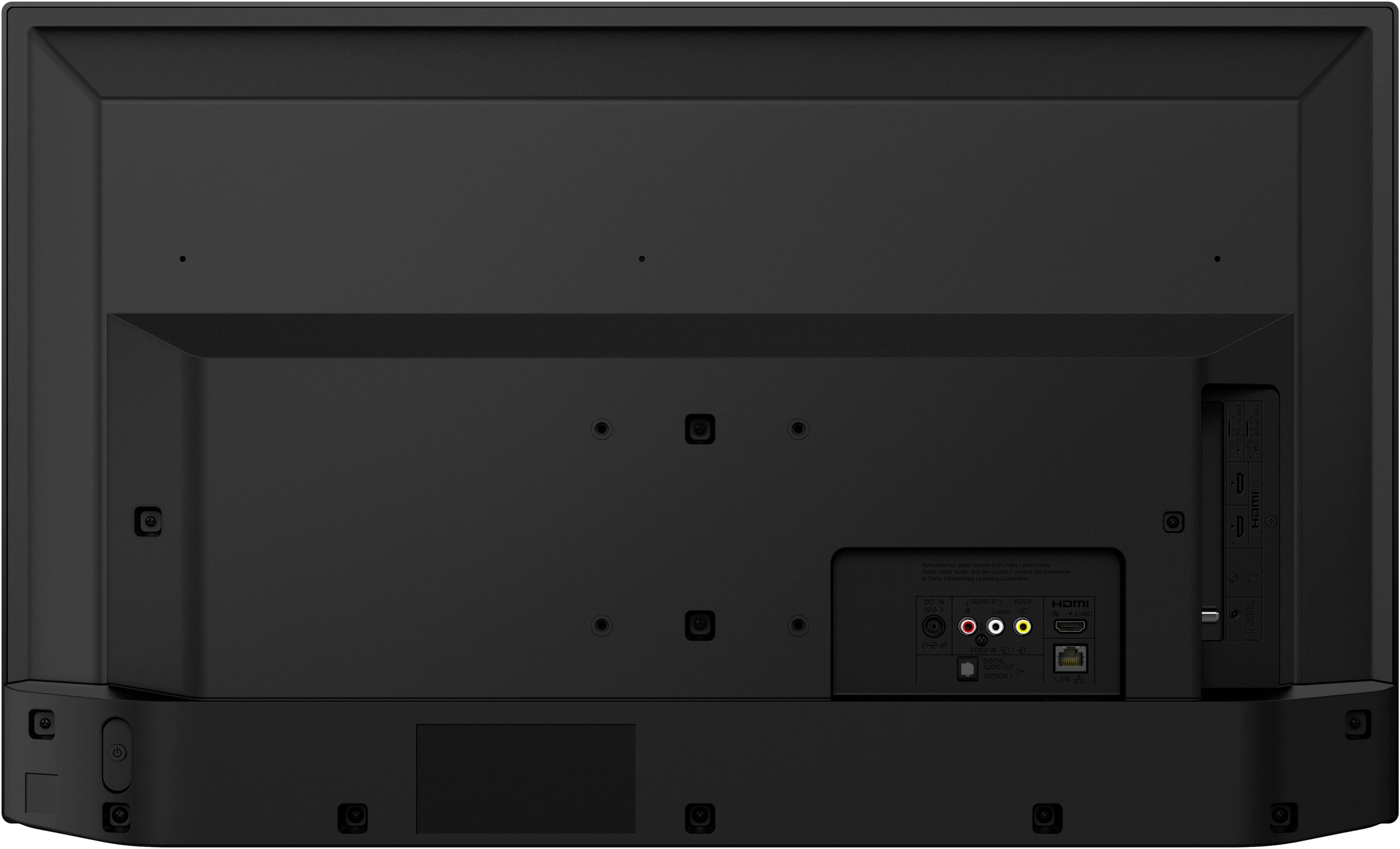
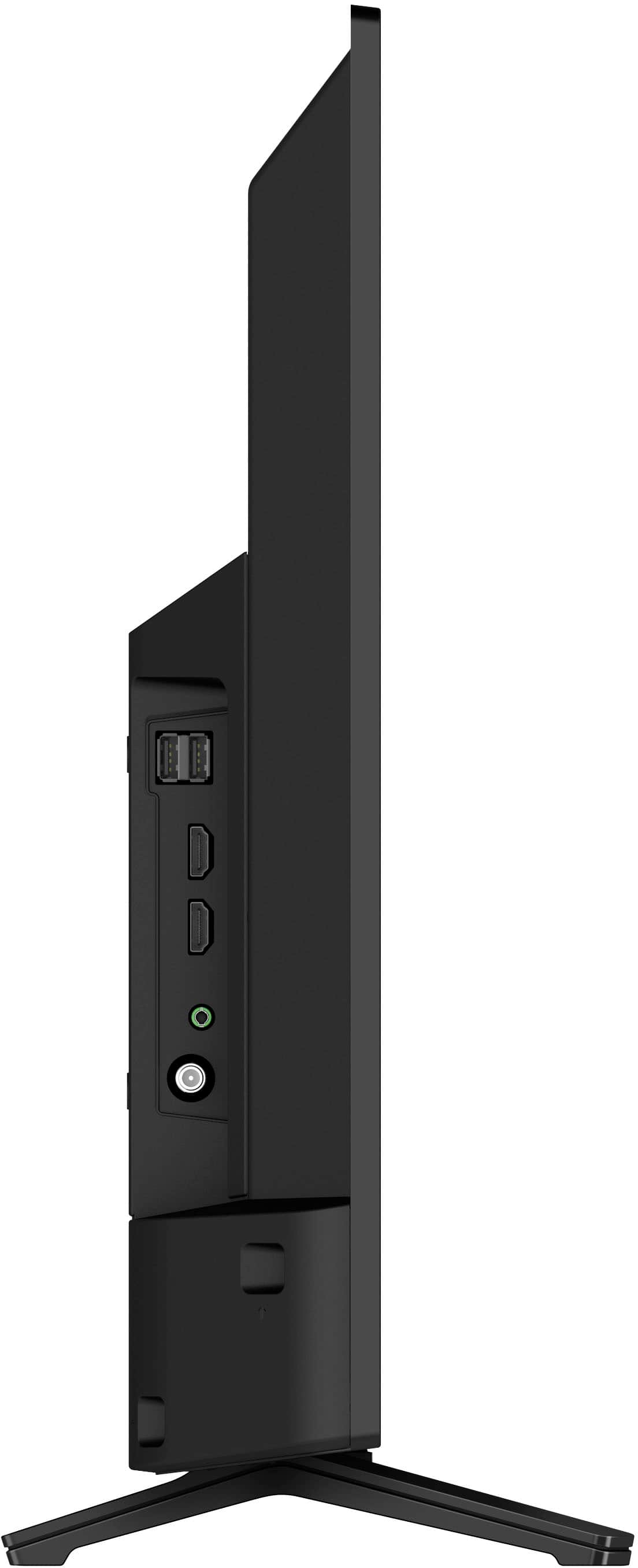
- A:Answer Hi Name, Thank you for your question! Yes, the headphone jack is located in the left side of the TV. Hope this helps! See pictures full of vivid detail and texture on this TV. X-Reality™ PRO upscales every pixel for exceptional clarity, analyzing frames and matching each scene with our unique database to refine images and reduce noise. Regards, Sam
Answered by SonyListens

Q: QuestionCal a 4K player be used on this unit?
Asked by Anonymous.
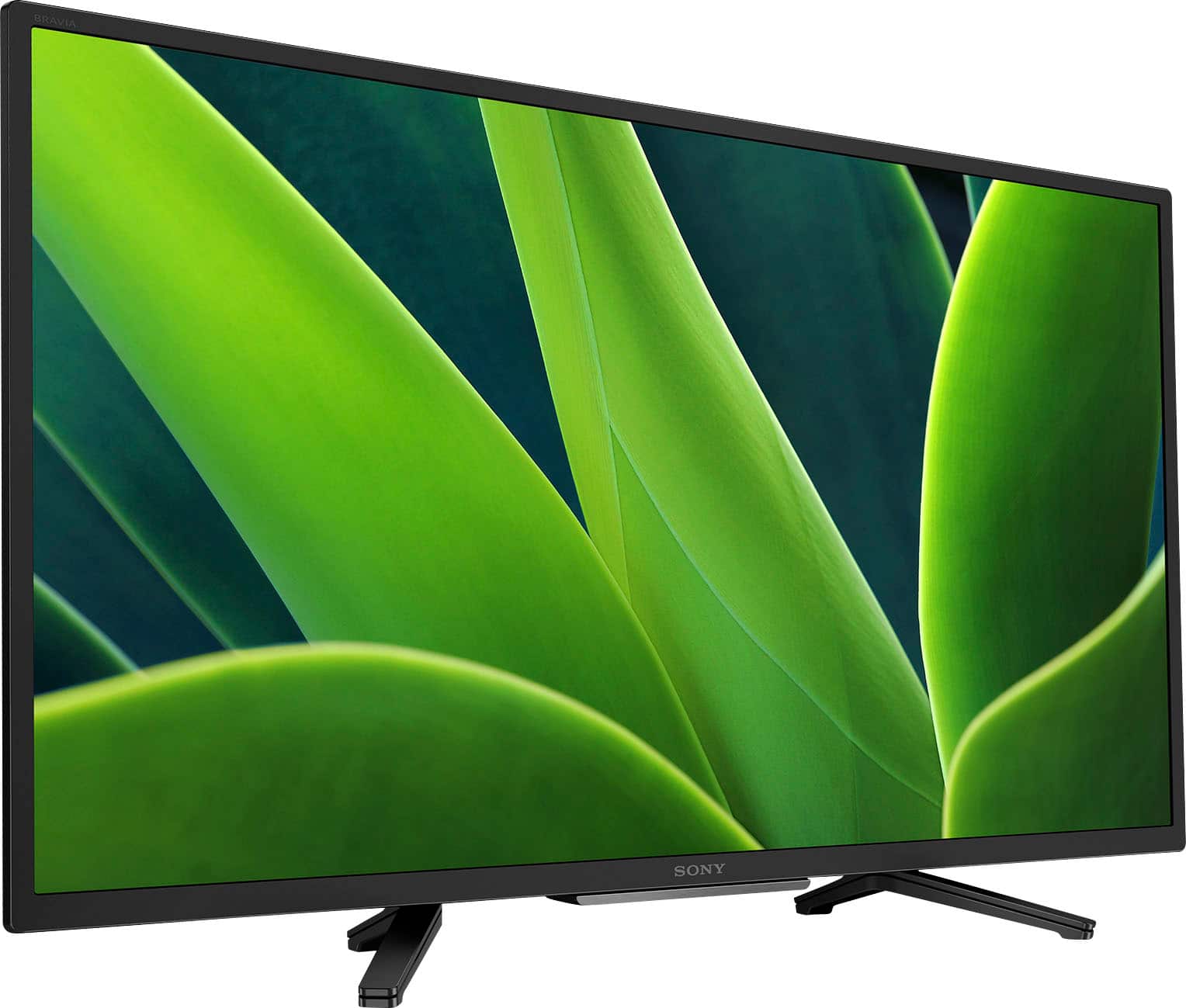
- A:Answer Hi there, Thank you for your question. Yes, you can. Most of the latest DVD players/Blu-ray players usually connect to a TV using an HDMI connection. The KD32W830K features 3 HDMI inputs (1 Side/2 Rear) where you can connect your player. While the KDXXWXXXK doesn't support 4K, you can playback the following HDMI video resolutions: 2160p (30, 24, 60 Hz), 1080/24p, 1080i (60, 50 Hz), 1080p (30, 24, 60 Hz), 720/60p, 480p, 480i. I hope this helps! See pictures full of vivid detail and texture on this TV. X-Reality™ PRO upscales every pixel for exceptional clarity, analyzing frames and matching each scene with our unique database to refine images and reduce noise. Best regards, Romeo
Answered by SonyListens

Q: QuestionDo we have to subscribe to Google TV in order to use this TV? I really like Sony TVs and need a 32" to go into a certain cabinet we have. Thanks.
Asked by Johnboy.
- A:Answer No. You do Not Need To Subscribe to Google. You can use Any Internet Browser. This is a Smart Tv, it can Connect to the Internet via any Internet Browser. (Duck Duck Go, Firefox, Chome(google), Internet Explorer.....
Answered by AnnemK
Q: QuestionDoes this HDTV have mutiple Aspect Ratio Settings? In other words, is there more than just a 4:3 and Full setting? Samsung TVs have an additional "Custom" setting that allows you to set zoom horizontal and/or vertical zoom settings to your preference.
Asked by Asking.
- A:Answer Hi Asking, Thank you for your inquiry! This TV has 4:3 default and 16:9 Wide mode Aspect Ratio Setting options. Hope this helps! See pictures full of vivid detail and texture on this TV. X-Reality PRO upscales every pixel for exceptional clarity, analyzing frames and matching each scene with our unique database to refine images and reduce noise. Regards, Sam
Answered by SonyListens

Q: QuestionCan you screen mirror with an android phone?
Asked by SonnyDipsyDoodle.
- A:Answer Hi SonnyDipsyDoodle, Thank you for the question! You can use your mobile device to cast or stream movies from your smartphone to this TV using the built-in Chromecast (Google Cast) feature. See pictures full of vivid detail and texture on this TV. X-Reality PRO upscales every pixel for exceptional clarity, analyzing frames and matching each scene with our unique database to refine images and reduce noise. Regards, Sam
Answered by SonyListens

Q: QuestionDoes this tv have a web browser?
Asked by Anne.
- A:Answer Hi Anne, Thank you for your inquiry! Yes, it does. This TV does not have a pre-installed web browser app. However, you may be able to download and install third-party apps that function as a web browser through the Google Play™ store app on your TV. Hope this helps! See pictures full of vivid detail and texture on this TV. X-Reality PRO upscales every pixel for exceptional clarity, analyzing frames and matching each scene with our unique database to refine images and reduce noise. Regards, Sam
Answered by SonyListens

Q: QuestionCan you use apple AirPlay?
Asked by Mann4us.
- A:Answer Hi Mann4us, Thank you for your inquiry! Yes, you can. The Sony W830K supports Apple Airplay. Hope this helps! See pictures full of vivid detail and texture on this TV. X-Reality PRO upscales every pixel for exceptional clarity, analyzing frames and matching each scene with our unique database to refine images and reduce noise. Regards, Sam
Answered by SonyListens

Q: QuestionWhat is the data storage capacity for this tv
Asked by Skipper.
- A:Answer I don't use the TV for data storage. I recommend you contact Sony technical support for the answer.
Answered by Dave
Q: QuestionNo power to tv
Asked by FrankB.
- A:Answer Hi Frank, We regret to hear about the no power issue that you're having with your Sony W830K. This is definitely not the news that we would like to hear. Several conditions may cause a power issue that prevents your TV from turning on. Let's try to isolate and resolve this issue by following the troubleshooting steps below: Check your TV power cord (and AC adapter for some models) to ensure they're not loose or disconnected. Press the power switch on the TV to see if the TV turns on. Perform a power reset or restart of your TV. Unplug the TV power cord from the wall outlet (or from the back of the TV or power adapter if the power cord is detachable and accessible), wait two minutes, then plug the power cord back in. If you're unable to resolve the issue, please contact us. Unfortunately, due to the current Bestbuy phishing protocol for your protection, we cannot provide a direct email or phone number for customer support as of now. Please find Sony Electronics' Support information: Go to our support website > click on “Support” > scroll down click on “Contact Support” > click on [Product Type] and from there you'll see different ways to reach us. Regards, Sam
Answered by SonyListens

Q: QuestionWill this TV allow me to download and view DishAnywhere content?
Asked by Frank7850.
- A:Answer Mine does. If you buy from Amazon, be alert they'll block Dish from being loaded on their brand.
Answered by DwGetal
Q: QuestionWhere is the speaker located
Asked by Anaa.
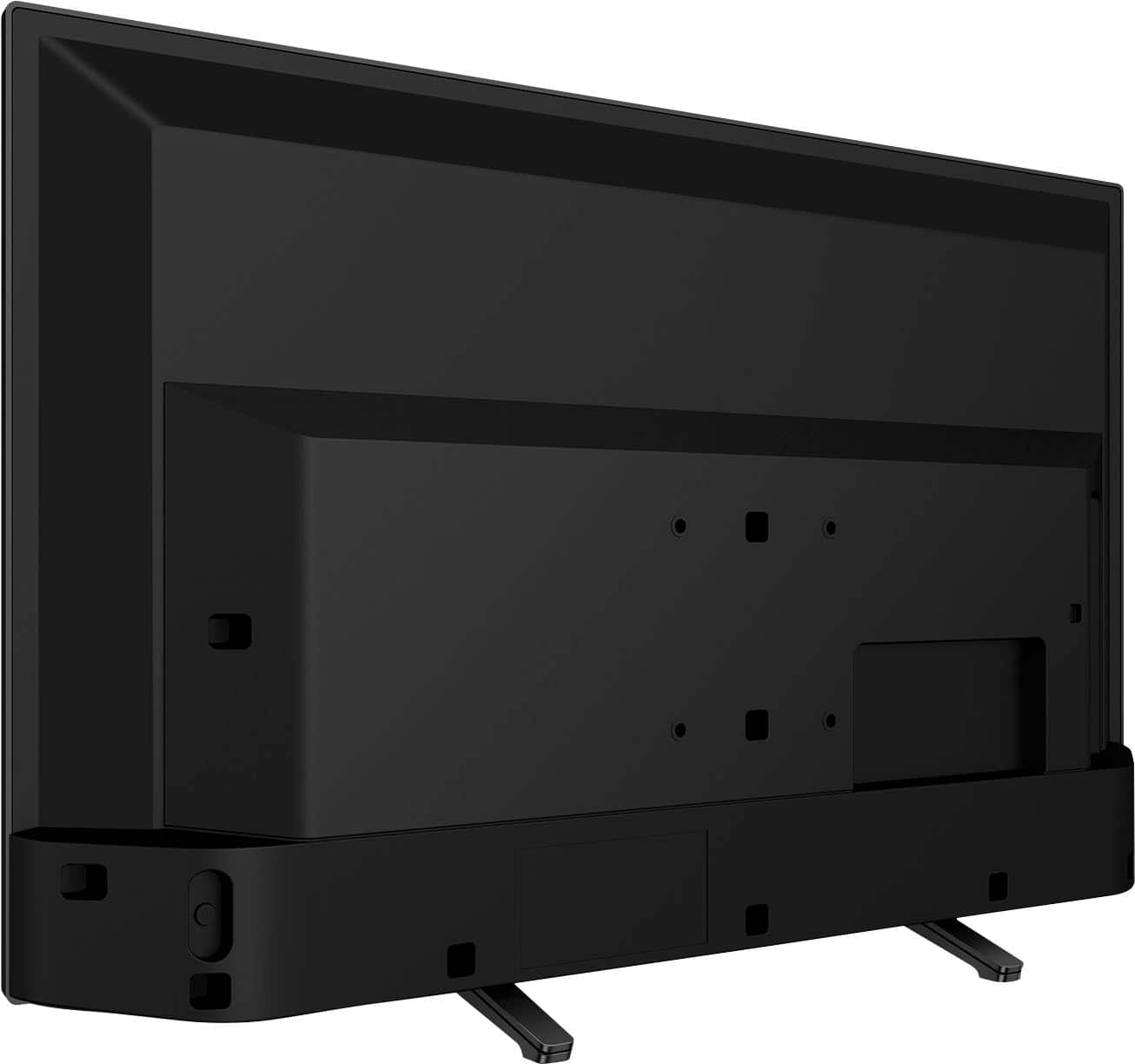
- A:Answer Outlet is on the bottom with an enlarged plastic box in the bottom backside.
Answered by user339503
Q: QuestionWhat are the actual dimensions of the tv?
Asked by Franne.
- A:Answer Hi Franne, Thank you for your inquiry! The actual dimensions of the Sony KD32W830K without the TV stand are approximately (W X H X D): 28.75 x 17.25 x 3 in. (730 x 437 x 75 mm) and 28.75 x 18.38 x 7.5 in. (730 x 465 x 188 mm) with the TV stand. Hope this helps! See pictures full of vivid detail and texture on this TV. X-Reality PRO upscales every pixel for exceptional clarity, analyzing frames and matching each scene with our unique database to refine images and reduce noise. Regards, Sam
Answered by SonyListens

Most-viewed items
- $329.99$329.99The price was $469.99
- $449.99$449.99The price was $649.99
- $1,249.00$1,249.00The price was $2,699.99
- $299.99$299.99The price was $399.99
- $329.99$329.99The price was $489.99
- $2,199.99$2,199.99The price was $3,699.99
- $399.99$399.99The price was $699.99
- $729.99$729.99The price was $899.99
- $269.99$269.99The price was $479.99
- $1,399.99$1,399.99The price was $2,499.99
- $199.99$199.99The price was $349.99
- $599.99$599.99The price was $799.99
- $179.99$179.99The price was $299.99
- $599.99$599.99The price was $899.99
- $744.90$744.90The price was $999.99
- $149.99$149.99The price was $199.99
- $599.99$599.99The price was $999.99
- $1,072.72$1,072.72The price was $1,299.99