



Main Content

Questions & Answers

Your price for this item is $369.99
The comparable value price is $499.99
Page Showing 1-20 of 45 questions
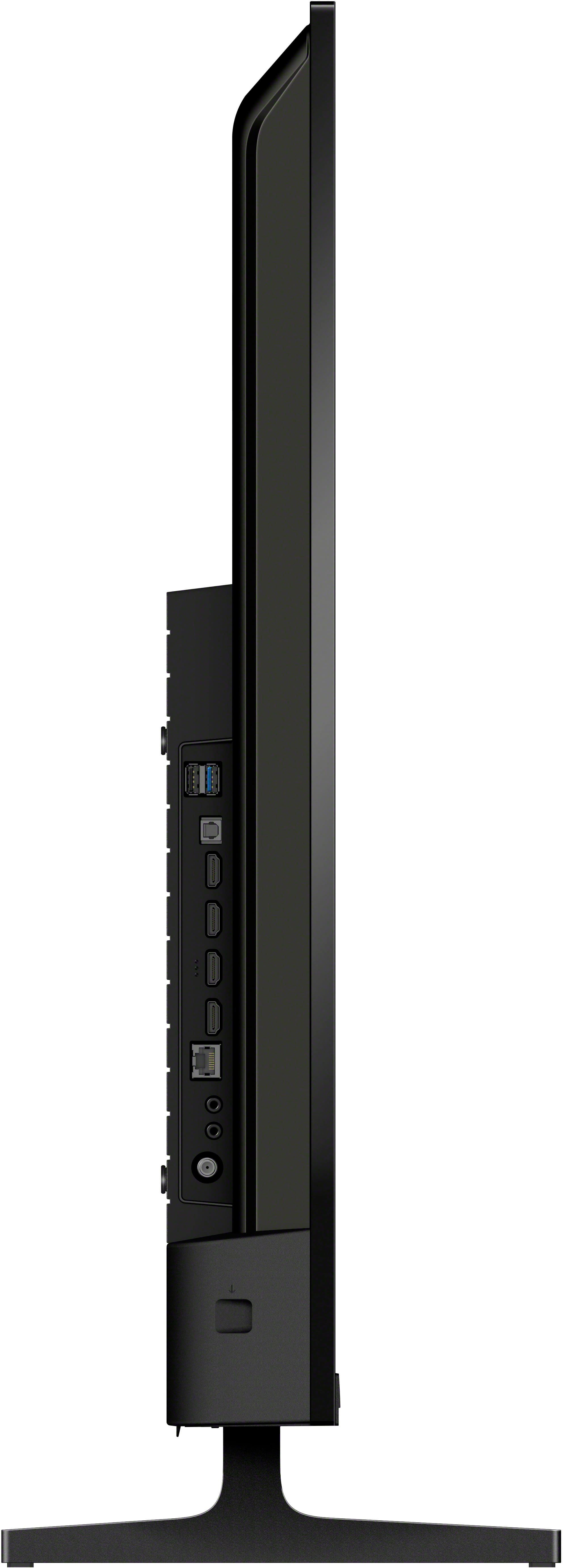
  • Questionis there a input to hook up a OTA antenna connection

    Asked by Anonymous.

  • QuestionDoes the tv support nextgen tuning?

    Asked by Bobby32947.

    • Answer Thank you for contacting Sony, Bobby32947. This model features a built-in ATSC 1.0 digital tuner. It does not support NextGen TV (ATSC 3.0) tuning directly. You can still receive standard HD broadcasts with an antenna, but for NextGen features (like 4K over-the-air), you would need an external converter box. If you're looking for a TV with that tuner built-in, check out our BRAVIA 7, 8, or 9 series. We appreciate your interest in Sony products. Should you require any further assistance, please don't hesitate to reach out for support here: https://us.esupport.sony.com/support/s/support-contact?language=en_US&category=tv Best regards, Gus, Sony North America Customer Support

      Answered by SonyListens

  • QuestionCan I hook up my Bose sound bar to the Sony TV?

    Asked by Lynn.

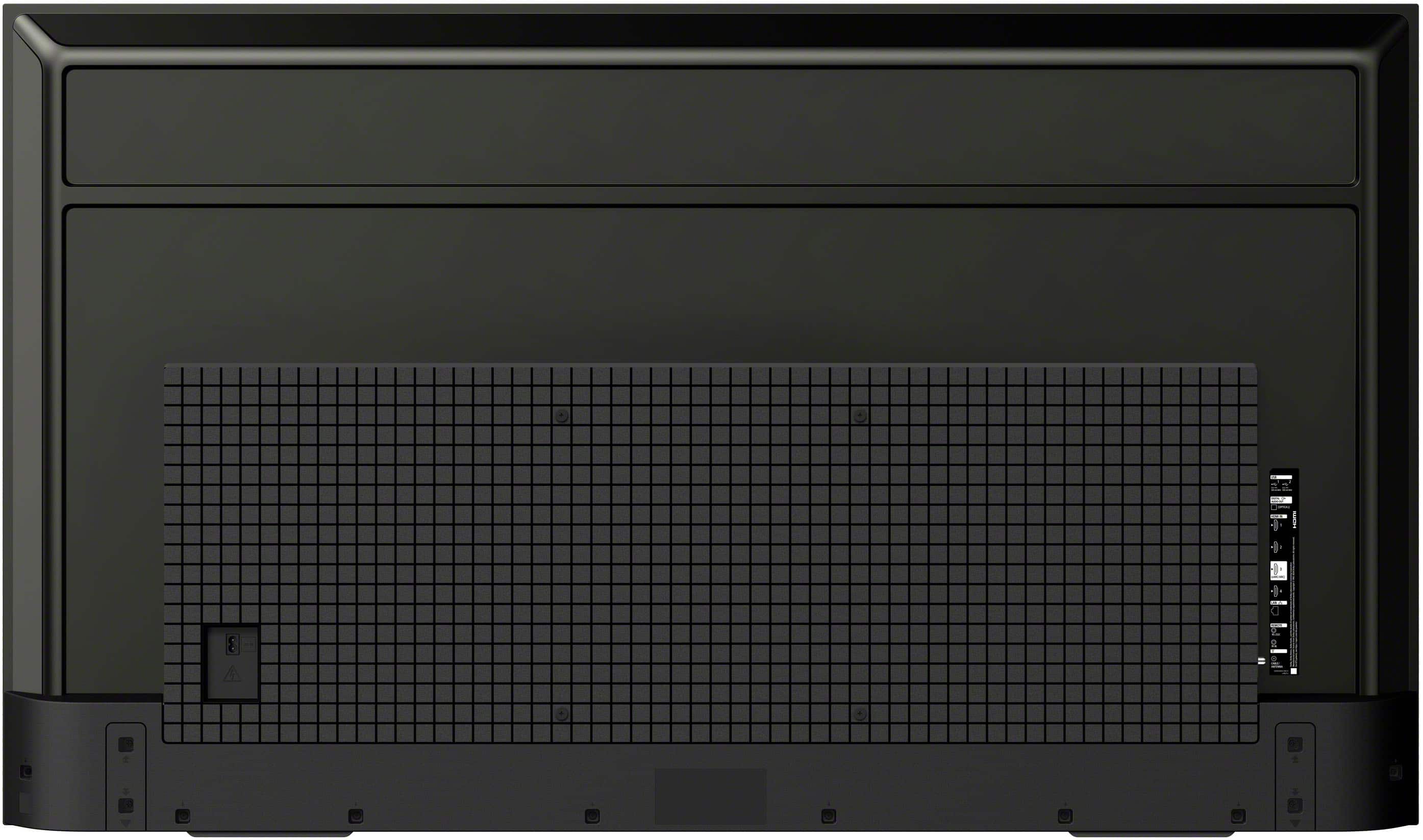
    • Answer Hi Lynn, Yes, you can connect a Bose soundbar to this TV using either the HDMI (eARC/ARC) port or a Digital Optical cable. For the best experience and to control volume with your Sony remote, we recommend using the HDMI connection. Thanks for choosing Sony. Best regards, Eliab

      Answered by SonyListens

  • Questioni have Xfinity Comcast . I'm replacing my 20 year old Samsung tv which is hooked up to my cable box via an Ethernet cable. Can I hook this Sony Bravia 2 to cable box via Ethernet cable also?

    Asked by Ivyappletree.

    • Answer Hi Ivyappletree, While you can use an Ethernet cable to provide the TV with internet for streaming apps, it cannot be used to transmit the video signal from your Xfinity box to the TV. To view your cable channels, please connect the cable box to the TV using an HDMI cable. This will ensure you get the best 4K picture quality for your new BRAVIA 2. Thanks for choosing Sony. Best regards, Eliab

      Answered by SonyListens

  • QuestionBest Buy staff will only allow TVs to be transported upright. Would be nice if box dimensions were listed with the specs - to determine pickup or delivery. What are the box dimensions (in inches)?

    Asked by SonyGirl.

    • Answer Hi SonyGirl, The box dimensions for the 43" BRAVIA 2 II are approximately 40 7/8 x 26 1/4 x 5 7/8 inches.1 For more in-depth information and full technical details, we recommend checking the "Specifications" section on the Sony website for this model: https://www.sony.com/electronics/support/televisions-projectors-lcd-tvs-android-/k-43s20m2/specifications Thanks for choosing Sony. Best regards, Eliab

      Answered by SonyListens

  • QuestionIs this TV compatible with a Spectrum DVR box and router?

    Asked by NCTigerette.

    • Answer Hi NCTigerette, Yes, the BRAVIA 2 II is fully compatible with your Spectrum DVR box and router. You can connect your DVR box to any of the four HDMI ports on the side of the TV to view your cable channels. For internet connectivity, the TV features built-in Wi-Fi 6E to connect wirelessly to your router for smart features and software updates. Thanks for choosing Sony.  Best regards, Eliab

      Answered by SonyListens

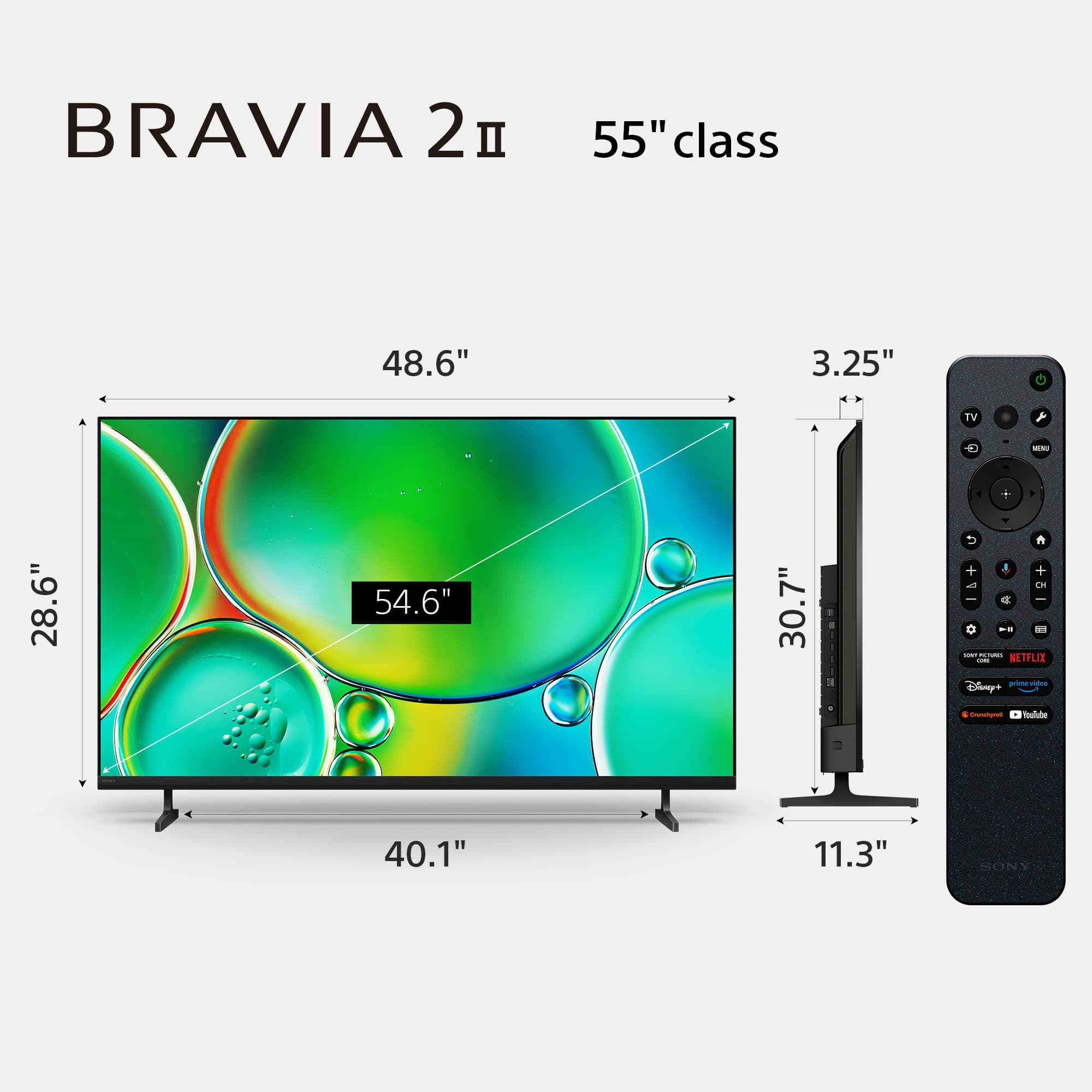
  • QuestionWhat is actual height and width of the TV? Thank you!

    Asked by Interested.

    • Answer specs show 40.87 x 26.18....where do you get 37.75 x 22.5?

      Answered by Michael

  • QuestionI have HULU as my provider with an Apple TV box - is this tv compatible and easy to connect and hook up?

    Asked by Anne.

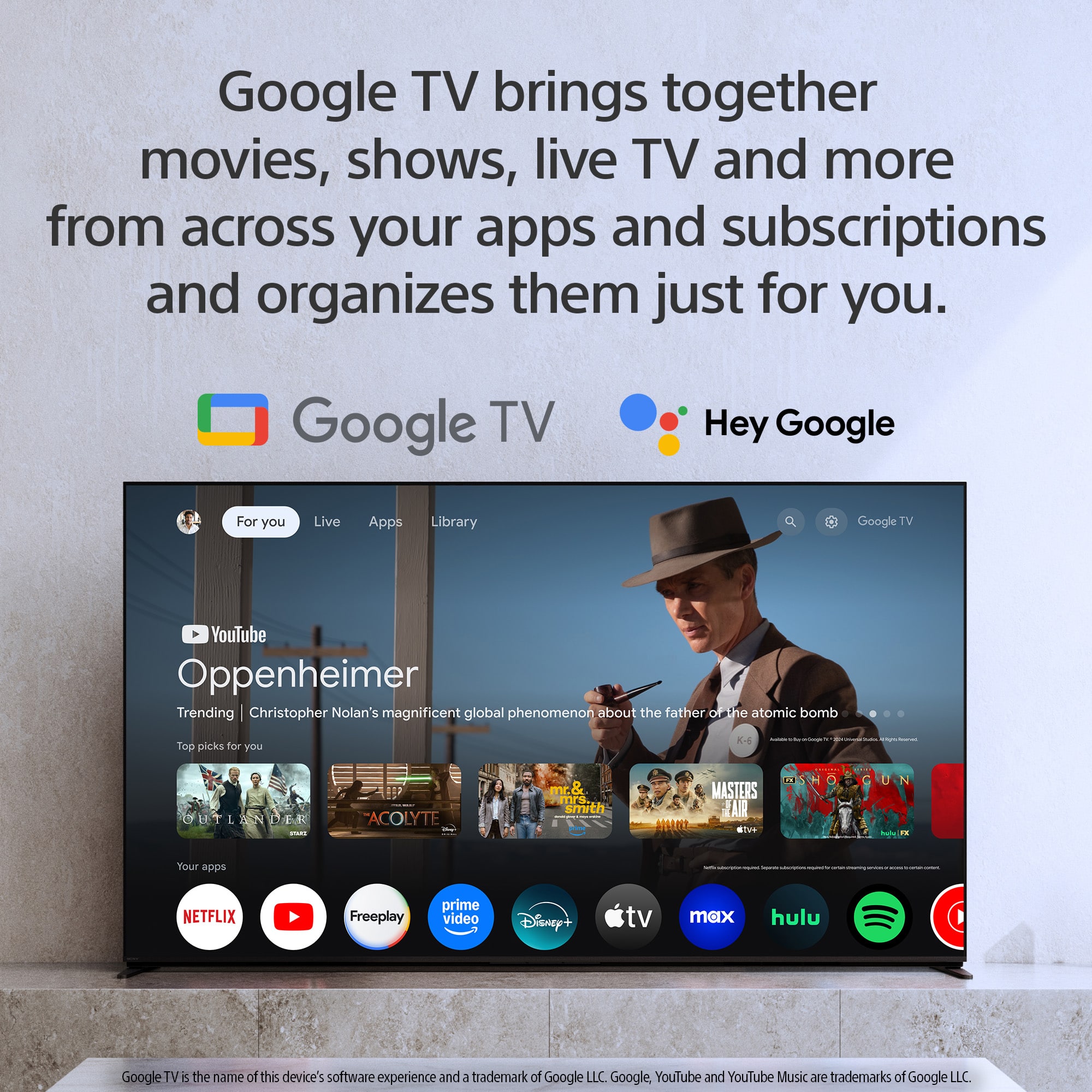
    • Answer Hi Anne, The Sony BRAVIA 2 II is fully compatible with your Apple TV box and Hulu service, and you will find the setup process very straightforward. Since the TV is equipped with four HDMI ports, you can simply plug your Apple TV box into any available port using an HDMI cable. Once it is plugged in, take your Sony remote and press the "Input" button. This will bring up a menu on your screen where you can select the corresponding HDMI port you used. Your Apple TV interface will appear immediately, and you can continue enjoying Hulu exactly as you did before. We hope you find this information helpful, and thanks for considering Sony! Regards, Dominick

      Answered by SonyListens

  • QuestionCan you use Bluetooth ear buds with this TV?

    Asked by Anonymous.

    • Answer Hi there, thanks for sending your question. We're happy to assist! The K-43S20M2 TV has Bluetooth built-in, so you can definitely pair your favorite wireless earbuds or headphones to it. If you’d like to learn more about the TV, feel free to check out this link: https://www.sony.com/electronics/support/televisions-projectors-lcd-tvs-android-/k-43s20m2/manuals We sincerely appreciate you considering a Sony product! Best regards, Estefany

      Answered by SonyListens

  • QuestionIs this TV compatible with Apple Airplay?

    Asked by Anonymous.

    • Answer Hi there, Yes, this model is compatible with Apple AirPlay 2! This feature allows you to effortlessly stream movies, music, and photos directly from your iPhone, iPad, or Mac to your BRAVIA 2 II. We've also included support for Apple HomeKit, so you can easily control your TV using the Apple Home app or Siri on your favorite devices. Thanks for choosing Sony. Best regards, Eliab

      Answered by SonyListens

  • QuestionDoes it have a coaxial cable connection?

    Asked by TJ.

    • Answer Hi TJ, Thank you for your question. Yes, the BRAVIA 2 II includes a coaxial port labeled 'Cable/Antenna' for your connection needs. When facing the back of the television, you will find this port located on the right-hand side. For a visual representation of all available ports and their exact locations, please refer to the diagram in the official setup guide here: https://www.sony.com/electronics/support/res/manuals/5065/296606ae5c928be96238d659c75aa080/50657720M.pdf Thank you for considering Sony! Regards, Dominick

      Answered by SonyListens

  • QuestionWhere are the speakers located

    Asked by Ruby.

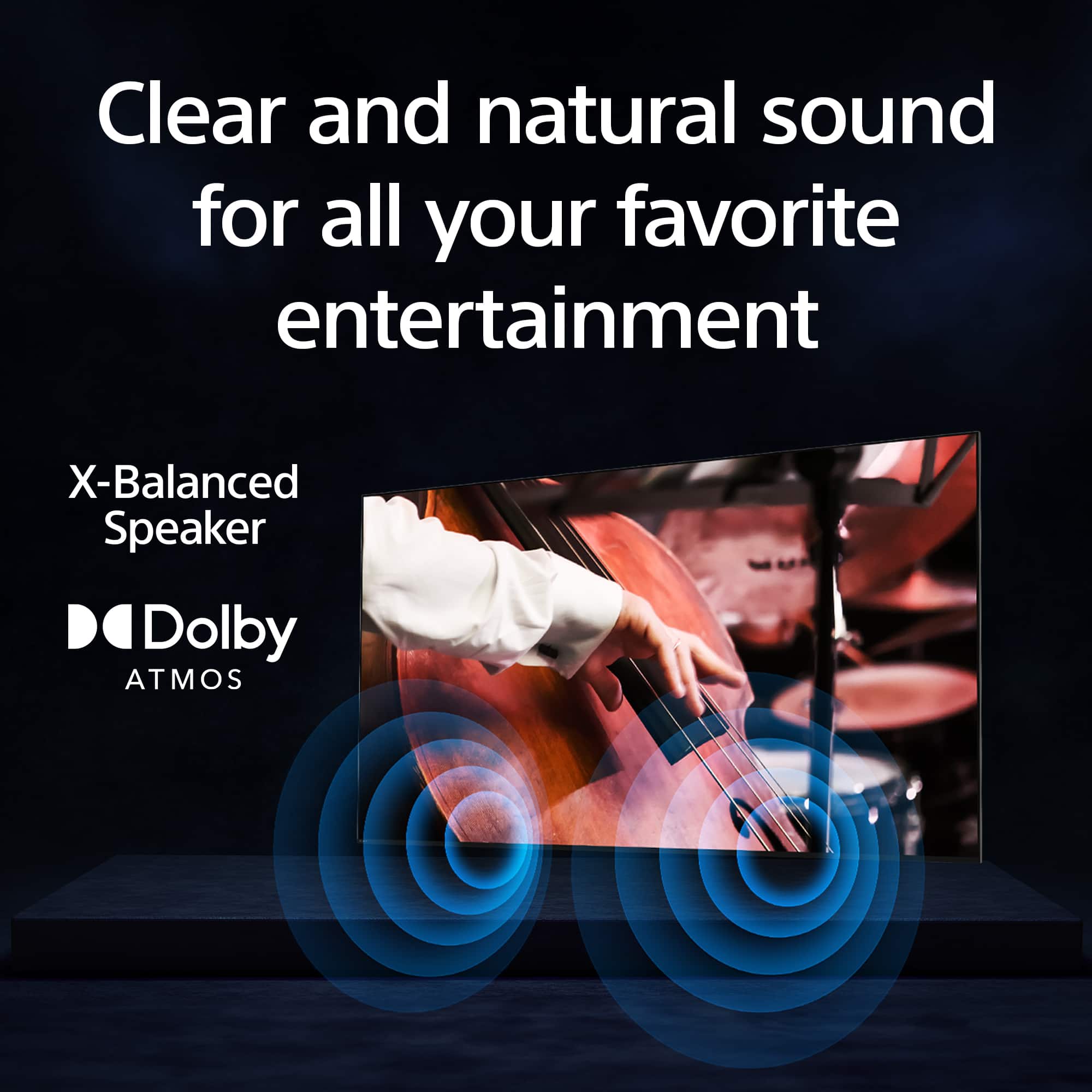
    • Answer Hi Ruby, Thank you for your interest in Sony products. We appreciate your inquiry regarding the Sony K-43S20M2 TV. This model features built-in, downward-firing speakers positioned at the bottom of the unit. They are engineered to deliver clear and balanced audio performance while preserving the TV’s streamlined and elegant design. For further information, please refer to the following link: https://www.sony.com/electronics/support/lcd-tvs-android-bravia-2-ii-s20m2-/k-43s20m2/manuals Should you have any additional questions, please do not hesitate to contact us. Best regards, -Fred

      Answered by SonyListens

  • QuestionWhy are lines going through my tv

    Asked by Anonymous.

  • QuestionCan this Sony Bravia 2 be used with Direct TV streaming?

    Asked by Tami.

    • Answer Yes when you call Direct TV and get the receiver and remote from DirectTV and pay for the service.

      Answered by Jeanne

  • QuestionDoes this tv have a good built in digital tuner for receiving regular outside antenna signals?

    Asked by Bear.

    • Answer Hi Bear, Thank you for your question! The Sony BRAVIA 2 II features a reliable built-in ATSC 1.0 digital tuner that uses 8VSB terrestrial technology to pull in free, high-definition local broadcasts like ABC, CBS, and NBC. This system is designed to provide crisp 1080i HD picture quality and gives you full access to digital sub-channels and electronic program guides, making it an excellent choice for standard antenna use. If you are interested in more advanced broadcast technology, you might want to look at the Sony BRAVIA 5 or BRAVIA 7 models. These higher-end televisions include an ATSC 3.0 tuner, also known as NextGen TV, which supports 4K Ultra HD broadcasts, improved signal stability in difficult areas, and enhanced audio features like Dolby Atmos. We hope you find this information helpful, and thanks for considering Sony! Regards, Dominick

      Answered by SonyListens

  • QuestionCan you turn off the enhanced motion feature

    Asked by Curious.

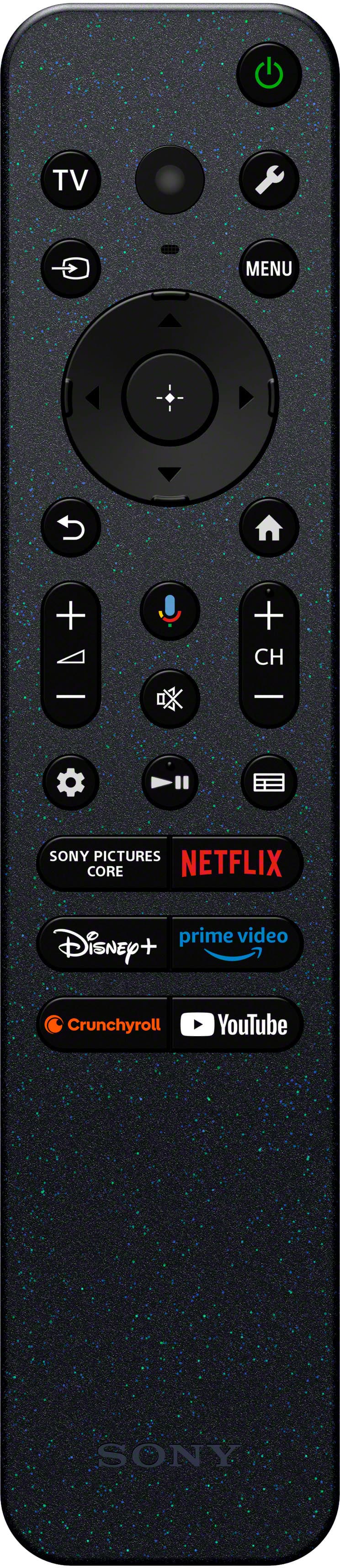
    • Answer Hi Curious, To turn off the enhanced motion feature (Motionflow) on the BRAVIA 2, you can press the Quick Settings (gear icon) button on the remote and navigate to Settings > Display & Sound > Picture > Motion. From there, you can set Motionflow to Off or adjust it to your preferred level of smoothness. Thanks for choosing Sony. Best regards, Eliab

      Answered by SonyListens

  • QuestionCan I connect a Roku strreaming device to this TV?

    Asked by Nana.

    • Answer Yes

      Answered by Epson

  • QuestionIs everything necessary for hookup included in the box?

    Asked by GR24.

    • Answer Yes

      Answered by Jeanne

  • QuestionDoes this tv connect to an Alexa

    Asked by Galvan87.

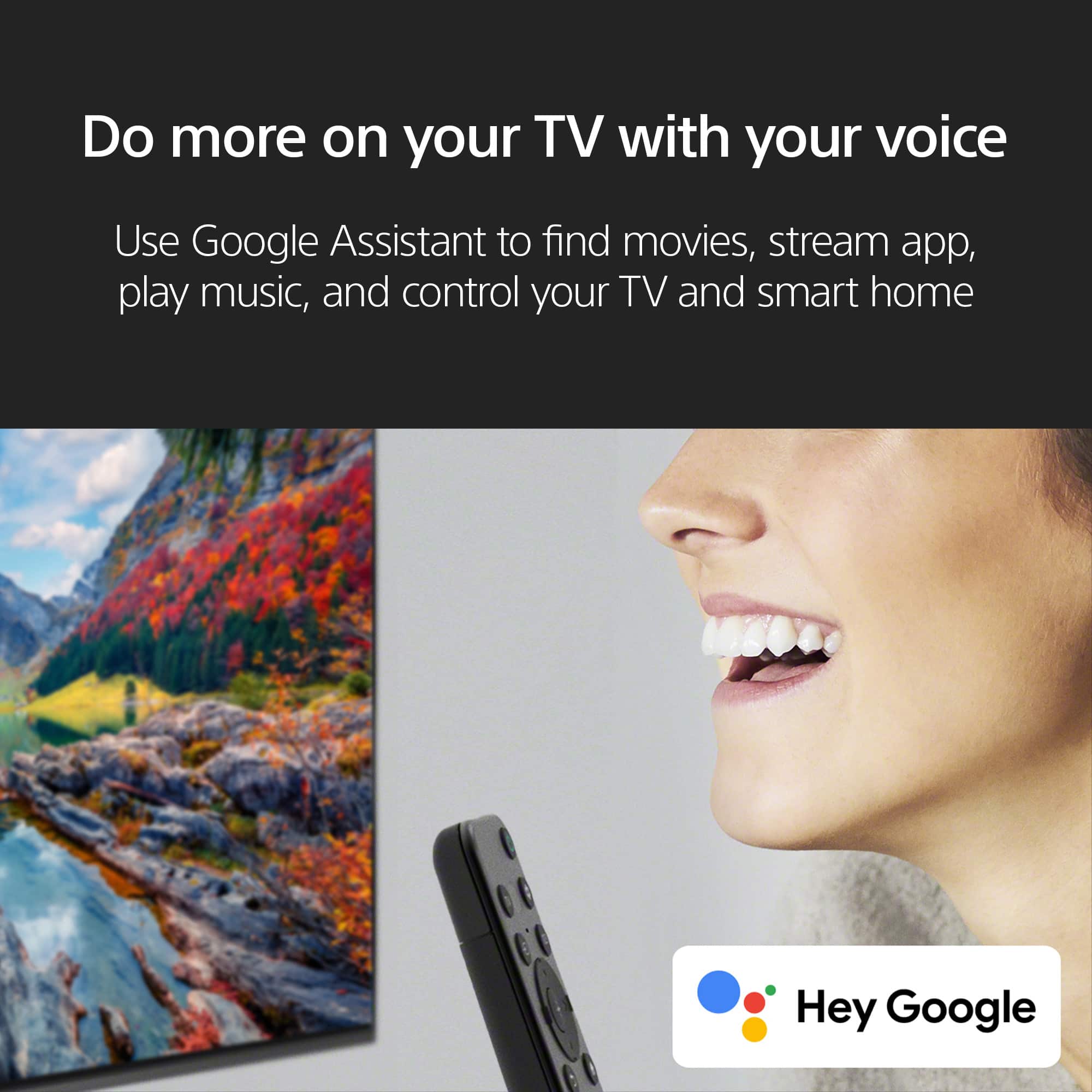
    • Answer Thank you for contacting Sony, Galvan87. We are happy to confirm that your BRAVIA 2 II 43” television does connect to Alexa! Since this TV uses Google TV™, you can easily link it to your Amazon Alexa devices (like an Echo or Echo Dot) to use voice commands to control the volume, switch inputs, power the TV on/off, and launch apps. You will need to use the Amazon Alexa app to enable the proper Sony Skill and set up the connection. We appreciate your interest in Sony products. Should you require any further assistance, please don't hesitate to reach out for support here: https://us.esupport.sony.com/support/s/support-contact?language=en_US&category=tv Best regards, Gus, Sony North America Customer Support

      Answered by SonyListens