Save up to 50% on 3-Day Sale deals.Ends 12/7.Shop now

Main Content

Questions & Answers

Your price for this item is $121.99
Clearance
The comparable value price is $599.99
Page Showing 1-20 of 136 questions
  • Questionis it really 120 hertz/ a lot of reviews says its 60,

    Asked by Anonymous.

    • Answer It’s 120 and has variable refresh rate….if you are looking for a tv tailored to the ps5 for a killer price this is the way

      Answered by TRobbie

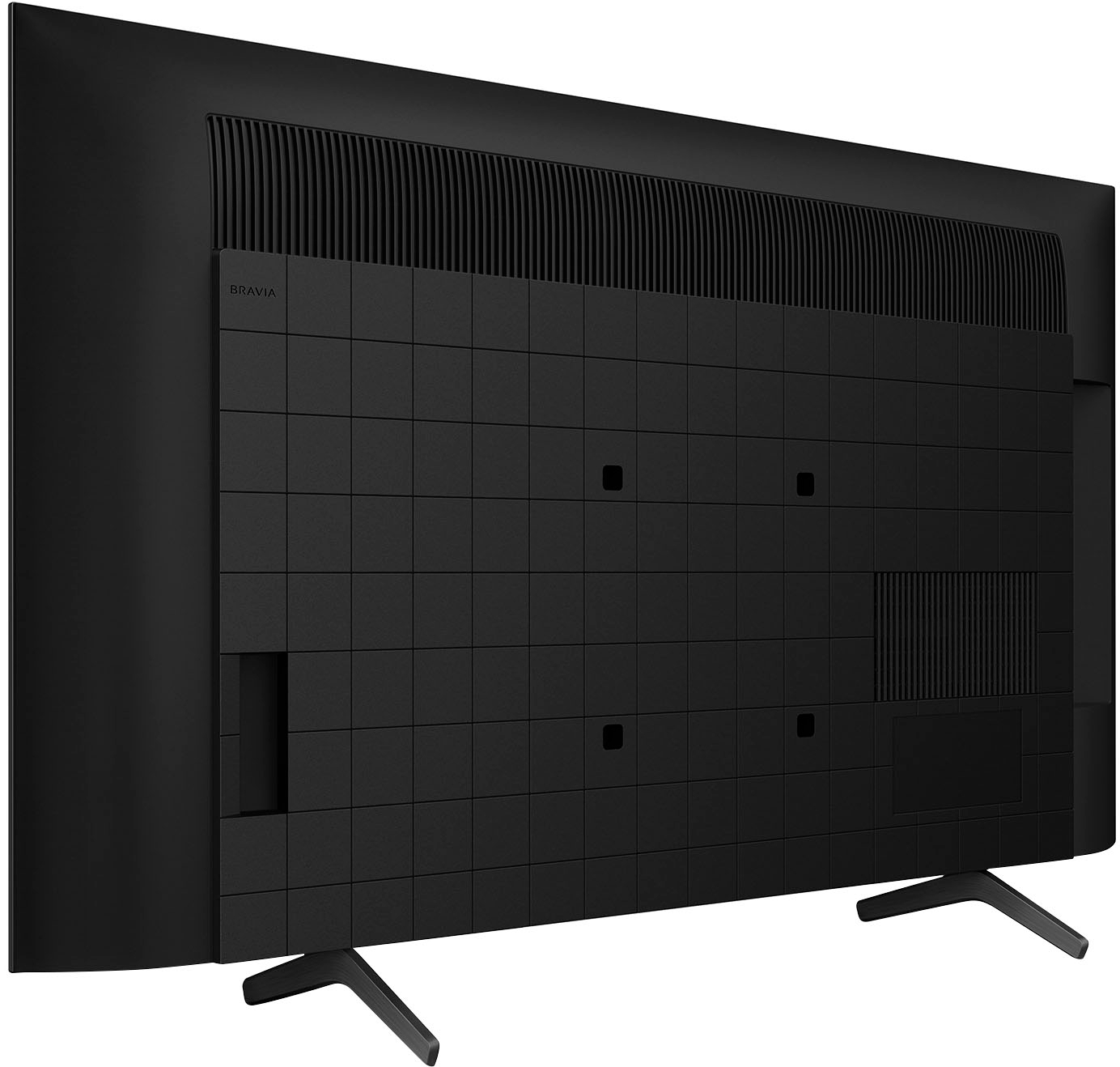
  • QuestionWhat is the distance between the legs?

    Asked by Ricky.

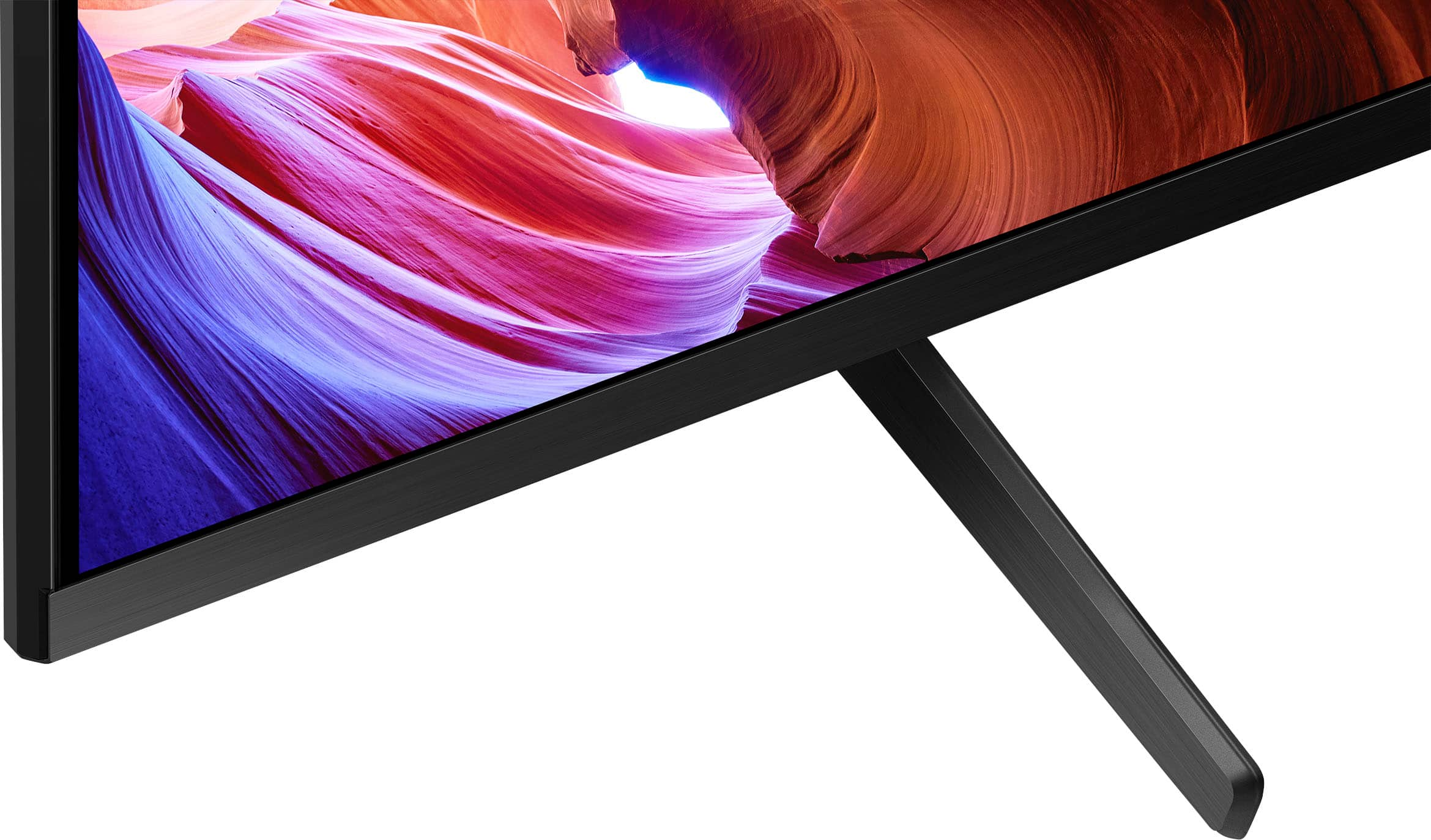
    • Answer 26-1/4"W X 11-/8" D

      Answered by Anonymous

  • QuestionDoes this TV have the ATSC 3.0 tuner?

    Asked by NormW.

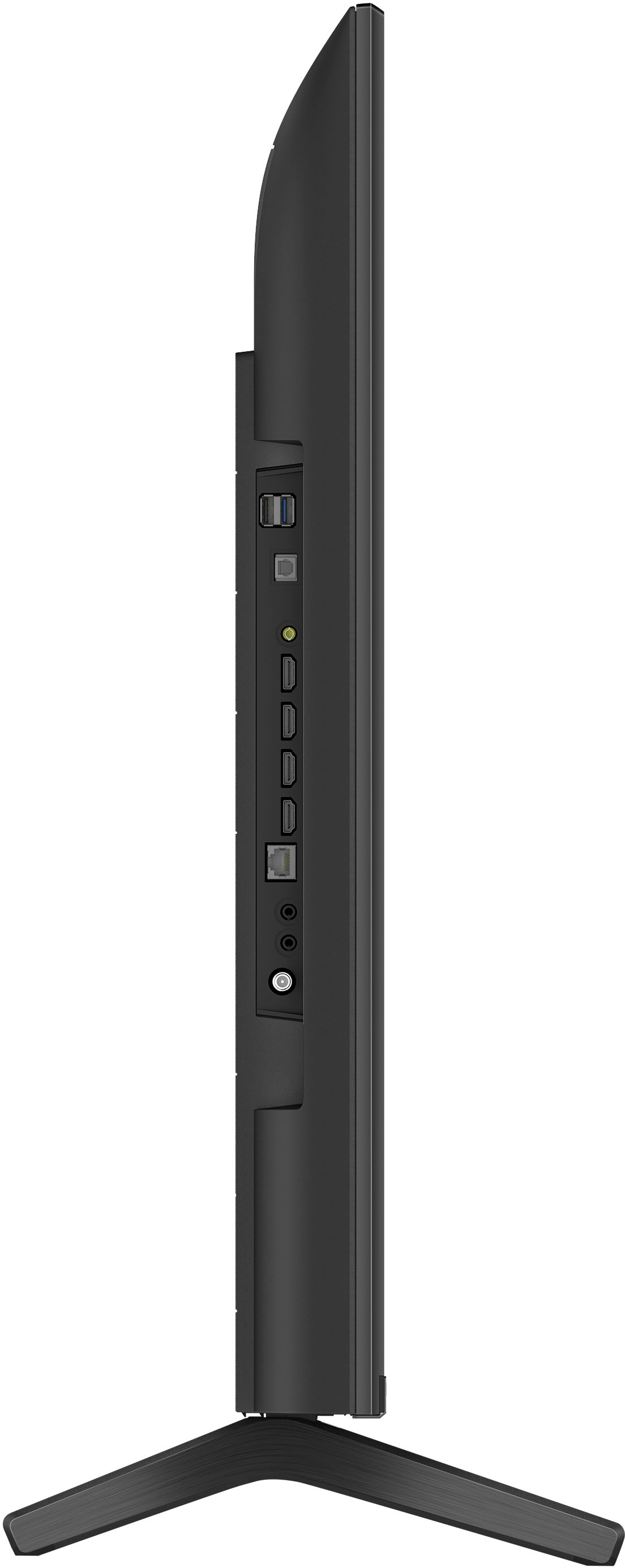
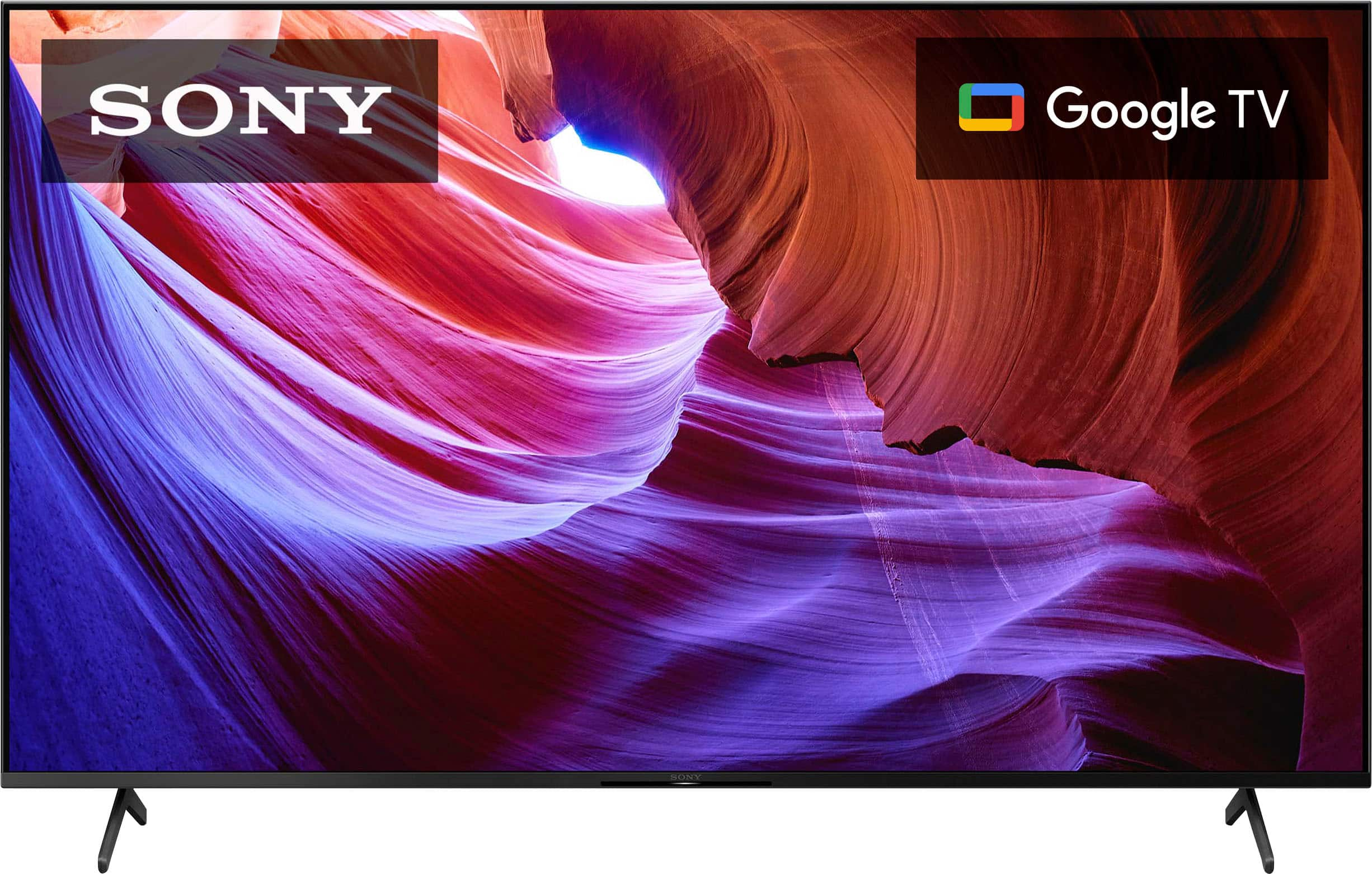
    • Answer Great question, NormW! Absolutely, yes. The KD-43X85K has ATSC 3.0 (NEXTGEN TV) tuner. NextGen TV™ (ATSC 3.0) is the latest version of over-the-air antenna TV and brings several improvements over the previous ATSC 1.0 standard including better reception, up to 4K Ultra HDTV video with movie theater-quality sound, more channels, mobile viewing on the go, on-demand internet content, and more. The BRAVIA X85K 4K HDR LED TV is designed for all your favorite content. Powered by the 4K HDR Processor X1 and TRILUMINOS PRO, picture quality comes to life with billions of colors and realistic contrast. With Google TV and enhanced Motionflow XR refresh rate technology, your favorite content is easy to find and looks clear and blur-free. I hope this helps! - Romeo

      Answered by SonyListens

  • QuestionWhat is the viewing angle of the screen?

    Asked by Parker.

    • Answer Not very wide. I’d say it washes out at only about 45degrees

      Answered by Easymarkforsalesman

  • QuestionDo you get true 4k 120hz with a PS5 on this?

    Asked by Craig.

    • Answer yes

      Answered by foneman

  • QuestionWhy does my xbox series x say this tv only supports 4k at 60hz?

    Asked by Anonymous.

    • Answer You have to put hdmi in input 3. Check settings and enable 120hz and in your xbox.

      Answered by Cameljockey1

  • QuestionDoes this TV support Variable Refresh Rate? If so is it AMD Freesync? I'm trying to see if this would be a good TV for my Xbox Series X.

    Asked by Tulip.

    • Answer There is a menu for HDMI input options to enable variable refresh rate as long as the device supports it. It works for PC so it should also be supported for PS5/XSX.

      Answered by David

  • QuestionDoes this work with HDMI 2.1 4k@120hz using RTX 3090?

    Asked by DevKore.

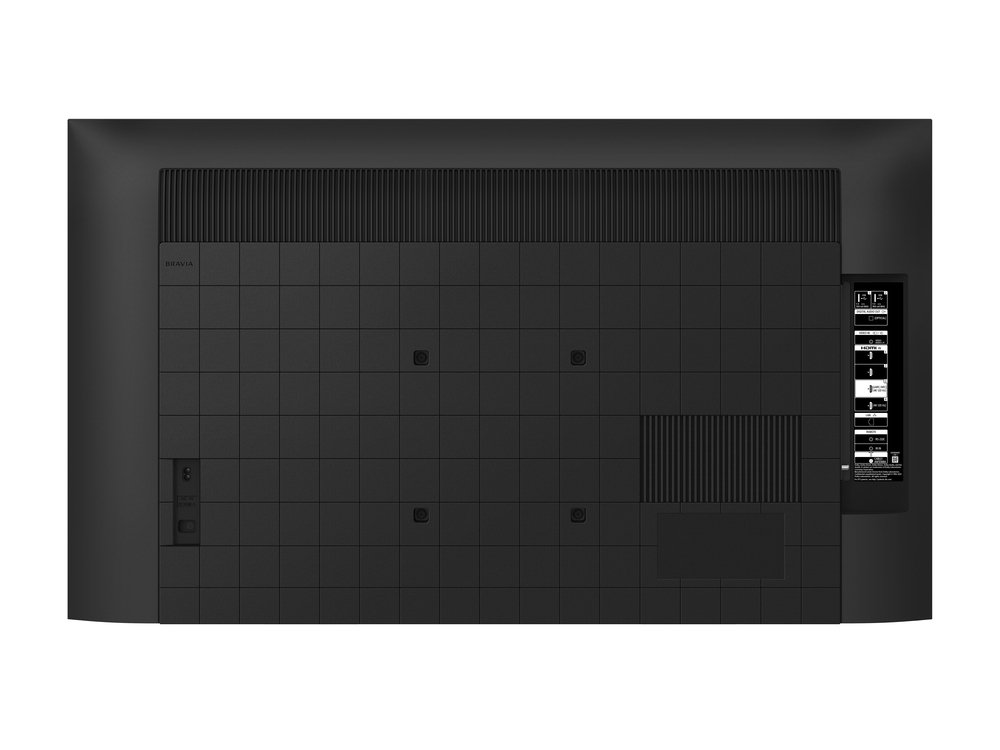
    • Answer HDMI ports number 3 and number 4 are HDMI 2.1 capable at 4K and 120Hz. Note that the video card has to output 120Hz.

      Answered by Tomas

  • QuestionIs there a film on the new screen to remove just under the power savings and quick description labels? I just don't want to poke at corners unless I'm sure of removable film.

    Asked by Buyser.

    • Answer Thanks for the question, Buyeer. No, there should not be a screen protector or film to peel off the screen. Hope this helps! - Romeo

      Answered by SonyListens

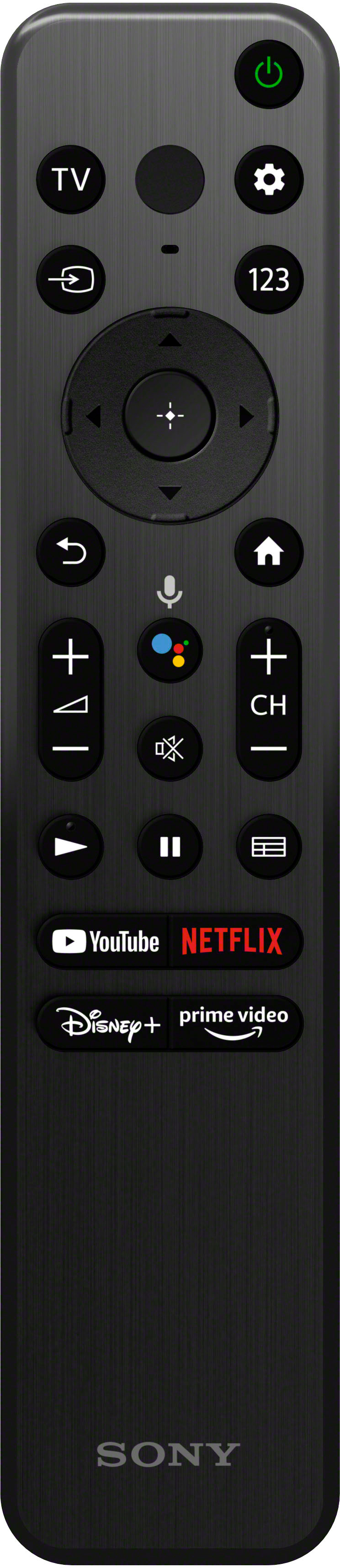
  • QuestionWill my Xfinity remote work with this tv?

    Asked by Kate.

    • Answer Hi Kate, Thank you for the inquiry! Yes, xfinity remote control will work with this TV. Upgrade all your entertainment. With a native 120Hz refresh rate and 4K HDR resolution, your favorite shows, movies, sports, and games look smoother and clearer than ever. And with the advanced 4K HDR Processor X1™ powering realistic contrast, vivid color, and accurate picture quality, you’ll feel like you’re right there in the action. -David

      Answered by SonyListens

  • QuestionWondering if CC is available for me to activate on this TV?

    Asked by DACHSHUNDS.

    • Answer Yes

      Answered by CharlesZ

  • QuestionCan you use wireless headphones with this TV?

    Asked by Tim.

    • Answer Yes. I have mine hooked up to my cable box. If you don't have cable you should still be able to hook up to just the tv.

      Answered by Anonymous

  • QuestionWhat is the best antenna to connect to this TV that will bring in HD and my local news. Thank you.

    Asked by Nakie.

    • Answer Hi Nakie, Thank you for your question! For local TV programs/channels, we recommend using an over-the-air antenna that supports a high quality 75-ohm coaxial cable for optimum viewing experience. Please note that the actual signal strength may vary depending on a variety of factors including building structure, neighboring buildings and trees, weather, and the type of antenna used. Signal strength may be weak when using an indoor antenna or in hilly areas. Indoor antennas perform best in areas with strong signals. Outdoor antennas are preferred in areas of weak signals. Additionally, the KD-43X85K has ATSC 3.0 (NEXTGEN TV) tuner. NextGen TV™ (ATSC 3.0) is the latest version of over-the-air antenna TV and brings several improvements over the previous ATSC 1.0 standard including better reception, up to 4K Ultra HDTV video with movie theater-quality sound, more channels, mobile viewing on the go, on-demand internet content, and more. You may contact your preferred electronic retailer/dealer for assistance in getting the best over-the-air antenna for this TV. The BRAVIA X85K 4K HDR LED TV is designed for all your favorite content. Powered by the 4K HDR Processor X1 and TRILUMINOS PRO, picture quality comes to life with billions of colors and realistic contrast. With Google TV and enhanced Motionflow XR refresh rate technology, your favorite content is easy to find and looks clear and blur-free. I hope this helps you, and thanks again for your inquiry! - Romeo
      Answered by SonyListens

  • QuestionWill this tv work with just a antenna

    Asked by Anonymous.

    • Answer Yes I have an atenna hooked up to mine

      Answered by JonathanS

  • QuestionCan I install this TV myself or do I need a technician?

    Asked by Anonymous.

    • Answer You can install it yourself but do take very good care not to damage the screen. I have set mine up, didn’t need any tools.

      Answered by JermaineB

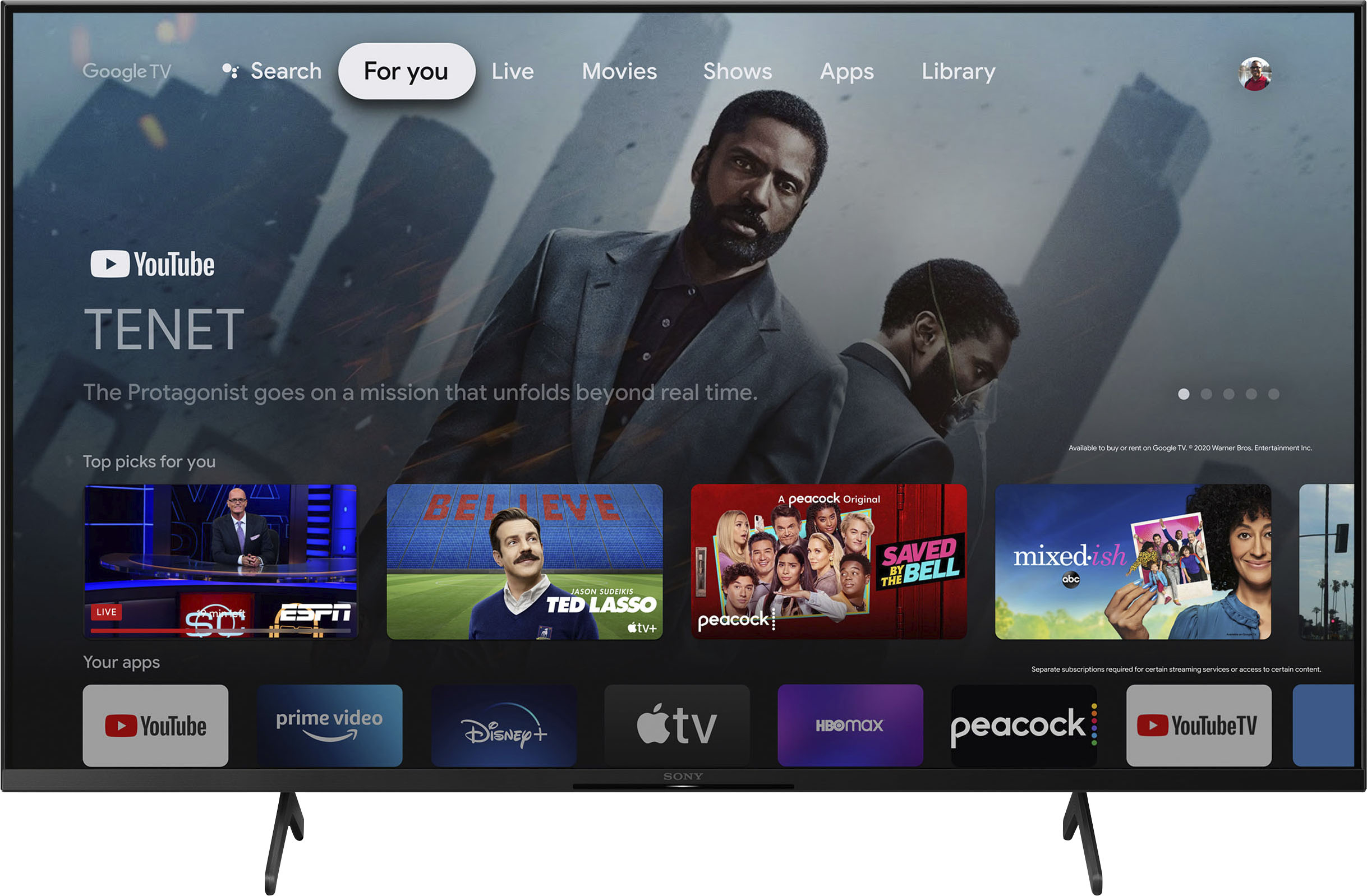
  • QuestionWhen I turn on the TV I have to select Home from a list of blocks that say Home/You Tube/Netflex and etc. What setting do I need for the TV to just come on from the DirectTV remote?

    Asked by Rick.

    • Answer Hi Rick, Thank you for the inquiry! Step 1. go to settings. 2.select System 3.select Power and Energy 4.select Power on Behavior 5.select last input used. This will default the TV to the last used input when powered on. With a native 120Hz refresh rate and 4K HDR resolution, your favorite shows, movies, sports, and games look smoother and clearer than ever. And with the advanced 4K HDR Processor X1™ powering realistic contrast, vivid color, and accurate picture quality, you’ll feel like you’re right there in the action. -David

      Answered by SonyListens

  • QuestionDoes this TV have picture-in-picture?

    Asked by Zeke.

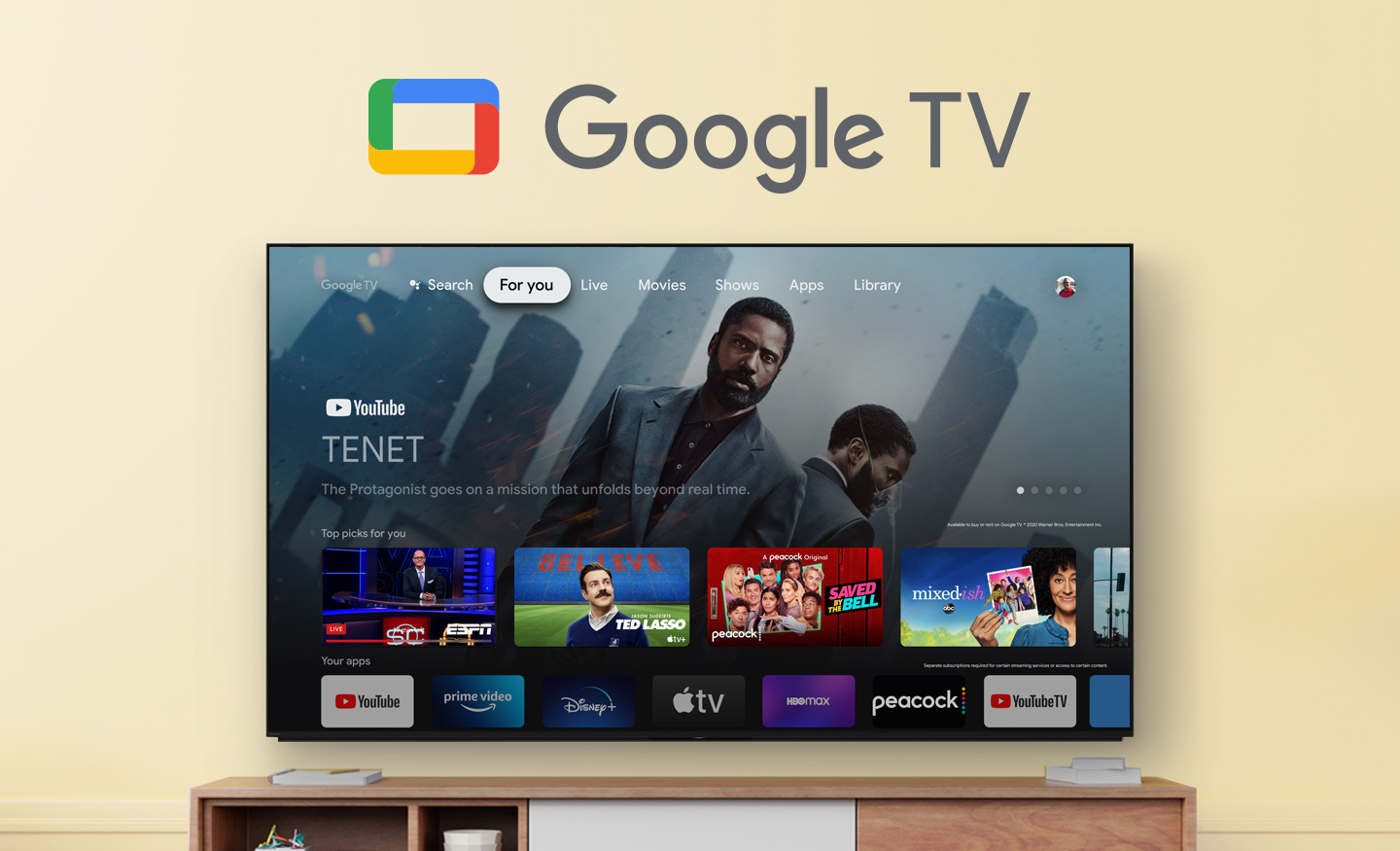
    • Answer Hi Zeke, Thank you for your question. The X85K doesn't have Picture-in-Picture (PIP), Picture & Picture (P&P), or Twin Picture capability. However, similar functionality may be available through a third-party service or channel for sports, videos, etc. Check with your cable or satellite TV provider for options. Smart, powerful, and sleek, the BRAVIA X85K 4K HDR LED TV is designed for all your favorite content. Powered by the 4K HDR Processor X1 and TRILUMINOS PRO, picture quality comes to life with billions of colors and realistic contrast. With Google TV and enhanced Motionflow XR refresh rate technology, your favorite content is easy to find and looks clear and blur-free. -Ralph

      Answered by SonyListens

  • QuestionBought an open box - excellent version of this model. Was assured I would receive all original hardware/accessories. I did not receive the spacers and bolts necessary to use with wall mount I already have. How can I go about getting them?

    Asked by MatthewC.

    • Answer I bought it brand new and there wasn't any hardware to wall mount. I went to Lowes and got some that worked. You probably could go to any hardware store.

      Answered by Tertammad111

  • QuestionCan i just plug and play?

    Asked by j40b.

    • Answer I'm going to make a couple of assumptions here, so if I'm wrong, forgive me. I assume you are buying a smart TV because you stream content. If that is the case, you will need to enter your identity and password for each streaming service you currently have in order to view them. If you are fine with that, I would consider this a "plug and play" TV. The overall setup is very easy...the TV guides you with screen prompts as to what to do. This was my first new TV in 12 years and even I got it up and running in less than half an hour and you certainly didn't do that back then. I hope this helps and answers your question.

      Answered by Anonymous

  • QuestionI can’t get my Xbox One X to run at 4k and 120hrz at the same time,why? I either have to pick 4k at 60hrz or 1080p at 120hrz. This is very upsetting.

    Asked by CherylR.

    • Answer Hey friend. I also own an xbox one x. Unfortunately that is the limitation of the console. You cant have both. This is one of the key differences between the series x and the one x. The one x is 4k. But not with 120 enabled.

      Answered by Anonymous