




Questions & Answers
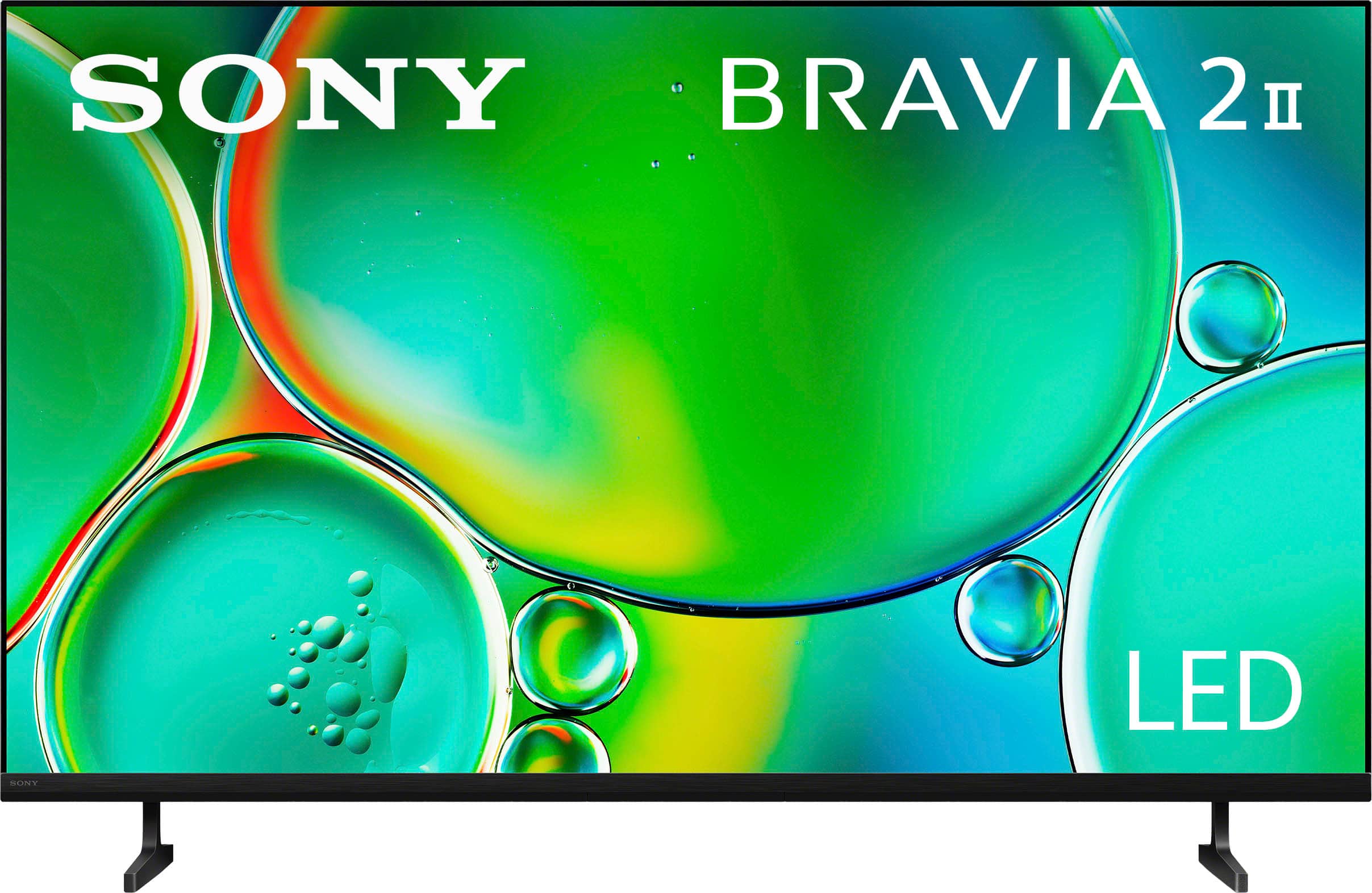
- Model:
- K50S20M2
- |
- SKU:
- 6623766
Highly rated by customers for: Picture Quality, Setup Ease, Connectivity
$499.99$499.99
Page Showing 1-20 of 37 questions
Q: QuestionDoes this TV have built-in speakers?
- A:Answer Yes, this TV has built-in speakers.
This question and answer was generated by AI based on customer and product data.Q: QuestionIs this TV considered a smart TV?
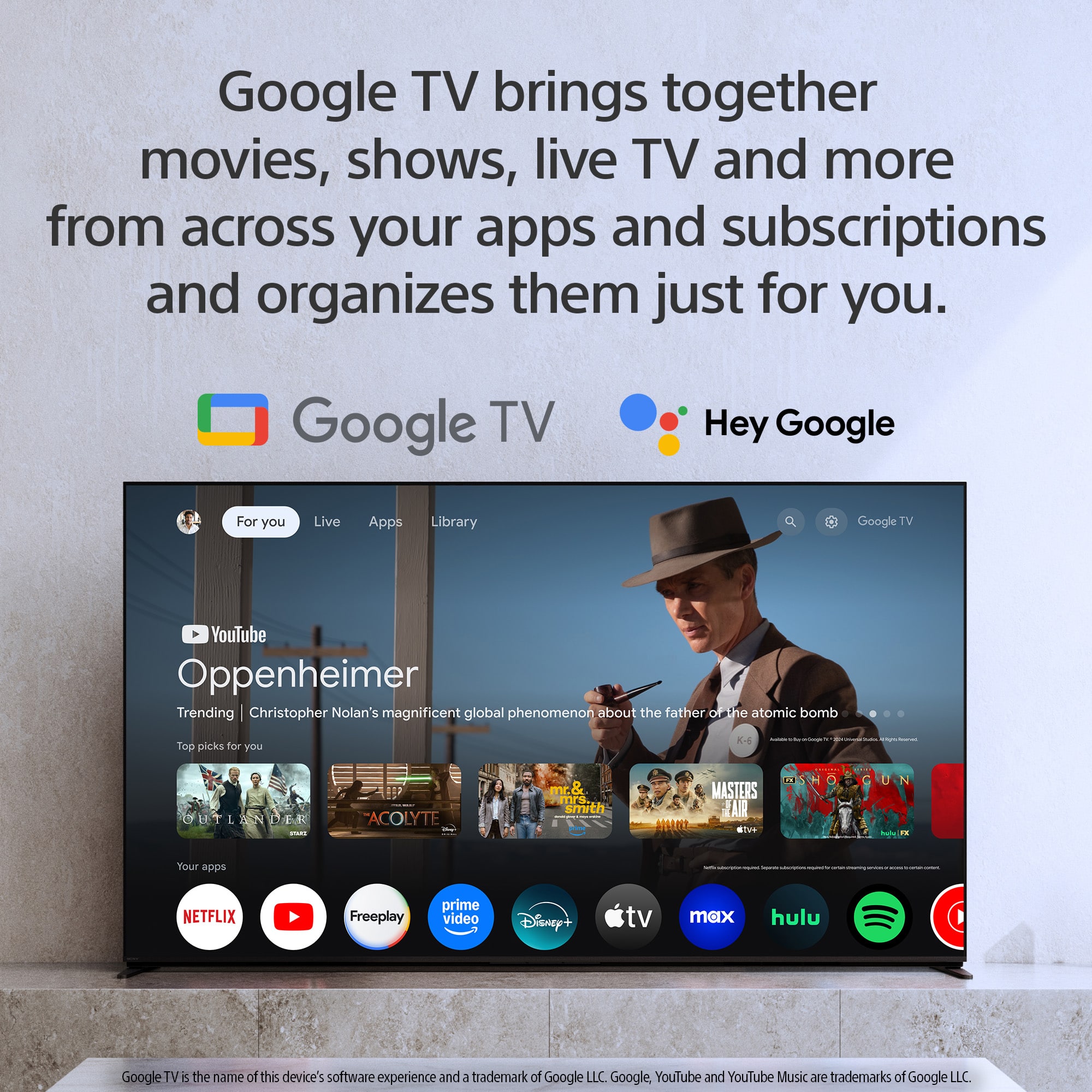
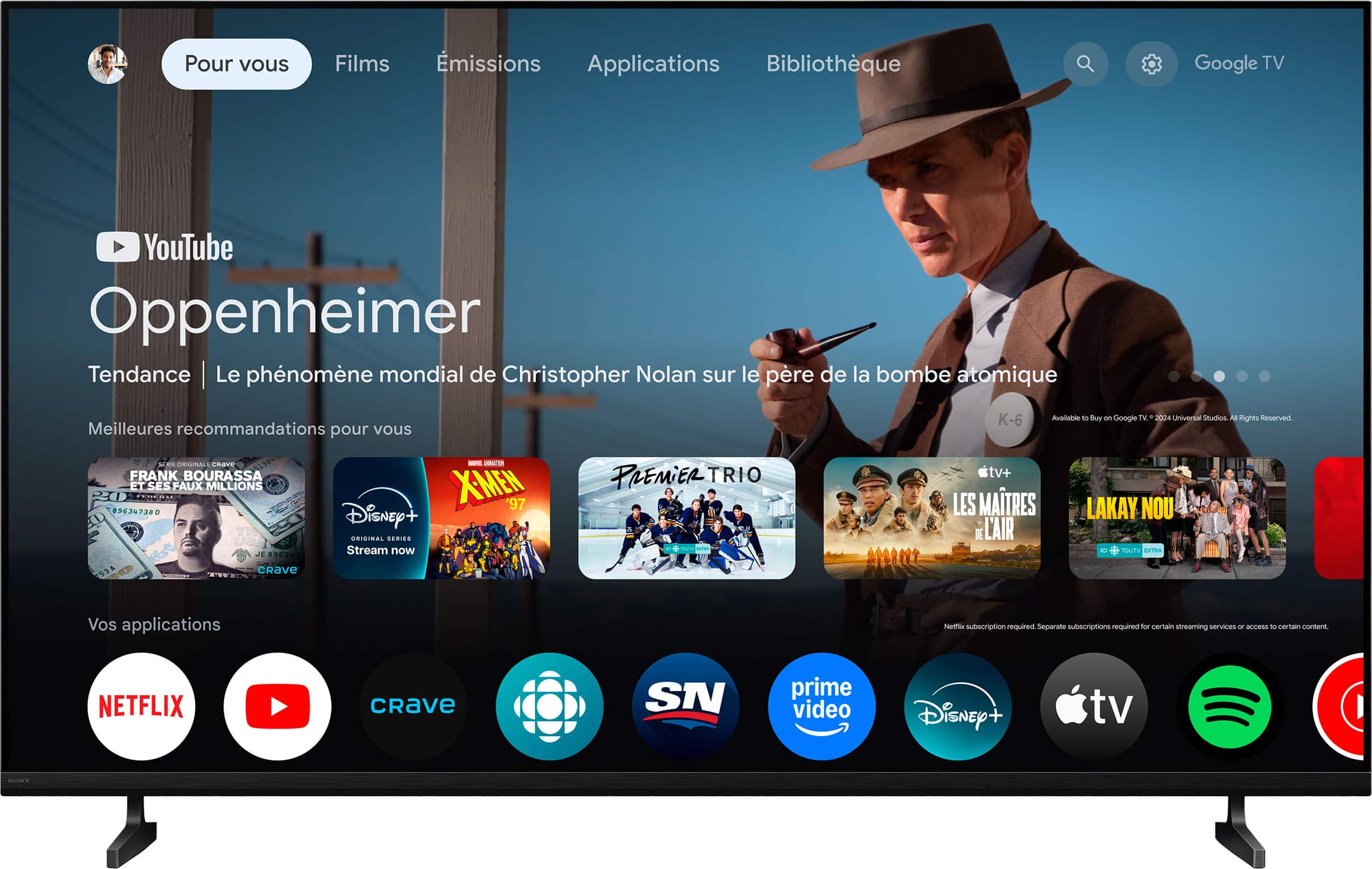
- A:Answer Yes, this TV is smart capable.
This question and answer was generated by AI based on customer and product data.Q: QuestionWhat is the refresh rate of this TV?
- A:Answer The refresh rate of this TV is 60Hz.
This question and answer was generated by AI based on customer and product data.Q: QuestionDoes this TV have screen mirroring capabilities?
- A:Answer Yes, this TV has screen mirroring capabilities using Apple AirPlay 2.
This question and answer was generated by AI based on customer and product data.Q: QuestionWhat kind of batteries does the remote control require?
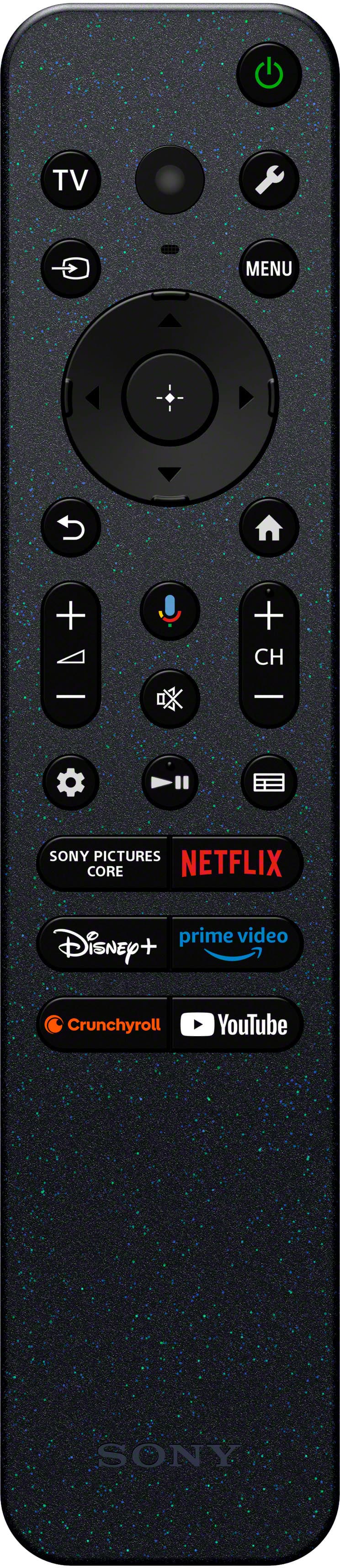
- A:Answer The remote control requires AAA batteries.
This question and answer was generated by AI based on customer and product data.Q: QuestionIs the TV able to be wall mounted?
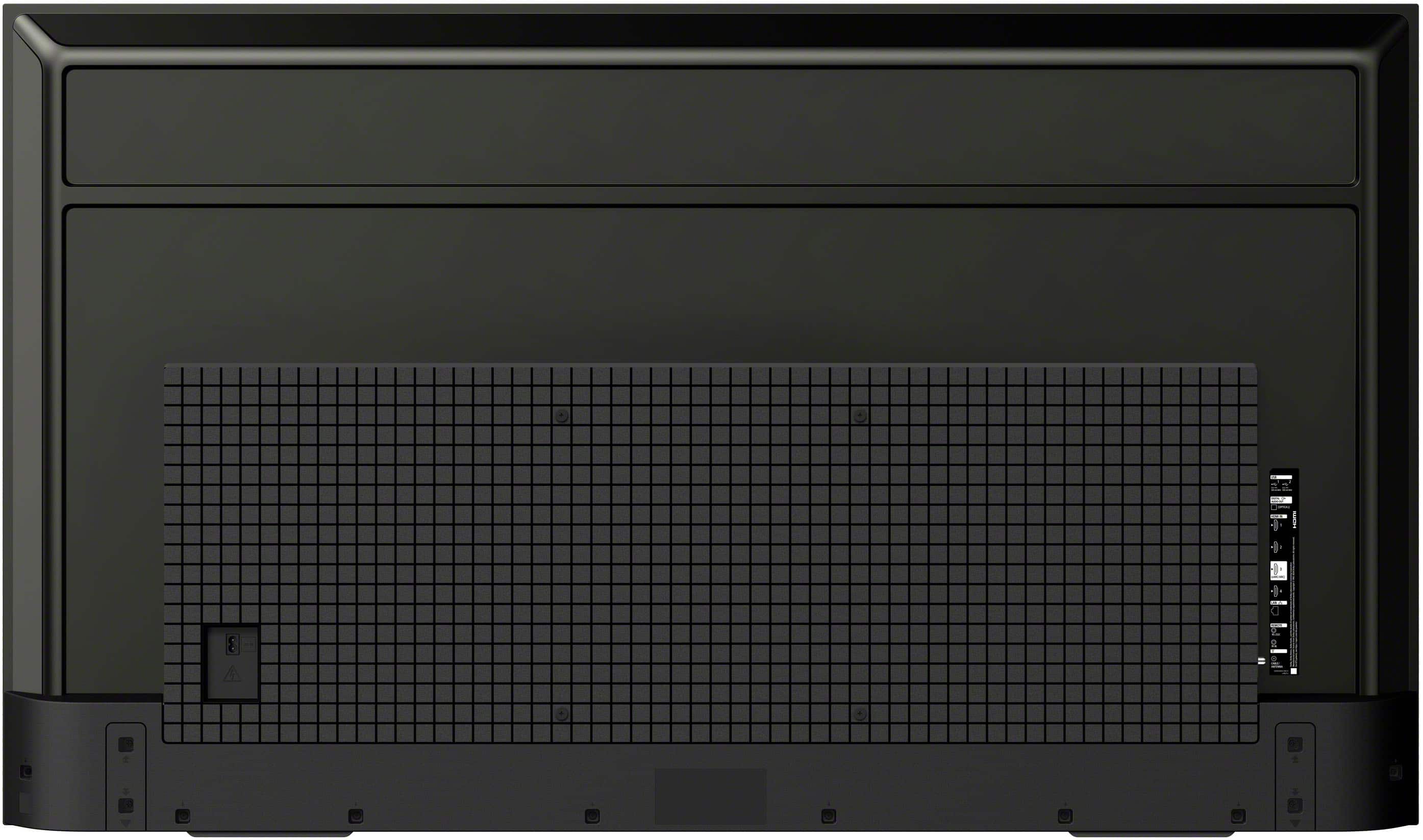
- A:Answer Yes, the TV is able to be wall mounted using a VESA Wall Mount Standard of 200mm x 200mm.
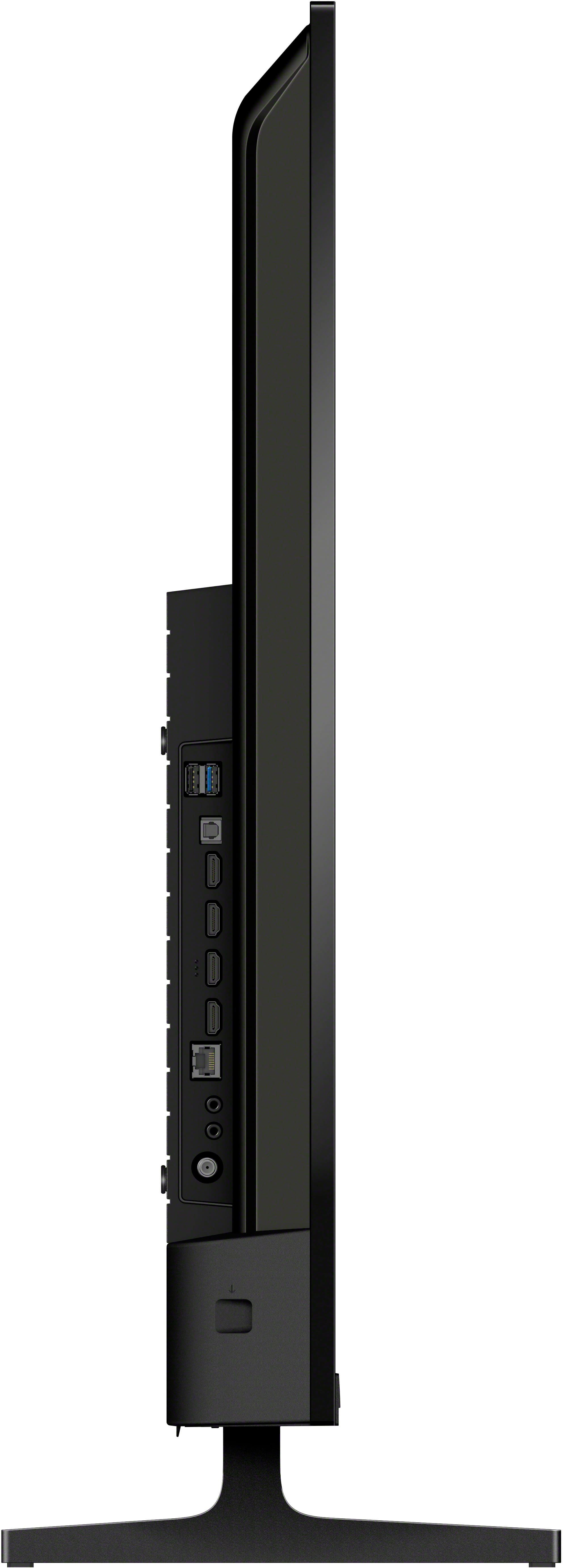
This question and answer was generated by AI based on customer and product data.Q: QuestionHow many HDMI ports does this TV have?
- A:Answer This TV has a total of four HDMI ports.
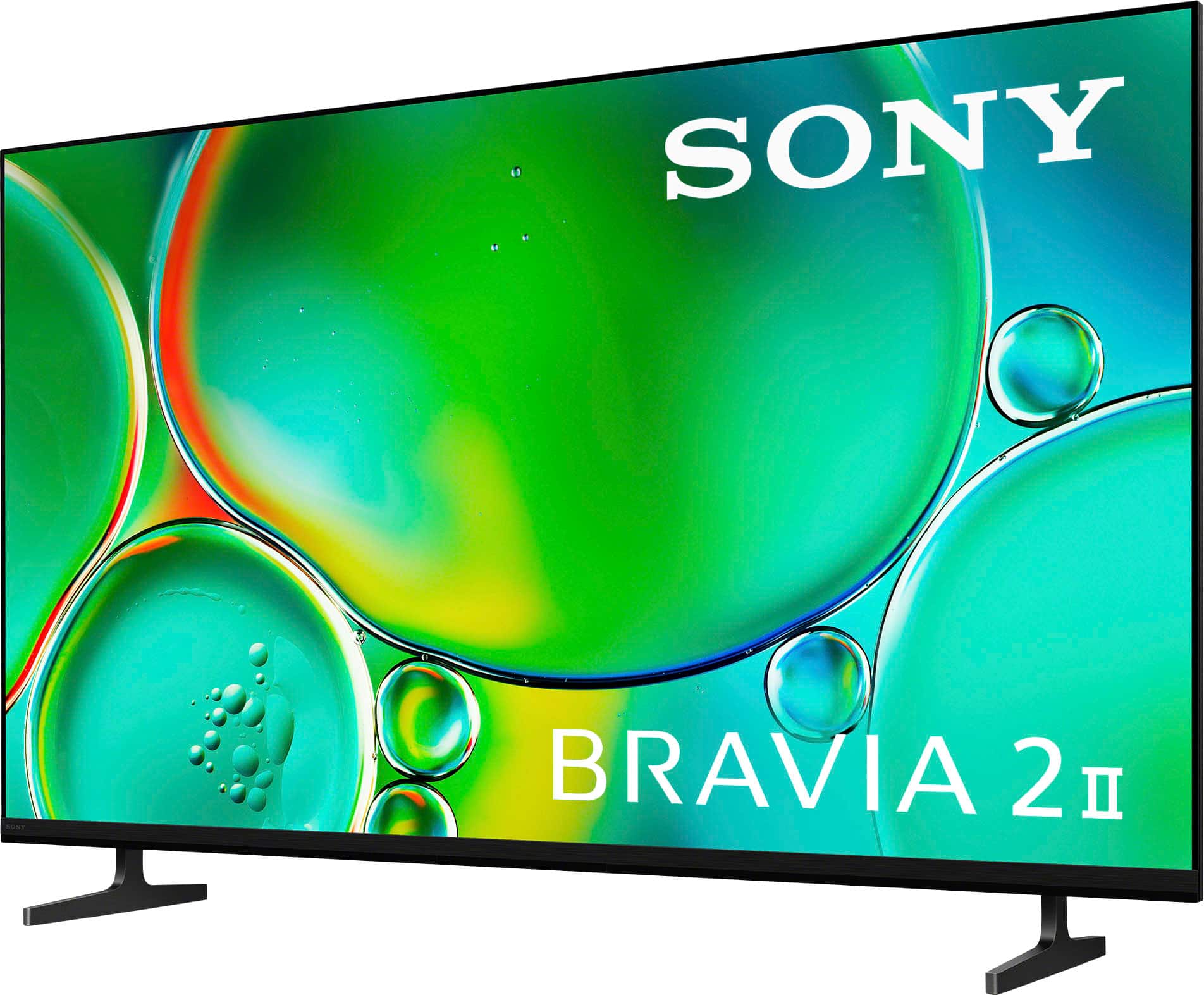
This question and answer was generated by AI based on customer and product data.Q: QuestionHow far apart are the stand legs?
Asked by Maybemytv.
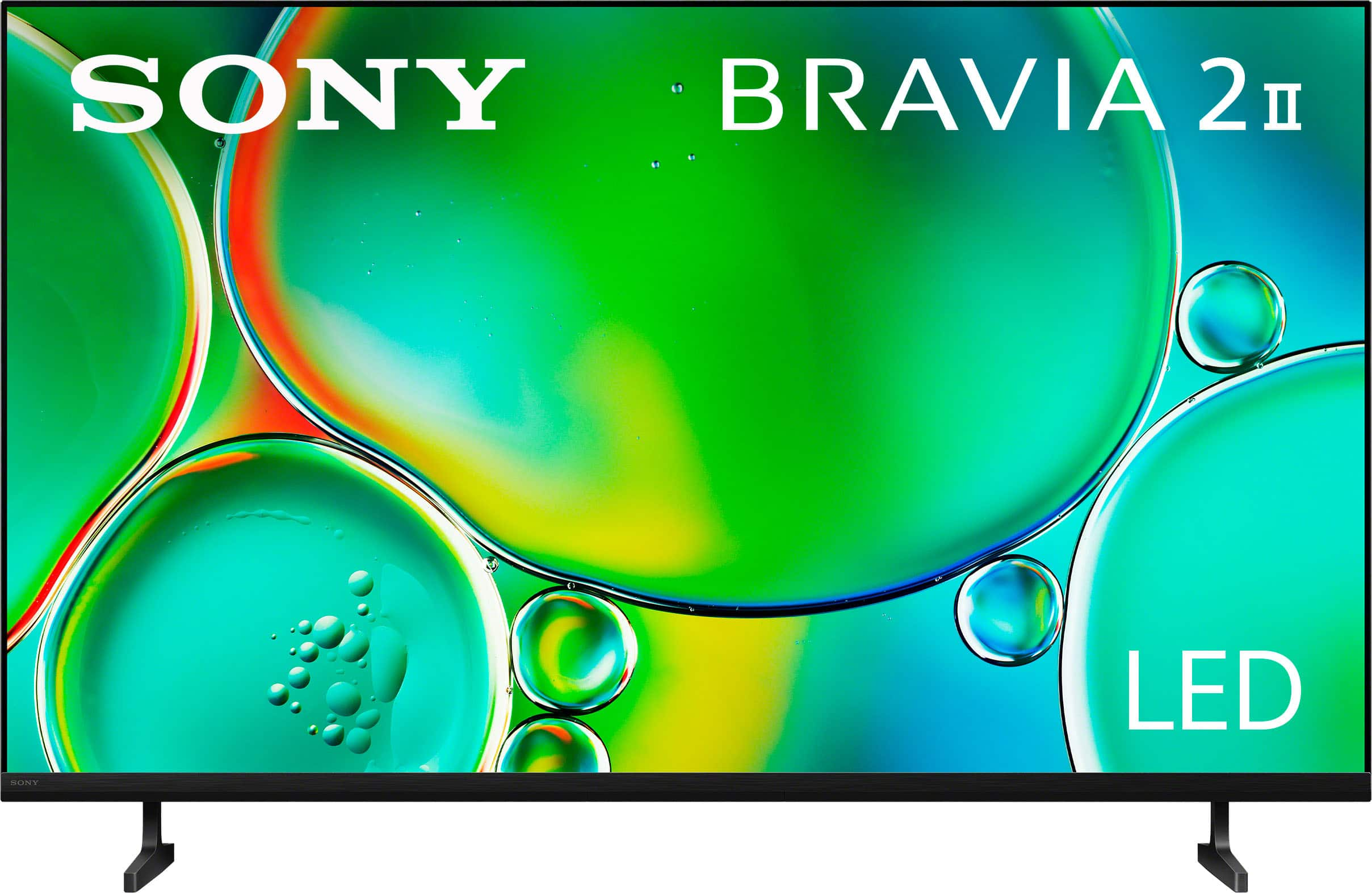
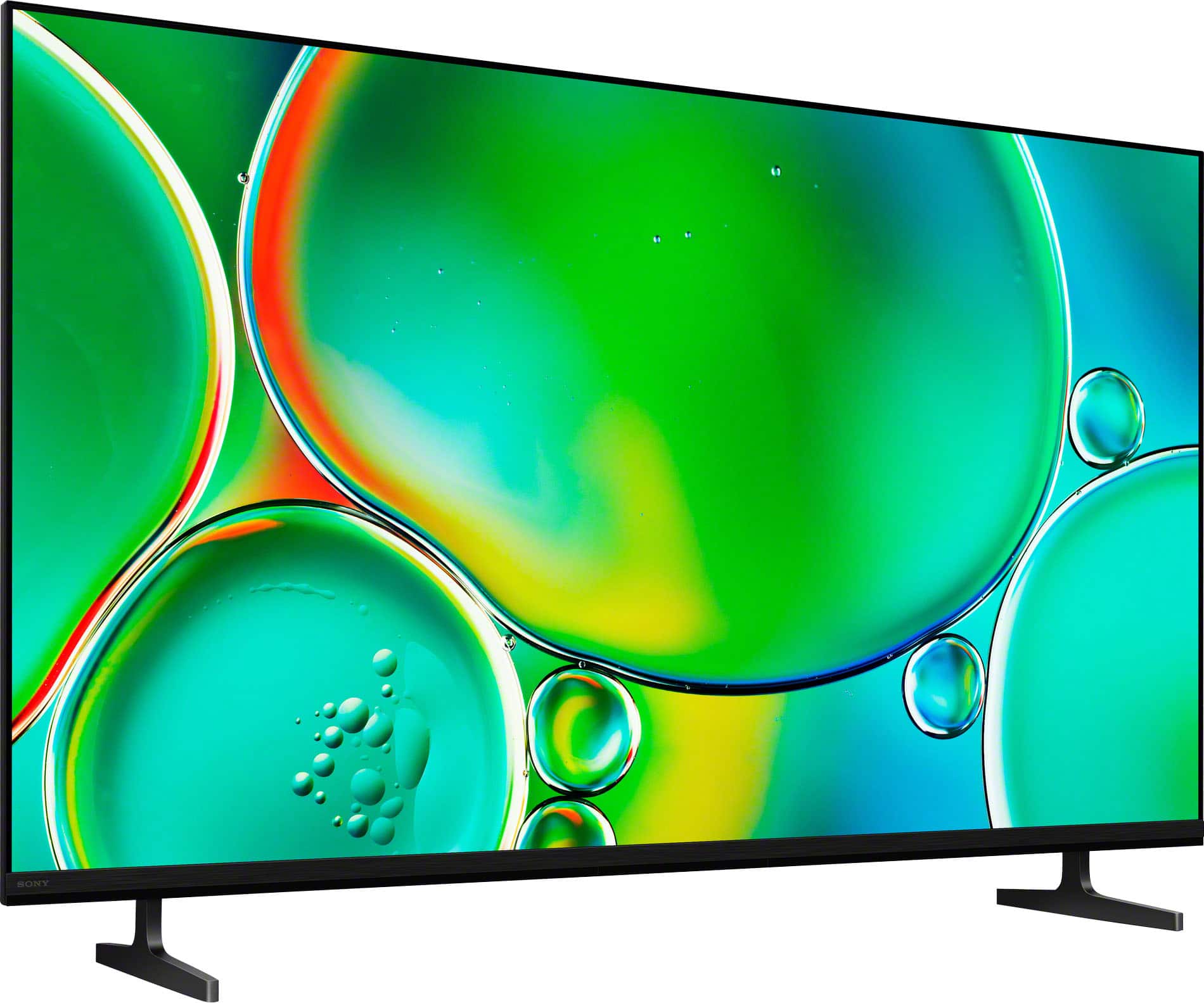
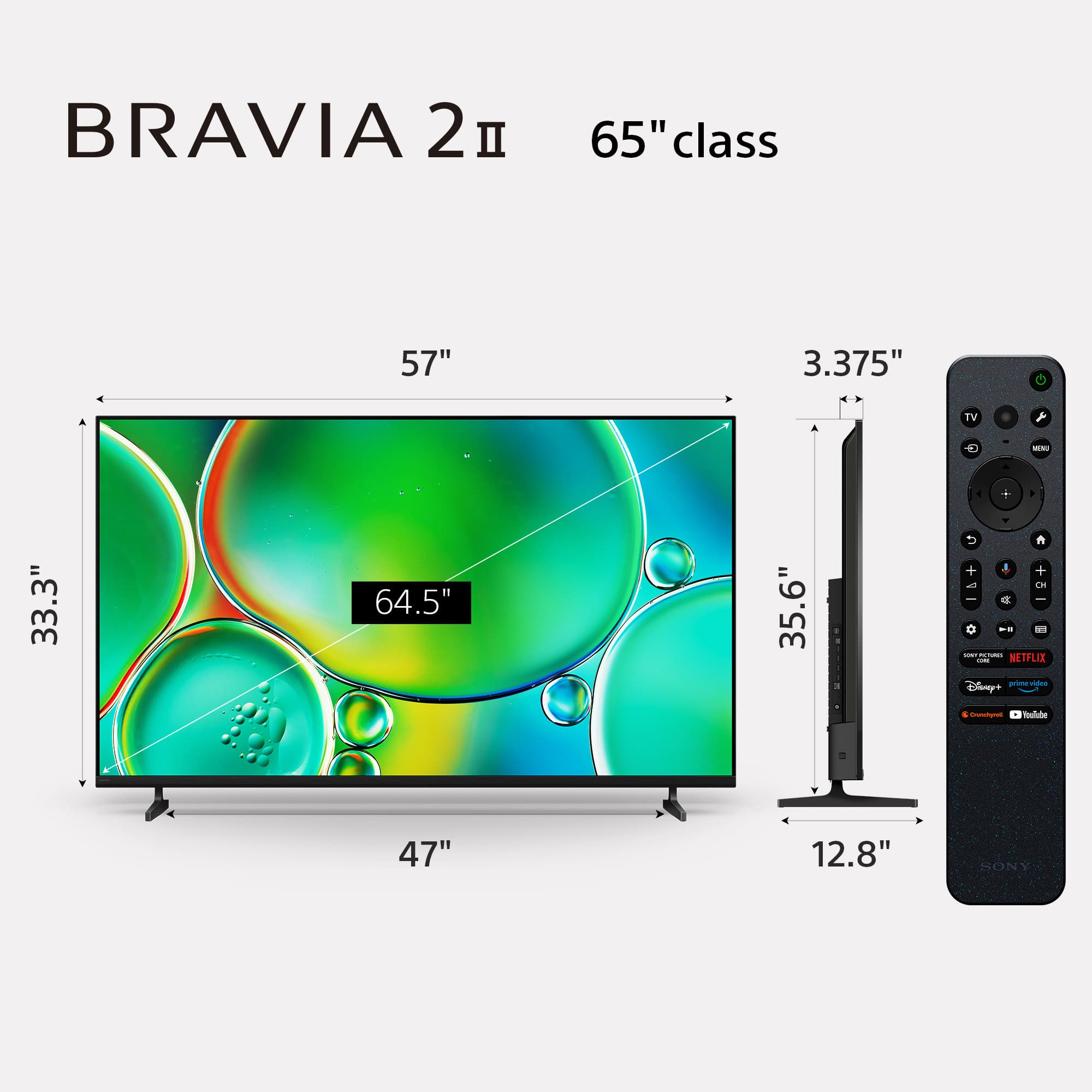
- A:Answer Hi Maybemytv, Thanks for your question and your interest in Sony products! Regarding your concern, the 50" BRAVIA 2 II legs' have a distance in between of 861.9 mm (34 Inches). We hope this information comes in handy, thanks for considering Sony products. Best regards, DiegoV
Answered by SonyListens
Q: QuestionCan I use and connect TV Ears to this TV ?
Asked by Bob.
- A:Answer Hi Bob, Yes, you can connect TV Ears to the BRAVIA 2 II. This TV features a Digital Audio Output (Optical) on the side/rear, which is the most common way to connect a TV Ears transmitter. Additionally, since this model supports Bluetooth 5.3 (A2DP), you can also pair Bluetooth-enabled hearing devices directly through the "Remotes & Accessories" settings menu. Thanks for choosing Sony. Best regards, Eliab
Answered by SonyListens
Q: QuestionIf I want to listen to a program via headphones so as not to disturb my wife, is there a way to do that? In other words, (1) is there an audio outlet for corded headphones? (2) could I use Apple AirPods with this TV?
Asked by JaySee.
- A:Answer Hello JaySee, Thank you for considering Sony products! We appreciate your inquiry about using headphones with the K50S20M2 TV and are happy to assist you. We understand how important it is to enjoy your favorite programs without disturbing your wife. While this TV doesn’t have a headphone jack for wired headphones, it does support Bluetooth audio devices, so you can easily connect wireless headphones like Apple AirPods. This way, you can enjoy your viewing experience comfortably and quietly, creating a peaceful environment for everyone at home. If you would like guidance on pairing your Bluetooth headphones with the TV, you can find helpful instructions here: https://helpguide.sony.net/tv/musltn3/v1/en-003/04-06_01.html Best regards, -Fred
Answered by SonyListens
Q: QuestionDOES THIS TV HAVE ON AND OFF AND VOLUME BUTTON ON THE TV
Asked by DEDEE.
- A:Answer Thank you for contacting Sony, DEDEE. There is a single multi-function button located on the bottom of the TV, usually right in the center. You can use a short press to turn the TV on or bring up an on-screen menu for volume and inputs, while a long press will turn the power off. It’s a handy backup for those times the remote isn't within reach! We appreciate your interest in Sony products. Should you require any further assistance, please don't hesitate to reach out for support here: https://us.esupport.sony.com/support/s/support-contact?language=en_US&category=tv Best regards, Gus, Sony North America Customer Support
Answered by SonyListens
Q: QuestionCan TV be mounted directly on wall like a picture?
Asked by MT.
- A:Answer Hello MT, Thank you for considering Sony products! We appreciate your question and are here to assist you. Yes, the Sony K50S20M2 TV can be mounted directly on the wall like a picture. For optimal installation, Sony recommends using their original Wall-Mount Bracket, such as the SU-WL450. You can find detailed installation instructions in the TV's Reference Guide here: https://www.sony.com/electronics/support/res/manuals/BN08/a73a4b852cc0ba5144f7934674149e39/BN081001M.pdf. Best regards, -Fred
Answered by SonyListens
Q: QuestionCan the Motionflow XR feature be temporarily disabled?
Asked by JayTV.
- A:Answer Hi JayTV, Thank you for your question! Yes, you can temporarily disable the Motionflow XR feature on your Sony BRAVIA 2 II by following these steps: [Settings] — [Display & Sound] — [Picture] — [Advanced] — [Motion] — [Motionflow] — [Off]. This will turn off the Motionflow feature until you decide to enable it again. Thank you for considering Sony! Regards, Dominick
Answered by SonyListens
Q: Questiondoes. This tv need cable connections other than wireless
Asked by joe.
- A:Answer Thank you for contacting Sony, Joe. No, the K-50S20M2 does not need a cable connection to function fully, beyond the power cord. The BRAVIA 2 II is a Google TV and has built-in Wi-Fi (including Wi-Fi 6E) that allows you to connect to the internet for streaming services (Netflix, YouTube, Hulu, etc.), app downloads, and updates without any network cables. Wired Internet (Optional): If you prefer a more stable connection for high-capacity 4K streaming or gaming, the TV includes a LAN/Ethernet port so you can connect it directly to your router with a network cable. To connect external devices like a cable/satellite box, Blu-ray player, or gaming console, the TV has multiple HDMI inputs and a standard RF (Antenna/Cable) input. You only need to use these if you are watching content from one of these external sources. In short, you can watch all your streaming content and use the smart features completely wirelessly. We appreciate your interest in Sony products. Should you require any further assistance, please don't hesitate to reach out for support here: https://us.esupport.sony.com/support/s/support-contact?language=en_US&category=tv Best regards, Gus, Sony North America Customer Support
Answered by SonyListens
Q: QuestionDoes this TV have a Next Gen TV, ATSC 3.0 tuner / receiver built in. We live in the country and use an antenna for local broadcast. Also have Fiber internet. No Cable available, and do not want Dish.
Asked by Scott.
- A:Answer Yes.
Answered by RaymondN
Q: QuestionCan you use an Amazon Fire Stick with this tv?
Asked by Dallas.
- A:Answer Yes, just plug your Fire Stick in one of the HDMI slots and you're good to go!
Answered by Aqua
Q: QuestionAre the speakers and sound quality good?
Asked by Anonymous.
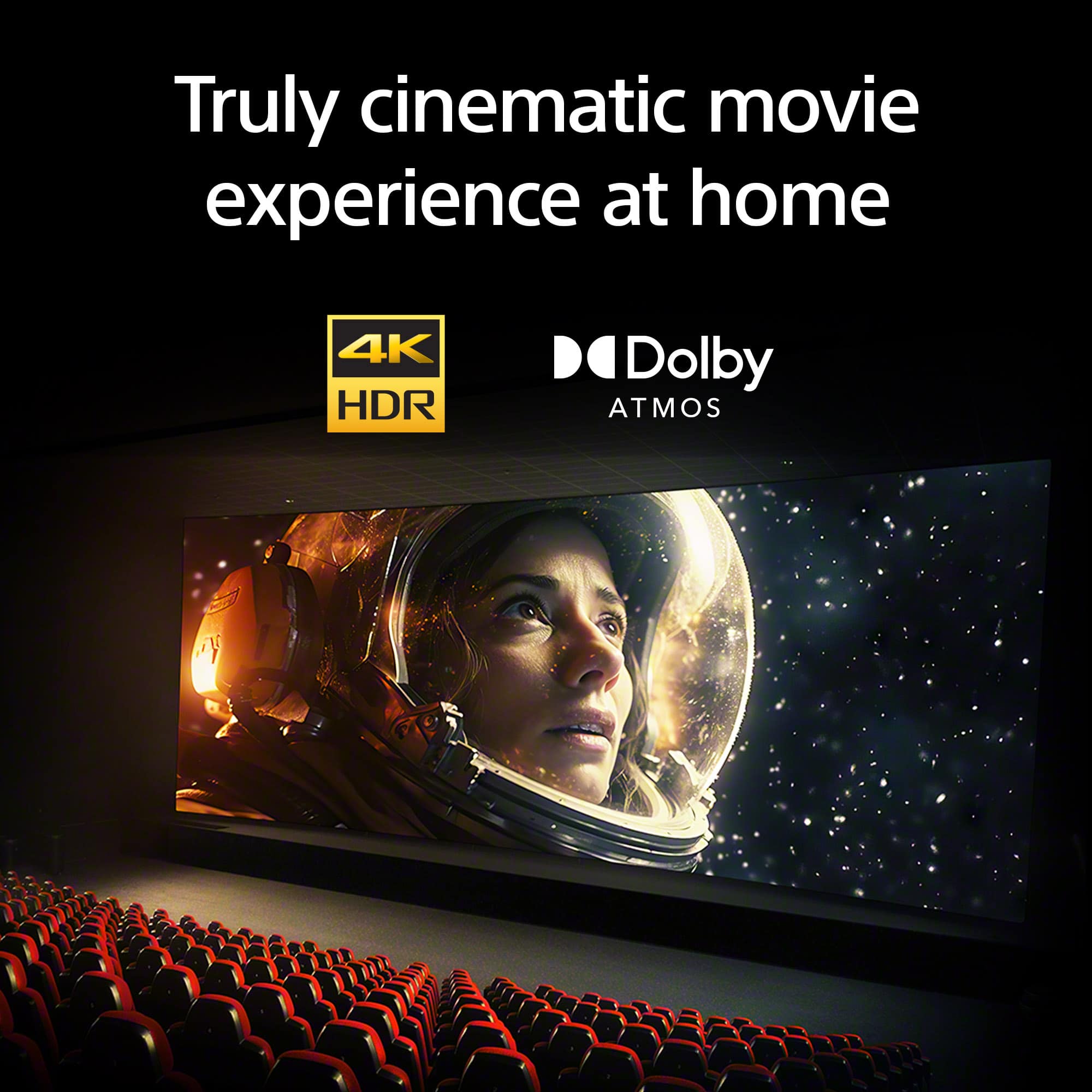
- A:Answer Hi there, The Sony BRAVIA 2 II is engineered to deliver a clear and expansive audio quality that significantly elevates the standard viewing experience. This model comes elevated with Dolby Atmos® and DTS:X, which work together to create a more immersive and cinematic soundscape directly from your television. A standout feature of its performance is our unique Clear Phase technology. This system meticulously adjusts the time alignment of sounds at certain heights and evens out their volume, ensuring a natural acoustic harmony across all your favorite content. For those who prefer a more tailored listening experience, the TV offers extensive sound customization options. You can explore the full range of these settings by visiting the official guide here: https://helpguide.sony.net/tv/musltn3/v1/en-003/01-03-09_02.html While the integrated speakers provide high-quality clarity, it is also worth keeping in mind that when the television is paired with a dedicated Sony Soundbar, you can unlock a truly immersive and powerful sound experience that brings a theater-like atmosphere into your home. Thank you for considering Sony! Regards, Dominick
Answered by SonyListens
Q: QuestionWhat Is The Side View picture Quality??
Asked by Val.
- A:Answer Thank you for contacting Sony, Val. The K-50S20M2 provides a clear side-viewing experience thanks to its high brightness and contrast. While the picture remains sharp from various angles, you will get the most vibrant colors and the best overall detail when sitting more toward the center of the screen. We appreciate your interest in Sony products. Should you require any further assistance, please don't hesitate to reach out for support here: https://us.esupport.sony.com/support/s/support-contact?language=en_US&category=tv Best regards, Gus, Sony North America Customer Support
Answered by SonyListens
Q: Questiondoes it have live local channels? cloud recording of live channels and app channels?
Asked by Anonymous.
- A:Answer Thank you for contacting Sony. The BRAVIA 2 includes a built-in ATSC tuner, which allows you to access live local channels like ABC, CBS, NBC, and FOX by simply connecting an indoor or outdoor antenna to the RF input on the back of the set. While the TV itself does not have a built-in cloud DVR for recording, you can enjoy extensive recording features by downloading live streaming apps such as YouTube TV, Hulu + Live TV, or Fubo from the Google Play Store. These services provide their own integrated cloud recording for both local and app-based channels, allowing you to save your favorite shows to watch whenever you're ready. We appreciate your interest in Sony products. Should you require any further assistance, please don't hesitate to reach out for support here: https://us.esupport.sony.com/support/s/support-contact?language=en_US&category=tv Best regards, Gus, Sony North America Customer Support
Answered by SonyListens
Page 1, Showing 1-20 of 37 questions
Best-selling TVs
- $199.99$199.99The price was $349.99
- $179.99$179.99The price was $299.99
- $329.99$329.99The price was $469.99
- $449.99$449.99The price was $649.99
- $79.99$79.99The price was $129.99
- $279.99$279.99The price was $449.99
- $229.99$229.99The price was $249.99
- $249.99$249.99The price was $379.99
- $149.99$149.99The price was $199.99
- $1,399.99$1,399.99The price was $2,699.99
- $89.99$89.99The price was $129.99
- $329.99$329.99The price was $489.99
- $149.99$149.99The price was $229.99
- $1,399.99$1,399.99The price was $2,499.99
- $119.99$119.99The price was $149.99













