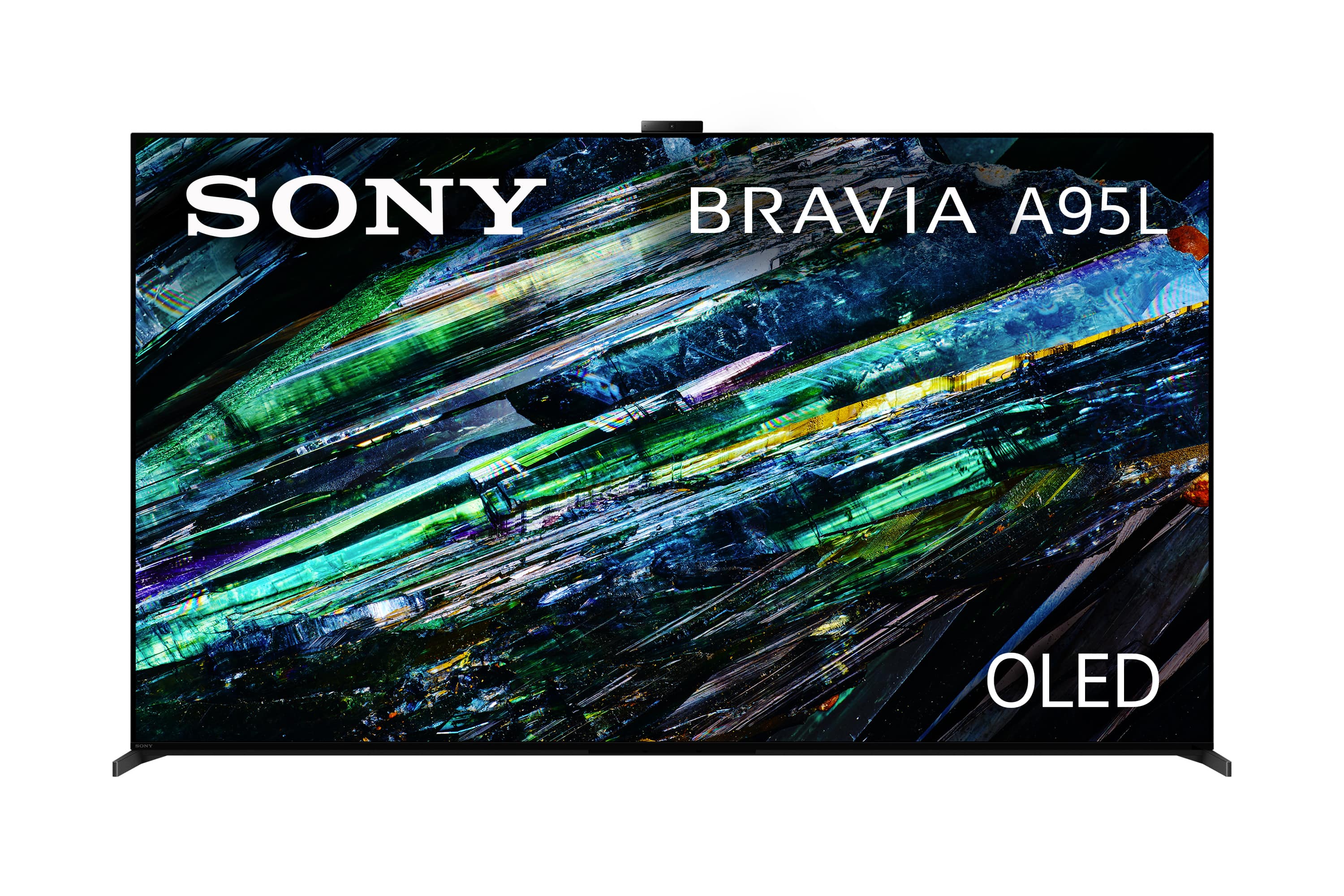
A:AnswerHello there, Thank you for your question! The Sony A95L is equipped with an ATSC 3.0 (NextGen TV) tuner. Hope this helps!
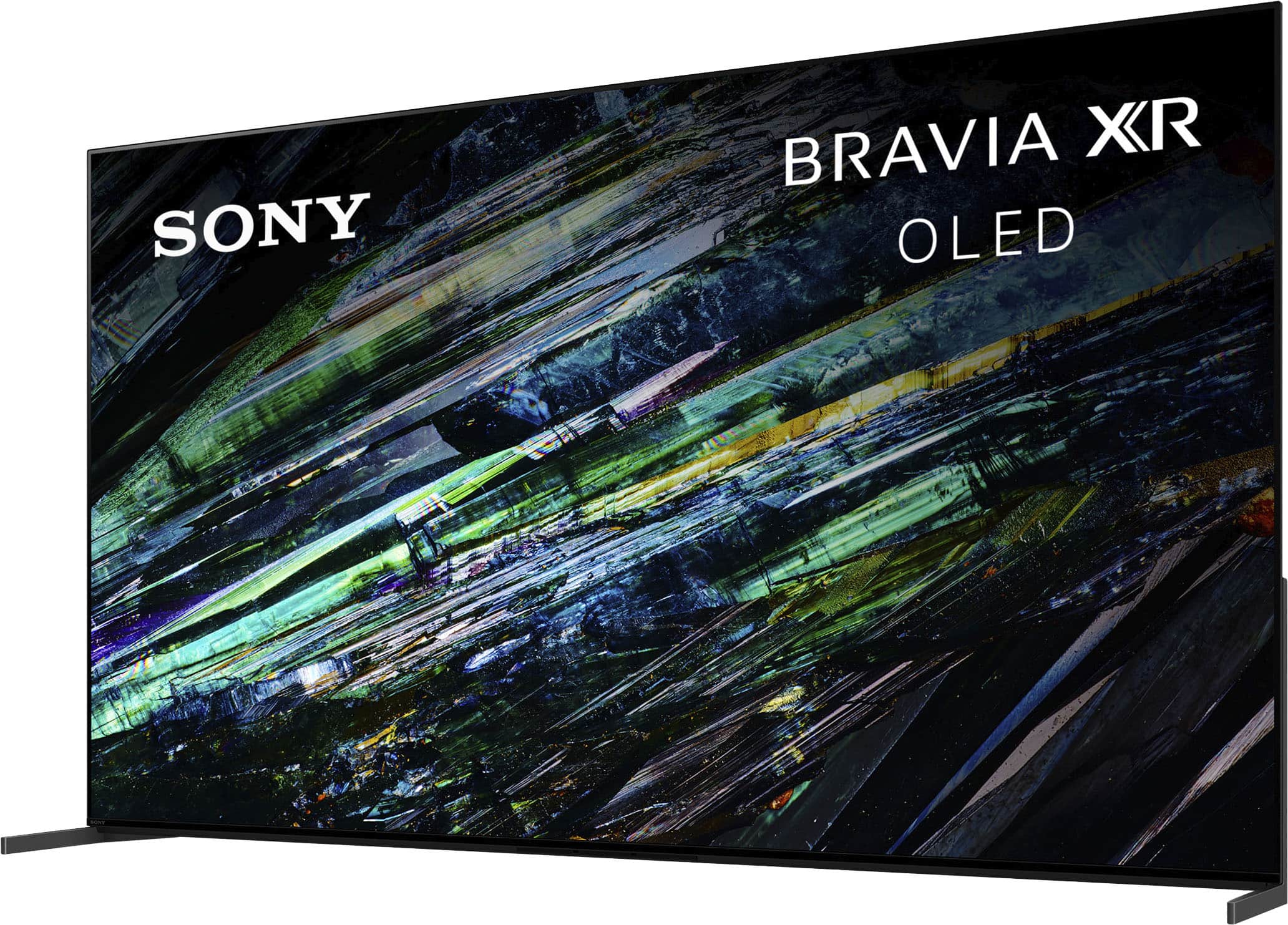
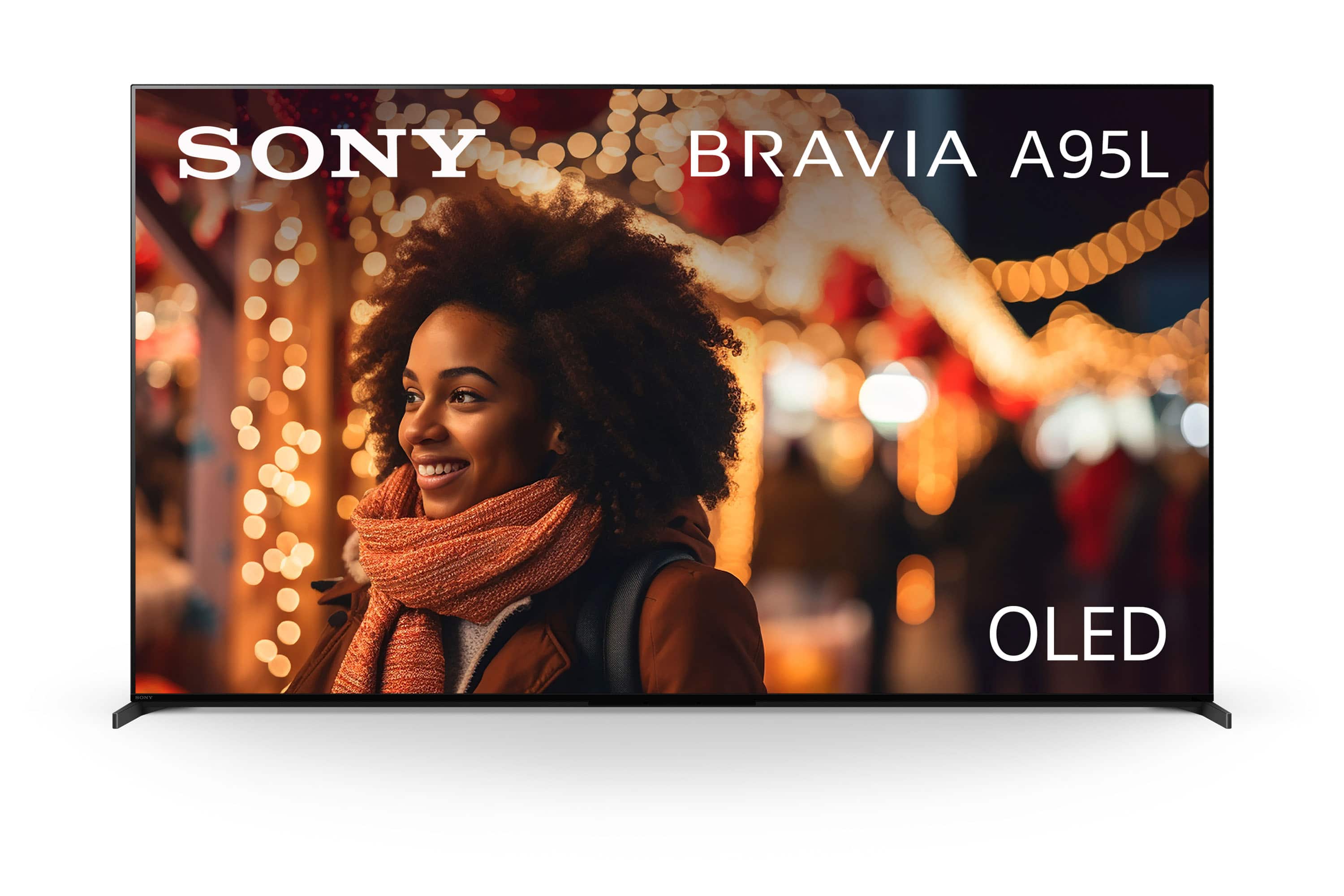
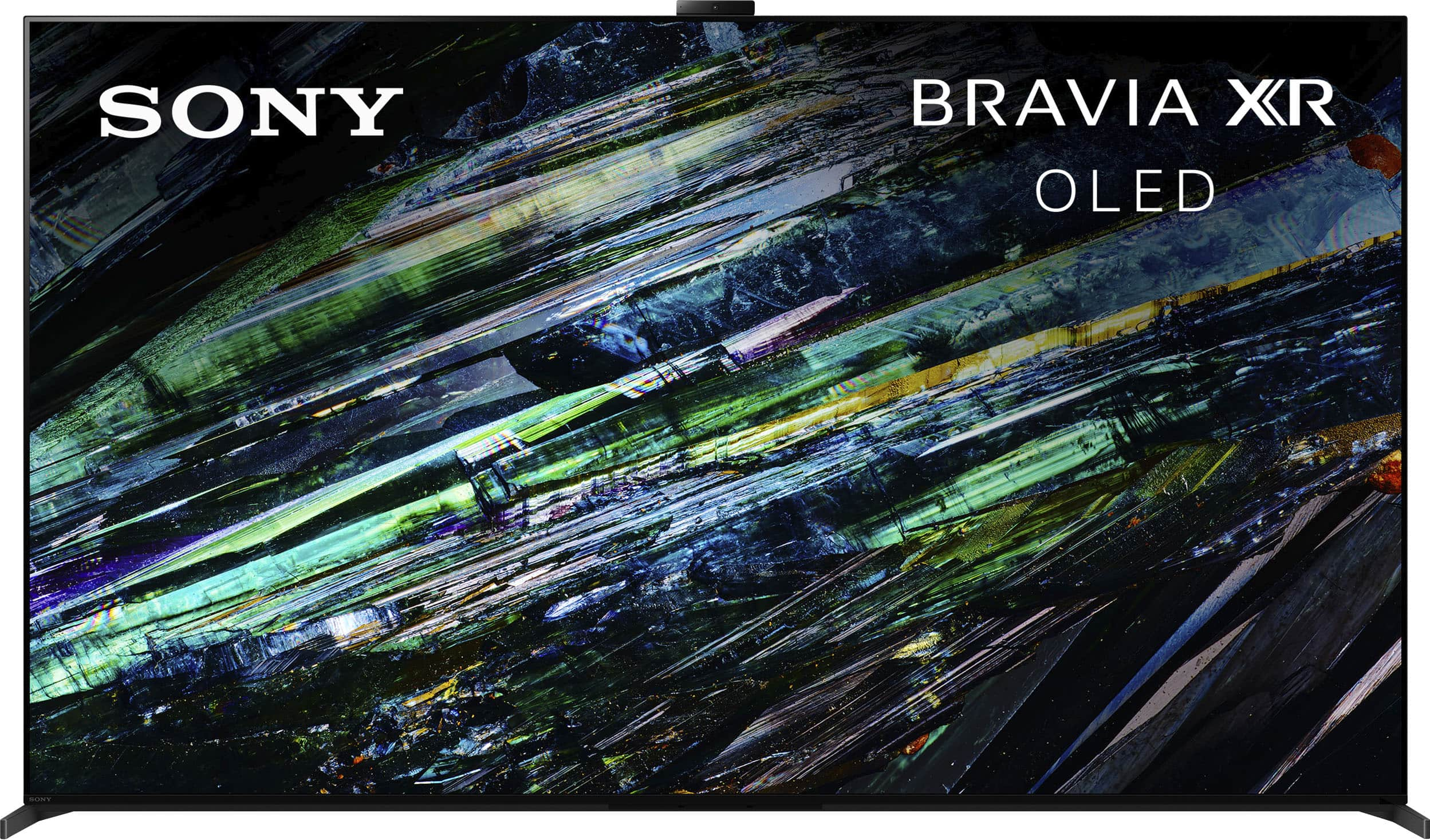
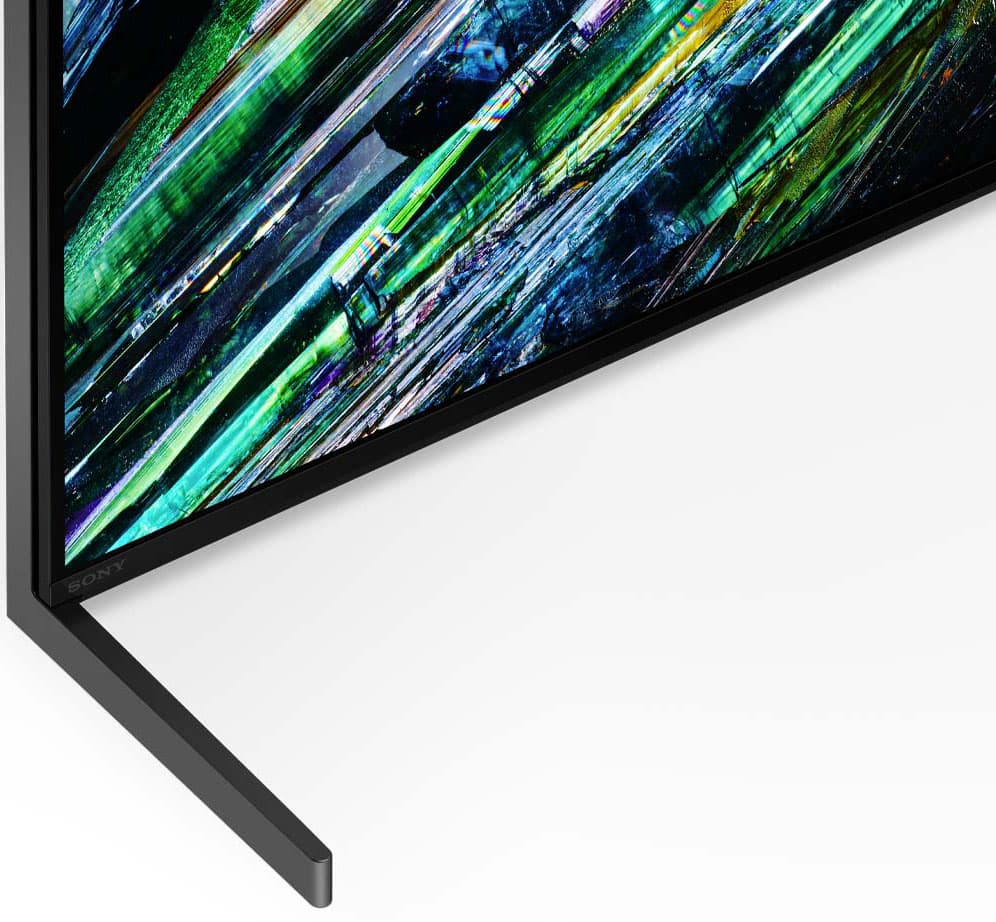
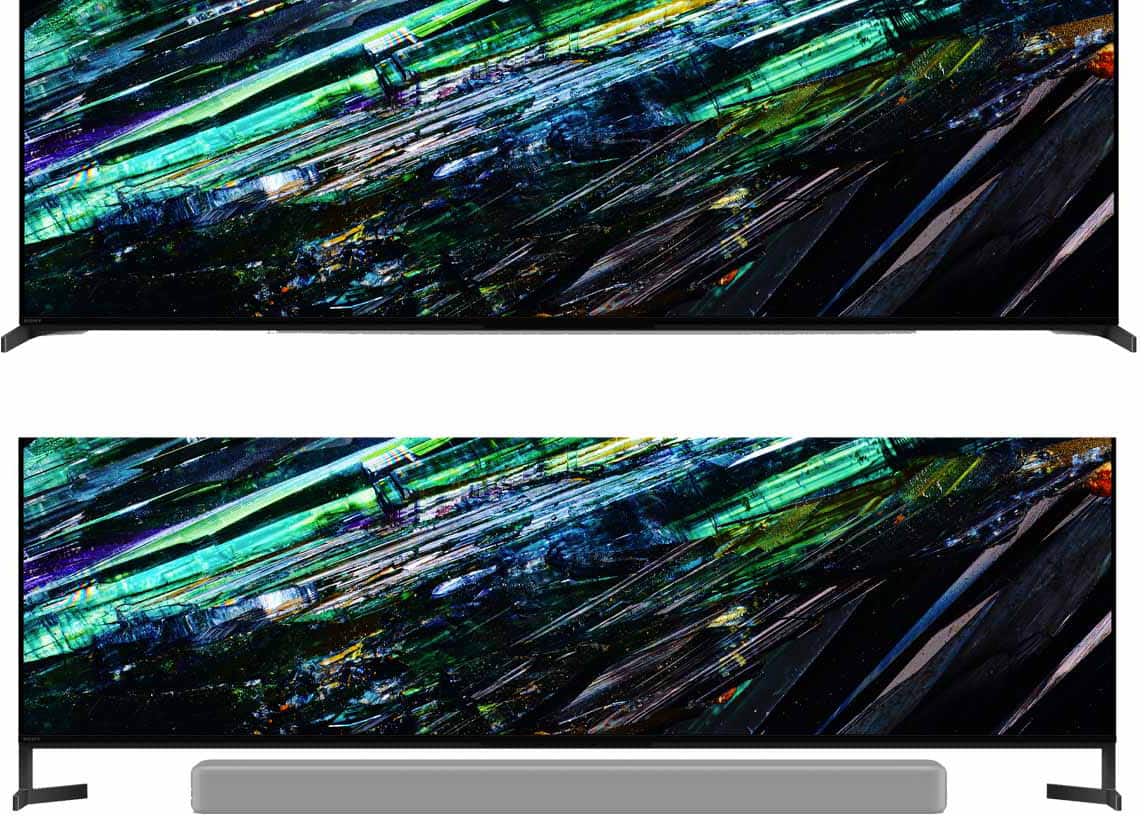
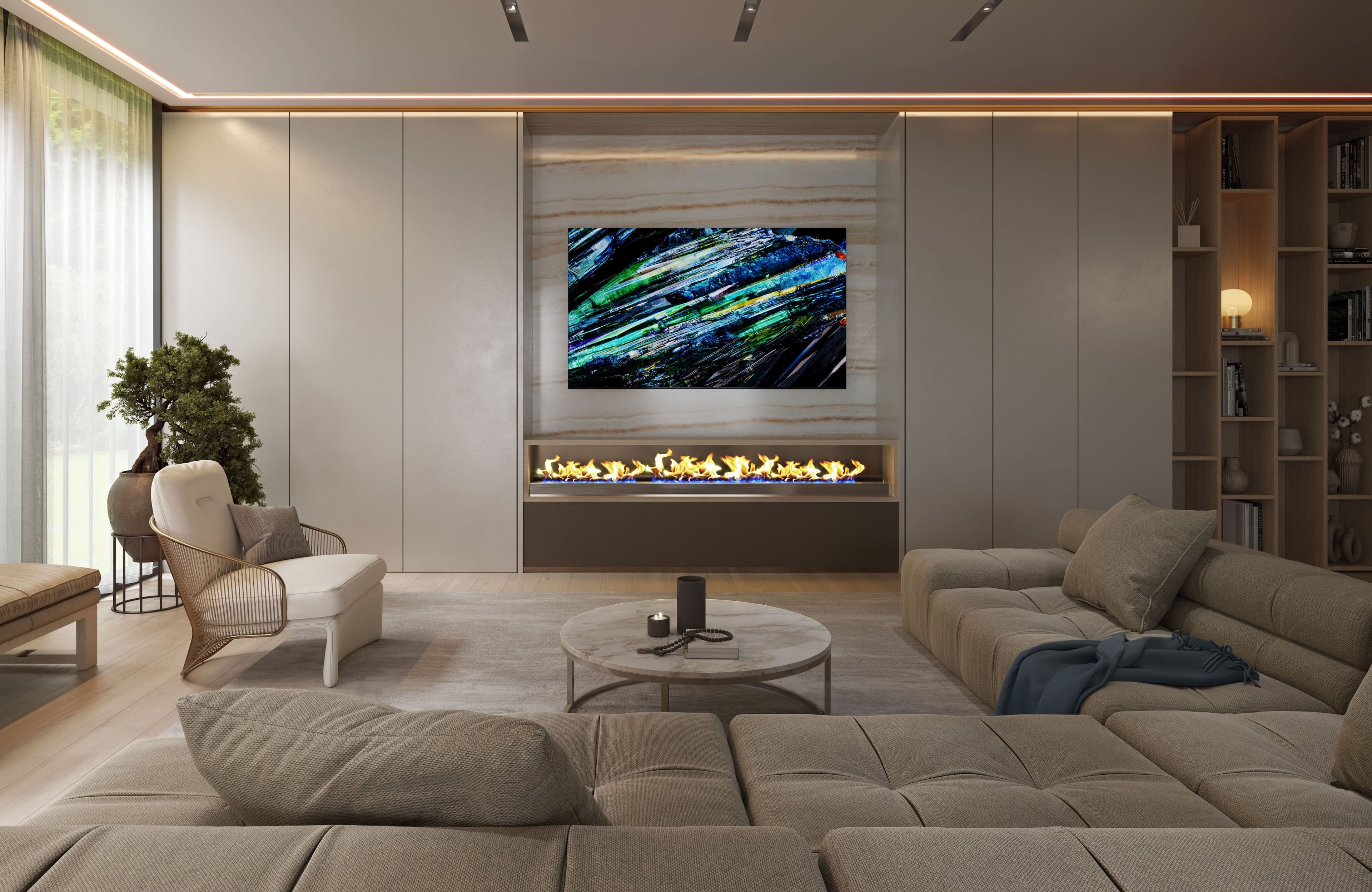
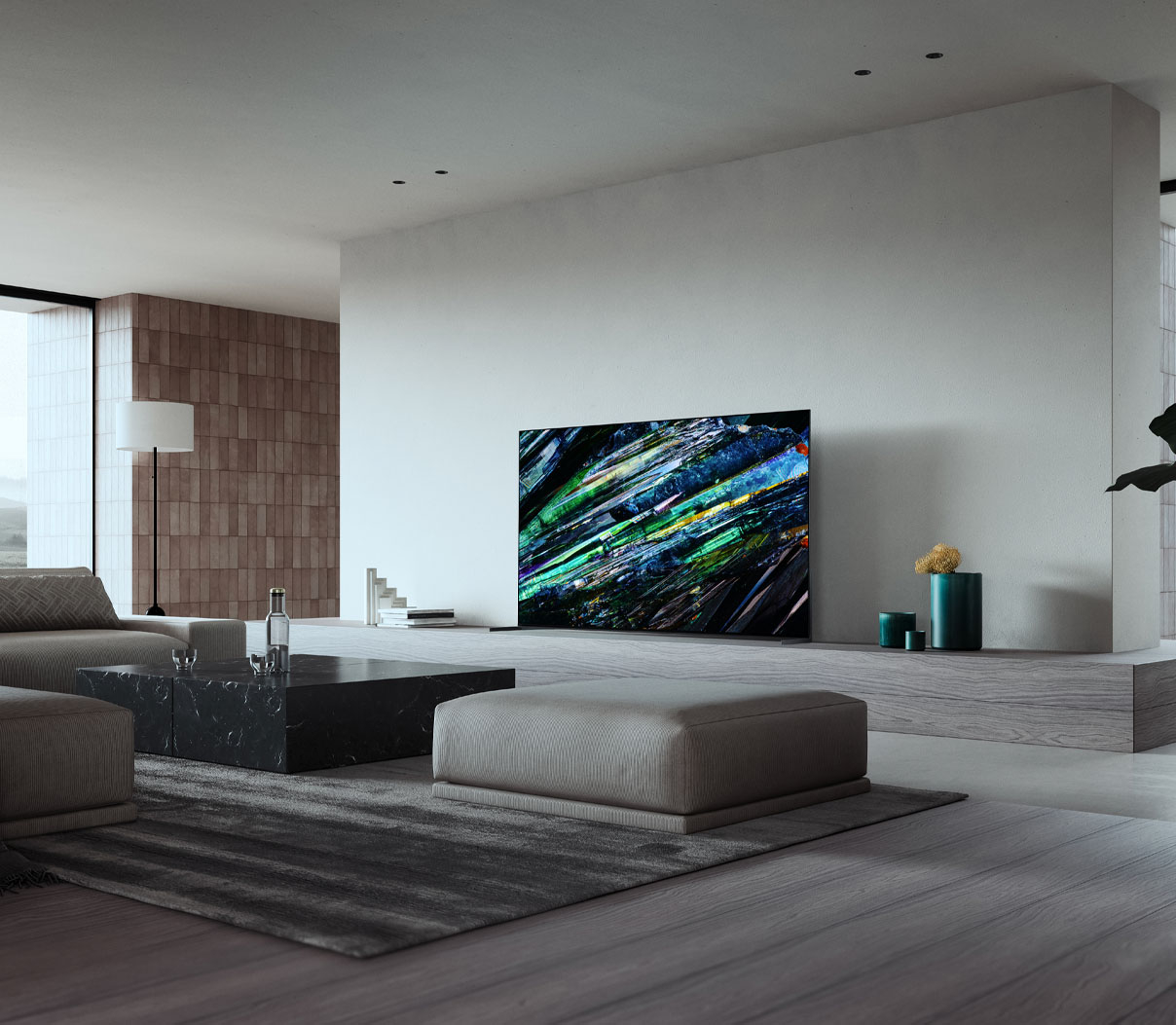
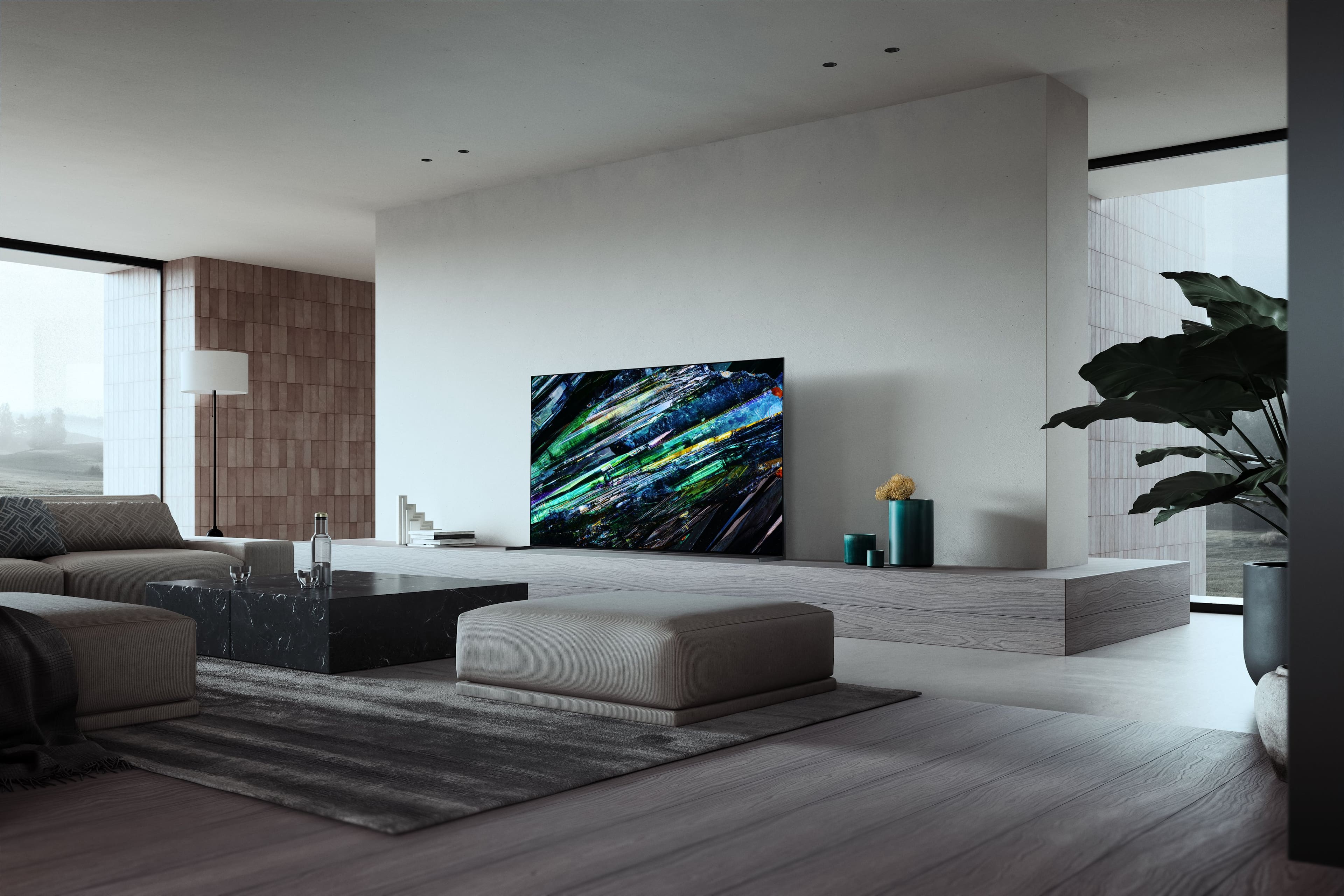
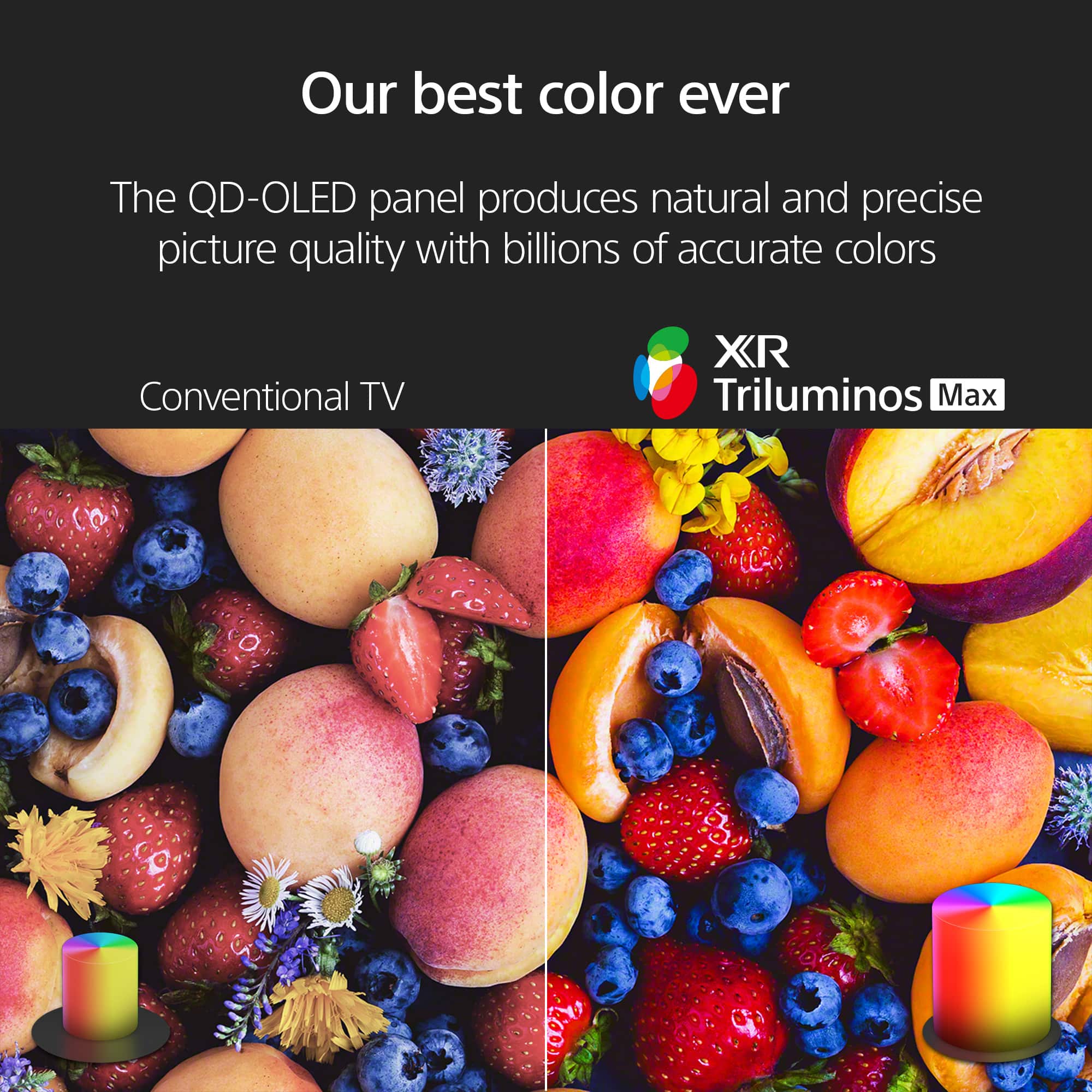
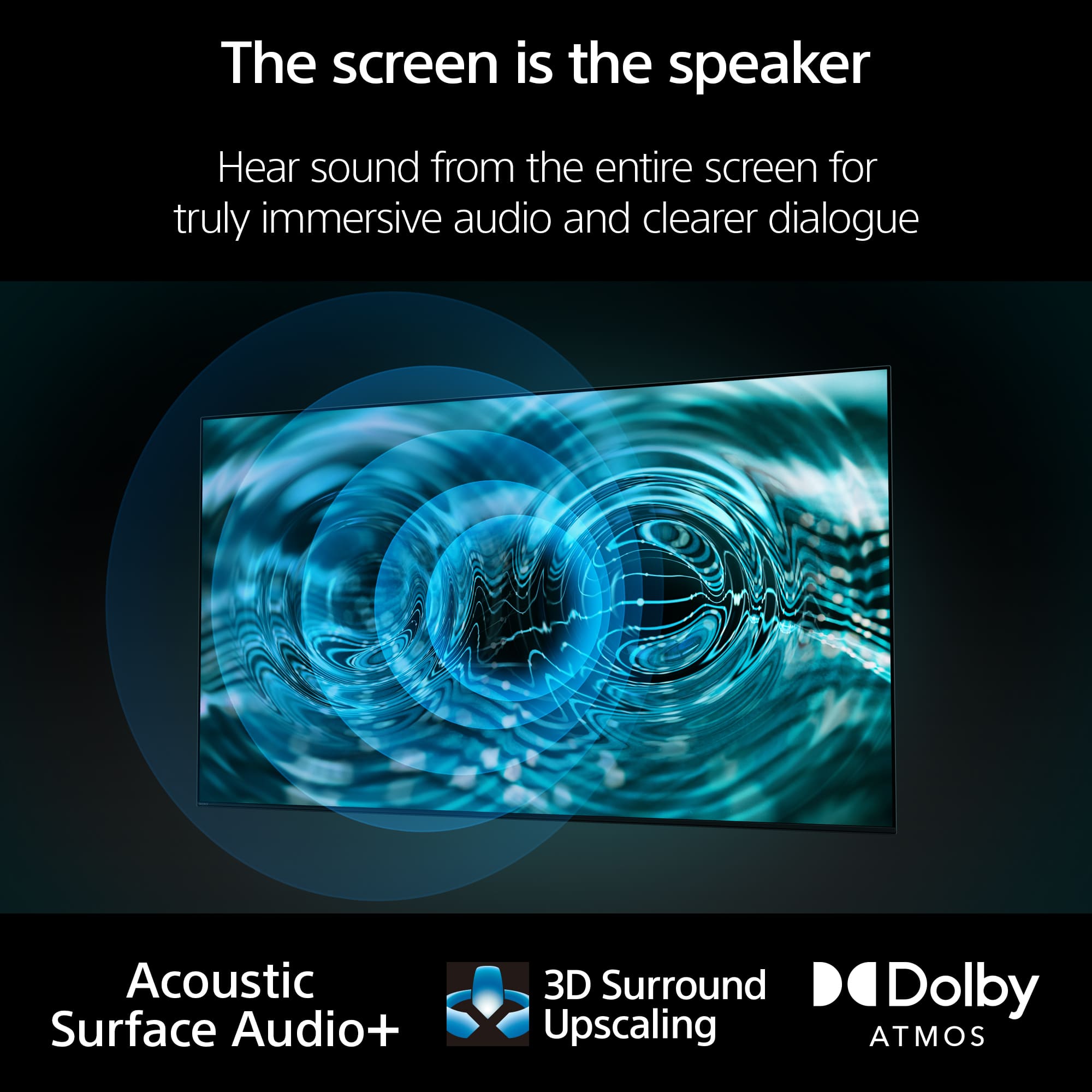
Our flagship OLED TV powered by Cognitive Processor XR brings out our widest color and definitive contrast. For movies, games and more, everything is a deeply immersive experience in 4K QD-OLED. The QD-OLED panel reduces the effects of glare and reflection from daylight and room light so you can see images clearly in even dark scenes. And with Acoustic Surface Audio+, sound comes directly from the right place in the scene. Far more immersive than conventional TVs where sound comes from beneath the screen.
Regards,
Sam
A:AnswerHi REVMRT, Thank you for your inquiry! We recommend considering these models:
4K Ultra-HD Blu-ray Disc Players:
UBP-X800M2
UBPX700/M
Blu-ray Disc Players:
BDP-S6700
BDP-S1700
BDP-BX370
BDP-S3700
DVD Players:
DVP-SR510H
DVP-SR210P
These models are compatible with the Sony A95L and will provide a seamless integration for your home entertainment setup. Hope this helps!
For more details and product specifications, please visit our Sony Electronics website.
Our flagship OLED TV powered by Cognitive Processor XR brings out our widest color and definitive contrast. For movies, games and more, everything is a deeply immersive experience in 4K QD-OLED. The QD-OLED panel reduces the effects of glare and reflection from daylight and room light so you can see images clearly in even dark scenes. And with Acoustic Surface Audio+, sound comes directly from the right place in the scene. Far more immersive than conventional TVs where sound comes from beneath the screen.
Regards,
Sam
A:AnswerHi Larry, We're sorry to hear about the issue you're having. To troubleshoot the issue of having sound but no picture on your XR55A95L TV, you can follow these steps:
Power Reset:
Unplug the TV power cord from the wall outlet (or from the back of the TV if the power cord is detachable).
Wait for two minutes.
Plug the power cord back in and turn on the TV.
Check HDMI Connections:
Ensure that the HDMI cables are securely connected to both the TV and the connected device.
Try using a different HDMI port on the TV.
Test with a different HDMI cable if available.
Make sure the connected device is set to output through its HDMI connection and that the video format being output is compatible with the TV.
Try a different device to output an HDMI video signal using the same connections.
Factory Reset:
If the issue persists, you may need to perform a factory reset:
On the supplied remote control, press the HOME button.
Select Settings → System → About → Reset → Factory data reset → Erase everything → Yes.
If these steps do not resolve the issue, please contact us for further assistance. Unfortunately, due to the current Bestbuy phishing protocol for your protection, we cannot provide a direct email or phone number for customer support as of now. Please find Sony Electronics' Support information: Go to our support website > click on “Support” > scroll down click on “Contact Support” > click on [Product Type] and from there you'll see different ways to reach us.
Regards,
Sam
A:AnswerHi pinkertonpunk, Thank you for reaching out. For video playback skipping issue, please follow the troubleshooting steps below:
Check if your TV and the app has the latest software update.
Place the router close to your TV, then check if the signal strength has improved.
Check for an internet connection on other devices (smartphone, tablet, computer, etc.
Power reset the TV.
Try playing back videos from other apps.
If you are unable to resolve your concern and if you're having other issues with your Sony A95L, feel free to contact our product support team through this link: https://us.esupport.sony.com/support/s/service?language=en_US. Or email us at socialsupport@am.sony.com with the following details:
Name:
Username:
Model Number:
Issue:
Telephone Number:
Regards,
Sam
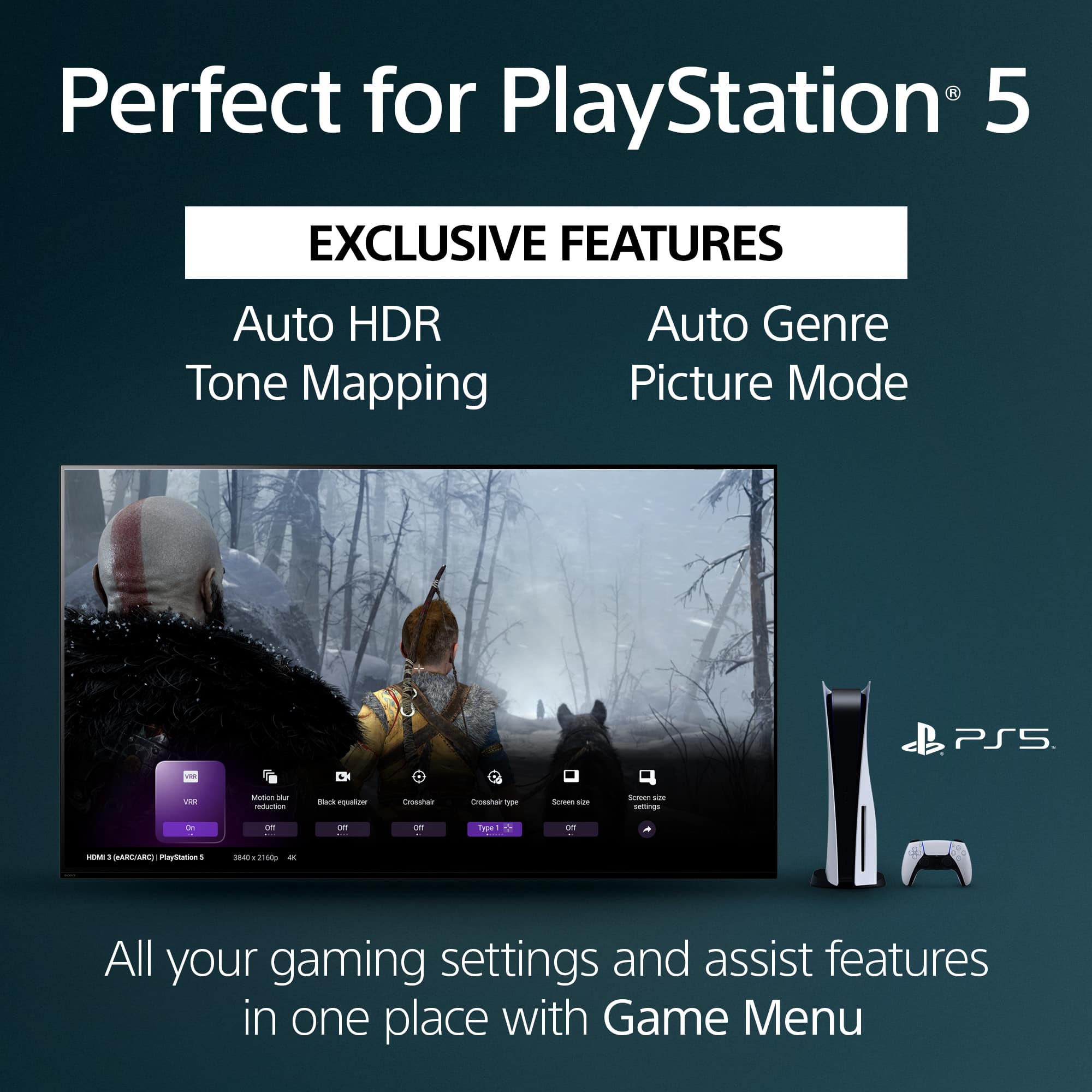
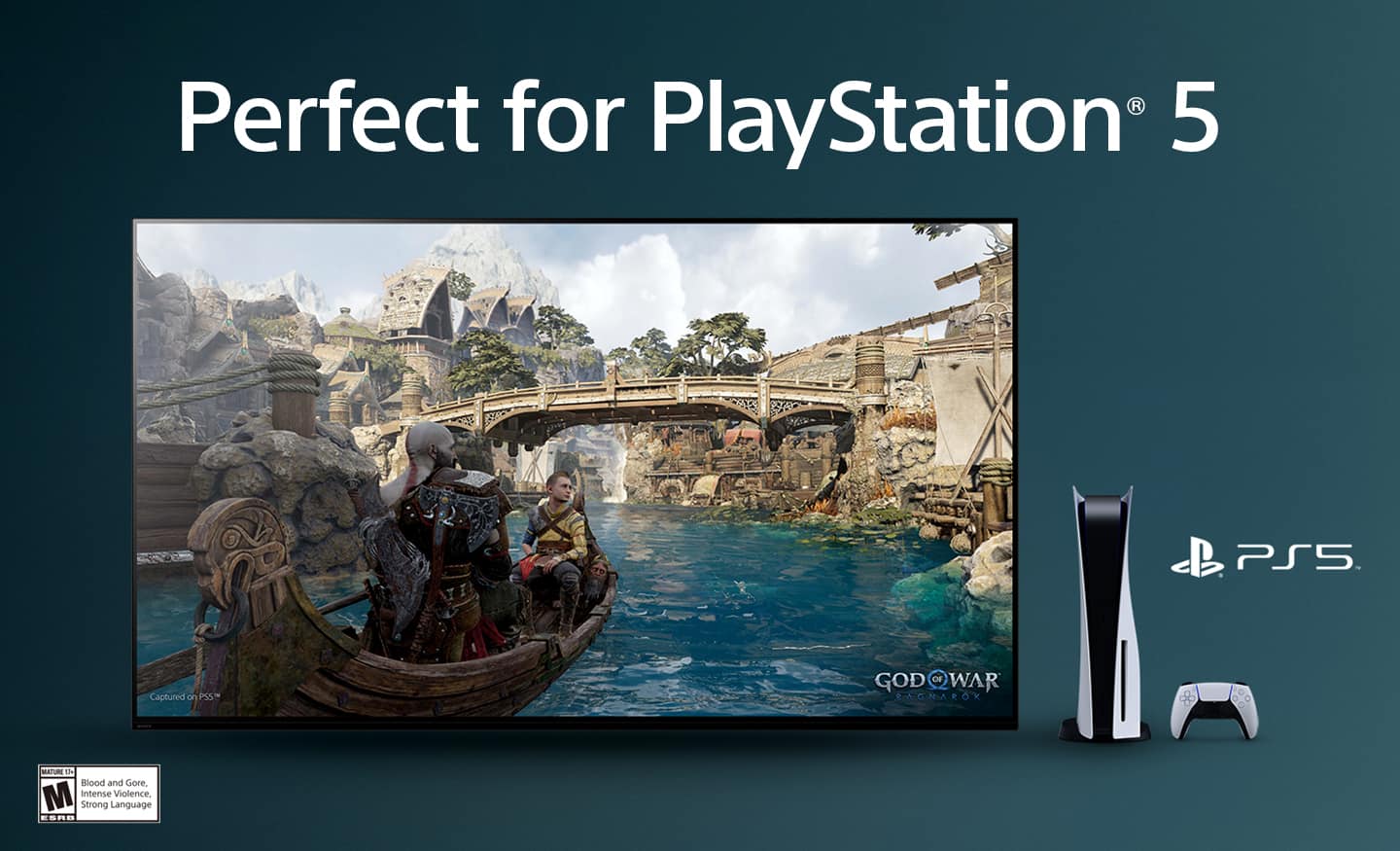
A:AnswerHi Mand0, Thank you for your interest in the Sony A95L! Absolutely! This TV deliver a thrilling gaming experience with support for 4K/120, VRR, and ALLM as specified in HDMI 2.1. With 4K/120 you get up to 120fps in 4K resolution on compatible games.
And this TV also has exclusive features for PlayStation 5 such as Auto Genre Picture Mode and Auto HDR Tone Mapping which are automatically configured when using a PS5.
Auto Genre Picture Mode - BRAVIA automatically switches into Game mode to minimize input lag and make the action more responsive. When watching movies on PlayStation5® consoles, it switches back to Standard Mode to focus on picture processing for more expressive scenes. This function works when Auto Picture Mode is ON.
Auto HDR Tone Mapping - With Auto HDR Tone Mapping, the HDR settings will be optimized instantly during your PS5™ console’s initial setup. Your PS5™ automatically recognizes individual BRAVIA TV models and selects the best HDR setting for your TV accordingly. So even in high-contrast scenes, you’ll see the crucial details and color in the brightest and darkest parts of the screen.
Our flagship OLED TV powered by Cognitive Processor XR brings out our widest color and definitive contrast. For movies, games and more, everything is a deeply immersive experience in 4K QD-OLED. The QD-OLED panel reduces the effects of glare and reflection from daylight and room light so you can see images clearly in even dark scenes. And with Acoustic Surface Audio+, sound comes directly from the right place in the scene. Far more immersive than conventional TVs where sound comes from beneath the screen.
Regards,
Sam
A:AnswerHi TJ, Thank you for the inquiry. No, the Sony A95L cannot record ATSC 3.0 signals to a DVR if that is what you're trying to do. Hope this helps.
Our flagship OLED TV powered by Cognitive Processor XR brings out our widest color and definitive contrast. For movies, games and more, everything is a deeply immersive experience in 4K QD-OLED. The QD-OLED panel reduces the effects of glare and reflection from daylight and room light so you can see images clearly in even dark scenes. And with Acoustic Surface Audio+, sound comes directly from the right place in the scene. Far more immersive than conventional TVs where sound comes from beneath the screen.
Regards,
Sam
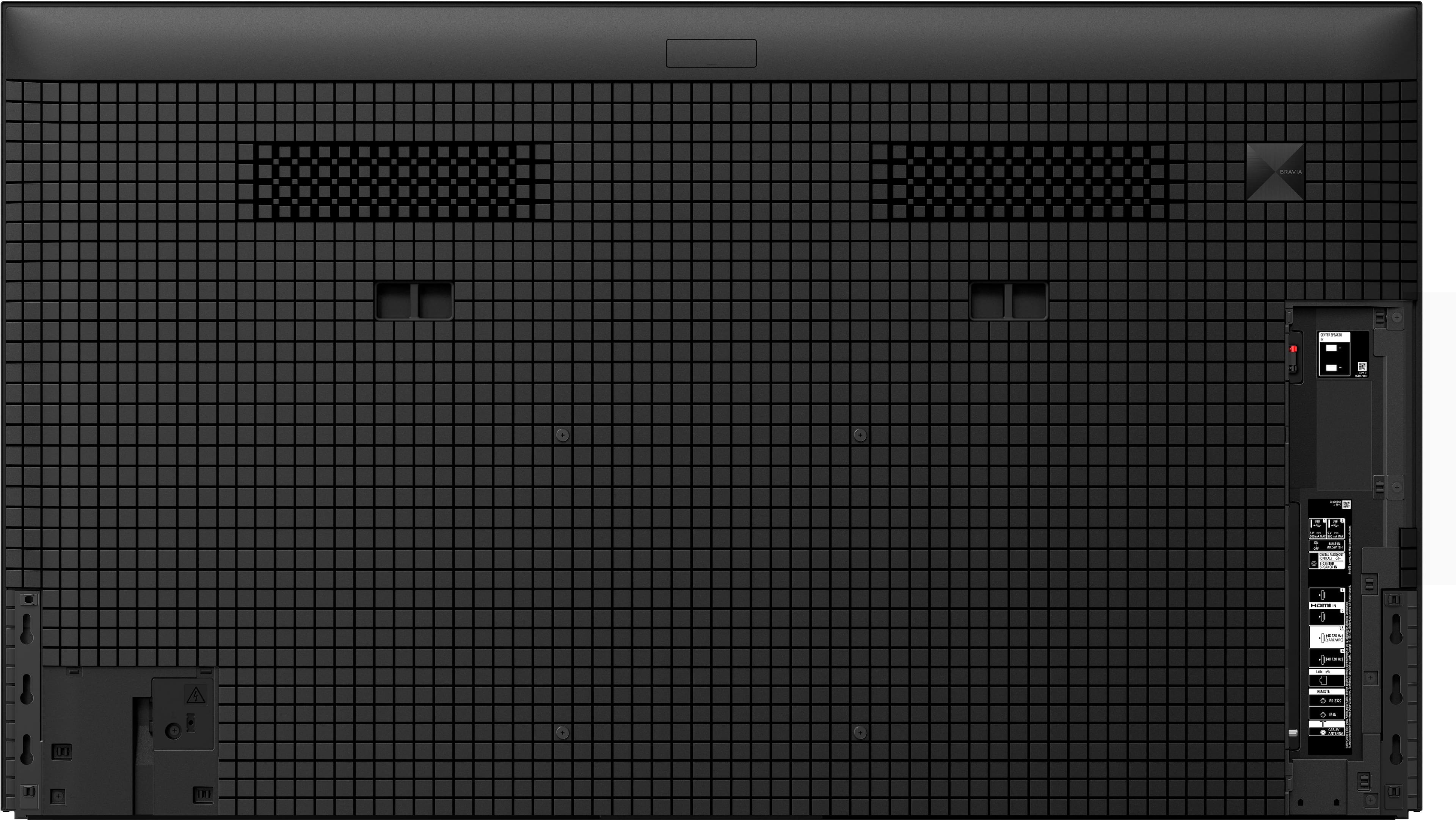
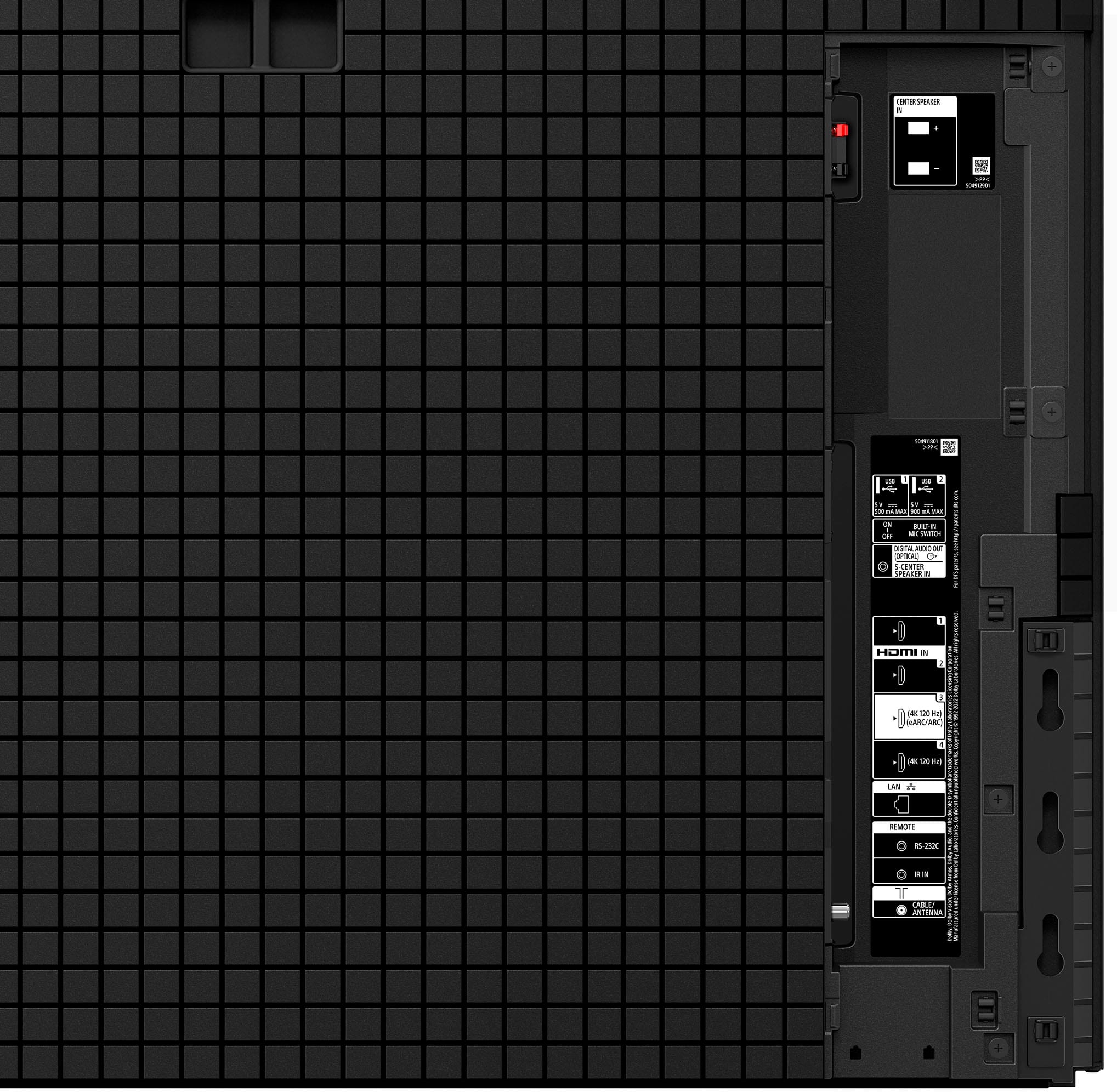
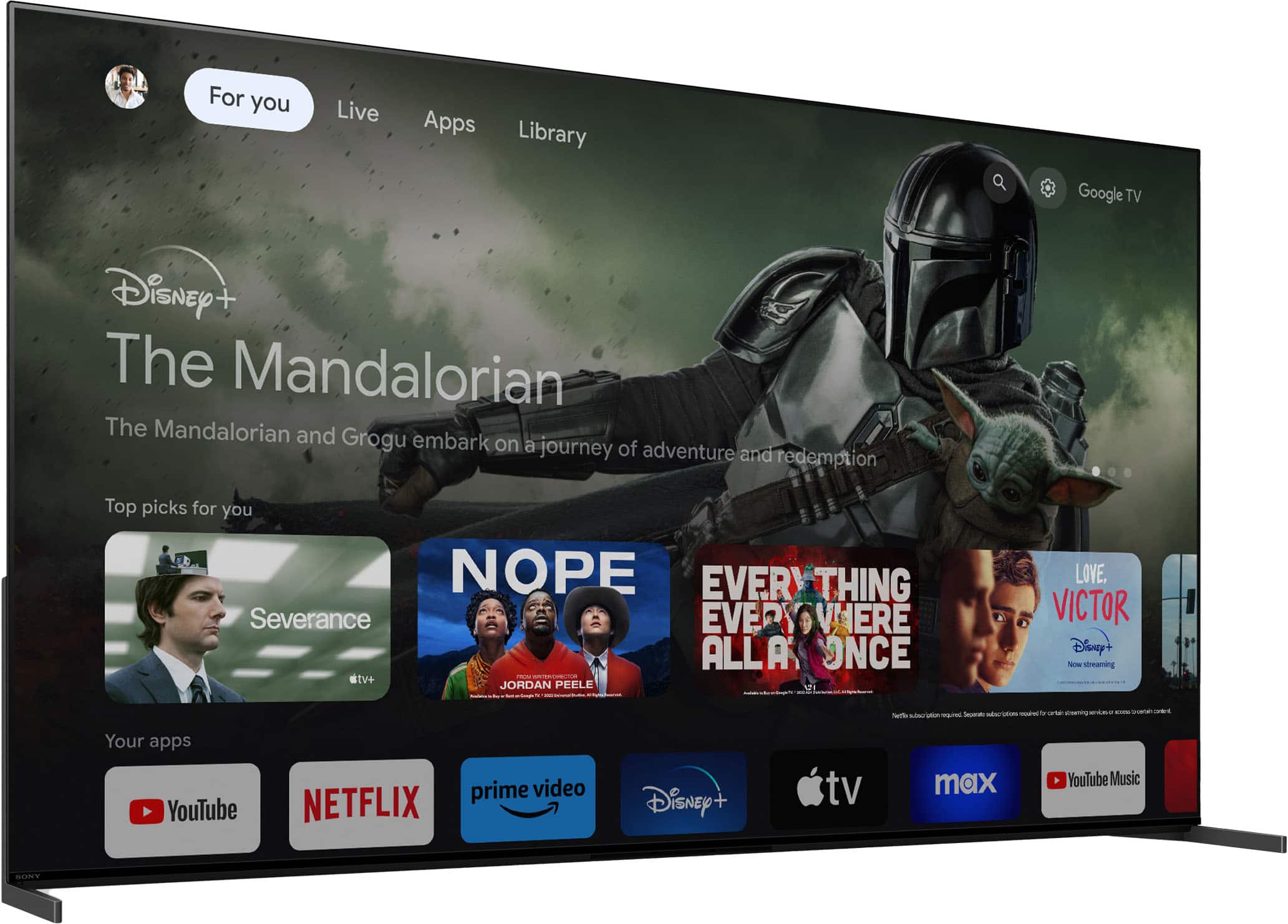
A:AnswerHi Cathy, Thank you for the question! Yes, this TV is compatible with Roku streaming device and Nintendo Switch. You can connect your Roku streaming device and Nintendo Switch to one of the 4 HDMI input ports of this TV. Hope this helps!
Our flagship OLED TV powered by Cognitive Processor XR brings out our widest color and definitive contrast. For movies, games and more, everything is a deeply immersive experience in 4K QD-OLED. The QD-OLED panel reduces the effects of glare and reflection from daylight and room light so you can see images clearly in even dark scenes. And with Acoustic Surface Audio+, sound comes directly from the right place in the scene. Far more immersive than conventional TVs where sound comes from beneath the screen.
Regards,
Sam
A:AnswerHello there, Thank you for your inquiry! If the Voice Assist located within the accessibility functions was what you intended to use, in this case, a green box "cursor" would show up. Using the remote, the TV would read what has been highlighted. This is very useful for people with vision impairments.
Our flagship OLED TV powered by Cognitive Processor XR brings out our widest color and definitive contrast. For movies, games and more, everything is a deeply immersive experience in 4K QD-OLED. The QD-OLED panel reduces the effects of glare and reflection from daylight and room light so you can see images clearly in even dark scenes. And with Acoustic Surface Audio+, sound comes directly from the right place in the scene. Far more immersive than conventional TVs where sound comes from beneath the screen.
Regards,
Sam
A:AnswerHi Tvjoy, Thank you so much for bringing this to our attention and we apologize for the built-in mic issue that you experienced with your Sony A95L. We will forward this to the proper team for investigation. Rest assured we are on the case and the engineering team will get to the bottom of this. Should you need further assistance, please contact us. Unfortunately, due to the current Bestbuy phishing protocol for your protection, we cannot provide a direct email or phone number for customer support as of now. Please find Sony Electronics' Support information: Go to our support website > click on “Support” > scroll down click on “Contact Support” > click on [Product Type] and from there you'll see different ways to reach us.
Regards,
Sam
A:AnswerHi KonaBob, Thanks for your question. Unfortunately, the nit rating is not a public specification that we disclose at this time. You can sometimes find these types of answers from online reviewers and within discussion forums. Hope this helps.
Our flagship OLED TV powered by Cognitive Processor XR brings out our widest color and definitive contrast. For movies, games and more, everything is a deeply immersive experience in 4K QD-OLED. The QD-OLED panel reduces the effects of glare and reflection from daylight and room light so you can see images clearly in even dark scenes. And with Acoustic Surface Audio+, sound comes directly from the right place in the scene. Far more immersive than conventional TVs where sound comes from beneath the screen.
Regards,
Sam
A:AnswerThere is not a plastic cover on the TV screen out of the box; assuming that is the plastic cover being referred to. The only article covering the screen is a styrofoam sheet. Further, the sheet is over the screen and does not make direct contact with it. The blemishes mentioned would had to have come from an issue other than the packaging.