A:AnswerHi Tushky, you may use the Vewd Browser as an internet browser. It is one of the pre-installed applications of the TV. For reference, you may check the links below:
https://us.en.kb.sony.com/app/answers/detail/a_id/58769
https://us.en.kb.sony.com/app/answers/detail/a_id/59569
Thanks! _Bob
A:AnswerHi IMS77, yes, this TV supports the playback of a lot of different file types, including those you have mentioned. You may check this link for additional information on this TV: https://docs.sony.com/release//specs/XBR55X900E_mksp.pdf Thanks, -Mark
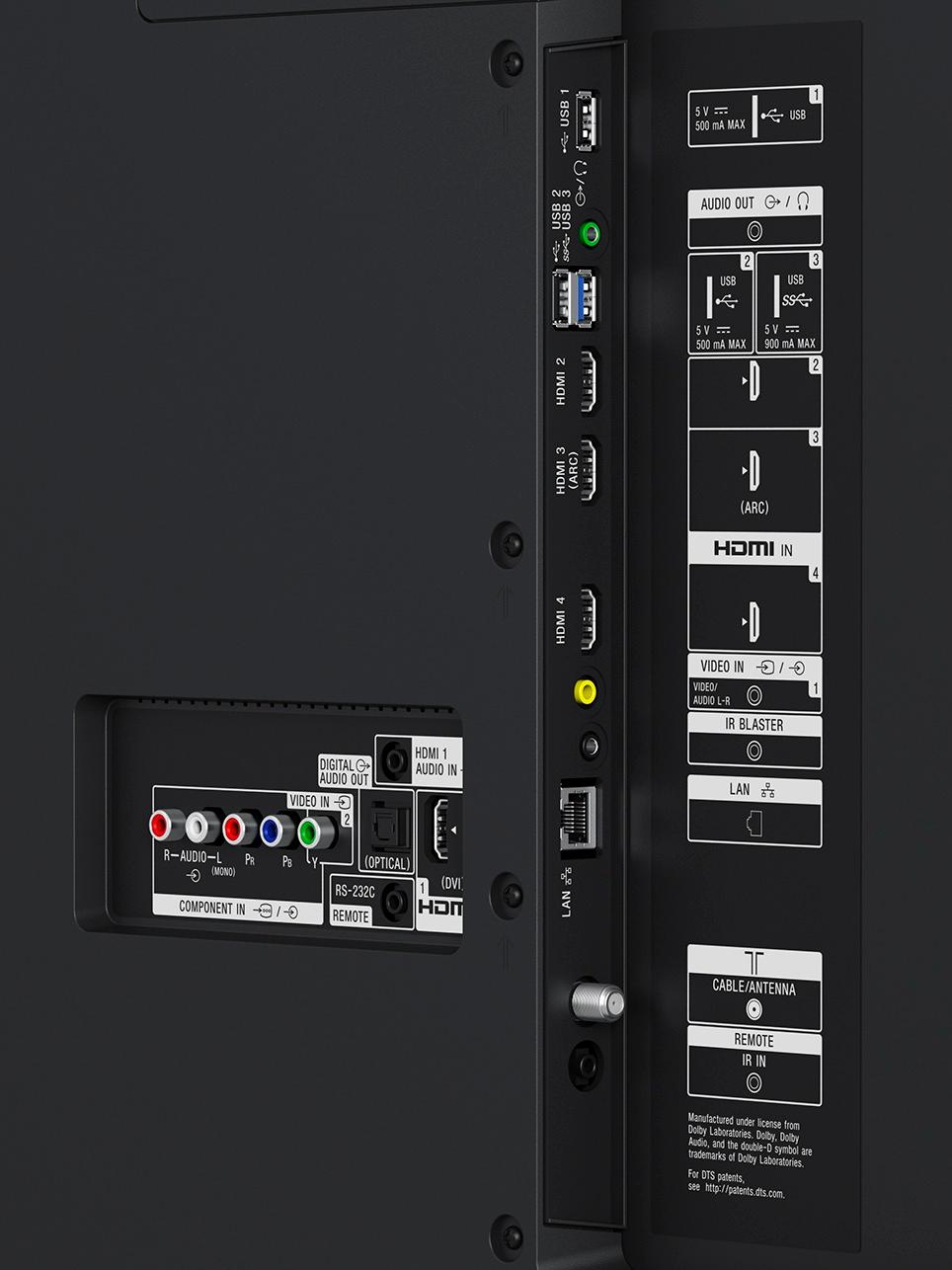
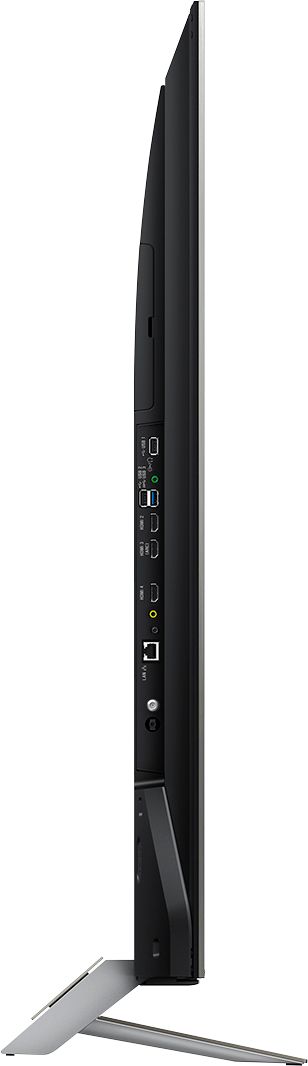
A:AnswerThis TV has no problem with flash drives, however for external HDD you will need a separate power source. I use a POWERED usb 3.0 hub for an external HDD.
A:AnswerSO I AM HAVING THE SAME PROBLEM AS FAR AS THE CRACKLING/SNAPPING SOUND THEN I PUSH PLAY OR REWIND OR FAST FORWARD USING MY CABLE OR DVR PLAYER. MY CABLE COMPANY ADVISE ME THAT I SHOULD CONTACT SONY ABOUT THE PROBLEM.
A:AnswerIt’s very hard to get a virus on a TV. It’s somewhat like a cell phone, the apps you download are controlled therefore keeping the risk of infection very very low to almost nothing.
A:AnswerHi Billy49er, we recommend contacting your Channel provider to discuss this matter. Considering that other channels are in English then this issue has nothing to do with the TV unless we set the TV language to Spanish. For reference, please check this link: http://helpguide.sony.net/tv/eusltn1/v1/en-003/07-01_03.html -Erin
A:AnswerThe XBR55900E is a 2017 model - that model did not exist in any prior year, nor will it exist as a future model. The 2017 specifically designates it as being a TV of model year 2017.
If you see XBR55X900E with any other year in parentheses, it is incorrect and that would be (for me) all the reason I needed to NOT buy from that retailer.
A:AnswerThe TV will display whatever source resolution you put in it. For an easy solution without connecting your computer, copy your movies onto a flash drive or portable hard drive and plug that into the USB port on the TV. Open the videos app on the TV and choose your storage device that has the movies.
A:AnswerMake sure you are putting it into the right port. I had the same problem until I looked a little harder and noticed the same size port labeled differently that was the proper port. Easy to use the wrong port. Check again, I bet you'll see the other port. If I was at home I'd tell you exactly where.
A:AnswerIf by left/right speakers you mean on your sound system, you probably need to check the sound settings. There are 3 options Auto 1, Auto 2, and PCM. You probably need to adjust that. You might check your sound system settings too.