A:AnswerHi Mo,
We're sorry to hear if you are having trouble logging in to the Apple TV app on your X80K TV. We appreciate your time and effort in troubleshooting the problem. Please try some solutions below that may help fix the issue.
Please make sure that the TV is updated as it includes key features, applications, bug fixes, and feature improvements.
Check your internet connection, make sure your TV is connected to a stable network.
Restart your TV.
Clear data and cache the app
Note: make sure you are entering your Apple ID and password correctly.
To use the Apple TV app, AirPlay, and HomeKit, you will need to enable the Sony Smart TV services via the BRAVIA TV Privacy Policy. If you experience Apple TV access or connection issues when pairing to an Apple device using the AirPlay app, follow these steps to resolve the issue:
Restart your Apple device.
Enable the Sony Smart TV services via the Privacy Policy screen.
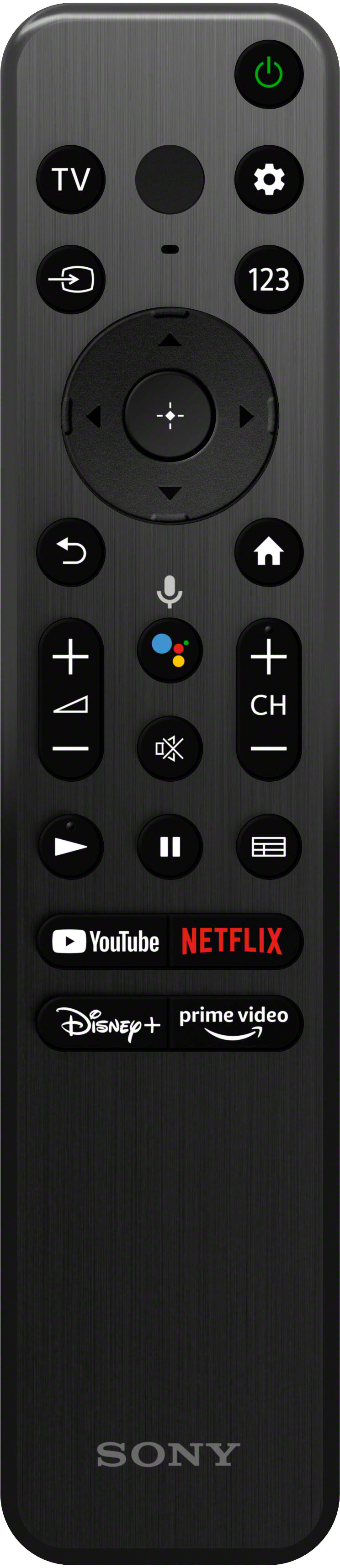
On the supplied TV remote, press the HELP button.
Go to Status & Diagnostics, and then select Privacy settings.
On the Privacy Policy screen, read the privacy policy; if you agree, scroll down to the very bottom of the policy, and then agree, at least concerning Sony Smart TV services, or select the Agree to all option if you desire.
On the TV remote control, press the Input button, and then select AirPlay from the input selection to display the AirPlay menu.
May we contact you to help? If so, please send us an email to Sony E-support that you can find on Sony’s official website. Unfortunately, due to the current Best Buy phishing protocol for your protection, we cannot provide a direct email or phone number for customer support as of now. Please find Sony Electronics' Support information: Go to our support website > click on “Support” > scroll down click on “Contact Support” > click on "TV & Projectors" and from there you'll see different ways to contact us.
We are sorry for the inconvenience and hope to speak to you to resolve this matter. - Kris
A:AnswerHi Rbake,
Thanks for your inquiry! Yes, the KD55X80K is an Alexa capable TV that can be controlled via the Alexa app.
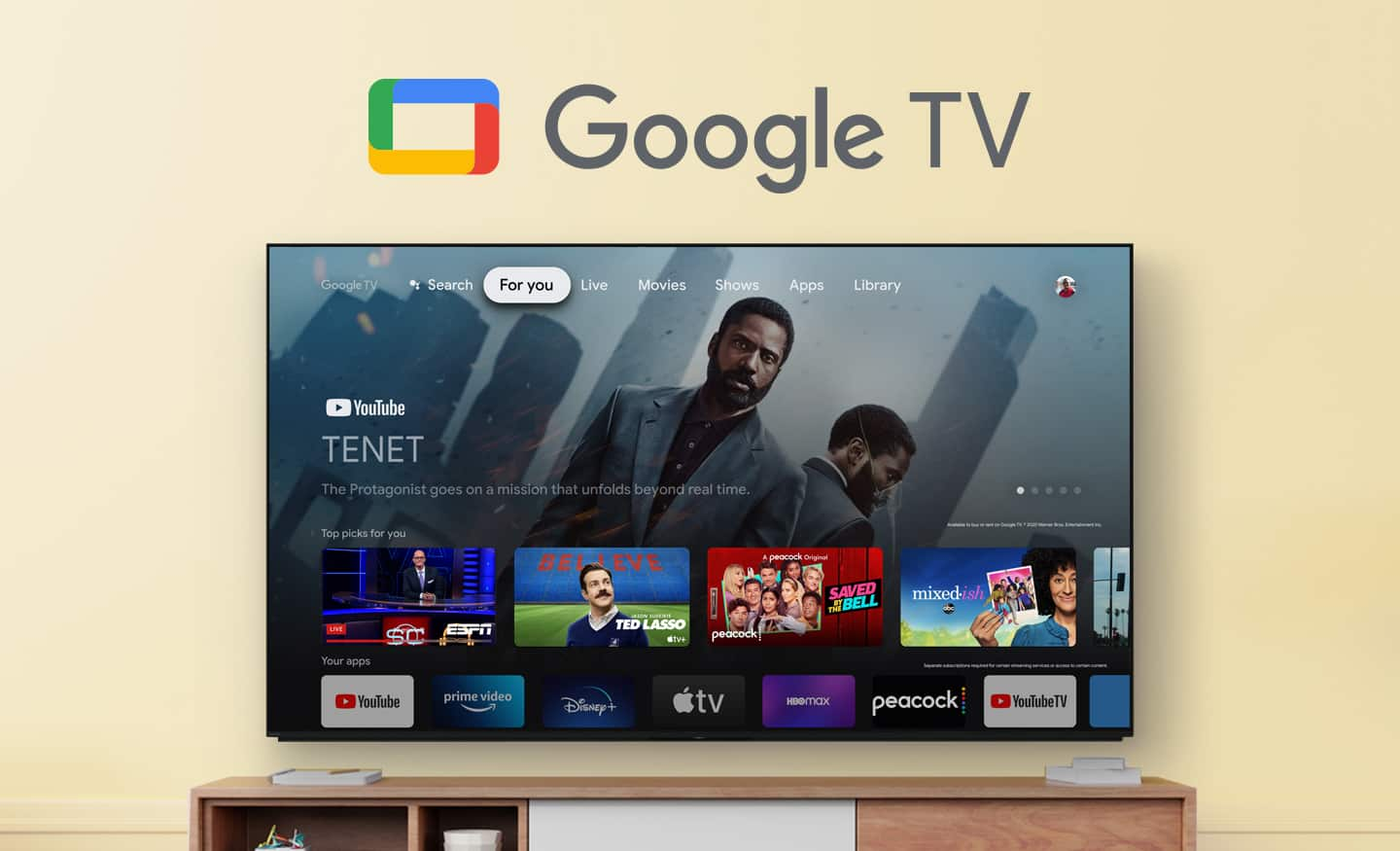
Enjoy an intuitive smart TV experience with natural color and clear sound with the BRAVIA X80K LED TV. The powerful 4K HDR Processor X1 reduces digital noise and boosts details for lifelike picture quality. Google TV gives you access to all your favorite streaming apps, while Google Assistant easily searches for content and controls your smart home simply by using your voice. Hope this helps! - Kris
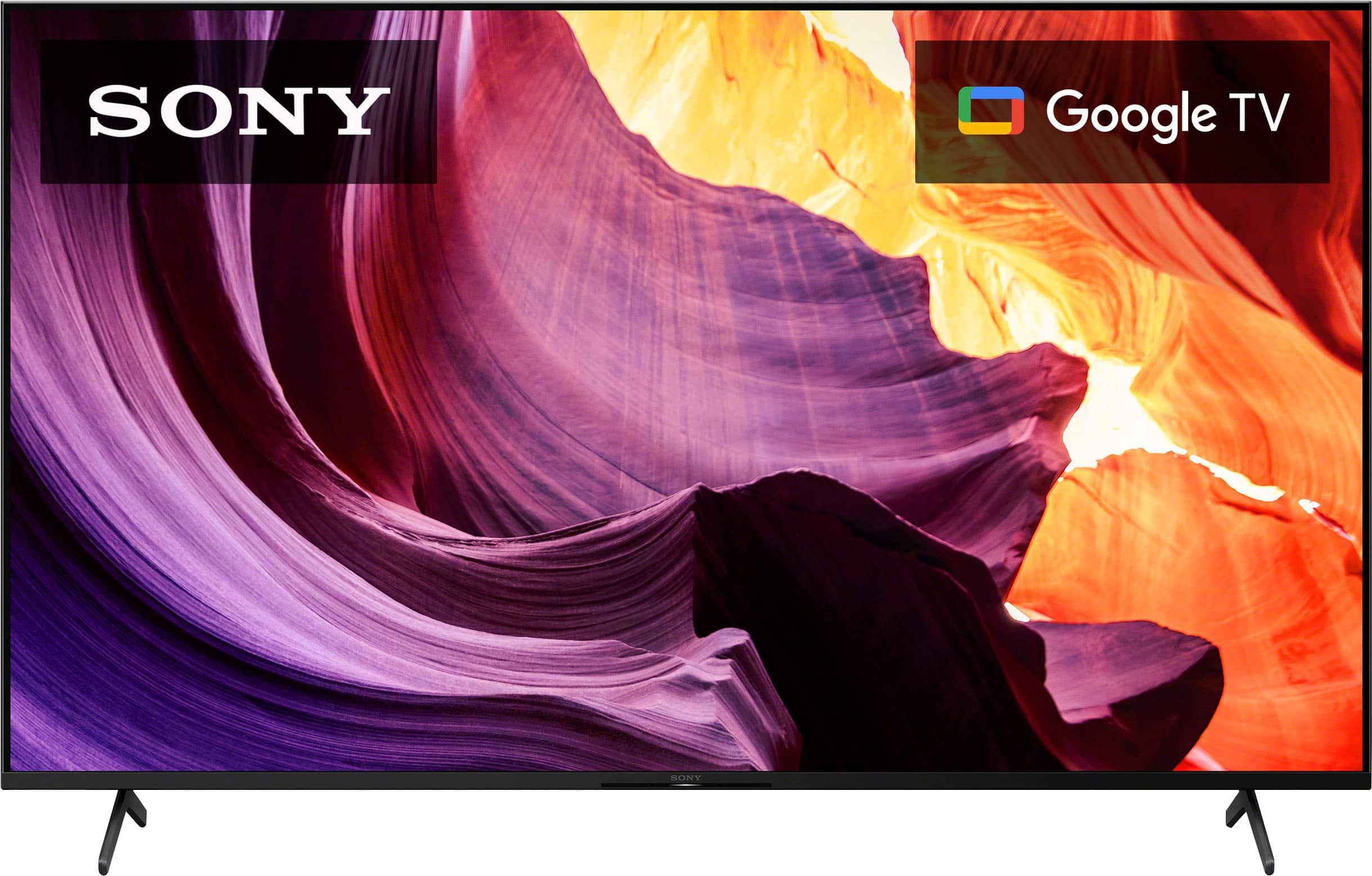
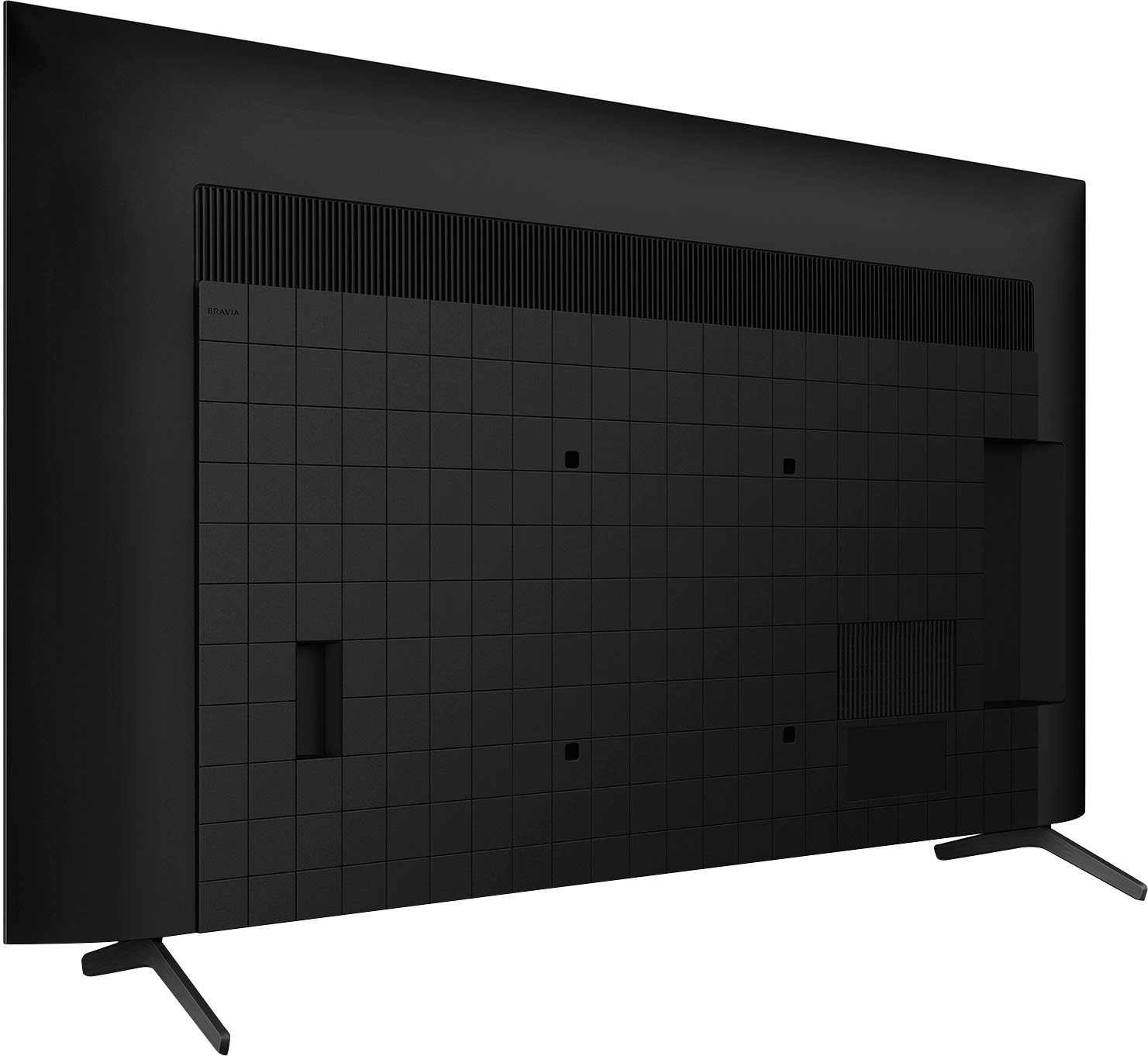
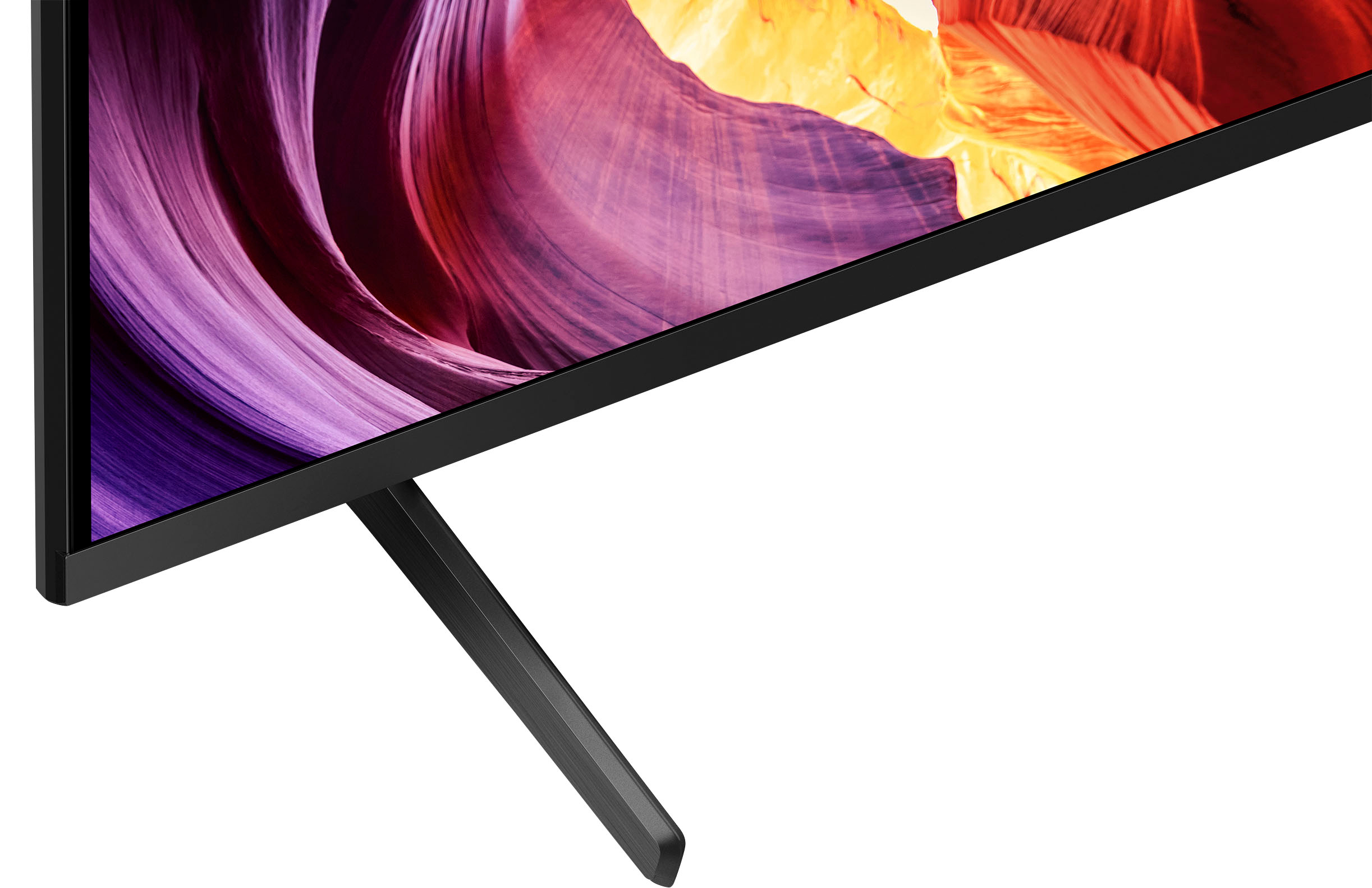
A:AnswerOnly comes with 2 leg attachments. Must buy and mount a center (pedestal type) stand separately. Be sure to measure your table or existing furniture before you shop (we learned the hard way that the TV legs were too large for the depth of our TV stand.
A:AnswerHi Pete,
Thank you for inquiring about the TV. No, the X80K series is not weatherproof. It also does not feature X-Protection PRO, which safeguards your TV against dust, humidity, lightning and surges. The TV is intended to be operated indoors and is not designed to withstand the elements. Exposing the TV to rain or moisture, direct illumination, or sunlight may cause damage.
For safety reasons and to prevent the TV from malfunctioning its recommended operating temperature is between 0 ºC – 40 ºC / 32˚F - 104˚F. Hope this helps.
Regards,
Jess
A:AnswerHi Jeff,
Thank you for inquiring about the TV. This unit supports Screen Mirroring (For Windows), Apple AirPlay (For Mac OS), and Chromecast built-in, respectively. With Apple AirPlay, you can stream movies, music, games, and photos to your television right from your iPhone, iPad, or Mac.
For more details, please visit the TV model page at our Sony Support website and search for "How to wirelessly display computer content on the BRAVIA TV".
Should you need further help, please contact us. Unfortunately, due to the current Best Buy phishing protocol for your protection, we cannot provide a direct email or phone number for customer support as of now. Please find Sony Electronics' Support information: Go to our support website > click on “Support” > scroll down click on “Contact Support” > click on "TV & Projectors" and from there you'll see different ways to contact us.
Regards,
Jess
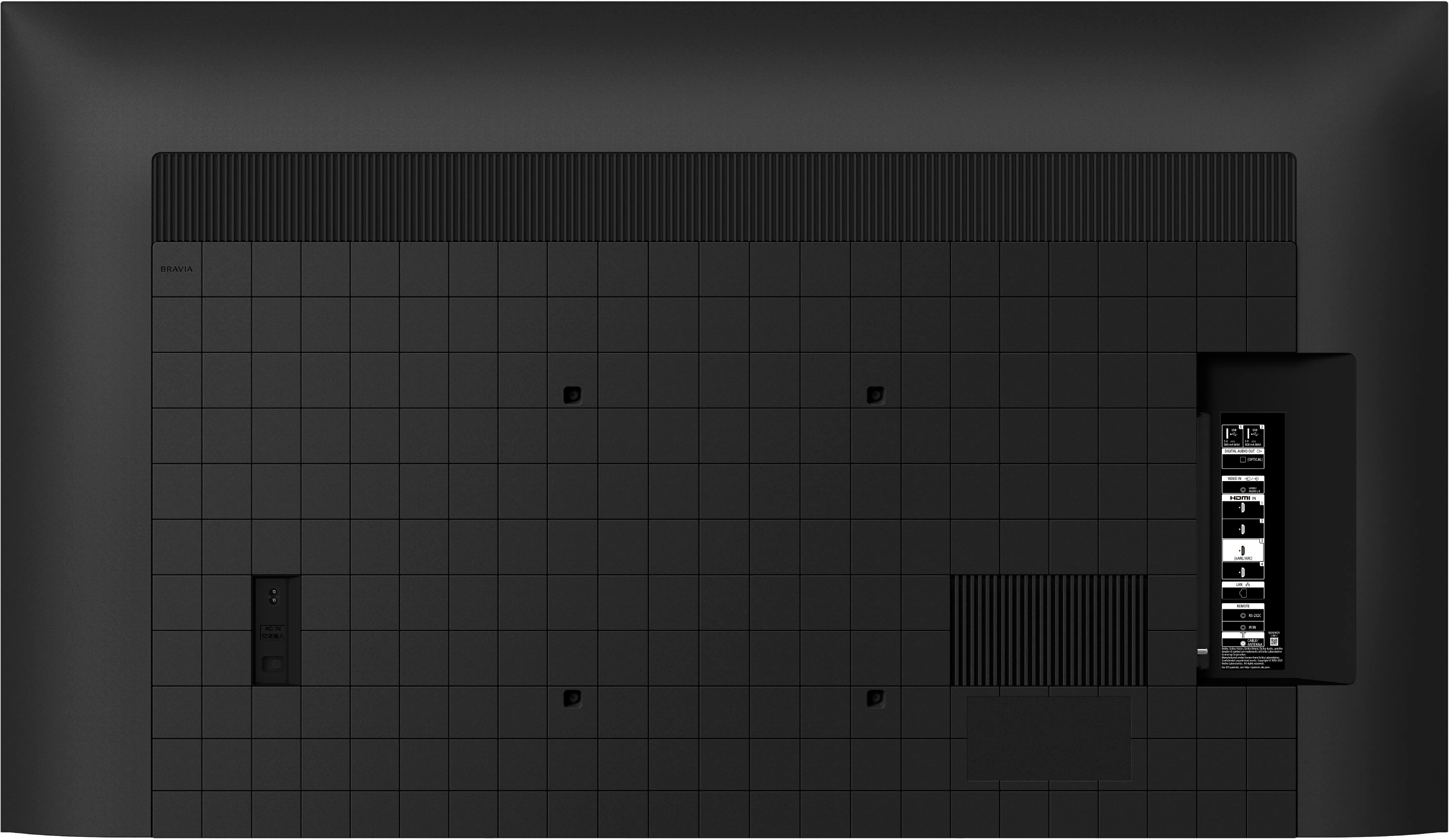
A:AnswerHi Beasley, Thank you for the inquiry. The VESA® HOLE PITCH(W X H) of the KD55X80K is 11.81 x 11.81 inch (300 x 300 mm). The recommended wall-mount bracket for this TV is SU-WL855. Please refer to the operating manual for more details:
I hope this helps! Jay
A:AnswerHi Dizz, Thank you for the inquiry. Yes, this TV supports the Bluetooth. The Bluetooth Profile is Version 4.2, HID (mouse/keyboard connectivity)/HOGP (Low Energy device connectivity)/SPP (Serial Port Profile)/Advanced Audio Distribution Profile (stereo audio)2/AVRCP (AV remote control). You can connect Bluetooth® devices such as headphones or speakers and enjoy TV sound through those devices if the TV supports the Advanced Audio Distribution Profile (A2DP). Check the device specifications, TV settings, or compatible model list for more information:
I hope this helps! Jay
A:AnswerThe Sony reply asking me to view their limited warranty PDF is a non-answer and does not specifically answer my question if Backlights are covered by the Sony 1-year limited warranty.
The Sony 1-Year Limited Warranty is not related to the BestBuy 2-year extended warranty that may be purchased separately through BestBuy.
Sony's 1-year warranty only seems to cover out-of-the-box product manufacturing defects and does not cover parts worn out (such as Backlights) during normal home use.
Any Sony product Warranty only applies to new Sony products purchased either from Sony-authorized resellers or directly from Sony retail stores.
The Sony 1-year Limited Warranty does not cover repair service provider's labor costs.
Sony has the ability to determine any warranty coverage at their discretion through Sony authorized service providers.
Sony can change any warranty terms/conditions at any time at their discretion without the consent or notification to the Buyer.
The "Limited 1 Year Warranty" offered by Sony is changed by Sony to a 90-Day Repair/Replacement Warranty that says either new or used replacement parts can be used by Sony to "repair" or address Buyer warranty claims.
The Buyer is responsible for all shipping/handling/postage costs for Warranty coverage to/from authorized Sony Service Providers.
The Sony reply also does not address if Backlights are covered by the BestBuy 2-year extended warranty.
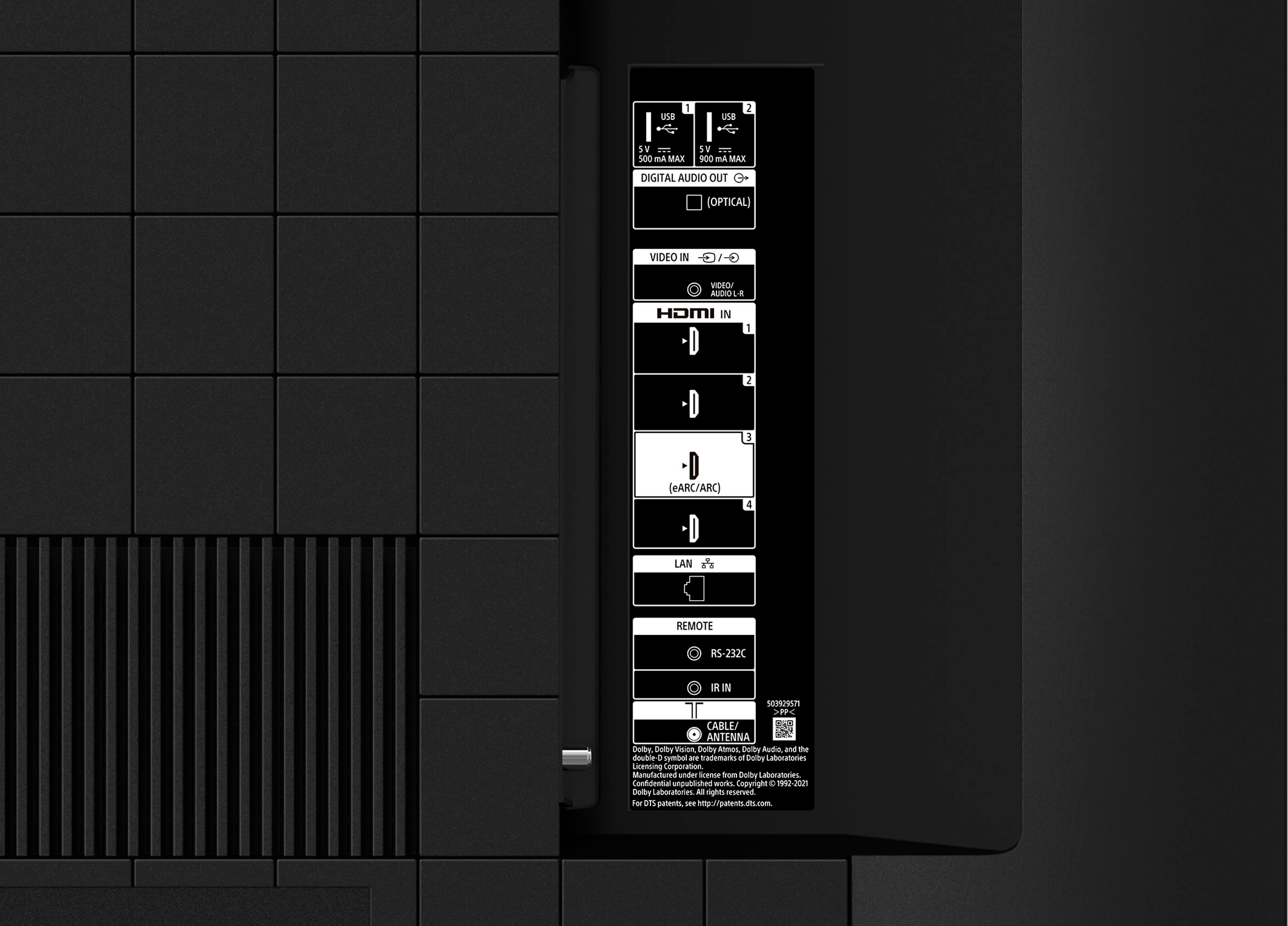
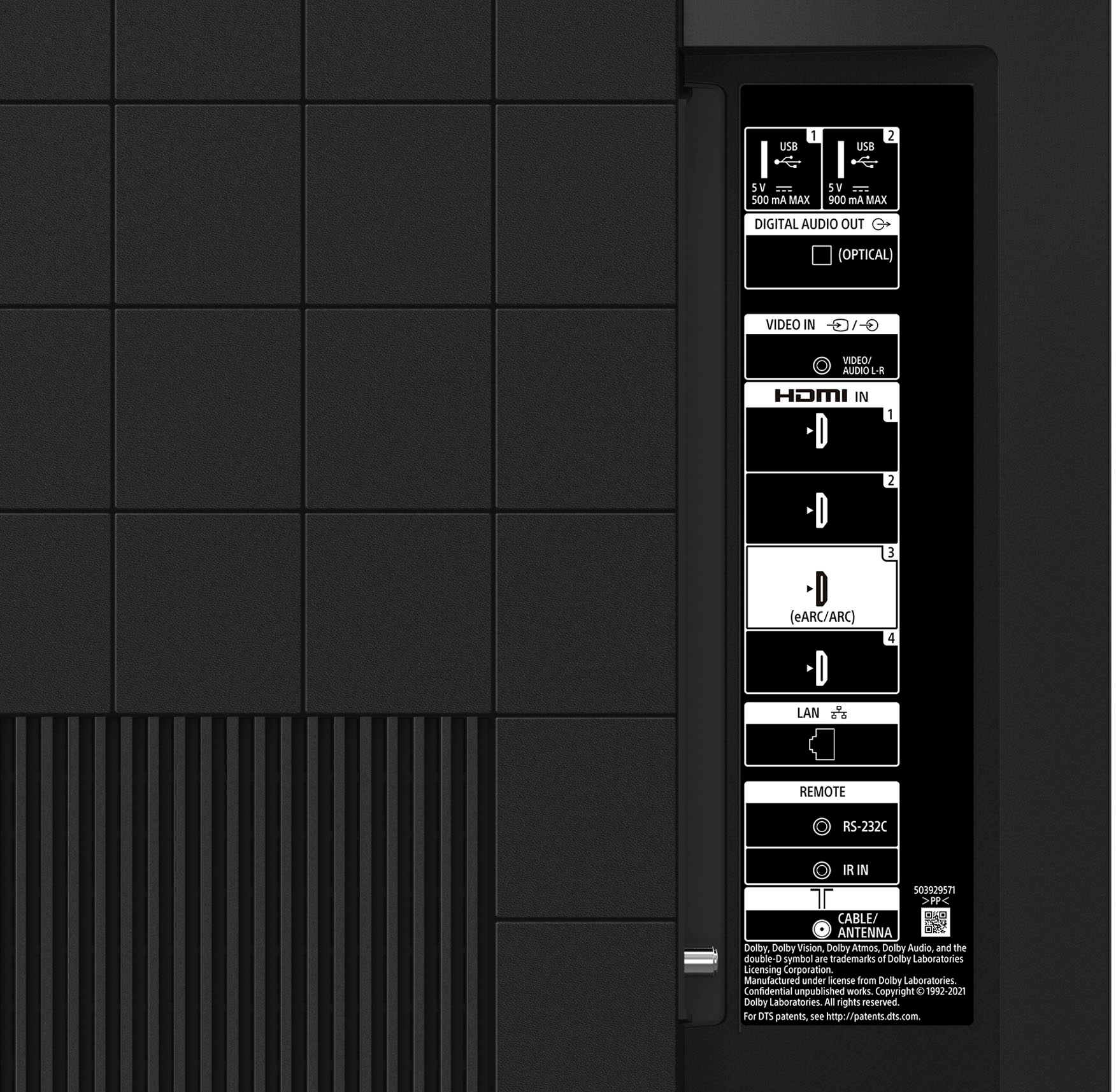
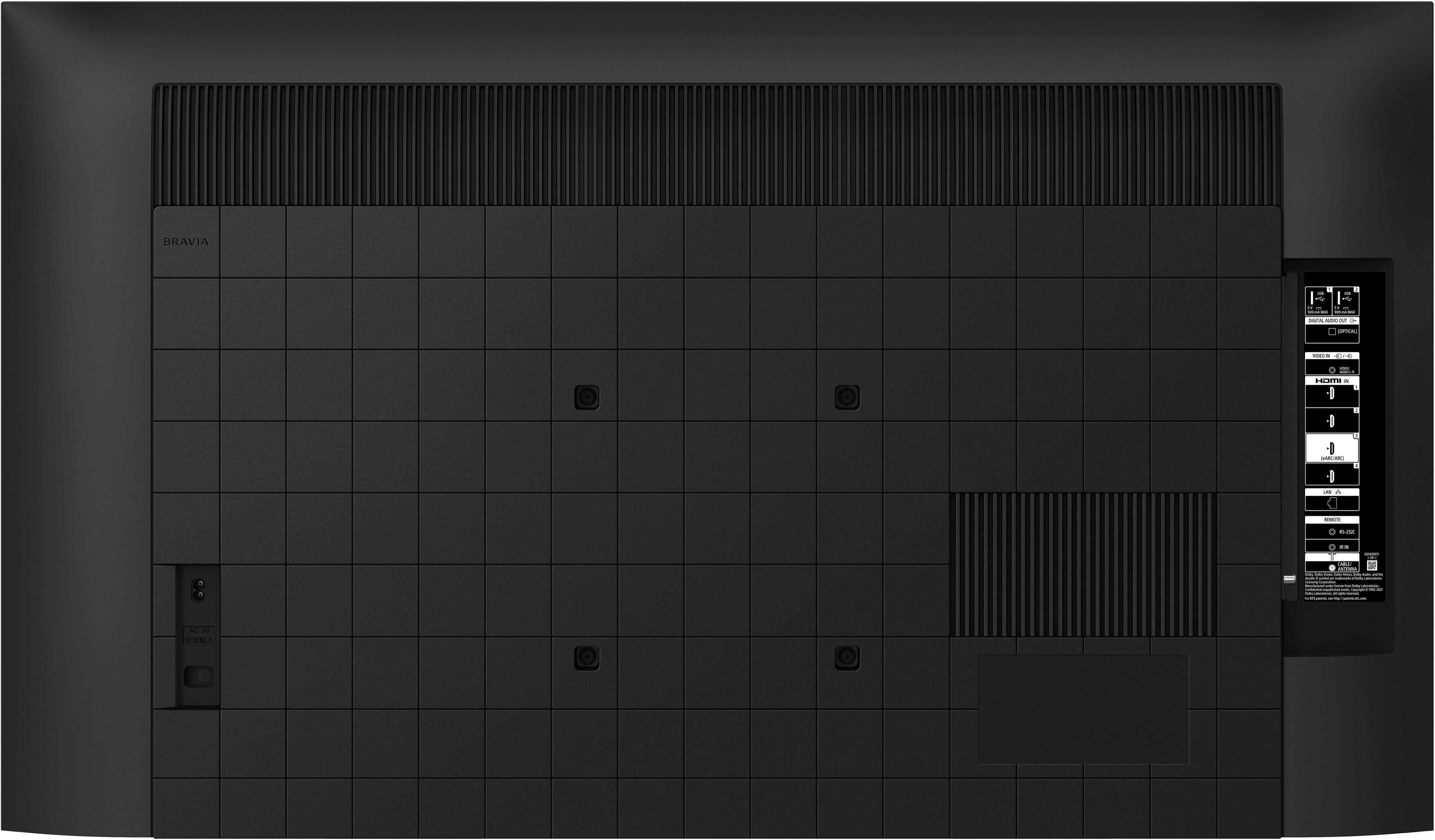
A:AnswerHi 7028, Thank you for the inquiry. The available terminals depend your model/region/country. For optimum picture quality, we recommend connecting your player to the TV using an HDMI cable. If your Blu-ray/DVD player has an HDMI jack (socket), connect it using an HDMI cable. Be sure to use an authorized Premium High Speed HDMI™ Cable(s) bearing the HDMI logo. If your Blu-ray/DVD player has composite jacks (sockets), connect them using a composite video/audio cable. Please refer to the help guide for more details.
I hope this helps! Jay
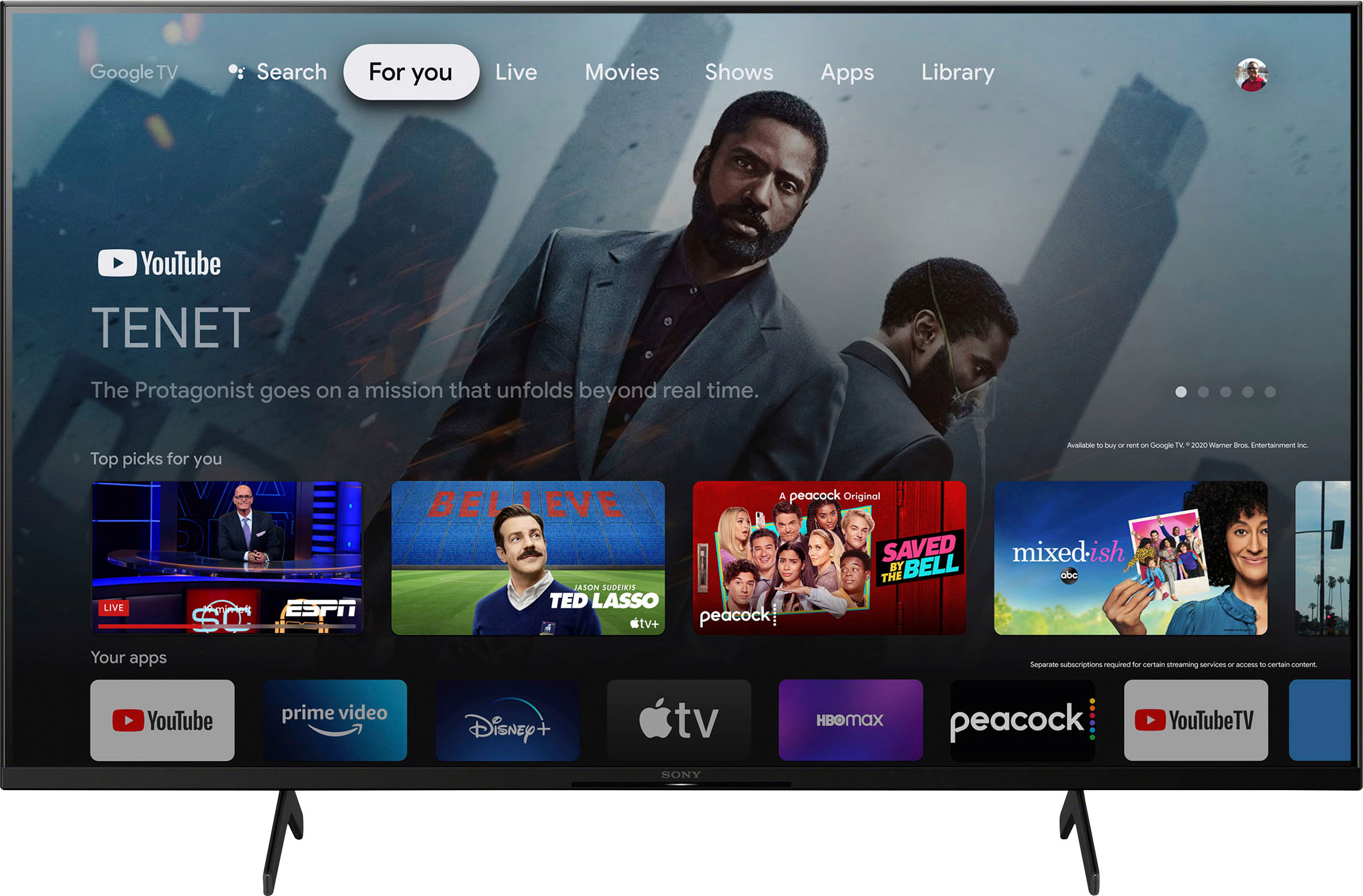
A:AnswerThe Sony X80K TV gives you the option to add apps of your choice. In addition, you can rearrange your apps from frequently used to least. This TV will not disappoint.