Questions & Answers
- Model:
- K65XR80
- |
- SKU:
- 10214353
Q: QuestionWill this TV function at all if I do not allow it to have access to a cell phone app, internet access, or other means of 'phoning home'? Use case: I want an entertainment monitor for a completely off-grid location.
Asked by Hammerlane.
- A:Answer Hi Hammerlane, Thank you for your question. The Sony BRAVIA 8 TV can function as a basic display in an off-grid setting, allowing you to enjoy your favorite shows and channels without the need for an internet connection or app access. You can connect it to your cable TV service or any external devices, such as cable boxes, Blu-ray players, or gaming consoles via HDMI. Additionally, it can receive over-the-air TV signals using an antenna. However, please note that you will not have access to streaming apps, firmware updates, or smart controls since these require internet. During the setup process, you can skip the internet-related steps and still utilize the TV for basic entertainment. When setting up your Google TV for the first time, you can choose the "Basic TV" option. Only pre-installed apps on your TV are available and you can't install other apps. Essentially, it will work as a monitor, but without any smart features. I hope this helps. Regards, Jess

Answered by SonyListens

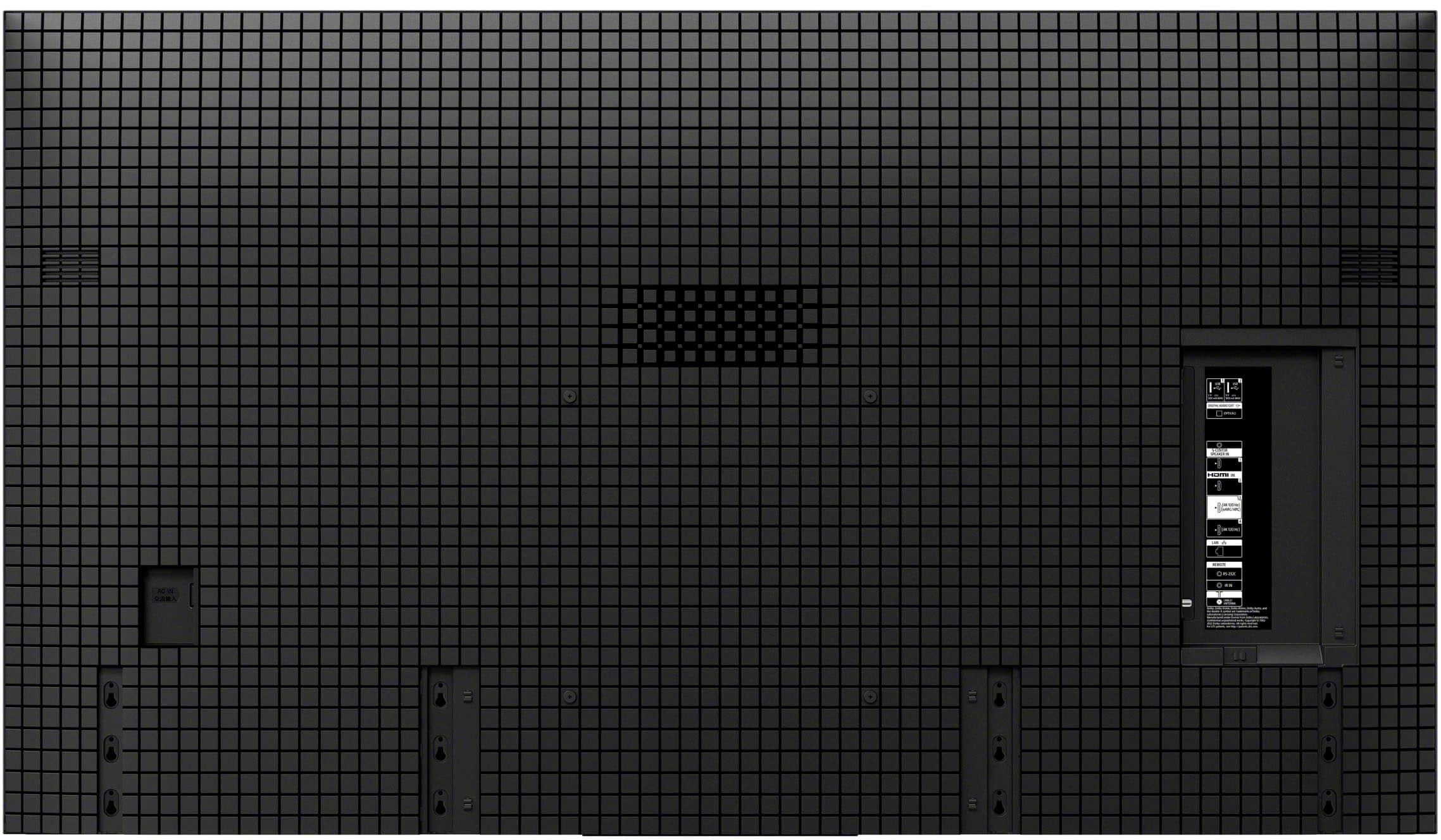
Q: QuestionI was wondering if the Sony wall mount SU-WL855 is compatible with the Bravia 8 65 inch ? I saw it was compatible with the A95L and both TVs were in the 2024 lineup.
Asked by Fishels.
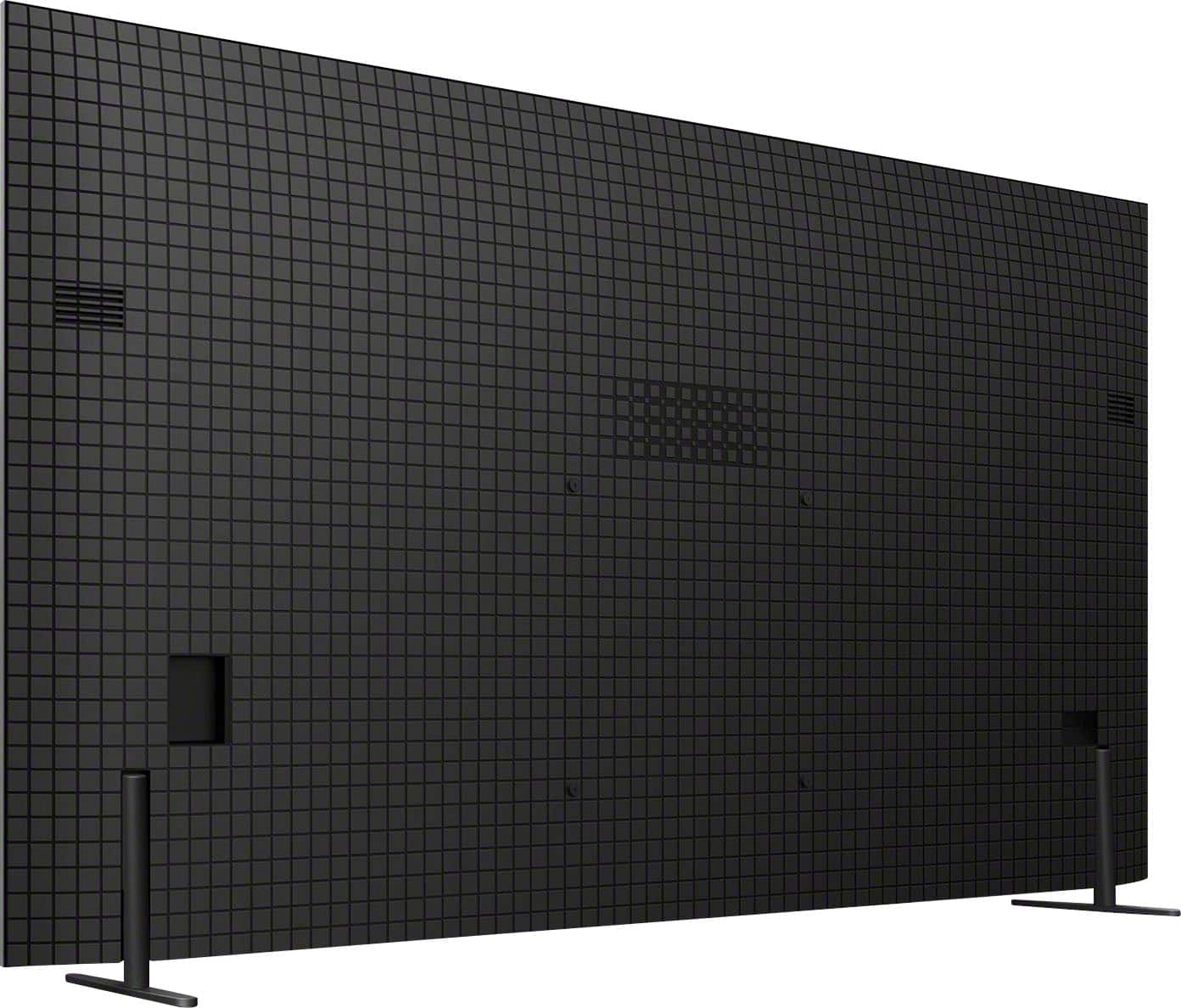
- A:Answer Hi Fishels, Thank you for your inquiry! Yes, the SU-WL855 is indeed compatible with the 65" BRAVIA 8. The recommended wall-mount bracket for the 65" BRAVIA 8 is SU-WL855 (not supplied). This TV conforms to the VESA Mount Standard and has a VESA hole pattern of 11.81 x 11.81 inch (300 x 300 mm). For product protection and safety reasons, Sony strongly recommends that the installation of your TV on a wall be performed by qualified professionals. For detailed wall mount specifications and Sony recommended wall mounts, please visit this link here: https://www.sony.com/electronics/support/televisions-projectors-oled-tvs-android-/k-65xr80/articles/00197971 You may also see our optional Wall-Mount Bracket (SU-WL905) with options to pull out your TV and swivel it left to right to adjust the screen angle for optimal viewing. The WL905 TV Wall-Mount Bracket harmonizes with your room, swivels for easy viewing, keeps cables neatly, and is compatible with the separately-sold soundbar bracket. Hope this helps. Regards, Jess
Answered by SonyListens

Q: QuestionWhere is the power switch located?
Asked by D0nut.
- A:Answer Hi D0nut, Thank you for your inquiry. The power button can be found at the bottom of the TV. For your reference, please visit the Startup Guide included with your TV or by visiting our Sony Support website to download the Startup Guide regarding this product. Regards, Jess
Answered by SonyListens

Q: QuestionI have a 55" Sony 4K that I've had for a few years. yesterday it suddenly stopped working, does not power up when I turn it on. what could be the issue? If I have to purchase a new TV, not sure if I want to go with a Sony product anymore.
Asked by Gooch.
- A:Answer Hi Gooch, Thank you for sharing your concern. We’re sorry to hear about your Sony TV not powering up. There are a few steps you can try to resolve the issue: 1. Check the Power Cord: Ensure it's securely connected to the TV and the outlet. 2. Try a Different Outlet: Test another outlet to confirm it's not a power source issue. 3. Power Reset: Unplug the TV for about 60 seconds, then plug it back in and power it on. 4. Remote and TV Buttons: Verify the remote has fresh batteries or use the TV’s power button directly. 5. Indicator Lights: Look for any red blinking lights, which may indicate a specific error needing further support. If these steps do not resolve the issue, may we contact you directly? If so, please email the following information to [email protected]. Apologies if you've already shared this information with customer service — we just want to ensure we have your most accurate details: Full Name: Best Buy Username: Telephone Number: Additional Information regarding your experience with the Sony TV. We are sorry for the inconvenience and hope to speak to you to resolve this matter. Sincerely, Maria
Answered by SonyListens

Q: QuestionWhat is the warranty on the Bravia 8
Asked by Gut.
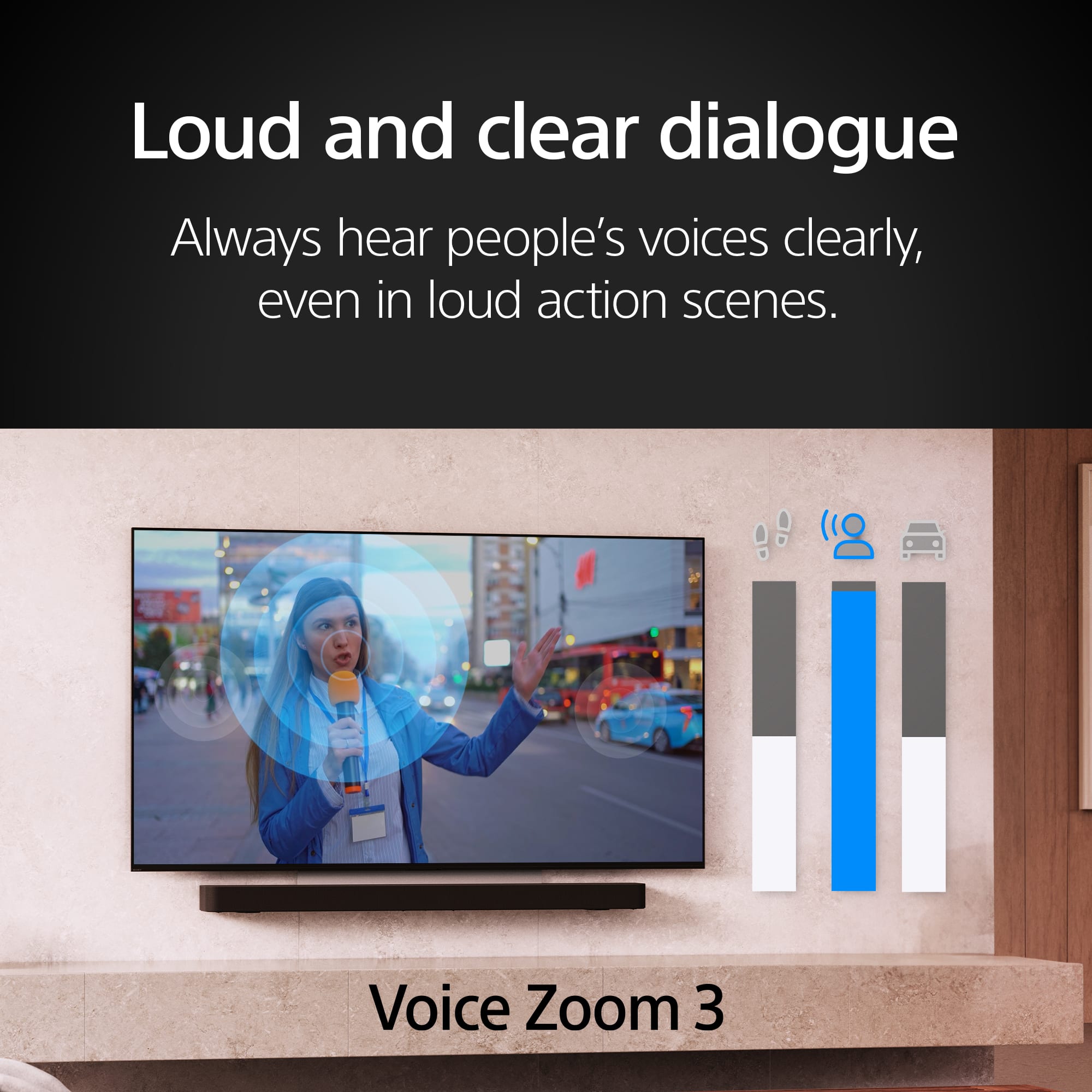
- A:Answer Hi Gut, Thank you for your question! Sony BRAVIA 8 comes with a 1-year limited warranty. For details regarding the return policy, please contact your preferred retailer. We hope this information is helpful! With Acoustic Surface Audio+, actuators behind the TV panel turn the entire screen into a speaker producing a wider, elevated soundstage, enabling audio to follow the action on screen. Voice Zoom 3 intelligently controls dialogue so that every word in a scene is always loud and clear. With support for Dolby Atmos, DTS:X, and 3D Surround Upscaling, everything you watch gets the surround sound treatment. Best regards, Maria
Answered by SonyListens

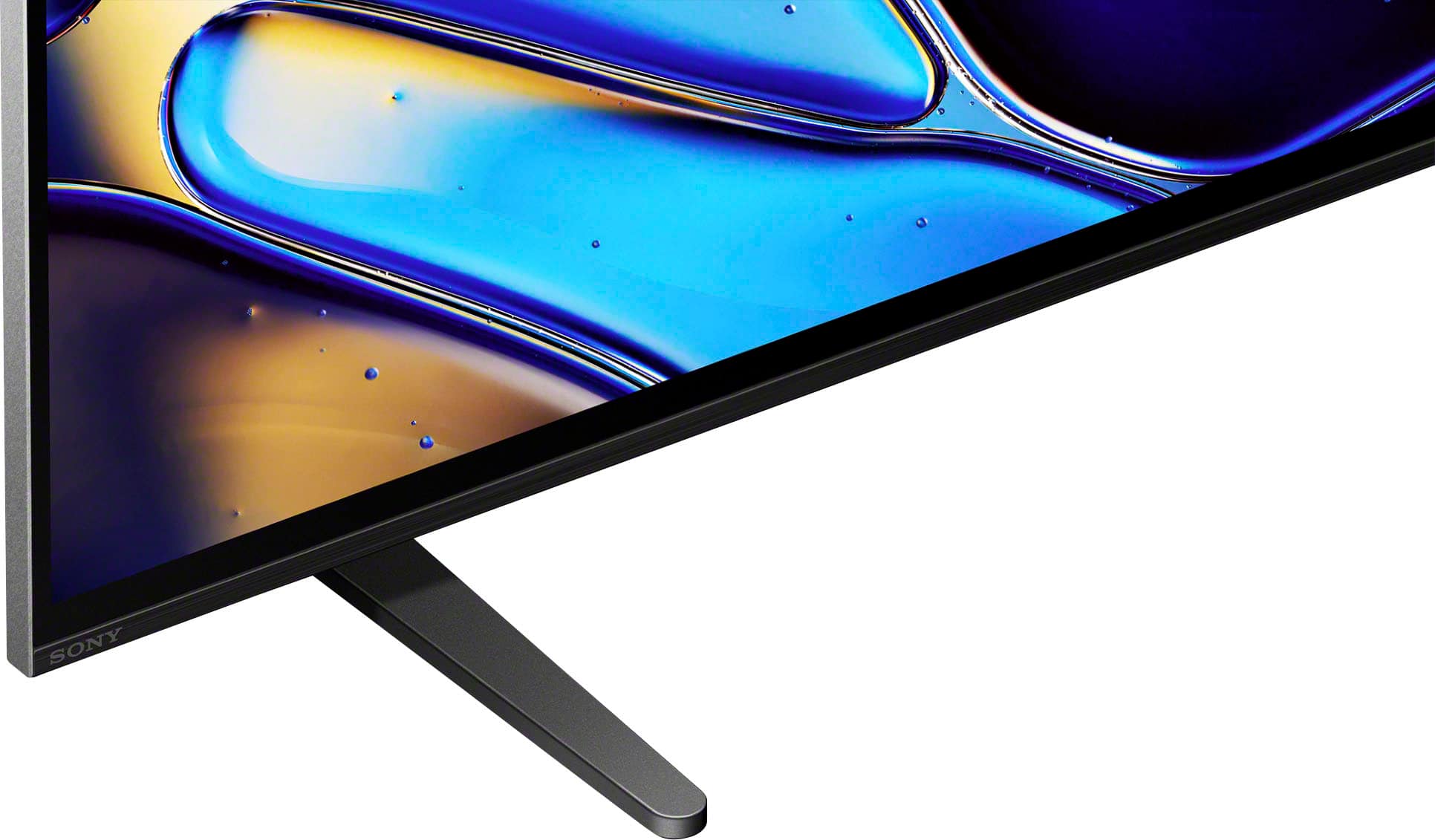
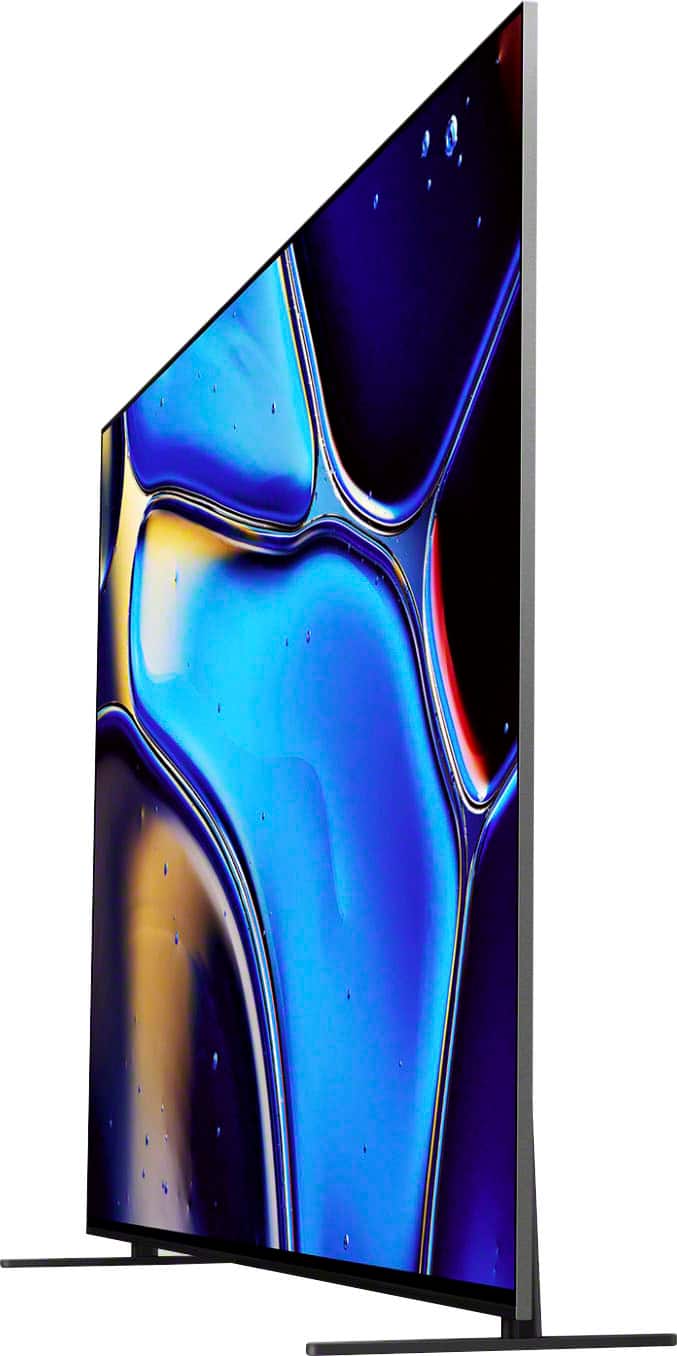
Q: QuestionWhat is the height of the gap below the tv (from the tabletop to the bottom of the tv) when the stand is in its height configuration?
Asked by Ang.
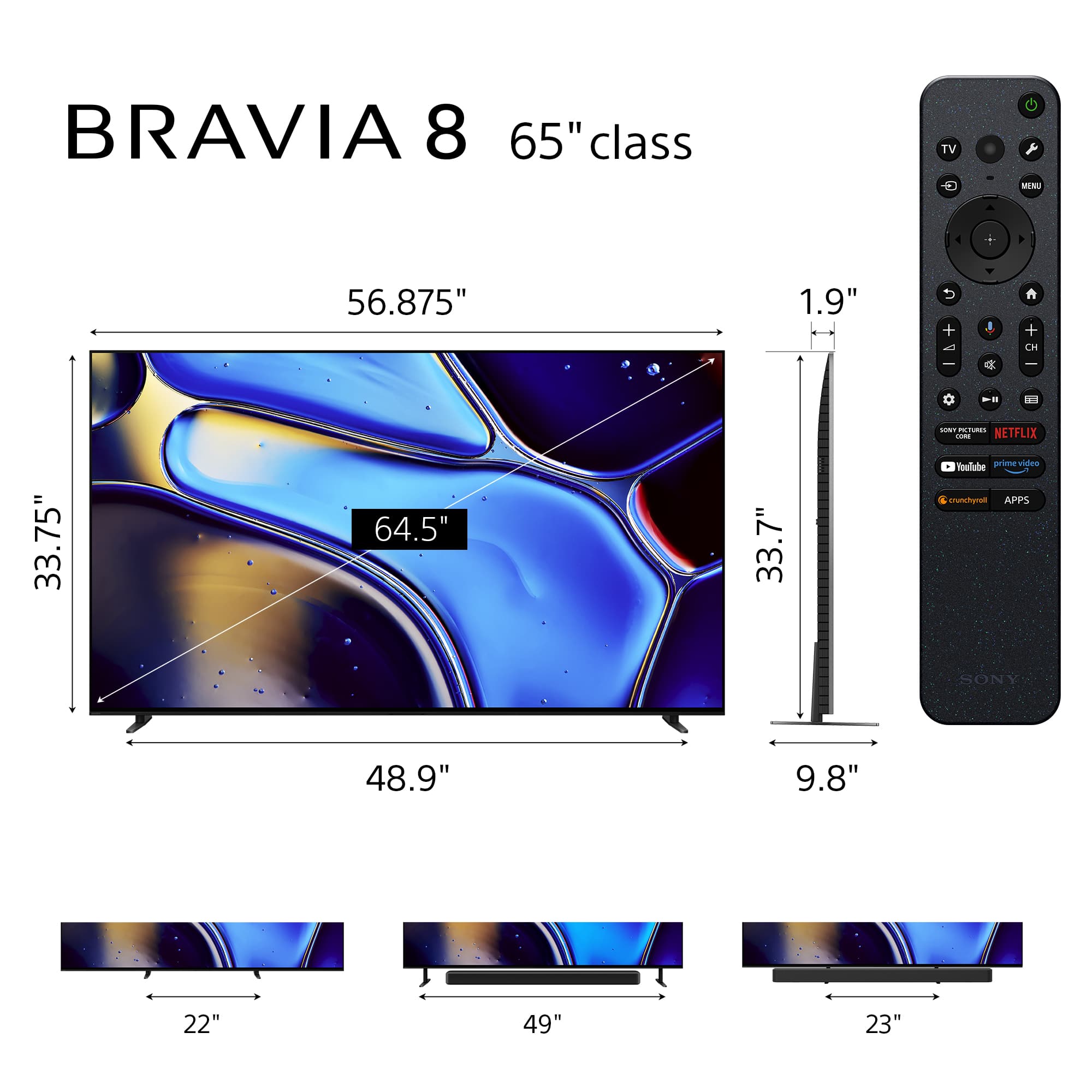
- A:Answer Hi Ang, Thank you for your interest in the Sony BRAVIA 8 TV! Regarding your question, this Sony TV stand offers multiple configurations with varying gap heights between the bottom of the TV and the tabletop. In the Soundbar Position, it provides a gap of approximately 3.13 inches (80 mm), ideal for accommodating most soundbars. In both the Standard and Narrow Positions, the gap height is about 1 inch (26 mm), offering a compact setup suitable for tighter spaces. Hope this information helps! Watch everything with lifelike picture quality, powered by the intelligent XR Processor. Hundreds of thousands of individual on-screen elements are processed and enhanced in real-time, boosting color, contrast, and clarity. Best regards, Maria
Answered by SonyListens

Q: QuestionIs this Bluetooth
Asked by Firefighter.
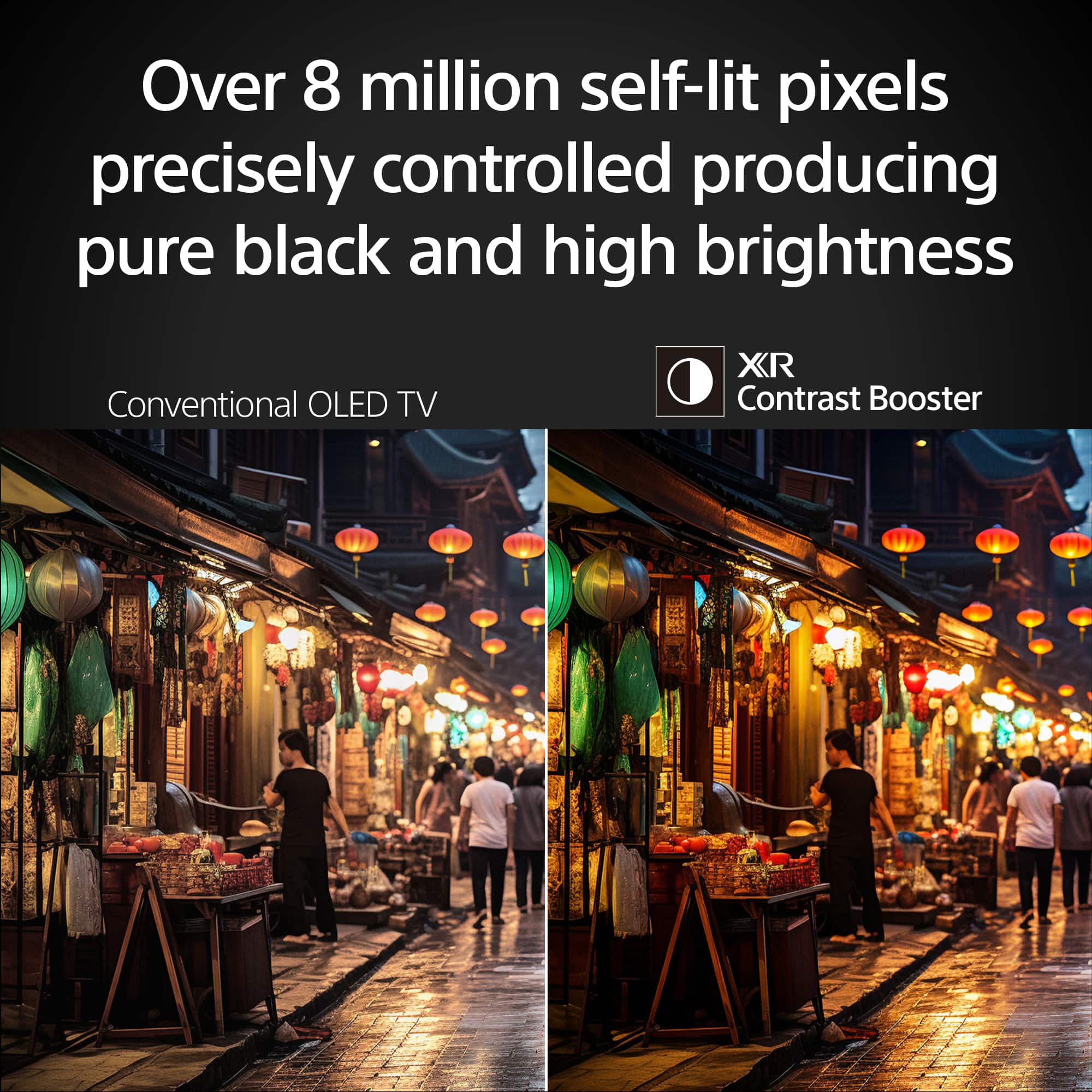
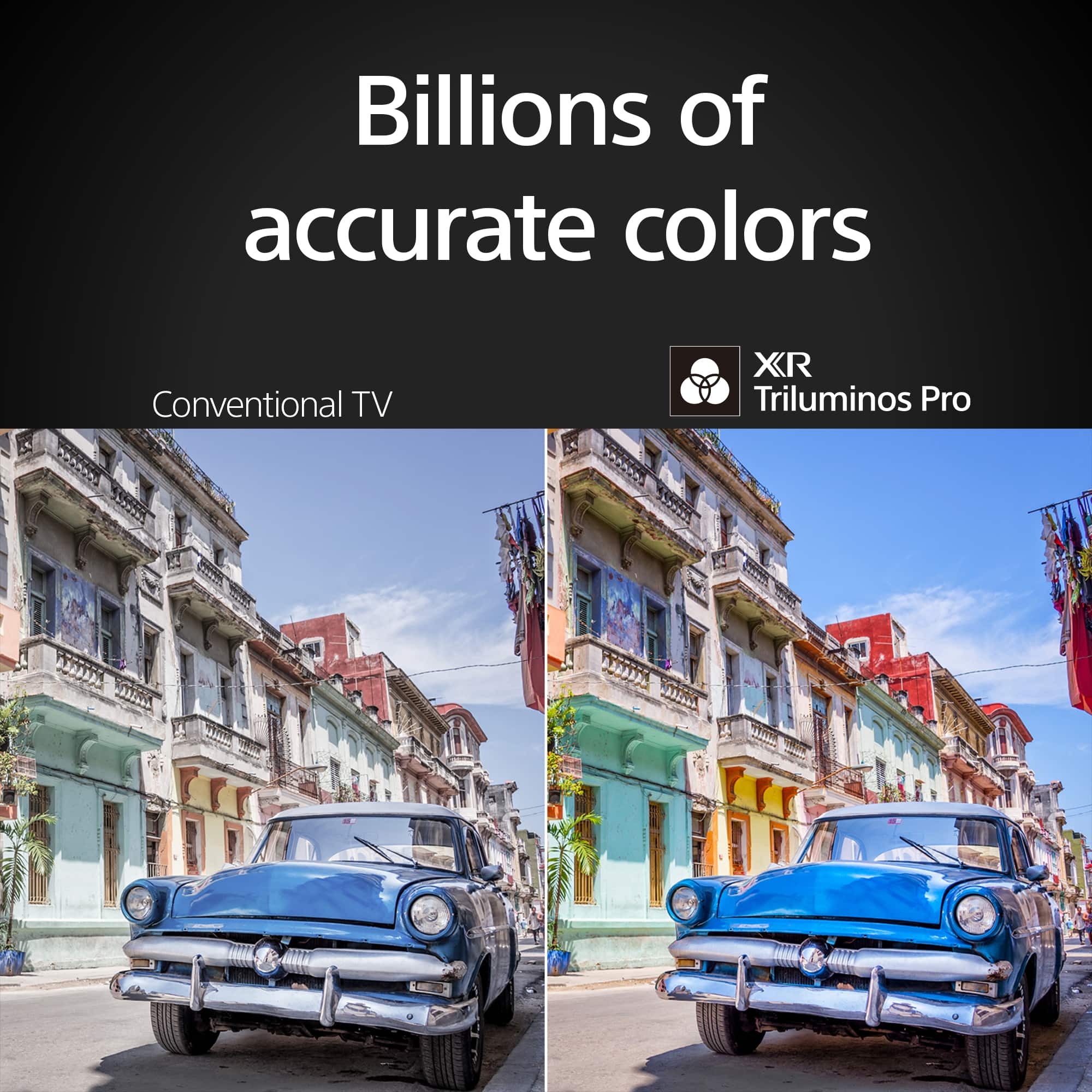
- A:Answer Hi Firefighter, Thank you for your inquiry! Yes, the Sony BRAVIA 8 features the Advanced Audio Distribution Profile (A2DP) so you can connect Bluetooth devices such as headphones, soundbars, or speakers and enjoy TV sound through those devices. Hope this helps! With a sleek design, cinematic audio, and stunning visuals, the Sony BRAVIA 8 K65XR80 65" 4K HDR Smart OLED TV makes the perfect centerpiece for your main TV viewing area. An incredibly accurate picture is created by millions of self-lit pixels, precisely controlled to produce pure black, with high brightness, and billions of shades of color. Regards, Sam
Answered by SonyListens

Q: QuestionWhat is the dimension from the back side of the screen to the front of the stand?
Asked by Lex.
- A:Answer Hi Lex, Thanks for the question with our BRAVIA 8(K65XR80) TV! The dimension are 6 1/4 inches from back of the TV to front of the stand but the stand has still has another 3 5/8 behind the TV. Stand total length is 9 7/8. Additional information: The sleek design and cinematic audio and visuals make BRAVIA 8 the perfect centerpiece for your living space. Pure OLED black and vibrant color brings out vibrant textures and astonishing realism in everything you watch. The screen is the speaker, delivering a totally unique and immersive theater-like sound that keeps you on the edge of your seat. Hope this information helps! - Kris
Answered by SonyListens

Q: QuestionHow much does it weigh?
Asked by DarkWolf007.
- A:Answer Hi Notworking, Thanks for the question! Below are the weight of the K65XR80 BRVIA 8 TV: Weight of TV with Stand 51.2 lb (23.2 kg) Weight of TV without Stand 49.2 lb (22.3 kg) Additional information: The sleek design and cinematic audio and visuals make BRAVIA 8 the perfect centerpiece for your living space. Pure OLED black and vibrant color brings out vibrant textures and astonishing realism in everything you watch. The screen is the speaker, delivering a totally unique and immersive theater-like sound that keeps you on the edge of your seat. Hope this information helps! - Kris
Answered by SonyListens

Q: QuestionDoes the Bravia 8 come with a trial Sony Core subscription and core credits?
Asked by Eric.
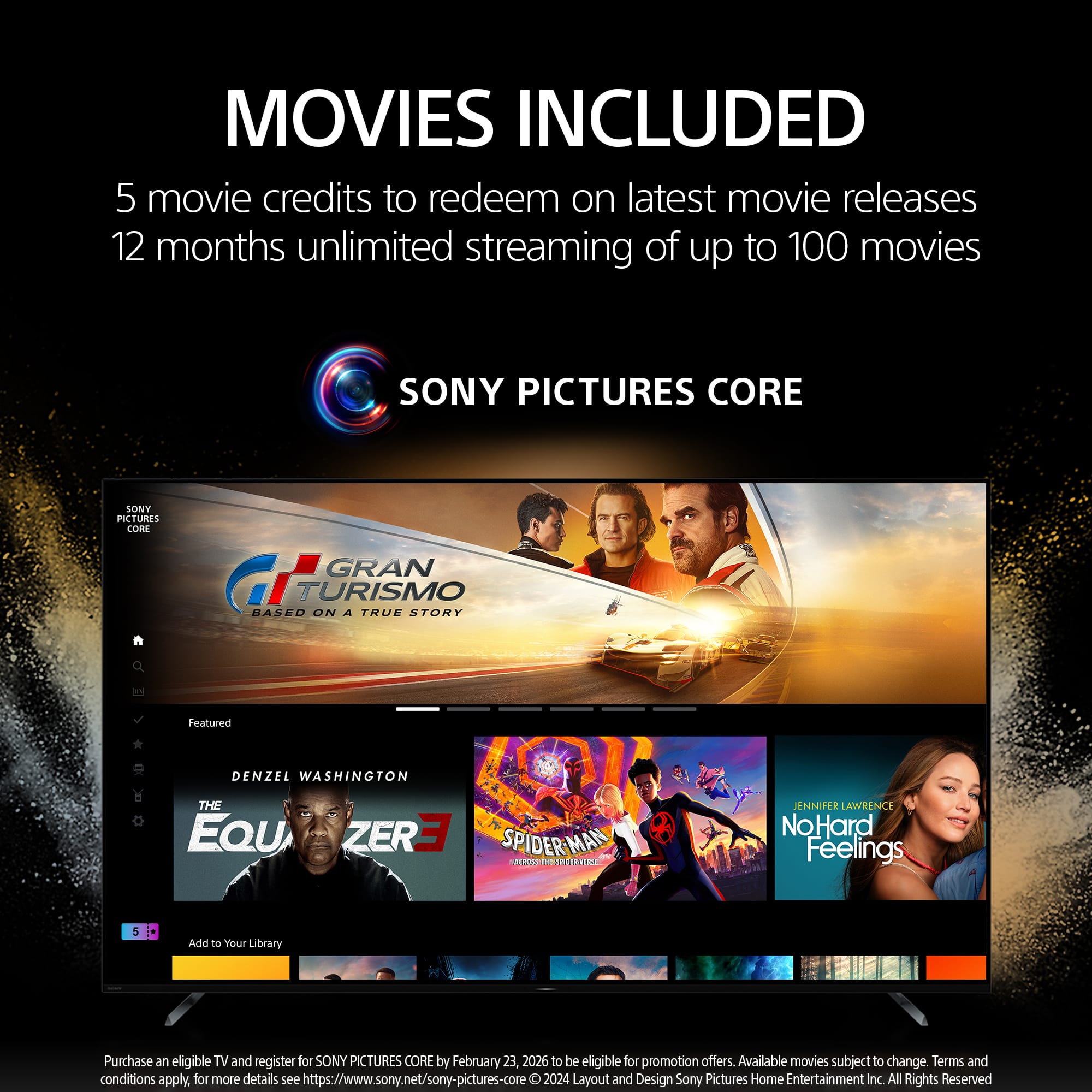
- A:Answer Hi Eric, Yes, the BRAVIA 8 comes with a SONY PICTURES CORE (formerly BRAVIA CORE) offer. For this specific 2024 model, you will receive 5 movie credits to redeem for the latest releases and 12 months of unlimited streaming of a curated selection of Sony Pictures movies. Thanks for choosing Sony. Best regards, Eliab
Answered by SonyListens
Q: QuestionIs this tv BRAVIA 8 II OLED 4K UHD Smart Google TV (2025) VESA compliant
Asked by Phil.
- A:Answer Hi Phil, Yes, the BRAVIA 8 II (2025) is VESA compliant. For the 65" model, it features a standard 300mm x 300mm VESA hole pattern, allowing you to use a wide variety of wall mounts. Thanks for choosing Sony. Best regards, Eliab
Answered by SonyListens
Q: Questiontv will not power on? please help
Asked by Chuck.
- A:Answer Thank you for reaching out, Chuck! We are sorry to hear that your K-65XR80 isn't powering on, and we definitely want to help you get back to your movies as quickly as possible. Since the Bravia 8 is a high-performance OLED, sometimes a simple power reset is all it needs to clear a temporary glitch. Please try unplugging the TV from the wall outlet for at least two minutes, then plug it back in directly to the wall—bypassing any power strips for a moment—to see if it restarts. If it’s still not waking up, please contact our support specialists directly at https://us.esupport.sony.com/support/s/support-contact?language=en_US&category=tv so we can provide more personalized troubleshooting. Thank you for choosing Sony! Best regards, Gus, Sony Social Media Team
Answered by SonyListens
Q: QuestionAre there any additional glare problems like those reported on the Sony - 65" Class BRAVIA 9 Mini LED QLED 4K UHD Smart Google TV (2024) Model: K65XR90. I'm looking for a new TV for my family room that has 2 sets of French Doors and a skylight.
Asked by Leda.
- A:Answer No
Answered by LatashaL
Q: QuestionWhat are the best settings for clear crisp voice on Bravia 8
Asked by Dave.
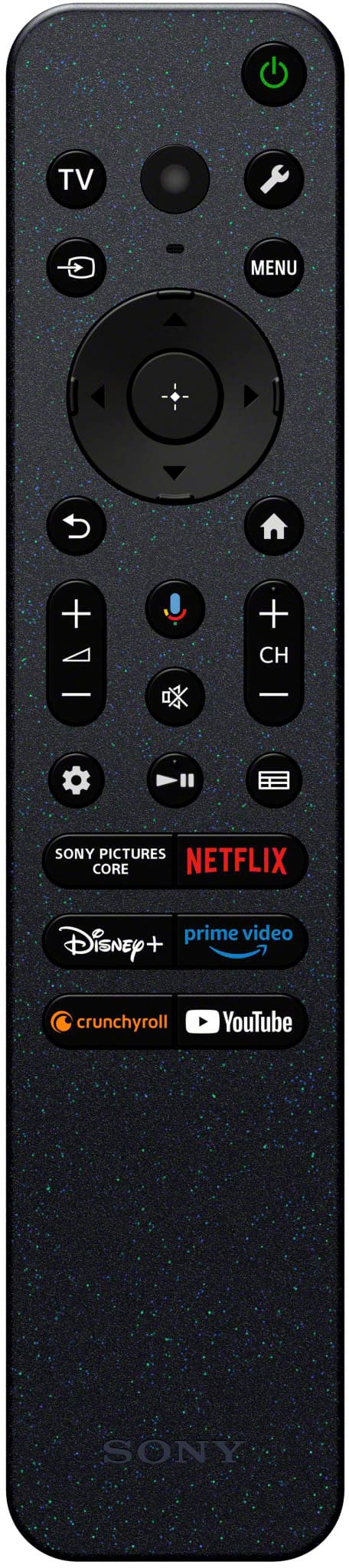
- A:Answer Hi Dave, For the clearest voice on your BRAVIA 8, we recommend using the Voice Zoom 3 feature. It's designed to isolate and enhance dialogue without raising the overall volume. You can adjust it by pressing the Quick Settings (wrench icon) button on your remote and navigating to Voice Zoom 3. From there, increase the level to your preference—higher values will make voices crisper and more prominent. For even more clarity, you can also go to Settings > Display & Sound > Sound > Sound Customization and set the Dialogue Enhancer to a higher level. Thanks for choosing Sony. Best regards, Eliab
Answered by SonyListens
Q: QuestionQuestion. What’s the difference between this TV and the Sony XR8B?
Asked by Nickytrippps.
- A:Answer This is a 2024 model and the XR8B is 2025. The 2024 model has a few features not present on the 2025,
Answered by Daniel
Q: QuestionWhen changing volume, I had a visible bar that let me know what the setting was. Somehow, that volume settings bar has disappeared. How do I get it back (have it displayed when changing volume level)???
Asked by Thomas.
- A:Answer Hi Thomas, The disappearance of the visual volume bar on the BRAVIA 8 is a result of the latest system firmware update, which specifically adjusted the on-screen interface for a cleaner viewing experience. This change was implemented to prevent the volume graphic from obstructing content or subtitles while adjusting levels. While the visual overlay is no longer available in this version of the software, your TV continues to control and communicate volume levels seamlessly. We appreciate your feedback regarding this change and have shared your preference for a toggle option with our development team for future consideration. Thanks for choosing Sony. Best regards, Eliab
Answered by SonyListens
Q: QuestionHow much does the Sony Bravia 8 tv weigh ?
Asked by Mike.
- A:Answer Thank you for contacting Sony, Mike. The 65-inch Sony BRAVIA 8 television weighs 49.2 lbs (22.3 kg) without the stand and 51.2 lbs (23.2 kg) with the stand, noting that weights will vary for other screen sizes in the BRAVIA 8 series. We appreciate your interest in Sony products. Should you require any further assistance, please don't hesitate to reach out for support here: https://us.esupport.sony.com/support/s/support-contact?language=en_US&category=tv Best regards, Gus, Sony North America Customer Support
Answered by SonyListens
Q: QuestionHow wide is the box it comes in?
Asked by Anonymous.
- A:Answer Big enough to hold a 65’ TV. I don’t measure boxes.
Answered by LatashaL
Q: Questioncan you use a Samsung Harmon Kardon soundbar with it
Asked by tmfstew.
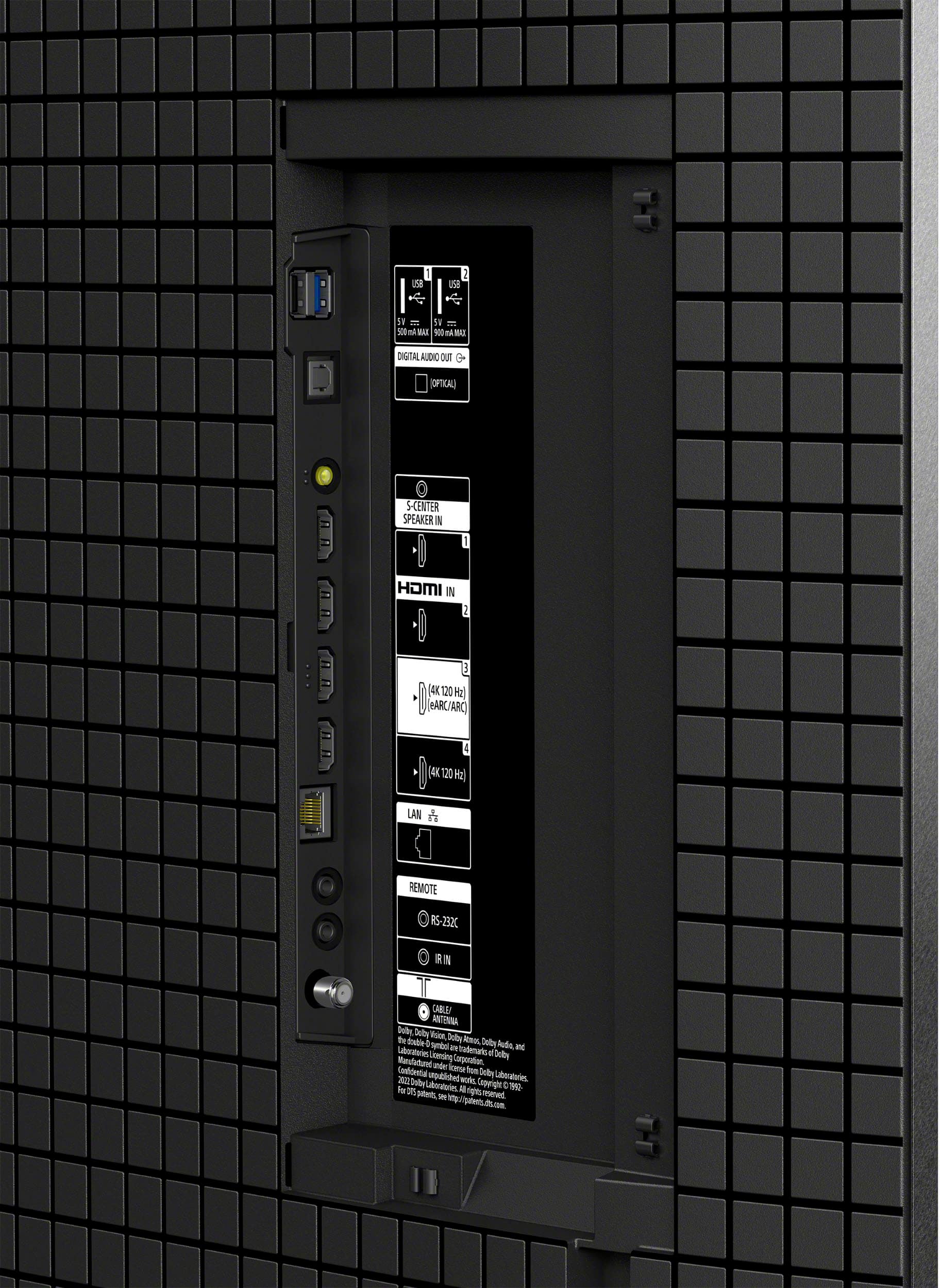
- A:Answer Hi Tmfstew, That is an excellent question! Yes, the Sony BRAVIA 8 is compatible with most modern soundbars, including your model. The BRAVIA 8 is equipped with versatile connectivity options to ensure easy integration with external audio systems such as: -HDMI eARC (Enhanced Audio Return Channel) -Optical Digital Audio Output -Bluetooth With these ports and wireless support, you can be confident that the Sony BRAVIA 8 will connect perfectly with your current soundbar. Thank you for considering Sony! Regards, Dominick

Answered by SonyListens
Q: Question1 month old Bravia 8 65” developed popping and crackling sounds. I have reset the TV, power cycled as well reset sound to factory default. Seems like a well known issue. Anyone with advice or do i need to replace TV?
Asked by TJMolly.
- A:Answer i would call Best Buy and ask them
Answered by Gary
Best-selling TVs
- Limited Time Deal$159.99