Early Black Friday DealsNew Doorbusters through SundayShop now

Main Content

Questions & Answers

Your price for this item is $1,699.99
The comparable value price is $2,299.99
Page Showing 41-60 of 100 questions
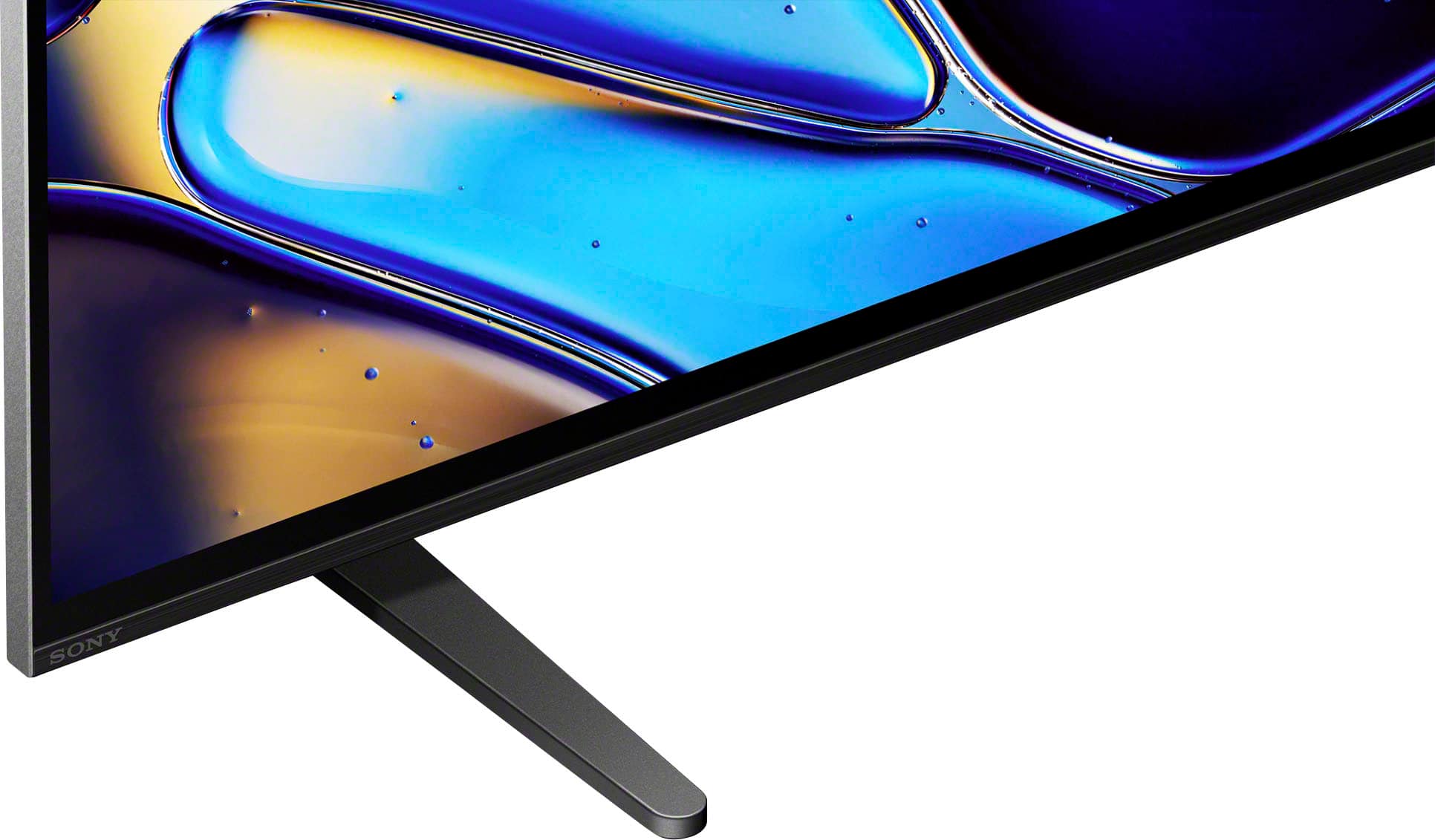
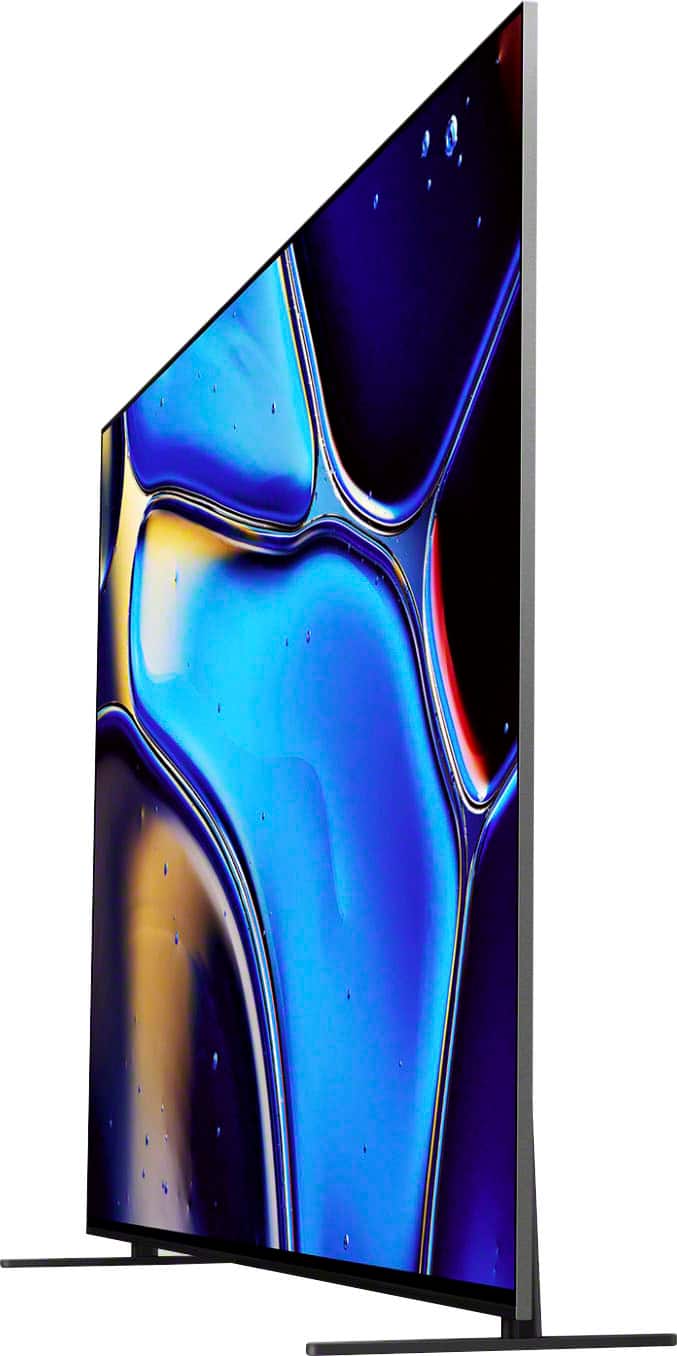
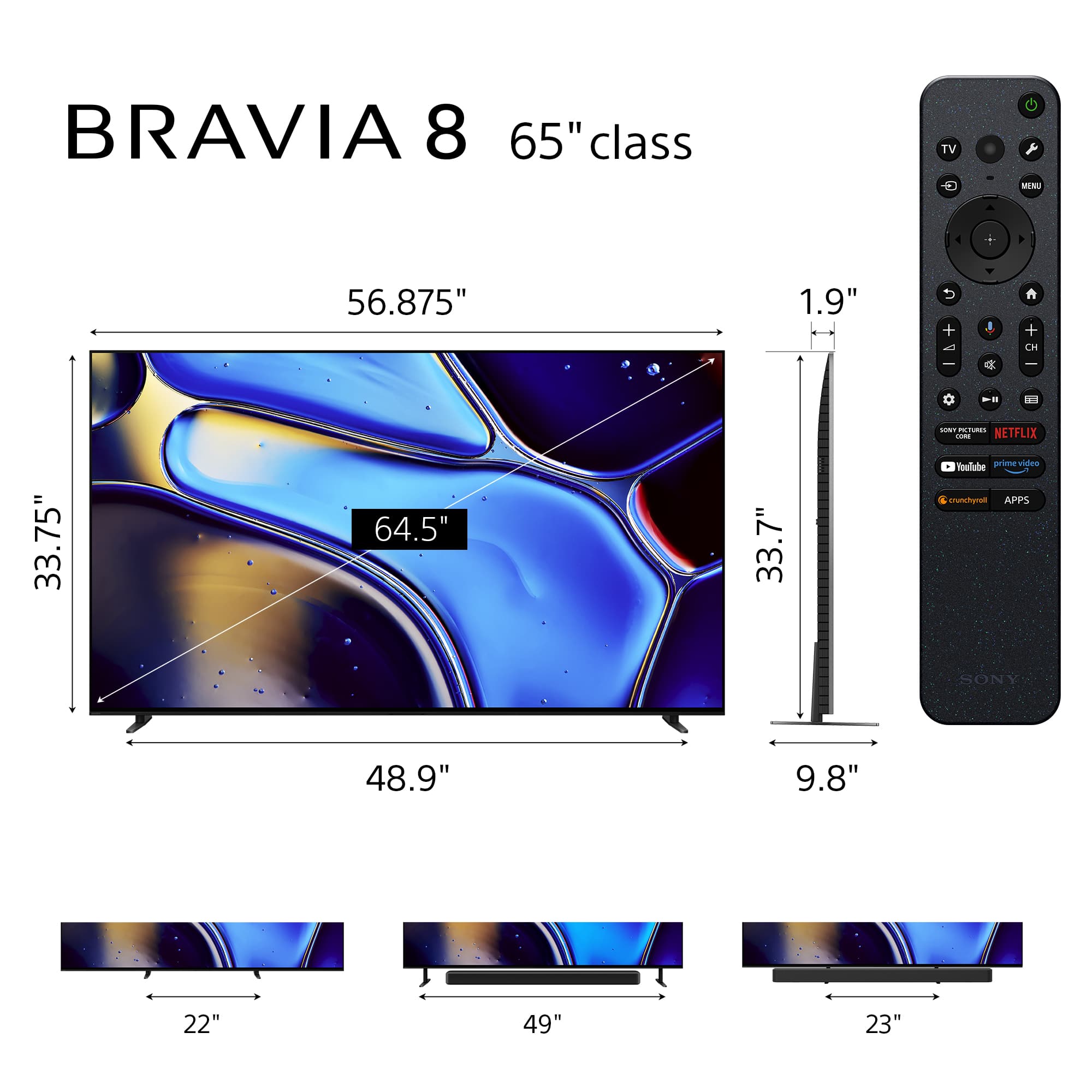
  • QuestionWith the tv stand in the lowest setting, what is the distance from the tv bottom to the cabinet/shelf it is sitting on?

    Asked by Barry.

    • Answer about 3 in

      Answered by pizzaman

  • QuestionHow can I connect this TV to the receiver of my Sony 5.1 Home Theater system, in order to hear the sound through my Home Theater speakers?

    Asked by Franz.

    • Answer it will direct you to set up your a/v sooooo easy

      Answered by pizzaman

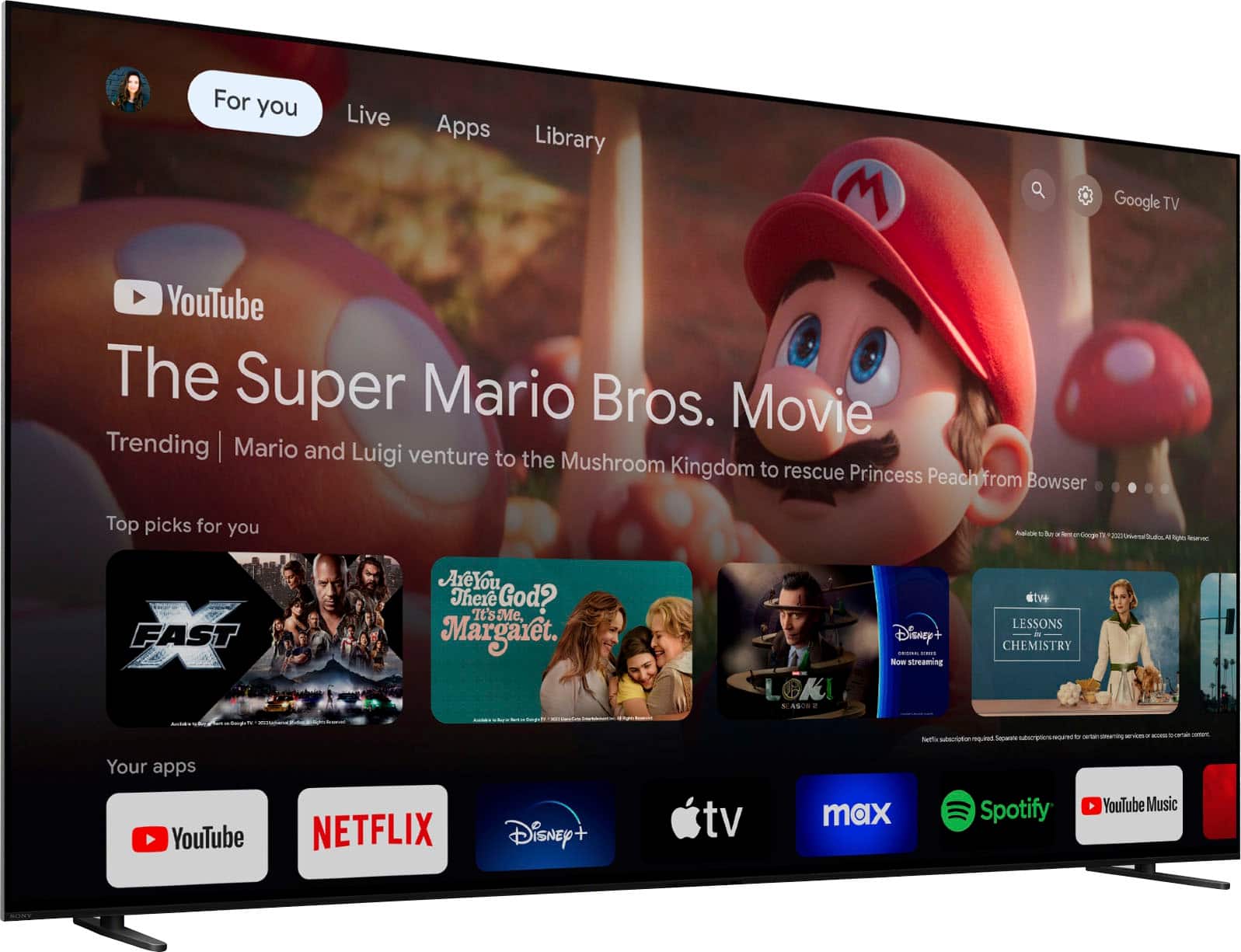
  • QuestionCan the Fox Nation Ap be installed? Directions to install

    Asked by Foxx.

    • Answer Hi, Foxx, Thanks for the question. This TV supports Google Play Store, where you can find all available apps for your TV! You can follow the next steps to download the app: 1. Access your Google Play Store from your TV's home screen 2. On the search bar, look for "Fox Nation App" 3. Click on download You can also access this link for further instructions and more information on how to download apps to your TV: https://www.sony.com/electronics/support/articles/00279172?utm_source=glean Thank you for choosing Sony, have a great day! -DiegoV

      Answered by SonyListens

  • QuestionDoes this TV have composite hook-ups?

    Asked by SusanH.

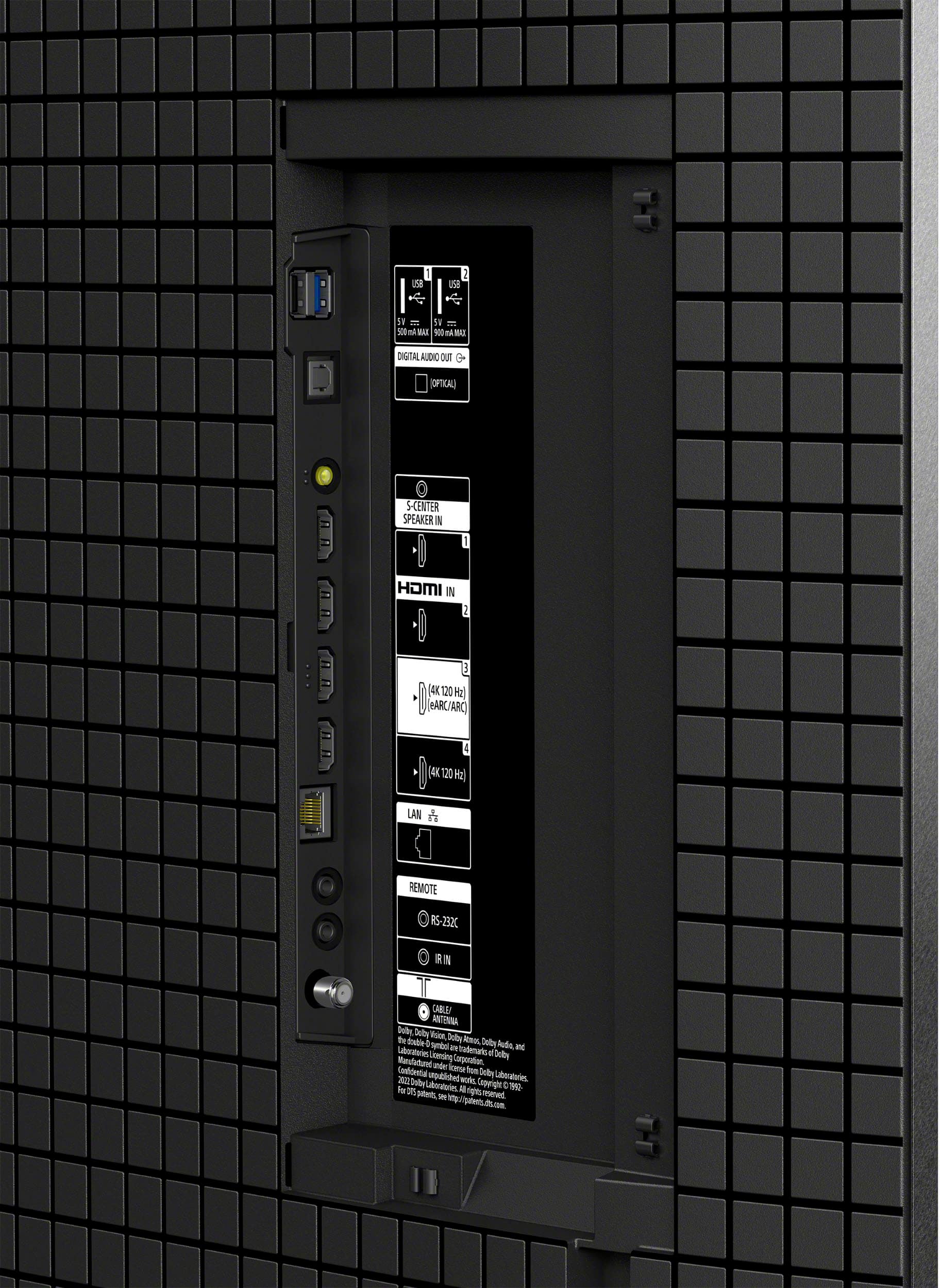
    • Answer Hi Susie, thanks for your question! Unfortunately, the BRAVIA 8 does not have composite inputs, but you can use any of the 4 HDMI inputs where you can play 4k content and a have wonderful picture! For more details about the inputs, you can check the links below: Specifications https://www.sony.com/electronics/support/televisions-projectors-oled-tvs-android-/k-65xr80/specifications Setup Guide https://www.sony.com/electronics/support/res/manuals/5057/c9d7881a9ee15e1d6f0efc6f28a510b3/50577391M.pdf Thanks for choosing Sony! Gus

      Answered by SonyListens

  • QuestionI’m using a pioneer receiver with this TV and the sound is delayed. HOWEVER, the sounds corrects itself after restarting the TV so it doesn’t seem to be a receiver issue. Is there a permanent fix for this?

    Asked by Jay.

    • Answer get sony a/v will work perfectly

      Answered by pizzaman

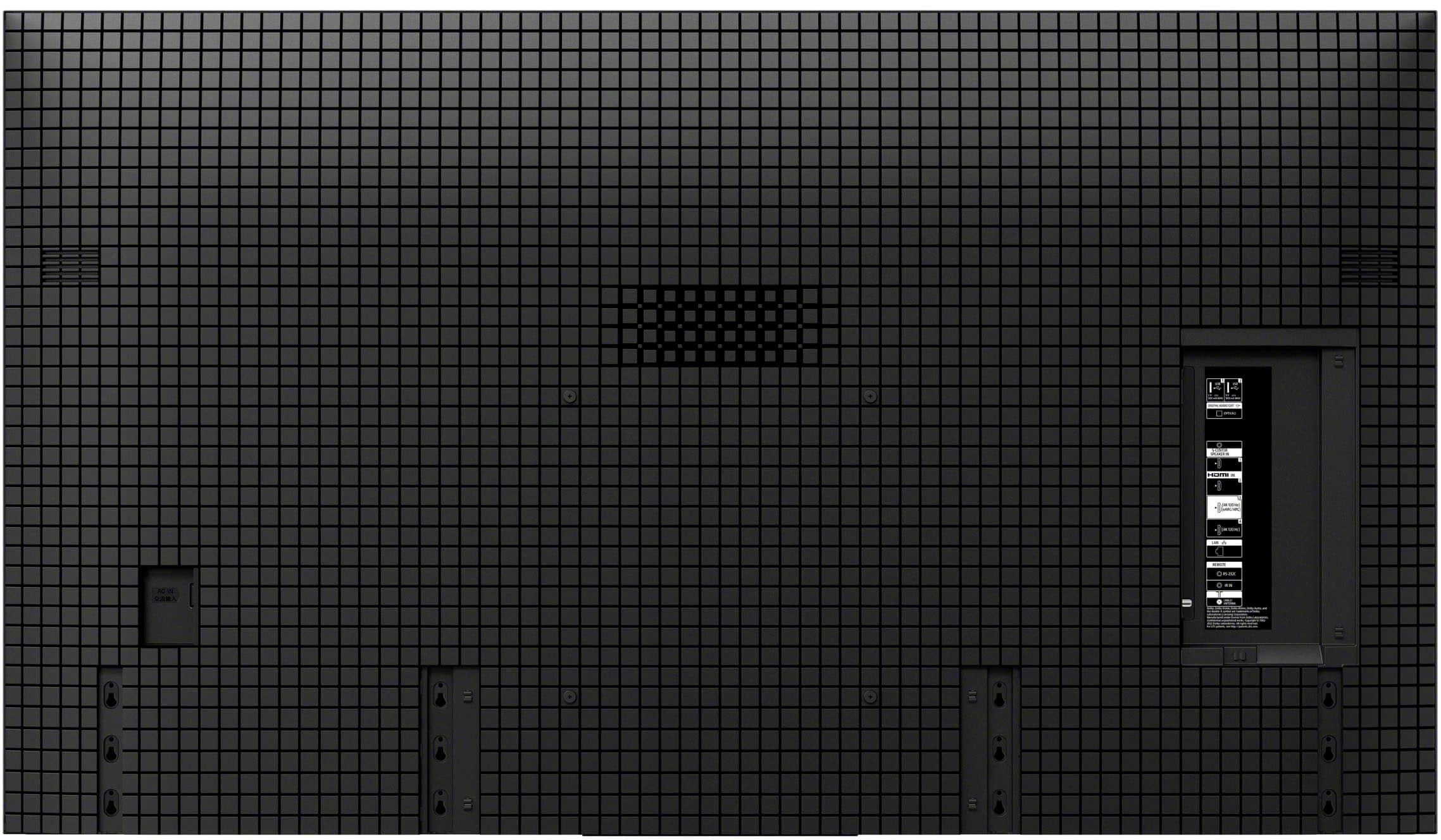
  • QuestionI just purchased the Sony 65" Bravia 8 OLED 4K, Model K65XR80 at the Best Buy store in Dubuque, Iowa, being delivered on March 25th. I did not check to see if the rear of the TV allows me to mount it on my mount bracket. Are receptacles sites on the back?

    Asked by wallbass347.

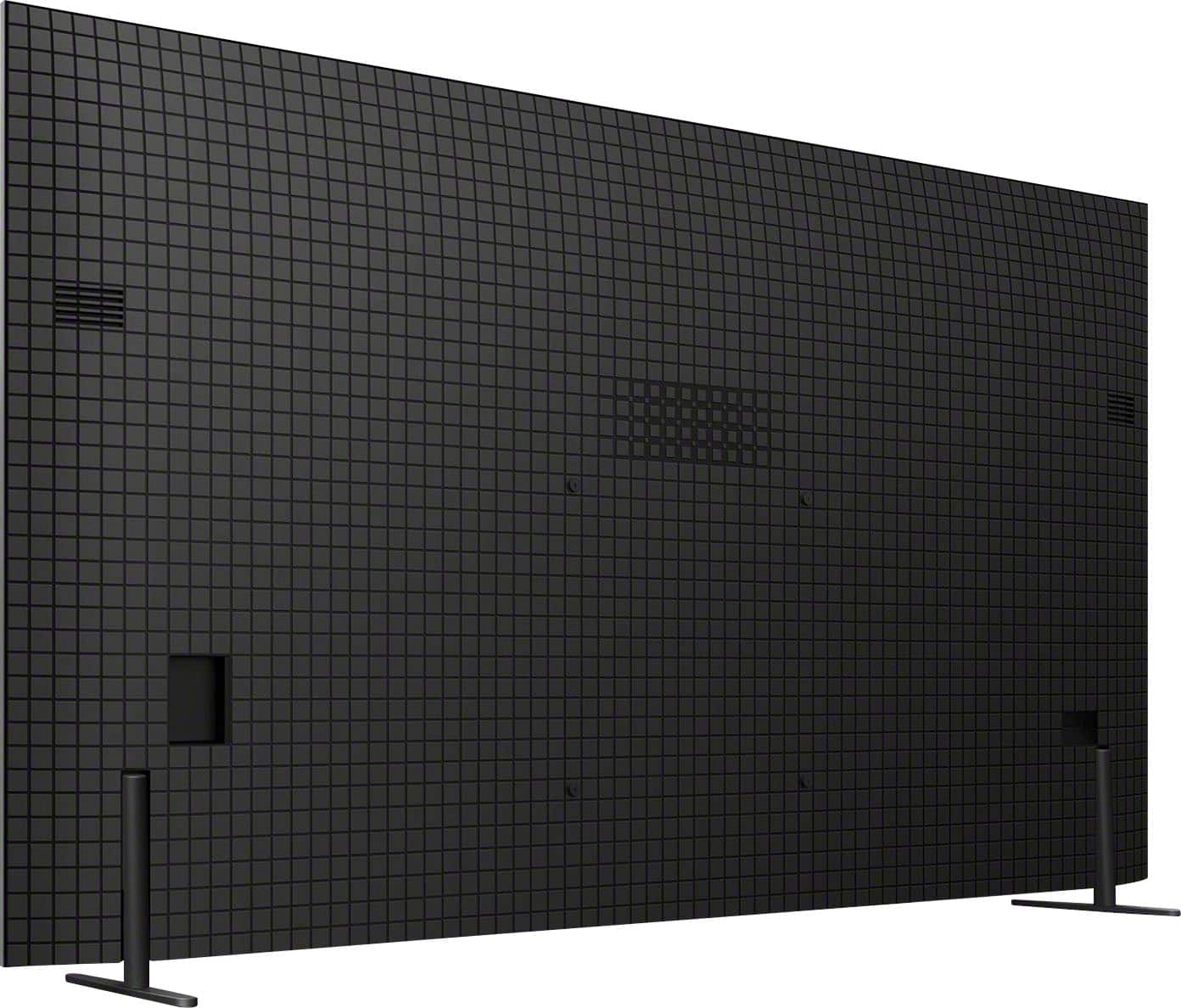
    • Answer Our 65" Bravia fit onto our existing mount. There are pre-set screws on the back of the TV

      Answered by JanetA

  • QuestionHow long is the warranty

    Asked by Anonymous.

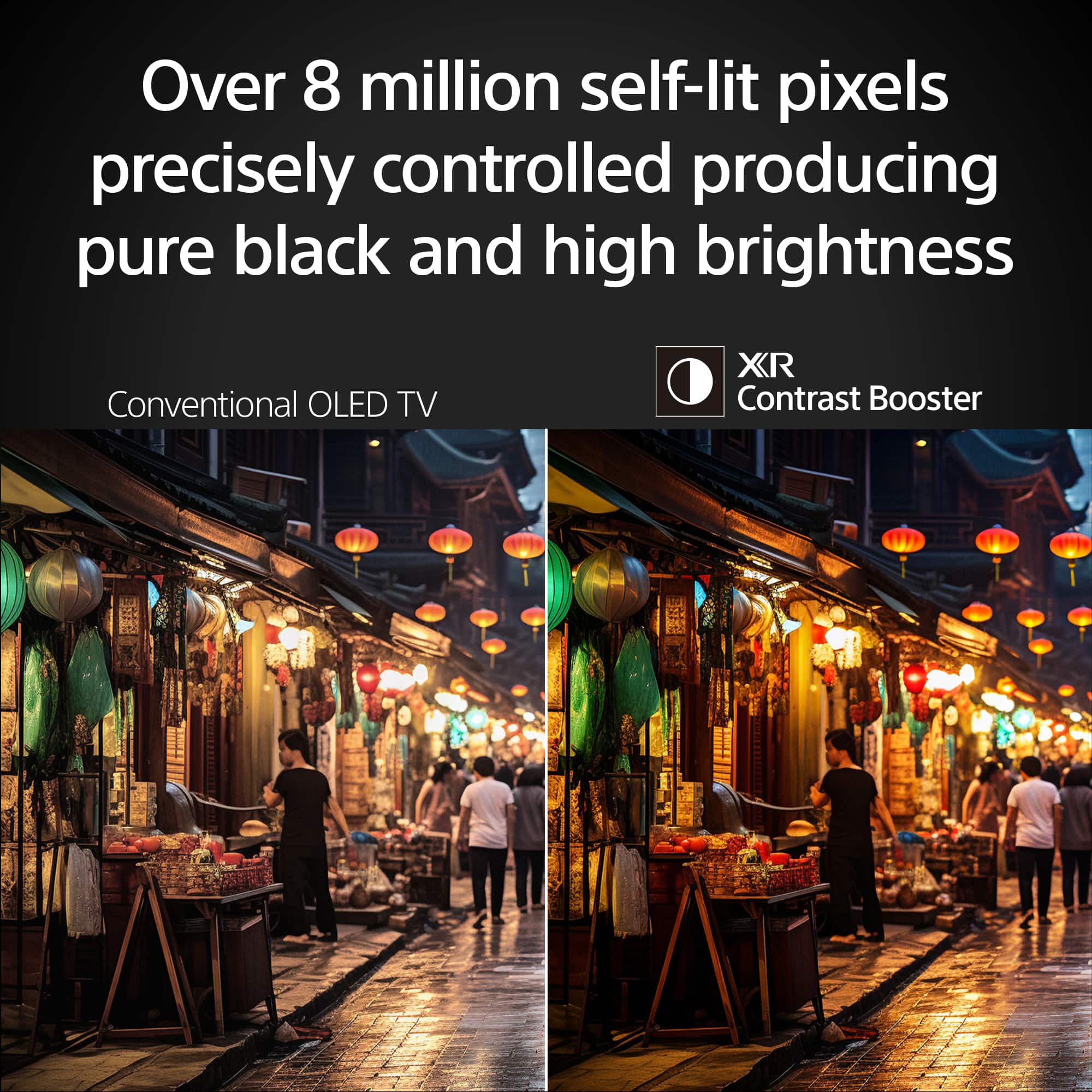
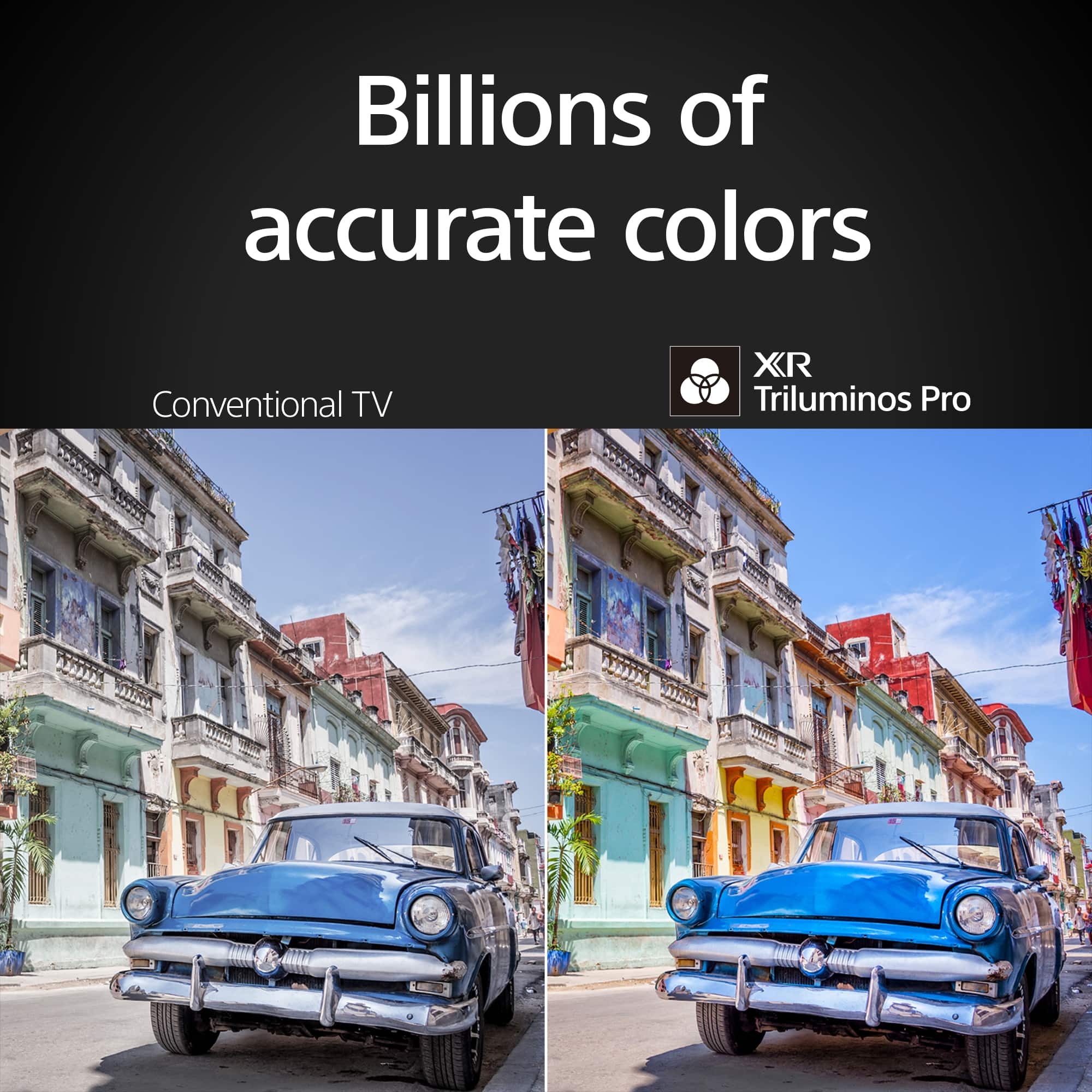
    • Answer Hi there, Thanks for reaching out. The TV comes with a 1-year manufacturer's limited warranty. Enjoy viewing over 8 million self-lit pixels that are precisely controlled to produce pure black imaging, with high brightness, while accessing billions of accurate real-world colors with XR Triluminos Pro™ technology. Regards, Jess

      Answered by SonyListens

  • QuestionCan you install the sling app on this tv?

    Asked by Sling.

    • Answer Hi Sling, Thank you so much for your inquiry! Yes, the BRAVIA 8 supports Sling TV app. You can download the Sling TV app from the Google Play Store app or Search for apps under the Apps tab on the Home menu. If you need information on downloading and installing an app, check the article "How to download, install and troubleshoot Google TV and Android TV apps" below. https://www.sony.com/electronics/support/articles/00279172 Regards, Jess

      Answered by SonyListens

  • QuestionHow long do I have to return for larger SONY TV?

    Asked by Anonymous.

    • Answer Best Buy has a 15-day return unless you are a upper member forget what they call it but you buy a lot of electronics to get that. Amazon offers 30-day return.

      Answered by Kevin

  • QuestionCan we use this tv where the voltage is 220v?

    Asked by rsatishh.

    • Answer Hi Satishh, Thank you for your inquiry! This TV operates within a power range of 110-240 V. Sony TV models purchased in the US and Canada have a power requirement of 120 V AC, 60 Hz and 110-240 V AC, 50/60 Hz for other countries. If you plan to use this TV in a different country or with a 220 V outlet, you may need a transformer or power converter to ensure safe operation. Note: Sony does not produce transformers/converters. You may wish to check with your local Dealer for further assistance. Enjoy viewing over 8 million self-lit pixels that are precisely controlled to produce pure black imaging, with high brightness, while accessing billions of accurate real-world colors with XR Triluminos Pro™ technology. Regards, Jess

      Answered by SonyListens

  • QuestionYou state that the wall mounting screw size is an "M6". Could you tell me how long in MM the screw is?

    Asked by Tmot.

    • Answer Hi Tmot, Thank you for your inquiry. For the BRAVIA 8 TV, it uses an M6 screw with a length of 10 mm – 12 mm. This TV conforms to the VESA Mount Standard and has a VESA hole pattern of 11.81 x 11.81 inch (300 x 300 mm). If you use an optional Wall-Mount Bracket (except SU-WL855 and SU-WL905), the length of the screw for wall-mount bracket differs depending on the wall-mount bracket thickness. For additional information on wall-mount screw size, please refer to this link: https://www.sony.com/electronics/support/res/manuals/5057/2da9e16054d0513734ba0e0c26bcbf48/50577361M.pdf For product protection and safety reasons, Sony strongly recommends that installation of your TV on the wall be performed by qualified professionals. Hope this helps. Regards, Jess

      Answered by SonyListens

  • QuestionCan this tv be used as a monitor for a mac mini? In other words, can the screen size be tweaked to fit the mac mini's display?

    Asked by David.

    • Answer Hi David, Thank you for your inquiry! Yes, the BRAVIA 8 TV can absolutely be used as a monitor for your Mac Mini! You can connect it via HDMI, and the TV’s screen size settings can be adjusted to match the Mac Mini’s display output. The TV supports a range of resolutions, including 4K at 60Hz, which should work seamlessly with your Mac Mini’s display output. The BRAVIA 8’s high-quality OLED panel will make it a stunning monitor too! Regards, Jess

      Answered by SonyListens

  • QuestionDimensions of package?

    Asked by Package.

    • Answer I didn’t measure.

      Answered by JackL

  • QuestionWill my Sony STR DN1070 receiver allow the use of all of the features on a K65XR80 tv? Or do i need to upgrade and if I do need to upgrade what is the most economical receiver that will meet my needs.

    Asked by MrDuffin.

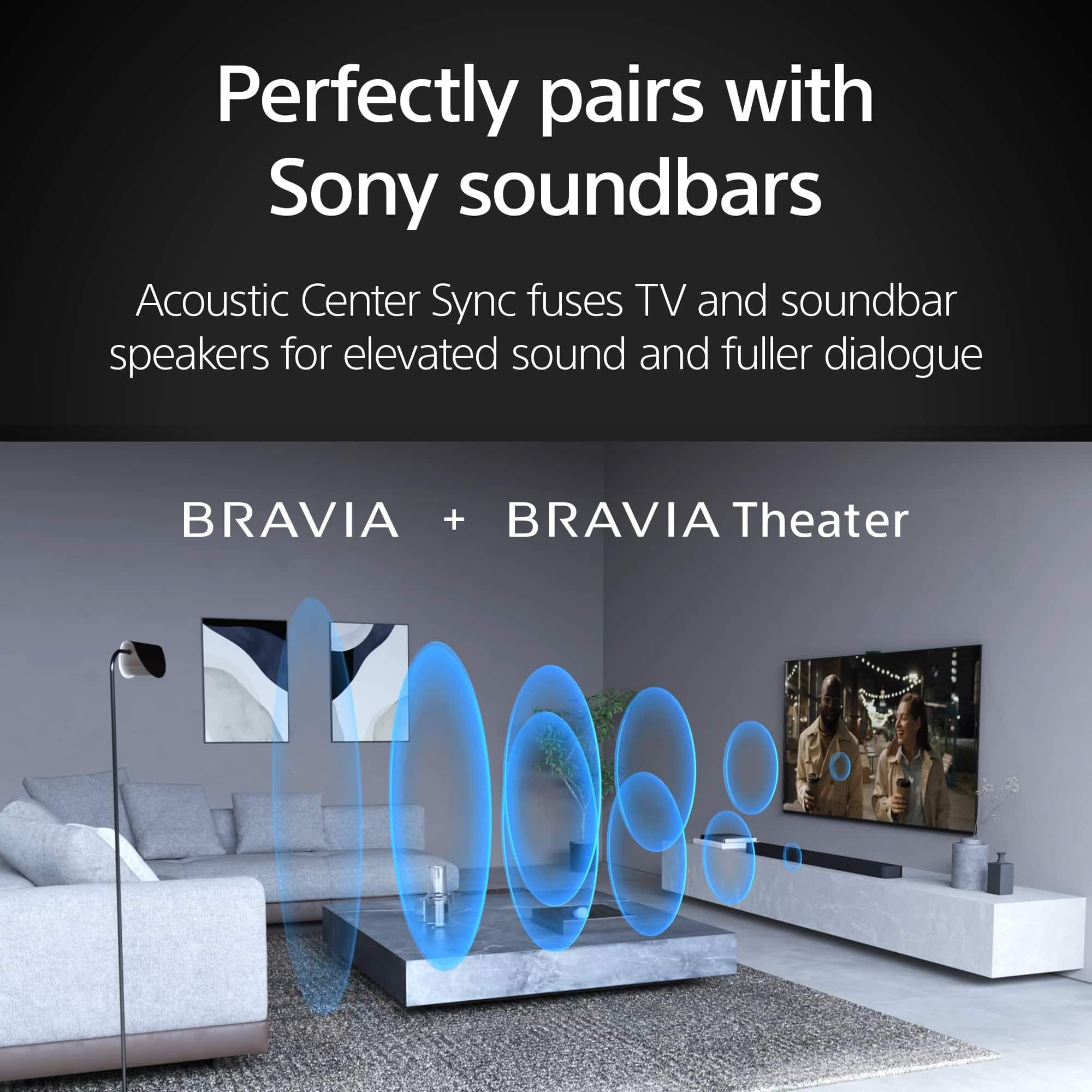
    • Answer Hi MrDuffin, Thank you for your inquiry! The Sony STR-DN1070 can handle basic 4K HDR (HDR10, HLG) and standard audio on the Sony BRAVIA 8 (K65XR80) but misses out on Dolby Vision, Dolby Atmos, DTS:X, 4K/120Hz, VRR, ALLM, and eARC. If these features are important, consider upgrading: Sony STR-DH790: Supports Dolby Vision, Dolby Atmos, DTS:X, eARC, but no 4K/120Hz or VRR. Sony STR-AN1000: Includes 4K/120Hz, VRR, ALLM, Dolby Vision, IMAX Enhanced, Dolby Atmos, DTS:X, eARC, and better integration with Sony TVs. Sony STR-AZ1000ES, STR-AZ3000ES, or STR-AZ5000ES: Offers modern features including 4K/120Hz, VRR, ALLM, Dolby Vision, IMAX Enhanced, Dolby Atmos, DTS:X, eARC, and 8K passthrough. If you don't need advanced audio or gaming features, your current receiver might suffice. Otherwise, the STR-AN1000 is the most economical choice for full compatibility. Additionally, this TV also features Acoustic Center Sync. Acoustic Center Sync enables our home theater equipment to use BRAVIA as a center speaker so that sound comes from the screen rather than just the soundbar. Please refer to this link for more information about which Sony audio products support exclusive BRAVIA TV features, particularly the Acoustic Center Sync feature: https://www.sony.com/electronics/support/articles/00285416 Regards, Jess

      Answered by SonyListens

  • Questionwhere is the on/off indicator light located on this model

    Asked by Anonymous.

    • Answer Right up front. center at bottom of tv screen.

      Answered by JackL

  • QuestionDoes the Bravia 8 (or any Bravia model) have a USB 3 input, or only USB 2? The spec sheet doesn't specify on any of the Bravia models I've looked at.

    Asked by GGGG.

    • Answer Hi GGGG, Thank you for your inquiry! The BRAVIA 8 series is equipped with two USB ports on the side. USB port 1 supports High Speed USB (USB 2.0), while USB port 2 offers Super Speed USB (USB 3.2 Gen 1). For further details regarding the USB specifications of this model, please refer to the reference guide linked below: https://www.sony.com/electronics/support/res/manuals/5057/2da9e16054d0513734ba0e0c26bcbf48/50577361M.pdf If you are considering other BRAVIA models, please note that the availability of USB 3.2 Gen 1, USB 3.1 Gen 1, or USB 3.0 may differ, so it is advisable to check the specific model details or manuals for confirmation. Regards, Jess

      Answered by SonyListens

  • QuestionWhat are the height adjustments possible on this tv stand?

    Asked by jane.

    • Answer None.

      Answered by JackL

  • QuestionCan you connect more than one set of bluetooth headphones to this TV at the same time? Can you connect a bluetooth headphone with this TV while using the TV speaker too?

    Asked by ThomasS.

    • Answer Yes

      Answered by DonnaH

  • QuestionI have a SONOS sound system. Can the SONY Bravia 65" SMART Google TV be paired with my existing SONOS system?

    Asked by SONOS.

    • Answer Hi SONOS, Thank you for your inquiry. The BRAVIA 8 can be paired with your SONOS system using HDMI eARC/ARC for the best audio experience, allowing control via your TV remote if HDMI-CEC/Control for HDMI is enabled. If your SONOS supports it, you can also use an optical connection, although please note that it limits audio formats. After connecting, configure the TV to output sound to your external audio system through audio settings. This TV can also be paired with speakers or audio systems via Bluetooth. For additional connection options, please check our BRAVIA Connectivity Guide available on the Sony Support website. Feel free to refer to it as needed. https://www.sony.com/electronics/support/televisions-projectors-oled-tvs-android-/k-65xr80/articles/00231150 Regards, Jess

      Answered by SonyListens

  • Questionis ths roku compatiblr

    Asked by curois.

    • Answer Hi Curois, Thank you for your inquiry. Our BRAVIA 8 doesn't come with built-in Roku, but it offers a variety of built-in apps similar to those found on Roku. You can also download additional apps directly from the Google Play Store or Search for apps available on the TV. If you have a Roku streaming device, simply connect it to any available HDMI port to enjoy all your favorite streaming services on this TV. Additional information: You can connect the playback devices (i.e. BD player, streaming devices, etc.) to any available HDMI inputs on your TV. To enjoy high quality 4K contents, connect a Premium High Speed HDMI Cable(s) that supports speeds of 18 Gbps (or better) and set the [HDMI signal format] to [Enhanced format]. Regards, Jess

      Answered by SonyListens