Best Buy Tech Fest SaleEnds Sunday. Limited quantities. No rainchecks.Shop now

Main Content

Questions & Answers

$1,078.00
Save $121.99
Comp. Value: $1,199.99
Page Showing 61-80 of 139 questions
  • QuestionI can’t find Sony XR65X90CL

    Asked by Fifi.

    • Answer it's a specialized model for Costco only, see Sony

      Answered by chestnutz

  • QuestionDoes this model have standby mode ?? I have looked everywhere and can't find it .

    Asked by carcar.

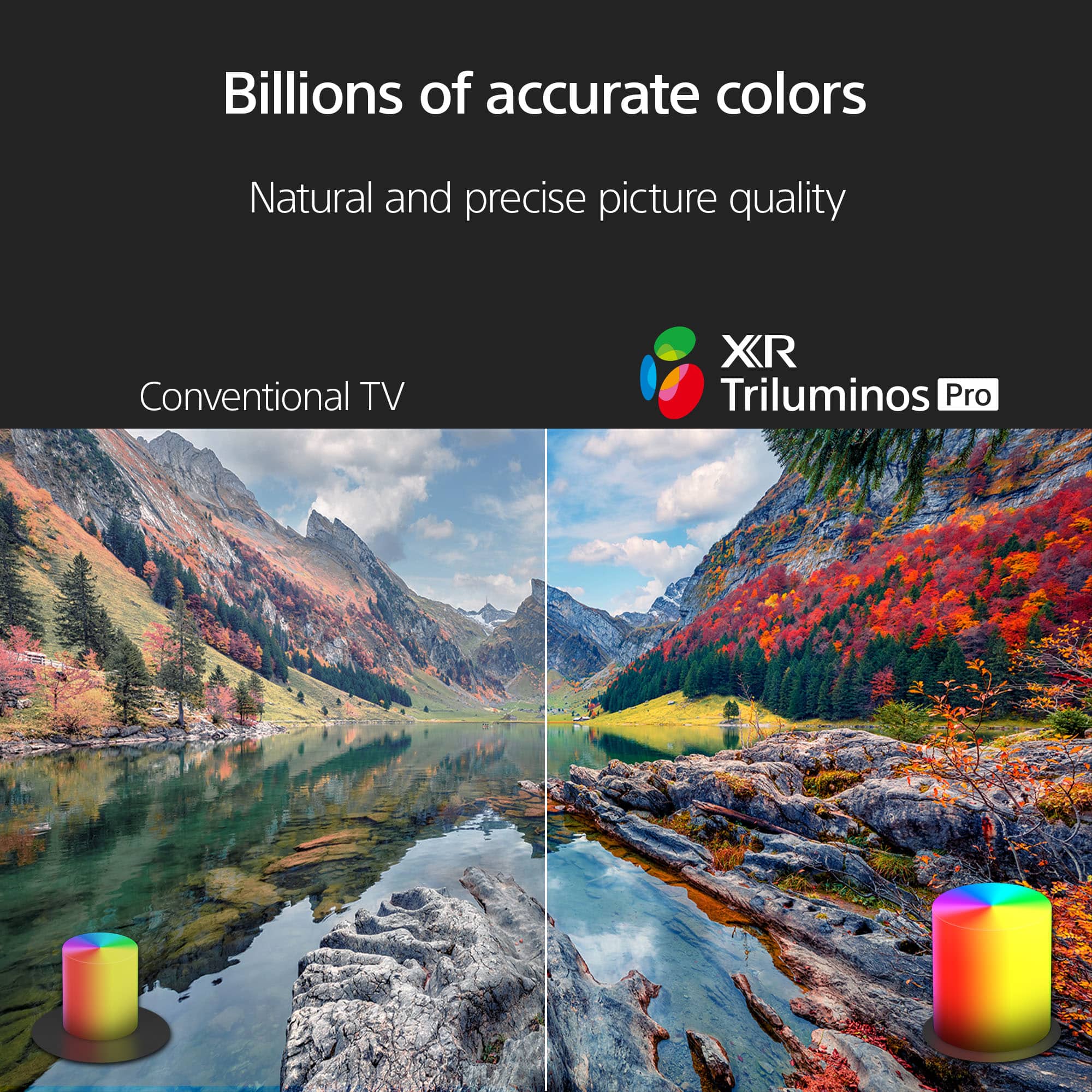
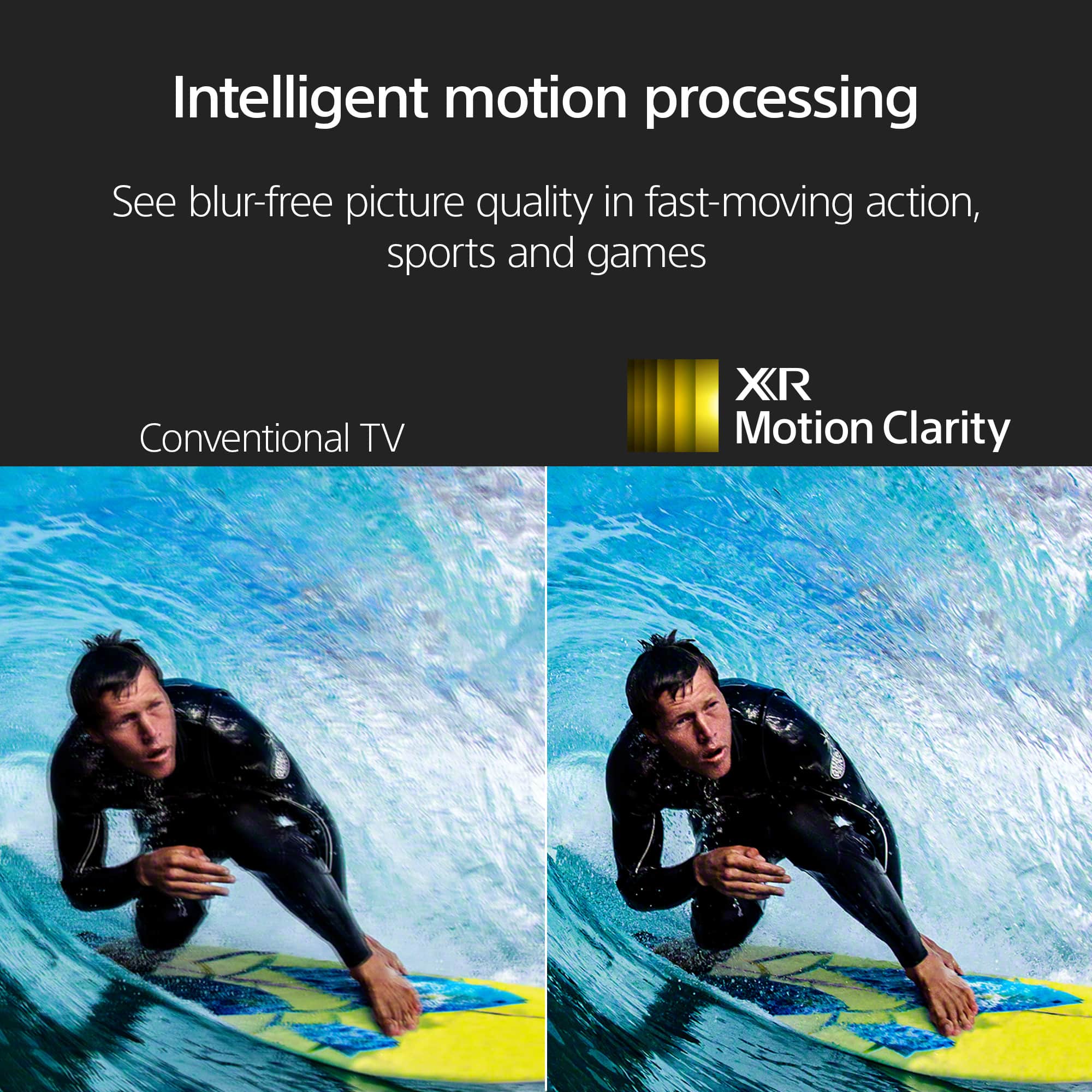
    • Answer Hi carcar, Thank you for reaching out! Yes, it does. The Sony X90L features "Idle TV Standby" function and it will automatically go into standby after a certain period of inactivity. The setting procedure is as follows: The following steps will depend on your TV menu options: Select System → Power & Energy → Energy Saver → Idle TV power off or Turn off TV after. Select System → Power and Energy → Eco Dashboard → Idle TV power off. Select System → Power and Energy → Idle TV power off. Select Device Preferences, Power or BRAVIA Settings → Power or Eco → Idle TV standby Select System Settings or Preferences → Eco → Idle TV standby. Hope this helps! With Sony X90L, see breathtakingly beautiful pictures full of realistic depth on our Full Array LED screen powered by Cognitive Processor XR. Hear sound straight from the screen, perfectly matching the action. Cognitive Processor XR™ turns any sound immersive with more precise sound position. And with 4K/120fps, a Variable Refresh Rate and Auto Low Latency Mode, our TVs give you smooth and clear movement for responsive gameplay. Regards, Sam

      Answered by SonyListens

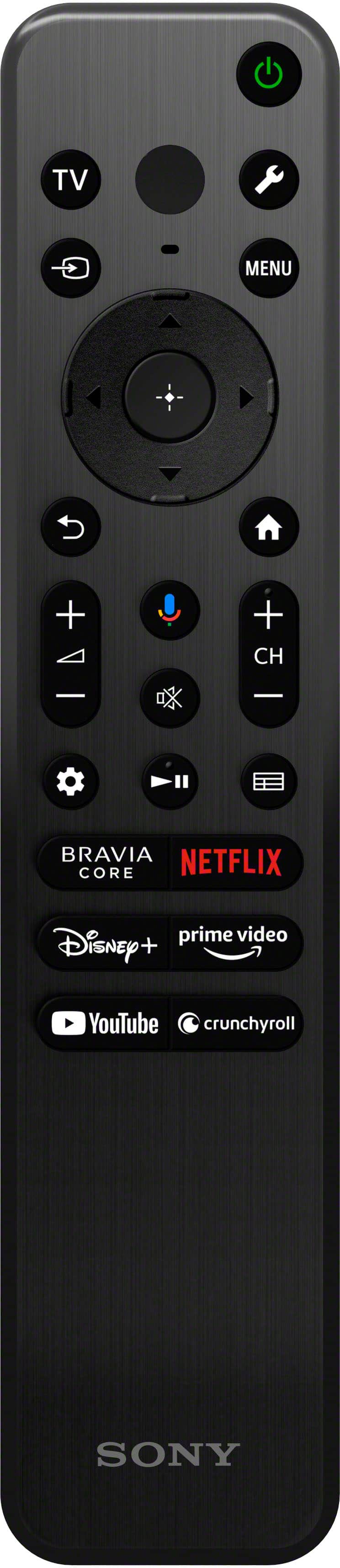
  • QuestionI asked a question on how to change channels since the button pad on the remote is no longer there. Sony responded to simply press the "Menu" button on your remote. That does NOT WORK!

    Asked by christina.

    • Answer I also was surprised no number buttons. I go to the guide and select my channel from the list.

      Answered by Luthergrad

  • QuestionCan it play 3 d programs

    Asked by Dave.

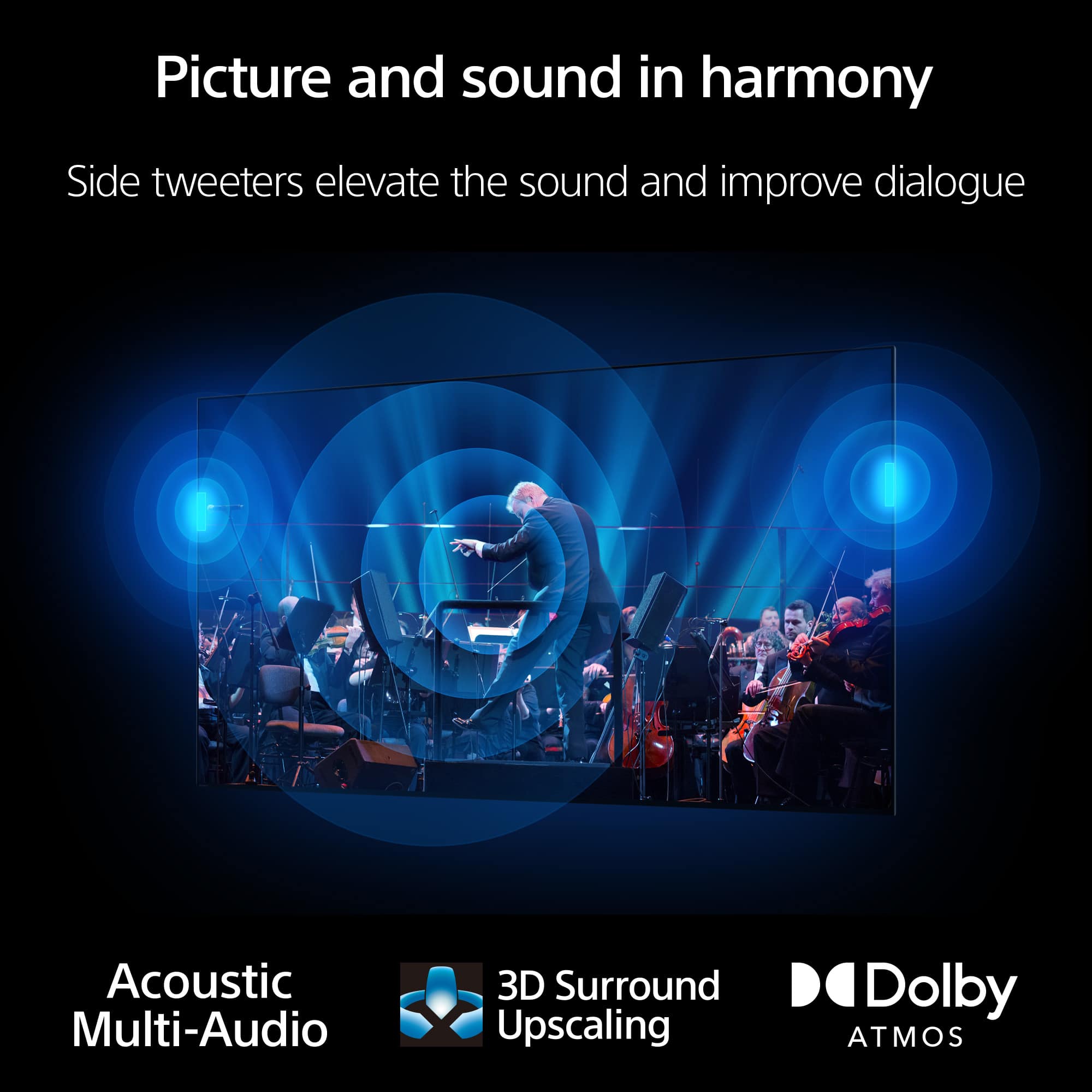
    • Answer Hi Dave, Thank you for your question. The Sony BRAVIA XR X90L does not support 3D programs. Additional information: Some Android TVs released in 2016 or before support 3D format. Refer to the manual or specifications of the TV. Hope this information helps! Sony's Acoustic Multi-Audio technology uses the internal TV speakers along with sound-positioning tweeters to precisely position the sound you hear so it matches the picture you see. The BRAVIA XR X90L can also make dialogue in shows easier to understand. With Voice Zoom 2, voices are detected and analyzed, then clarity is improved by suppressing ambient elements. Additional technologies help you deliver a surround experience and take advantage of various optional Sony audio products to further enhance the sonic possibilities of the X90L. Best regards, Maria

      Answered by SonyListens

  • QuestionHOW MANY REWARDS POINTS TO ACQUIRE?

    Asked by Davey.

    • Answer ASK YOUR STORE IN YOUR LOCATION, THEY SHOULD TELL YOU!

      Answered by Laura

  • QuestionIs this tv compatible with SlingTV

    Asked by Bob.

    • Answer Yes. I use it regularly.

      Answered by RickR

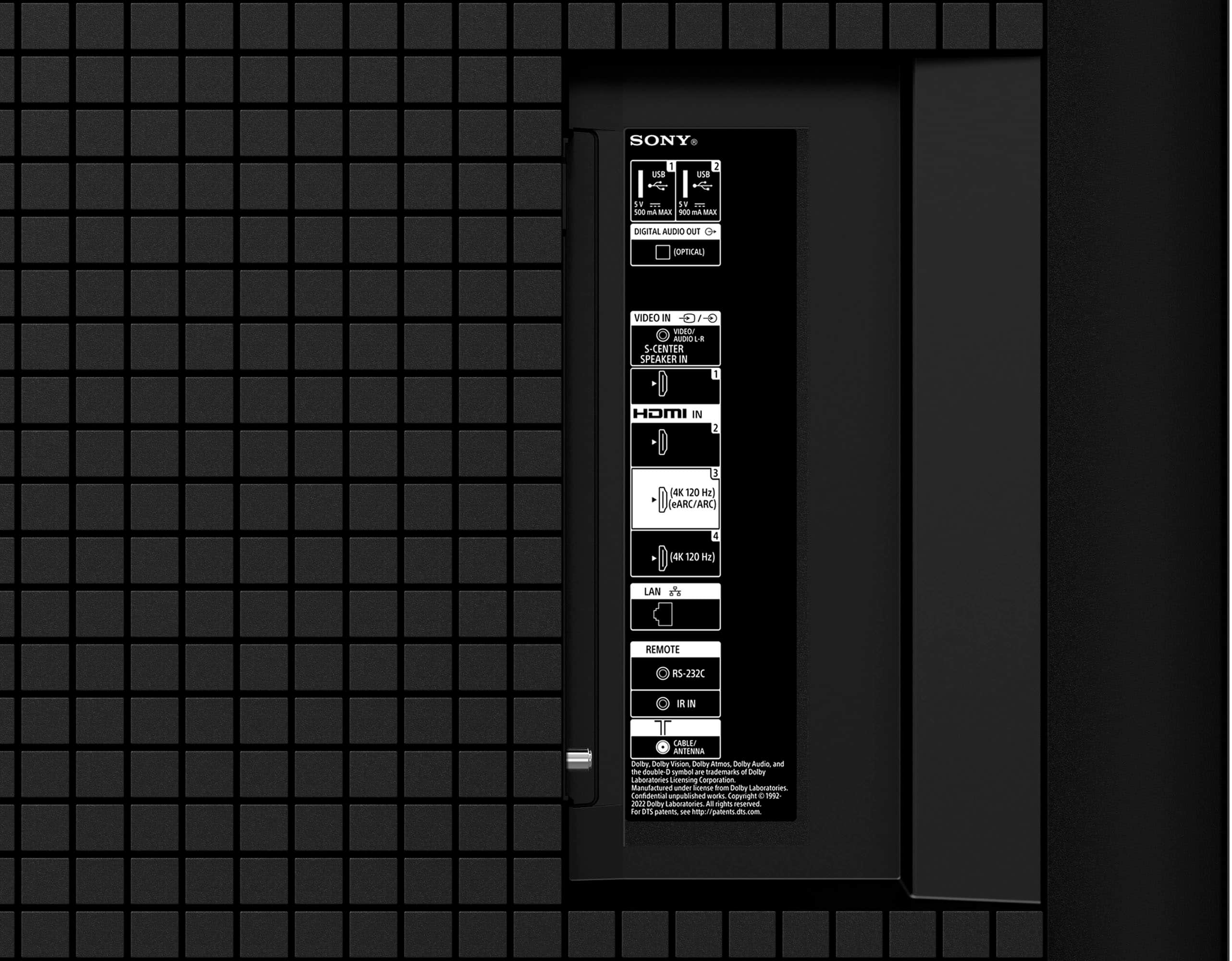
  • QuestionDoes this tv have an internal digital antennae?

    Asked by David.

    • Answer No it does not

      Answered by GarrisonM

  • Questionhow do I eliminate "alexia"? where are the device's microphone(s) and on-board camera located?

    Asked by xyzz.

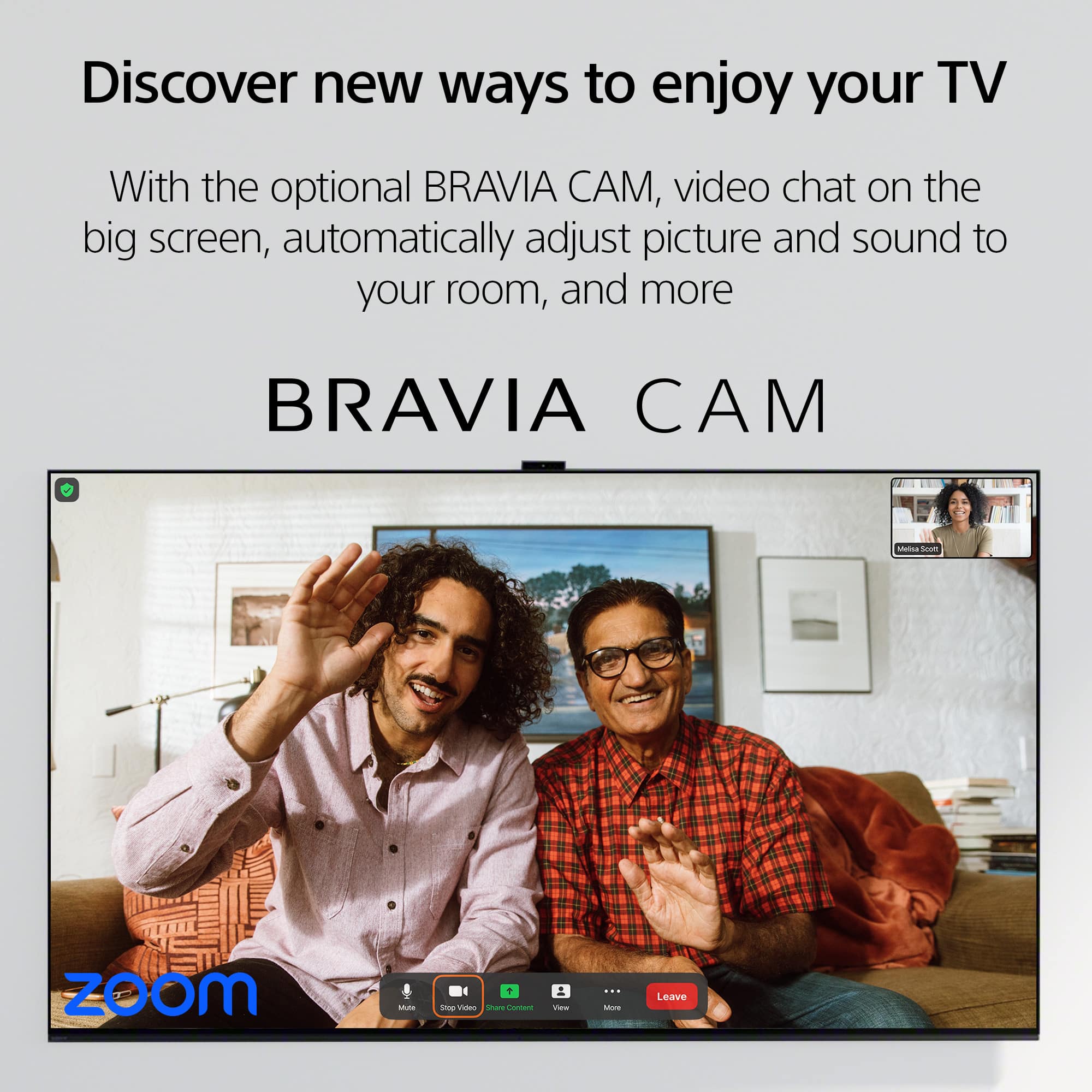
    • Answer Hi Xyzz, Thank you so much for your inquiry! Although the TV is capable of pairing with Alexa, you have the option not to use this feature of the TV. The microphone is located on the TV remote and if you are referring to the Bravia Cam (CMU-BC1M) for the camera, it is a separately sold accessory for the TV and will only use the Google System. With Sony X90L, see breathtakingly beautiful pictures full of realistic depth on our Full Array LED screen powered by Cognitive Processor XR. Hear sound straight from the screen, perfectly matching the action. Cognitive Processor XR™ turns any sound immersive with more precise sound position. And with 4K/120fps, a Variable Refresh Rate and Auto Low Latency Mode, our TVs give you smooth and clear movement for responsive gameplay. I hope this helps! Regards, Carl

      Answered by SonyListens

  • QuestionDoes this tv support recording shows to a hard drive

    Asked by Mike.

    • Answer Hi Mike, Thank you for your inquiry! The Sony X90L does not support recording shows to an external USB hard drive. But you can use an external USB hard disk drive (HDD) for file playback or app storage if it meets the specifications for use on your BRAVIA television. Hope this helps! With Sony X90L, see breathtakingly beautiful pictures full of realistic depth on our Full Array LED screen powered by Cognitive Processor XR. Hear sound straight from the screen, perfectly matching the action. Cognitive Processor XR™ turns any sound immersive with more precise sound position. And with 4K/120fps, a Variable Refresh Rate and Auto Low Latency Mode, our TVs give you smooth and clear movement for responsive gameplay. Regards, Sam

      Answered by SonyListens

  • QuestionHow will this tv perform in a bright room such as a sunroom. I hear an OLED will do better but for the price is it sufficient? Also any issues with installing a VPN app like Express VPN. I had a Roku that wouldn’t allow it in the past.

    Asked by TonySony.

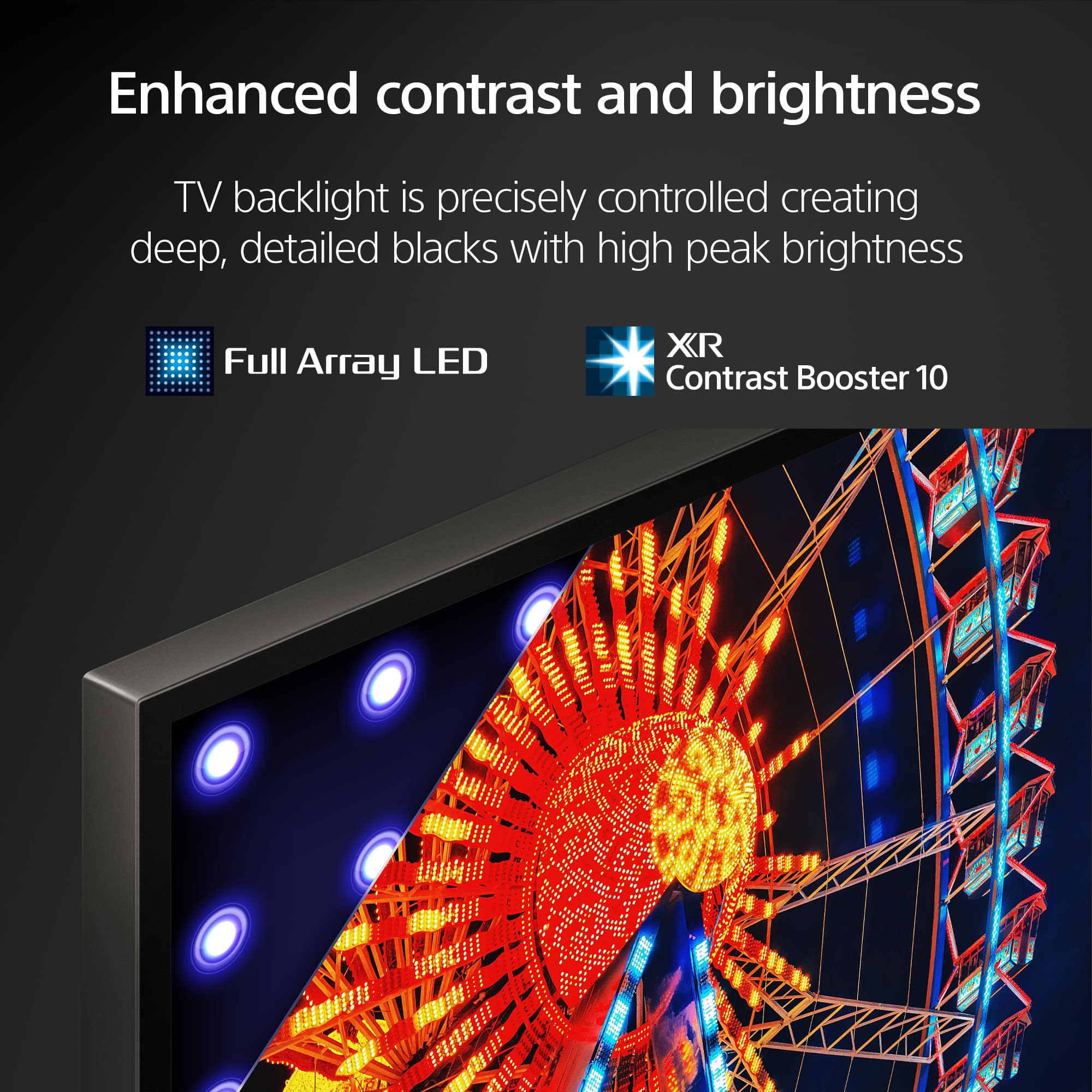
    • Answer Hi TonySony, Thank you for your inquiry! We would absolutely recommend X90L over an OLED (unless its A95L) as X90L will be nearly 2x brighter than Bravia 8 / A80L. And also, The Sony X90L, being an Android TV, supports the installation of VPN apps like ExpressVPN through the Google Play Store. If you face any issues, consider checking for firmware updates or contacting Sony support for further assistance. Unfortunately, due to the current Bestbuy phishing protocol for your protection, we cannot provide a direct email or phone number for customer support as of now. Please find Sony Electronics' Support information: Go to our support website > click on “Support” > scroll down click on “Contact Support” > click on [Product Type] and from there you'll see different ways to reach us. Hope this helps! -Sam

      Answered by SonyListens

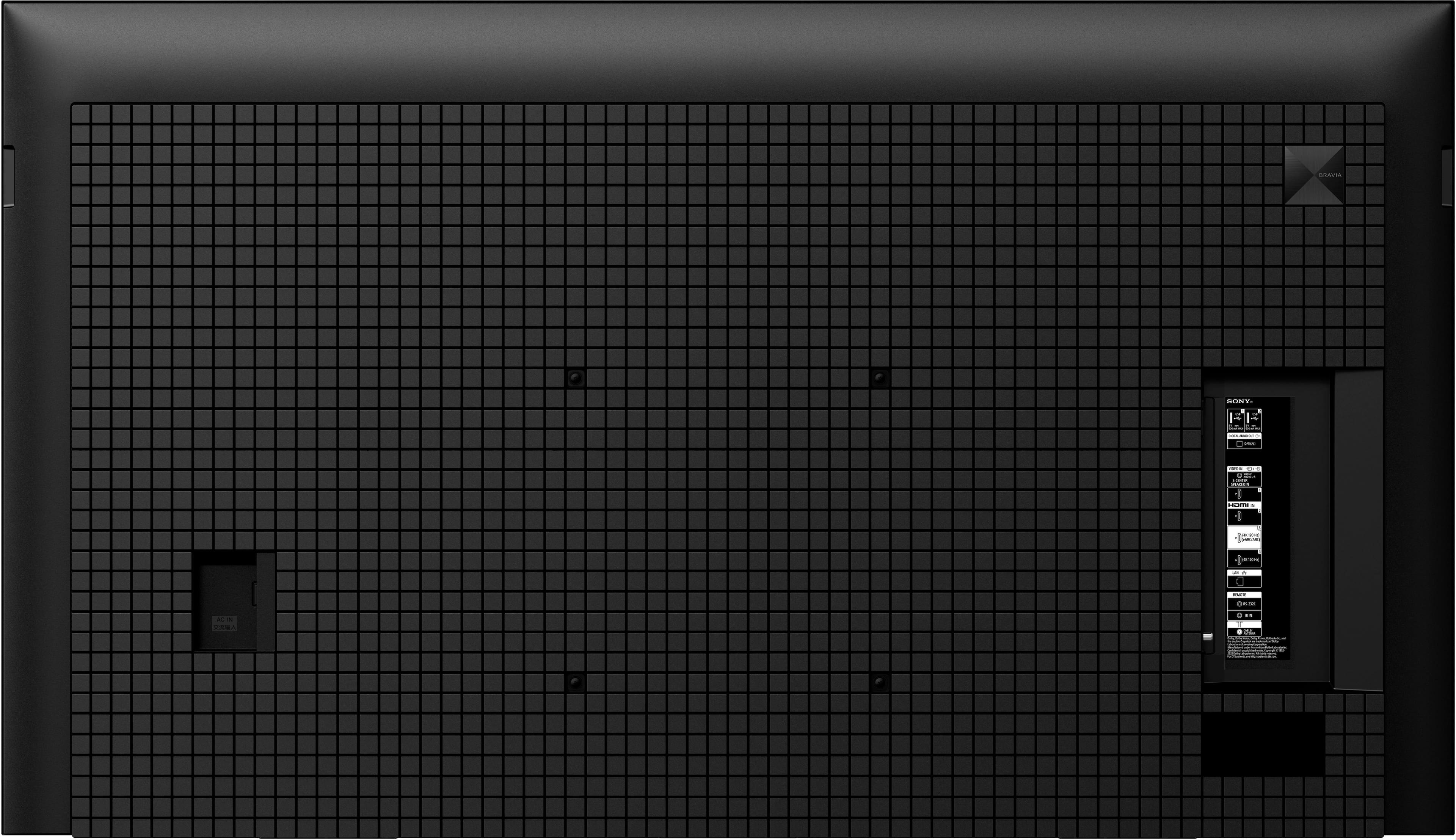
  • QuestionDoes the 65” X90L have a plain old co-ax connector for old school cable hook-up? Specs and 360 view don’t seem to show one?

    Asked by DT.

    • Answer Yes it does.

      Answered by KeithR

  • QuestionCan this Tv use 220v and sekam tv standards? Sorry for not using proper technical terms. if not, can the client get the TV accepting the above?

    Asked by Eric.

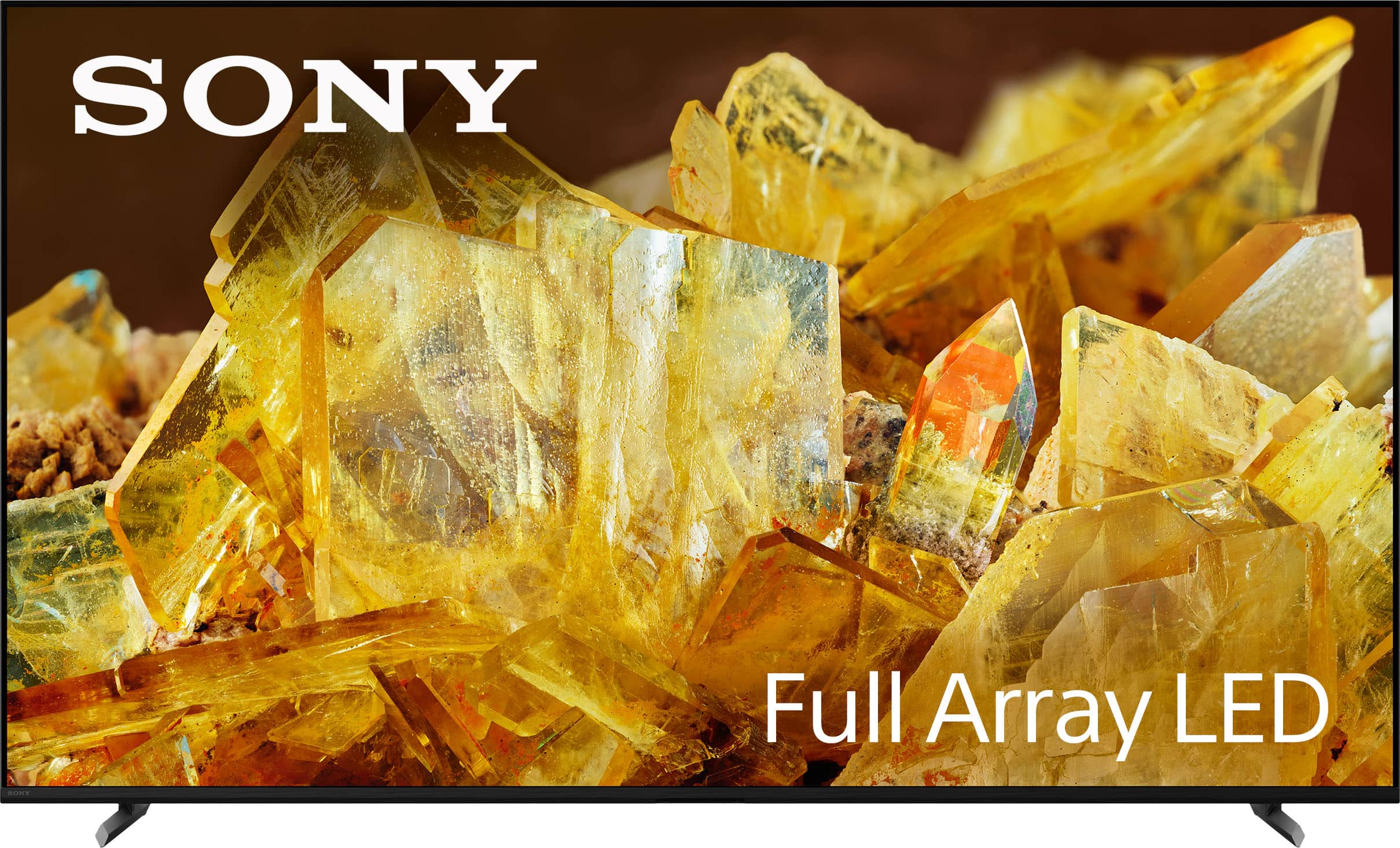
    • Answer The Eric, Thank you for your inquiry. Regarding your first question, the XR65X90L US/Canada model has a power requirement of 120 V AC, 60 Hz. With the use of a transformer/power converter, 220 V could be used. As for your second question, units purchased in the US and Canada will support NTSC (National Television System Committee). Unfortunately, they will not support SECAM TV system. I hope this helps! With the Sony X90L, you'll see breathtakingly beautiful pictures full of realistic depth on our Full Array LED screen powered by Cognitive Processor XR. Hear sound straight from the screen, perfectly matching the action. Cognitive Processor XR™ turns any sound immersive with more precise sound position. And with 4K/120fps, a Variable Refresh Rate and Auto Low Latency Mode, our TVs give you smooth and clear movement for responsive gameplay. Best regards, Romeo
      Answered by SonyListens

  • QuestionCan tv be set to go to last input used when turning on? I have cable and would like it to be set to it.

    Asked by Kbp1.

    • Answer Yes, I have DIRECTV and it automatically tunes to that input when it turns on. If you have a game console it automatically switches as well.

      Answered by NicklausP

  • QuestionHow much does it weigh?

    Asked by Rick.

    • Answer About 55 lbs out of the box.

      Answered by JanetP

  • QuestionDoes this model have Dolby Atmos?

    Asked by Moni.

    • Answer Yes

      Answered by NicklausP

  • QuestionIs the remote voice activated?

    Asked by Allen.

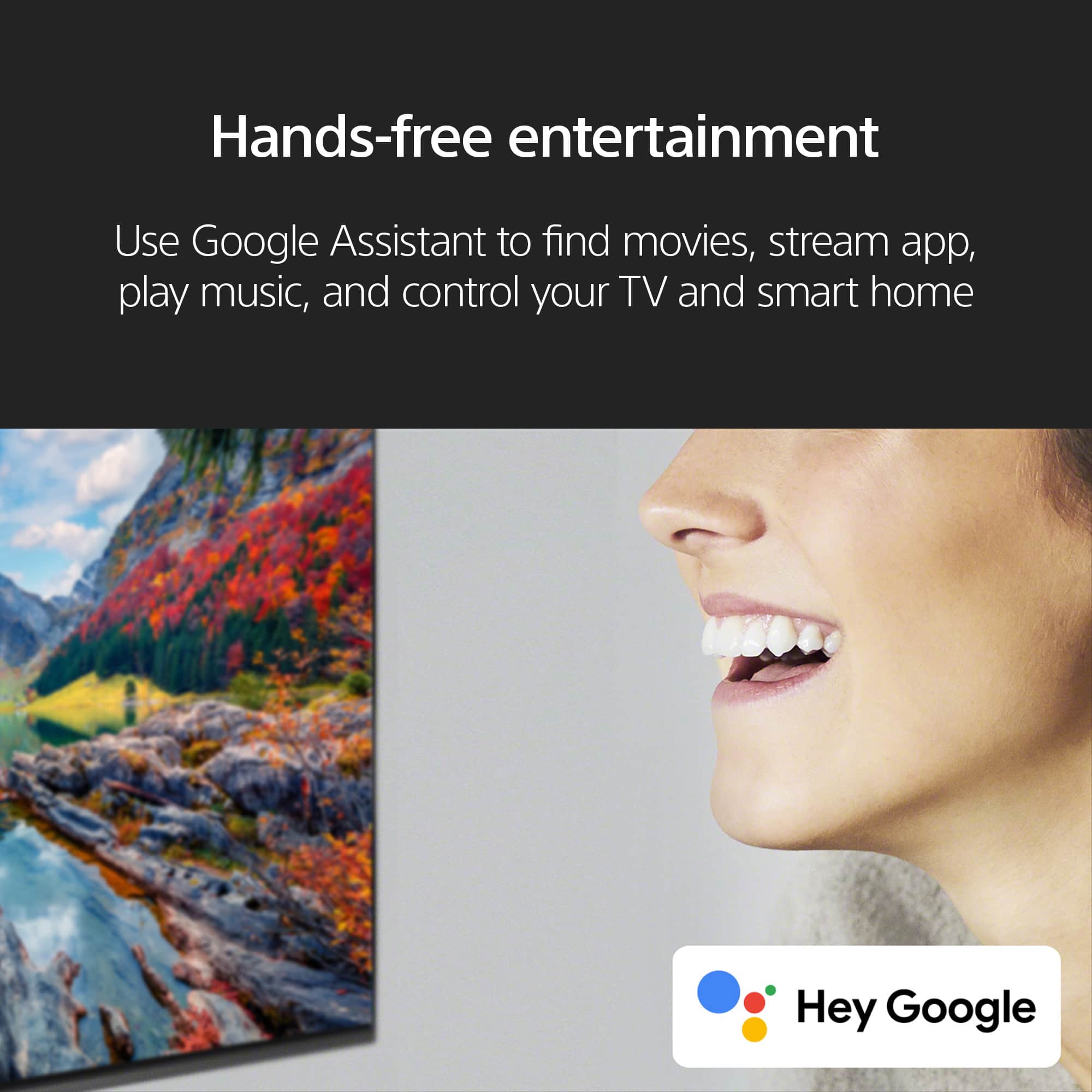
    • Answer Hi Allen, Thank you for your question! Yes, the supplied remote control has a voice search function. And also, it features hands-free voice control built into Sony TVs with Google TVs, you can set aside your remote and simply use your voice to search and access entertainment, get answers, control the TV and smart home devices and streamline your day. Just say “Hey Google” to get started. Hope this helps! See a vivid, crisp picture while you watch and game, all enhanced by Full Array LED and powered by the intelligent Cognitive Processor XR™️. Sound positioning tweeters, in additional to the TV speakers, elevates the sound so what you hear matches the picture you see. Take entertainment further by pairing your BRAVIA XR™️ TV with Sony audio equipment. You’ll discover an unmatched audio-visual experience with outstanding XR picture and sound quality. Regards, Sam

      Answered by SonyListens

  • QuestionHow do I turn the tv on? I lost the remote. I can’t find any button on the tv

    Asked by E.

    • Answer There is a button located below the bottom bezel at the center.

      Answered by KeithR

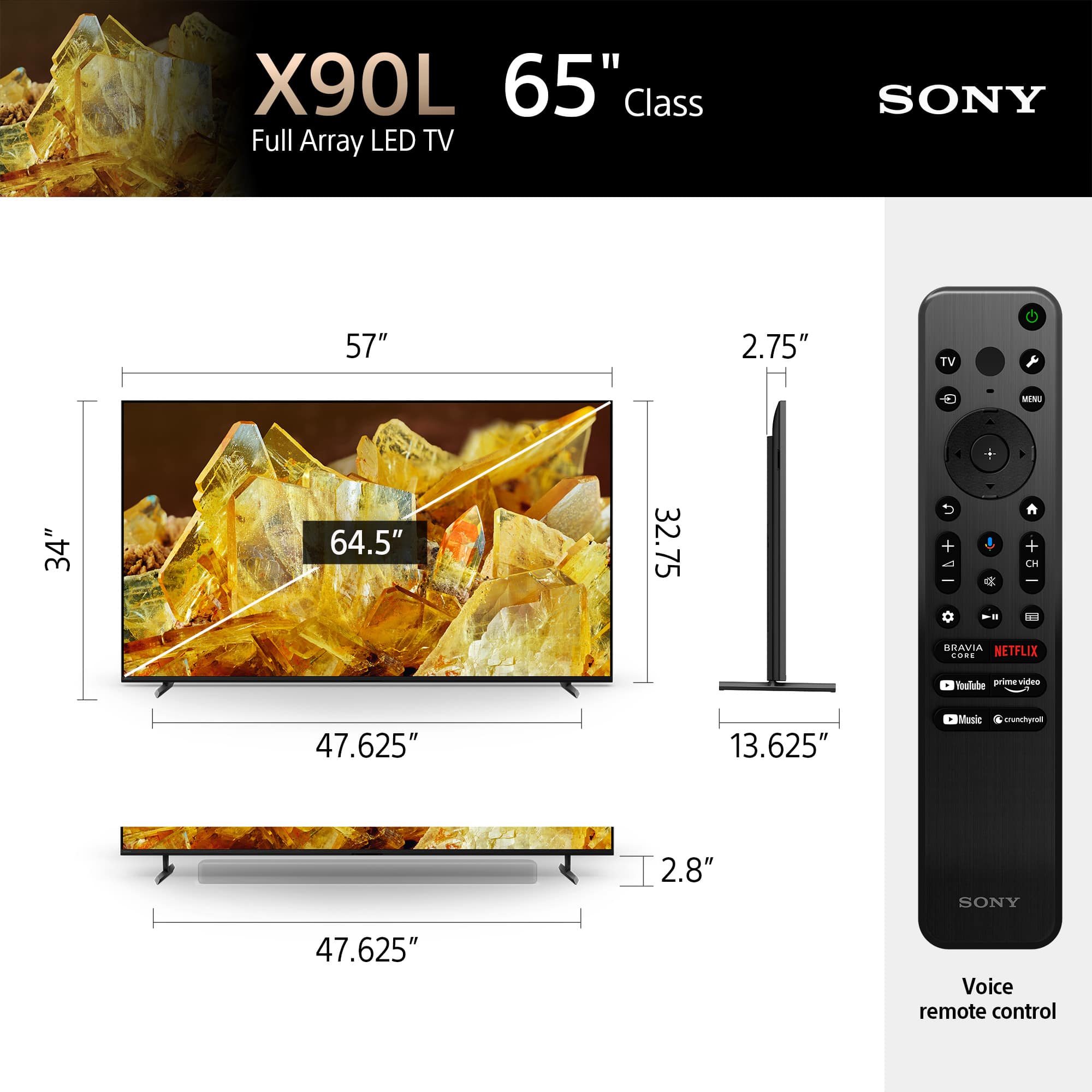
  • QuestionActual tv dimensions?

    Asked by Lata.

    • Answer Heard 65” screen is actually about 55”

      Answered by LoraS

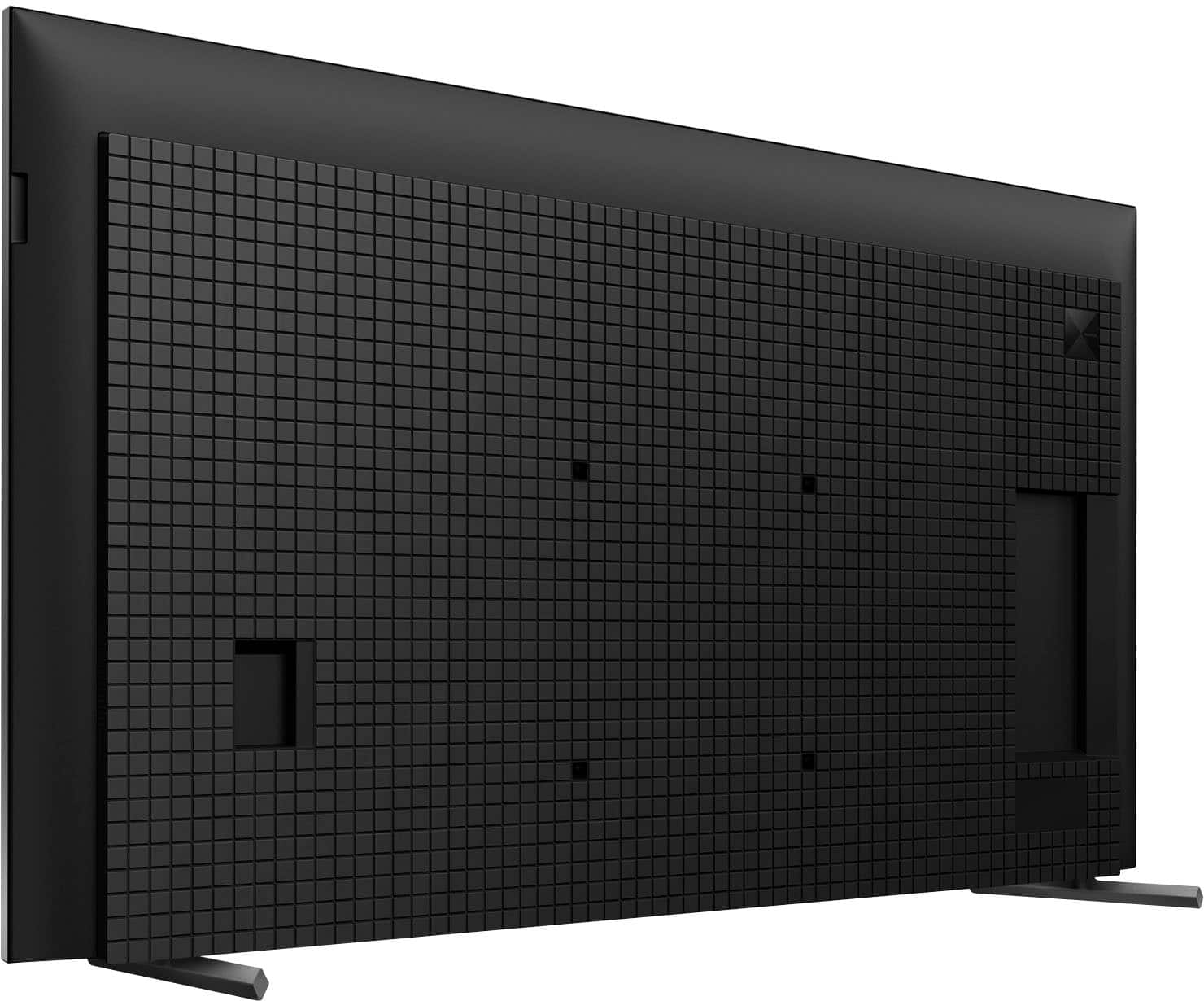
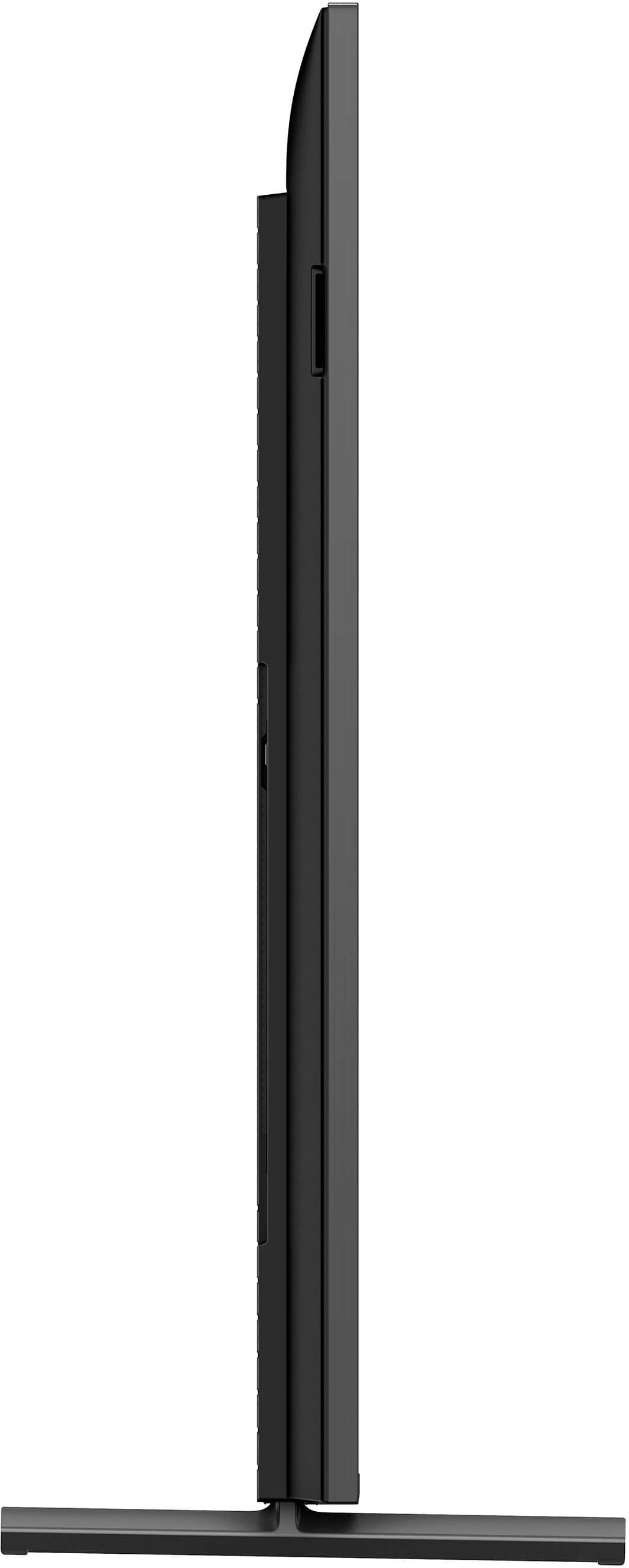
  • QuestionCan this TV be mounted on the wall

    Asked by Anonymous.

    • Answer Yes

      Answered by MickeyJ

  • QuestionI cannot get voices to play on Netflix movies thru my attached new Sony receiver. But this is only a Netflix issue. Directv, YouTube both play thru stereo speakers just fine. It it a Netflix setting issue? I get sound from Netflix. Just not human voices.

    Asked by James.

    • Answer Not sure if my response helps, but my soundbar wouldn't work with optical cord. I had to connect soundbar using HDMI Arc and all was perfect. Not sure if this would apply to a Sony receiver. Good luck.

      Answered by JanetP