A:AnswerI had this issue when I first set up my home theater system Go into your DVD player settings and turn off all audio that gives surroundsound. You want to send your tv an unaltered signal. While you are at it, change picture settings on the player to average levels also. You want your tv controls to be making these adjustments anyway
A:AnswerHi 1745, This TV is both a true 4K TV and can upscale content to near 4K clarity. You may refer to this link for more information:
https://docs.sony.com/release//specs/XBR65X850E_mksp.pdf
~Ralph
A:AnswerI have played with the settings and have it in Vivid. I still think that the store model looks better. I might just go to Best Buy and look at what they have everything set to.
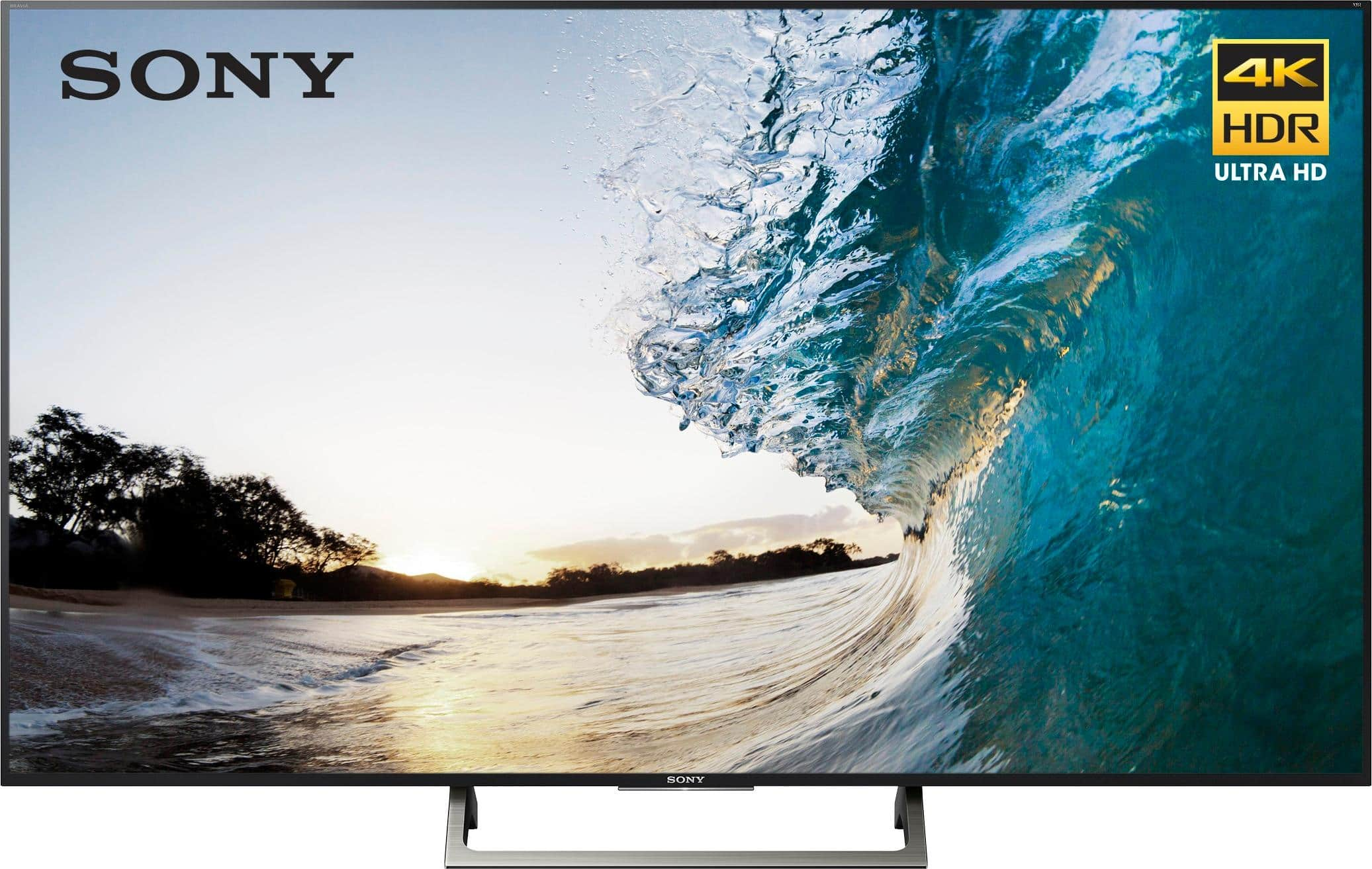
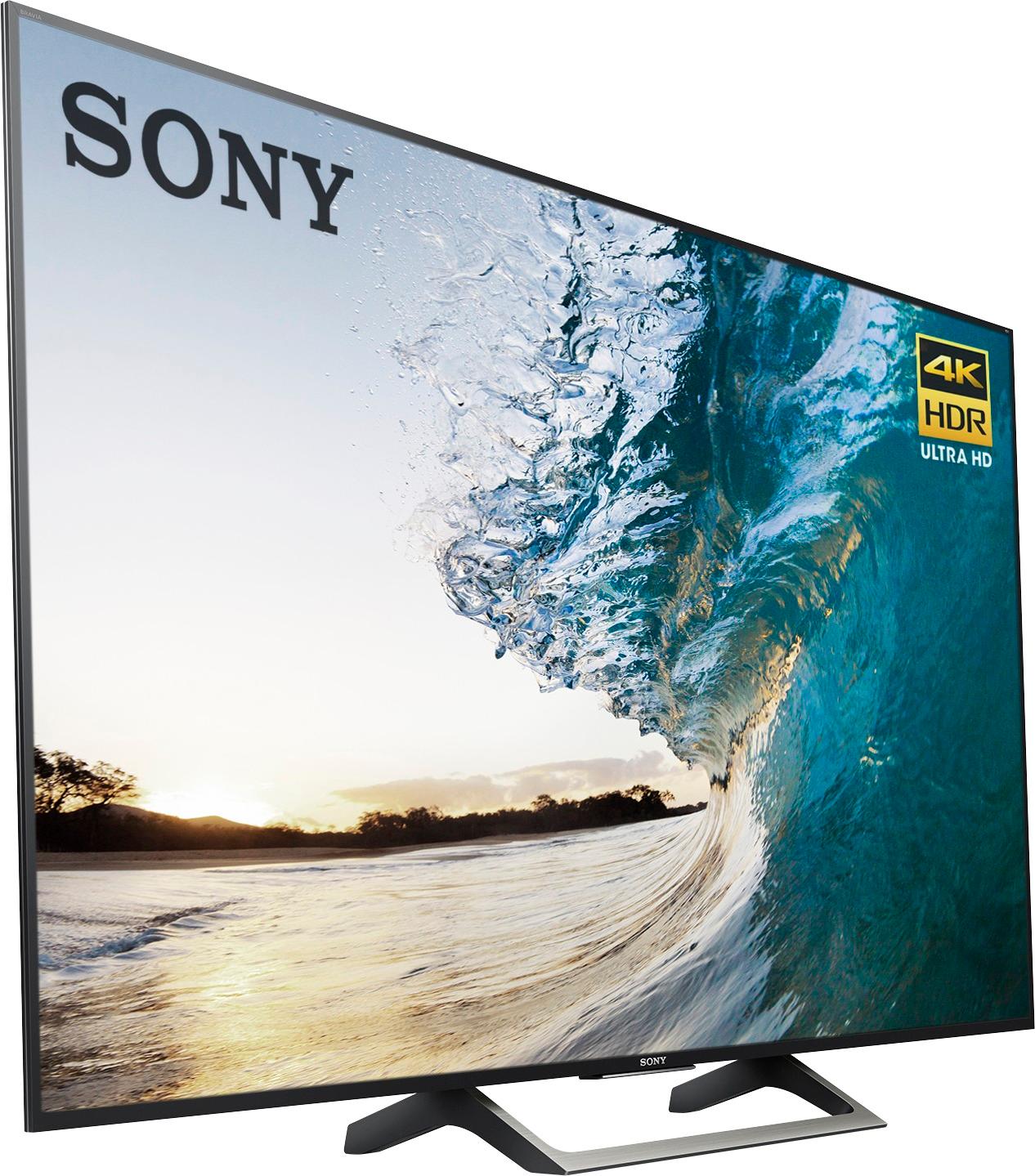
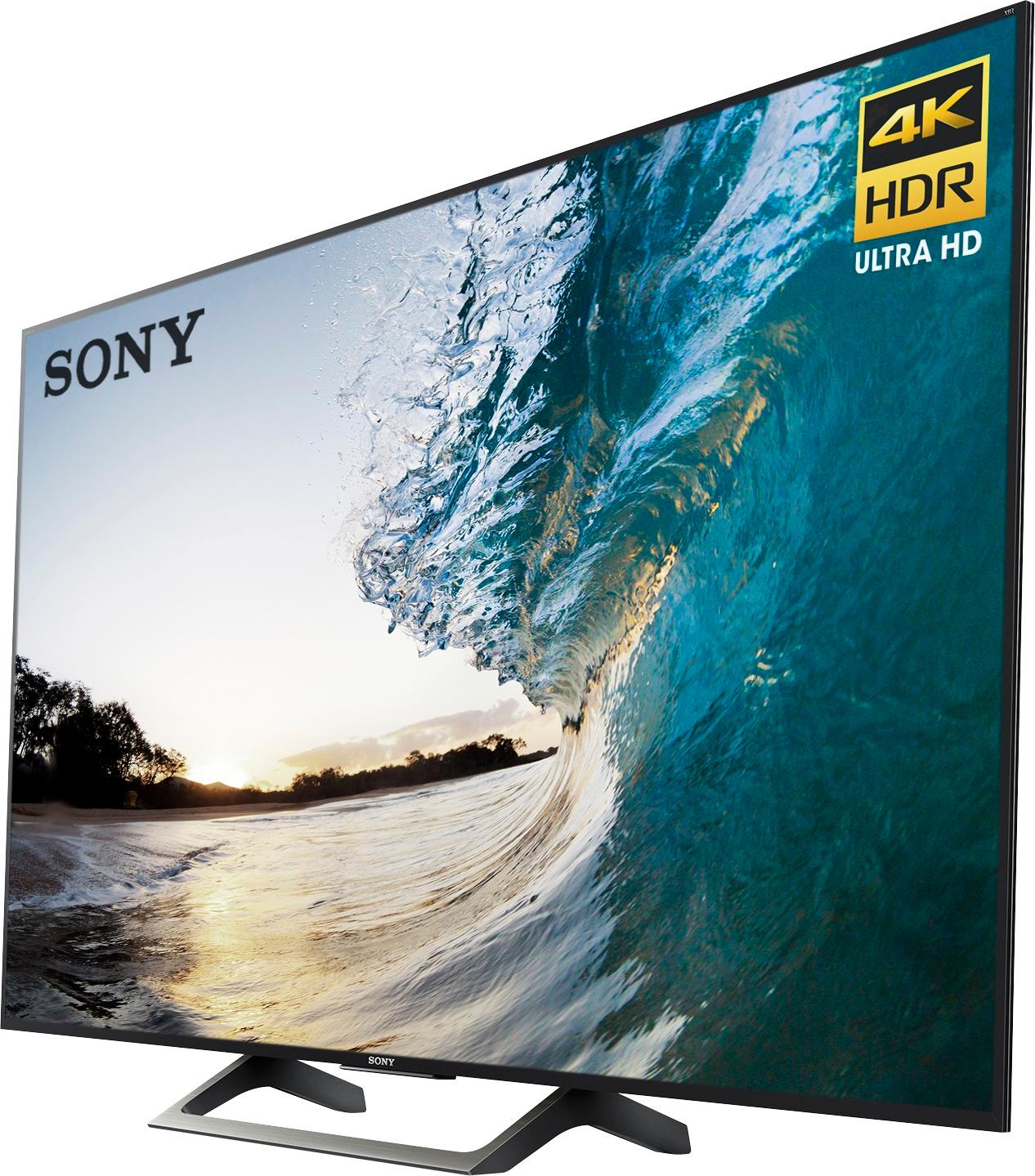
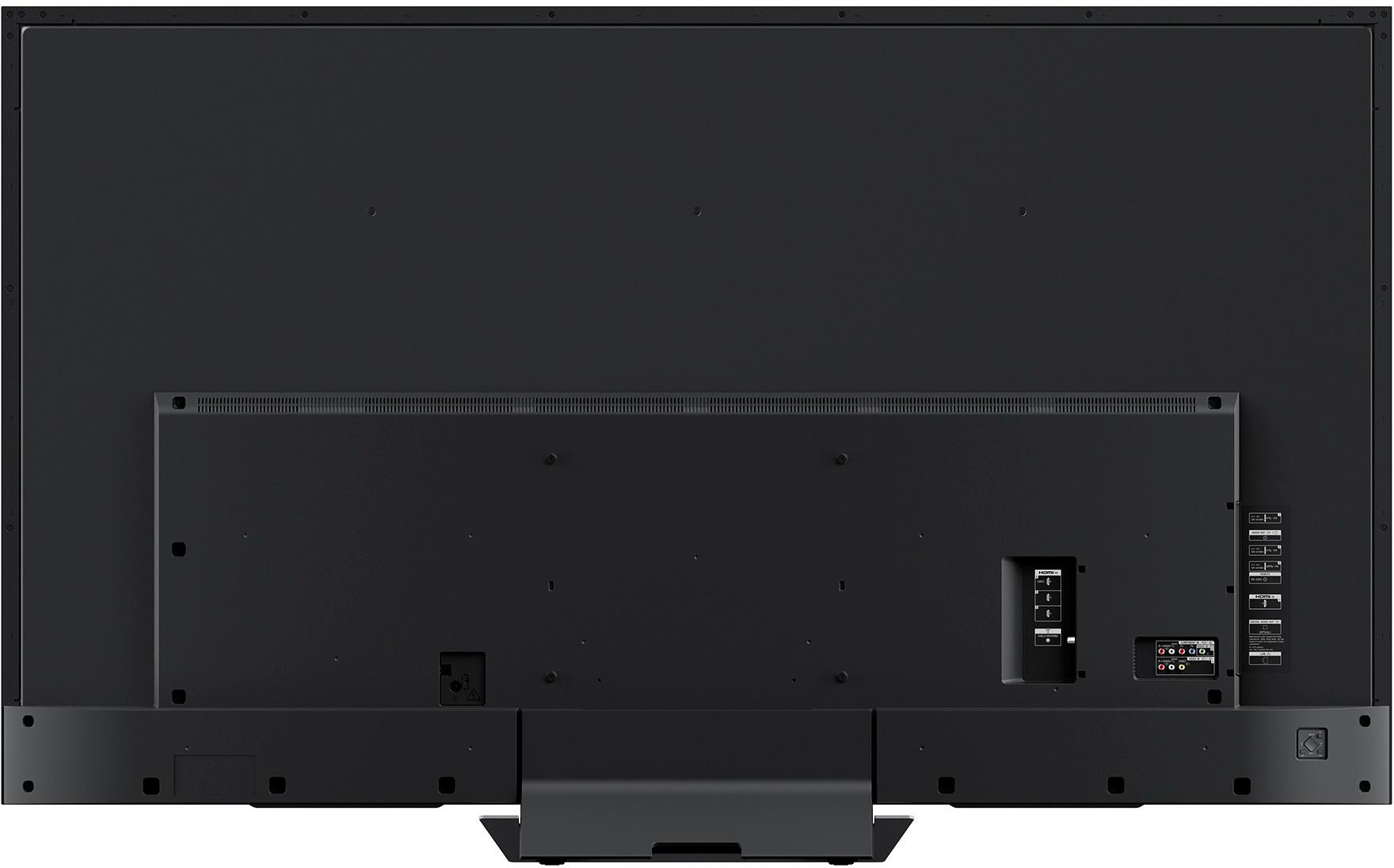
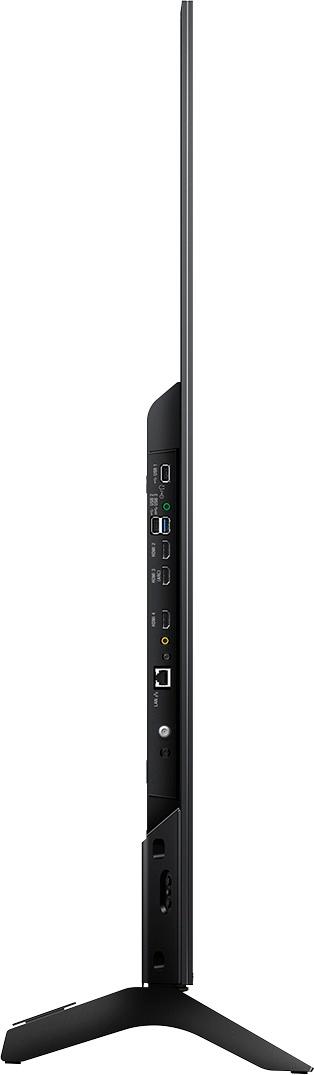
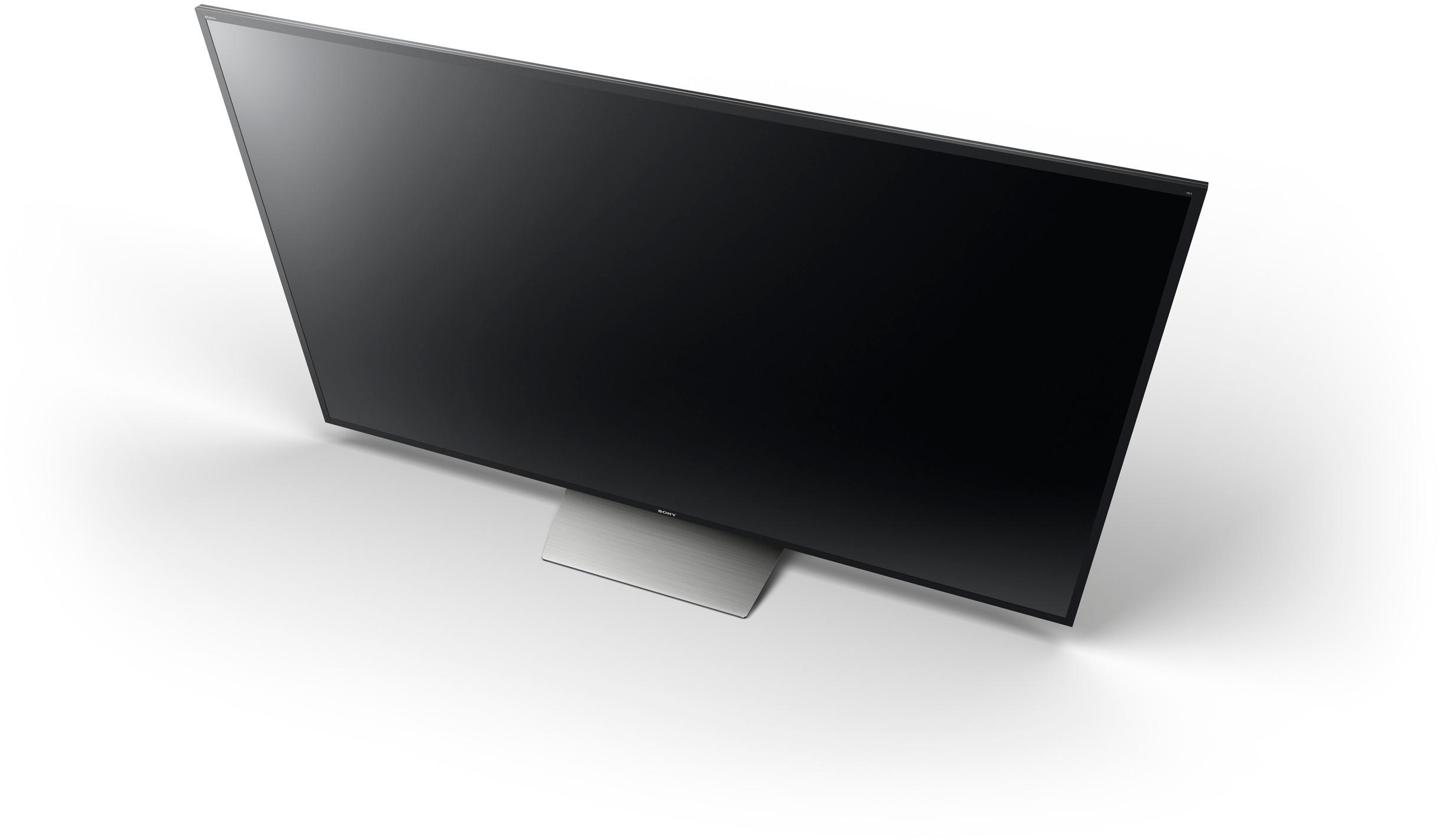
A:AnswerThe stand is 19 3/4 in. Long x 10 1/2 wide and 2 3/4 high to bottom of TV. If you want to set it on a ledge it would have to be at least 11 inches or more wide!
A:AnswerIt needs to be stood up while in transit. If they see you lay it down in your car, they’ll note it and won’t honor the return policy if something happens.
A:AnswerSorry we no longer have the box, but I can tell you the box is enough larger than the TV that we definitely would not have been able to fit it inside trunk or back seat of our Nissan Altima car. Probably would fit in a full size SUV though
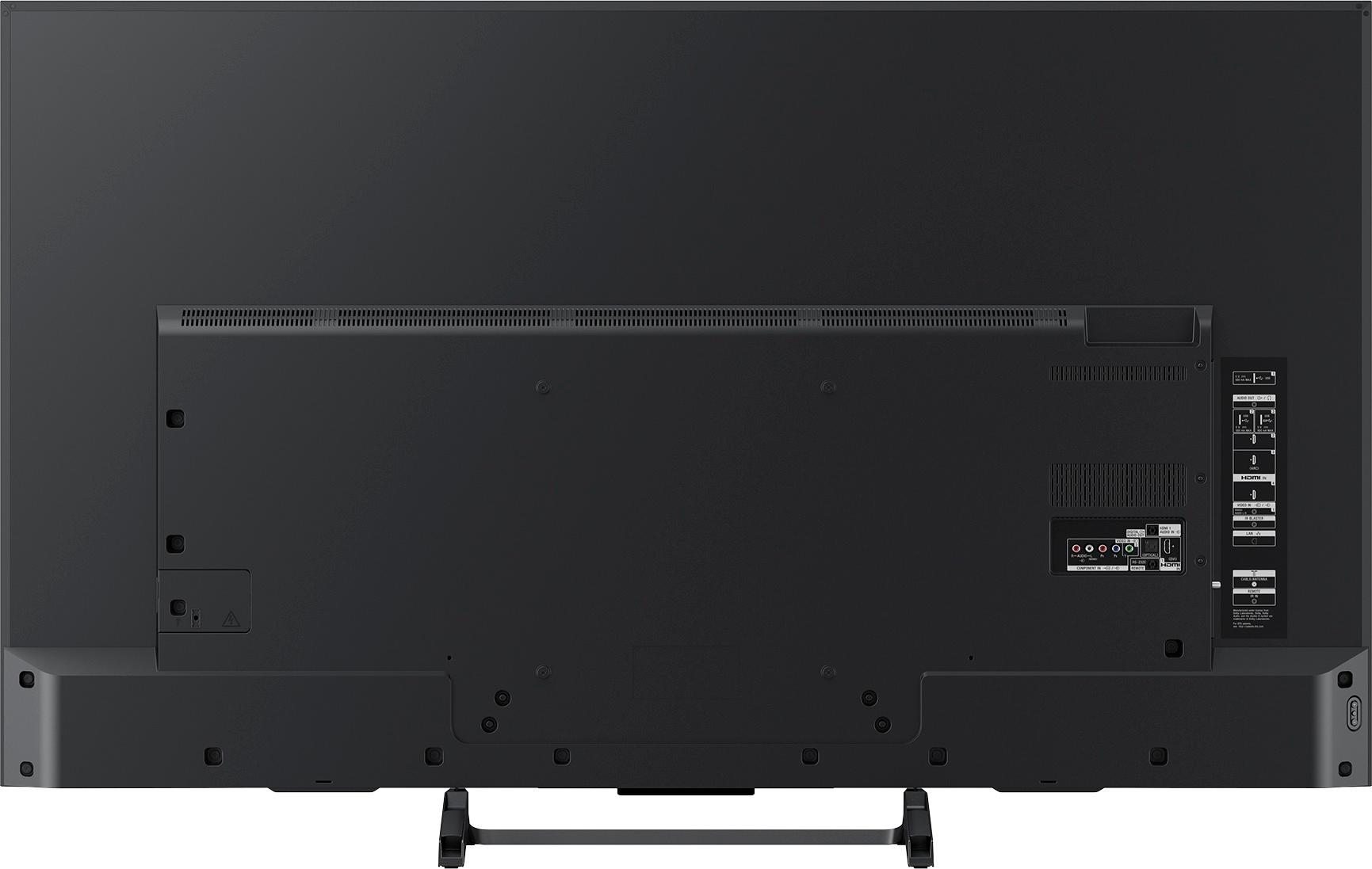
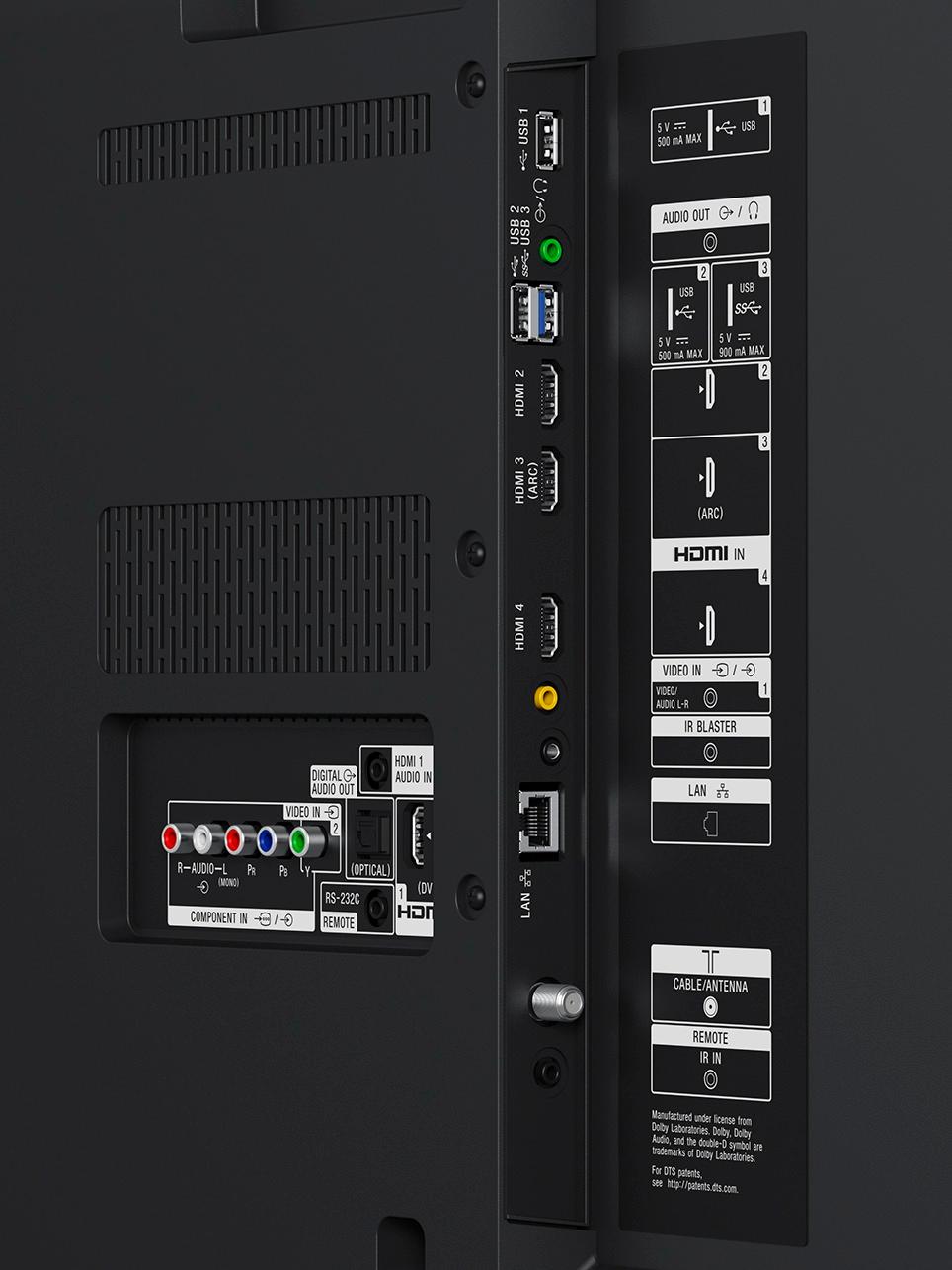
A:Answerno it does not, I used a y cable with RCA ends from the head phone jack. in the settings you can choose to have the tv speakers work or not work with the head phone in use