A:AnswerHi Scubaguy, Thank you for reaching out to us, to disable the "Daydream or Sleep mode" of your TV, please click this link for instructions: https://www.sony.com/electronics/support/articles/00147426. ~Zac
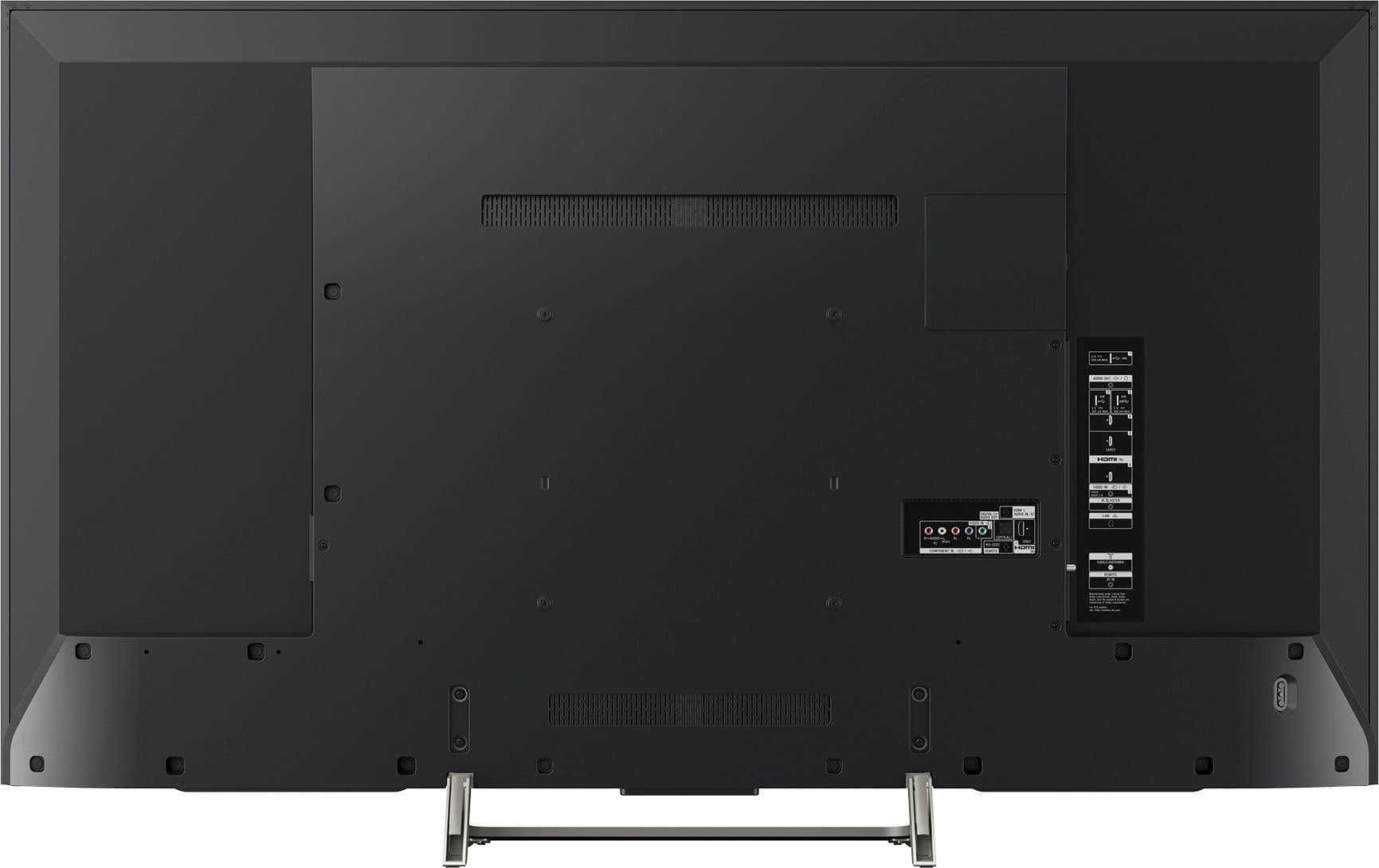
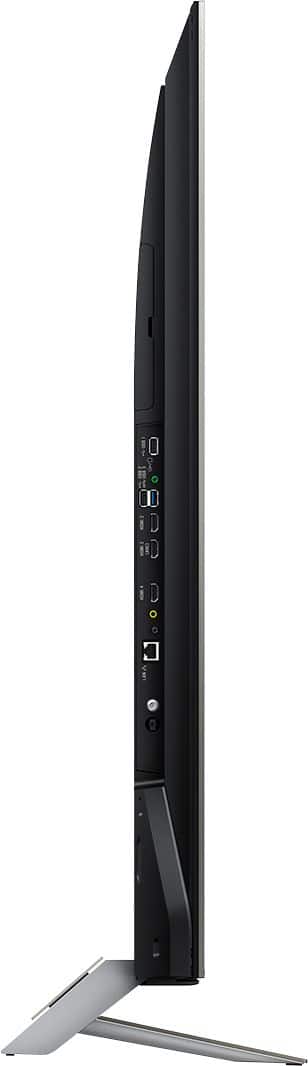
A:AnswerI had the same problem at first - mine was not plugged-in tight enough. Simple solution, but I worked and worked - finally I pushed in the round plug where the sound bar was, and boom. May not help you, but did the trick for me. It's worth a check.
A:AnswerHi sami, no, we recommend purchasing the TV to the region to where it will be used. The power requirement of our TVs outside the US is AC 110-240V, 50/60Hz. Thanks, -Mark
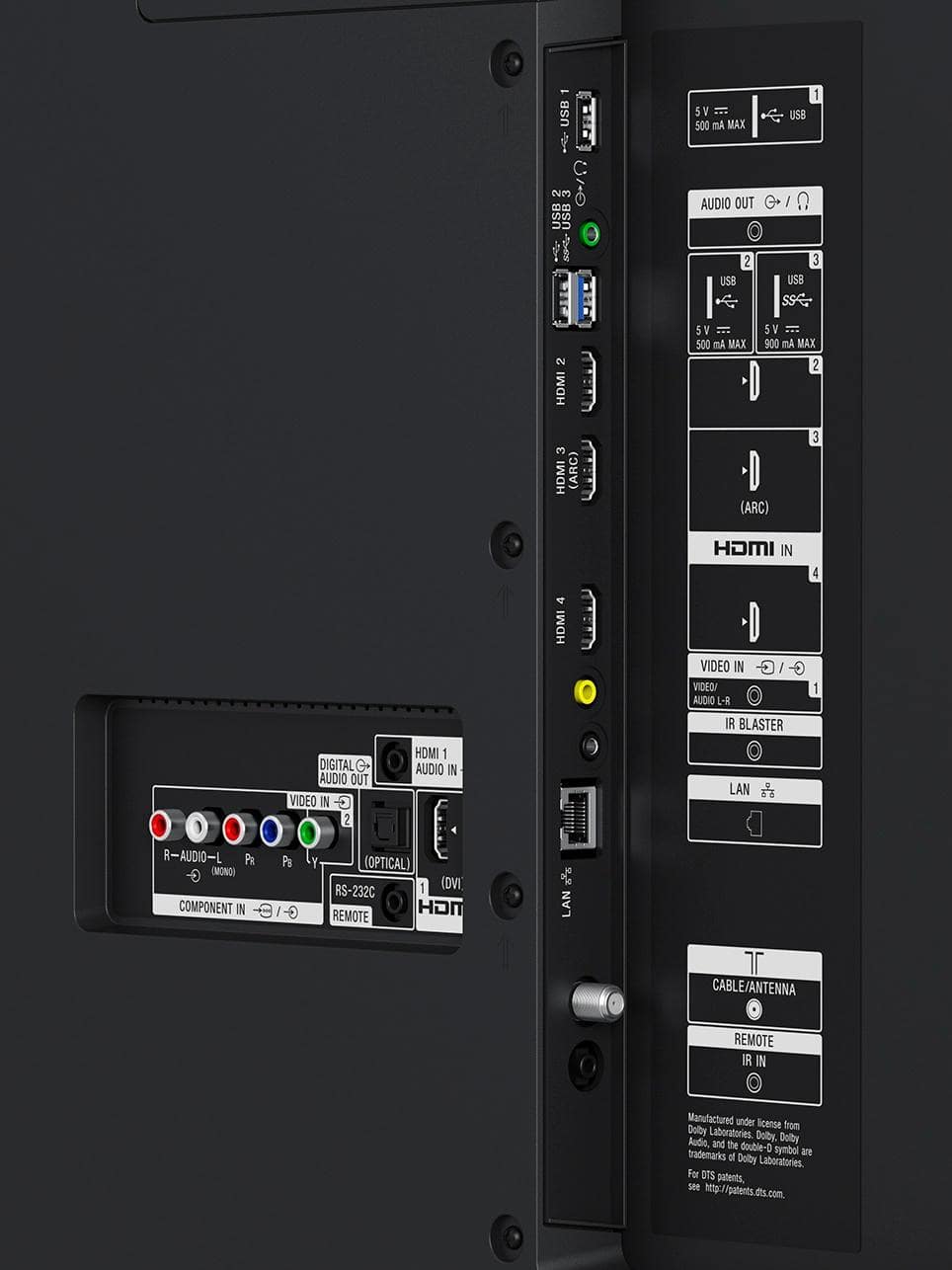
A:AnswerYou need to plug in a keyboard and mouse into the tv via the USB ports so that you can click on the address bar to type into it. Google chrome is not officially built for android tv as you have to side load it onto the tv to get it on there in the first place.
A:AnswerHi VKS, You may download a third party web browser through Google Play. Only compatible apps will be available. You may refer to this link for more information:
https://www.sony.com/electronics/support/articles/00121075
~Ralph
A:AnswerYes. Just press the TV button next to ACTION MENU button on the remote. I have DISH and it goes back to TV. It shouldn't matter, but I have DISH in HDMI 2. Hope this helps.
A:AnswerI had the same problem. I could not justify the difference in price as I could hardly tell the difference in picture quality. I am extremely happy with the 900.