
Main Content

Questions & Answers

Your price for this item is $598.00
The comparable value price is $699.99
Page Showing 1-20 of 41 questions
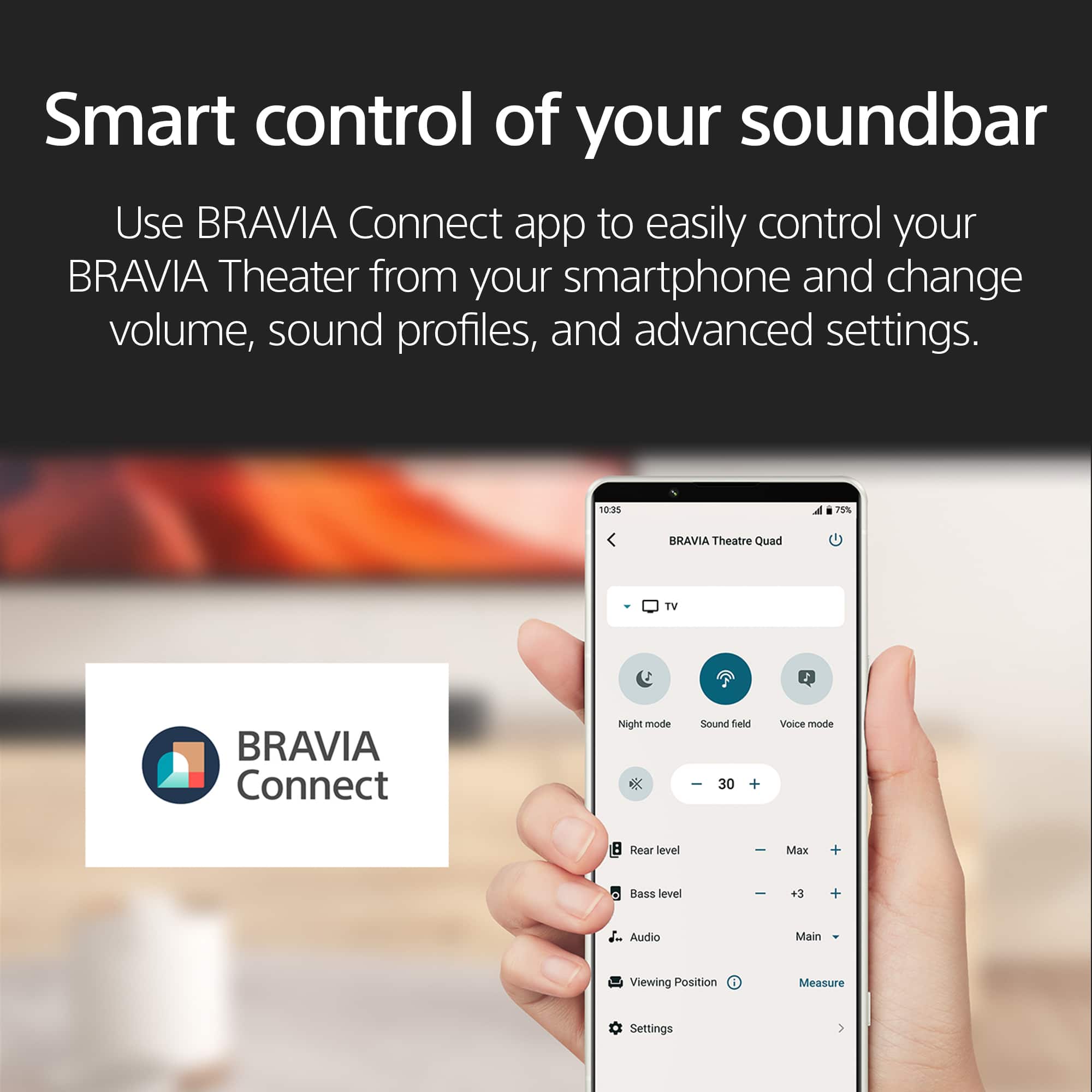
  • QuestionHow can I control the soundbar settings?

    • Answer You can control the soundbar settings through the BRAVIA Connect app on your smartphone, or if paired with a compatible BRAVIA TV, you can adjust settings through the TV's Quick Settings menu.
    This question and answer was generated by AI based on customer and product data.

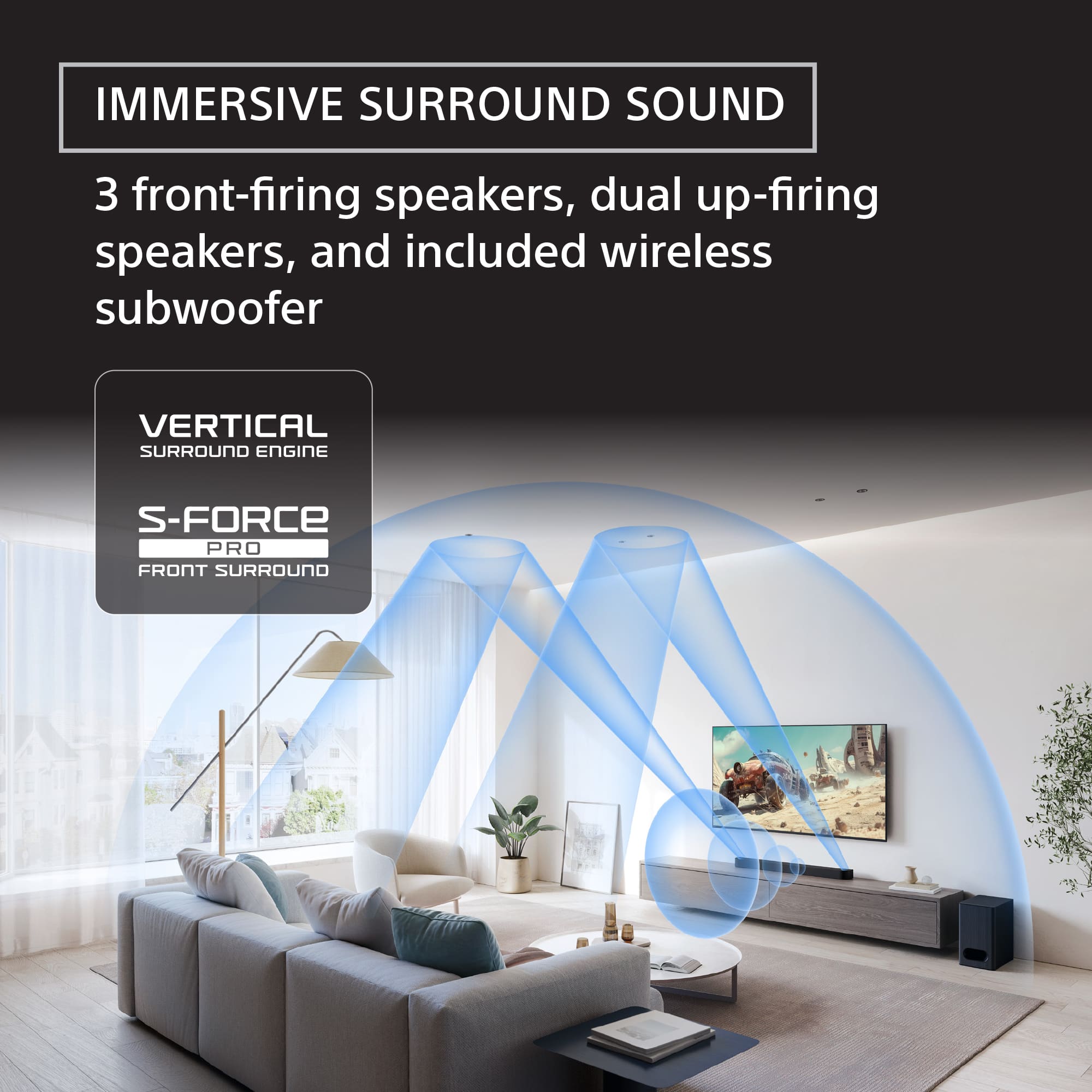
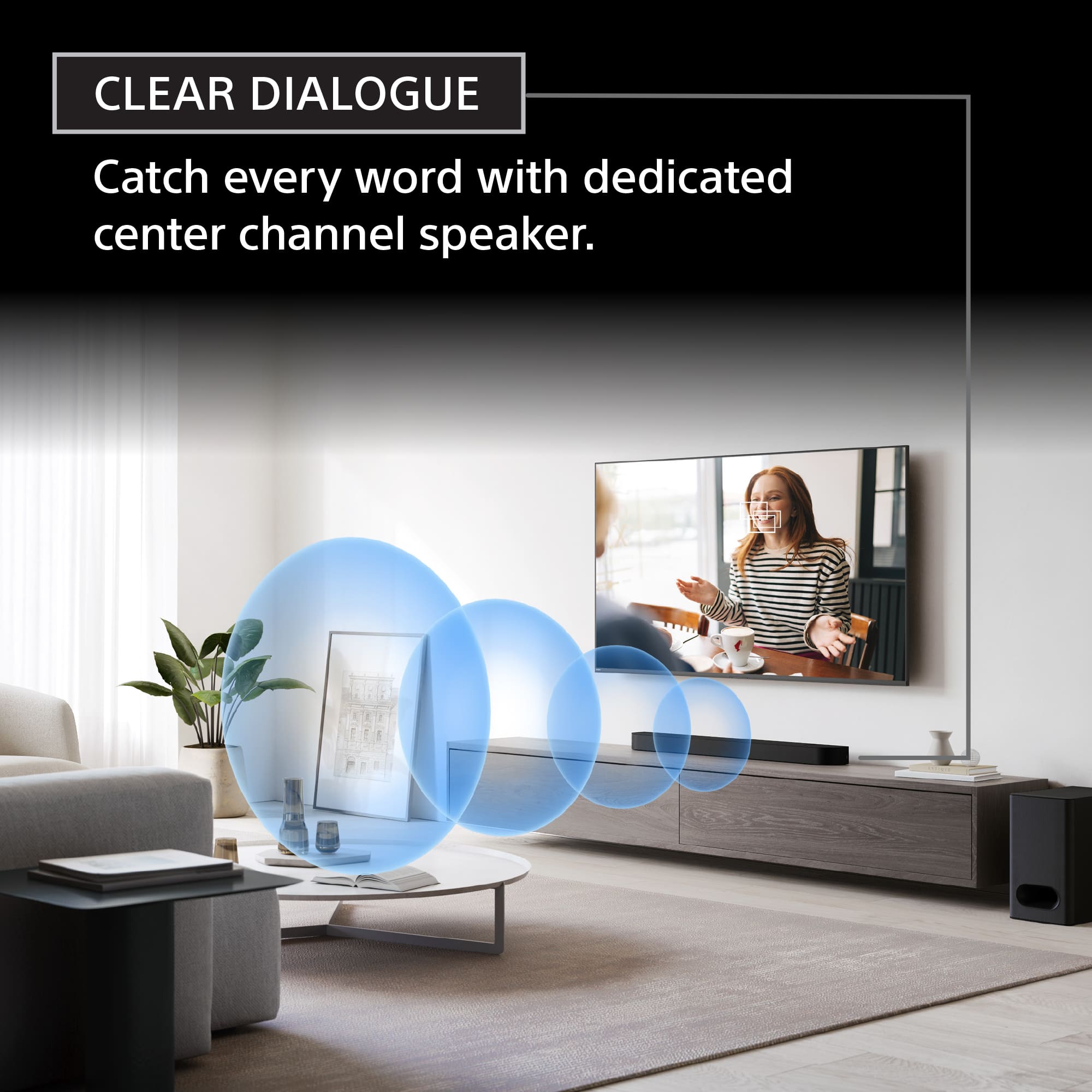
  • QuestionWhat is the function of the center speaker?

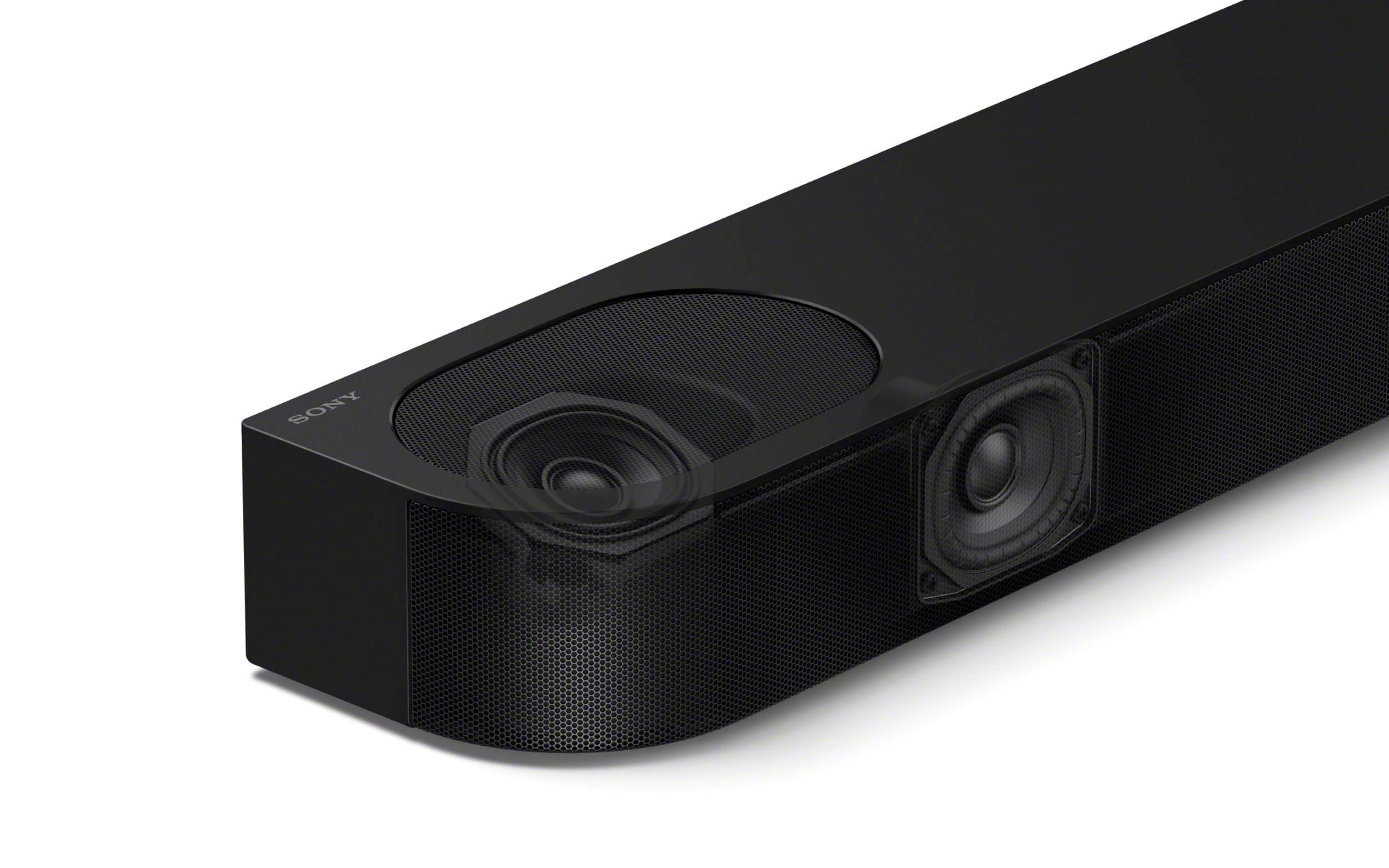
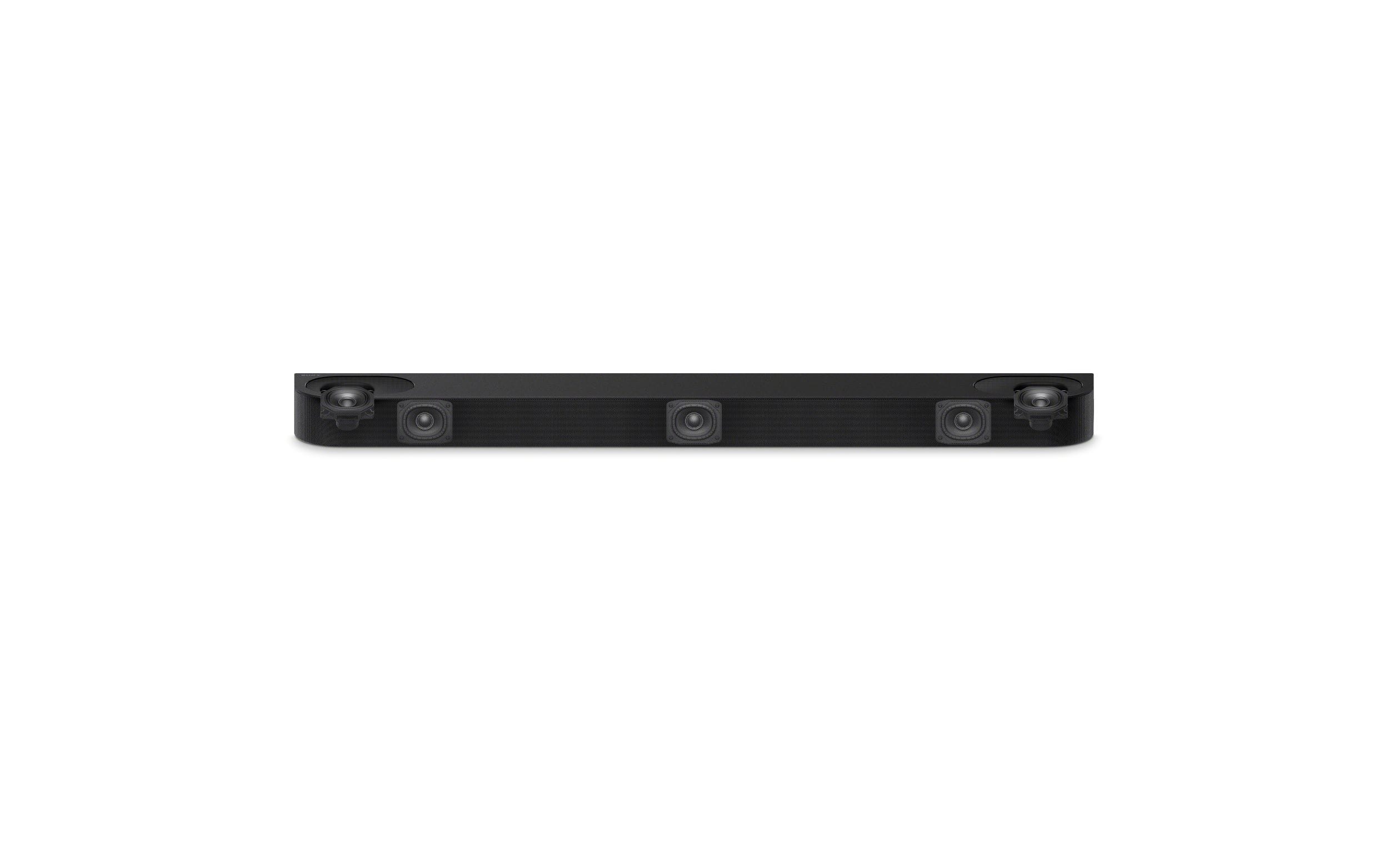
    • Answer The dedicated center channel speaker ensures clear voice reproduction, allowing you to hear dialogue clearly.
    This question and answer was generated by AI based on customer and product data.

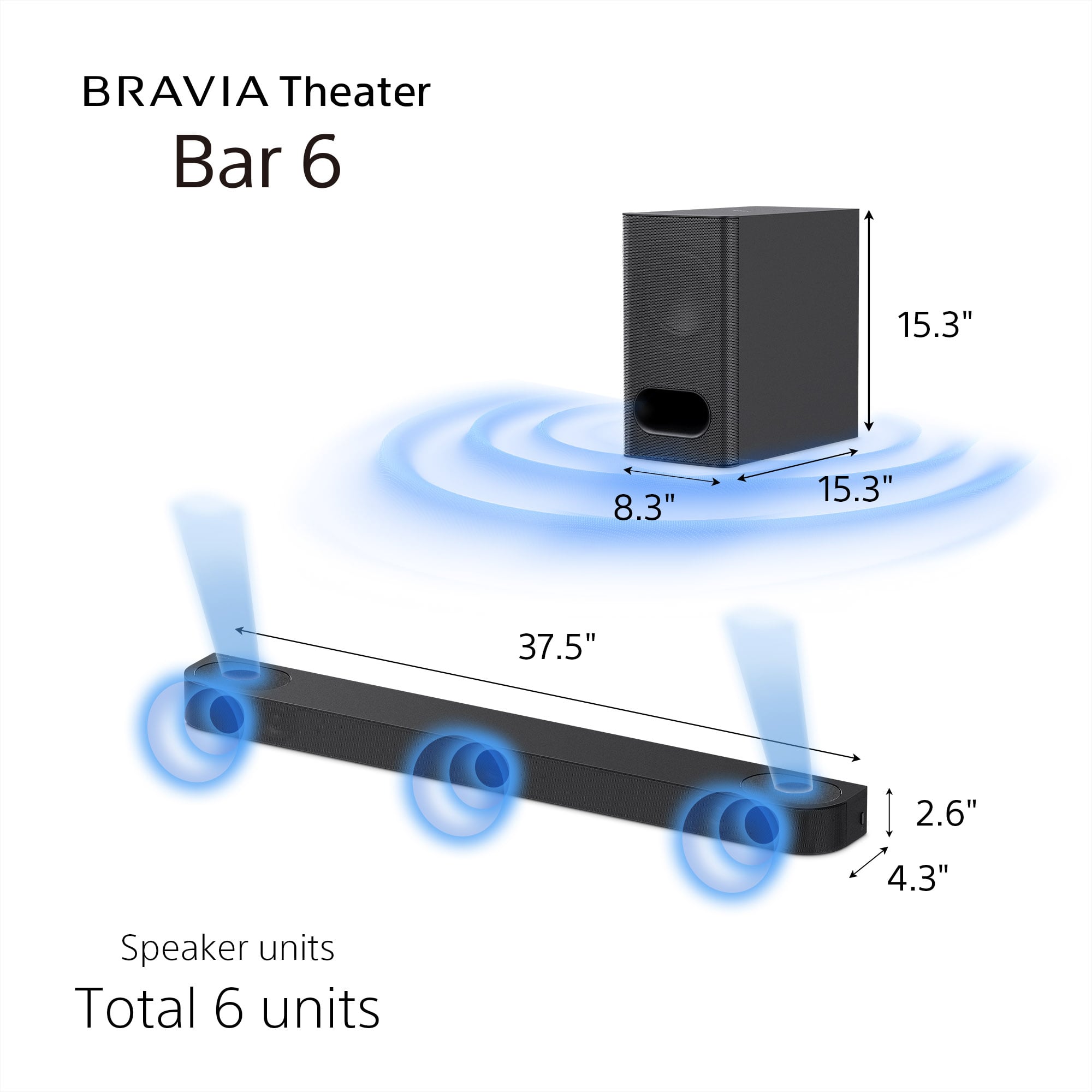
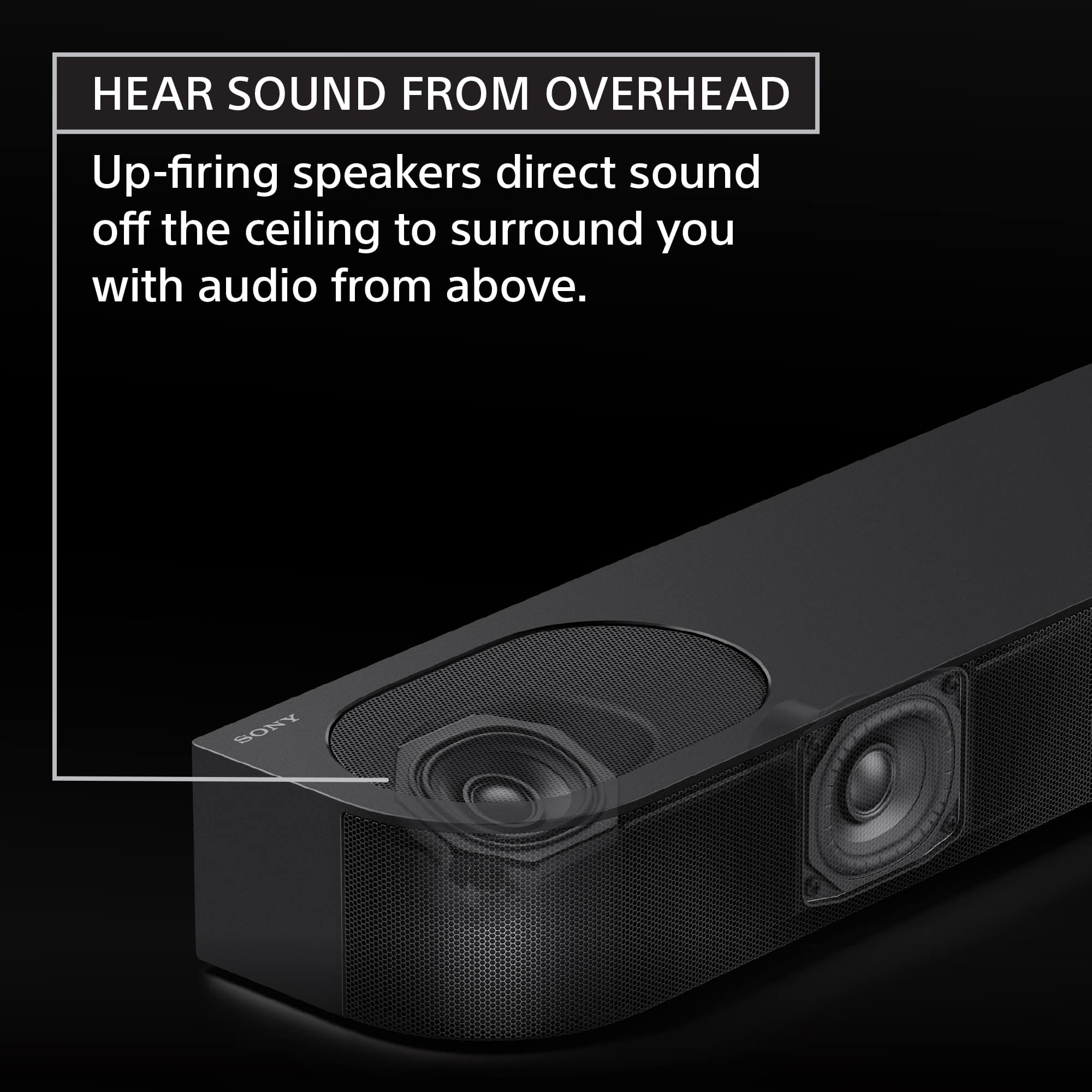
  • QuestionHow many speakers does the Bravia Theater Bar 6 have?

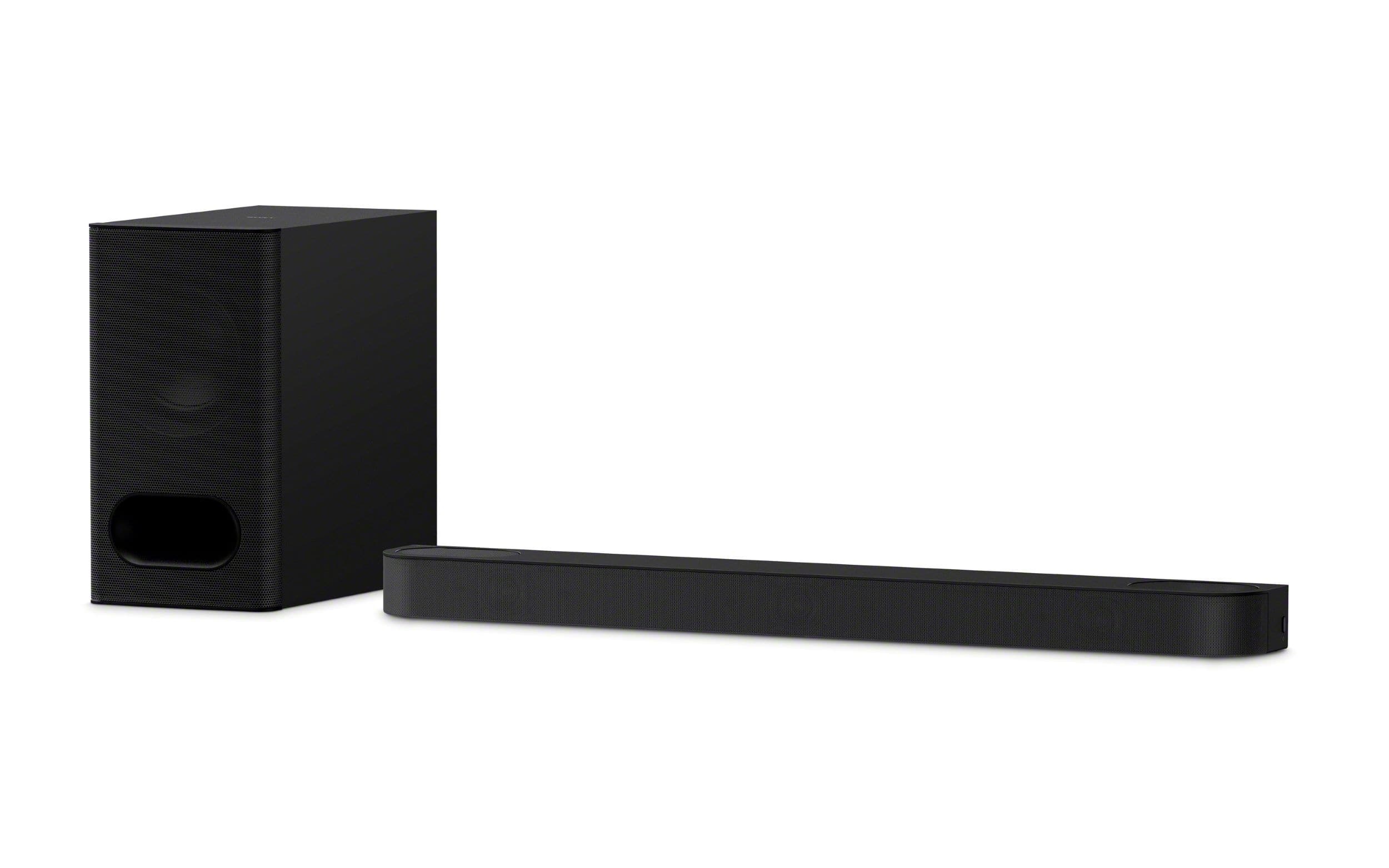
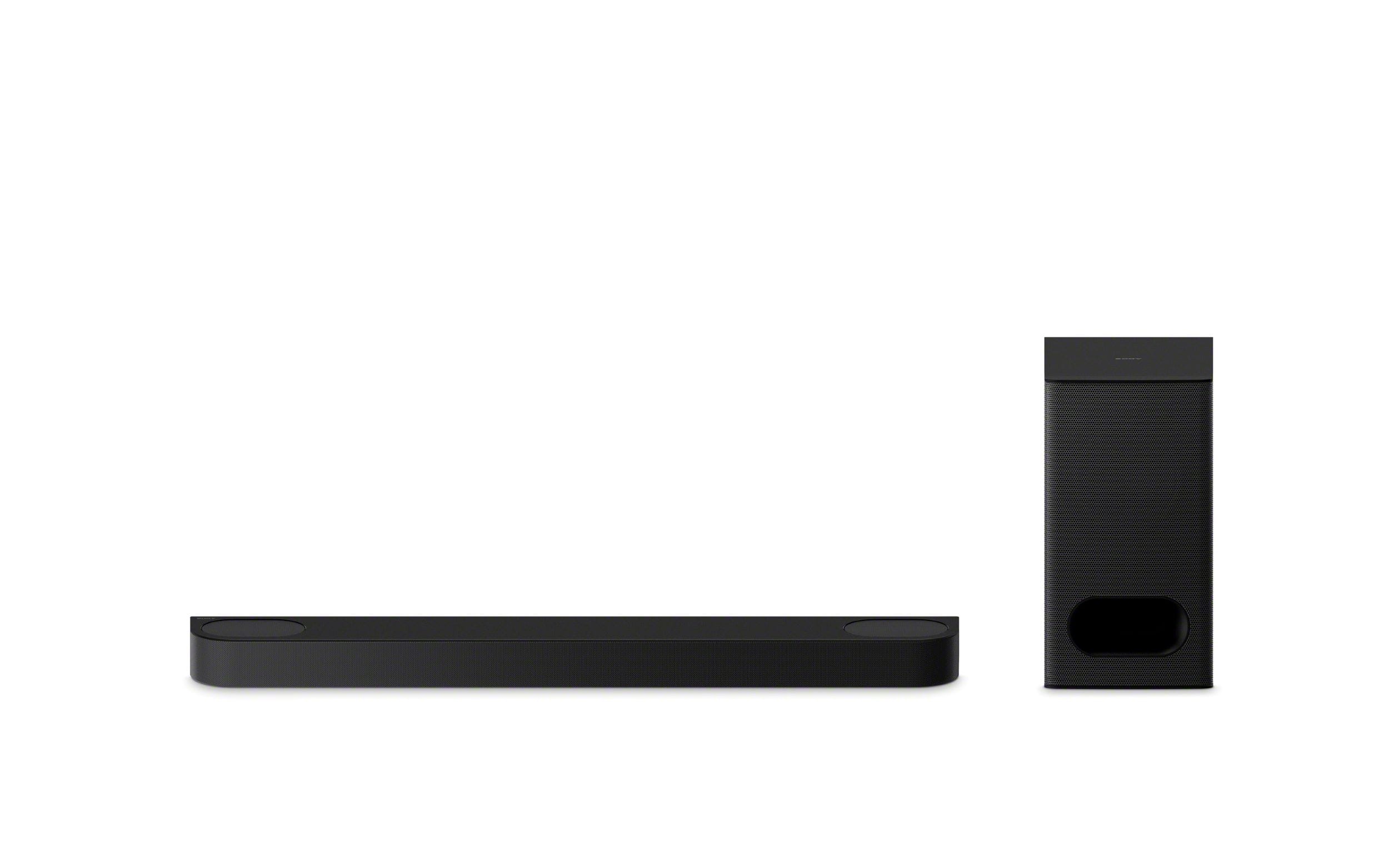
    • Answer The Bravia Theater Bar 6 features six total speakers, including the subwoofer.
    This question and answer was generated by AI based on customer and product data.

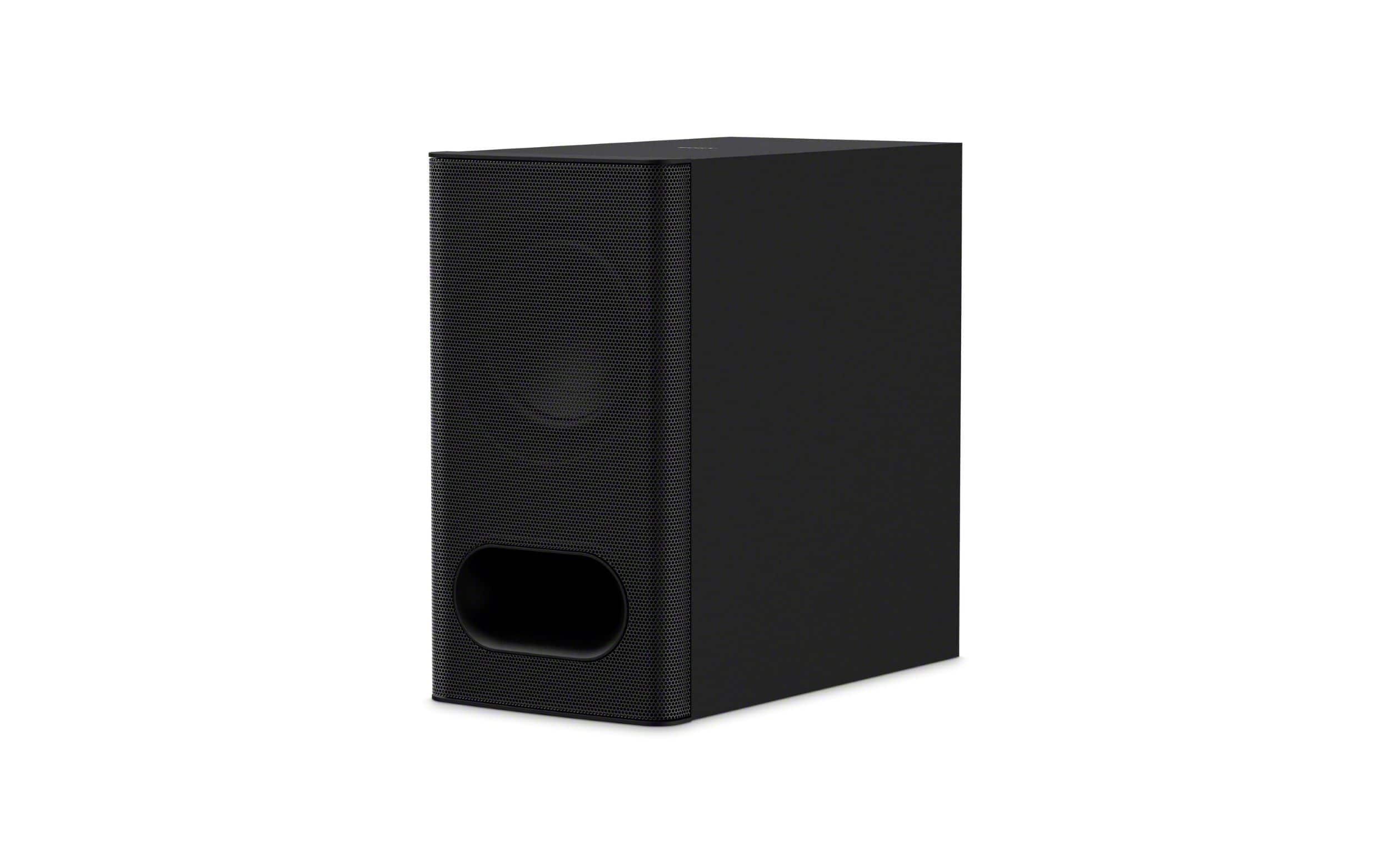
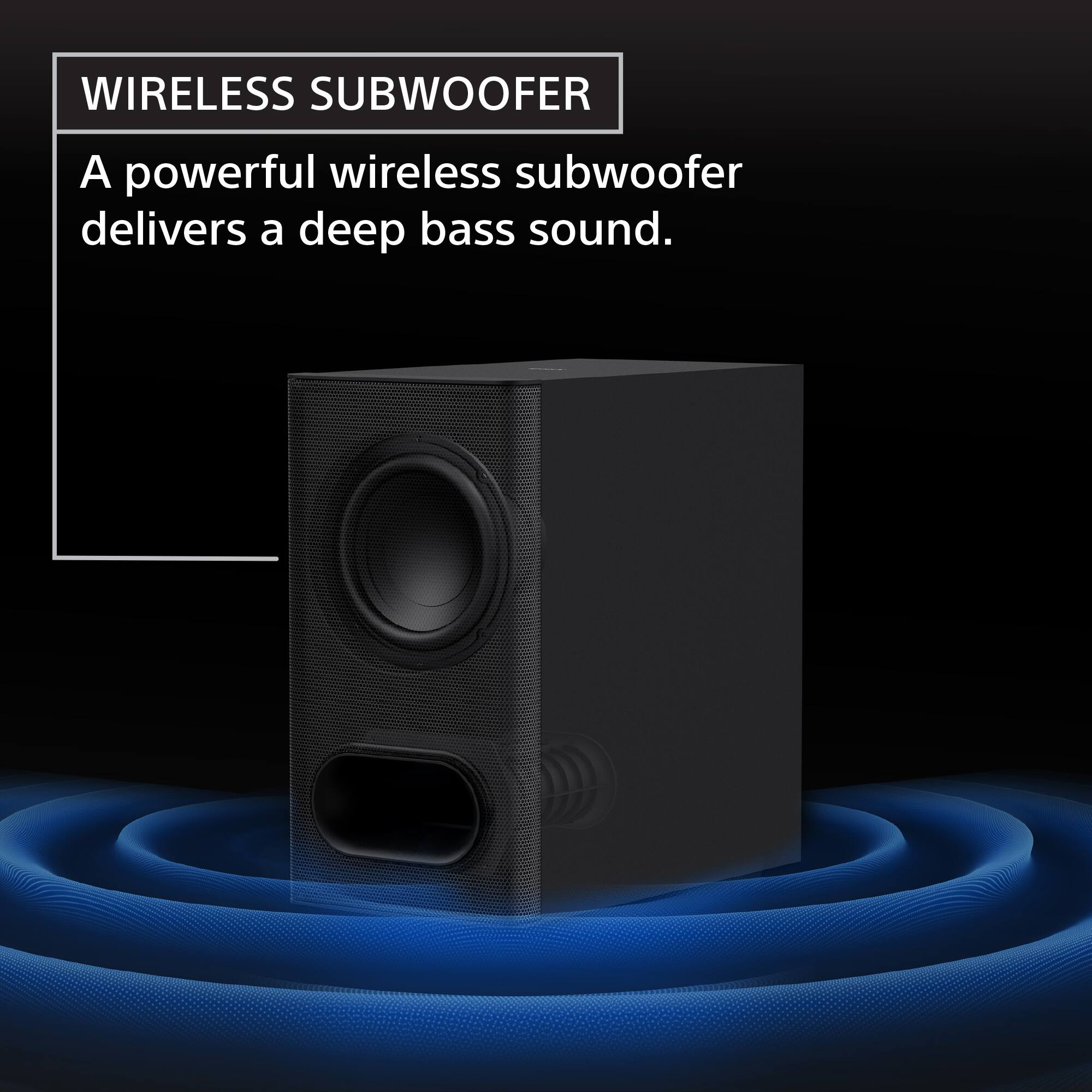
  • QuestionDoes this soundbar include a subwoofer?

    • Answer Yes, a subwoofer is included with the soundbar.
    This question and answer was generated by AI based on customer and product data.

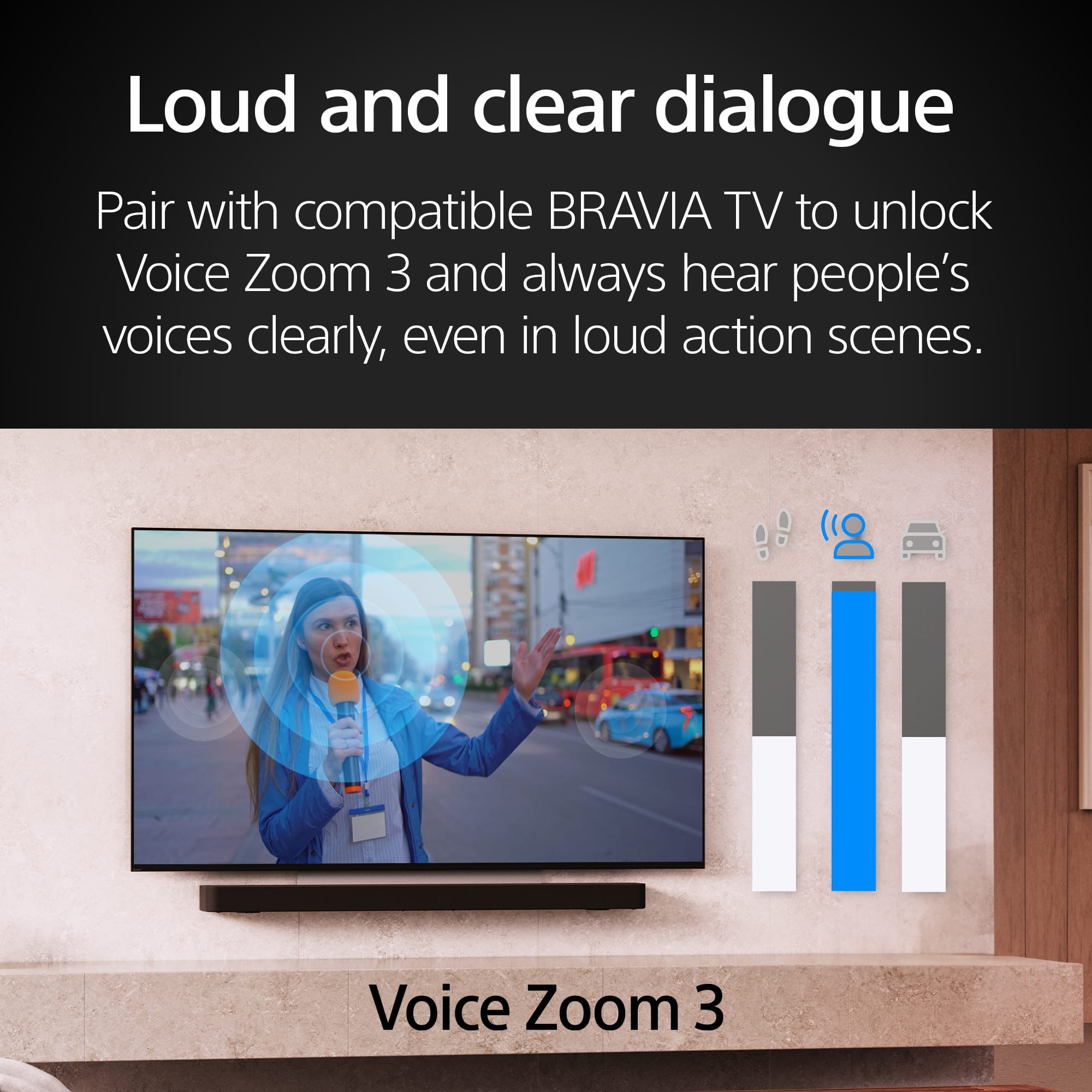
  • QuestionDoes the Bar 6 have a voice mode for clear dialog?

    • Answer Yes, the Bar 6 has a dedicated center channel and voice mode for clear dialog.
    This question and answer was generated by AI based on customer and product data.

  • QuestionCan I stream music wirelessly to this soundbar?

    • Answer Yes, you can stream music wirelessly using Bluetooth technology from your smartphone or other Bluetooth-enabled devices.
    This question and answer was generated by AI based on customer and product data.

  • QuestionWhat sound formats does this soundbar support?

    • Answer This soundbar supports Dolby Atmos and DTS:X sound formats.
    This question and answer was generated by AI based on customer and product data.

  • QuestionIs everything i need to set this up in the box?

    Asked by Debbie.

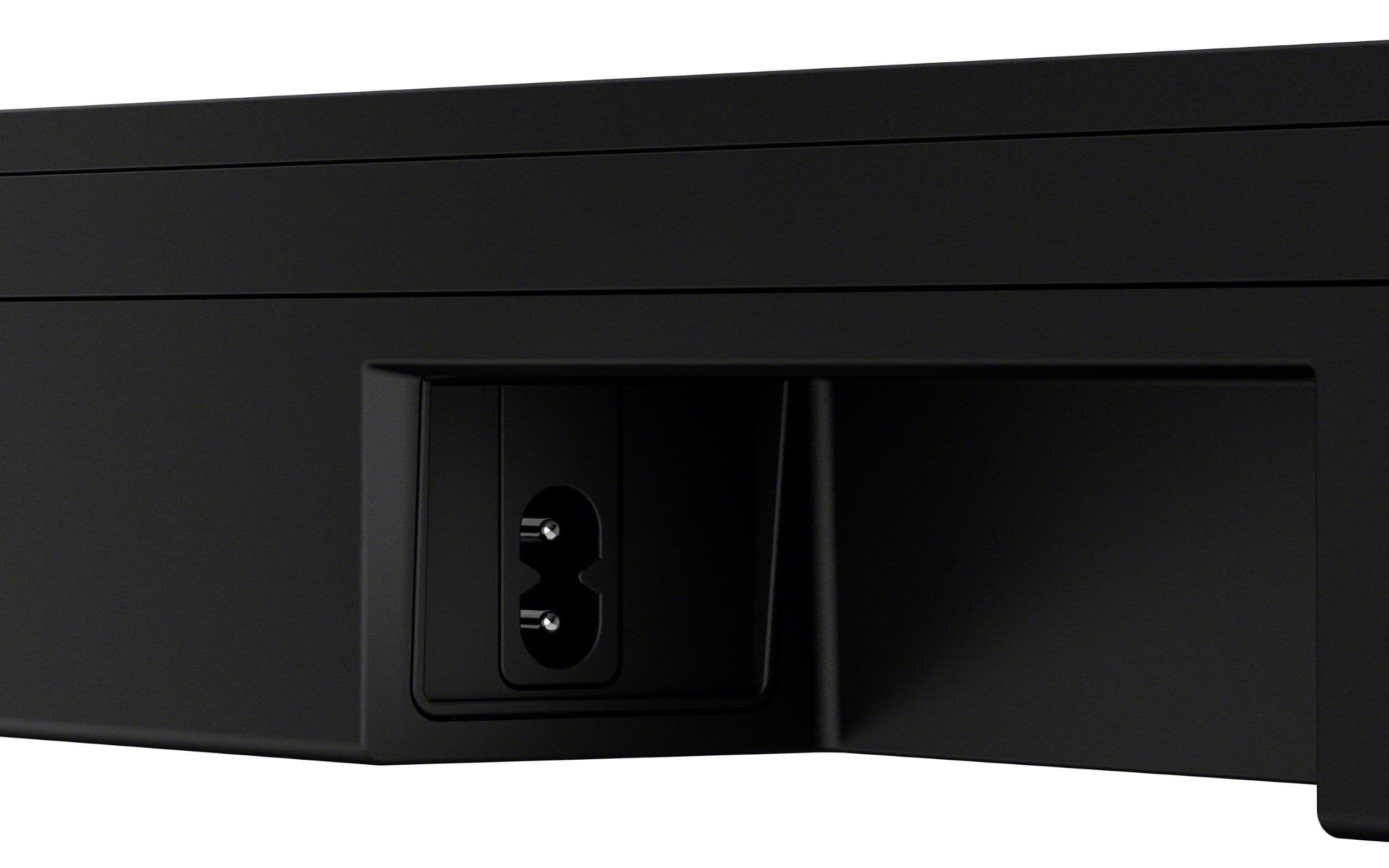
    • Answer HI Fourpaws, Yes, the box includes the soundbar, subwoofer, HDMI cable, power cords, and remote—everything needed for a standard setup. We've ensured you can get started right away. Thanks for choosing Sony. Best regards, Eliab

      Answered by SonyListens

  • QuestionI got a Denon AVR-X2800H receiver, with the intent of eventually adding two rear speakers to upgrade a 6.1 system to a 7.1. I am currently looking for a new Atmos enabled subwoofer and center speaker. Will these work in a 7.1 system or is it standalone?

    Asked by JohnM.

    • Answer Hi Morg, Thank you for your question! The Sony BRAVIA Theater Bar 6 is designed as a standalone, self-contained audio system and is not compatible with external AV receivers like your Denon AVR-X2800H. Because this soundbar has its own built-in amplification and processing specifically tuned for its included wireless subwoofer and internal drivers, it lacks the standard "passive" speaker inputs required to connect to a traditional receiver's speaker terminals. In a typical home theater setup, an AV receiver acts as the "brain" that distributes power to individual speakers; however, the Bar 6 is its own "brain" and expects to be connected directly to a TV. We hope you find this information helpful, and thanks for considering Sony! Regards, Dominick

      Answered by SonyListens

  • QuestionWhat are the dimensions of the soundbar

    Asked by TKT1.

    • Answer Hello TKT1, Thank you for choosing Sony! We appreciate your question and are here to assist you. The Sony HTB600 soundbar has the following dimensions: - Soundbar: 37.4 x 2.5 x 4.3 inches (950 x 64 x 110 mm) - Subwoofer: 8.3 x 15.3 x 15.3 inches (210 x 388 x 388 mm) For more comprehensive product details and technical specifications, please visit the official product page: https://www.sony.com/electronics/support/sound-bars-home-theater-systems-sound-bars-surround-speakers/ht-b600/specifications Best regards, -Fred

      Answered by SonyListens

  • QuestionDoes this have a Optical connection?

    Asked by Dj.

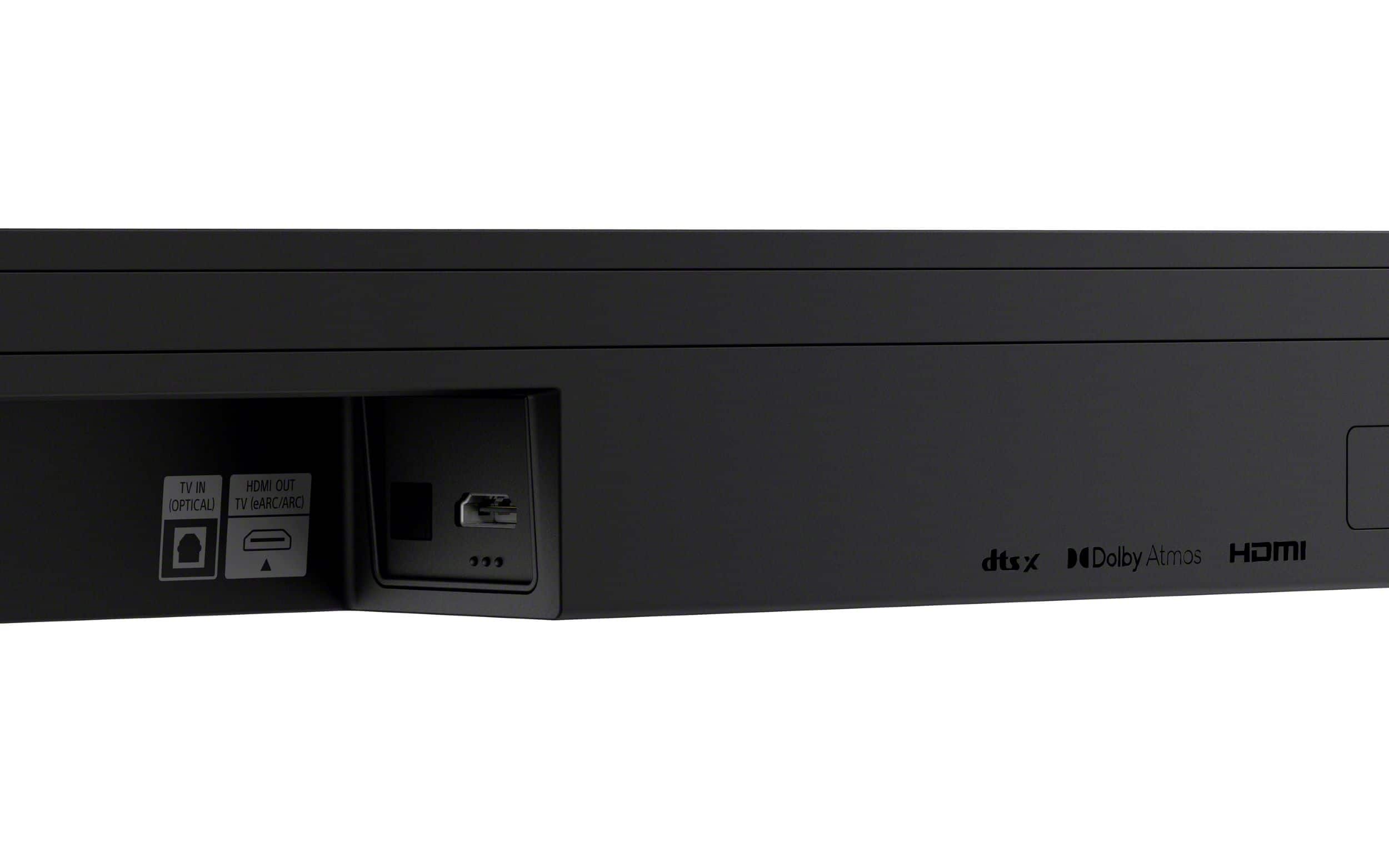
    • Answer Hi Dj! Thanks for your interest in our product. We can certainly help you with that! To answer your question, yes, the HT-B600 soundbar does come with an optical connection. So if you want to hook it up using an optical cable for high-quality audio, you’re all set! If you’d like to learn more about this, feel free to check out the following link, we put together extra details there that might be helpful: https://helpguide.sony.net/ht/2088/v1/en/contents/011_Connecting_to_a_TV_2088.html We really appreciate you thinking of Sony for your purchase! Best regards, Estefany

      Answered by SonyListens

  • Questionexplain tv in (optical)

    Asked by lefty.

    • Answer Hi lefty, thank you for contacting us! We're delighted to assist you with your inquiry about the Bravia Theater Bar 6! The TV IN (optical) on the HT-B600 refers to a digital audio input that allows you to connect your TV to the HT-B600 soundbar system using an optical audio cable. The TV IN (optical) offers a high-quality, interference-free digital audio connection for clear, enhanced sound and surround capabilities. To set up this configuration, simply connect one end of the optical cable to your TV's optical audio output and the other end to the "TV IN (Optical)" port on the HT-B600. For detailed instructions, please visit the following link: https://helpguide.sony.net/ht/2088/v1/en/contents/011_Connecting_to_a_TV_2088.html?search=optical Thanks for considering Sony products. We truly hope you find this information beneficial! Best regards, Stephanie

      Answered by SonyListens

  • QuestionWill the speakers in my Bravia 9 TV be used in conjunction with this sound bar or do they turn off when the sound bar is connected?

    Asked by Dave.

    • Answer The speakers on the tv will shut off when in use with tv.

      Answered by ScottA

  • QuestionWhat size is the subwoofer

    Asked by Joe.

  • QuestionCan you pair Sony wireless speakers to this sound bar system?

    Asked by Joanie.

    • Answer Hello Jo, Thank you for considering Sony products! We appreciate your inquiry about pairing Sony wireless speakers with the HT-B600 soundbar system. The HT-B600 soundbar is designed to work seamlessly with its included wireless subwoofer, providing deep bass and immersive sound. However, it does not support pairing with additional wireless speakers. For a more expansive audio setup, you might consider the HT-A7000 soundbar, which offers compatibility with rear wireless speakers for a surround sound experience. For more details on which optional speakers are compatible with soundbars, home theater systems, AV amplifiers, or AV receivers, please visit: https://www.sony.com/electronics/support/articles/00345716 Best regards, -Fred

      Answered by SonyListens

  • QuestionDoes it have a hdmi pass though for a ps5 or Xbox?

    Asked by Trickypat72.

    • Answer Hi Patrick, The BRAVIA Theater Bar 6 features a single HDMI eARC/ARC port designed to connect directly to your TV, so it does not support direct HDMI passthrough for a console. To enjoy the full 4K/120Hz capabilities of your PS5 or Xbox, we recommend connecting your console directly to your TV’s HDMI 2.1 port and using the eARC connection to deliver immersive Dolby Atmos audio to the soundbar. Thanks for choosing Sony. Best regards, Eliab

      Answered by SonyListens

  • QuestionDoes the Sony Bravia theatre Bar 6 use Acoustic Center Sync?

    Asked by TonyD.

    • Answer Hi AcousticCenterSync, Yes, the Sony BRAVIA Theater Bar 6 (HT-B600/BD60) does support Acoustic Center Sync when connected to a compatible Sony BRAVIA TV, allowing the soundbar and the TV's internal speakers to work together to align dialogue precisely with the screen, which creates a more immersive and cohesive soundstage. Best regards, Eliab

      Answered by SonyListens

  • QuestionIs this sound bar compatible with the Sony Bravia XBR-55X930E smart TV?

    Asked by RickG.

    • Answer Hi RickG, Thanks for reaching out! We can certainly assist you with that! The BRAVIA Theater Bar 6 is definitely compatible with your XBR-55X930E TV. You have a couple of great ways to connect them. The simplest and best way for high-quality audio is using an HDMI cable. Your TV has an HDMI port that supports ARC and the HT-B600's TV Out port is designed for that. This connection is perfect because it lets your TV remote control the soundbar's volume automatically, which keeps things really simple. If you don't want to use HDMI, you can also use an Optical Digital Audio cable, as both the soundbar and your TV have those ports, and it still provides excellent sound quality. You can learn more about this on our site: https://helpguide.sony.net/ht/2088/v1/en/contents/011_Connecting_to_a_TV_2088.html We truly value you choosing to look at Sony products! Warm regards, Estefany

      Answered by SonyListens