A:AnswerHi Winjack, thank you for your question. The Immersive Audio Enhancement function is available only when the [AUDIO] - [EFFECT] setting is set to [SOUND MODE ON]. Please check this link for more details. (Refer to page 27):
https://www.sony.com/electronics/support/res/manuals/5020/d330da0eb60bda23aba90694a33a9a42/50204331M.pdf
The Dolby TrueHD or DTS-HD can pre reproduct when using HDMI/TV eARC ports. Please check the same link above for more details. (Refer to page 48).
Hope this helps. ~Earl
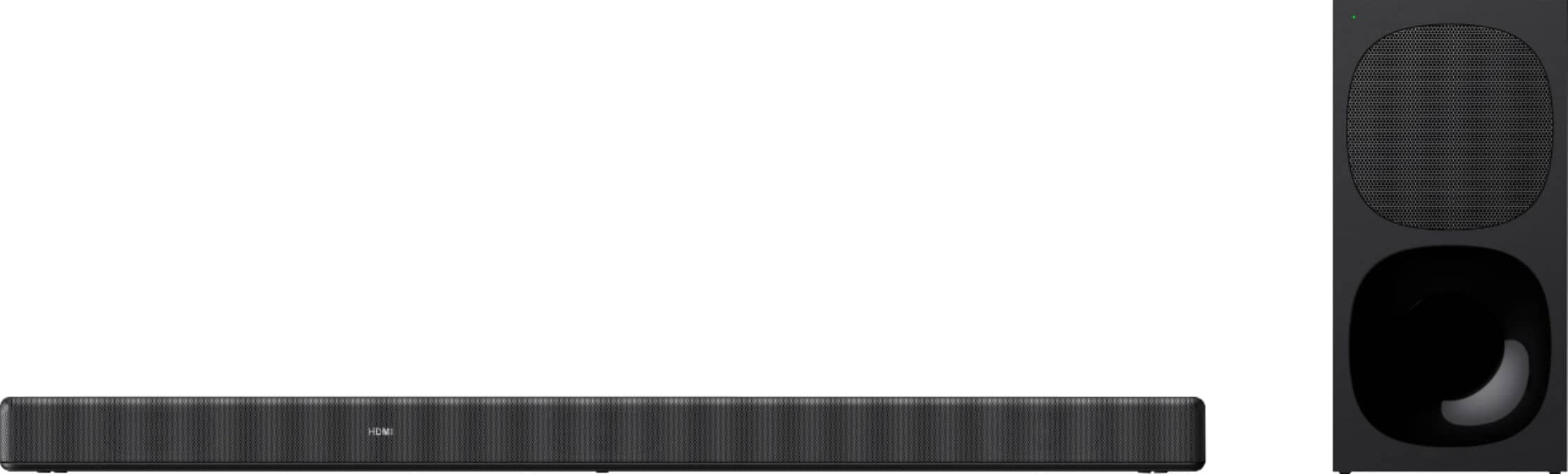
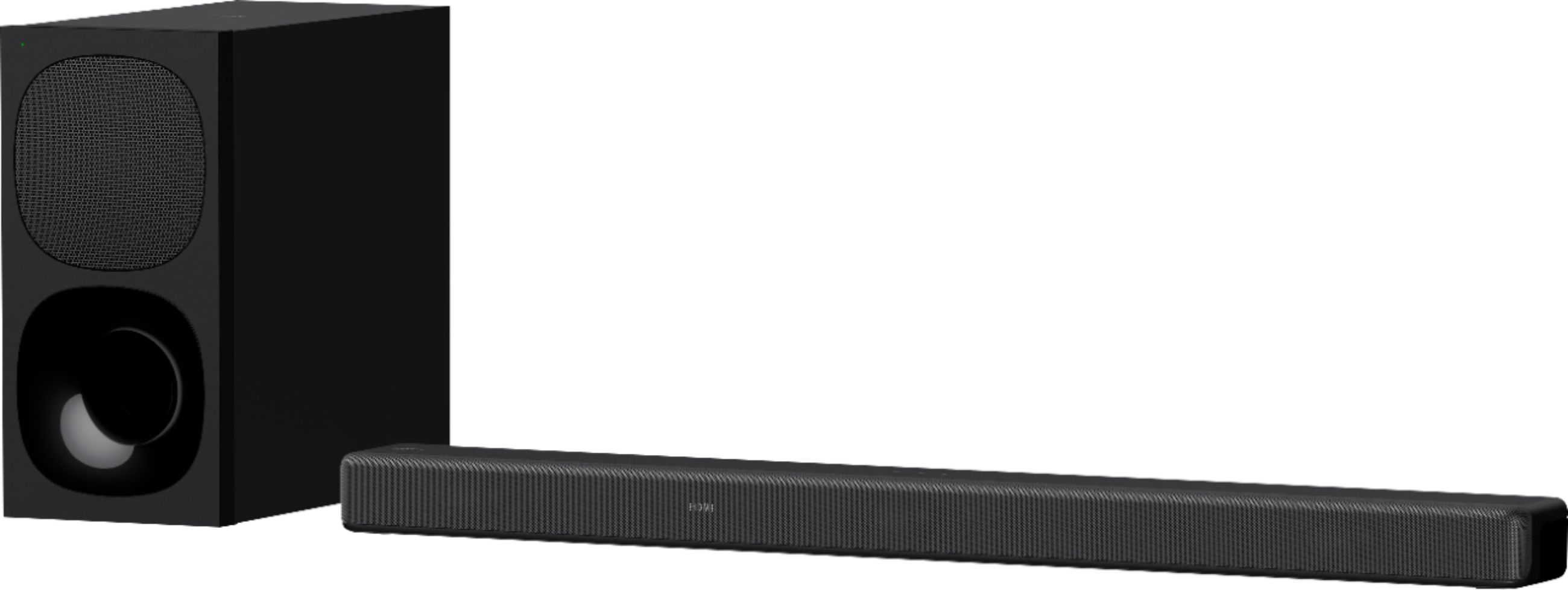
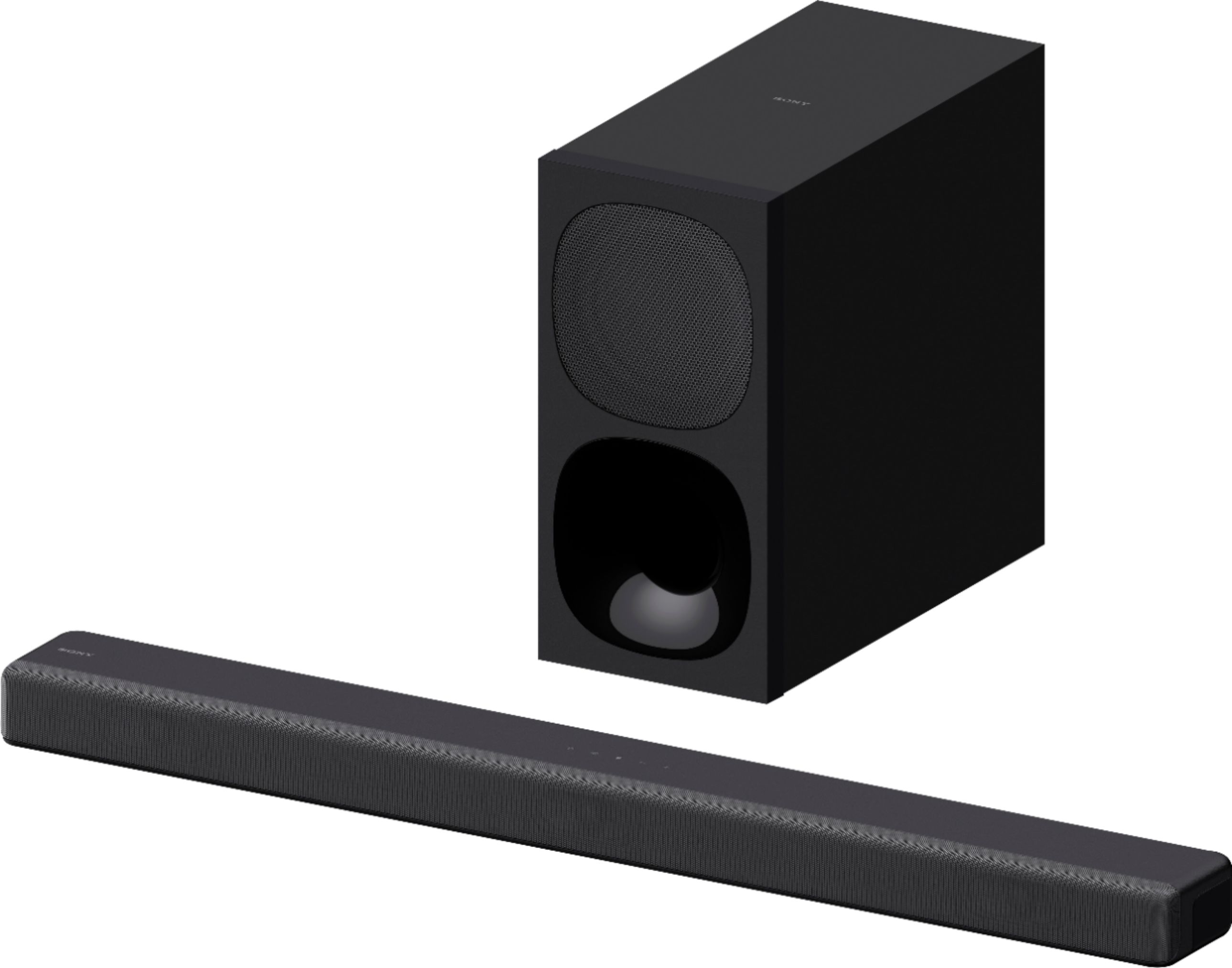
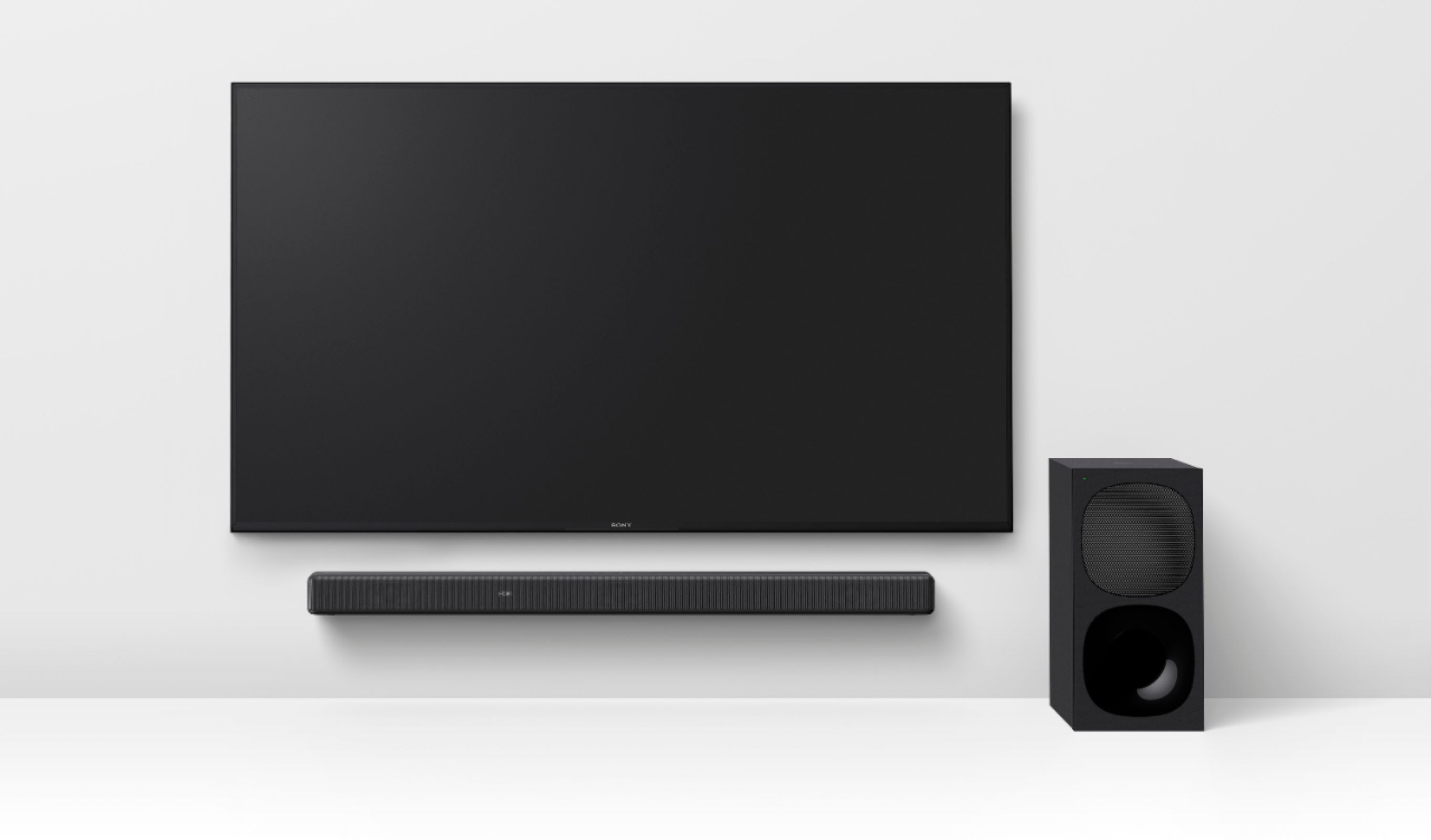
A:AnswerHi Pastelpond123, thank you for your interest in our HTG700 Soundbar with wireless subwoofer! Though we cannot compare the two products directly, we assure you that the HTG700 is a great sounding soundbar! The Vertical Surround Engine, our advanced surround technology, lets you enjoy the thrill of the latest theater audio formats like Dolby Atmos/ DTS:X in a single slim unit. Its three front speakers, combined with unique Sony signal processing, reproduce "vertical" audio, creating virtual surround sound that seems to come from all around you. Know that as an audio-loving company, Sony strives to give you the best sounding speakers and soundbars.
Regards,
Carl

A:AnswerHi CJL, We are sorry to hear about the issue you are having. If your soundbar is not turning on, please follow the troubleshooting steps on the link below to resolve the issue.
https://www.sony.com/electronics/support/sound-bars-home-theater-systems-sound-bars/ht-g700/articles/00032599
And yes,your unit comes with a 1-year limited manufacturer's warranty. If you're unable to resolve the issue, please email us at [email protected] with the following details:
Name:
Username:
Model Number:
Issue:
Telephone Number:
Sincerely,
Sam
A:AnswerGoing back to store today to pick up correct controller, they gave me a controller that did not match or work system after being questioned. Let's see what happens
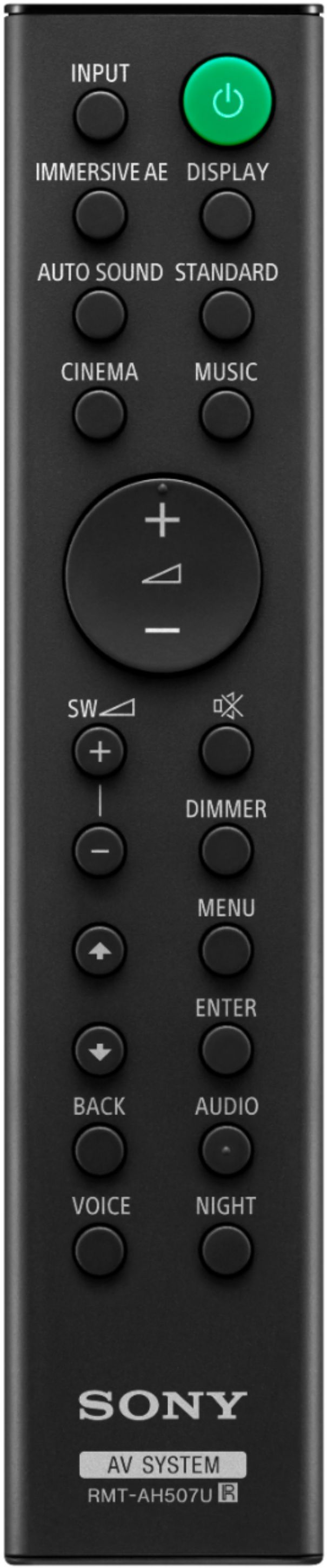
A:AnswerNo it does not. Turned all the way up (+12 on the remote) it just barely makes rumbling noises even during heavy action scenes with lots of explosions, etc. The sub is the worst part of this setup.
A:AnswerHi there, Thank you for your inquiry! Yes, you can. You have the option to change the Brightness of the Front Panel Display of the HTG700 or Turn it off by pressing the DIMMER button on the remote. If the front panel display is off, it will not show the front panel display.
For more information, please check our link: https://www.sony.com/electronics/support/res/manuals/5020/d330da0eb60bda23aba90694a33a9a42/50204331M.pdf Page 38
Regards,
Carl

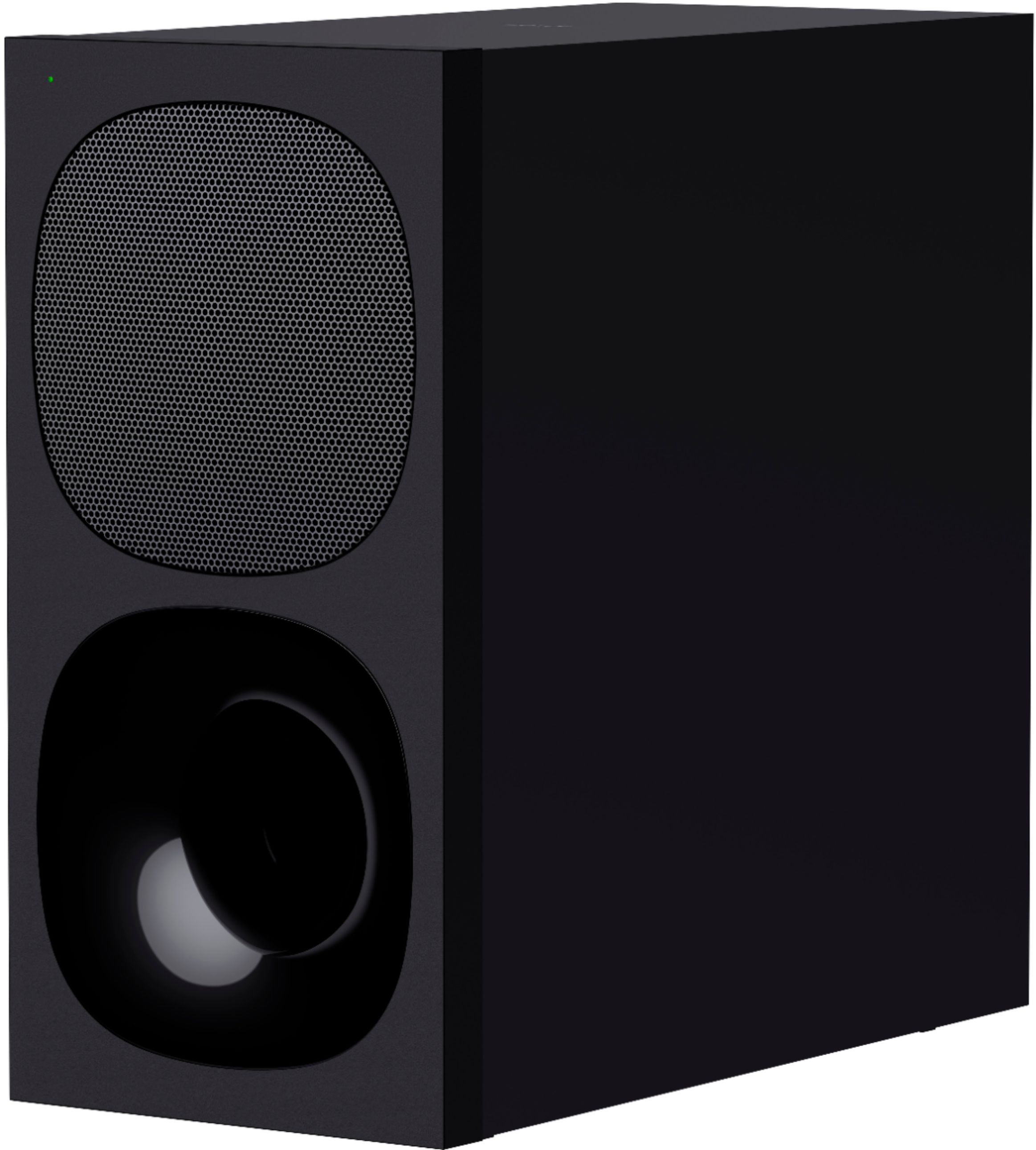
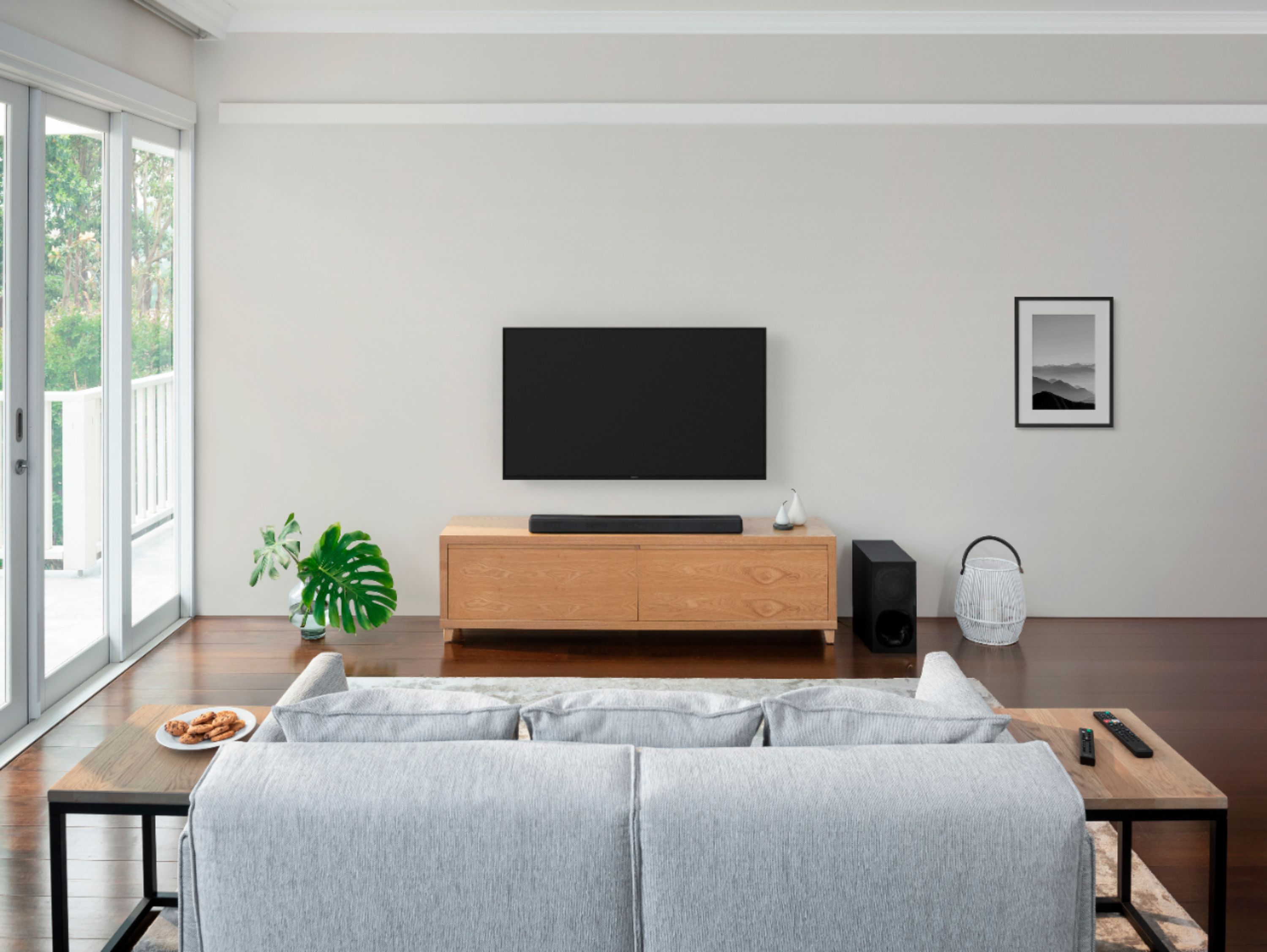
A:AnswerIt can be placed away from the sound bar, but there may be loss of Bluetooth signal beyond 10-12 feet. Placing the sub directly facing the bar could cause some loss of frequency response...best to position the sub along the same wall or adjacent wall rather than opposing one.
A:AnswerI don’t see why not. As long as your TCL has HDMI ARC you should be good to go. However, some modes like ATMOS may not be effective unless your TV is enable for those sound modes. I’d recommend going with a TCL SoundBar if you have doubts.
A:AnswerHi Matthew, Thank you for your inquiry! Yes, you still can. For this, you can use the HDMI port of the Soundbar for passthrough and connect one of your devices then connect the soundbar to your TV using HDMI eARC/ARC. Another way is to connect the HT-G700 using the optical digital output jack on the TV and the TV IN (OPT) jack on the system with an optical digital cable. I hope this helps!
Regards,
Carl
A:AnswerHi Saldilan,
Thank you for choosing Sony. We are sorry to hear that you are experiencing issues with the 2 subwoofers connecting to the soundbar at the same time.
For this, if you use multiple wireless products and want to specify the wireless connection to link the system to the subwoofer, perform the manual connection. Please follow these steps on the 2 HT-G700.
1 Press MENU. [SPEAKER] appears in the front
panel display.
2 Press up or down button to select [SPEAKER], then press ENTER.
3 Press [LINK], then press ENTER.
4 Select [START], then press ENTER. [LINK] flashes in the front panel display.
To cancel the manual connection, press BACK.
5 Press LINK on the subwoofer. The manual link starts. The power indicator of the
subwoofer flashes in amber.
6 When [DONE] appears in the front panel display, press MENU. The link is established and the power indicator of the subwoofer lights in amber.
Should you need further assistance, please contact us for help.
Please email the below information to [email protected]
Apologies if you disclosed some of this information in your review and to customer service, we just want to ensure that we have your accurate details at the time of communication.
Full Name:
Best Buy Username:
Telephone Number:
Model Number:
Issue:
Regards,
Carl