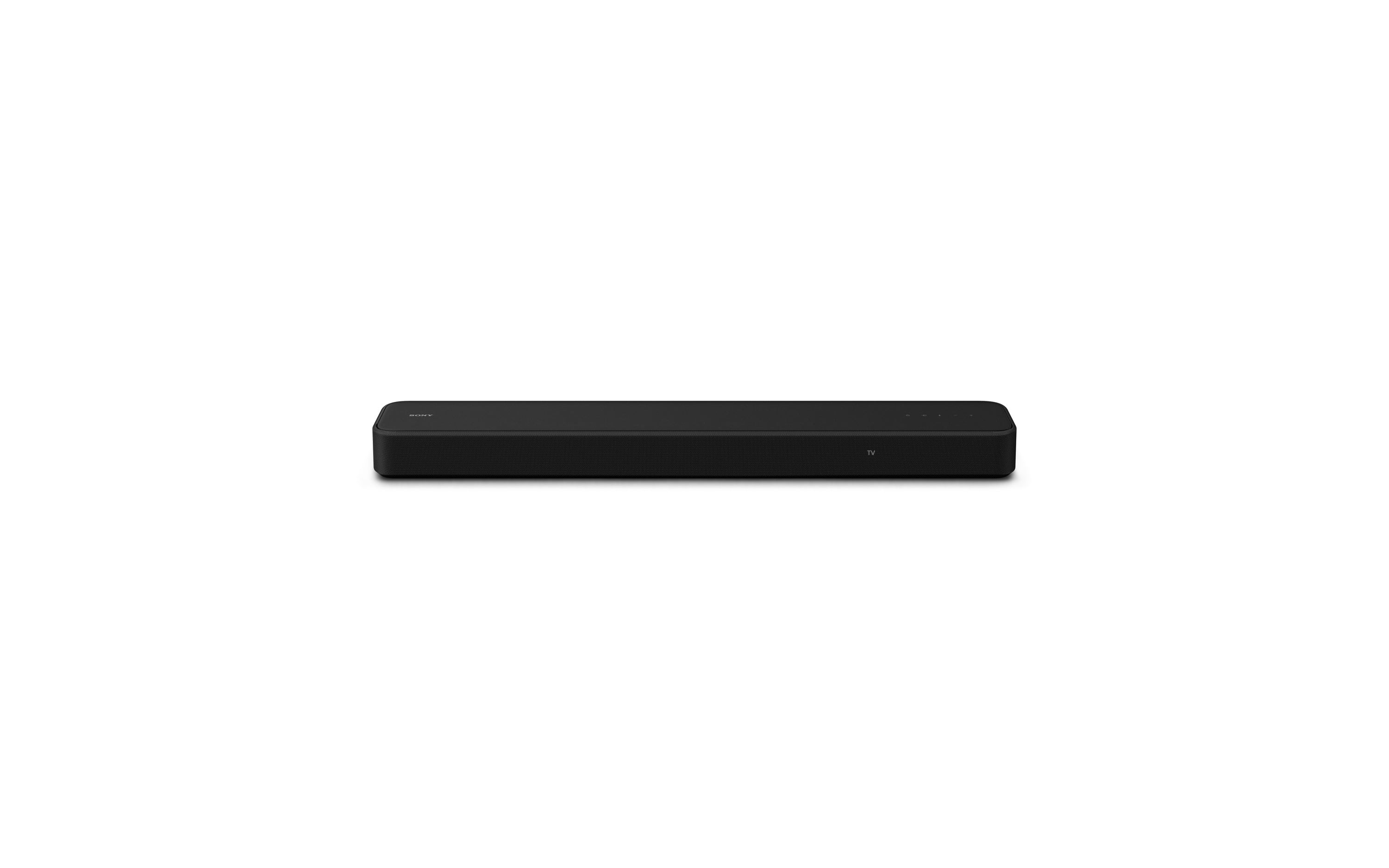
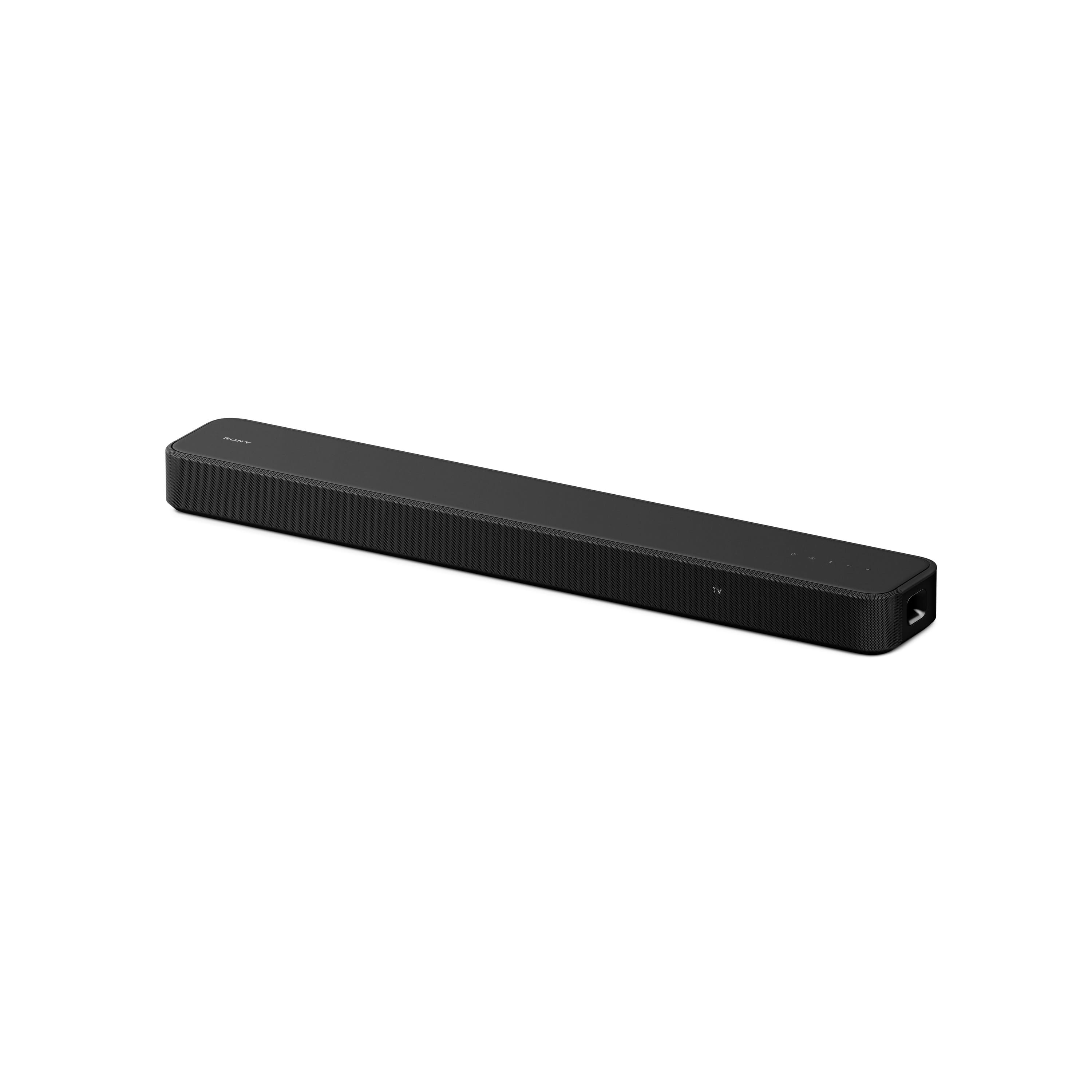
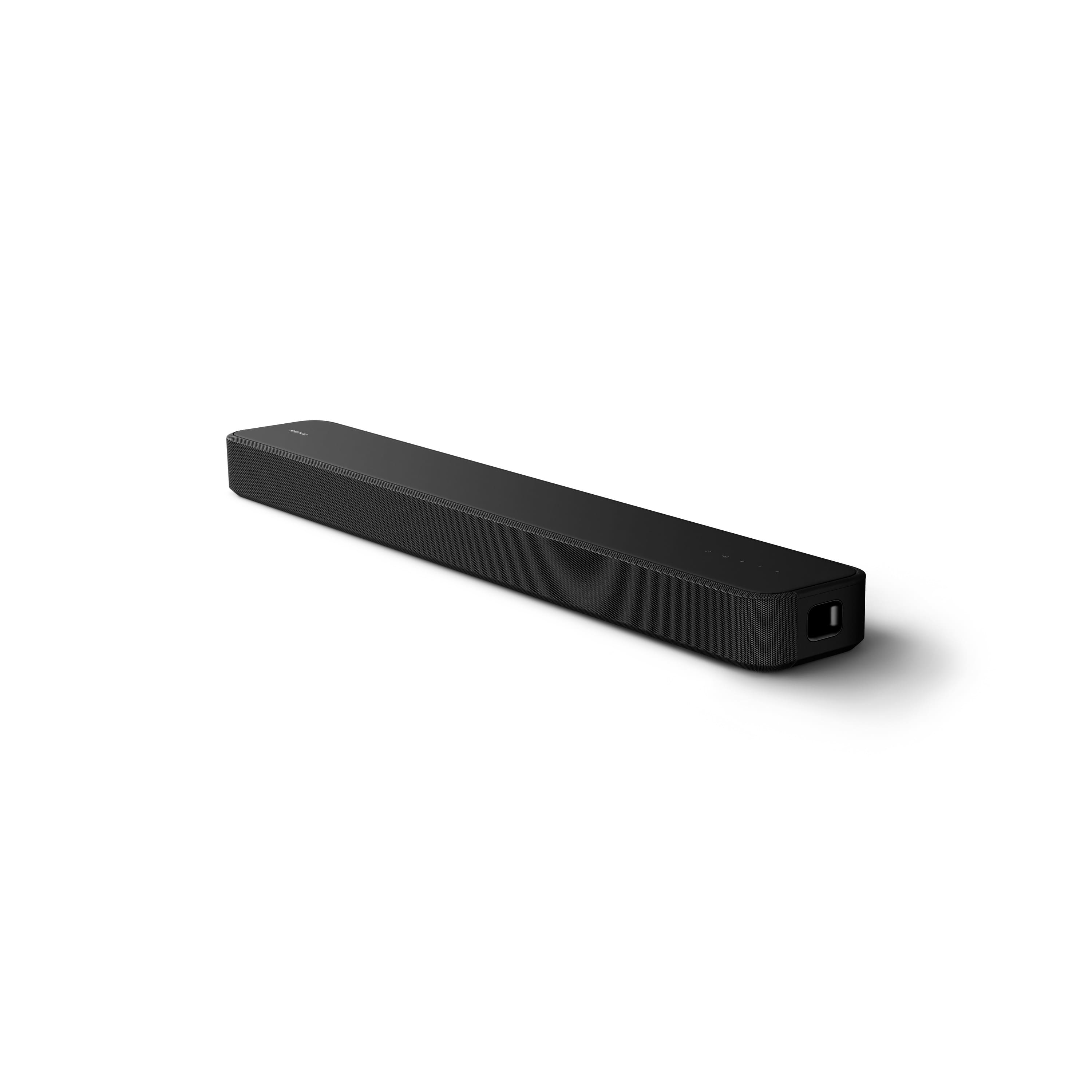
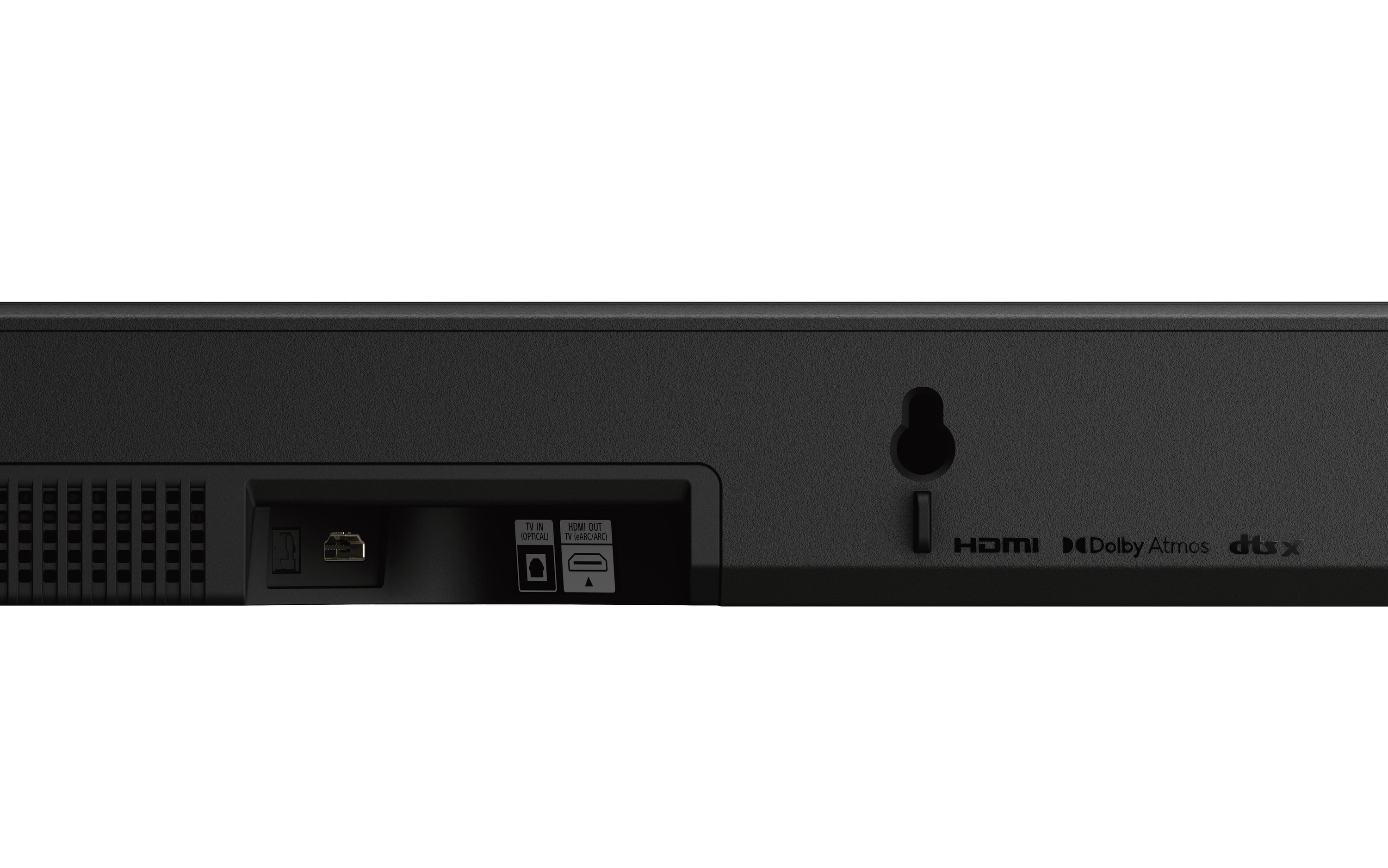
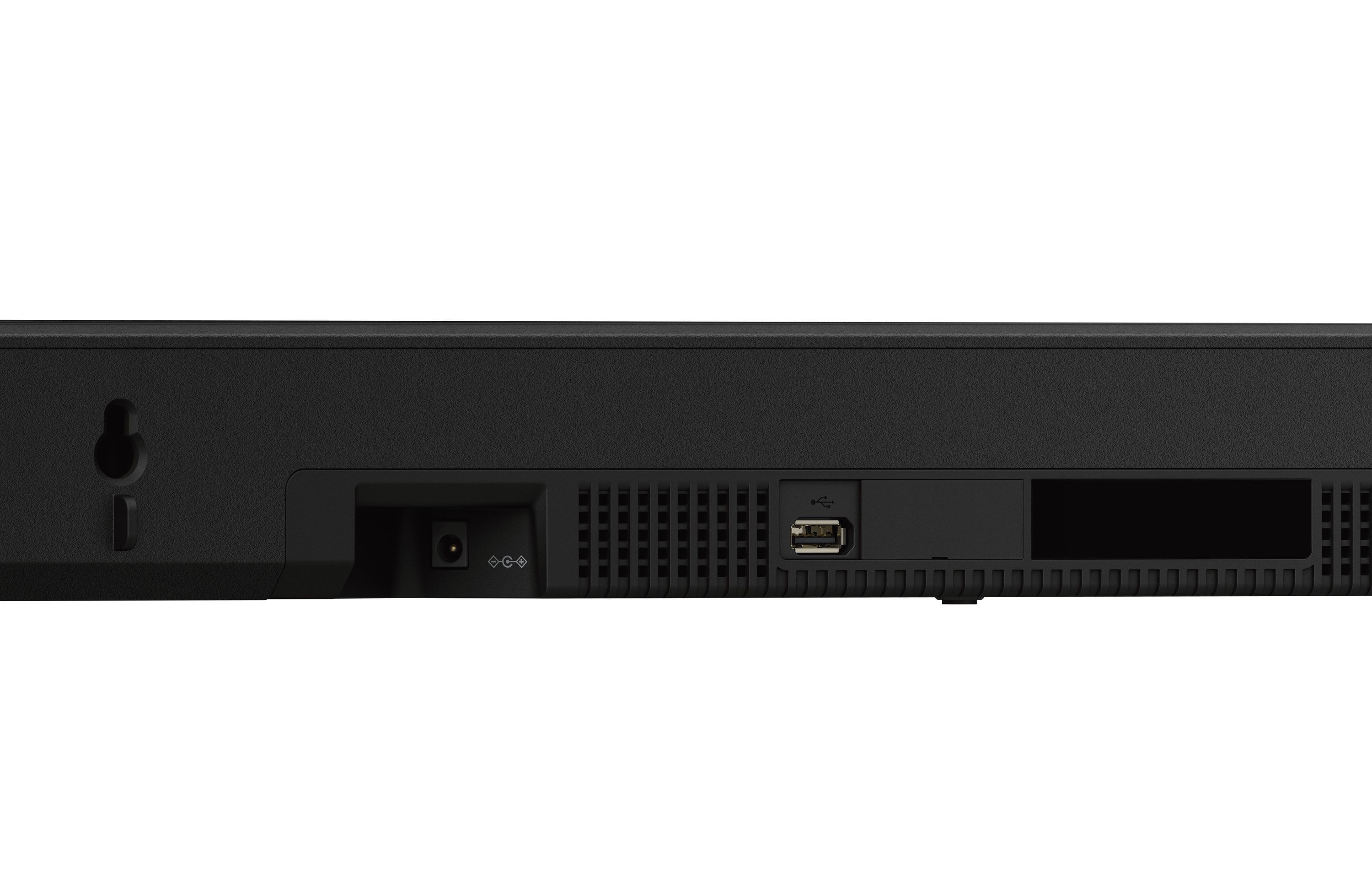
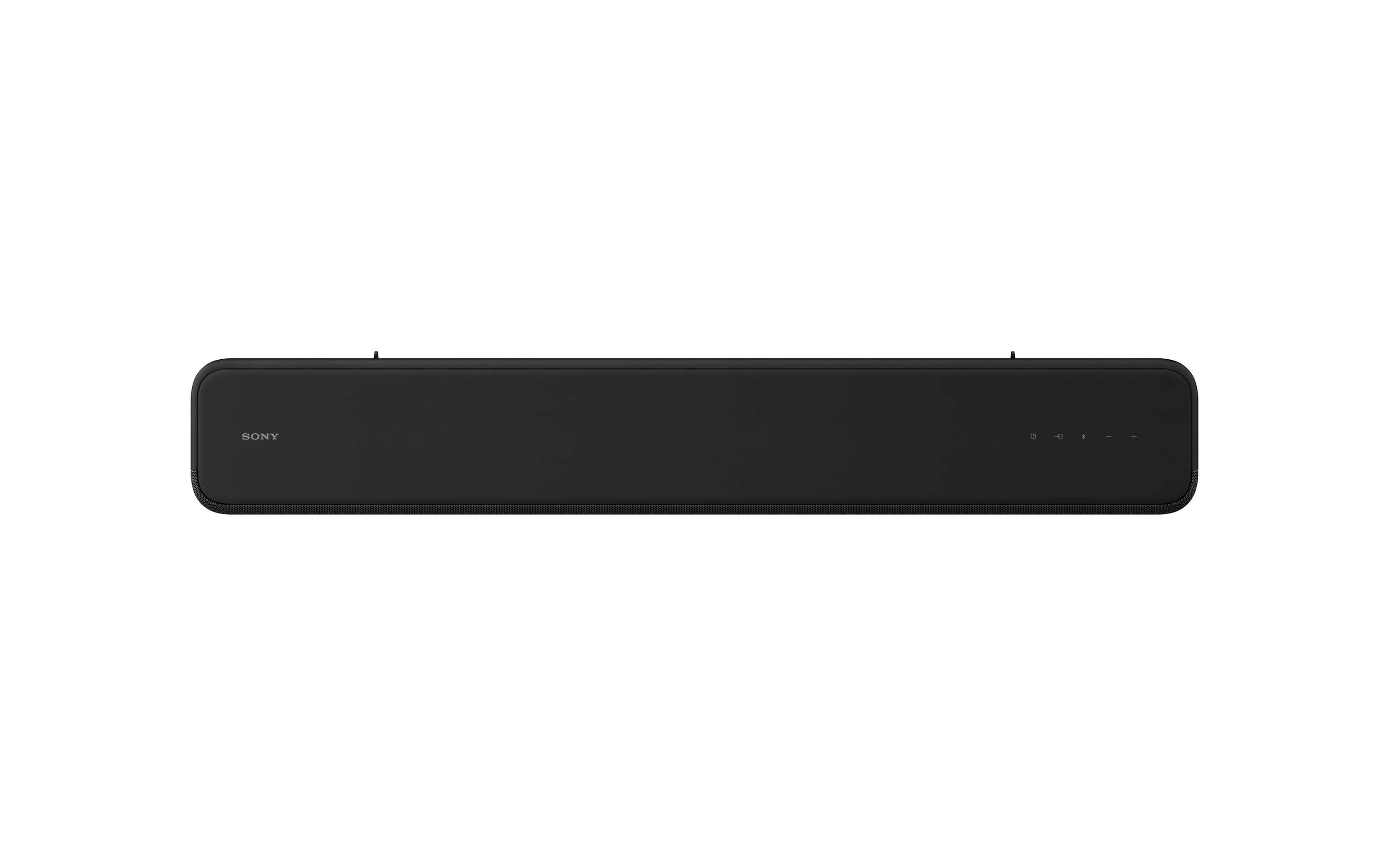
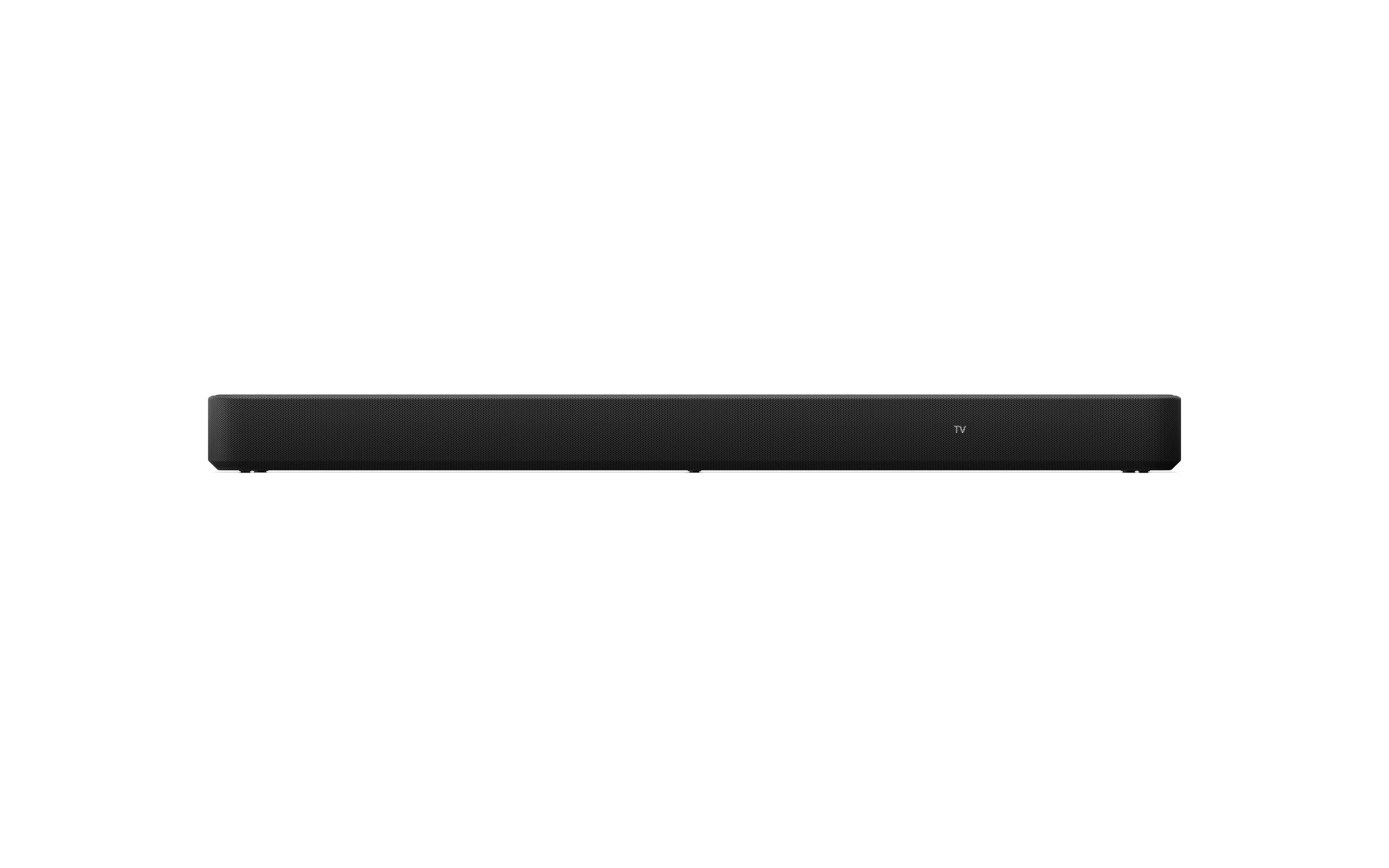
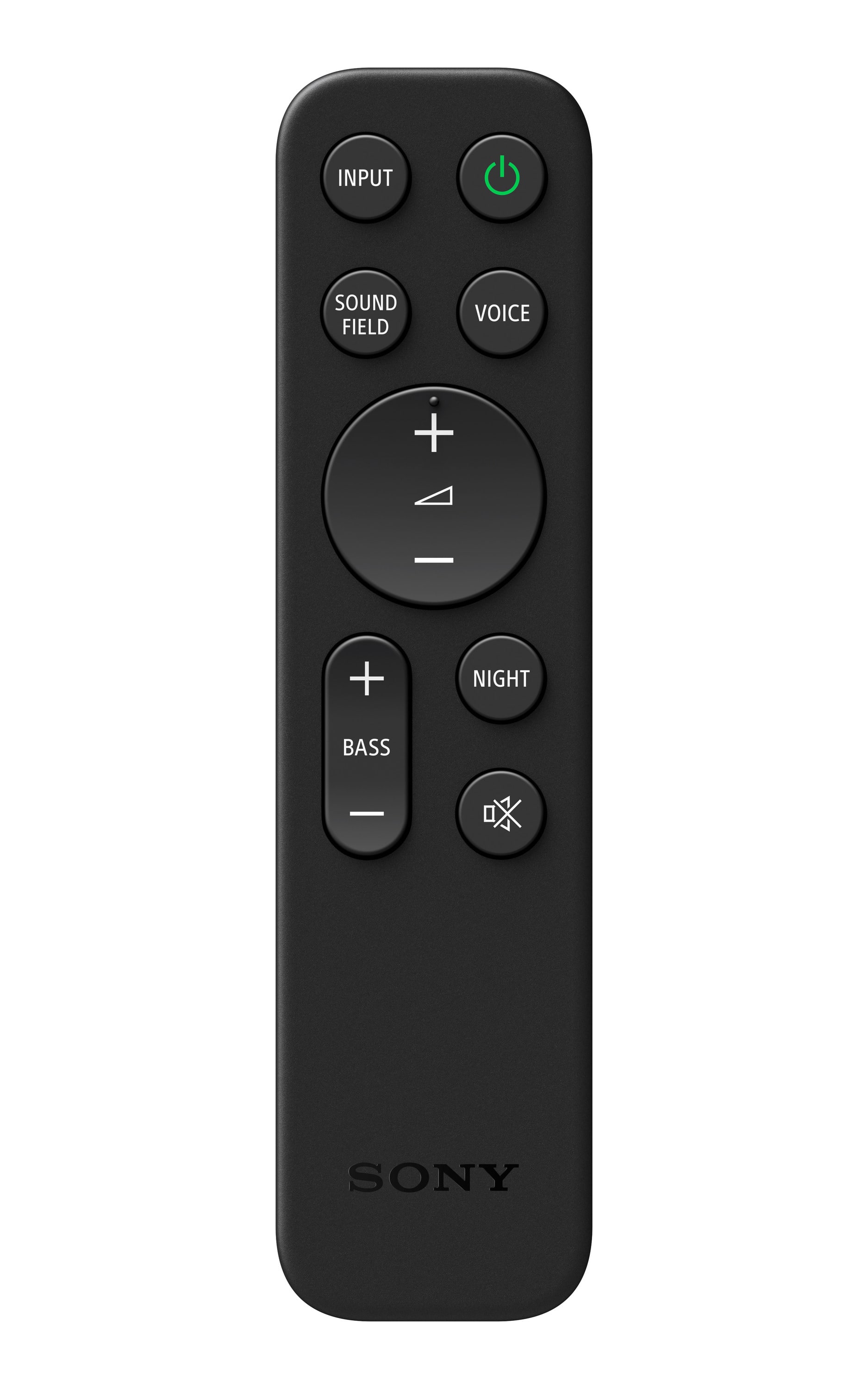
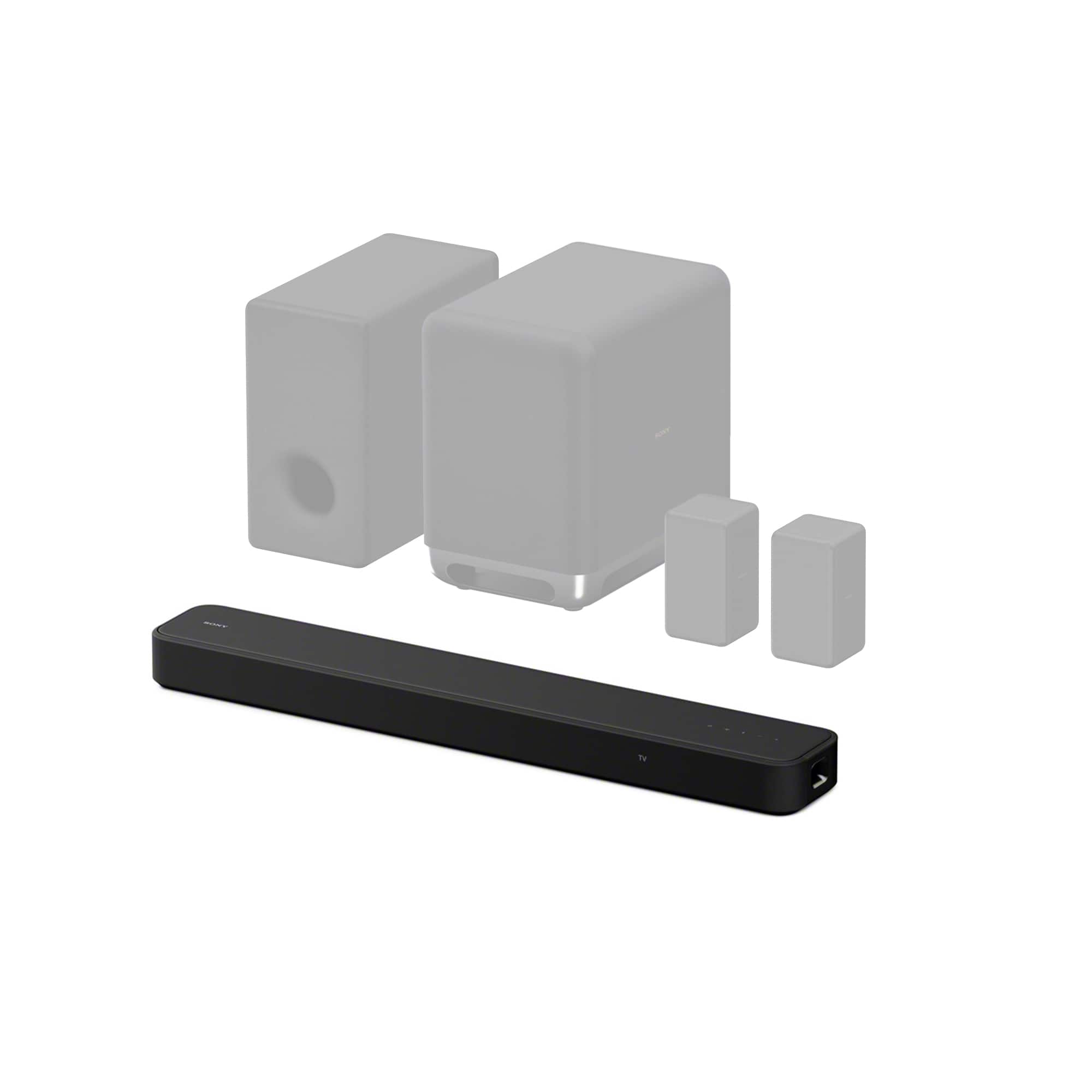
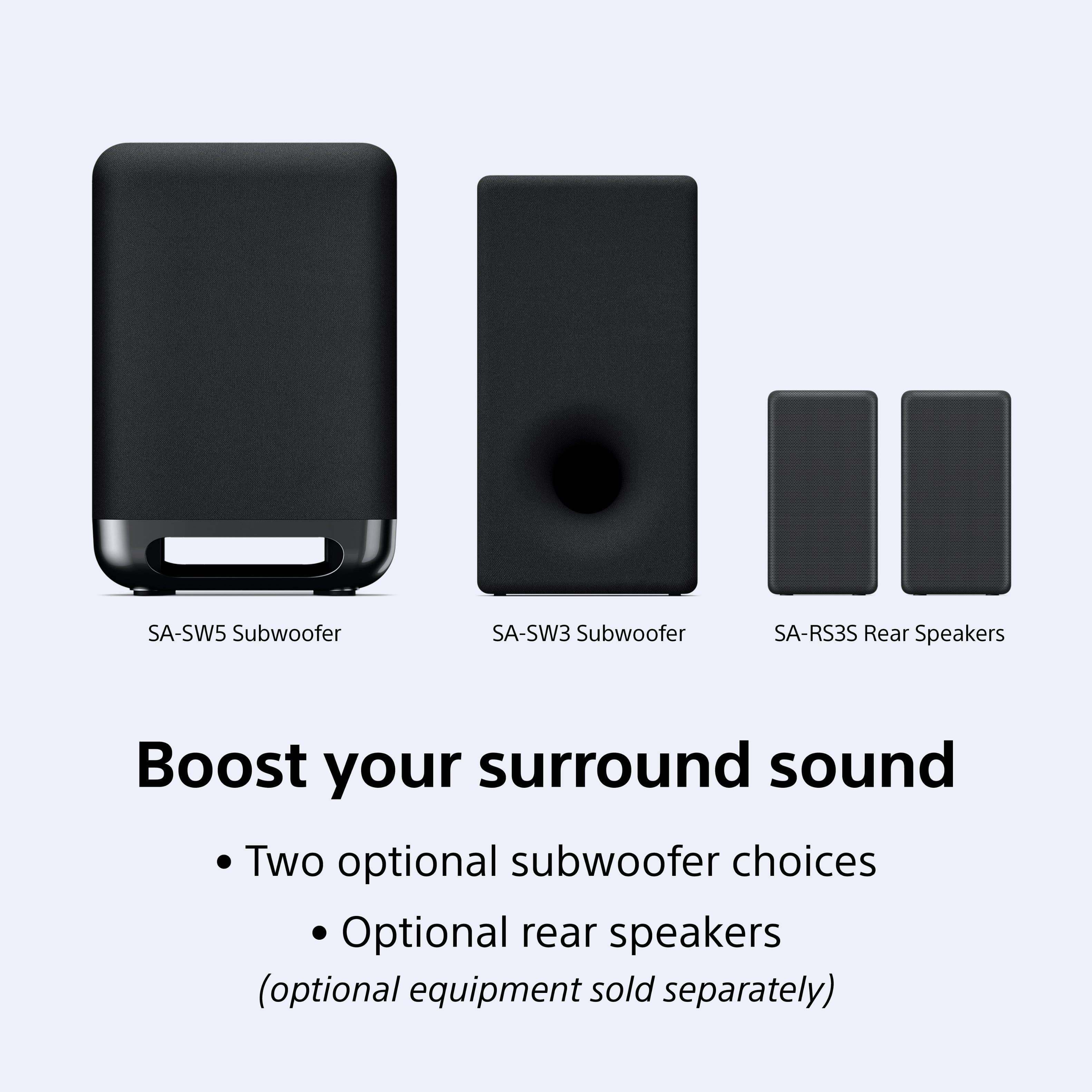
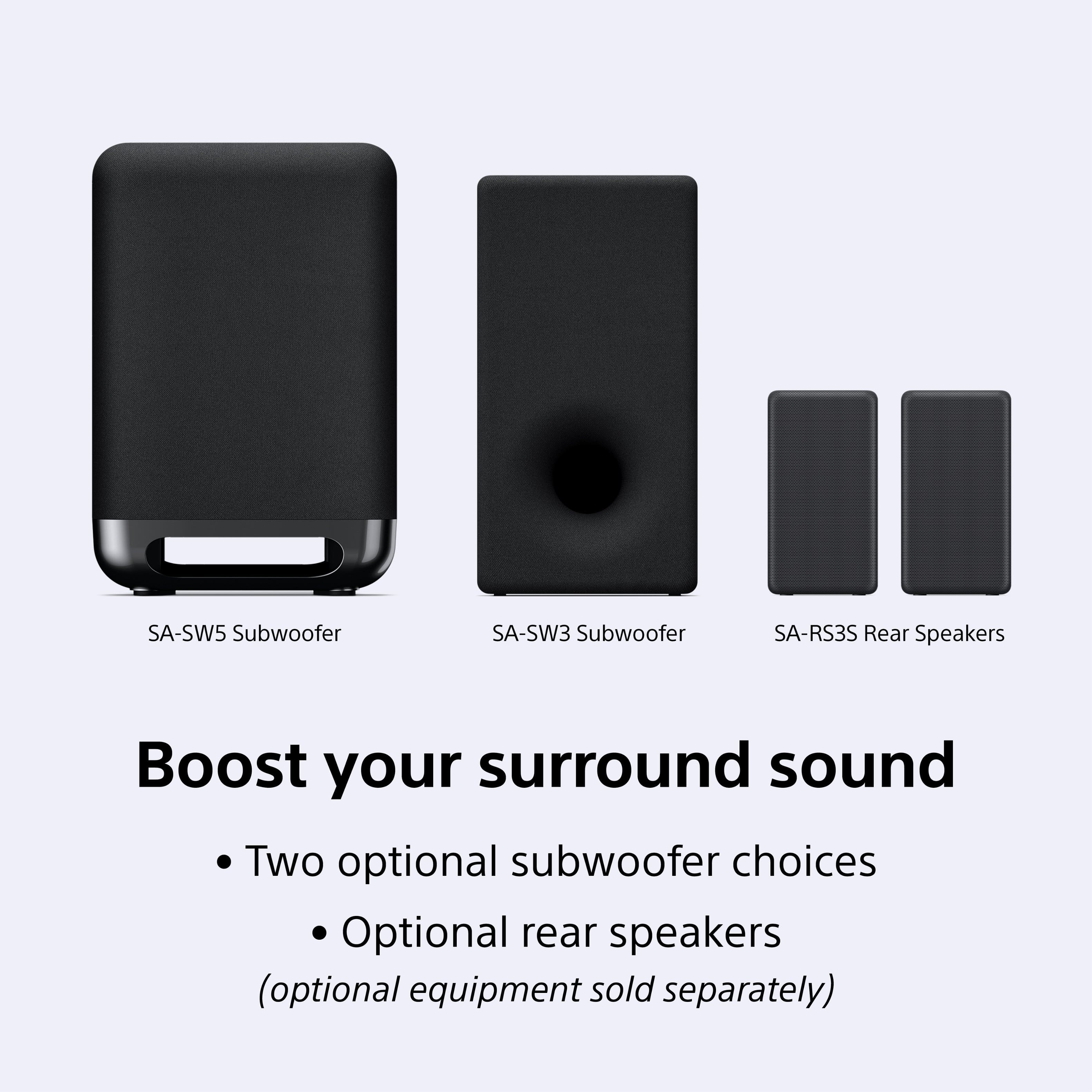
A:AnswerWhile the soundbar needs to be connected to the TV via HDMI, you can enhance your listening experience by adding wireless subwoofers (SA-SW3 and SA-SW5) and rear speaker set (SA-RS3S).
This question and answer was generated by AI based on customer and product data.
A:AnswerYes, the HT-S2000 utilizes Vertical Surround Engine and S-Force PRO Front Surround technology to deliver a realistic and immersive multi-dimensional audio experience with Dolby Atmos.
This question and answer was generated by AI based on customer and product data.
A:AnswerWe had a very difficult time getting this sound bar to work.
Best Buy replaced our first one as they thought it was defective, but we couldn’t get the second one to work either. We even paid $99.99 to have the Geek Squad install it and they could not get it to work either so they decided there was a problem with the TV and ordered us a replacement TV. A friend came over to help us set up the second TV and still couldn’t get the sound bar to work. So we called Sony directly and after an hour on the phone the tech found the problem in the TV settings. Some obscure setting needed to be set differently. Then presto, everything worked! So call Sony directly to get yours to work with your TV.
A:AnswerAdjust your audio output settings on your tv... i had same issue.. seemed like i had to turn soundbar up to 50 or 60 to get same level as tv at first... played with the settings on my tv audio output pcm, etc.etc.. and now the soundbar is at 26 to 30 volume level now instead of the 50 or 60 from previous settings... sounds great!
A:AnswerHi Joe,
Thank you for the inquiry! Yes, this soundbar works well with Sony television.
The HT-S2000 soundbar delivers high-quality audio and an upscaled cinematic surround sound experience for all your content. Built for the Sony ecosystem, this soundbar solution is compatible with Sony SA-SW3, SA-SW5 subwoofers and, SA-RS3S rear speakers and integrates fully with BRAVIA XR™ TVs.
-David
A:AnswerHi Greg, thank you for your question. Yes. The HTS2000 can be used with your TV. You can hook it up using an HDMI or Optical cable depending on the available port of your TV.
The HT-S2000 soundbar delivers high-quality audio and an upscaled cinematic surround sound experience for all your content. Built for the Sony ecosystem, this soundbar solution is compatible with Sony SA-SW3, SA-SW5 subwoofers and, SA-RS3S rear speakers and integrates fully with BRAVIA XR™ TVs.
A:AnswerHi Freebird, thank you for your question. The Sony HT-S2000 soundbar is designed to provide an immersive audio experience with support for Dolby Atmos and DTS:X audio formats. Its Vertical Surround Engine and S-Force PRO Front Surround technology aim to create a cinematic surround sound field, which may work well in rooms with vaulted ceilings.
The HT-S2000 soundbar delivers high-quality audio and an upscaled cinematic surround sound experience for all your content. Built for the Sony ecosystem, this soundbar solution is compatible with Sony SA-SW3, SA-SW5 subwoofers and, SA-RS3S rear speakers and integrates fully with BRAVIA XR™ TVs.
Hope this helps.
Erin
A:AnswerThere are two ways to get sound from your Samsung to the sound bar.
1. connect via a digital optical cable to the soundbar (however the TV remote will not control that sound level output)
2. Connect via the included HDMI Cable... connect the the back of the Samsung TV's HDMI Input marked (eARC) and the other to the rear of the Sony Sound Bar.... once connected, give it a few seconds and the TV remote will now control the TV Volume output
A:AnswerThank you for reaching out with your question, RAMSELV!
That sounds very frustrating, especially when your soundbar, the HT-S2000, turns off while you're still watching TV or Apple TV. This issue is most often caused by an automatic power-saving feature called Auto Standby or sometimes by a communication error between your TV and the soundbar via HDMI.
Here are the steps to troubleshoot, starting with the most likely cause.
Step 1: Check the Auto Standby Setting (Most Likely Cause)
The soundbar has a built-in feature that puts it to sleep if it doesn't detect a continuous audio signal for a set amount of time. Since your issue occurs after a few hours, this is the most probable cause.
Step 2: Troubleshoot HDMI Communication (CEC)
If the Auto Standby setting is already Off, the issue may be a loss of the control signal (CEC/BRAVIA Sync) that tells the soundbar the TV is still active.
Check Connection: Ensure the HDMI cable is plugged firmly into the HDMI OUT (eARC/ARC) port on the soundbar and the dedicated HDMI ARC/eARC port on your TV. A loose connection can break the communication signal.
Power Cycle Devices (Handshake):
Unplug the TV, the soundbar, and the Apple TV from their wall outlets.
Wait for at least 2 minutes to allow the systems to completely discharge.
Plug all devices back in and test the setup again.
Toggle HDMI Control: In your TV's settings menu, find the HDMI CEC or BRAVIA Sync setting. Try turning this feature Off and then On again to re-establish a stable link.
Step 3: Perform a System Reset
If the issue persists, a full factory reset of the soundbar may clear any corrupted settings that are causing the shutdown:
Reset the Soundbar: On the soundbar itself, press and hold the Power and Volume Down (–) buttons simultaneously for more than 5 seconds.
Could the unit be defective?
It is unlikely to be defective if the shutdown occurs consistently after a few hours. A defect usually causes random, immediate power-offs (sometimes displaying a "PROTECT" message).
If you have tried all of the above steps and the soundbar continues to turn off, we suggest contacting our support line. They will be able to perform advanced diagnostics to determine the root cause and continue the assistance.
You can find contact options here: https://us.esupport.sony.com/support/s/support-contact?language=en_US&category=ht
Best regards, Gus, Sony Social Media Team
A:AnswerHello Mike,
Thank you for reaching out to Sony!
We appreciate your question and are here to assist you. Yes, the HT-S2000 soundbar is engineered as a superior replacement for your Sony HT-Z9F, promising a significant upgrade to your home audio experience. You'll enjoy enhanced sound quality with crystal-clear dialogue, impressively deep bass, and a much wider, more engaging soundstage. A key advantage of the HT-S2000 is its expandability, allowing you to easily add optional rear speakers or a wireless subwoofer for a truly immersive surround sound setup. Rest assured, essential connection methods such as HDMI OUT (TV ARC/eARC), Optical In, and Bluetooth are supported on both models.
To see its impressive performance in action, we invite you to check out this video review: https://www.youtube.com/watch?v=ec9ra46dikE
Best regards,
-Fred
A:AnswerHi Chappy,
Thank you for reaching out. We appreciate your inquiry about our Sony Soundbar.
The Sony HT-S2000 soundbar does not support Bluetooth connections for earbuds or headphones. Our soundbar is designed primarily to connect with other audio devices, such as speakers, but it currently does not have functionality for direct Bluetooth audio streaming to earbuds or headphones at this time.
We hope this helps.
Thanks for considering Sony products.
Best regards,
Stephanie
A:AnswerHi Vegas, thanks for your question!
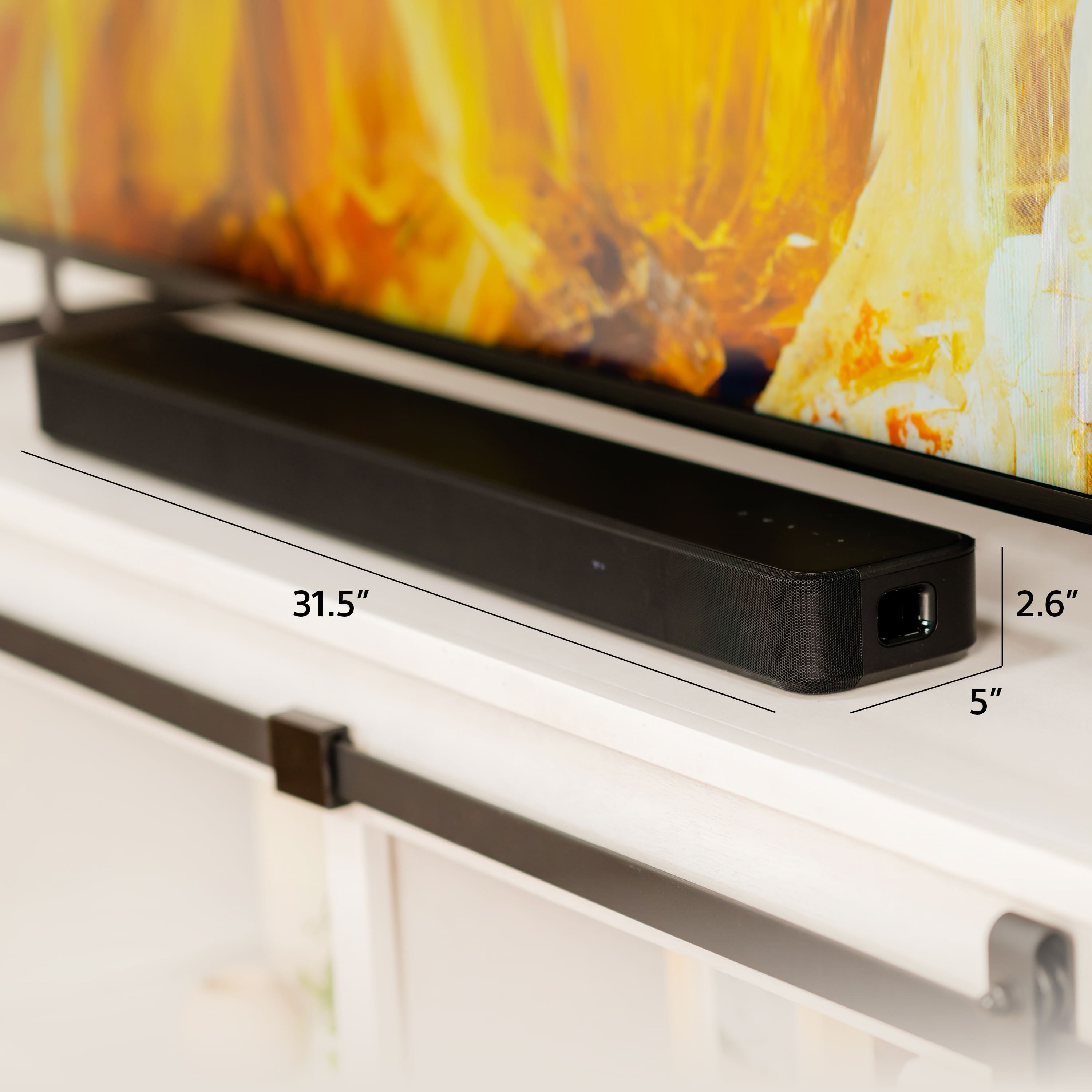
About the unit size, here you have the specifications:
MAIN UNIT SIZE — BODY ONLY (W × H × D) (INCH)
31 1 / 2 in x 2 5 / 8 in x 5 in
For detailed information, you can check:
Specifications
https://www.sony.com/electronics/support/sound-bars-home-theater-systems-sound-bars-surround-speakers/ht-s2000/specifications
Thanks for choosing Sony!
Gus
A:AnswerHi Dave, we've got you covered!
The HTS2000 is compatible with ARC/eARC technology, if your TV does not have that feature, you can also use the optical cable from the TV to the sound bar, and it must be working great! Or if you don't want to have wired connections, the HTS2000 has Bluetooth capabilities, and you will be able to connect the soundbar to the TV. Just make sure the TV has the A2DP Bluetooth profile, and you should be good to go.
You can check more info on the links below:
https://helpguide.sony.net/ht/2079/v1/en/contents/TP1000843210.html
https://helpguide.sony.net/ht/2079/v1/en/contents/TP1000843215.html?search=blue
Thanks for choosing Sony!
Gus