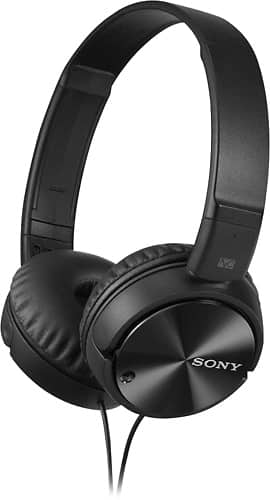
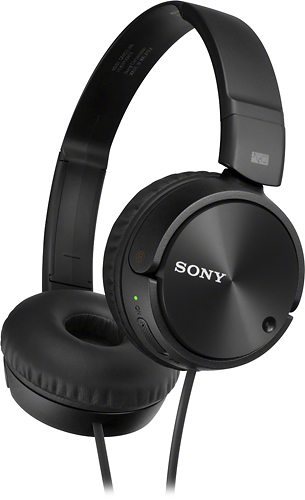
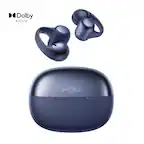
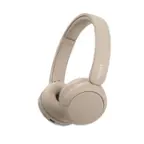
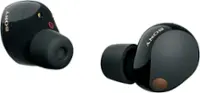
A:AnswerI'm familiar with your problem but I don't think these will help you much. They dampen down constant noise, not conversations as much. You need something like a "pocket talker" with an omni directional microphone.
A:AnswerYou can use them for anything. I’m using the ones I bought for recording. Our interface requires to be plugged in or I would have gotten a cordless set.
A:AnswerI believe it is on the right side of the headphones (you should be able to look and find the marking) there's a "push" logo that you basically squeeze the left and right side of the plate that the batteries are behind, and it should pop right open.
A:AnswerHi Meepley, We're sorry to hear about what happened. Kindly send us an email at [email protected] including my name and this feedback post in the email. Hope to hear from you. Regards, ~Ralph
A:AnswerI would say Yes, but you may need an adapter. Back in my day the headphone jack on a traditional stereo receiver was much larger than the jack on these headphones.
A:AnswerNot 100% noise canceling. Would still hear crowd. Buy more expensive ones. Try on in store and you can te ll how much any earphones block the noise.
A:AnswerYes, they are wired. Sound quality is good and the build quality is not that great (ok for the price range) . But I am not sure they serve well on a church worship team.