Questions & Answers
- Model:
- SARS3S
- |
- SKU:
- 6467454
Q: QuestionI have a Sony BRAVIA XR X90L and an HTA3000 sound bar with the SA-RS3S Wireless rear speakers and I can't seem to get enough sound from the rear speakers even when rear speakers are turned up max on the remote, what can I do to increase the volume?
Asked by Chris.
- A:Answer Go to your settings, there's all the different settings that will change the projection of the sounds
Answered by JohnV
Q: QuestionCan these speakers be paired to sony soundbar ct380 model
Asked by Dylan.
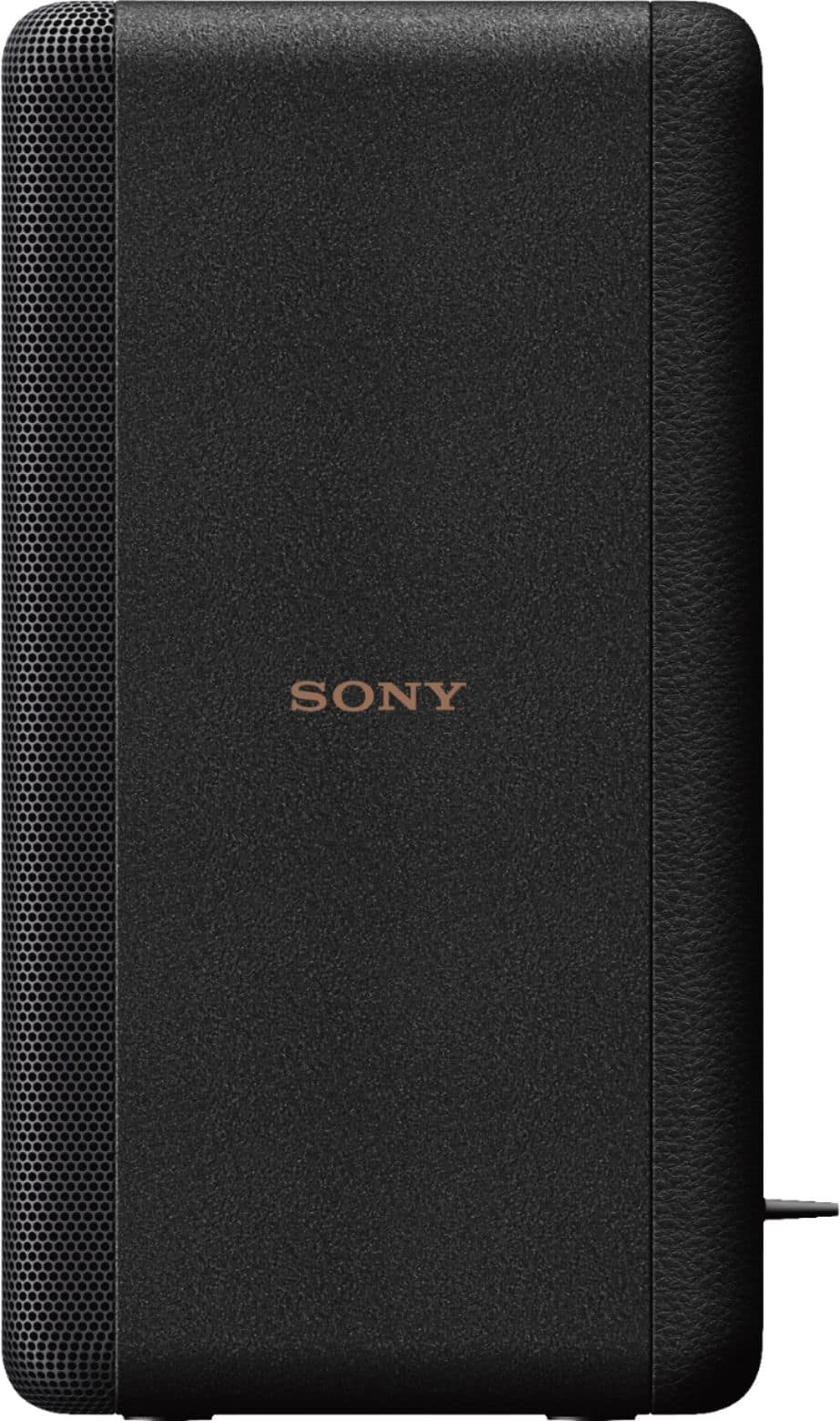
- A:Answer Hi Dylan, Thank you for your question. Unfortunately, no. Connecting additional speakers is not supported by the HT-CT380 soundbar. The SA-RS3S wireless rear speakers are only compatible with the Sony HT-A9000, HT-A8000, HT-A7000, HT-A5000, HT-A3000, and HT-S2000 Soundbar models. It cannot connect with any other of our soundbars. If you have the Sony NT5, CT790 or CT800 soundbar, you can use the Sony SRS- ZR5, ZR7 plug in rear speakers. You can also use the portable Sony SRS-HG1 for those 3 bars. I hope this helps. Regards, Jess
Answered by SonyListens

Q: QuestionWill these speakers work with EU AC mains voltage(220-240) like laptops or is it region specific?
Asked by Matt.
- A:Answer Hi Matt, Thank you for your question. The SA-RS3S purchased in the US and Canada has a power requirement of 120 V AC, 60 Hz. With the use of a converter or transformer, 110V - 240V could be used. Note: Sony does not produce transformers/converters. You may wish to check with your local dealer for further assistance. Regards, Jess
Answered by SonyListens

Q: QuestionWill these speakers work with the Sony SA-G700 soundbar? If not what wireless speakers do you recommend for that soundbar.
Asked by Soundless.
- A:Answer Hi Soundless, thanks for your question. Unfortunately, no. The SA-RS3S wireless rear speakers are only compatible with the Sony HT-A7000, HT-A5000, HT-A3000, HT-S2000 Soundbar models, and STRAN1000, STRAZ1000ES, STRAZ3000ES, STRAZ5000ES, STRAZ7000ES A/V receiver models. Using the HT-G700's front speakers only, Sony's unique digital-sound-field-processing technology virtually reproduces the surround sound field, with audio coming at you from both sides. There's no need to add rear speakers, meaning you can enjoy rich, cinematic surround sound without cluttering your living space. Hope this helps. ~Earl
Answered by SonyListens

Q: QuestionSony SA-RS3S- Is there anyway to have the speakers go from stand -by to power off completely. After some time without using the system ?
Asked by car.
- A:Answer Hi Car, Thank you so much for your inquiry! The SA-RS3S does not have an auto power on/off function on itself. However, you can activate auto power-off features on the connected main soundbar like Standby Linked to TV, Auto Standby, or Standby Through. If Auto Standby is activated, the soundbar will turns itself off or enter standby mode automatically after approximately 20 minutes to reduce power consumption of the device. When the main soundbar is turned off, these wireless speakers are automatically turned off as well. For more information, please refer to the product manual of the connected soundbar. If you need more information or technical assistance with your product, please feel free to contact us and we'll be more than happy to assist you. Unfortunately, due to the current Best Buy phishing protocol for your protection, we cannot provide a direct link, email or phone number for customer support as of now. Please find Sony Electronics' Support information: Go to our support website > click on “Support” > scroll down click on “Contact Support” > click on "Home Audio" and from there you'll see different ways to reach us. Regards, Jess
Answered by SonyListens

Q: Questionis this price per pair or per single speaker?
Asked by Max.
- A:Answer The speakers come as a boxed pair.
Answered by DPavs
Q: QuestionCan you hook up rear speakers to a Sony sound bar SATC 370?
Asked by Anonymous.
- A:Answer Yes!
Answered by Anonymous
Q: QuestionI can’t get any volume out of these rear speakers everything is connected perfectly what am I doing wrong?
Asked by Danny.
- A:Answer Make sure the sound bar of receiver is indicating the source is Dolby and not 2 channel PCM. Also you will want adjust the volume to the rears to max for the best performance. The auto calibration tends to minimize their effectiveness IMO.
Answered by DPavs
Q: QuestionAre these speakers compatible with HT-ST5000?
Asked by Compatible.
- A:Answer I don't think so as they are listed as only being compatible with the HT-A7000/HT-A5000/HT-A3000.
Answered by DPavs
Q: QuestionIs there a setting to direct more dialogue sound to the rear speakers? I thought we'd get more than a sporadic bird chirp or tire squeal from these. I'd like to hear more sound from the rears.
Asked by Anonymous.
- A:Answer Hi there, Thanks for reaching out to us. Our HT-A series soundbars are good for dialogue-centric content and it immerses you in authentic surround sound with a center speaker for clear dialogue and a built-in dual subwoofer for impressive power. If you have an HT-A series soundbar, you can make the dialogs clearer with the soundbar by pressing the VOICE button. When VOICE is on, dialog is easily heard by enhancing dialog range. By adjusting the dialog volume, you can easily listen to dialog since it stands out from the ambient noise. By going to [Direction of sound field] under [Sound Field Adjustment] in the speaker settings, follow the instructions on the screen to set the positional relationship between the front speakers and the TV, and between the speakers and the listening position. This adjusts the direction from which you hear sound such as dialog to improve the synchronization of image and sound, and also adjusts the direction and balance of the sound to improve its realism. To use this setting, connect the optional rear speakers (SA-RS3S) and enable the [360 Spatial Sound Mapping] function. The HT-A7000, HT-A5000, and HT-A3000 soundbars already offer immersive sound with a wider sweet spot so all the family can share the experience. Adding the SA-RS3S wireless rear speakers and you'll enjoy even more authentic home entertainment with sound behind and all around you. Hope this helps. Should you need further help regarding your concern you may also contact our Product Support team through this link: https://us.esupport.sony.com/support/s/support-contact?language=en_US&category=ht or email us at [email protected] with the following details: Name: Best Buy Username: Model Number: Issue: Telephone Number: Regards, Jess
Answered by SonyListens

Q: QuestionWill these speakers work with sound bar RMT-AG400U? THANKS
Asked by Juan.
- A:Answer Hi Juan, Thanks for inquiring about the SA-RS3S. The SA-RS3S wireless rear speakers are only compatible with the Sony HT-A7000, HT-A5000, HT-A3000, HT-S2000 Soundbar models, and STRAN1000, STRAZ1000ES, STRAZ3000ES, STRAZ5000ES, STRAZ7000ES A/V receiver models. It cannot connect with any other of our soundbars. If you have the Sony Z9F soundbar, you can add the Sony Z9R as rears for the bar only. If you have the Sony NT5, CT790 or CT800 soundbar, you can use the Sony SRS- ZR5, ZR7 plug in rear speakers. You can also use the portable Sony SRS-HG1 for those 3 bars. I hope this helps. Regards, Jess
Answered by SonyListens

Q: QuestionWhat powers these ? Elec, Batt, Bluetooth ?
Asked by BC.
- A:Answer Hi BC, Thanks for your inquiry! These wireless rear speakers come with an AC power cords (mains lead) and need to be plugged into the wall outlet. They do not have a built-in battery. These rear speakers automatically connect to your HT-A700, HT-A5000, or HT-A3000 soundbar right out of the box, bringing crystal-clear, room-filling sound into any home theater environment. You might also want to check out the SA-RS5 wireless rear speakers with built-in battery for HT-A7000/HT-A5000/HT-A3000. Designed to be flexible to your environment, no wires and internal batteries mean these speakers can be used completely cable free, or with AC power, whichever you like. Regards, Jess
Answered by SonyListens

Q: QuestionCan you link more that to speakers for whole house audio
Asked by Anonymous.
- A:Answer Hi there, Thanks for your question. Unfortunately, no. Only 1 pair of SA-RS3S rear speakers can be paired with the Sony HT-A7000, HT-A5000, HT-A3000 and HT-S2000 Soundbar models, and the STR-AN1000, STR-AZ1000ES, STR-AZ3000ES, STR-AZ5000ES, STR-AZ7000ES A/V receiver models at a time. This additional speakers enhances your home theater system so that if feels like you are entirely surrounded by incredible, immersive audio. Additional information: Sony's SA-RS3S & SA-RS5 wireless rear speakers and SA-SW3 & SA-SW5 wireless subwoofers (Sold rep.) are compatible with the STR-AN1000, STR-AZ1000ES, STR-AZ3000ES, STR-AZ5000ES, STR-AZ7000ES A/V receiver models. Two subwoofers of the same model may be connected simultaneously to these receivers. Regards, Jess
Answered by SonyListens

Q: QuestionI bought a Sony STR-DH790 Receiver today. It says it supports two wireless speakers. What wireless speakers are compatible? I’m seeing conflicting answers. Thank you
Asked by Handy.
- A:Answer Hi Handy, Thanks for your inquiry. We understand you would like to know what wireless speakers are compatible with your Sony Receiver. The STR-DH790 doesn't support wireless network connection for wireless surround, wireless multi-room, and wireless stereo features. You cannot connect a wireless speakers to this AV receiver. We recommend connecting wired speakers with a nominal impedance of 6 to 16 ohms. We also recommend using speaker wires that are anywhere between 12 to 16 gauge. These are most commonly used for connecting speakers to an amplifier or an Audio/Video (A/V) receiver. Additional information: Only the STR-AN1000, STR-AZ1000ES, STR-AZ3000ES, STR-AZ5000ES, STR-AZ7000ES A/V receiver models can connect wirelessly to Sony's optional speakers including the wireless rear speakers SA-RS5 & SA-RS3S and optional wireless subwoofers SA-SW5 & SA-SW3. Regards, Jess
Answered by SonyListens

Q: QuestionWill this connect with soundbar HT-S2000 without the SA-SW3 subwoofer. I want to use rear speakers and not a subwoofer as the inbuilt woofer is enough for me
Asked by RajBot.
- A:Answer Don't know if this helps but I just got a small HTA3000 sound bar and it pairs perfectly with these rear speakers. Fair warning, don't buy them open box - excellent. Apparently The geek squad thanks excellent is dented grills and filthy.
Answered by gbp1
Q: Questiondo these work with model sag700?
Asked by Anonymous.
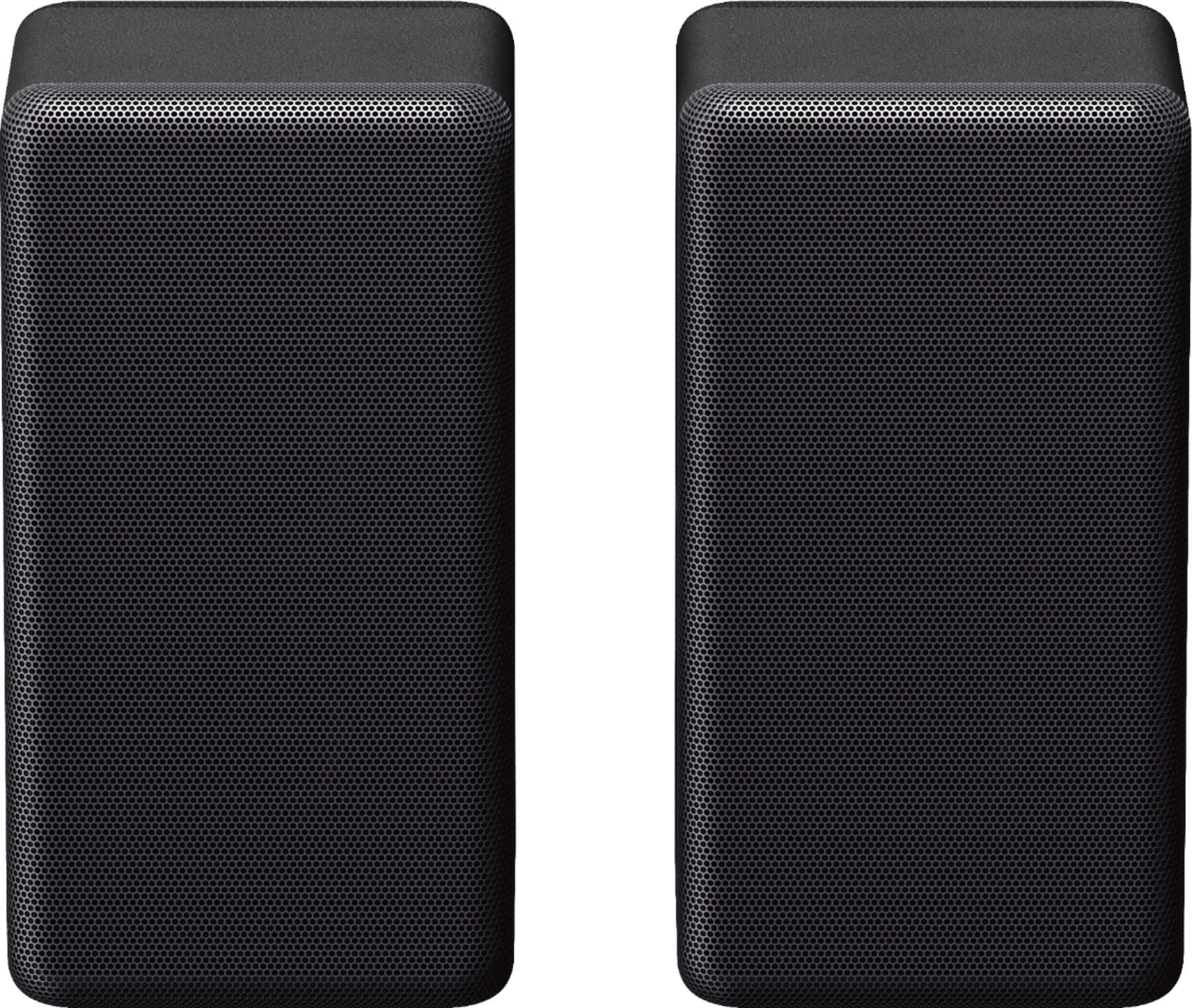
- A:Answer Hi there, Thanks for your inquiry. Do you mean HTG700? If so, the Sony SA-RS3S are not compatible with the HT-G700 soundbar. This soundbar doesn't have the option to connect wireless rear speakers. The SA-RS3S wireless rear speakers are designed to be paired with the Sony HT-A7000, HT-A5000, HT-A3000 and HT-S2000 Soundbar models, and the STRAN1000, STRAZ1000ES, STRAZ3000ES, STRAZ5000ES, STRAZ7000ES A/V receiver models. Take movies, shows, sports, and music to the next level by adding to your cinematic surround sound atmosphere. These rear speakers automatically connect to the HT-A7000, HT-A5000 or HT-A3000 soundbar right out of the box, bringing crystal-clear, room-filling sound into any home theater environment. Regards, Jess
Answered by SonyListens

Q: Questioncan these speakers connect with the HT G700 soundbar?
Asked by DLuna.
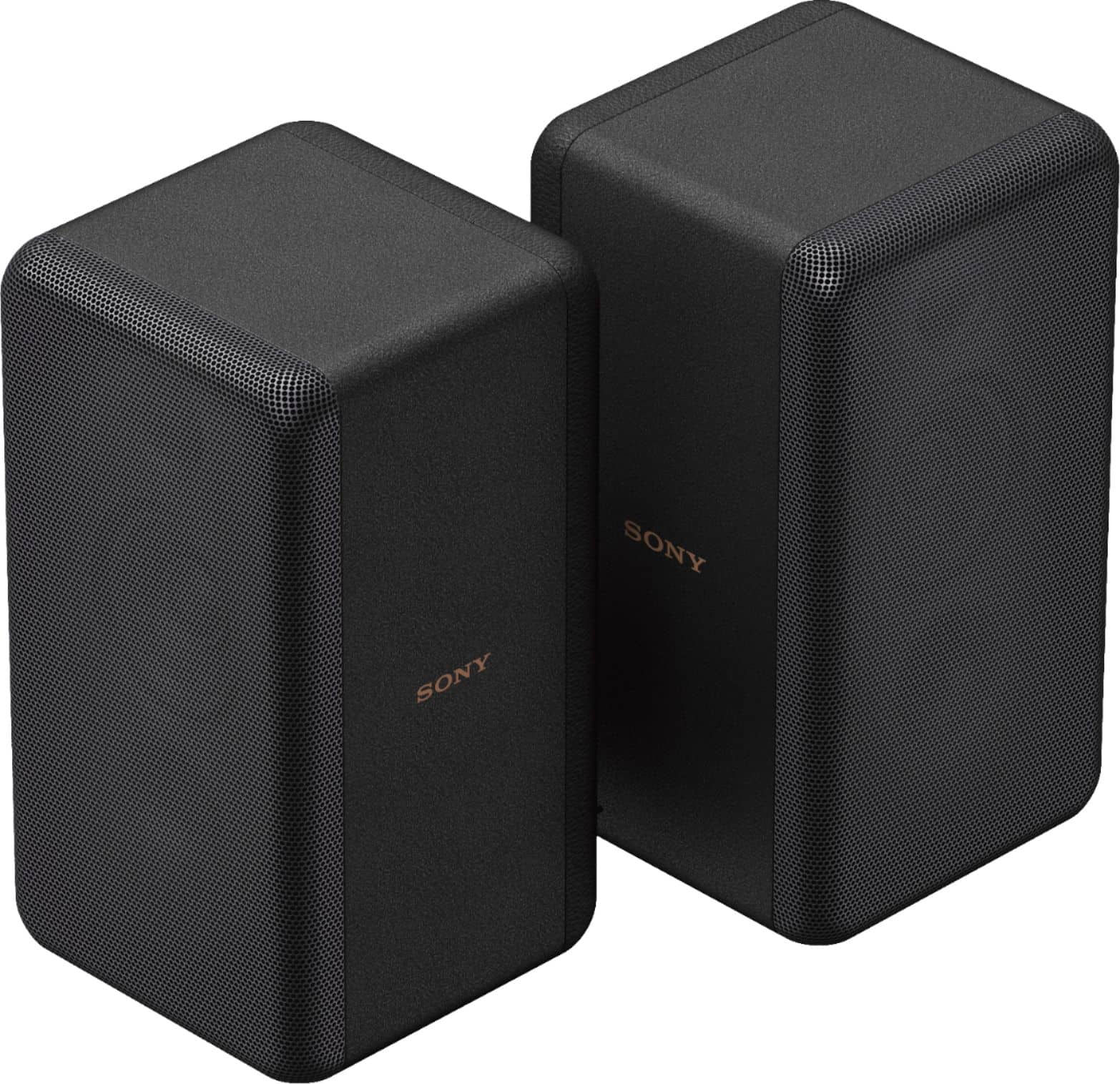
- A:Answer Hi Kobeluna71, Thanks for your question! Unfortunately, the HT-G700 soundbar doesn't have the option to connect wireless rear speakers. The SA-RS3S wireless rear speakers are designed to be paired with the Sony HT-A7000, HT-A5000, HT-A3000 and HT-S2000 Soundbar models, and the STRAN1000, STRAZ1000ES, STRAZ3000ES, STRAZ5000ES, STRAZ7000ES A/V receiver models. These rear speakers automatically connect to your HT-A7000, HT-A5000, or HT-A3000 soundbar right out of the box, bringing crystal-clear, room-filling sound into any home theater environment. Regards, Jess
Answered by SonyListens

Q: QuestionWill these connect wirelessly to Denon AVR-S570bt reciever?
Asked by Anonymous.
- A:Answer Hi there, Thank you for your inquiry! Unfortunately, no. SA-RS3S wireless rear speakers are only compatible with the Sony HT-A7000, HT-A5000, HT-A3000 and HT-S2000 Soundbar models, and the STR-AN1000, STR-AZ1000ES, STR-AZ3000ES, STR-AZ5000ES, STR-AZ7000ES A/V receiver models. Pairing these speakers to any other soundbars or receivers is not supported. Enhance your home theater experience with optional wireless rear speakers for the HT-A7000, HT-A5000, or HT-A3000 Soundbar. These rear speakers automatically connect to your HT-A7000, HT-A5000, or HT-A3000 soundbar right out of the box, bringing crystal-clear, room-filling sound into any home theater environment. Regards, Jess
Answered by SonyListens

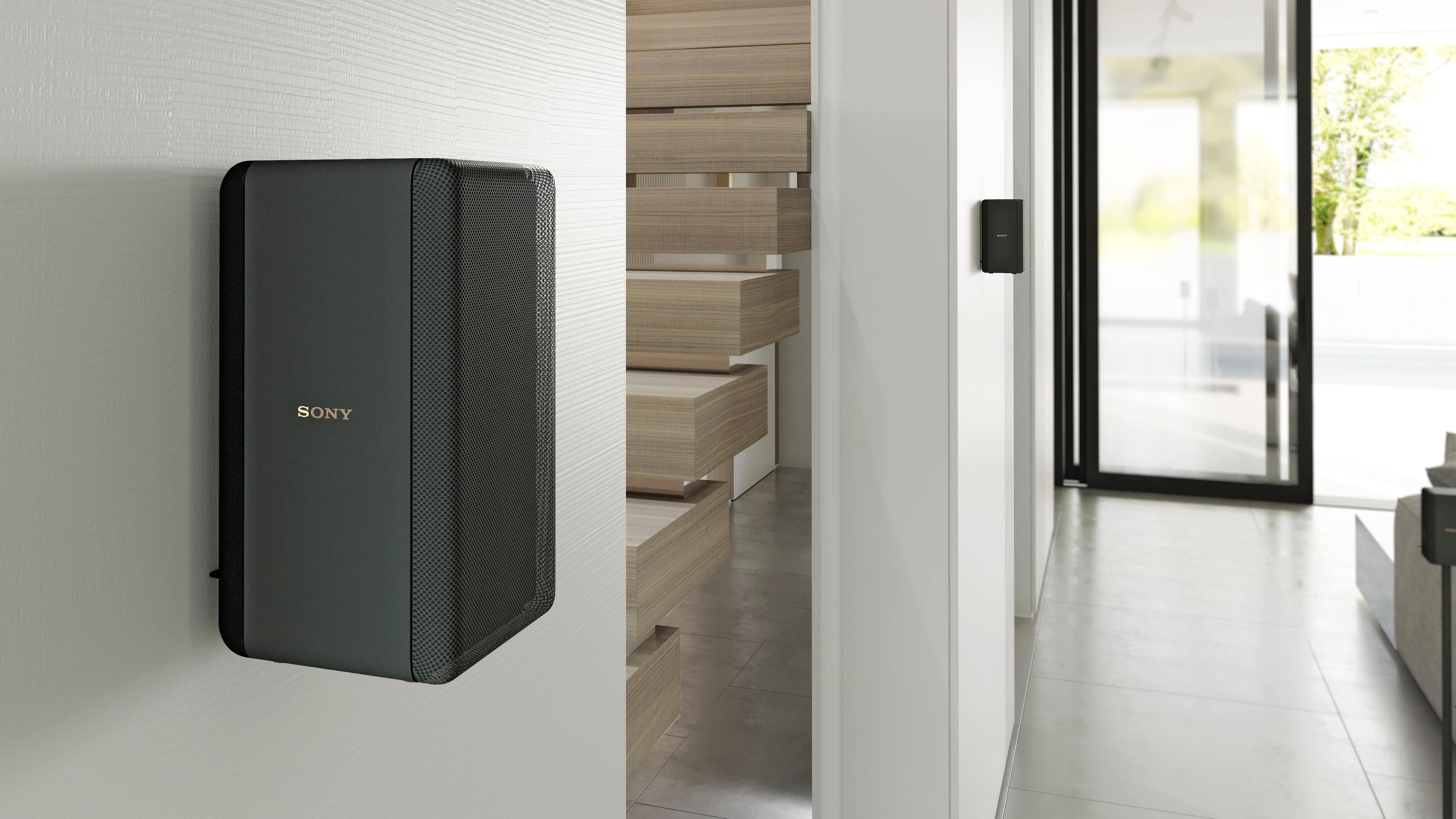
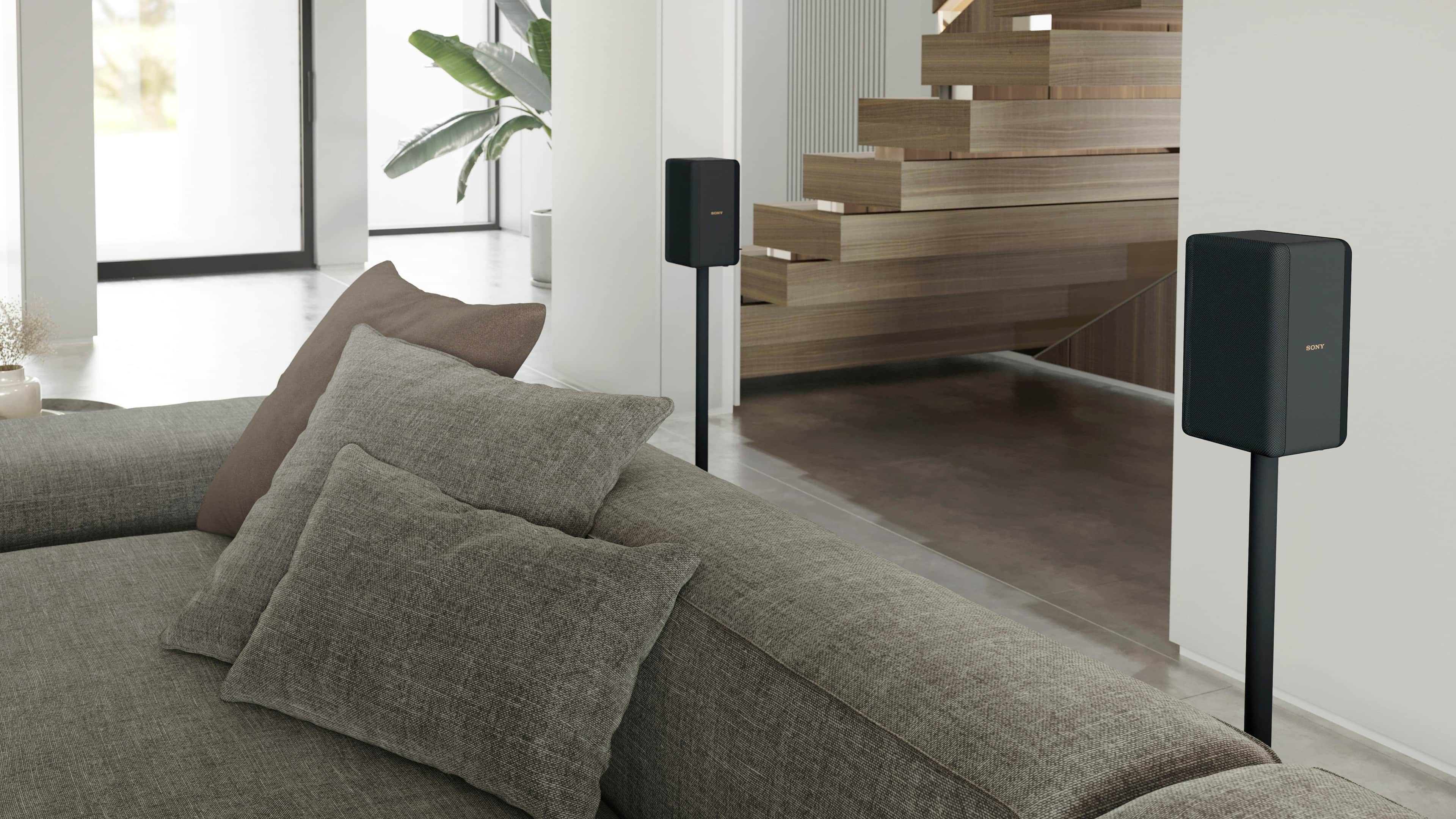
Q: QuestionWho makes stands for these and where are they available? Thanks.
Asked by vperzx9r.
- A:Answer Sanus you can buy them from walmart.com
Answered by OShea
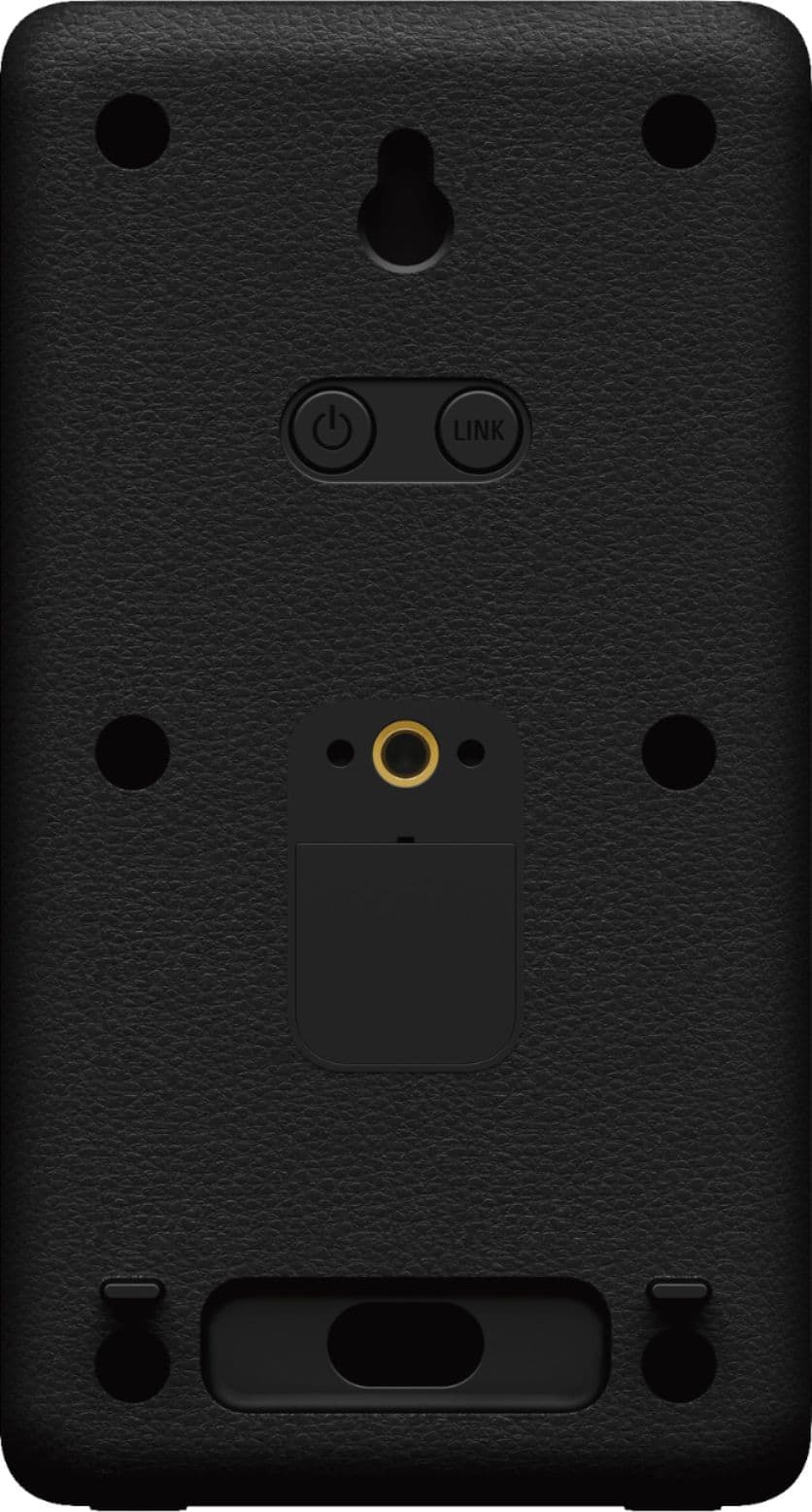
Q: Questiondoes this model have a 3.5mm jack beneath the tap located on the back.
Asked by steve.
- A:Answer Hi Steve, Thanks for your inquiry. No. Sony SA-RS3S does not support 3.5mm jack or terminals for speaker wires. It uses its own wireless transmission to connect with the compatible models (HT-A7000, HT-A5000, HT-A3000, and HT-S2000 Soundbar models, and the STRAN1000, STRAZ1000ES, STRAZ3000ES, STRAZ5000ES, STRAZ7000ES A/V receiver models) Additional information: Since the SA-RS3S wireless rear speakers were built specifically for use with the Sony HT-A7000, HT-A5000, HT-A3000 or HT-S2000 Soundbar, setup is quick and easy. The speakers automatically connect to the HT-A7000, HT-A5000, HT-A3000 or HT-S2000 soundbar when you power them up, so you can enjoy cinema-quality surround sound right away. Regards, Jess
Answered by SonyListens