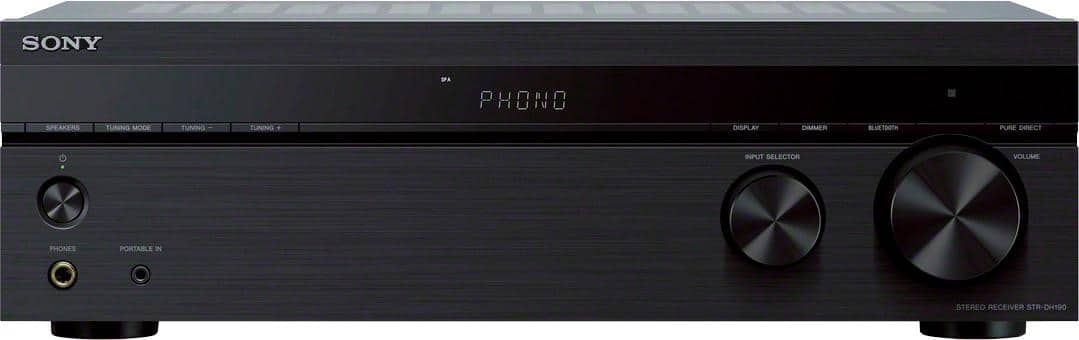
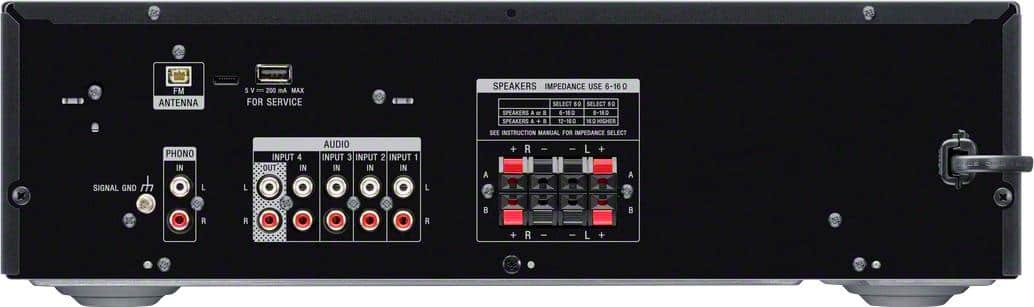
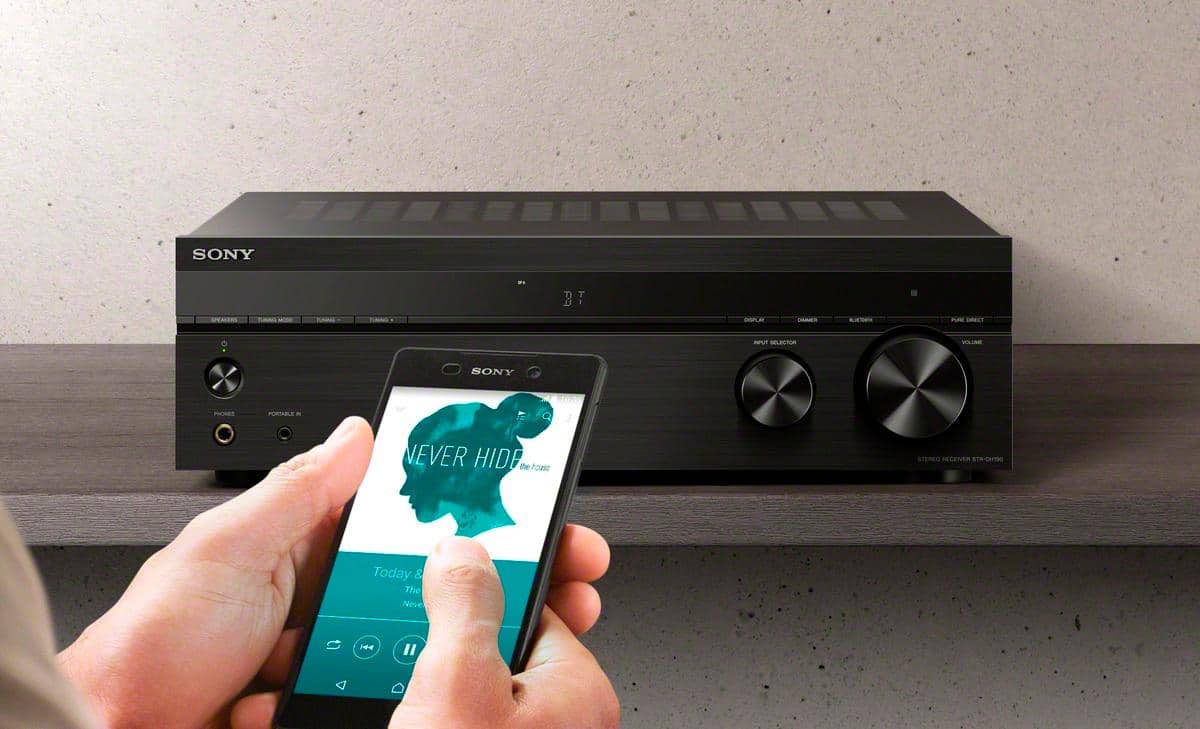
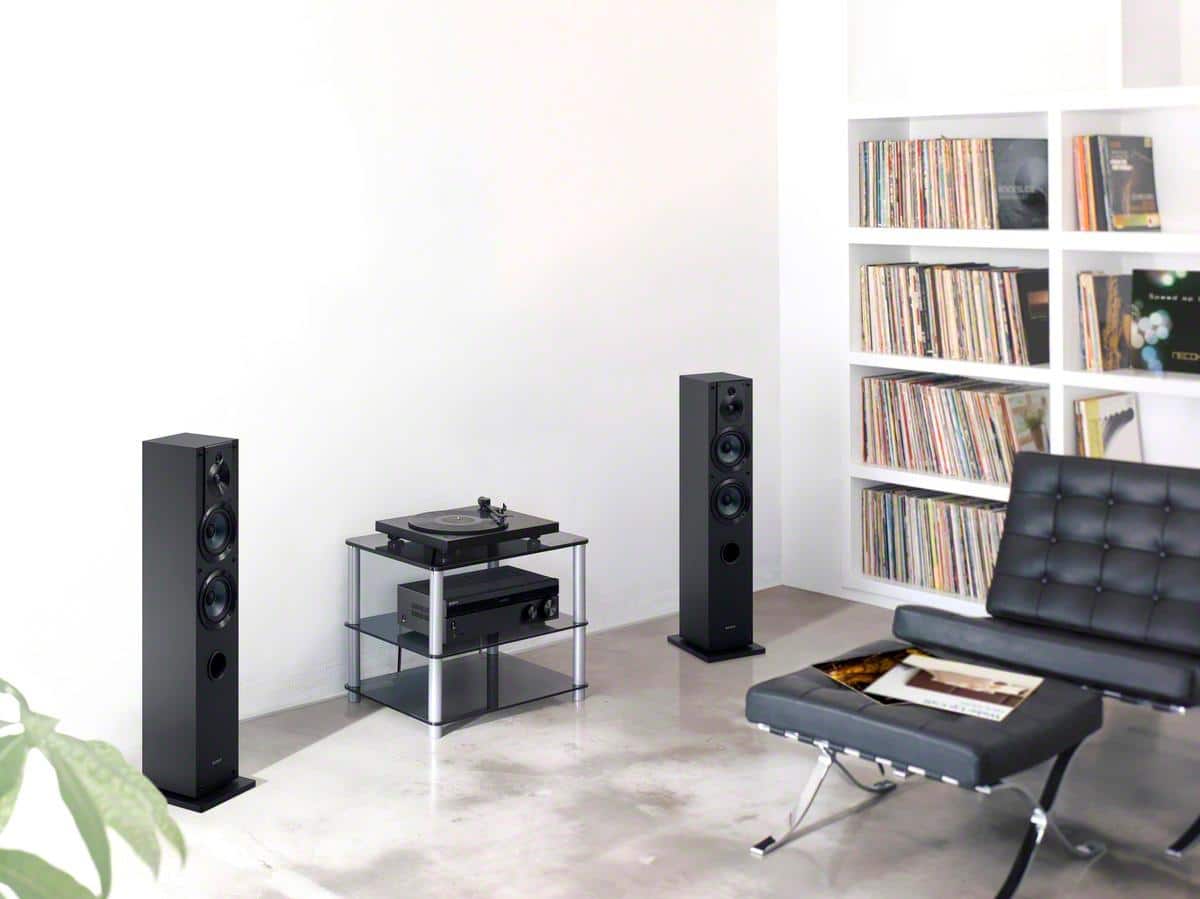
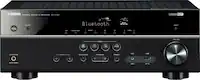
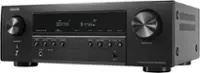
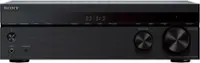
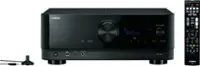
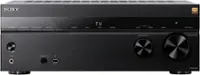
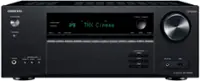
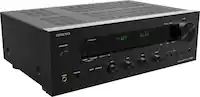
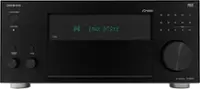
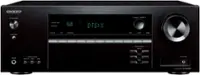
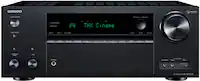
A:AnswerIf your player has a standard RCA output, you can assign it to any of the channels, and the controls let you modify the display name that goes with the assigned input to reflect what's connected to it.
A:AnswerUse a set of RCA cables to one of the 4 inputs on the rear of the receiver and connect the RCA cables to an optical digital cable adaptor in the rear of your tv. You will need a USB cable to connect the 6 volt power supply from the optical digital adaptor to the USB port on your tv.