A:AnswerHi ThinOnTop, Thank you for your inquiry!
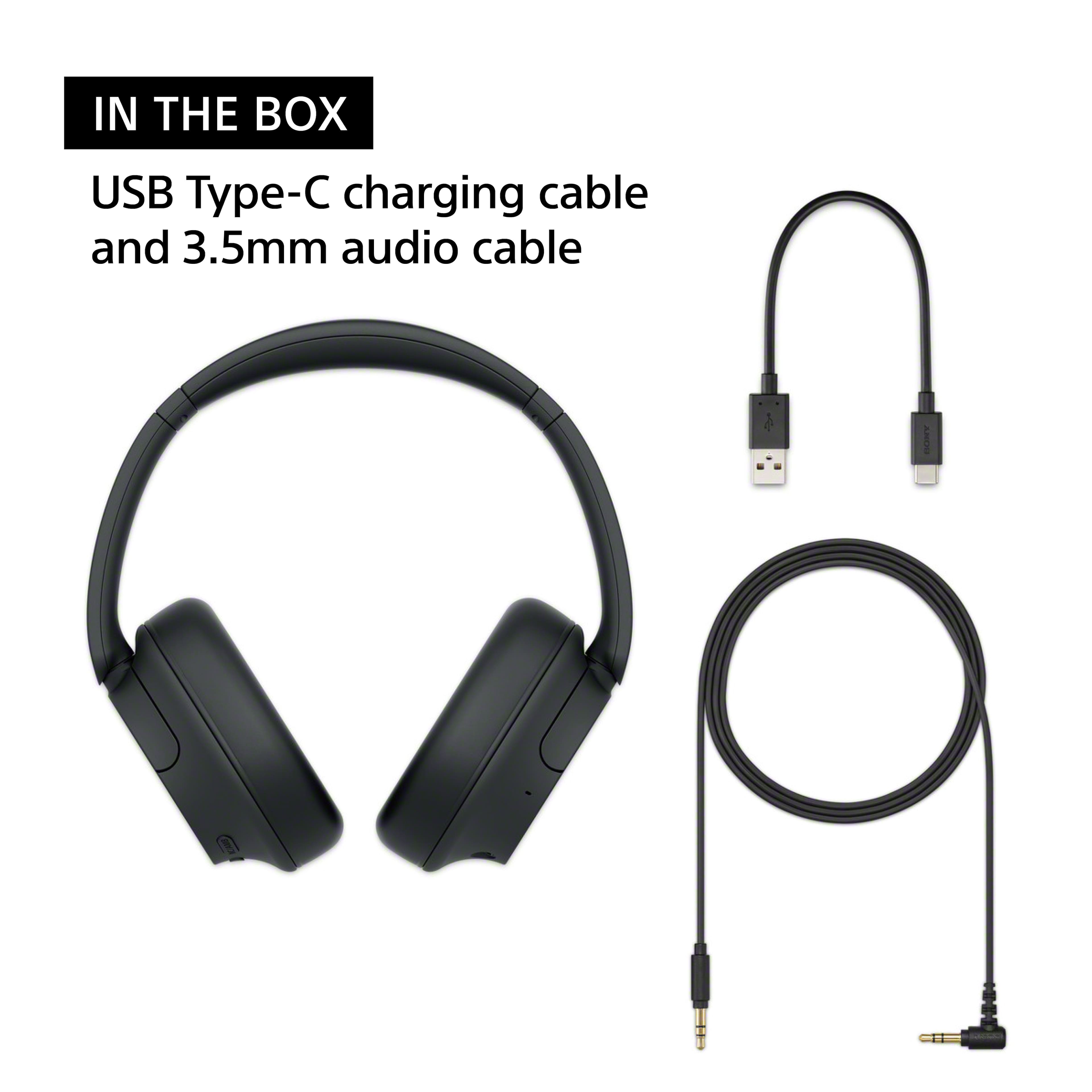
The supplied headphone cable is approx. 1.2 m (47.25 in.) and USB Type-C® cable (USB-A to USB-C®) (approx. 20 cm (7.88 in.))
I hope this helps!
Regards,
Carl
A:AnswerHi Sean, Thank you so much for your inquiry!
FREQUENCY RESPONSE (BLUETOOTH® COMMUNICATION)
20–20,000 Hz (Sampling frequency 44.1 kHz)
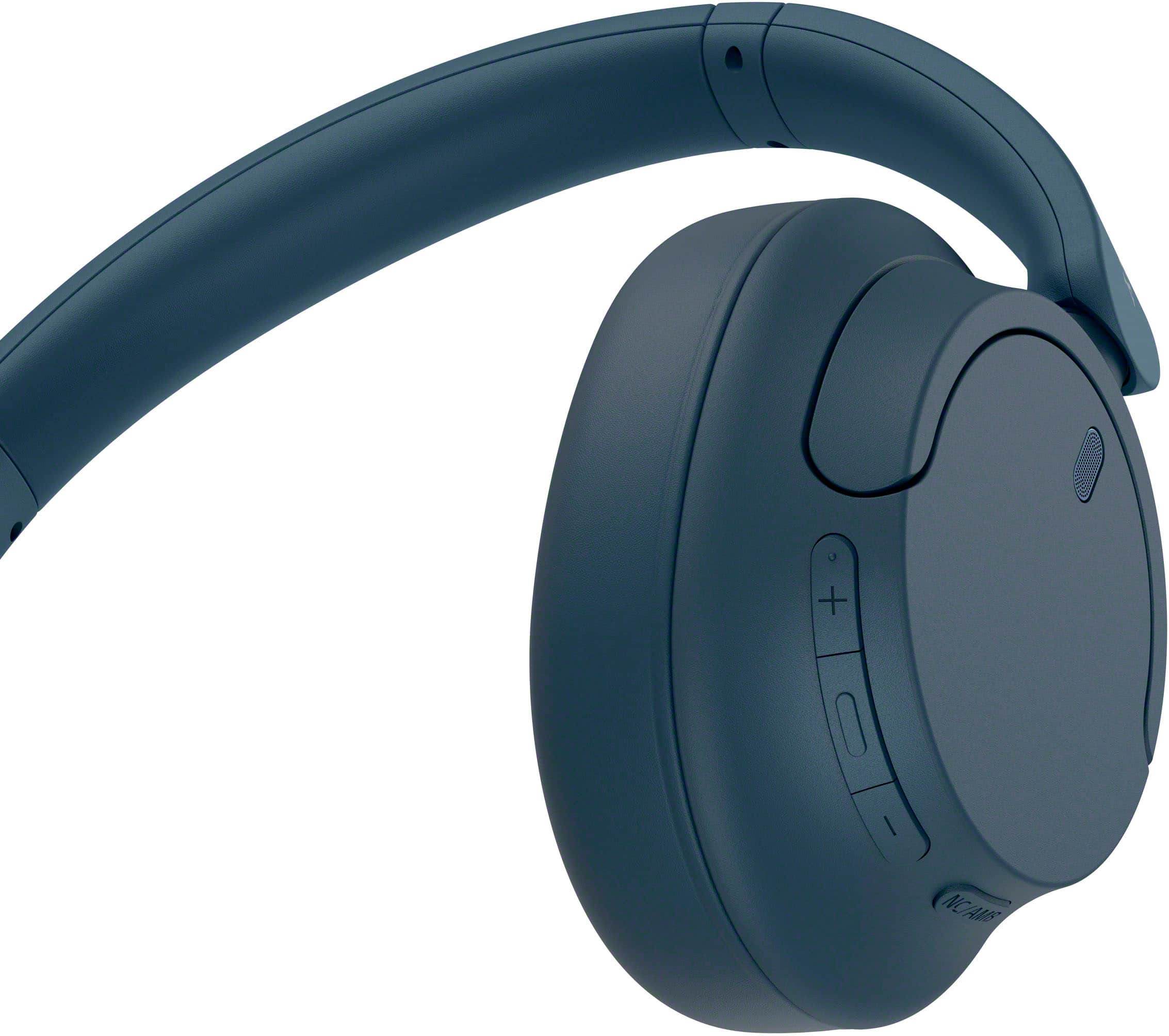
Also, yes you can turn off the noise canceling function/Ambient Sound Mode from the “Sony | Headphones Connect” app.
I hope this helps!
Regards,
Carl
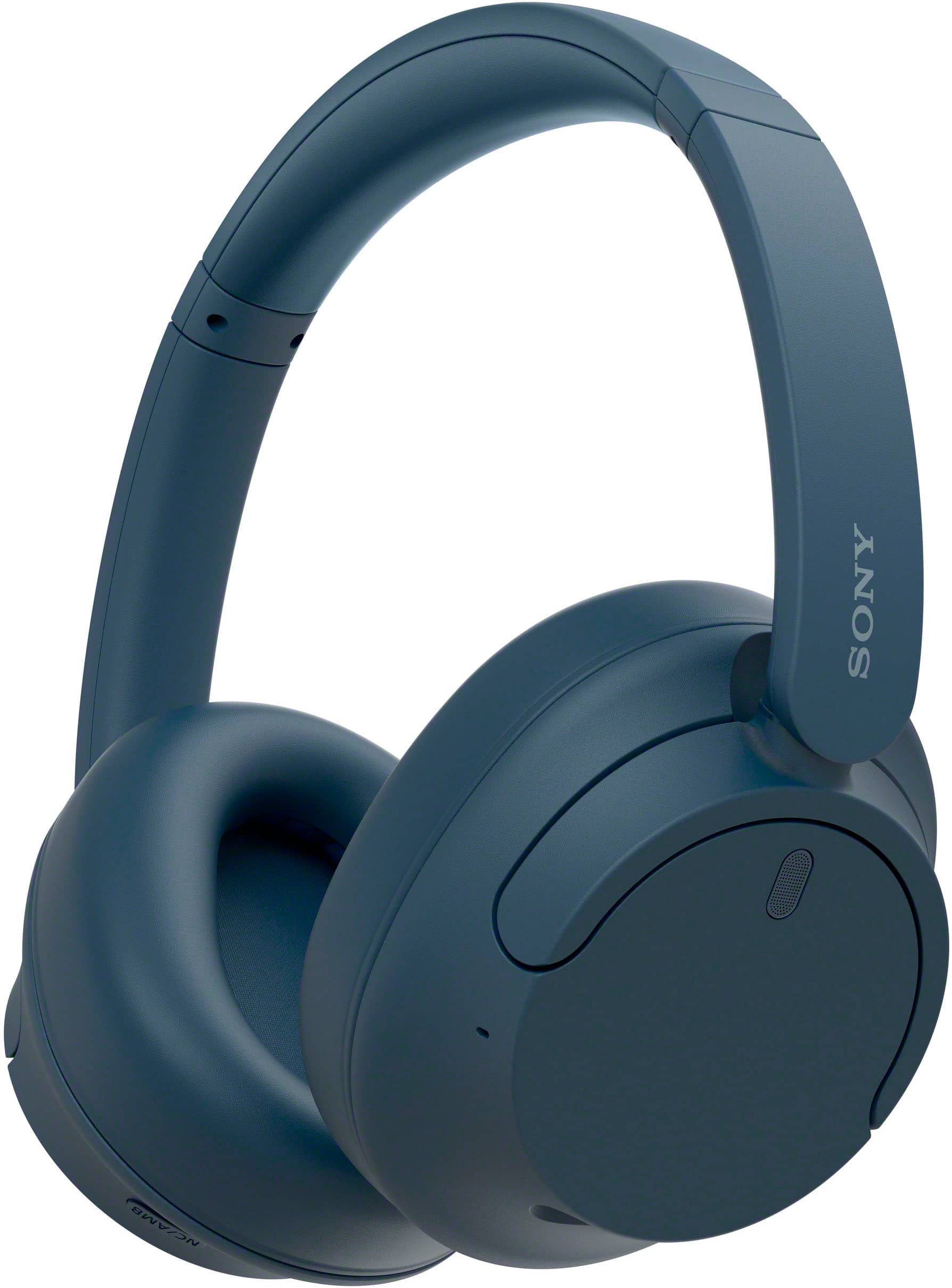
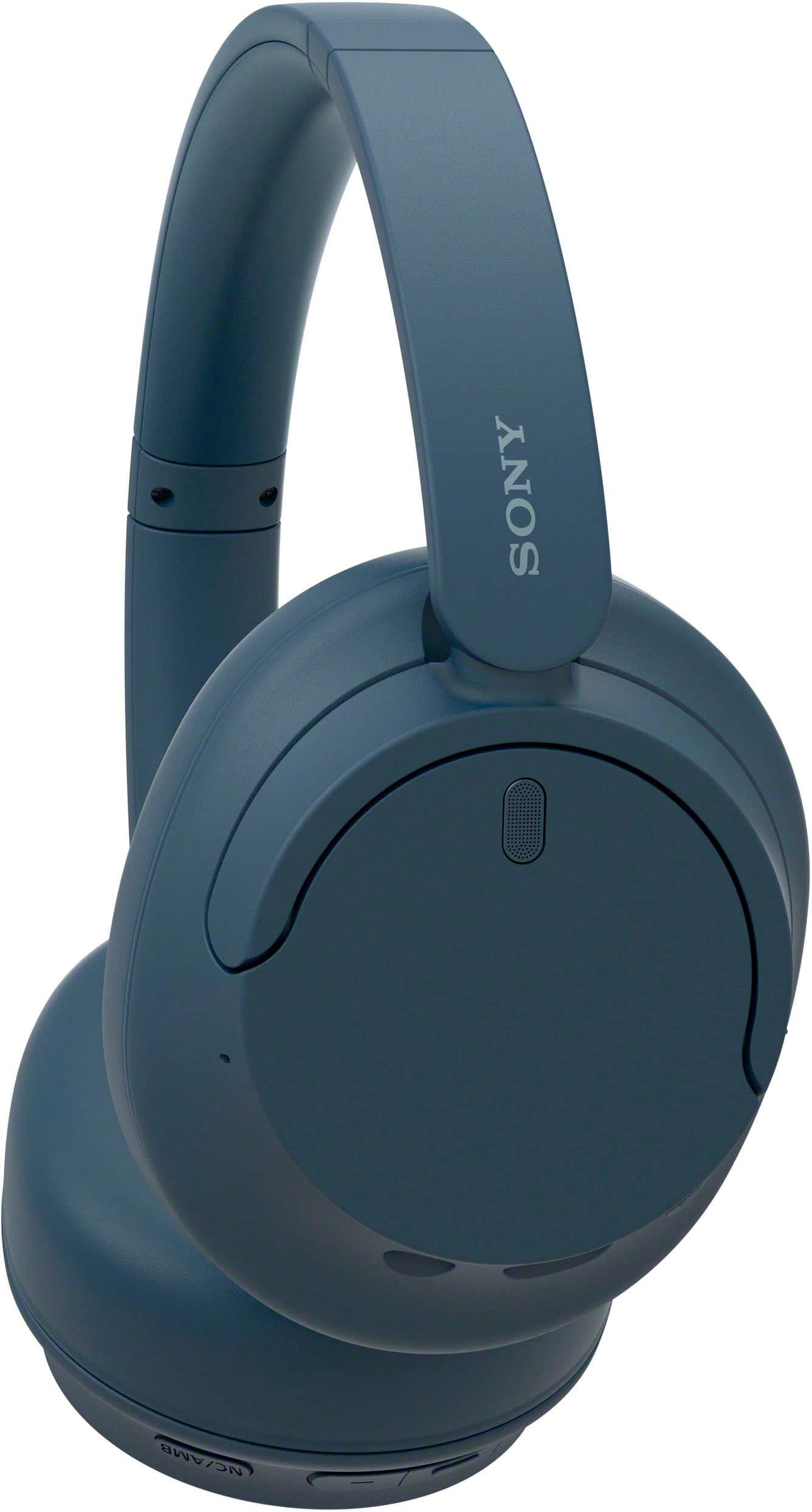
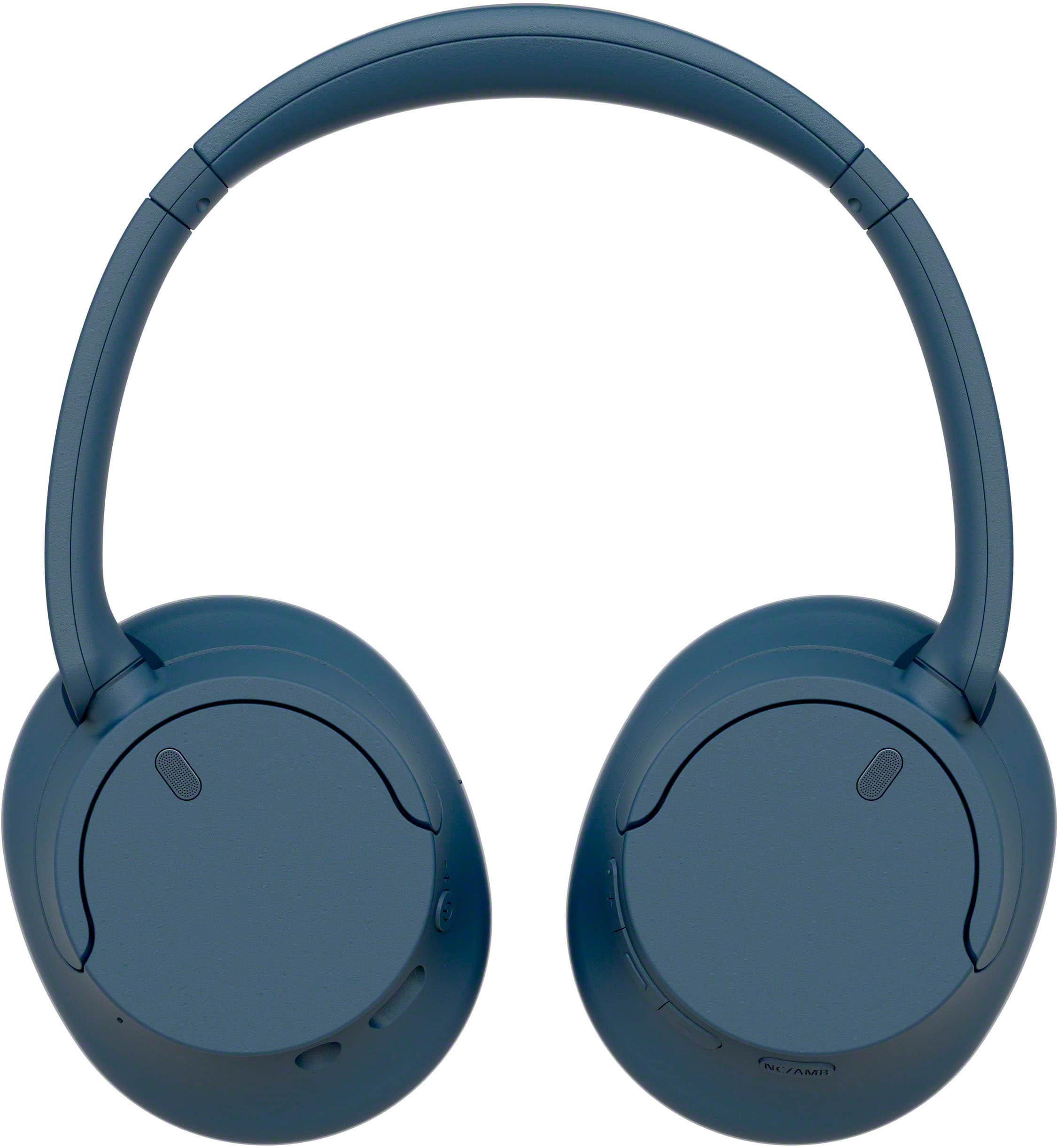
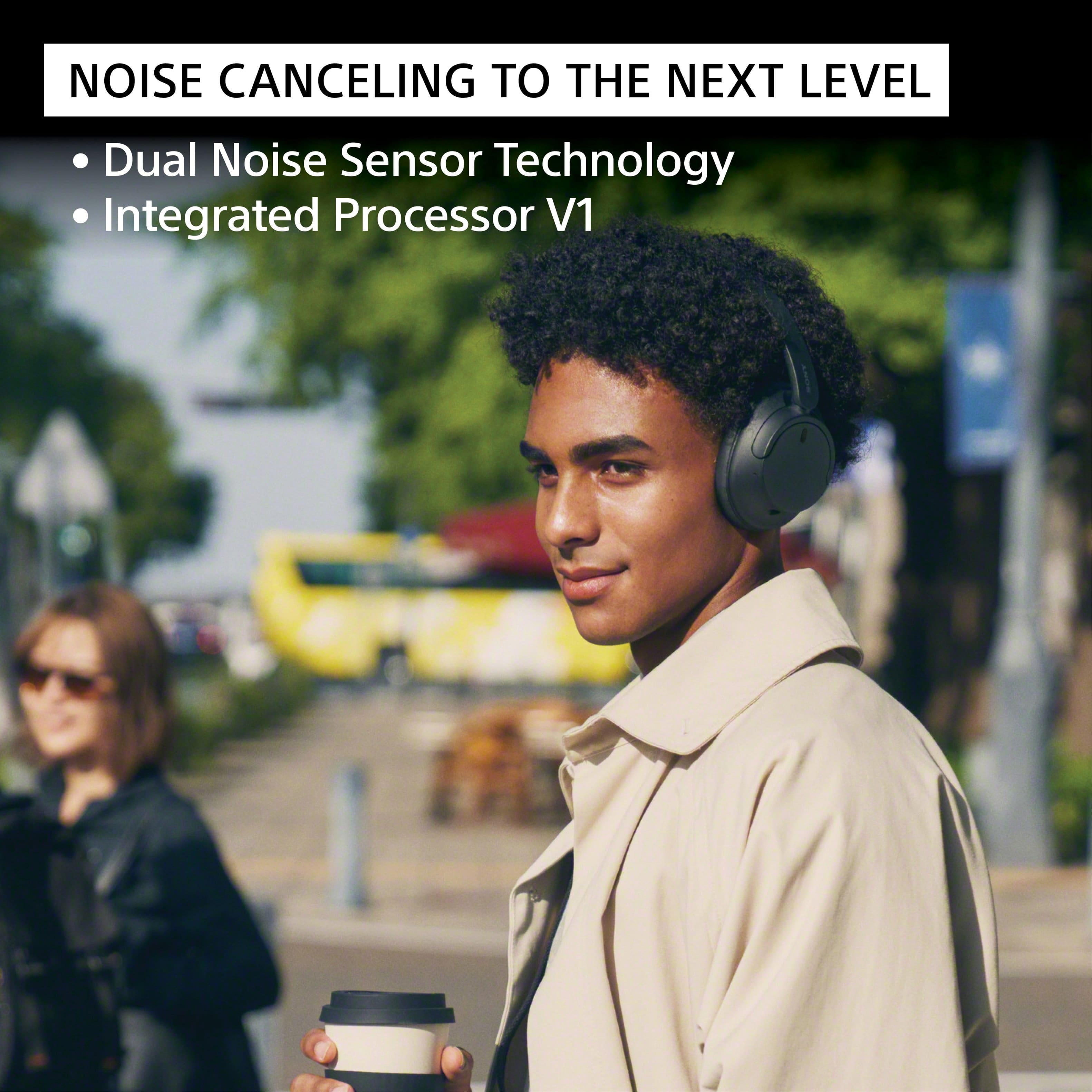
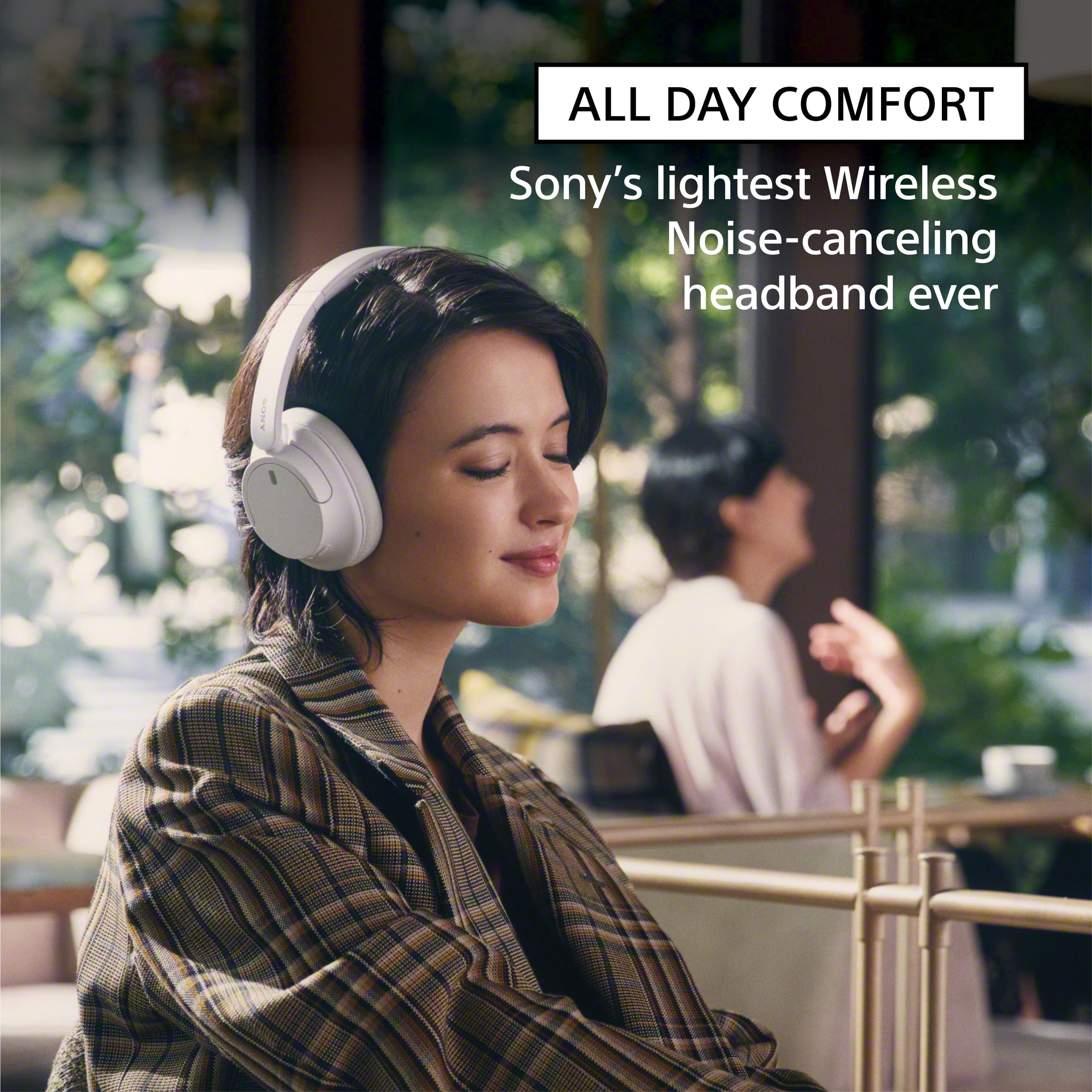
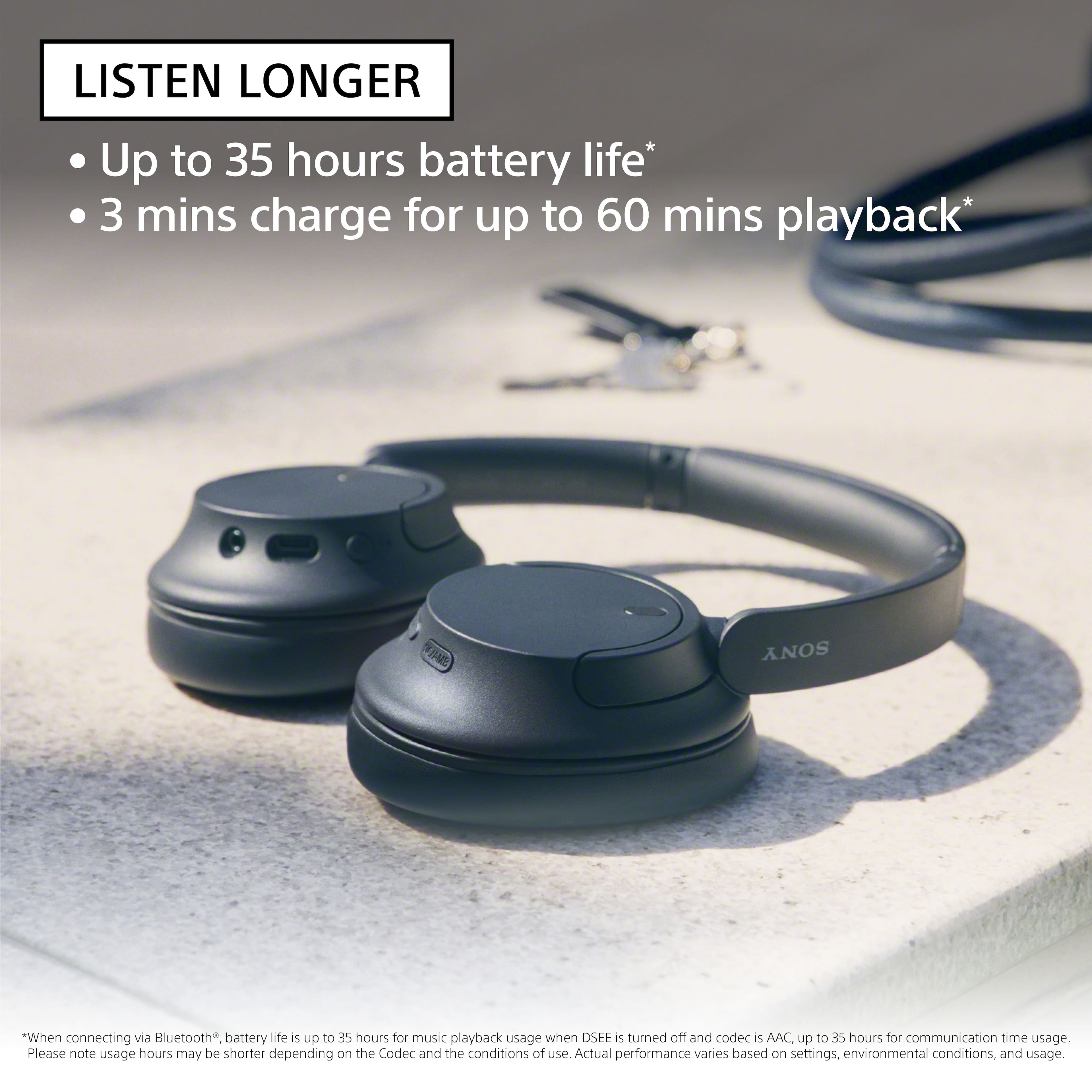
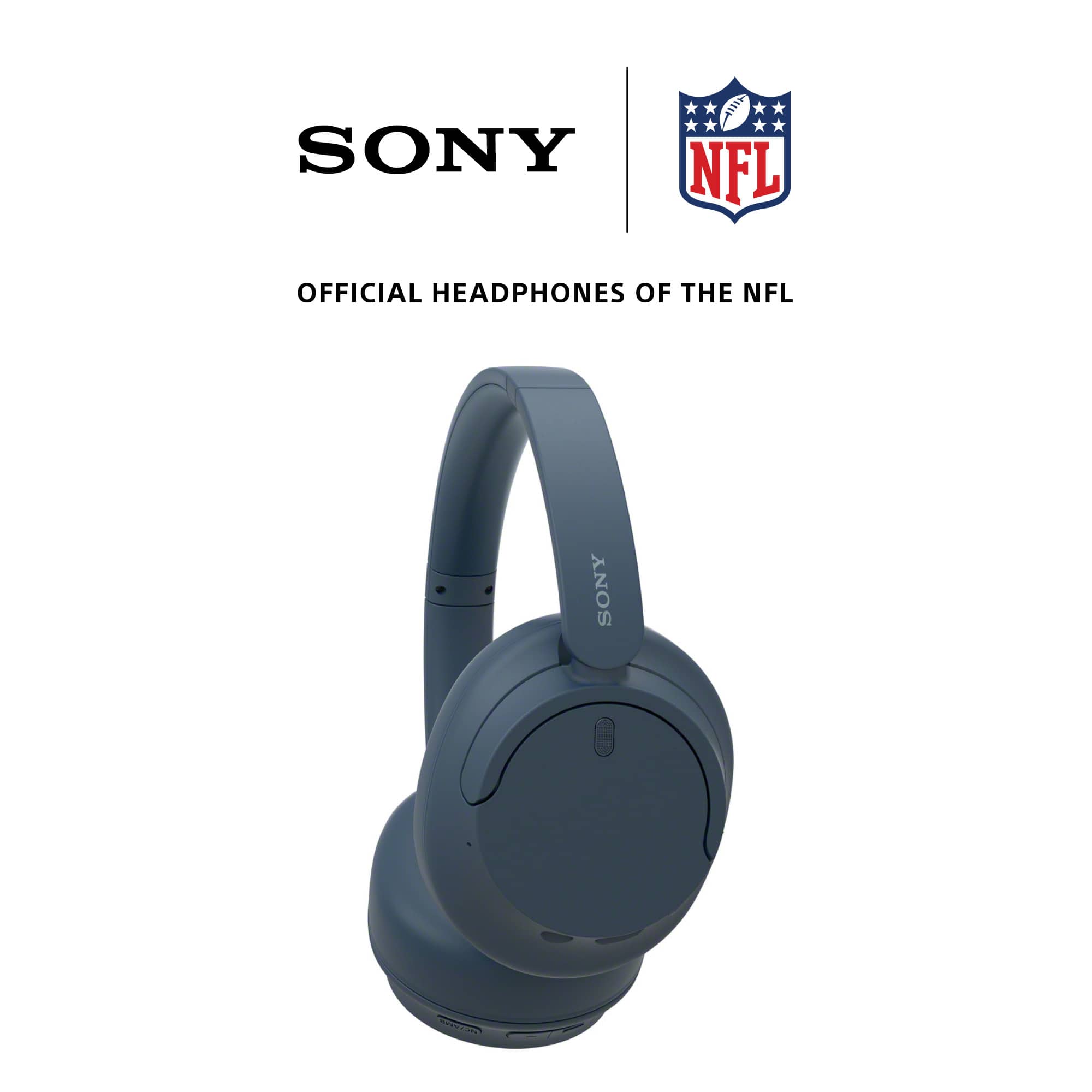
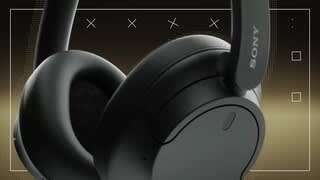
A:AnswerHi BK, Thanks for the inquiry. Yes. The Sony WHCH720M can pair with your Iphone 15. Turn down the world's noise with the long-lasting noise cancellation performance. Featuring Dual Noise Sensor technology and an Integrated Processor V1, the WH-CH720N allows you to fully immerse yourself in music without any distractions. Ergonomically designed to be lightweight, comfortable, and with up to 35 hours of battery life, you’ll almost forget you’re wearing it. Regards, -Craig
A:AnswerHi AMV,
Thank you for your question! We're sorry to hear some issues that you are experiencing with your WHCH720N headphones. Let's work together and troubleshoot the problem.
If you hear noise or unusual sounds on the headphones, please check the following below:
Ensure that the headphones are worn properly.
Update the firmware of your headphones to the latest version as it includes key features, applications, bug fixes, and feature improvements.
Some devices that emit ultrasonic sound waves designed to repel rodents may occasionally be installed at the entrances of commercial facilities or subway stations. Near such devices, the ultrasonic sound waves may cause noise or unusual sound to be heard from the headset. Leave the place where the noise or unusual sound is heard. Or turn off the noise canceling function/Ambient Sound Mode from the “Sony | Headphones Connect” app.
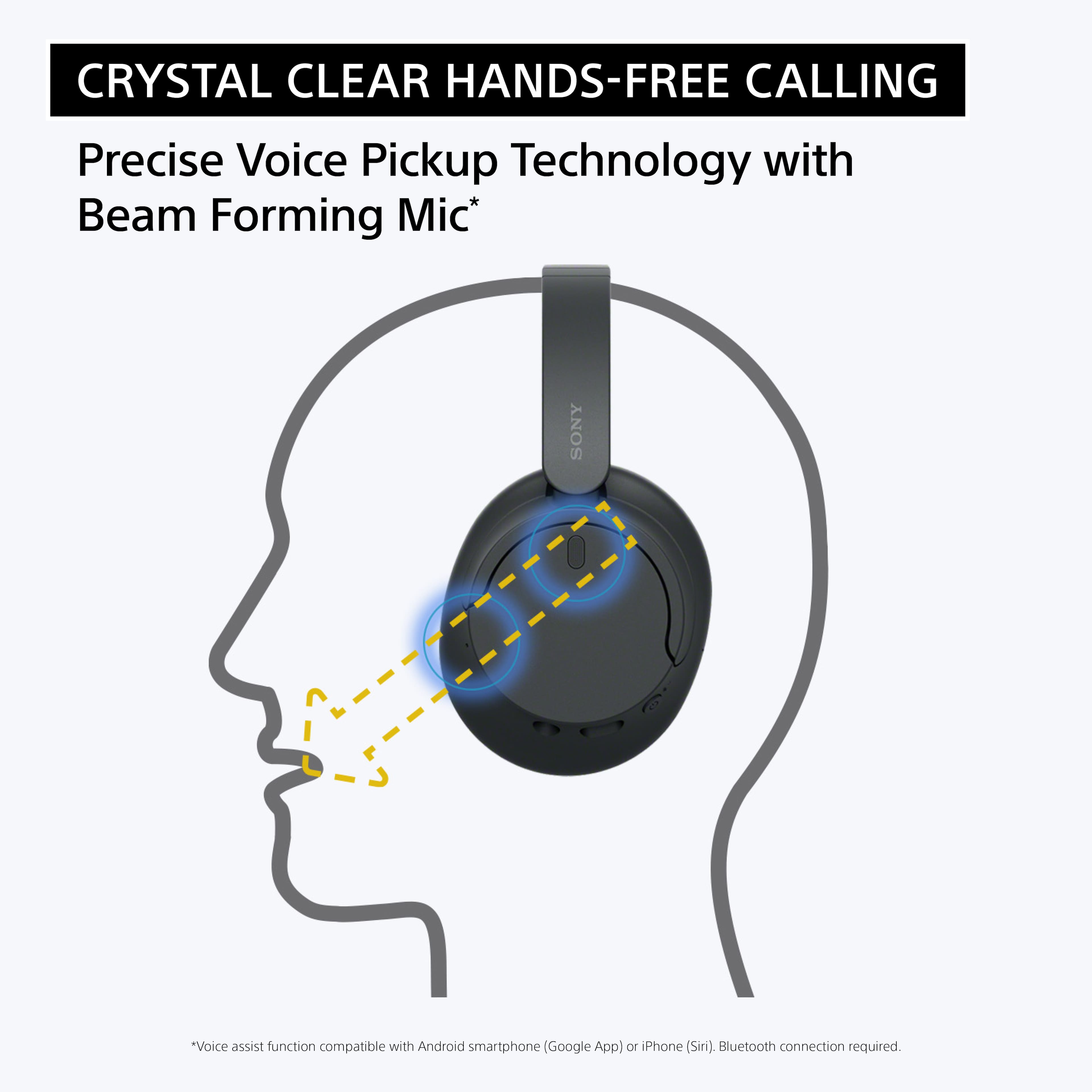
When making or receiving a call using the headphones, your voice and other sounds are picked up from the headset’s microphone (Sidetone function). In this case, ambient sounds or the sounds of the headset operation may be heard through the headset, but this is not a malfunction. Please note that the volume level and sensitivity of the Sidetone function can't be adjusted, and the function can't be turned off.
May we contact you to help? Unfortunately, due to the current Best Buy phishing protocol for your protection, we cannot provide a direct email or phone number for customer support as of now. Please find Sony Electronics' Support information: Go to our support website > click on “Support” > scroll down click on “Contact Support” > click on "Headphones" and from there you'll see different ways to contact us.
We are sorry for the inconvenience and hope to speak to you to resolve this matter. - Kris
A:AnswerHi Michael,
Thank you for your question! The earpads of the WH-CH720N headphones can be replaced. To better assist you on how you can replace the earpads, please contact us by sending an email to Sony E-support that you can find on Sony’s official website.
Unfortunately, due to the current Best Buy phishing protocol for your protection, we cannot provide a direct email or phone number for customer support as of now. Please find Sony Electronics' Support information: Go to our support website > click on “Support” > scroll down click on “Contact Support” > click on " Headphones " and from there you'll see different ways to contact us.
Additional information:
Turn down the world's noise with the long-lasting noise cancellation performance. Featuring Dual Noise Sensor technology and an Integrated Processor V1, the WH-CH720N allows you to fully immerse yourself in music without any distractions. Ergonomically designed to be lightweight, comfortable, and with up to 35 hours of battery life, you’ll almost forget you’re wearing it.
Hope this helps! - Kris
A:AnswerHi Jackson,
Thanks for the question! The WHCH720N driver unit size is 30mm(Dynamic).
Turn down the world's noise with the long-lasting noise cancellation performance. Featuring Dual Noise Sensor technology and an Integrated Processor V1, the WH-CH720N allows you to fully immerse yourself in music without any distractions. Ergonomically designed to be lightweight, comfortable, and with up to 35 hours of battery life, you’ll almost forget you’re wearing it.
Hope this helps! - Kris
A:AnswerHi Robert,
Thank for showing your interest with our Sony headphones! If you have a Sony RF or Infrared headphones, the best choice that we recommend to replace your old Sony headphones is our WH-RF400. These Home Wireless Headphones was designed for older televisions and many other devices such as a VCR, set-top box (cable or satellite box), DVD player, Blu-ray Disc® player, game console, etc. with Stereo Audio connectors or a headphone jack. For more information about our headphones line-up, please visit our Sony Electronics Website. Hope this information helps!
Additional information:
Turn down the world's noise with the long-lasting noise cancellation performance. Featuring Dual Noise Sensor technology and an Integrated Processor V1, the WHCH720N allows you to fully immerse yourself in music without any distractions. Ergonomically designed to be lightweight, comfortable, and with up to 35 hours of battery life, you’ll almost forget you’re wearing it. We're sure that you'll gonna enjoy this headphones!
We are looking forward to your purchase. Thanks for considering Sony! - Kris
A:AnswerHi Heidi,
Thank you for reaching out to us. We're sorry to hear if your WHCH720N headphones consistently disconnecting from your phone via Bluetooth connection. We appreciate your time and efforts on troubleshooting the unit. Let's try to isolate the issue by following the troubleshooting steps below:
Set the headset to “Priority on stable connection".
Remove any obstacles between the headphones and smartphone.
Bluetooth communications may be disabled, or noise or audio dropout may occur under the following conditions.
When there is a human body between the headset and the Bluetooth device
When this is the case, turn the Bluetooth device to face the same direction as the antenna of the headset to improve the Bluetooth communications.
When there is an obstacle, such as metal or a wall, between the headset and the Bluetooth device
In places with wireless LAN, where a microwave oven is used, electromagnetic waves are generated, etc.
Where there are other wireless communication audio devices or other people nearby, such as in train station premises or on a crowded train.
If you are enjoying music with your smartphone, the situation may be improved by closing unnecessary apps or restarting your smartphone.
Connect the headset and the Bluetooth device once again.
Reset the headset.
Initialize the headset, and pair the headset and the device again.
Unfortunately, due to the current Best Buy phishing protocol for your protection, we cannot provide a direct email or phone number for customer support as of now. Please find Sony Electronics' Support information: Go to our support website > click on “Support” > scroll down click on “Contact Support” > click on "Headphones" and from there you'll see different ways to contact us.
We are sorry for the inconvenience and hope to speak to you to resolve this matter. - Kris