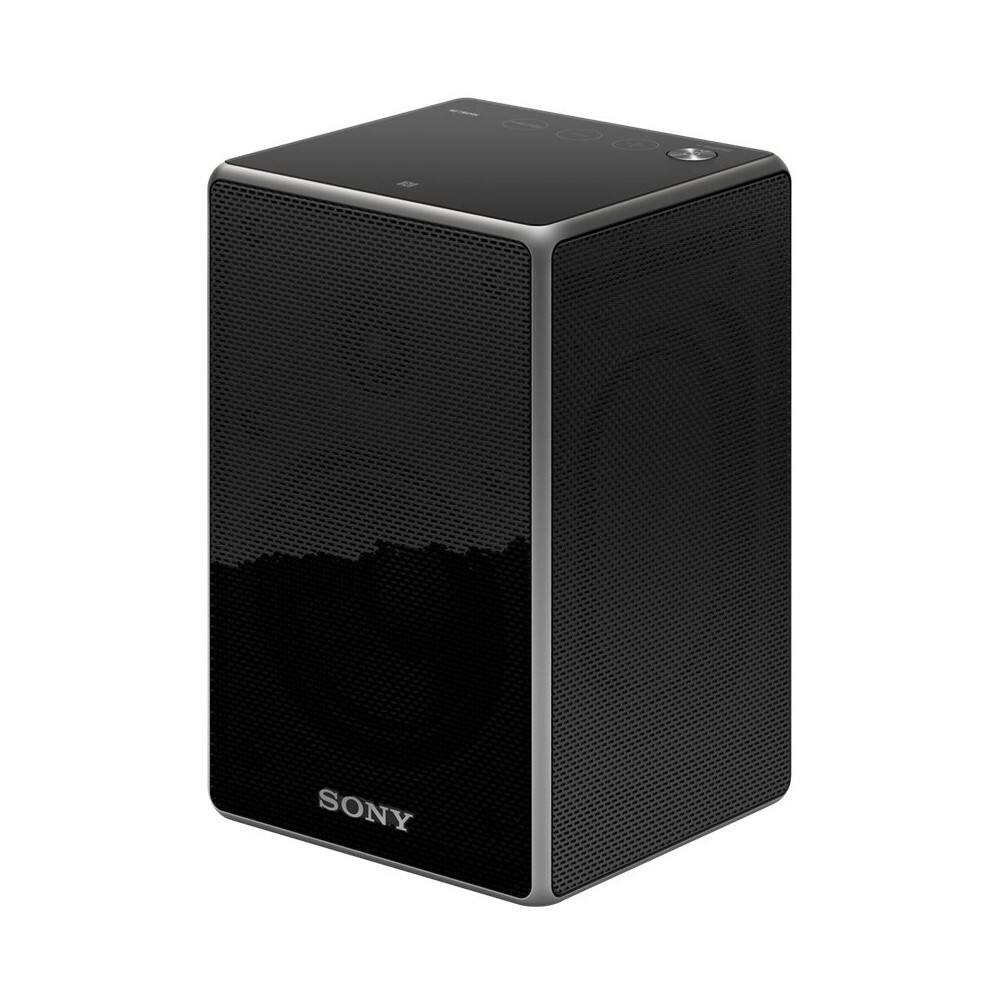
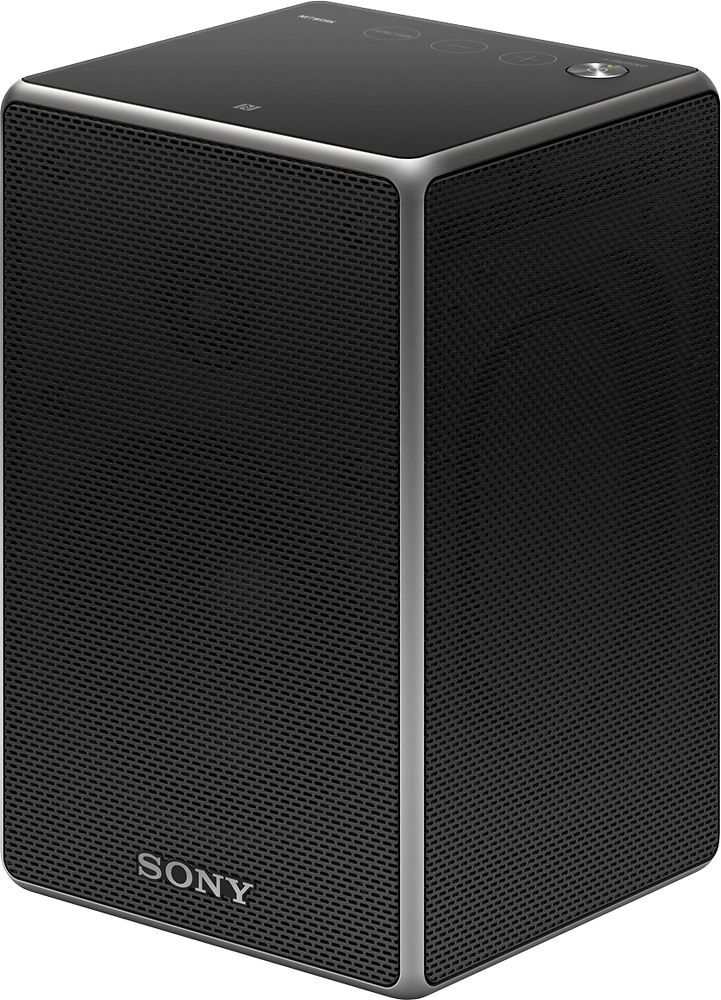
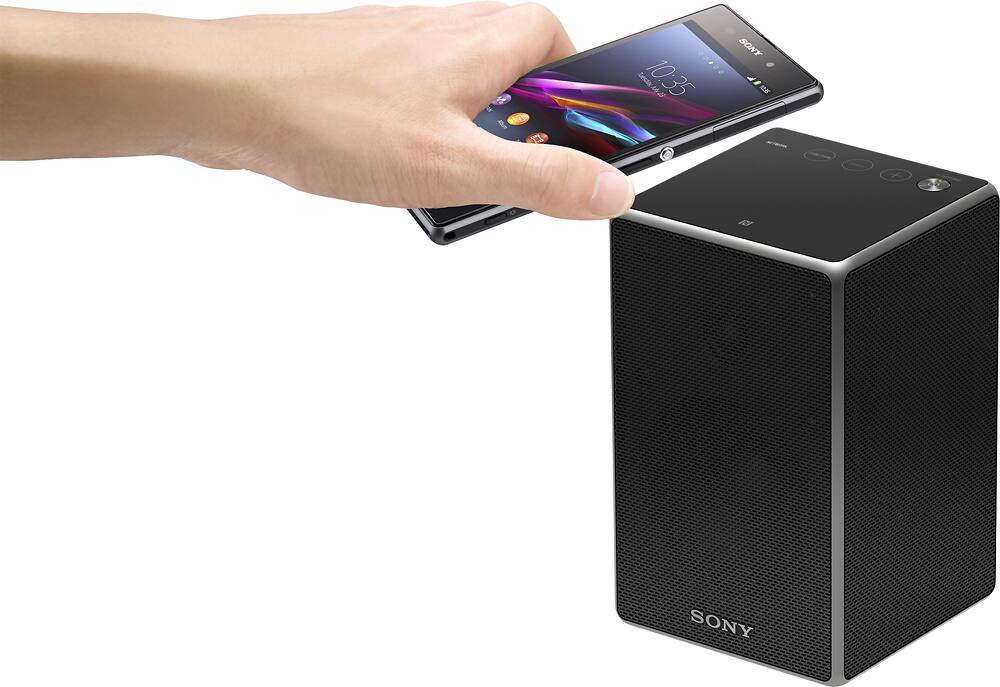
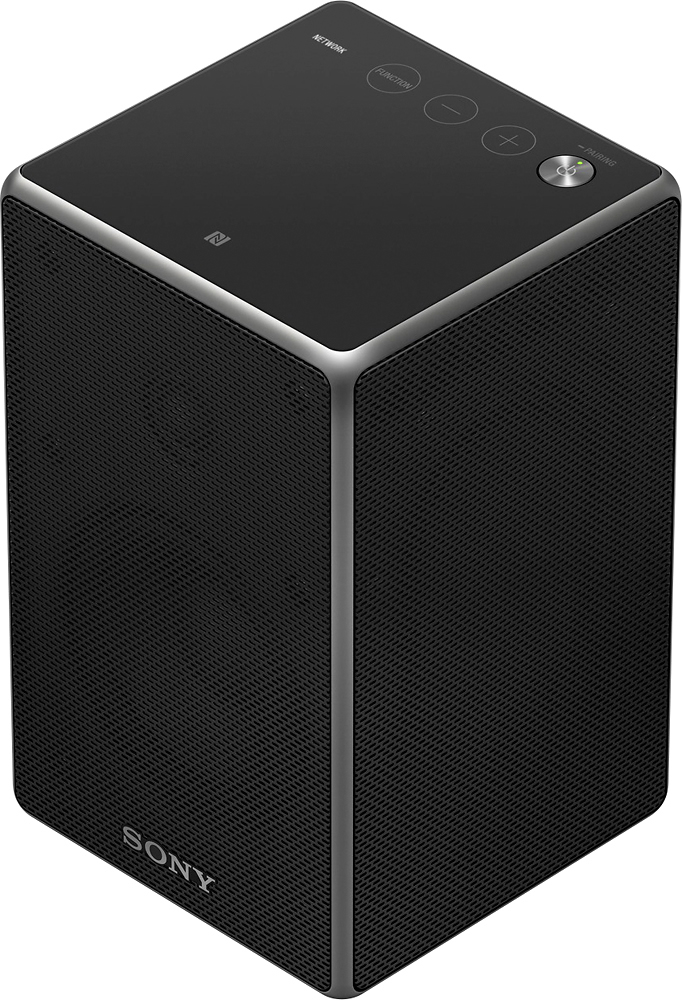
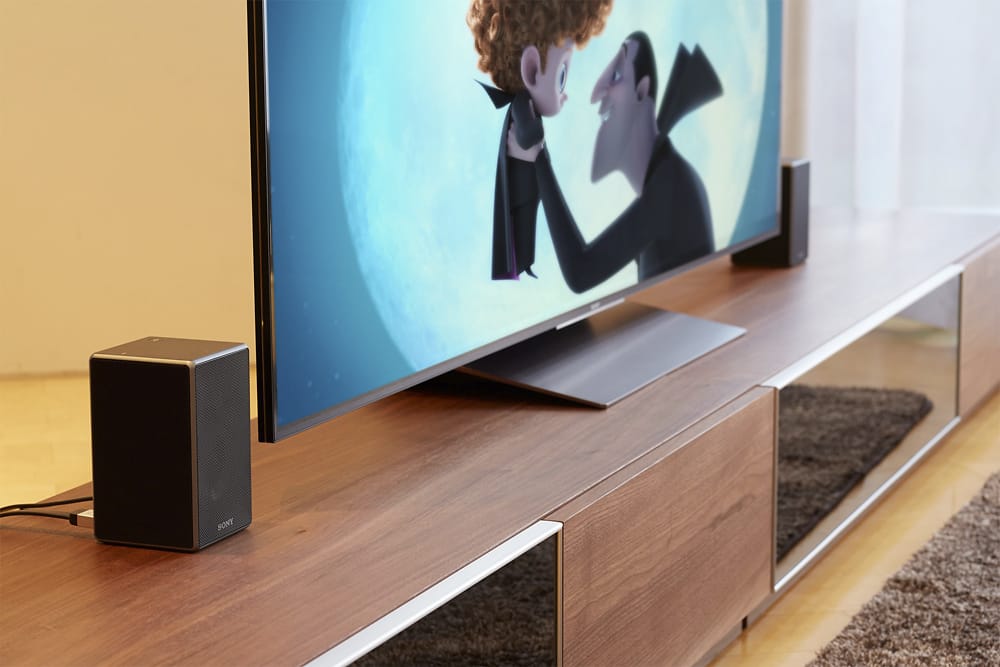
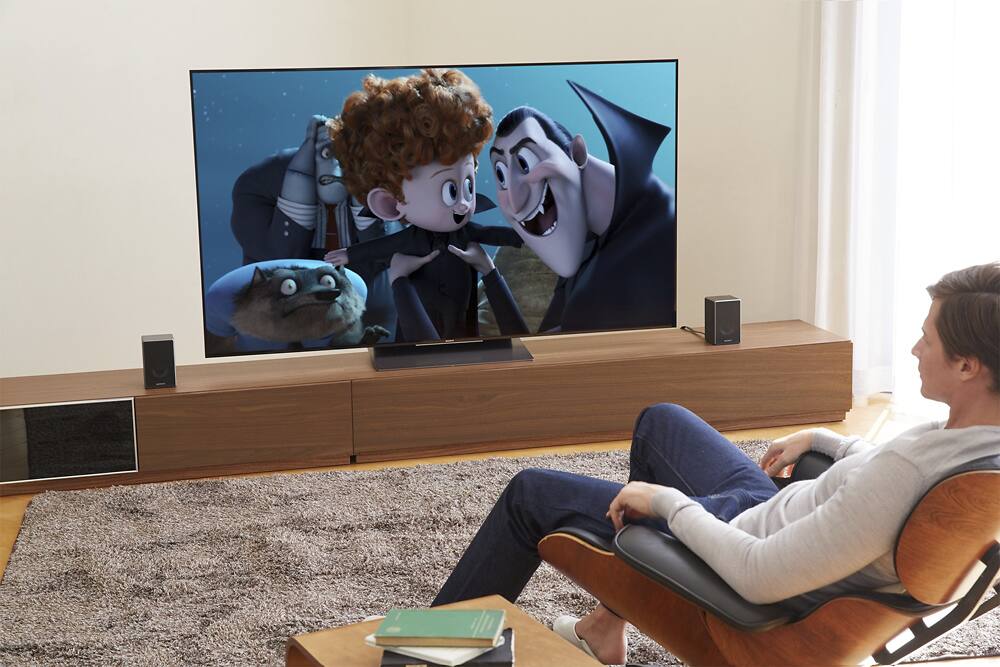
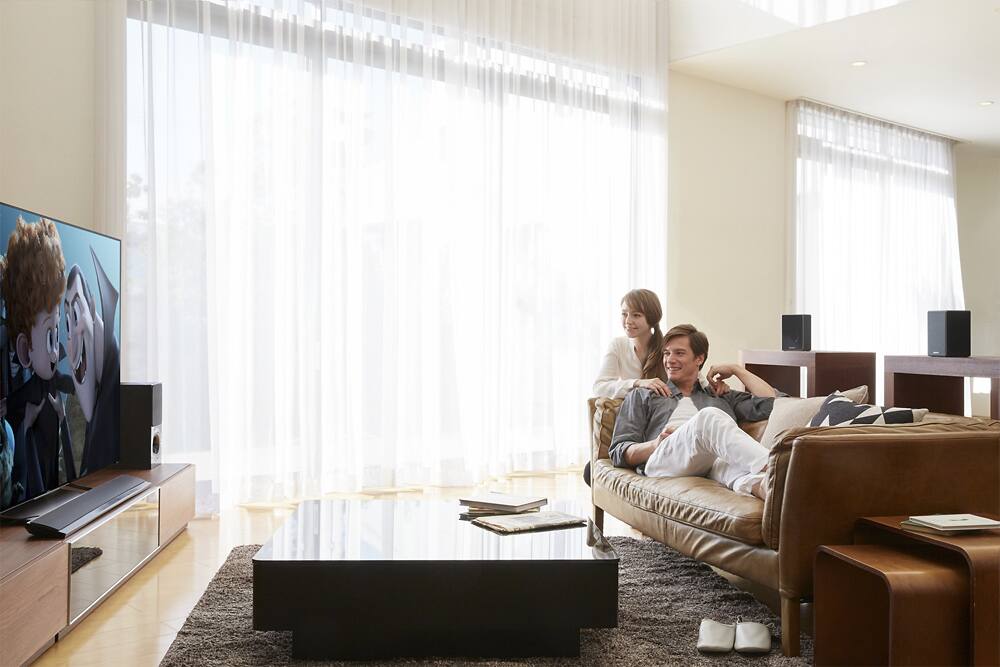
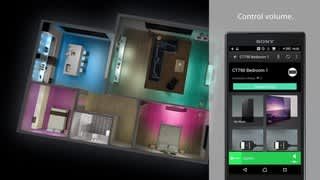
A:AnswerIt is compatible but only as a surround speaker. It sounds great when it's all setup correctly. If you wish to use it as an independent speaker, then you basically disconnect it from the sound bar, which isn't difficult. I have 2 of these speakers for rear surround and am more than happy with the purchase. I originally had them sitting on the end tables, but couldn't hear them very well so I bought stands and that made a world of difference. It took a little time to get all the volumes set, but my whole family lives the setup!
A:AnswerHere is what I used:
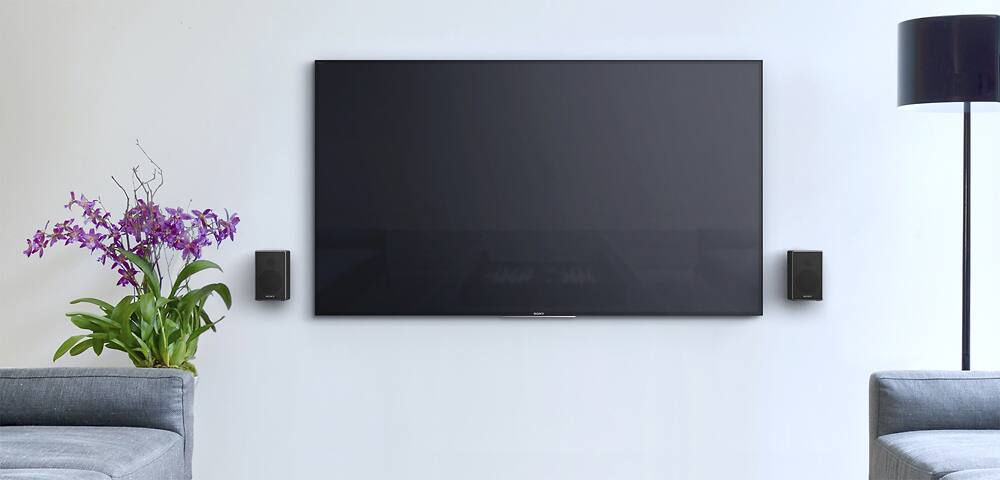
Rocketfish™ - Tilting Wall Mounts for Most Small Speakers (2-Pack) - Black
RF-HSWM2B
$24.99 at Best Buy.
Worked great. You can even hide the extra power cord connector by wrapping it around the arm of the mount.
A:AnswerHi Talonro, We would like to know more about the issue and help you out. Kindly send us an email at [email protected] to further assist you. Hope to hear from you. Regards, Erin
A:AnswerIf your using Bluetooth to connect these speakers than you will always have that issue. Ensure your television has an ARC HDMI port. (It will be labeled on the television itself. You run a high-end HDMI cable from the output of the soundbar to the ARC hdmi input, and then you'll probably have to update your software on your soundbar. (You actually see your soundbar just like you would a Blu-ray player on any HDMI input. With Sony soundbars they have a surround sound option that you choose on the screen because it is one of the options. Then when you are setting up the surround sound it will have you do a couple tasks to hookup & properly channel your 2-rear speakers. Left & Right)
Once that is completed you should be all set!...)
Just remember because your soundbar is connected to the ARC HDMI port that your soundbar will no basically control everything & you will need to via hdmi cables from other electronics feed them into the soundbar. Ie I have a Sony HTNT5 soundbar and it has 3-hdmi input ports so I have my 4K-player, PS4 Pro, Apple 4K all inputting into those three hdmi inputs on my soundbar because it is connected to the 4K televisions ARC HDMI input.
I hope this in depth explanation is of some assistance to you.
Be easy....
A:AnswerTurn off Nightmode in your sound bar and turn up the bass level in it aswell, they may help. Looking at the wattage of the speakers, they are not going to get super loud but with the right movie(any 4K), trailer(Dead Pool 2 teaser 2), video game (Destiny 2), and comedy show on Nextflix, You will hear them get real loud. You will find yourself turning them down. I have mine set 2 feet away from my center seat. At first. I felt like you and didnt like them. Then I discovered Nextflix, PS4 PRO games and it changed my perspective. I hated them first, then I fell in love with them.
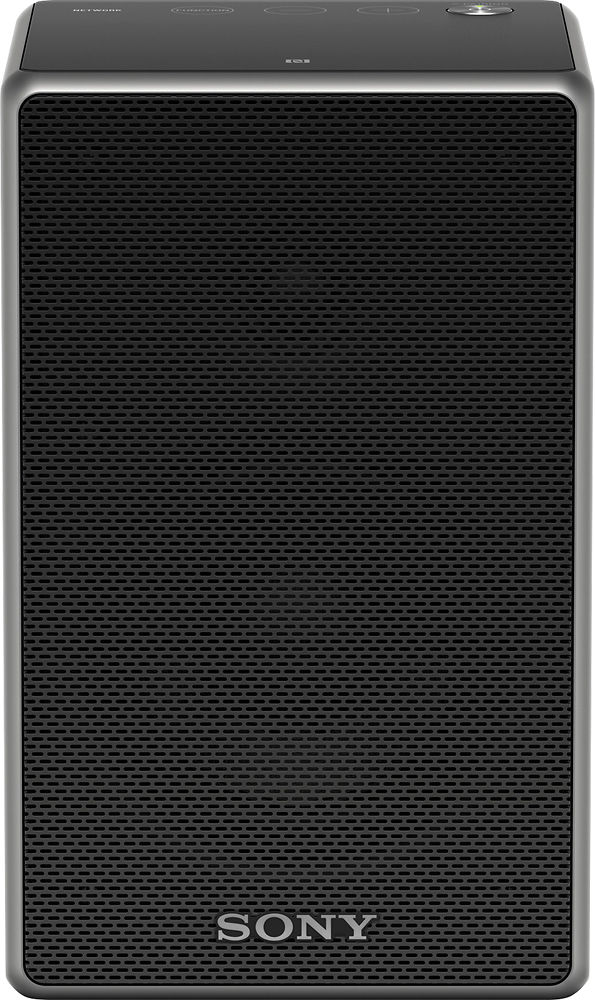
A:AnswerPaired them with the exact same soundbar in a similar size room, sound amazing. The speakers also let you set the distance at which you will be sitting to them so it is optimal sound.
A:AnswerThe speakers will work with that system. However you have to be very patient. All of the speakers will require connection to the internet then they will need to receive the latest update. I'd recommend googling the manual for the speakers. I also recommend connecting the "HDMI out" from the sound bar to your TV in order to update it and also to set up the surround features. The system has a great onscreen menu. It is much simpler than trying to use non-visual methods to set it up. Overall if you are patient with it and take the time to set it up it's a great system.
One thing to note, when the sound bar is connected to the rear speakers it creates a wireless connection between them and all of them are disconnected from the wifi when that happens. So if you are wanting to use the built in cast features then the sound bar while using surround features as well you'll need to connect the soundbar to your network using Ethernet cable.
A:AnswerHi Gisele, you may download the manual online. Kindly check the next link to further assist you: https://docs.sony.com/release//Manual_4592256131.pdf. Regards, ~Erin