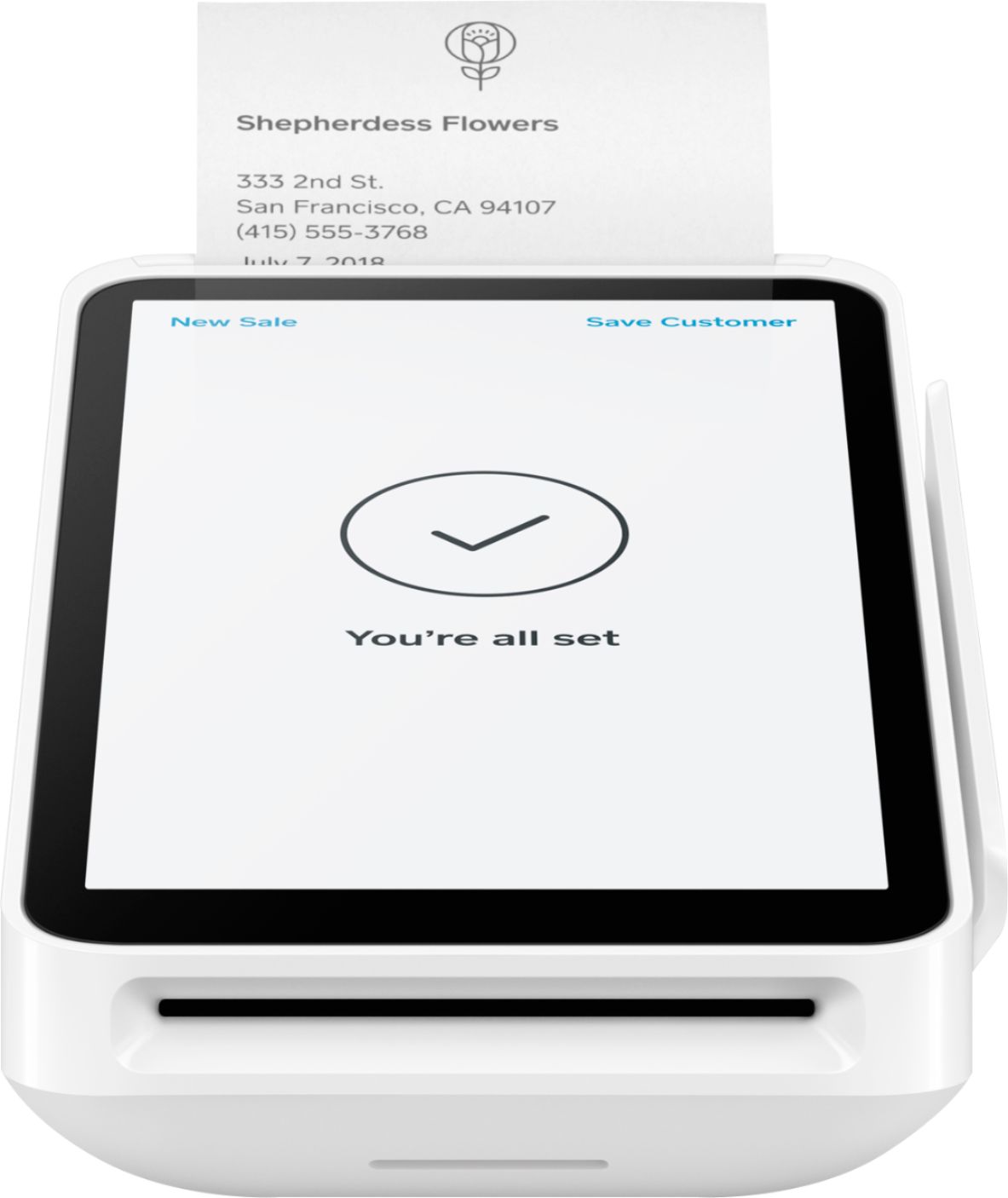
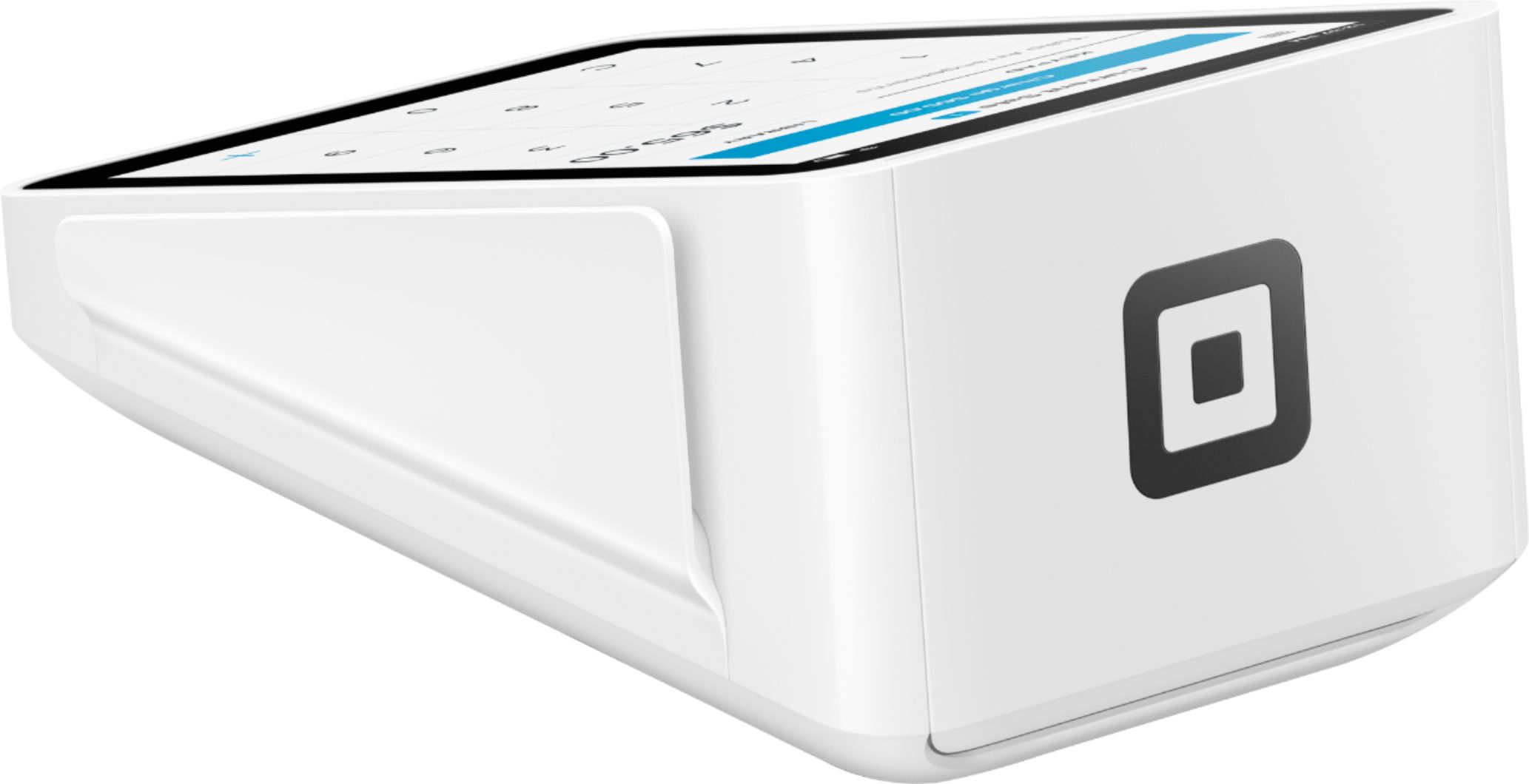
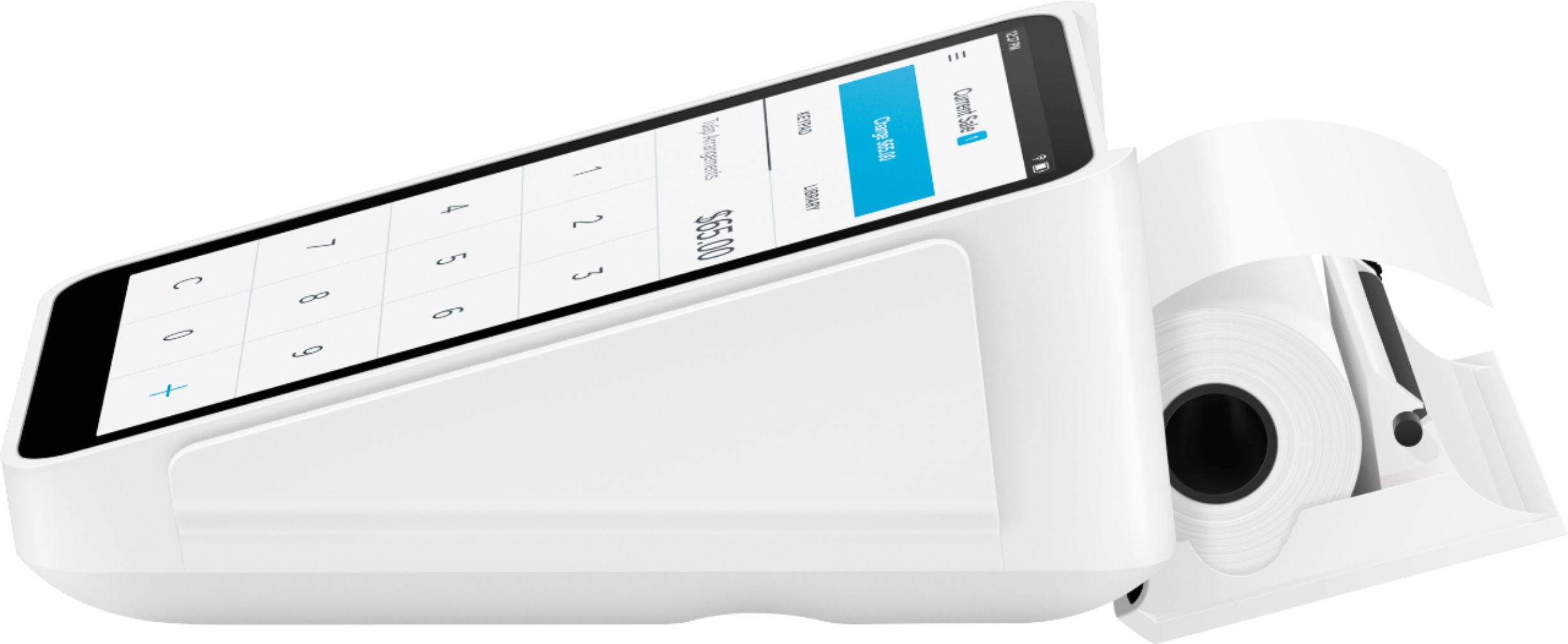
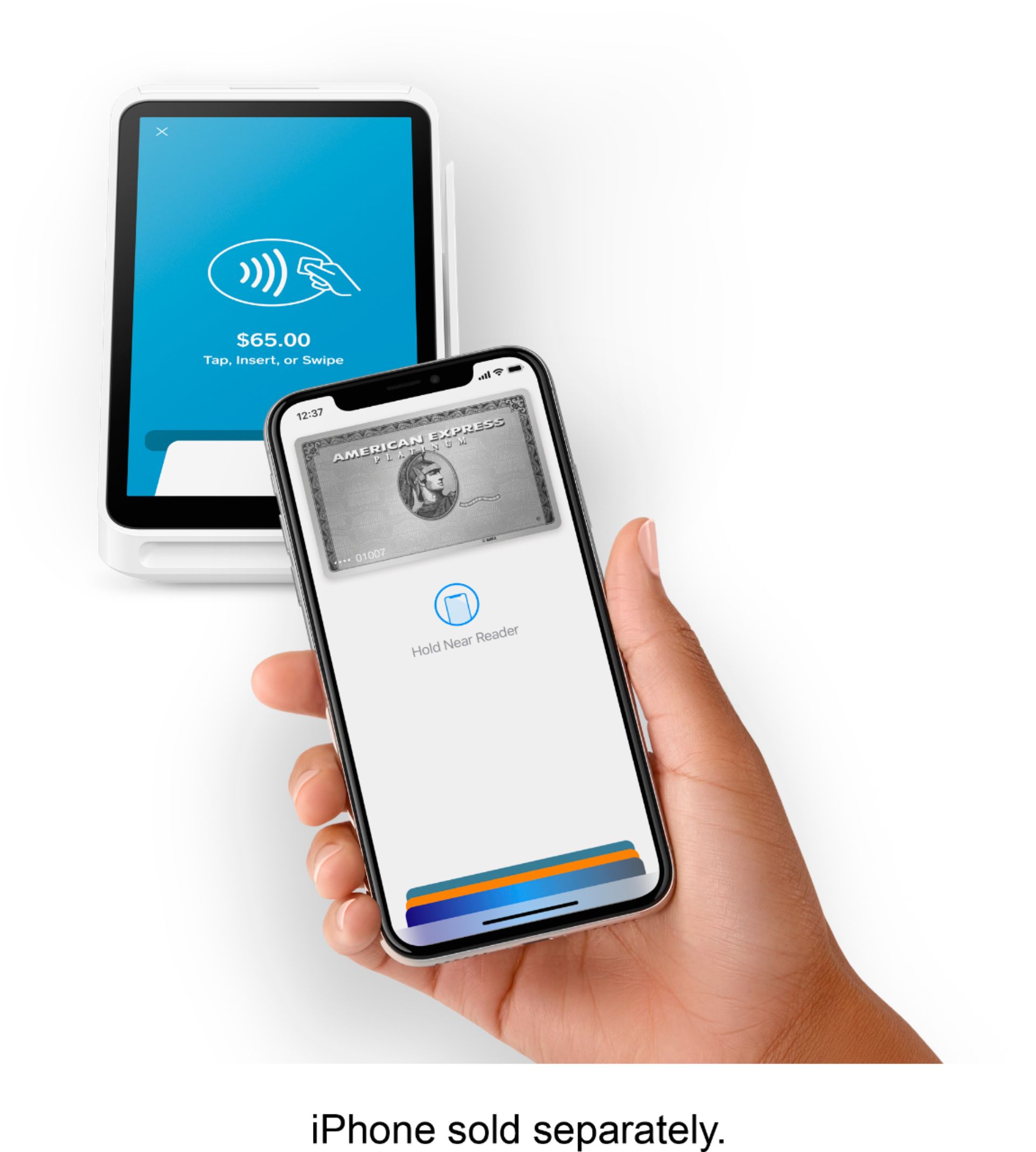
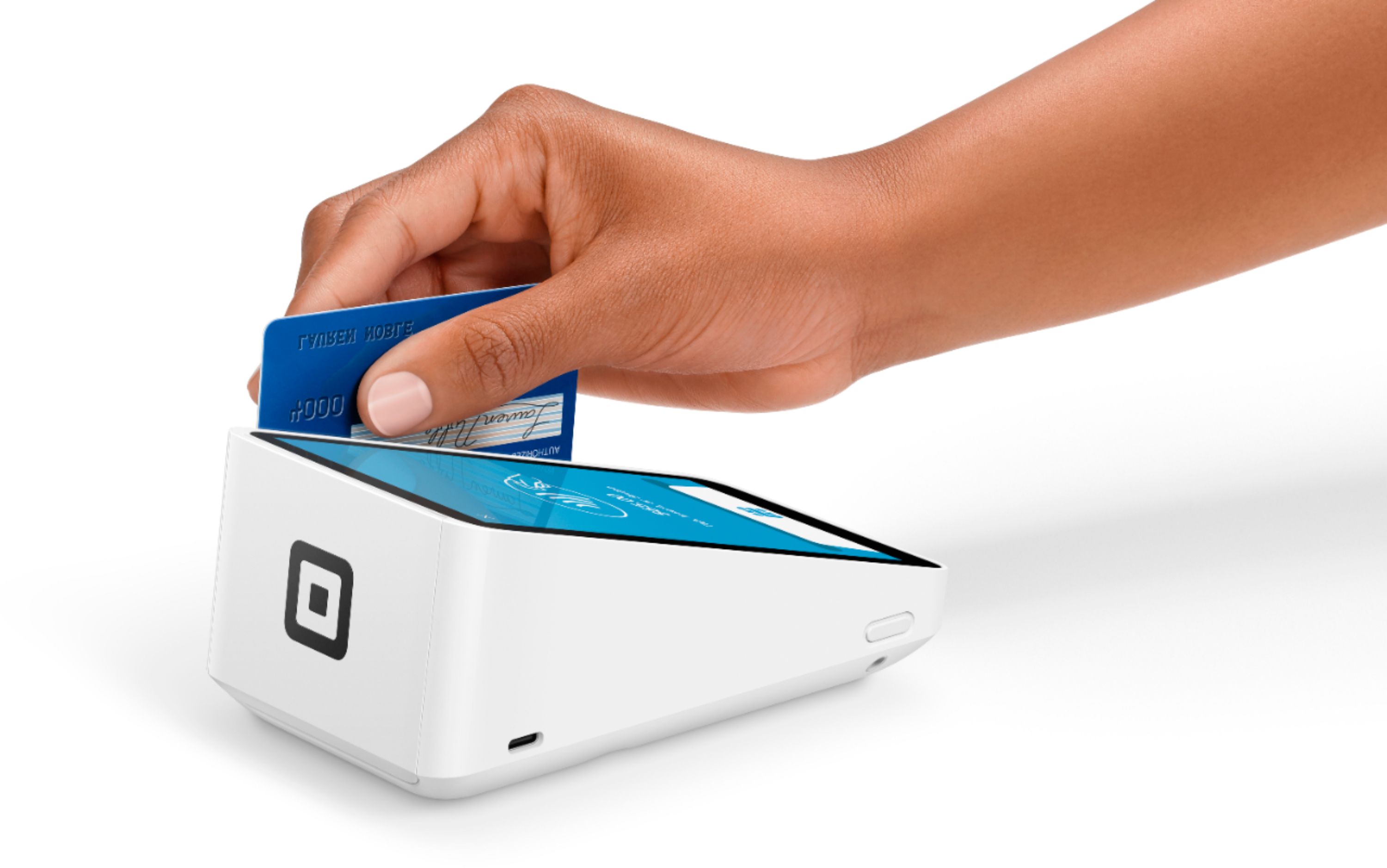
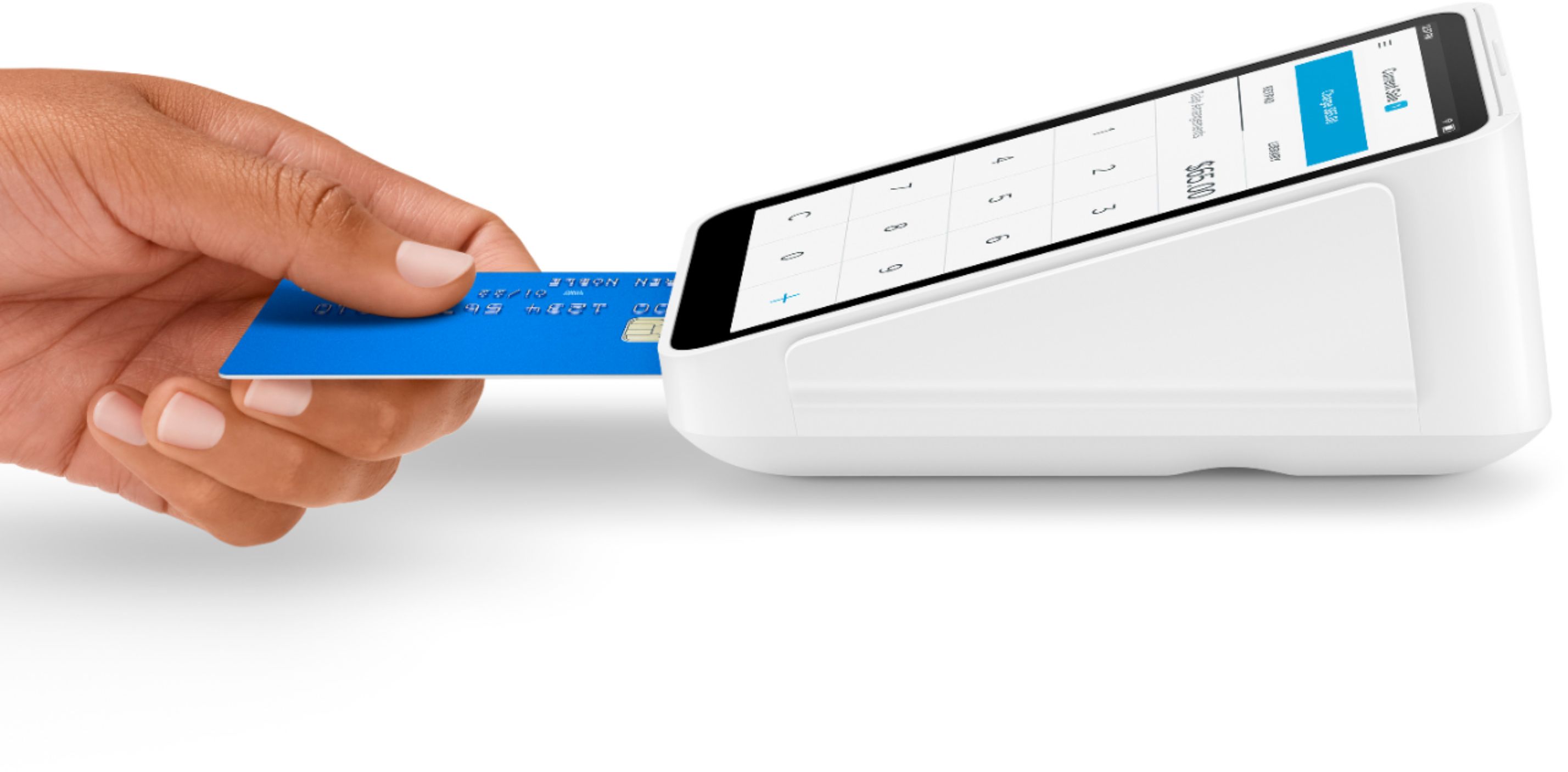
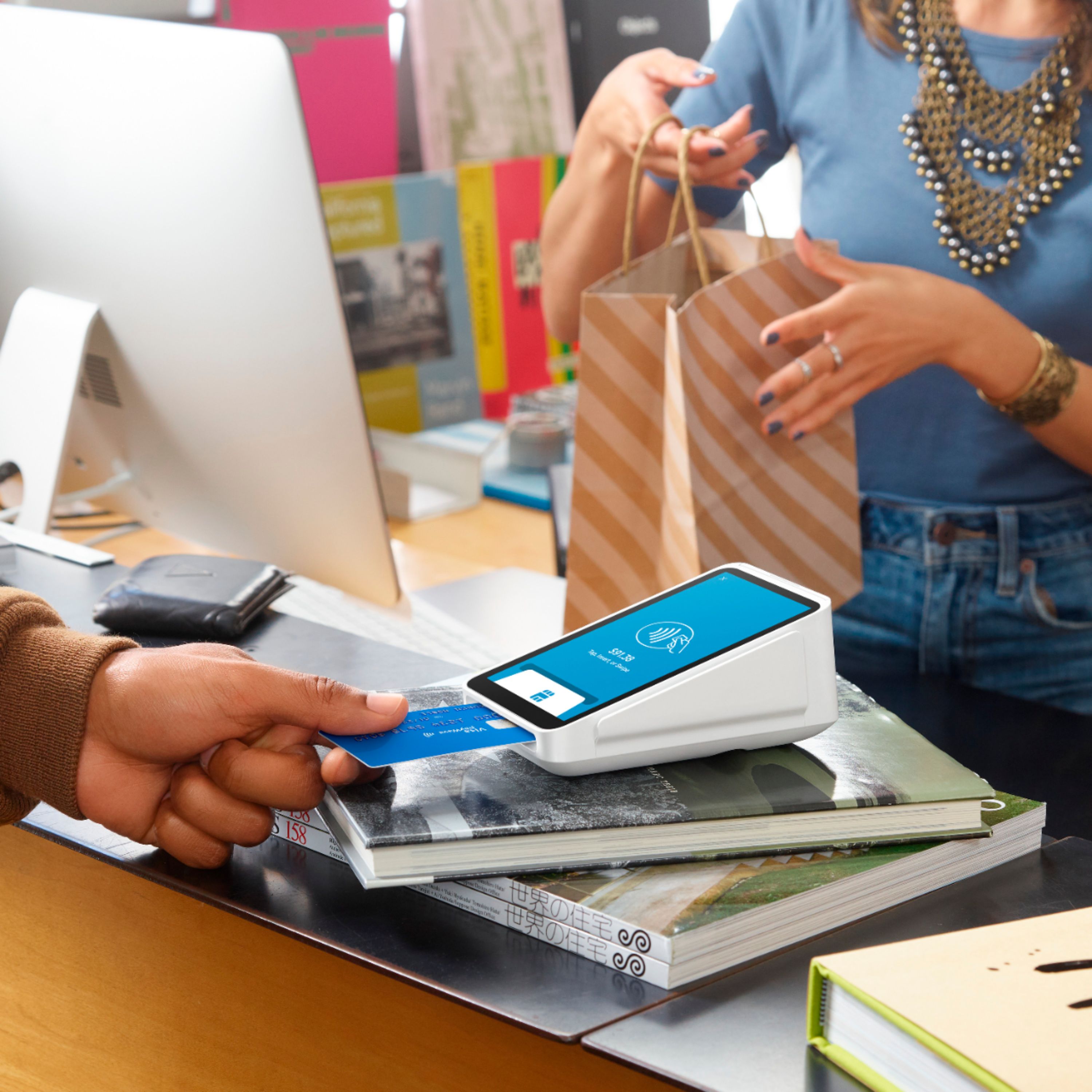
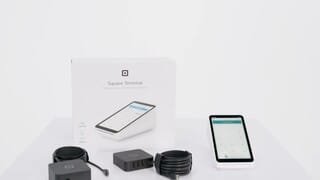
A:AnswerThe new Square Terminal, allows you to accept tap, insert and swipe payments and print receipts, all from one device.
The Terminal is available to purchase for $299 ( $25/ month)
A:AnswerThe device itself does not read barcodes but you can hook up the Square bar code reader to the device. It comes with a USB port/hub to connect a few other devices. I used it to connect the Square cash drawer/box.
A:AnswerHi, Michael. Open Tickets will work across all Square devices, but it will not work as a secondary payment screen. The Square Terminal is meant to be a stand alone device.
A:AnswerNo.
But highly recommended for payment protection. If you are not connected to the internet, you can only have swiped payments. These payments are not guaranteed by Square.
A:AnswerThat would be a question for SQUARE to answer. If you are using it to scam American citizens out of money, then I would say stick to the Apple gift cards!
A:AnswerHi, Arthur! The answer below is correct. It is portable and the customer's first name appears on the receipt in most cases unless their credit card company has chosen not to display that information for their clients.
A:AnswerHey, Lee. Thanks for asking. The answer below is correct - you an manually accept credit card payments. The fees for accepting these types of payments are 3.5% + 15¢.
A:AnswerYou can take credit card payments via the Virtual Terminal on your laptop and you can also run the Square Point of Sale app on an Android, so you should not need to purchase an iPad. Make sure your Android device is compatible with our readers here: squareup.com/compatibility.
The Square Terminal itself is a stand alone device and does not need to be paired to a laptop or a phone to work, but will need a wifi connection.