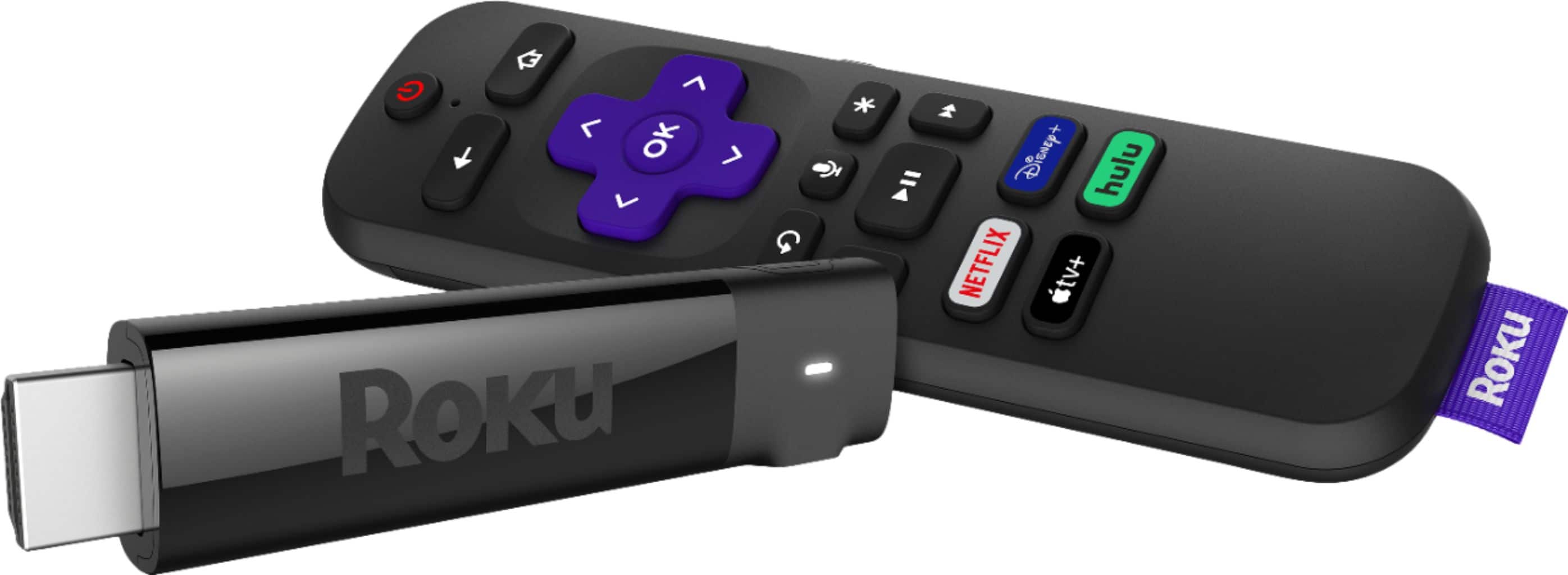
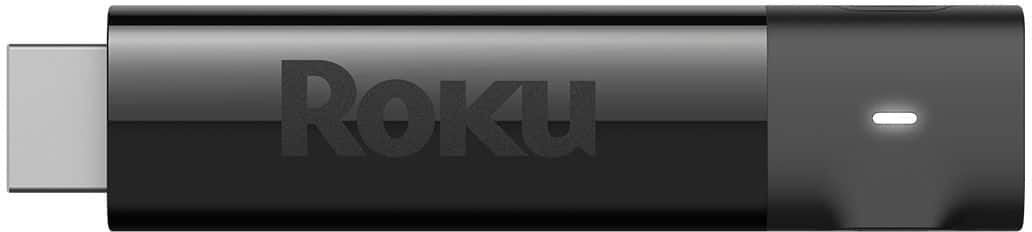
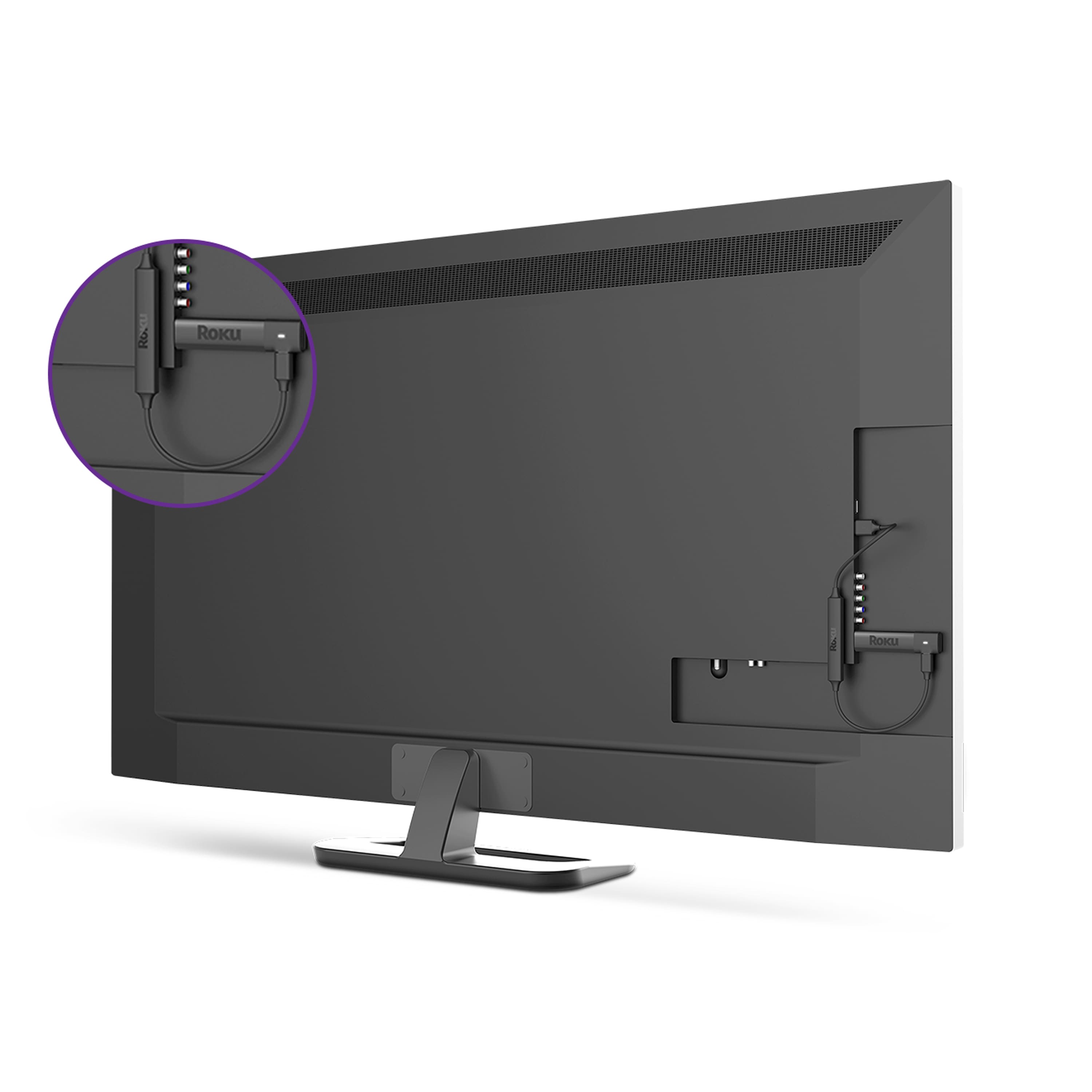
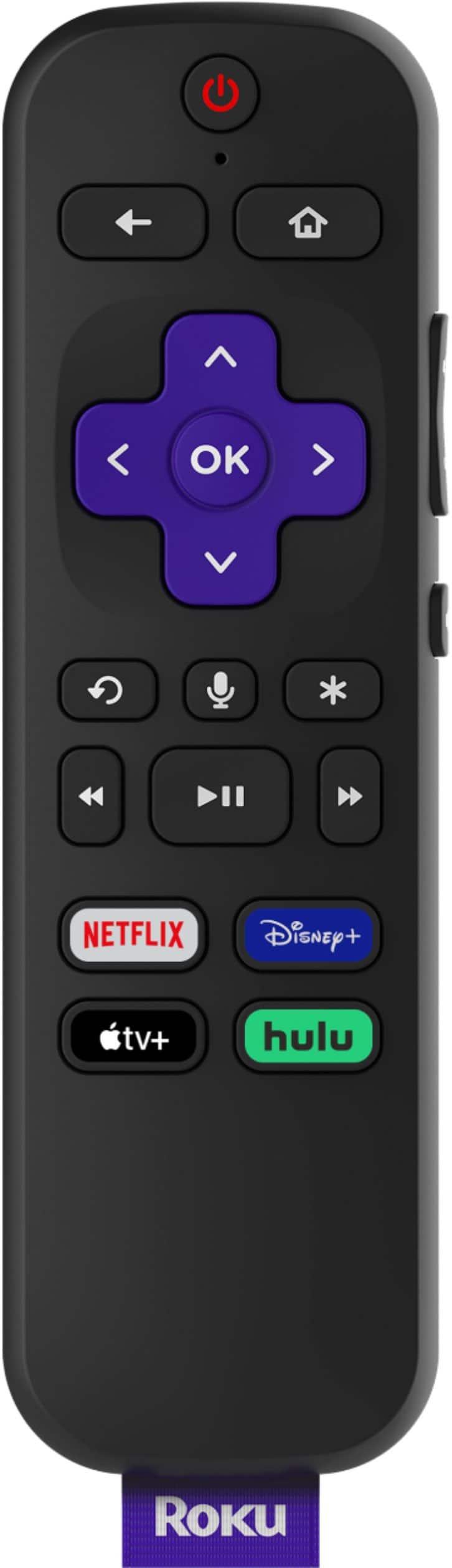
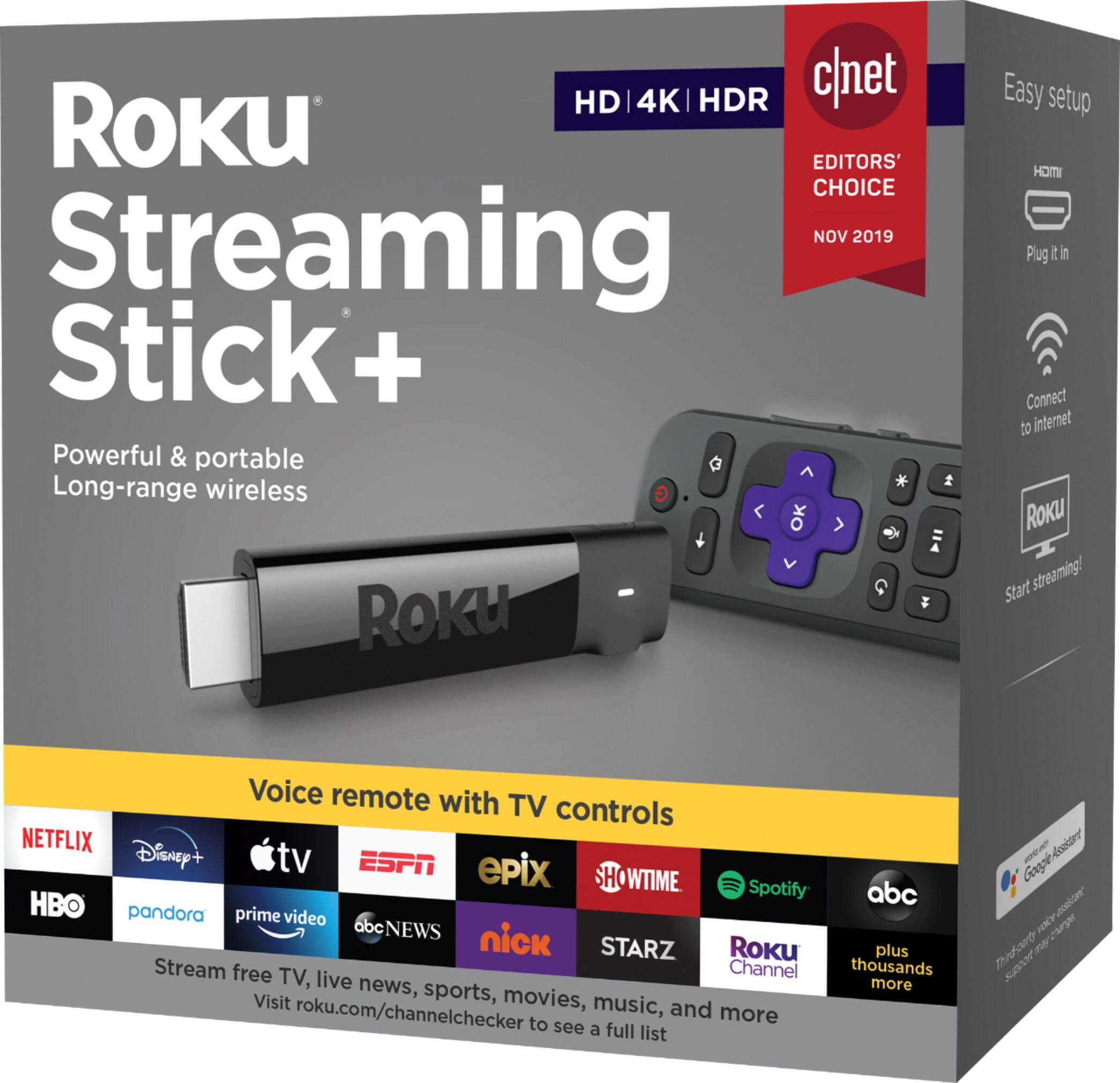
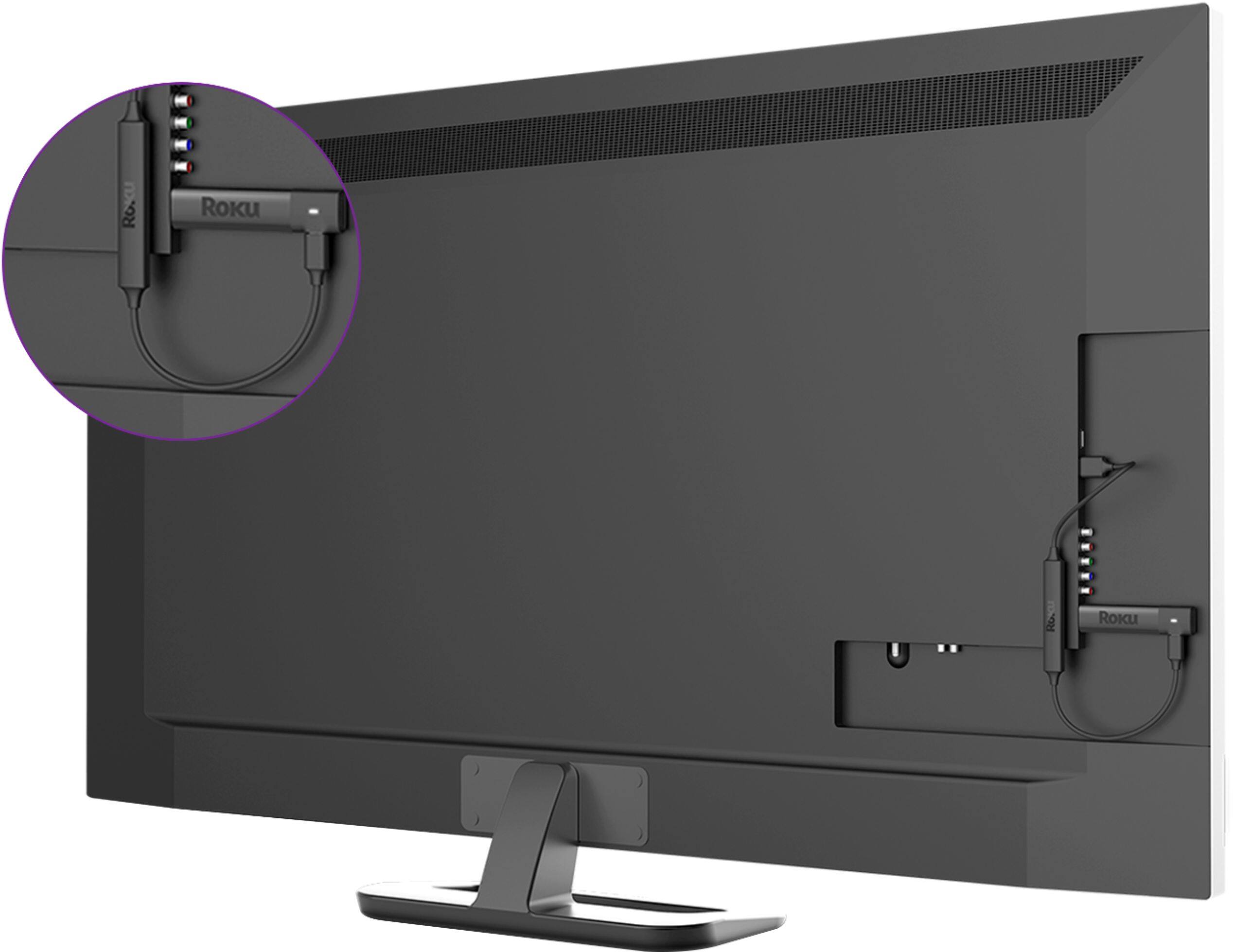
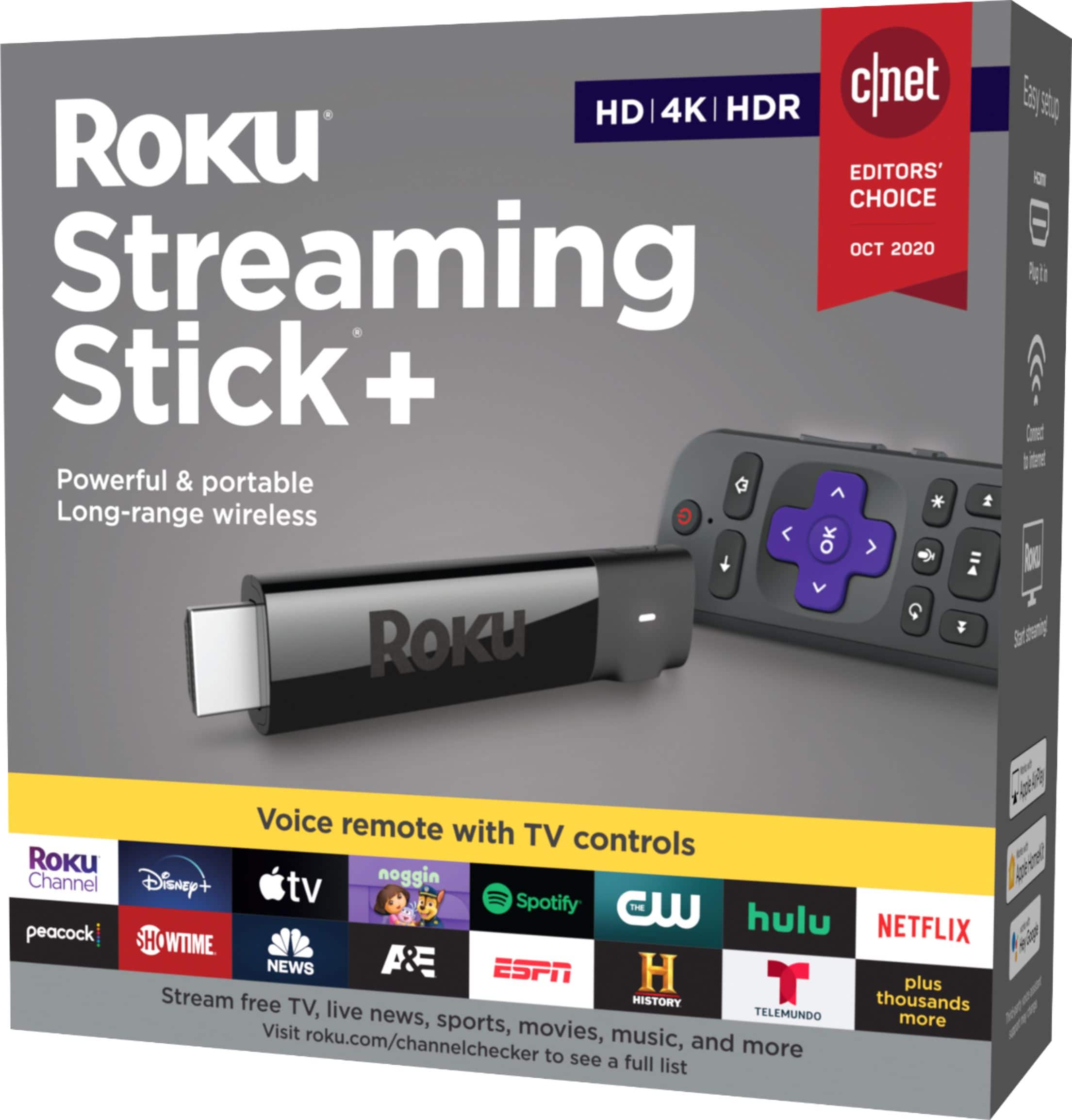
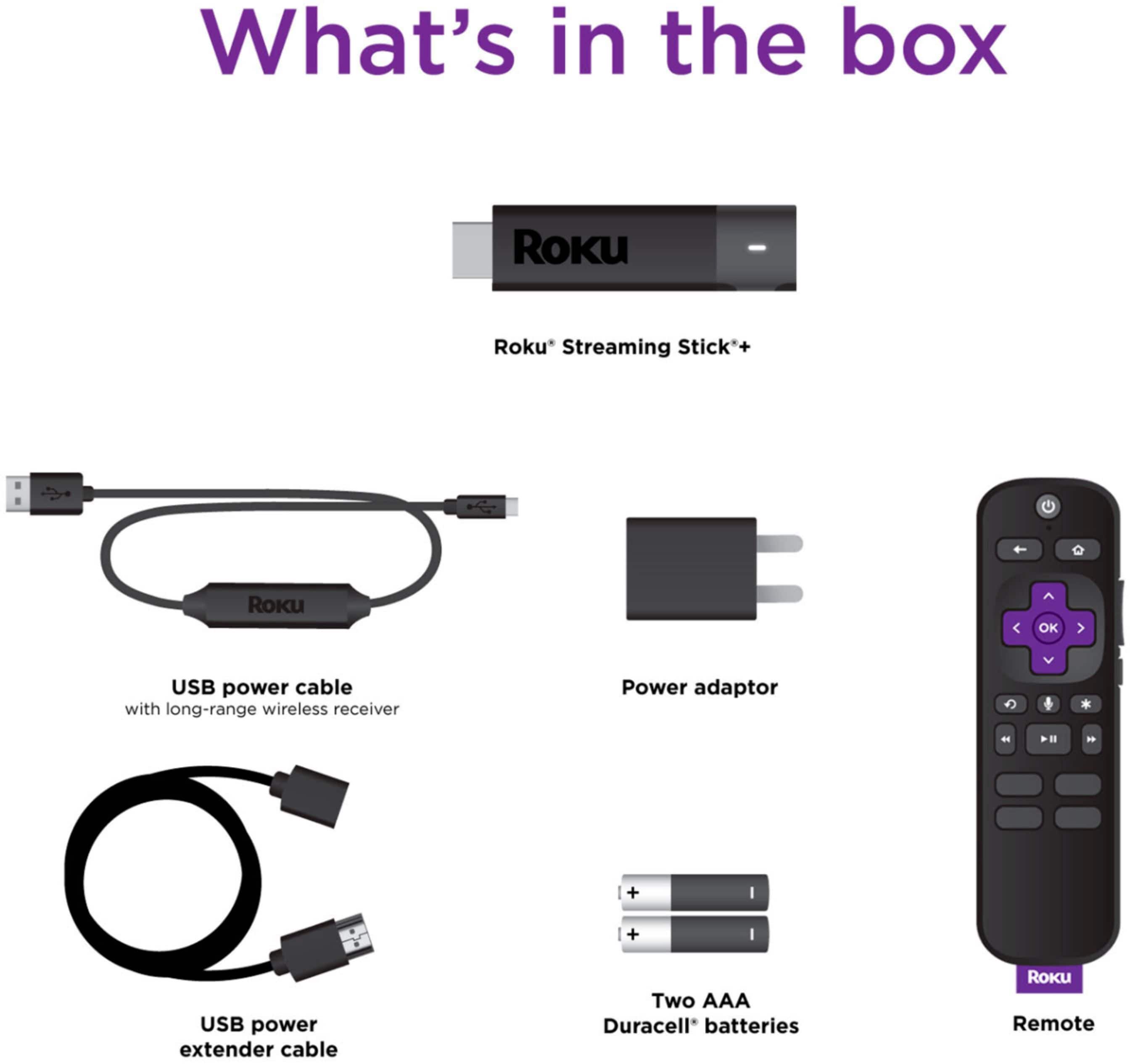
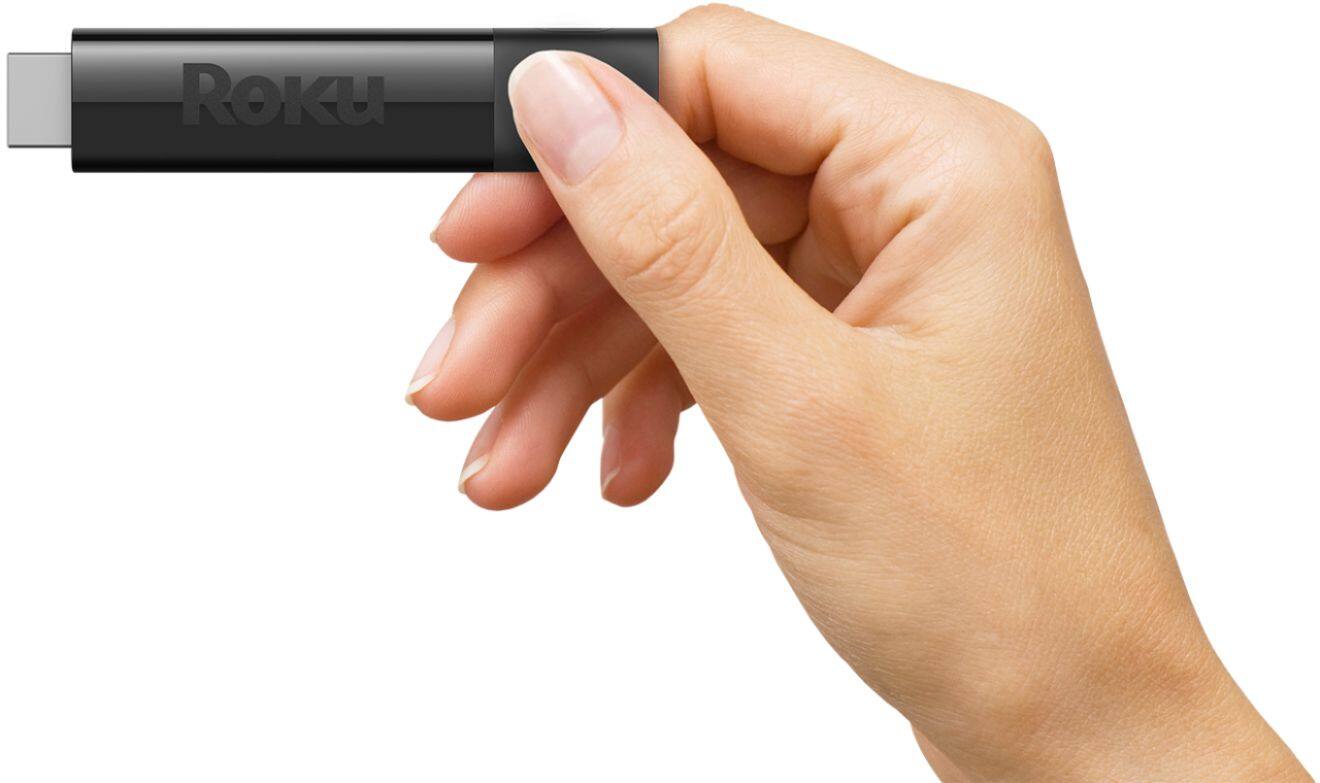
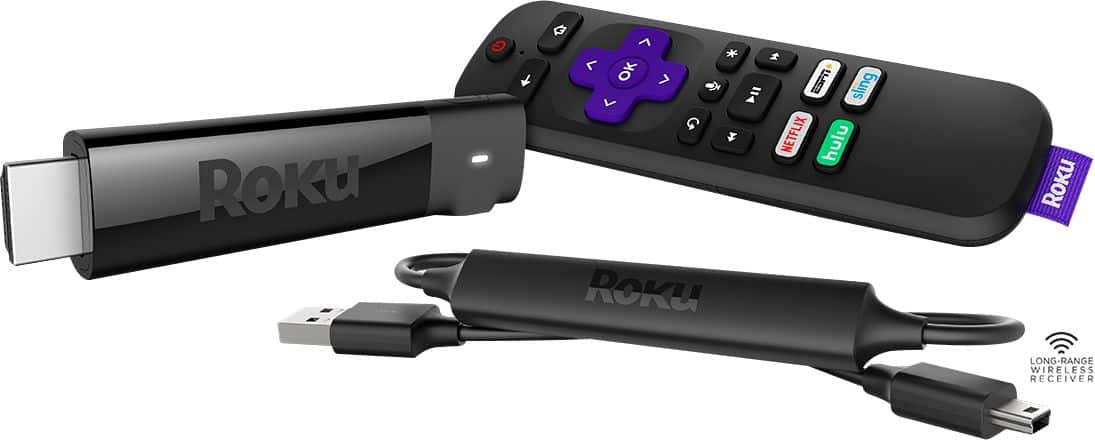
A:Answer Hi ! Br1010 Roku Streaming players including the Roku Streaming Stick + are intended for in-home use or hotel/dorm when on the go and are not officially supported for use outdoors. However your Roku Streaming Stick+ will work with any television with an HDMI® connection and connects directly to the TV's HDMI port.To get started, connect your Roku Streaming Stick+ to an available HDMI port on your TV. Note: if you plan to stream movies and TV shows in 4K or HDR, remember to select an HDMI 2.0 port that supports HDCP 2.2. Next, plug the USB power cable with advanced wireless receiver into a suitable power source – either the USB port on your TV, or preferably, a wall outlet. Note: The USB port on some TV’s may be unable to power a Streaming Stick+. If you see the on-screen warning message that appears in these cases, use a wall outlet.Finally, attach the advanced wireless receiver firmly to the Roku Streaming Stick+. For additional information on setting up your Roku Streaming Stick + take a look at the following link https://support.roku.com/article/115008193567