A:AnswerHello AmyCh,
Thank you for your question. Yes, this recorder kit can be remotely accessed and controlled on your mobile device using our Swann Security application. You can also remotely access the device on your PC. This gives you full control and a sense of security.
Please let us know how we may further assist you,
Thank you.
JV
Swann Customer Support
A:AnswerHello Gallo,
Thank you for reaching out to us with your question. The cameras included in this kit do not have audio features. We would recommend looking into our NVR kits.
Please let us know how we may further assist you,
Thank you.
JV
Swann Customer Support
A:AnswerHello josephPa,
Your feedback is important to us. How can we help you? We offer support with live agents 24-hours a day. Click on the blue box on the bottom right-hand corner to live chat with a technical support agent or contact us over the phone.
https://support.swann.com/s/
Please let us know how we may further assist you,
Thank you.
JV
Swann Customer Support
A:AnswerHello Maple,
Thank you for reaching out to us with your question. When upgrading to a 4K kit we would recommend rewiring with the included cables. The supplied cables are different from the ones currently running in your home. Click on the blue box on the bottom right-hand corner to live chat with a technical support agent or contact us over the phone.
https://support.swann.com/s/
Please let us know how we may further assist you,
Thank you.
JV
Swann Customer Support
A:AnswerHello,
Thank you for reaching out to us with your question. No, the cameras included in this kit do not have audio features. We would recommend looking into our NVR kits. Click on the blue box on the bottom right-hand corner to live chat with a technical support agent or contact us over the phone.
https://support.swann.com/s/
Please let us know how we may further assist you,
Thank you.
JV
Swann Customer Support
A:AnswerHello Albert,
Thank you for reaching out to us with your question. In order to achieve the 4K resolution, we would recommend using the upgraded cables. Please contact our support team and provide more information on the cables already ran in your home.
Please let us know how we may further assist you,
Thank you.
JV
Swann Customer Support
A:AnswerHello Goose,
Thank you for reaching out to us with your question. Yes, this kit is compatible with Google Assistant and Alexa devices. In an effort to reduce the amount of paper waste, Swann now offers all manuals online. Please reach out to a member of our 24-hour support team.
Please let us know how we may further assist you,
Thank you.
JV
Swann Customer Support
A:AnswerHello,
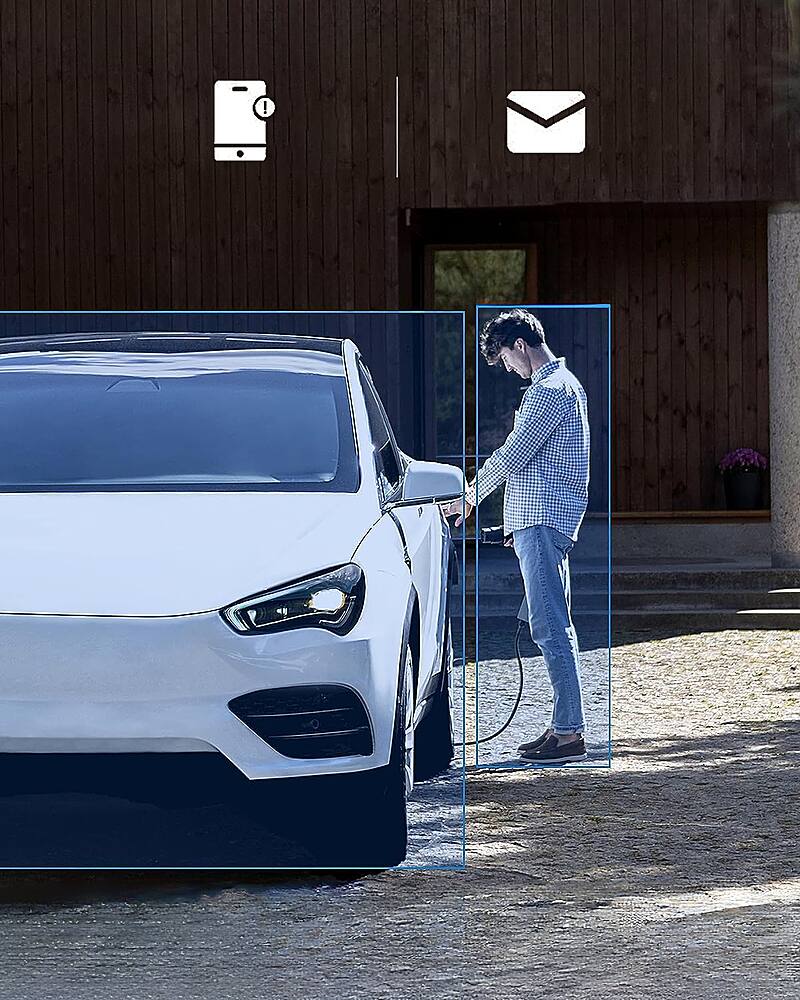
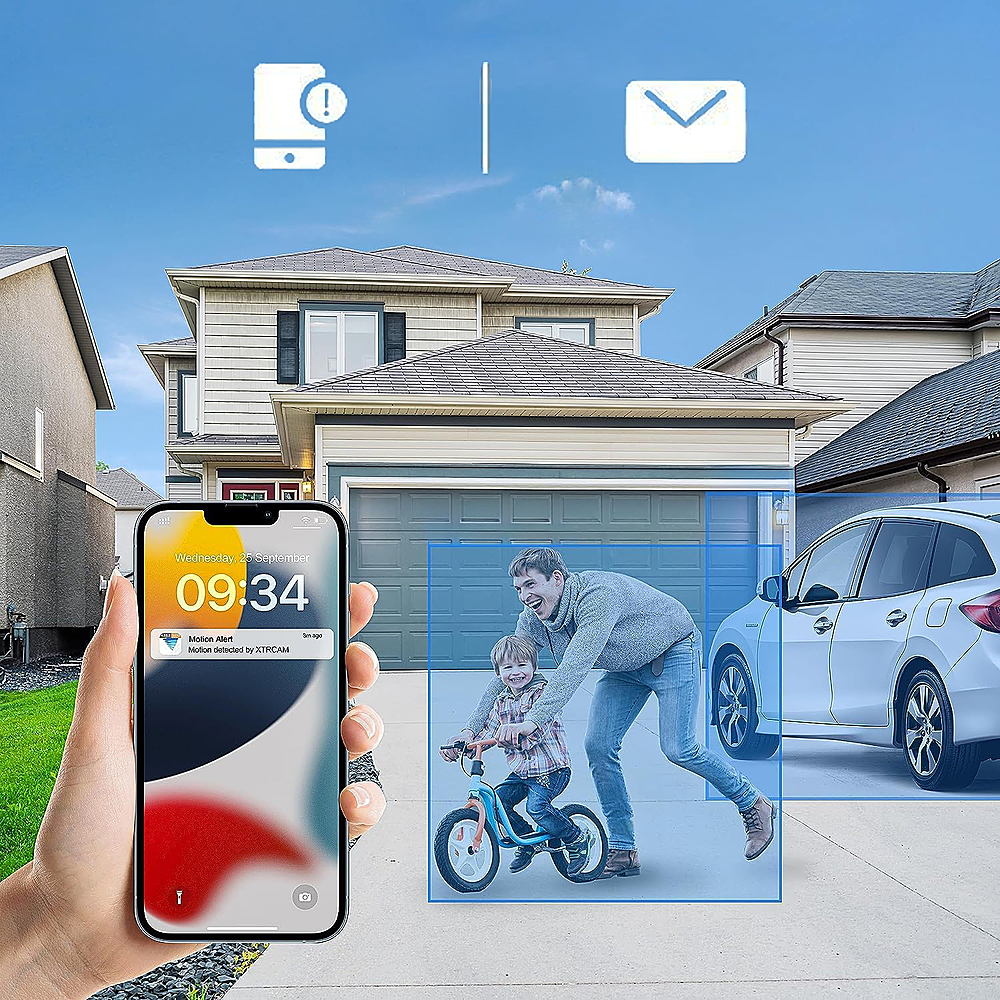
Thank you for reaching out to us with your question. Please contact a member of our support team when you are in front of the unit. Together we can look further into setting up your notifications. Click on the blue box on the bottom right-hand corner to live chat with a technical support agent or contact us over the phone.
https://support.swann.com/s/
Please let us know how we may further assist you,
Thank you.
JV
Swann Customer Support
A:AnswerHello,
Thank you for reaching out to us with your question. Swann does not test compatibility with 3rd party products. The information requested is not immediately listed. Please contact a member of our support team and open a support ticket. Our technical support team can help look further into your concerns. Click on the blue box on the bottom right-hand corner to live chat with a technical support agent or contact us over the phone.
https://support.swann.com/s/
Please let us know how we may further assist you,
Thank you.
JV
Swann Customer Support
A:AnswerHello Budbottle,
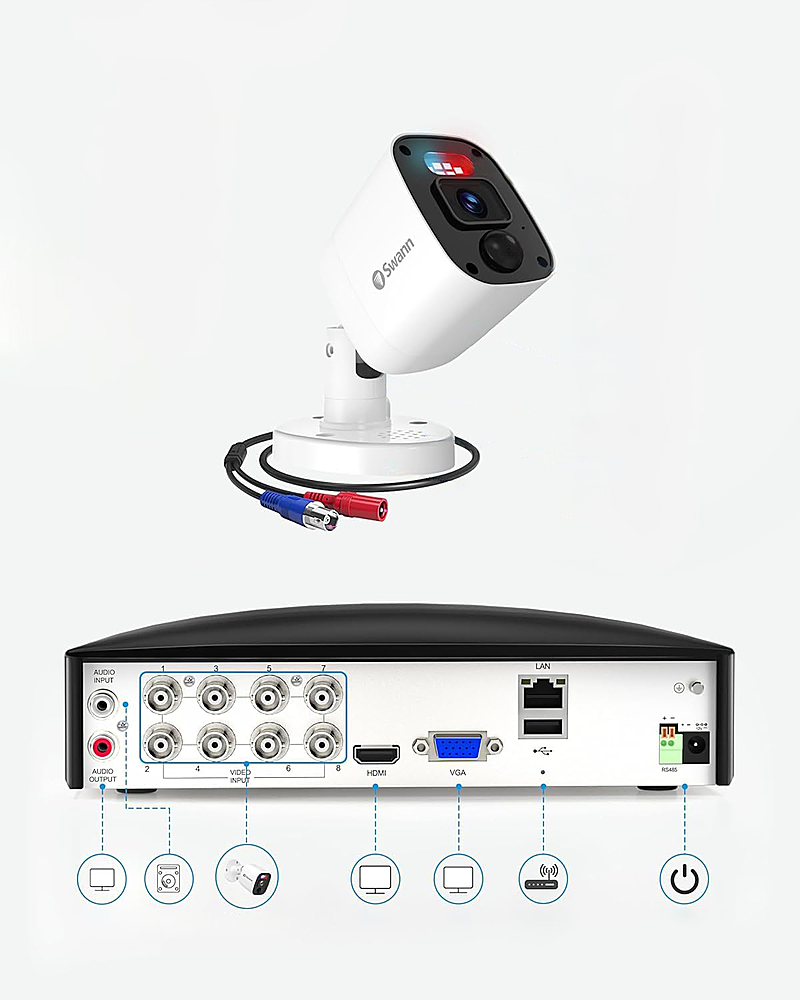
Thank you for reaching out to us with your question. Yes, you can record on all channels simultaneously on the same monitor. This can connect to any monitor using a VGA or HDMI cable. The recording time will vary on the amount of use. Please contact our support team for more information.
The video can be saved onto a flash drive,
Please let us know how we may further assist you,
Thank you.
JV
Swann Customer Support
A:AnswerHello Mickey,
Thank you for reaching out to us with your question. Based on the information provided, we would recommend reaching out to a member of our 24 hour technical support. We can help adjust the settings to your specific security needs. Click on the blue box on the bottom right-hand corner to live chat with a technical support agent or contact us over the phone.
https://support.swann.com/s/
Please let us know how we may further assist you,
Thank you.
JV
Swann Customer Support
A:AnswerHello Luis,
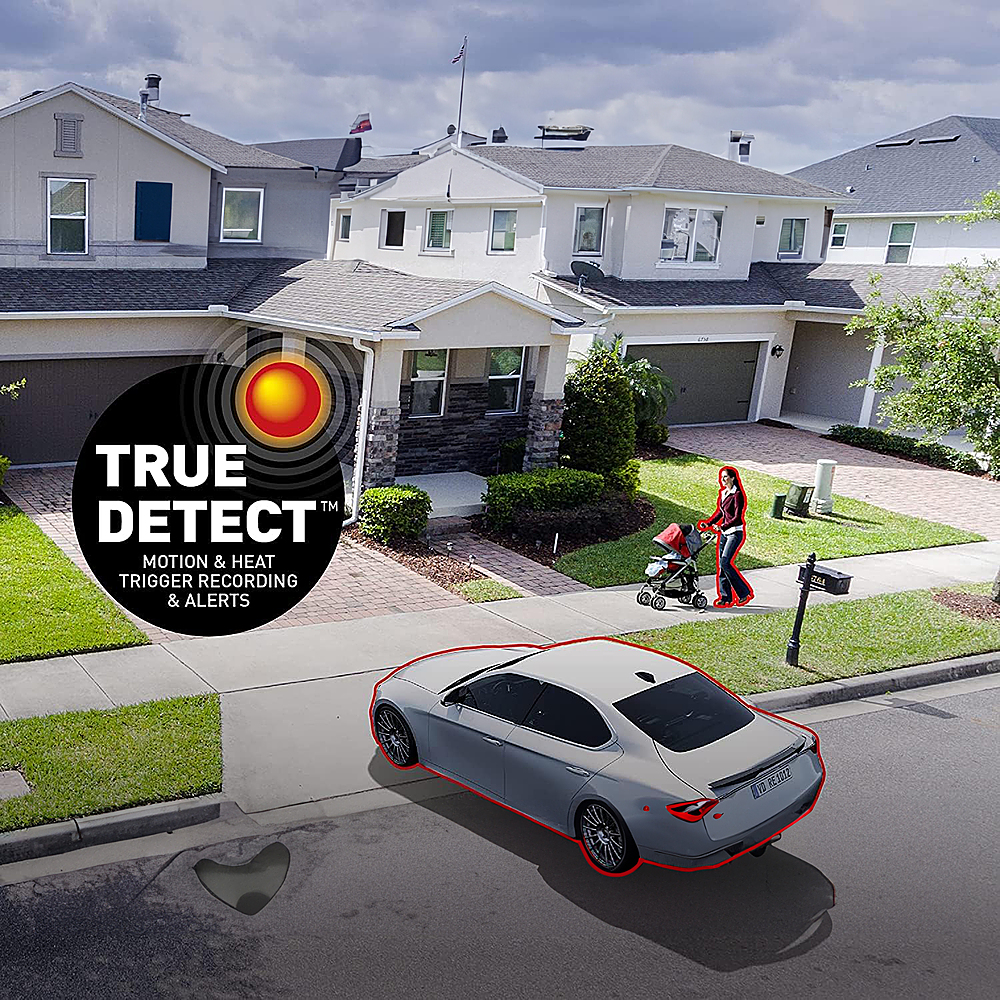
Thank you for reaching out to us with your question. The recorder kit can record on either setting. You can record continuously or based on motion as needed on each camera.
Please let us know how we may further assist you,
Thank you.
JV
Swann Customer Support
A:AnswerHello Jasper,
Thank you for reaching out to us with your question. User manuals can be provided to you for free and are always accessible on our website or through our 24-hour technical support.
Please see the user manual at the link below.
https://www.swann.com/us/downloads/dl/file/id/2269/product/2152/dvr_instruction_manual_english_rev3.pdf
Click on the blue box on the bottom right-hand corner to live chat with a technical support agent or contact us over the phone.
https://support.swann.com/s/
Please let us knowhow we may further assist you,
Thank you.
JV
Swann Customer Support
A:AnswerHello ScrubbyRocks,
Thank you for reaching out to us with your question. This will vary on your recorder settings for frame rate, recording resolution, and others. Please contact a member of our support team with an idea of how you will have the item set for an estimate. Once the hard drive is full the recorder will overwrite the previous footage. Click on the blue box on the bottom right-hand corner to live chat with a technical support agent or contact us over the phone.
https://support.swann.com/s/
Please let us know how we may further assist you,
Thank you.
JV
Swann Customer Support