A:Answercmas1225-
Our TCL Android TVs do indeed support Bluetooth and can be paired with compatible audio devices that also support and pair via Bluetooth. You can connect some wireless keyboards, game controllers, and other Bluetooth devices to your Android TV.
Please follow these steps to add your Bluetooth device:
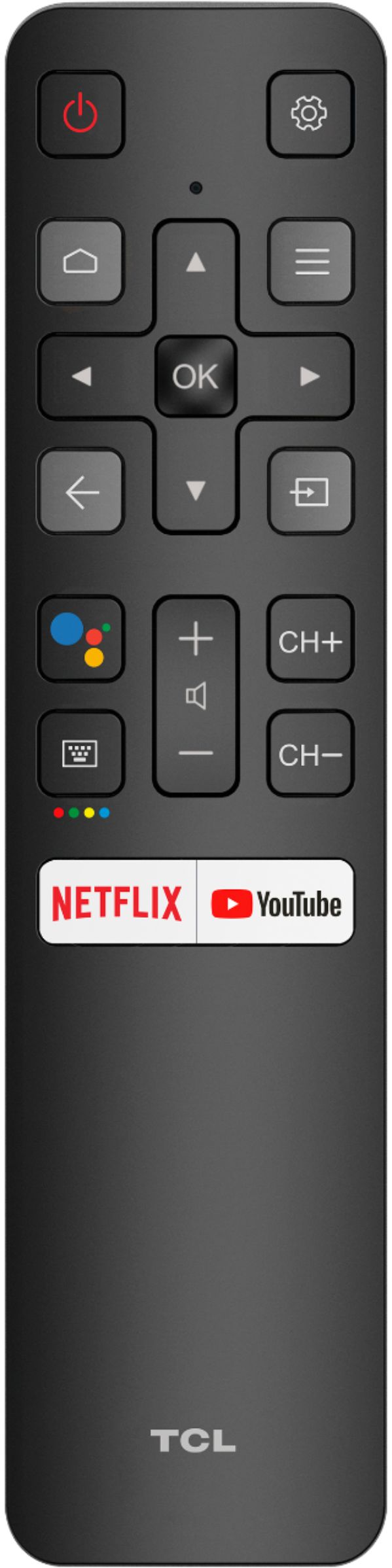
Press the Home button on the remote control to go to the Home screen.
Use navigational buttons and scroll to the Settings icon. Press OK to confirm.
Scroll down and select Remote and Accessories. Press OK to confirm.
Select Add Accessory. Your television will display the list of nearby and discoverable Bluetooth devices.
Note: Make sure to set your Bluetooth device into pairing mode.
Select your device on the list.
-TCL US Support
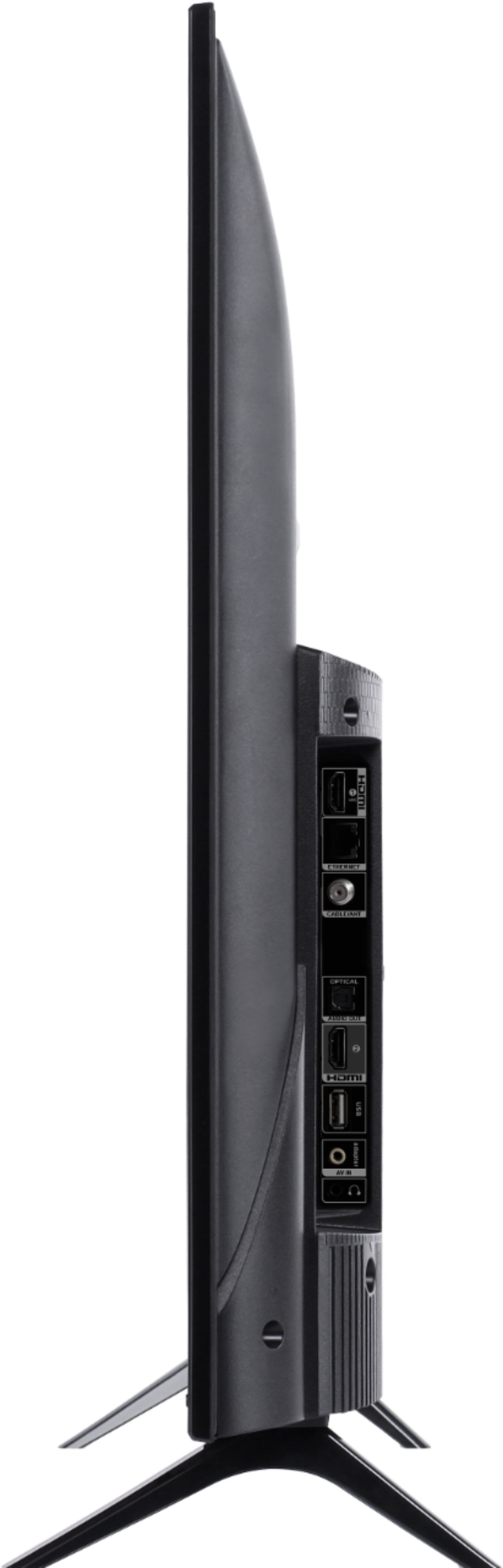
A:AnswerYes it has a tuner. i have an antenna connected to it. Go to set up after you connect a small antenna and it will pull the stations in for you. Make sure it is set up on Air not cable- You should get all the basic channels ABC, NBC, CBS and FOX and some public stations.
A:AnswerThis TCL Android TV can connect to the Internet either via WiFi or through Ethernet. Once connected to the Internet, you can access the thousands of available streaming apps that are available. There is no need for an external streaming device. Hope this helps! Thank you, TCL Customer Support
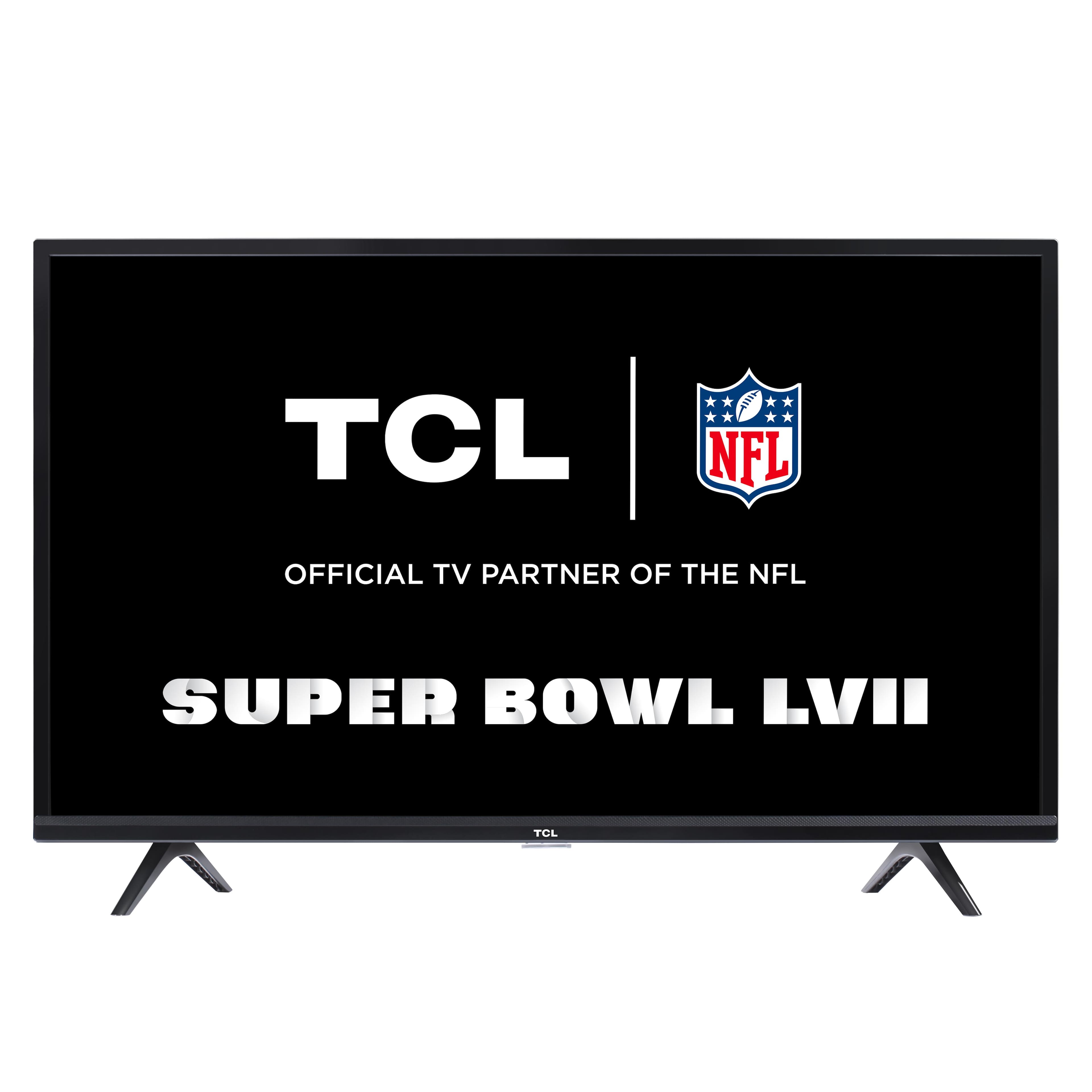
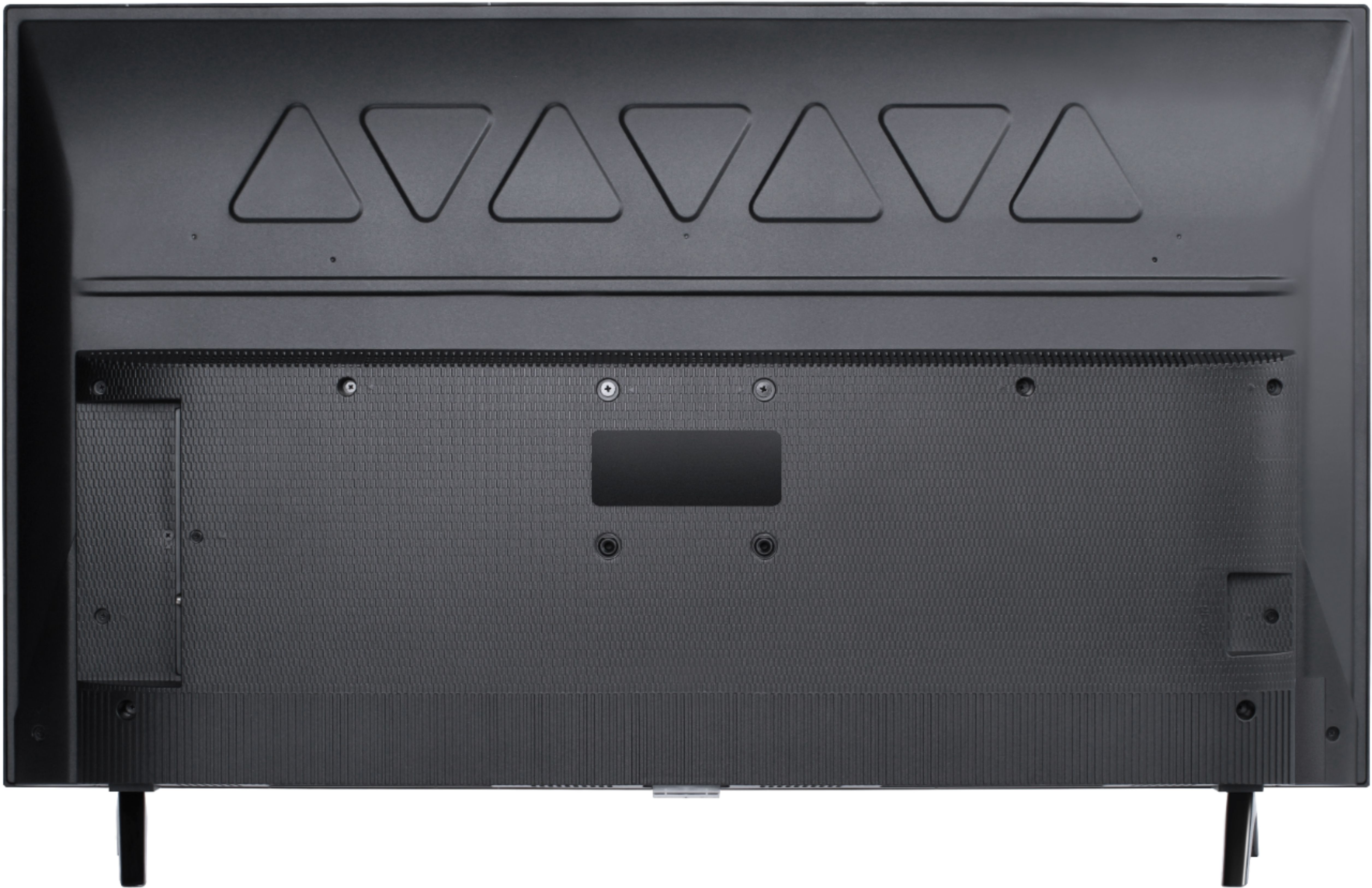
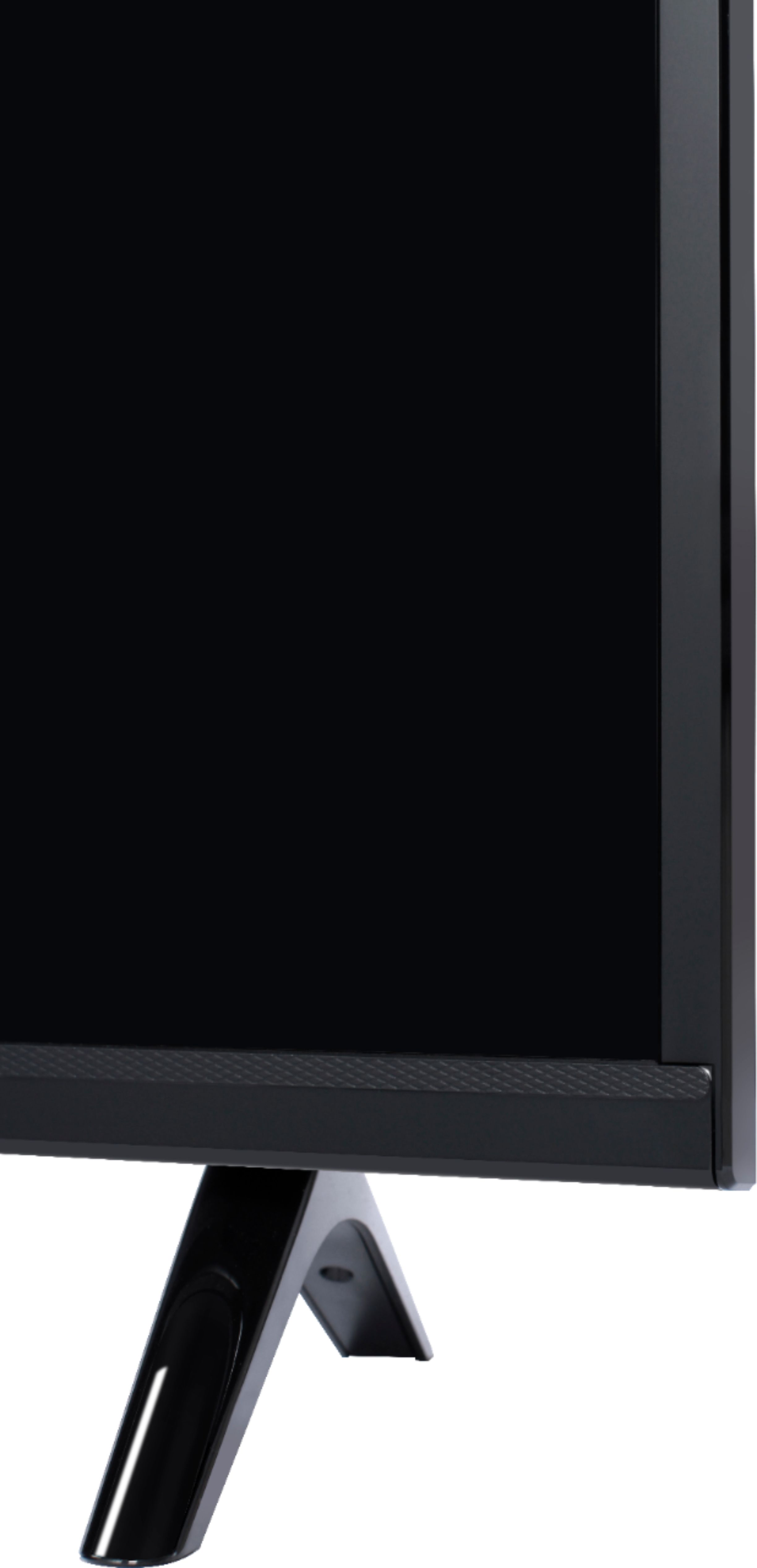
A:AnswerThe feet are removable able are actually not initially attached to the TV. Rather, the feet are included in the box. This TCL Android TV is compatible with most mounts and stands that support a 100mm x 100mm VESA mounting pattern. Hope this helps! Thank you, TCL Customer Support
A:AnswerThis TCL Android TV features thousands of available streaming channels. Both HBO Max and Hulu are indeed available through the Play store on this TV. Hope this helps! Thank you, TCL Customer Support
A:AnswerNo, you do not have to purchase a streaming service to use this TV. You can just connect it to your existing Xfinity. I have cable and a cable converter box - that's what I hooked up to get cable TV channels. But I also plugged in an Ethernet cable (from my internet router) as well, though it will also work with WiFi if you'd like. The TV comes loaded with front end apps / links to let you surf the web via your internet connection - i.e., YouTube, Google, download other apps, etc.
A:AnswerFor better assitance regarding in-store availability, you may want to contact your local Best Buy. Hope this helps! Thank you, TCL Customer Support
A:AnswerIn this scenario, you should not be able to see a noticeable difference in image quality from that distance. Furthermore, TCL has proven to deliver what consumers seek out in their quest for premium entertainment – high quality, simplicity and content at a great value - with strategic partners like Roku and now Google. As such, all of the models in both lineups offer distinct features for those looking for the best TV to not only complement their entertainment systems but also their smart home setups. Each platform has its particular strengths and we are confident that each will find fans. Hope this helps! Thank you, TCL Customer Support
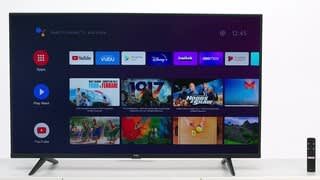
A:AnswerThis TCL Android TV features an Android operating system with access to 5,000+ apps with over 500,000 TV shows and movies available through the Google Play Store. The Google Play Store on a TV is slightly different from the Play Store on a phone. The TV does not feature a Facebook app. You would need to find a web browser that supports it, or use the Chromecast feature to cast your phone to the TV. Hope this helps! Thank you, TCL Customer Support
A:AnswerThe Google Chrome app is not currently an available streaming app on this TCL Android TV. However, there are various web browsers that can be downloaded through the Play Store. Some apps cost money while others can be downloaded for free. The extent of each web browsers capabilities would be determined by the individual apps. Hope this helps! Thank you, TCL Customer Support
A:AnswerDuring inital setup, you would simply elect not to connect to the Internet. This TCL TV features various inputs that can be used to connect external devices like a cable box. For this Android TV, the TV will power on to the input that it was last on before being turned off. Hope this helps! Thank you, TCL Customer Support
A:AnswerFor screen mirroring, this TCL Android TV would indeed need to be connected to the Internet. Both the TV and the device you are trying to screen mirror would need to be on the same WiFi Network. Hope this helps! Thank you, TCL Customer Support
A:AnswerAll of our TVs are designed to have a relatively quick and easy setup process. When you power on the TV for the first time, the TV will walk you through a guided setup process. Hope this helps! Thank you, TCL Customer Support
A:AnswerTCL Android TVs have access to thousands of streaming channels, and over 500,000 movies and tv episodes to fulfill almost any streaming need. This TV also includes 2 HDMI ports to connect external devices, such as that of a Roku box. Hope this helps! Thank you, TCL Customer Support